












NUROUMNUROUM
Nuroum logo
  • Konferenzkamera
    Produkte ansehen

    • https://resource.auditoryworks.co/nuroum-v1/strapi/c50_conference_camera_843aaaedb2/c50-conference-camera.png

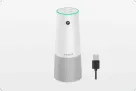
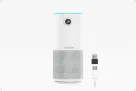
      360° All-in-One für alle Raumgrößen

      Nuroum 360 Pro

      https://resource.auditoryworks.co/nuroum-v1/strapi/c46_conference_camera_7b681a6317/c46-conference-camera.png

      4K-Objektiv für kleine Räume

      Nuroum C46

      https://resource.auditoryworks.co/nuroum-v1/strapi/c40_conference_camera_407ba9b265/c40-conference-camera.png

      2K-Objektiv für Huddle-Räume

      Nuroum C40

      https://resource.auditoryworks.co/nuroum-v1/strapi/c20_conference_camera_7f008064ed/c20-conference-camera.png

      1080P-Objektiv für Huddle-Räume

      Nuroum C20

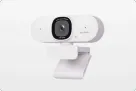
      https://resource.auditoryworks.co/nuroum-v1/strapi/c10_conference_camera_4e2b3300b7/c10-conference-camera.png

      1080P-Objektiv für persönlichen Bereich

      Nuroum C10


      • 360 Pro vs. Meeting Owl 3
      • Top-Funktionen des 360 Pro
  • Headsets
    Produkte ansehen

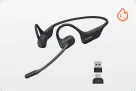
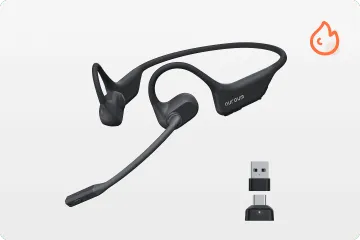
    • Leichteste Open Ear

      OpenEar Pro 2

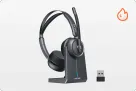
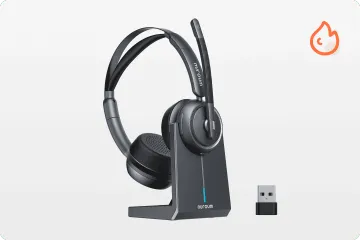
      Duales Over-Ear

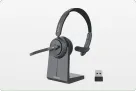
      HP31D

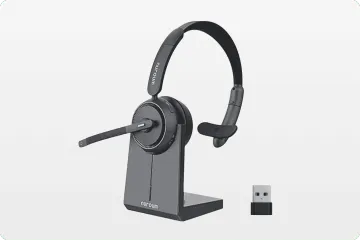
      Professionelles Einzelohr

      HP31S

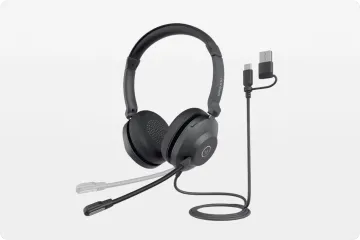
      Professionelles USB

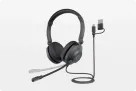
      HP21

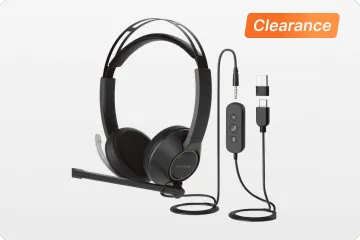
      3,5mm + USB

      HP11DU

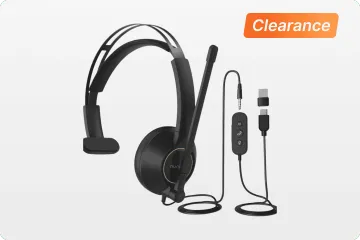
      3,5mm + USB

      HP11SU


      • Kopfhörer Vergleichen
      • Beste WFH-Headsets
      • Beste WFH-Headsets
      • Kabelgebundene vs. Kabellose
      • ENC vs. ANC
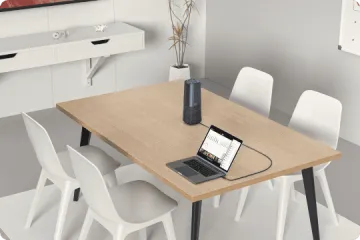
  • Lautsprecher
    Produkte ansehen

    • https://resource.auditoryworks.co/nuroum-v1/strapi/a35_conference_speakerphone_471c9dff72/a35-conference-speakerphone.png

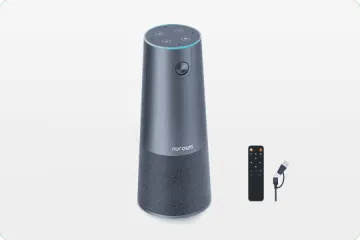
      Kaskadierung für große Besprechungsräume

      Nuroum A35

      https://resource.auditoryworks.co/nuroum-v1/strapi/a15_conference_speakerphone_068ecbf997/a15-conference-speakerphone.png

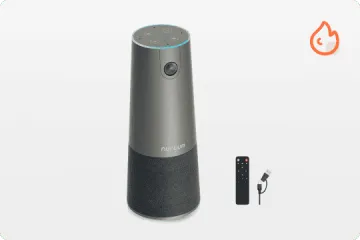
      Audio Pro für klare Kommunikation

      Nuroum A15


      • Beste-Webcam-Empfehlung
      • Wie man sich in Meetings einrichtet
  • Konferenz-Webcam
    Produkte ansehen

    • https://resource.auditoryworks.co/nuroum-v1/strapi/v403_conference_webcam_398e2e25fb/v403-conference-webcam.png

      KI-gestützte PTZ-Optik-Kamera

      Nuroum V403

      https://resource.auditoryworks.co/nuroum-v1/strapi/v32af_conference_webcam_4a54830808/v32af-conference-webcam.png

      4K-Webcam für Streaming und Remote-Arbeit

      Nuroum V32AF

      https://resource.auditoryworks.co/nuroum-v1/strapi/v15af_conference_webcam_5f98e95463/v15af-conference-webcam.png

      Konferenzraum-Webcam mit Autofokus

      Nuroum V15AF

      https://resource.auditoryworks.co/nuroum-v1/strapi/v11_conference_webcam_cdad15a9d7/v11-conference-webcam.png

      2K KI-gestützte Business-Webcam

      Nuroum V11


      • Beste-Webcam-Empfehlung
      • Wie man sich in Meetings einrichtet
  • Videokonferenz-Lösung
    Produkte ansehen

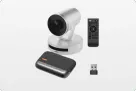
    • https://resource.auditoryworks.co/nuroum-v1/strapi/403_a15_video_conference_solution_f7498e6b88/403-a15-video-conference-solution.png

      Für mittlere Räume

      Nuroum V403+A15*1

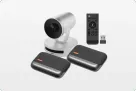
      https://resource.auditoryworks.co/nuroum-v1/strapi/403_a15_2_video_conference_solution_c300a783f9/403-a15-2-video-conference-solution.png

      Für große Räume

      Nuroum V403+A15*2

      https://resource.auditoryworks.co/nuroum-v1/strapi/403_a35_1_video_conference_solution_2731e88135/403-a35-1-video-conference-solution.png

      Für mittlere Räume

      Nuroum V403+A35

      https://resource.auditoryworks.co/nuroum-v1/strapi/403_a35_video_conference_solution_5ade5018fc/403-a35-video-conference-solution.png

      Für große Räume

      Nuroum V403+A35*2


      • Die beste AV-Lösung für Sie
      • AV-Lösung für große Räume
      • AV-Lösung für mittlere Räume
      • AV-Lösung für kleine Räume
  • Lösung
    Produkte ansehen

    • https://resource.auditoryworks.co/nuroum-v1/strapi/huddle_conference_solution_ca02342223/huddle-conference-solution.png

      Bis zu 5 Teilnehmer

      Huddle Room

      https://resource.auditoryworks.co/nuroum-v1/strapi/small_conference_solution_397cc9dfd8/small-conference-solution.png

      Bis zu 8 Teilnehmer

      Kleiner Raum

      https://resource.auditoryworks.co/nuroum-v1/strapi/medium_conference_solution_052045511d/medium-conference-solution.png

      Bis zu 13 Teilnehmer

      Mittlerer Raum

      https://resource.auditoryworks.co/nuroum-v1/strapi/nuroum_large_video_conference_solution_d411720c3a/nuroum-large-video-conference-solution.png

      Bis zu 20 Teilnehmer

      Großer Raum


      • vs. traditioneller Raum
      • vs. traditioneller Huddle Room
      • vs. traditioneller mittlerer Raum
      • V403+A15*2 für große Räume
  • Szenarien
    Produkte ansehen

    • https://resource.auditoryworks.co/nuroum-v1/strapi/nuroum_solution_creation_5ec893e6dd/nuroum-solution-creation.png

      Kreation

      https://resource.auditoryworks.co/nuroum-v1/strapi/nuroum_solution_education_8852f76993/nuroum-solution-education.png

      Bildung

      https://resource.auditoryworks.co/nuroum-v1/strapi/nuroum_solution_healthcare_d5148f078b/nuroum-solution-healthcare.png

      Gesundheitswesen


      • Bestes Headset für Fahrer
      • Maximale Arbeitsproduktivität
  • Software
    • NearSync
    • Nearify
  • Hilfe
    • Audiotechnologien
    • Kundenberichte
    • FAQ
  • Blog
    • Produktivität der Arbeit
    • Kommunikation
    • Technologie
    • Alle Themen >>
  • Über uns
    • Unser Unternehmen
    • Kontakt Vertrieb
    • Demo anfordern
    • Markenbotschafter
    • Wiederverkäufer werden
    • Kontaktieren Sie uns
    • Nutzungsbedingungen
  • Meeting
    Konferenzkamera
    Lautsprecher
    Konferenz-Webcam
    Videokonferenz-Lösung
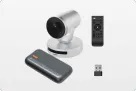
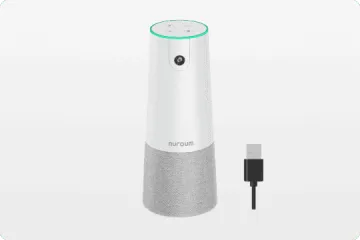
    360° All-in-One Konferenzkamera

    360° All-in-One für alle Raumgrößen

    Nuroum 360 Pro

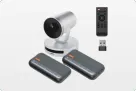
    4K-Objektiv Konferenzkamera für kleine Räume

    4K-Objektiv für kleine Räume

    Nuroum C46

    2K-Objektiv Konferenzkamera für Huddle Rooms

    2K-Objektiv für Huddle-Räume

    Nuroum C40

    1080P-Objektiv Konferenzkamera für Huddle Rooms

    1080P-Objektiv für Huddle-Räume

    Nuroum C20

    1080P-Objektiv Konferenzkamera für den persönlichen Bereich

    1080P-Objektiv für persönlichen Bereich

    Nuroum C10

    Alle Konferenzkamera-Geräte entdecken

    Kamera-Kollektion >>
    360 Pro vs. Meeting Owl 3 Top-Funktionen des 360 Pro
  • Headsets
    Nuroum Open Ear kabellose Kopfhörer mit Mikrofon

    Leichteste Open Ear

    OpenEar Pro 2

    Homeoffice-Headset mit Noise-Cancelling-Mikrofon nuroum hp31d

    Duales Over-Ear

    HP31D

    Bestes Einzelohr-Bluetooth-Headset für Telefonate nuroum hp31s

    Professionelles Einzelohr

    HP31S

    Noise-Cancelling-Headset für Callcenter nuroum headsets

    Professionelles USB

    HP21

    Noise-Cancelling-Headset für Callcenter nuroum headset

    3,5mm + USB

    HP11DU

    Noise-Cancelling-Headset für Callcenter nuroum headset

    3,5mm + USB

    HP11SU

    Entdecken Sie, was jedes Headset auszeichnet

    Kollektion - Business Headsets -->
    Kopfhörer Vergleichen Beste WFH-Headsets Beste Büro-Headsets ENC vs. ANC Kabelgebundene vs. Kabellose
  • Lösung
    Räume aller Größen
    Szenarien
    Nuroum Konferenzkameras im Huddle Room

    Bis zu 5 Teilnehmer

    Huddle-Raum

    Nuroum Konferenzraumkameras im kleinen Raum

    Bis zu 8 Teilnehmer

    Kleiner Raum

    Nuroum Meeting-Kameras im mittleren Raum

    Bis zu 13 Teilnehmer

    Mittlerer Raum

    Nuroum Videokonferenzkameras im großen Raum

    Bis zu 20 Teilnehmer

    Großer Raum

    vs. traditioneller Raum vs. traditioneller Raum vs. traditioneller Raum V403+A15*2 für große Räume
  • Entdecken
    • Audiotechnologien
    • Kundenberichte
    • FAQ
  • Blog
    • Produktivität der Arbeit
    • Kommunikation
    • Technologie
    • Alle Themen >>
  • Software
    • NearSync
    • Nearify
  • Über uns
    • Unser Unternehmen
    • Kontakt Vertrieb
    • Demo anfordern
    • Markenbotschafter
    • Wiederverkäufer werden
    • Kontaktieren Sie uns
    • Nutzungsbedingungen
Vertrieb kontaktieren
Nuroum HP31SHP31S
Overview
Features
Spec
FAQ
Reviews

85,50 €

Overview
Features
Spec
FAQ
Reviews
hp31s 1
10x
connection
enc
comfort
power
hp31s
boom
scenario
hifi
1/10
Product image 1
Product image 2
Product image 3
Product image 4
Product image 5
Product image 6
Product image 7
Product image 8
Product image 9
Product image 10

Product

Scenario

Connection

Details

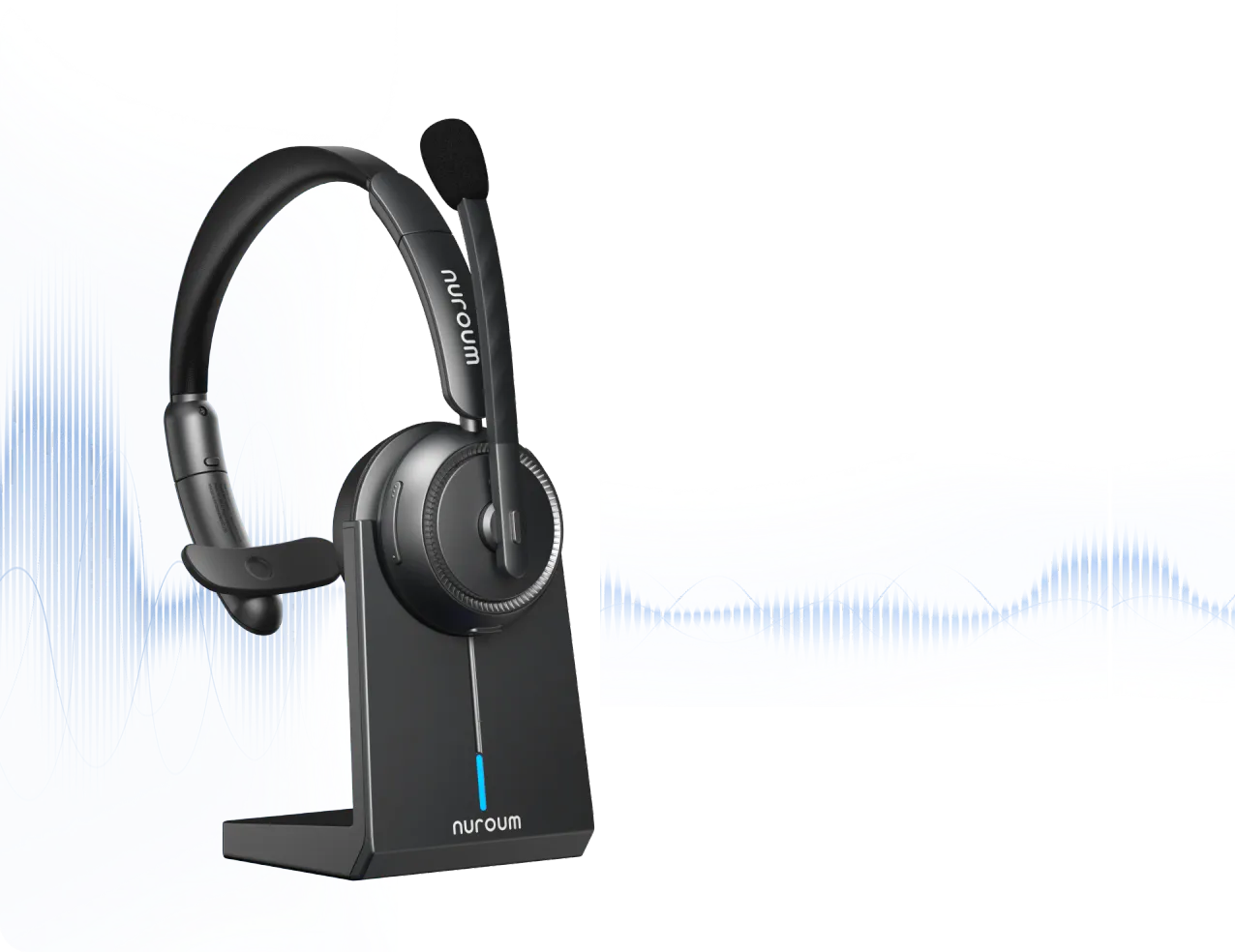
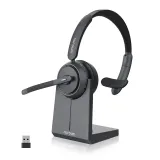
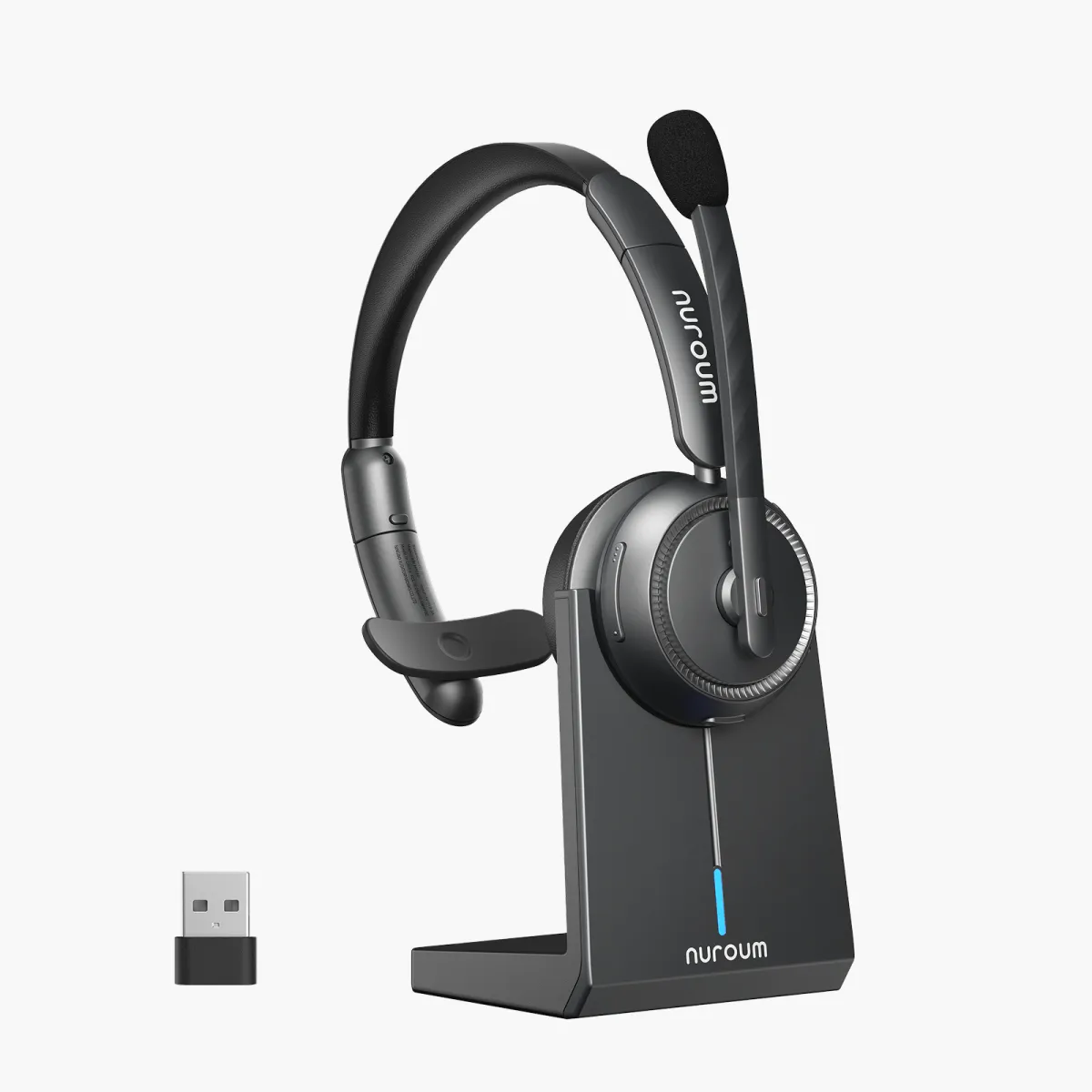
HP31S Professional Noise Cancelling Single Ear Headset for Call Center & Driving

with dual-mic AI algorithm run on HiFi4 DSP, dongle for easy PC connection, 45H battery hour and charging stand.

4.9
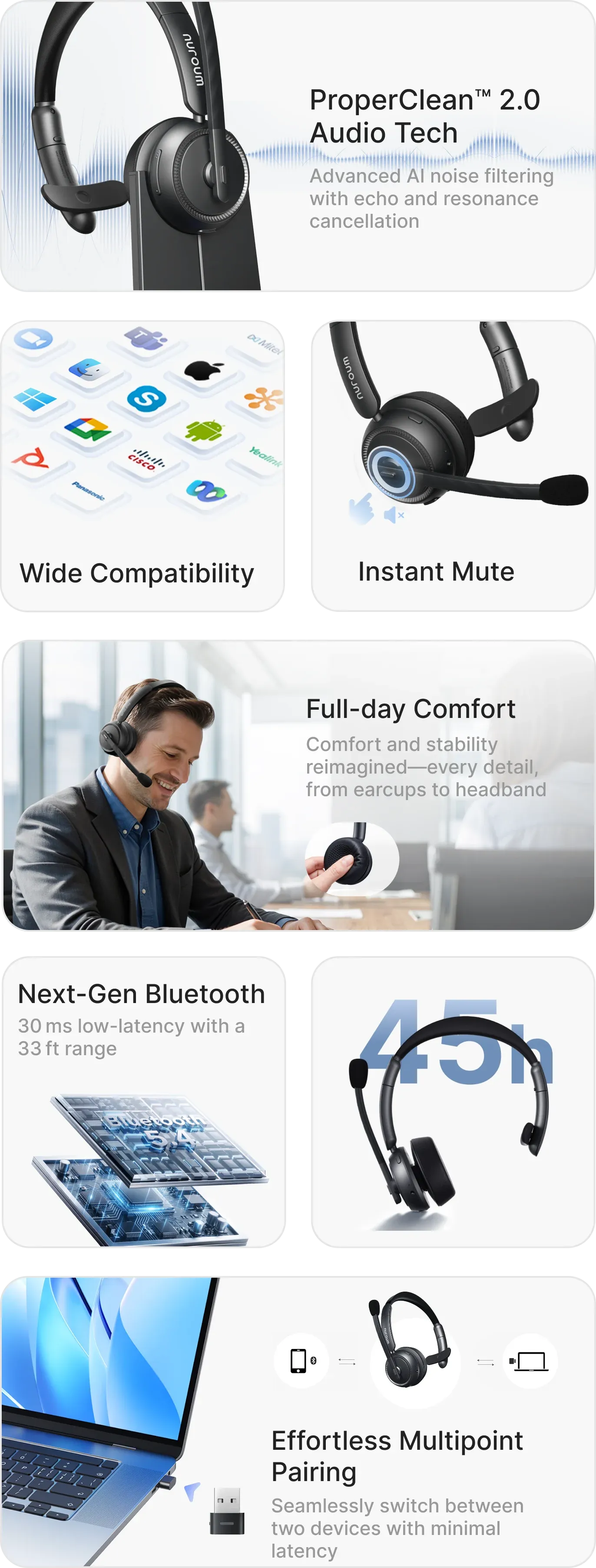
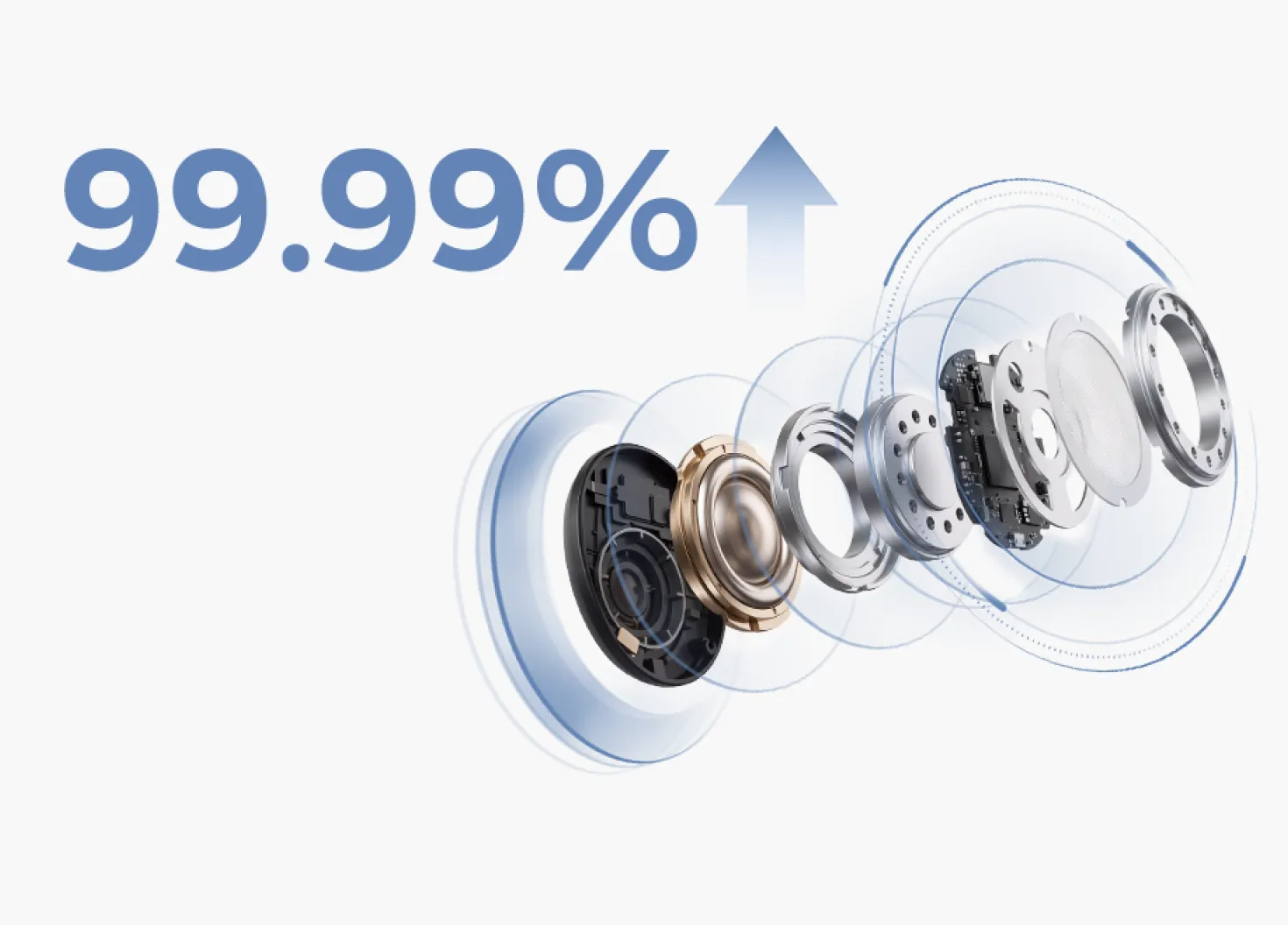
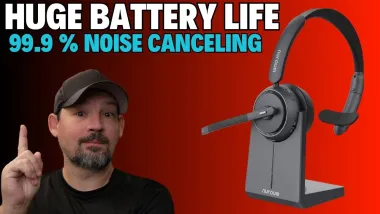
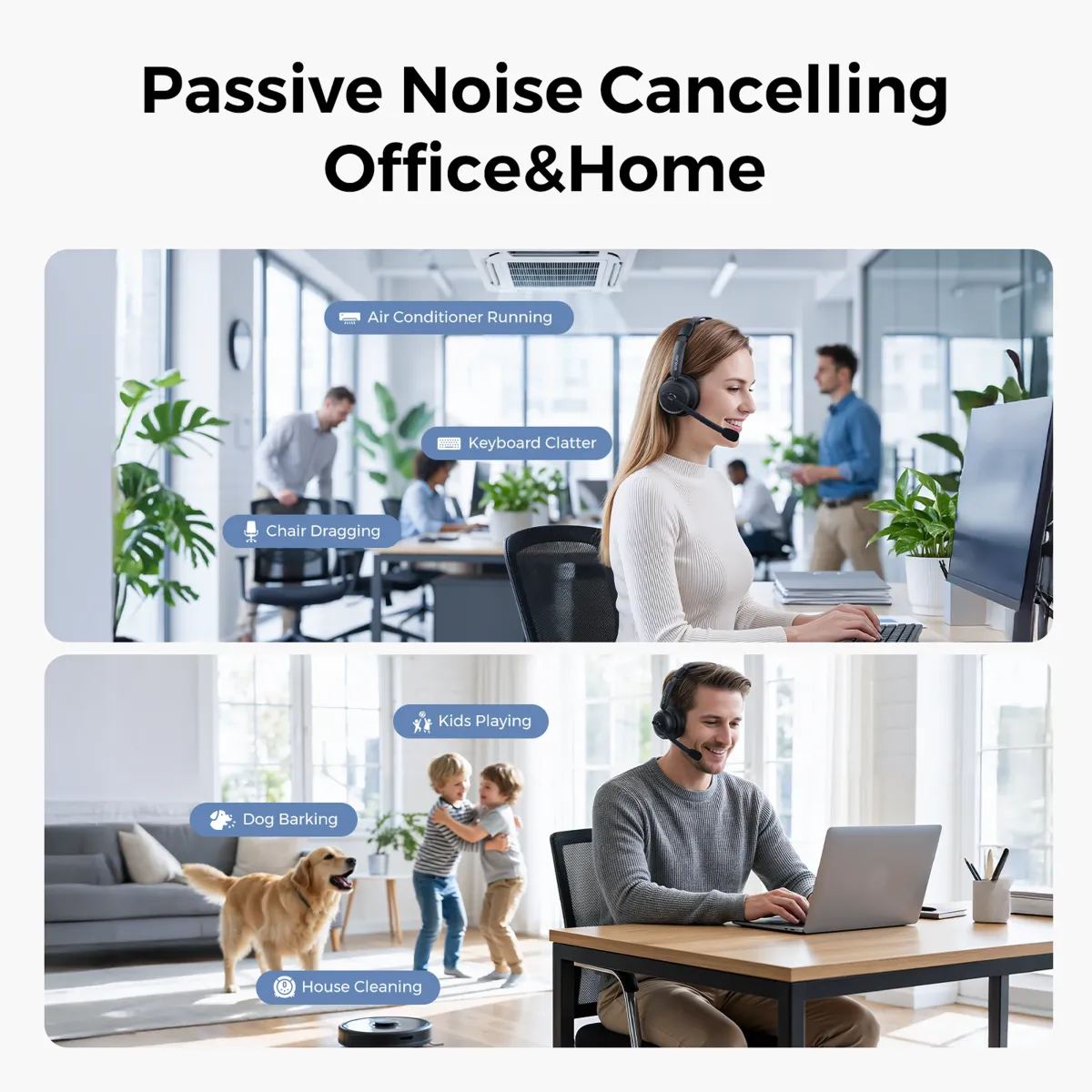
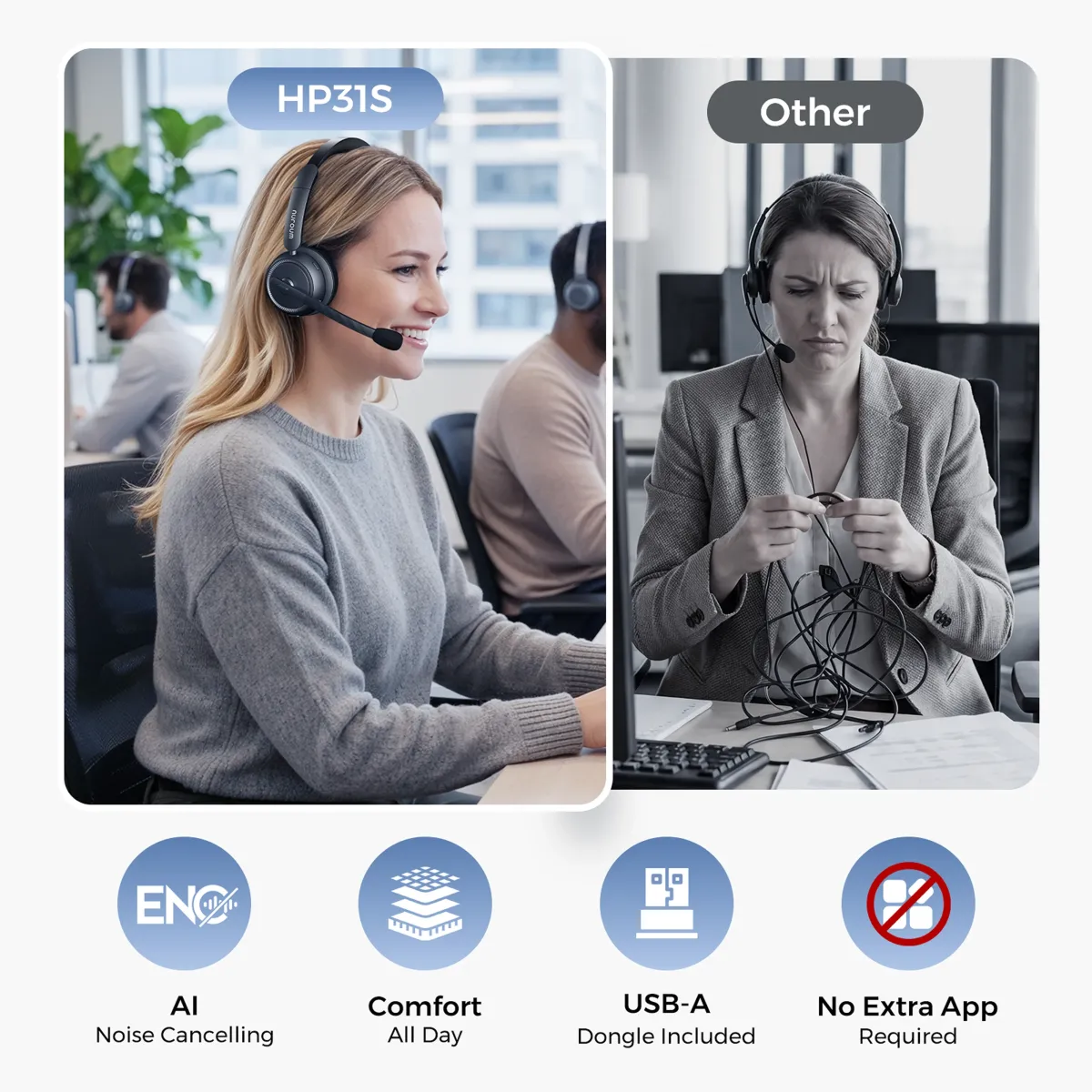
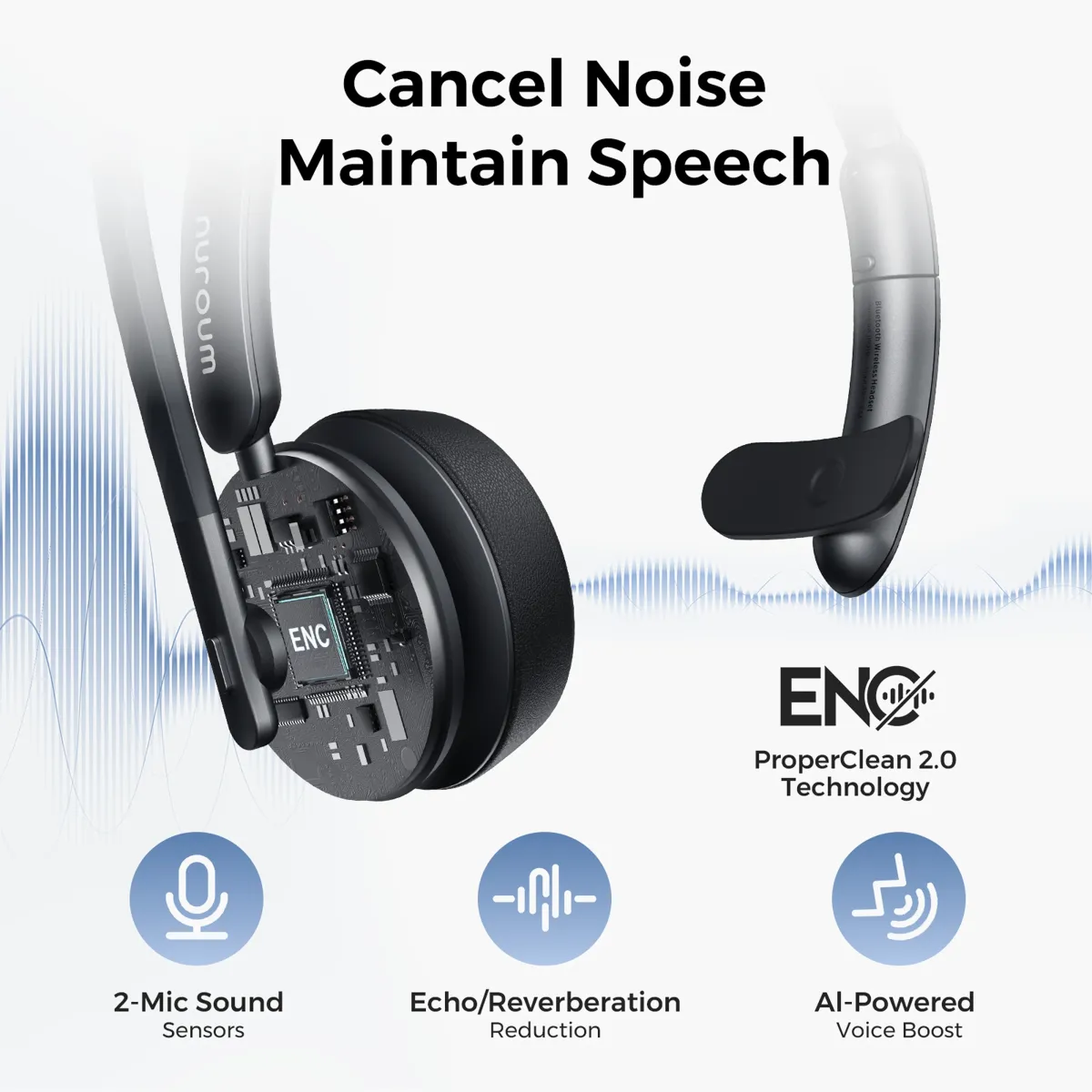
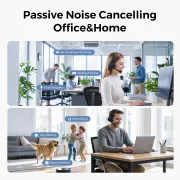
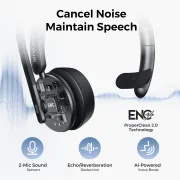
  • AI-Powered ENC Noise Cancellation: Immerse yourself in unparalleled call quality with the HP31S's revolutionary AI-Powered ENC Noise Cancellation. Harnessing the HiFi4 DSP processor and a compressed neural network trained on extensive noise data, this Bluetooth headset achieves an impressive 99.9% background noise suppression. Whether in a bustling environment or a noisy setting, your caller will hear only your voice, ensuring crystal-clear communication.
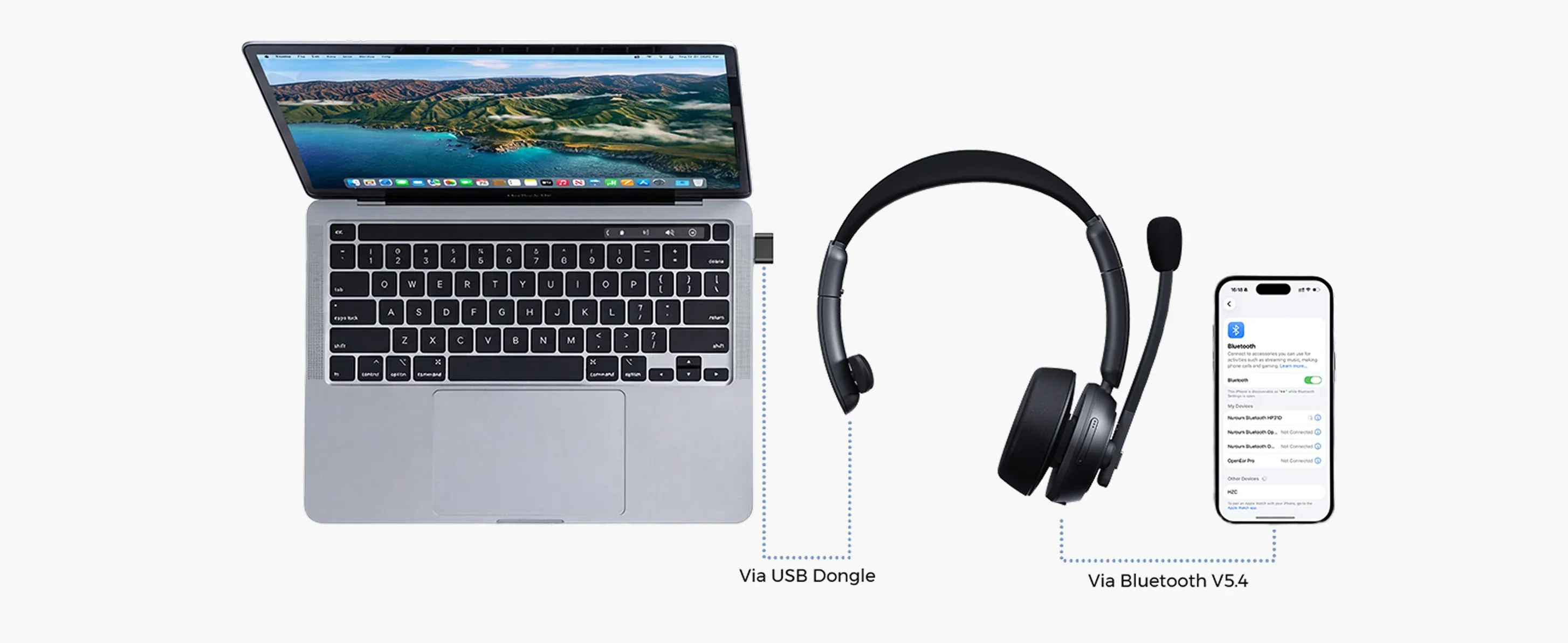
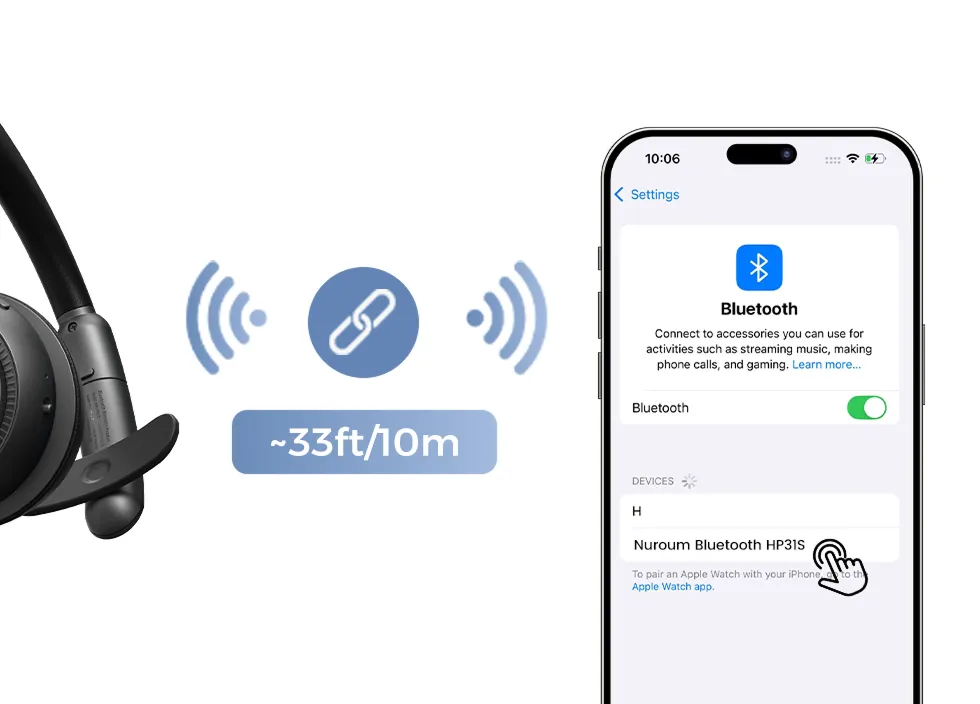
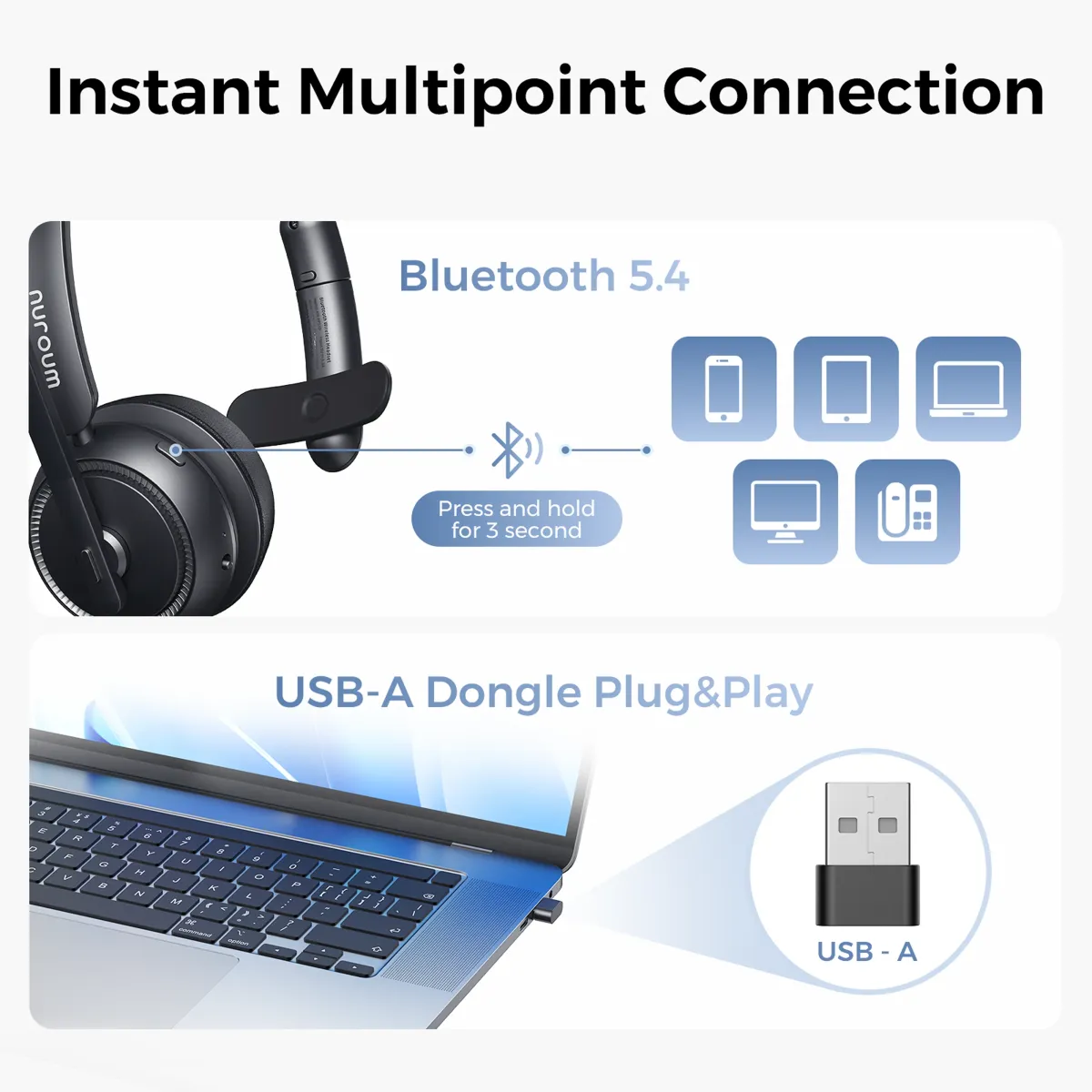
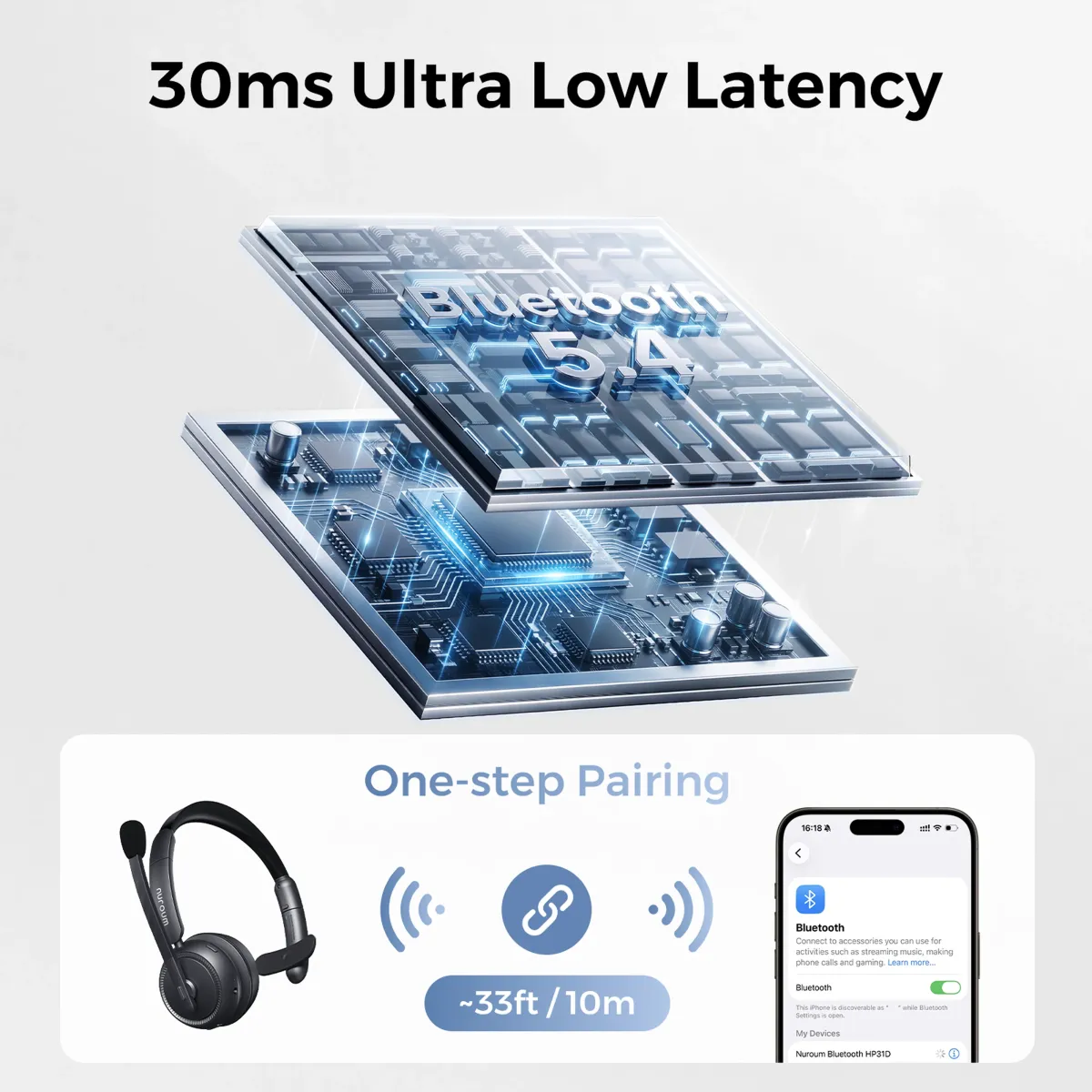
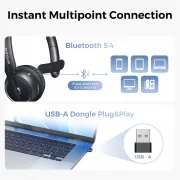
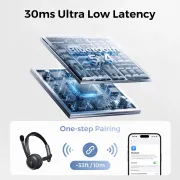
  • Bluetooth 5.4 & Multi-Point Connection: Enjoy swift pairing and enhanced connectivity with Bluetooth 5.4 technology, elevating your wireless experience. With a remarkable range of up to 33 feet, the HP31S lets you move freely while maintaining premium sound quality. The Bluetooth multi-point connection allows simultaneous pairing with two devices, effortlessly switching between computer meetings and incoming phone calls.
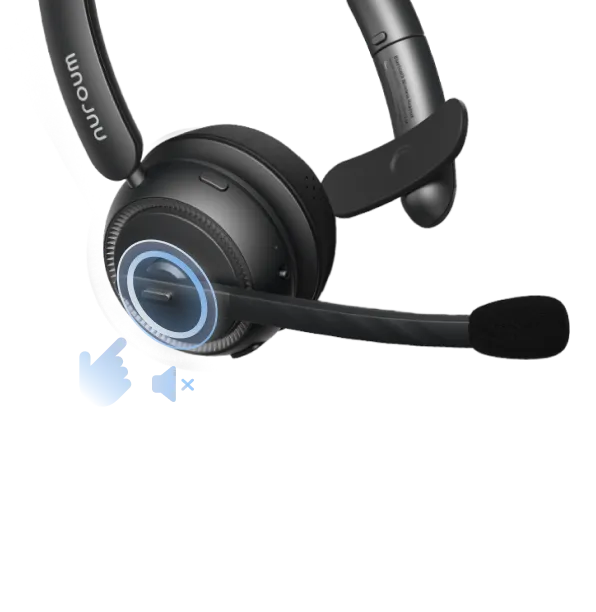
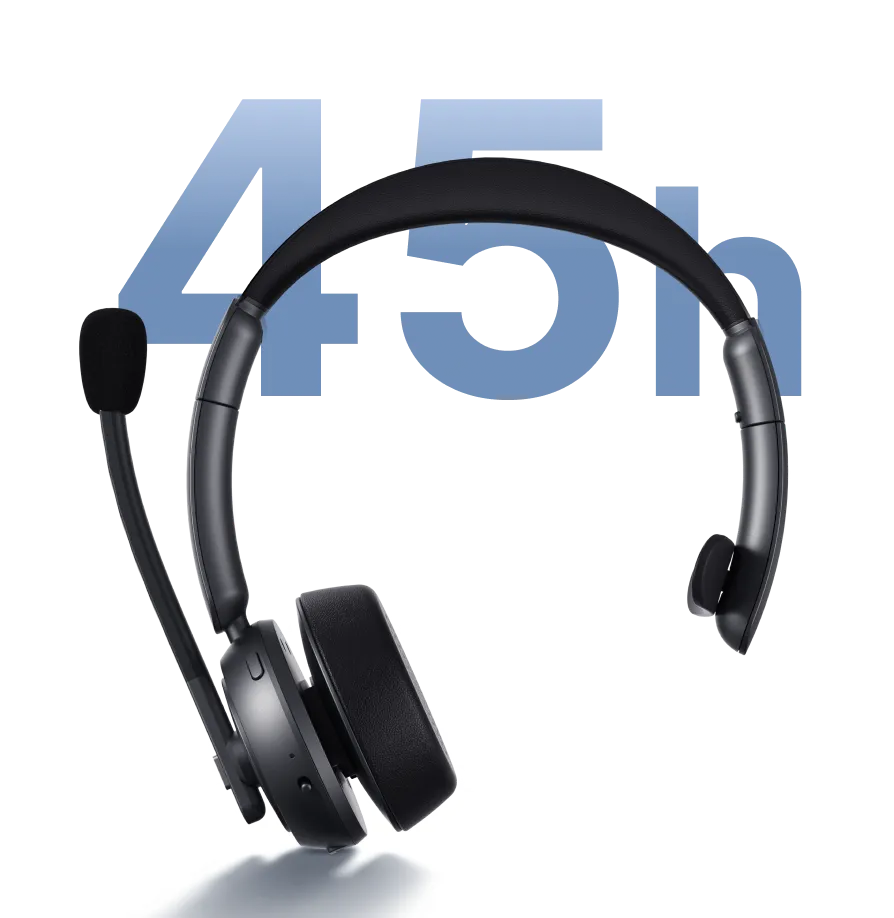
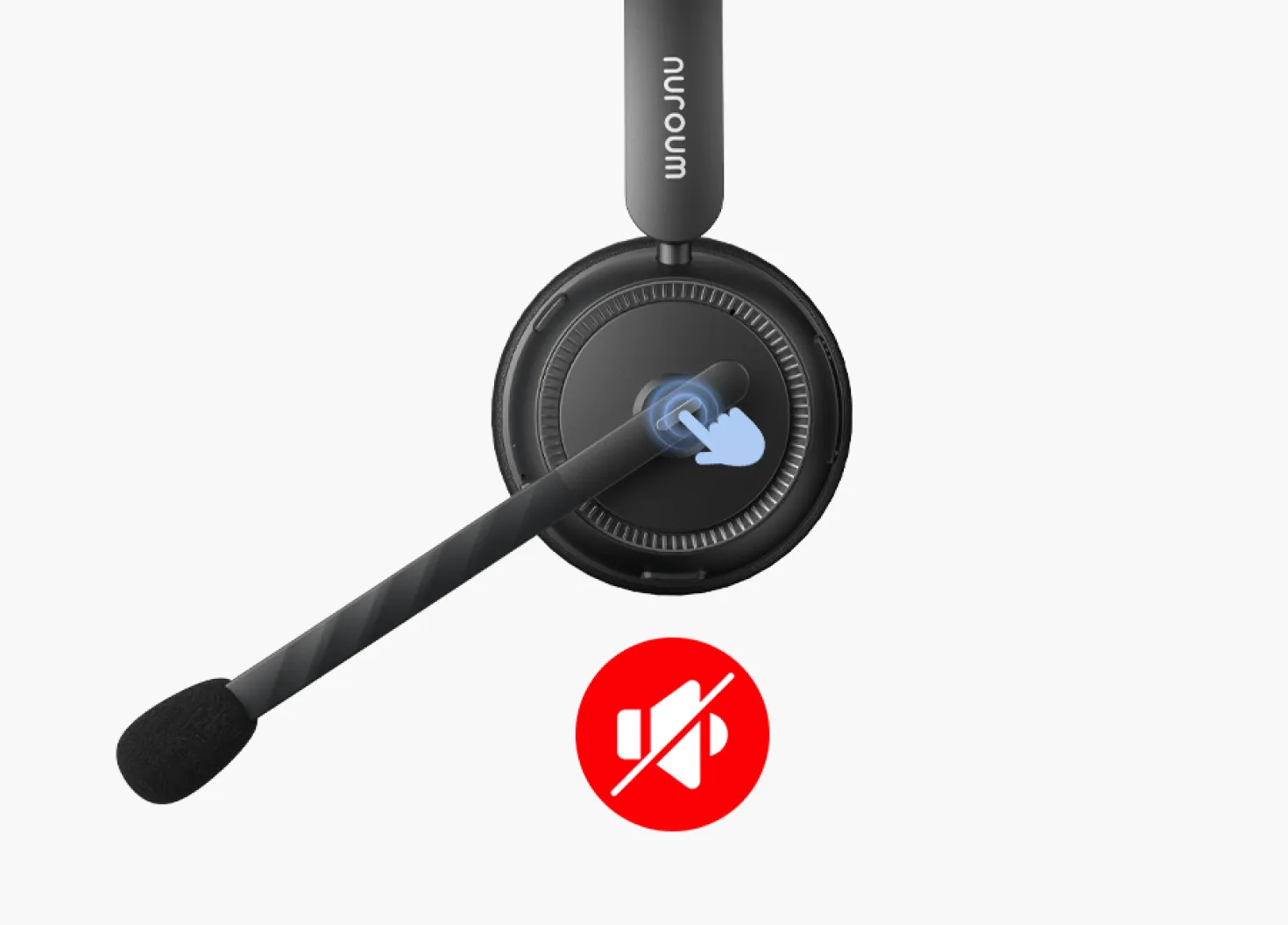
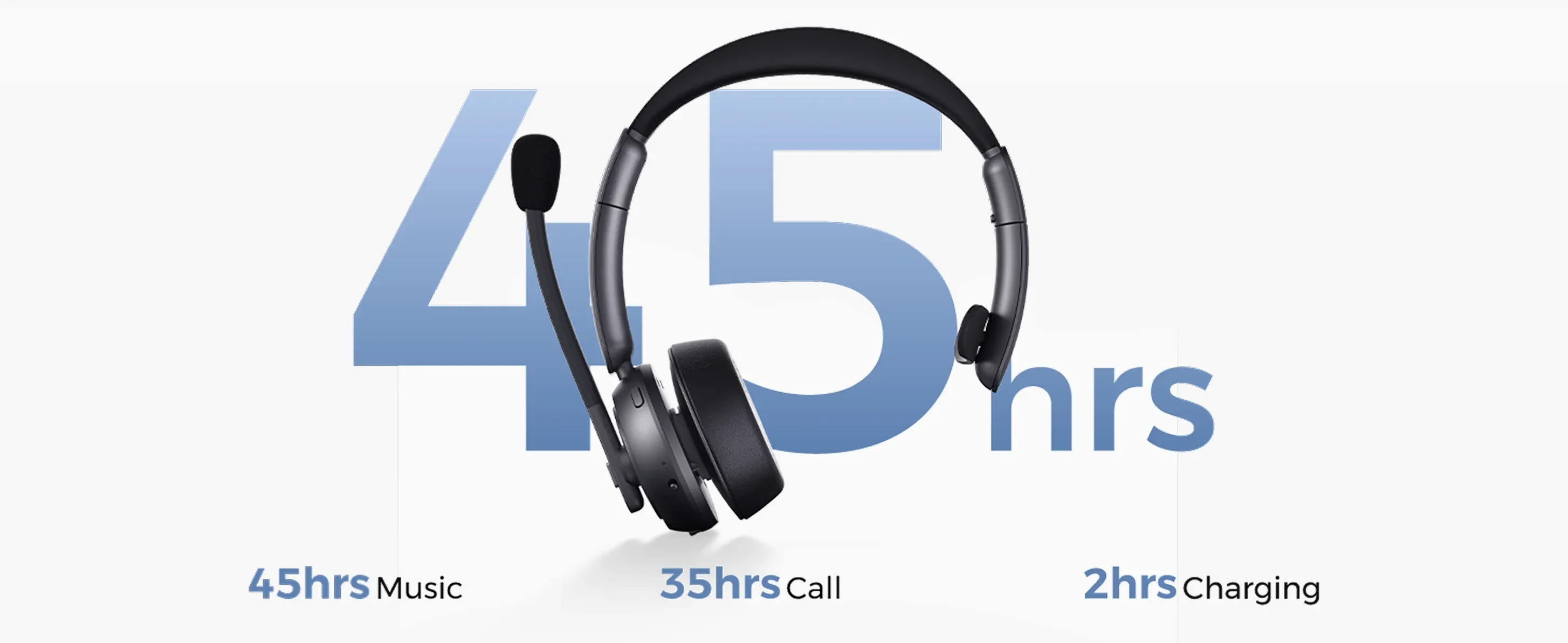
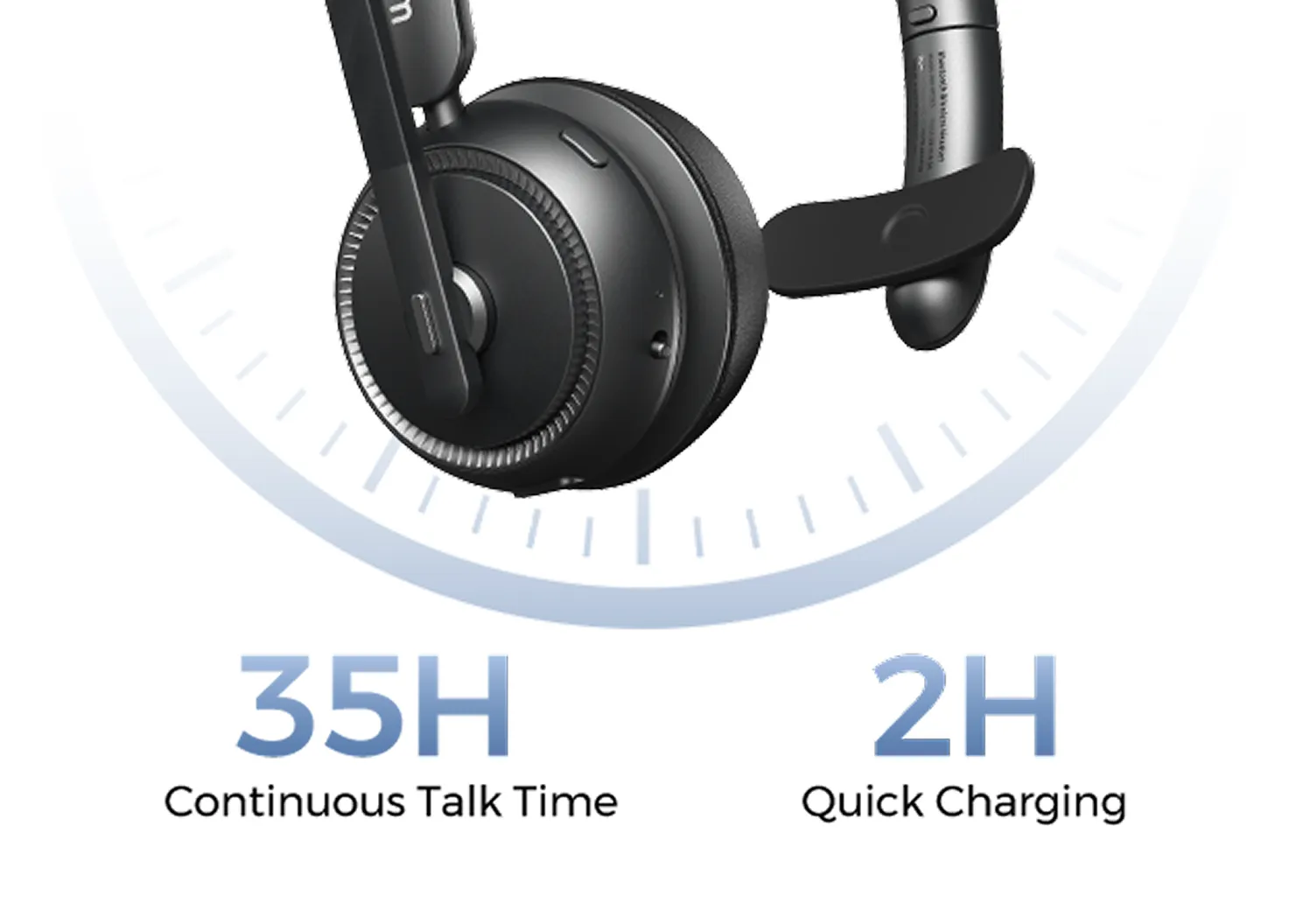
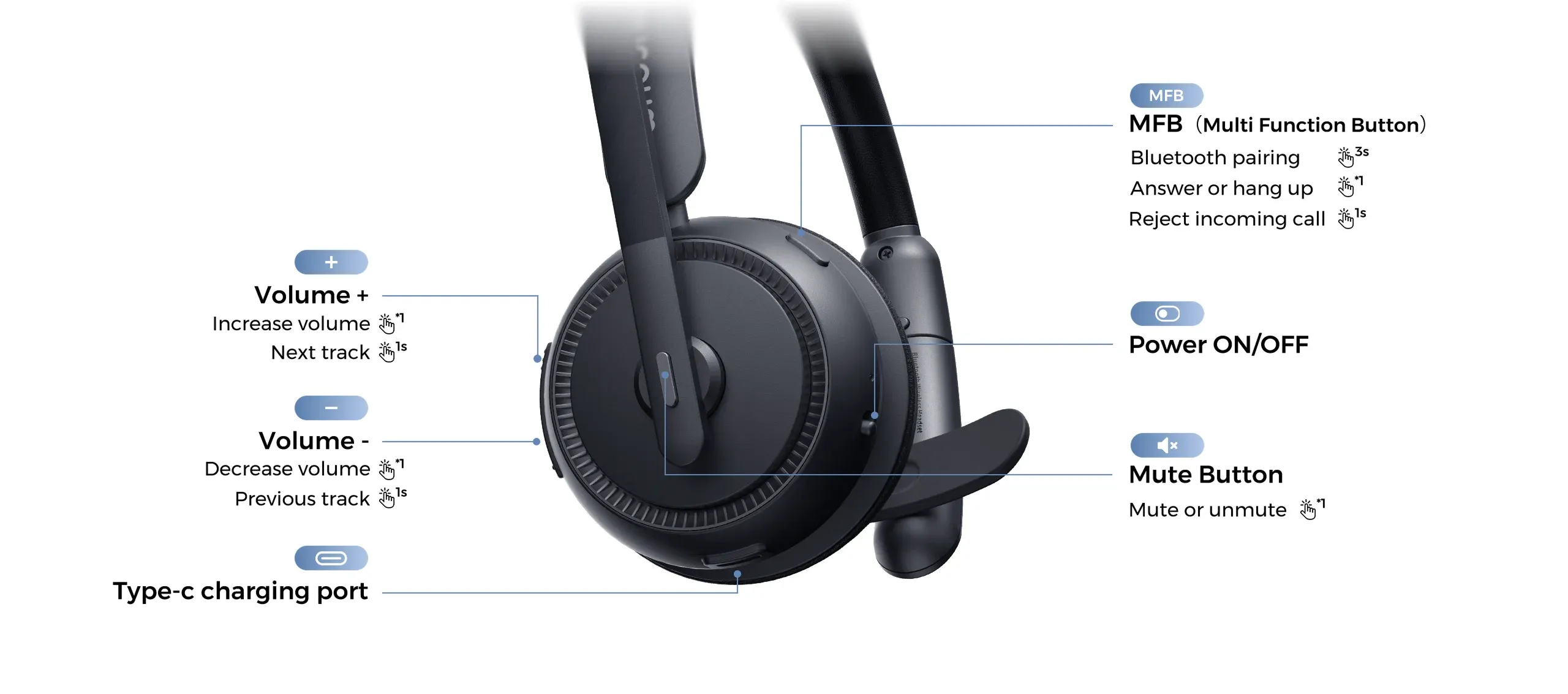
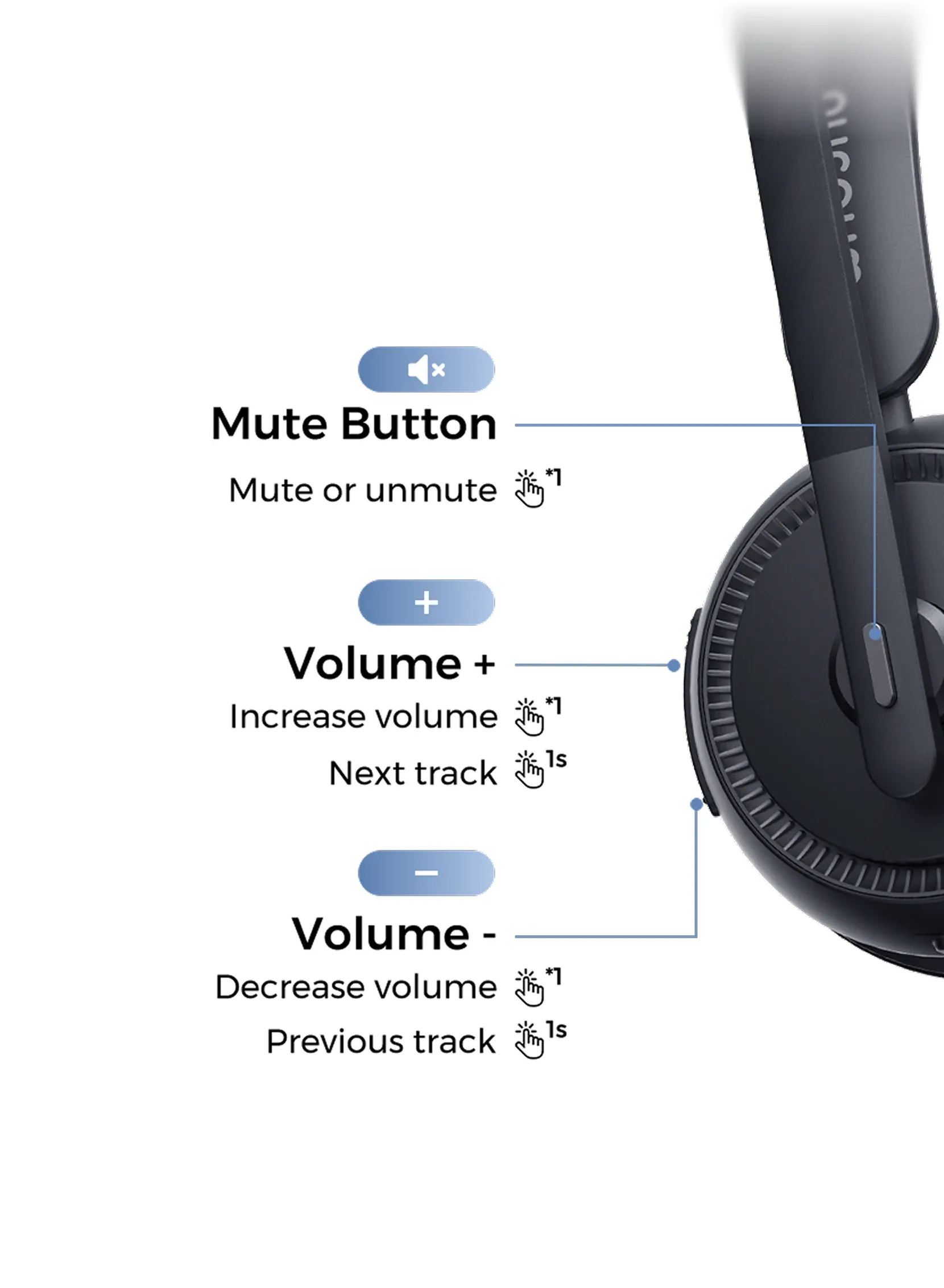
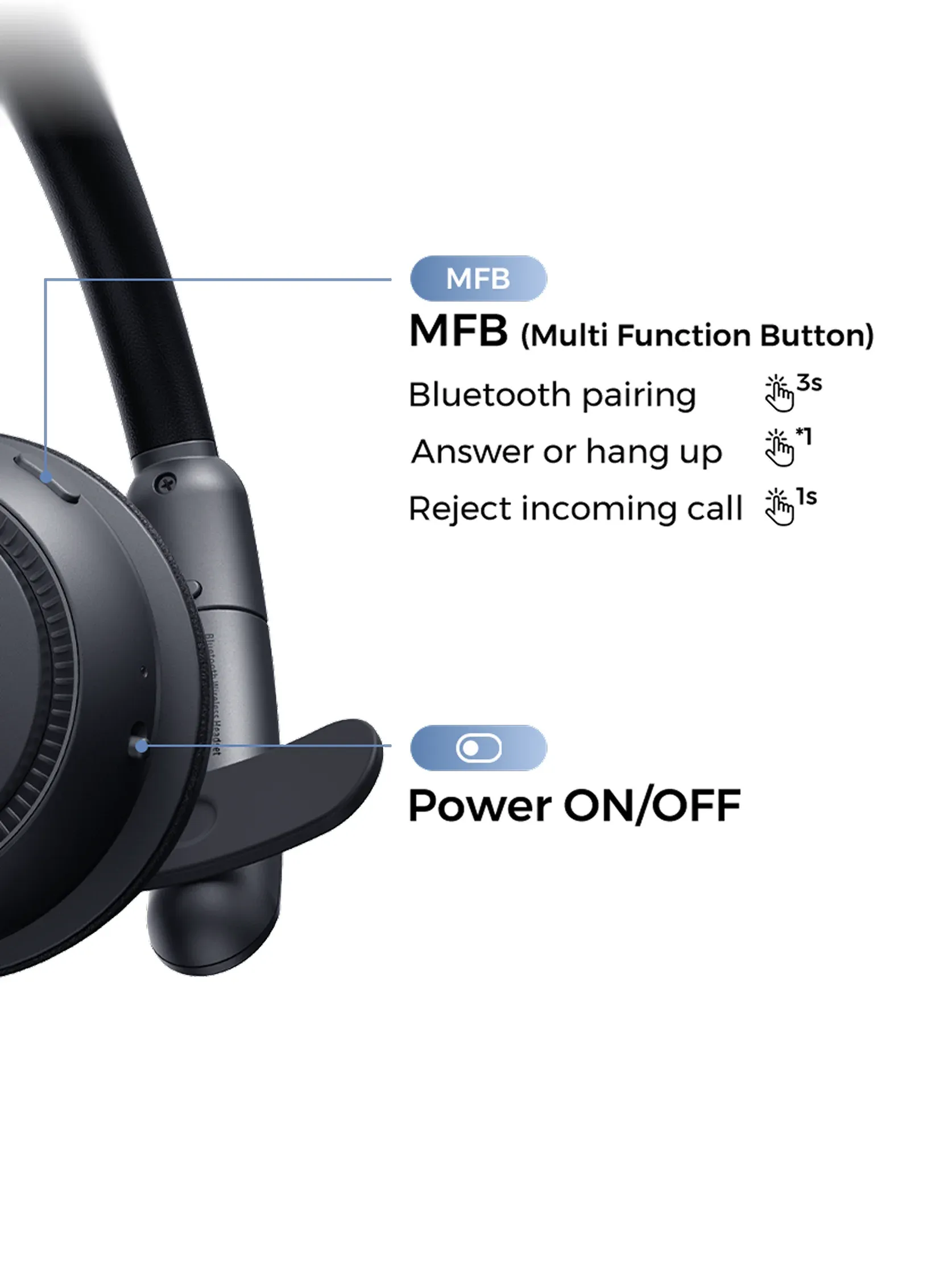
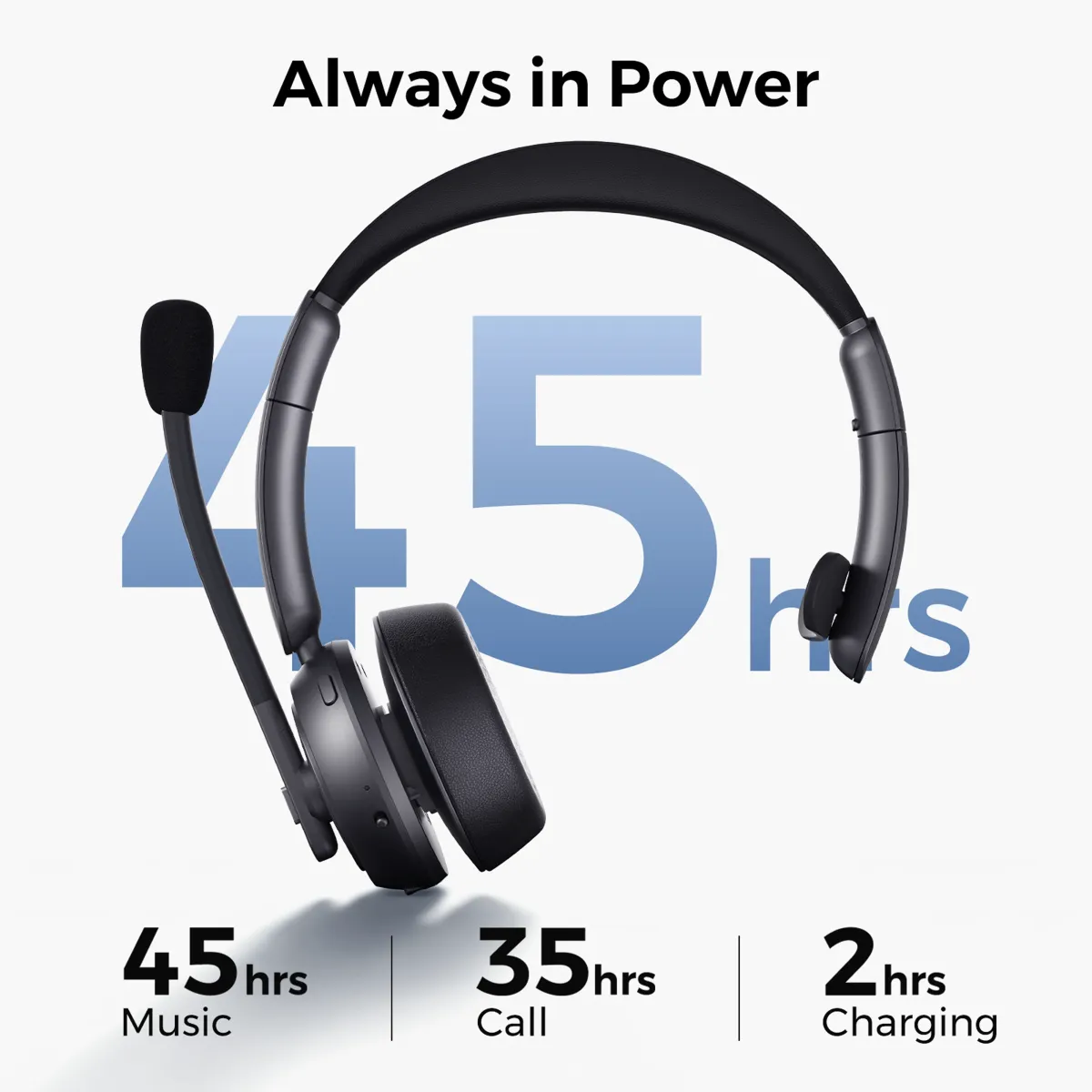
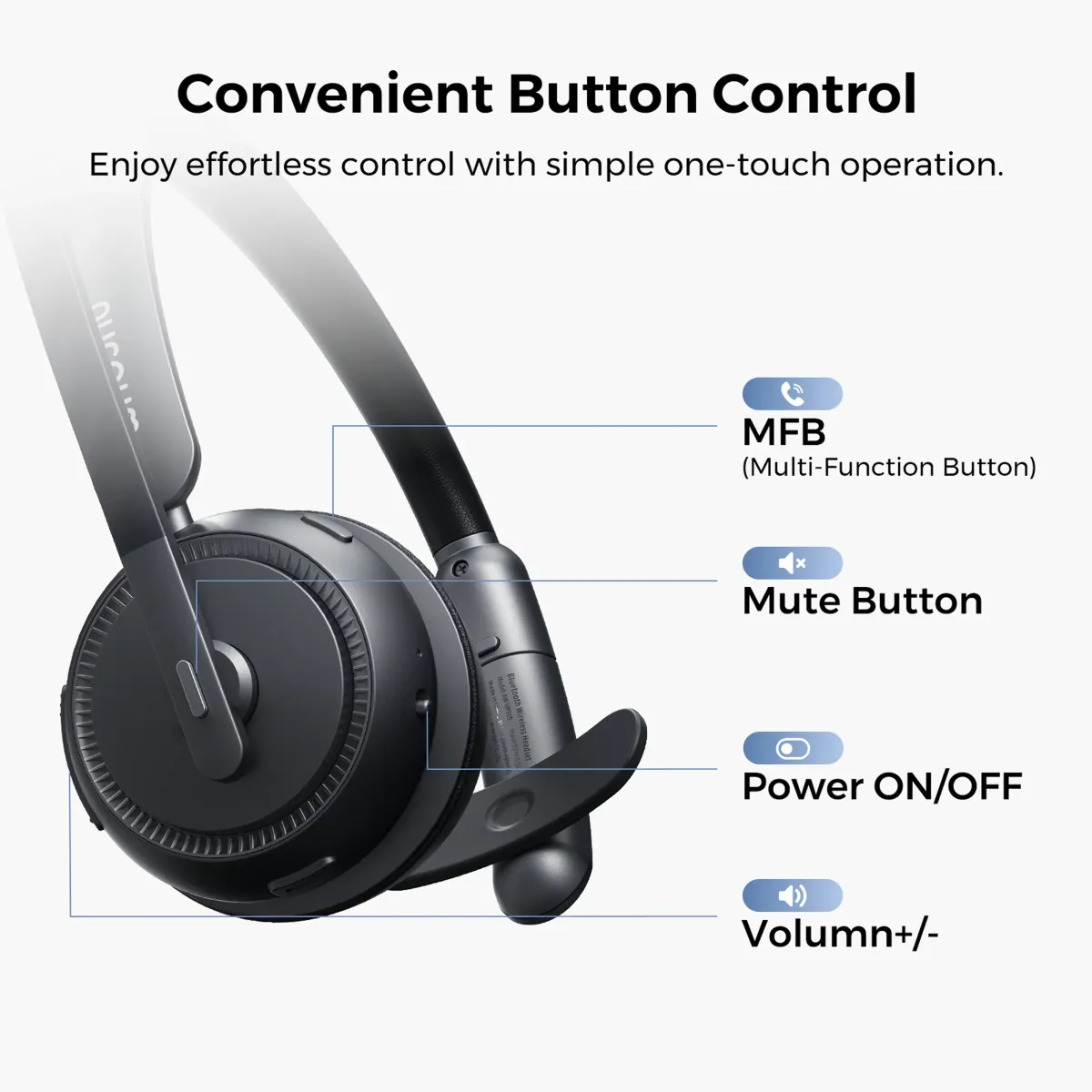
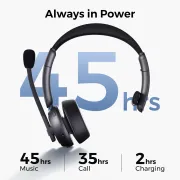
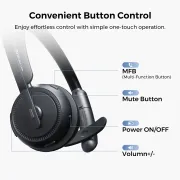
  • Easy Controls & Long Battery Life: Experience convenience at your fingertips with the headset's intuitive controls. The Multi-Function Button (MFB) and dedicated mute button provide hands-free call management without reaching for your device. Revel in extended usage with up to 35 hours of continuous calls and 45 hours of music playback on a single charge. The included charging base and USB cable enhance flexibility, allowing you to recharge effortlessly.
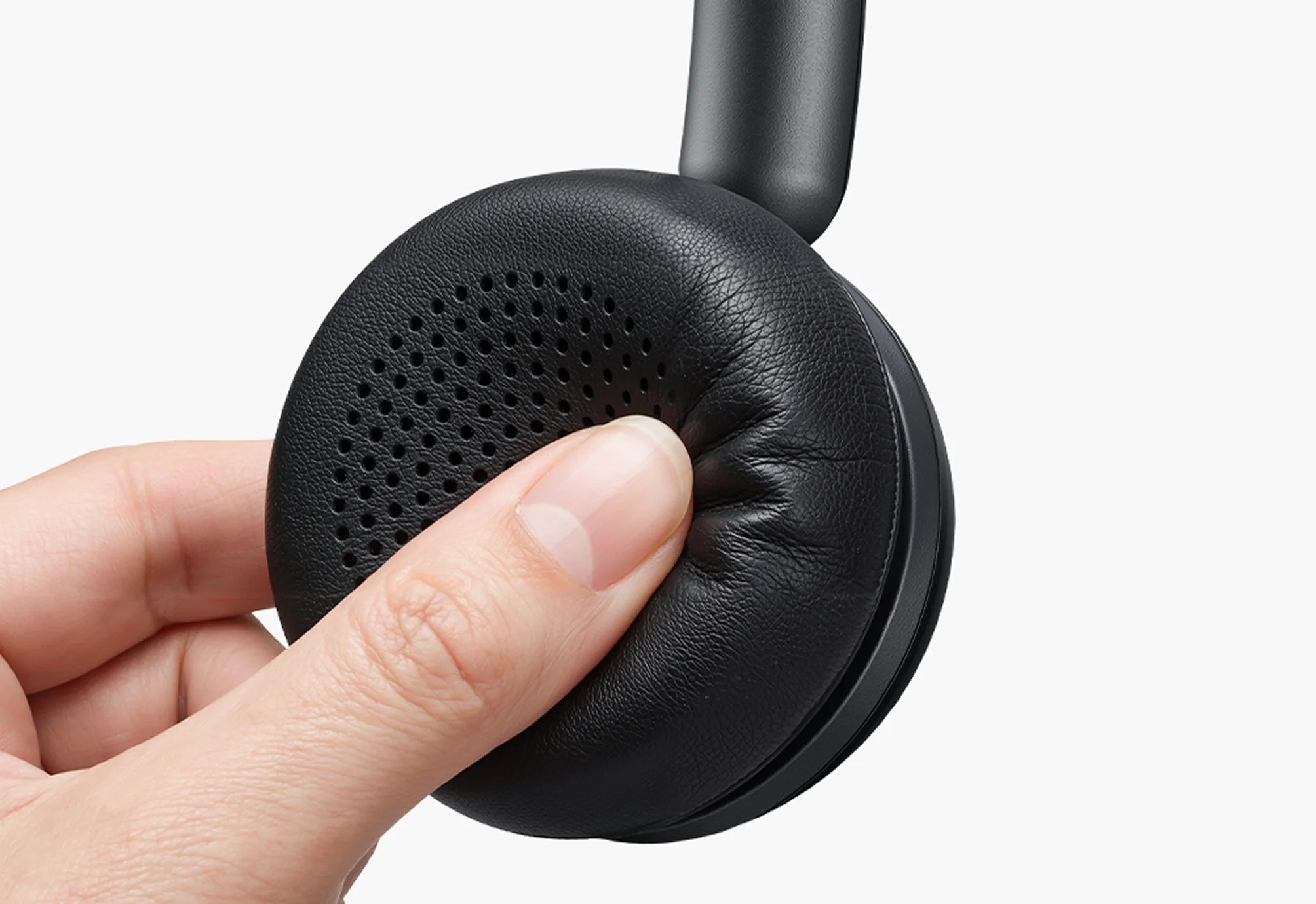
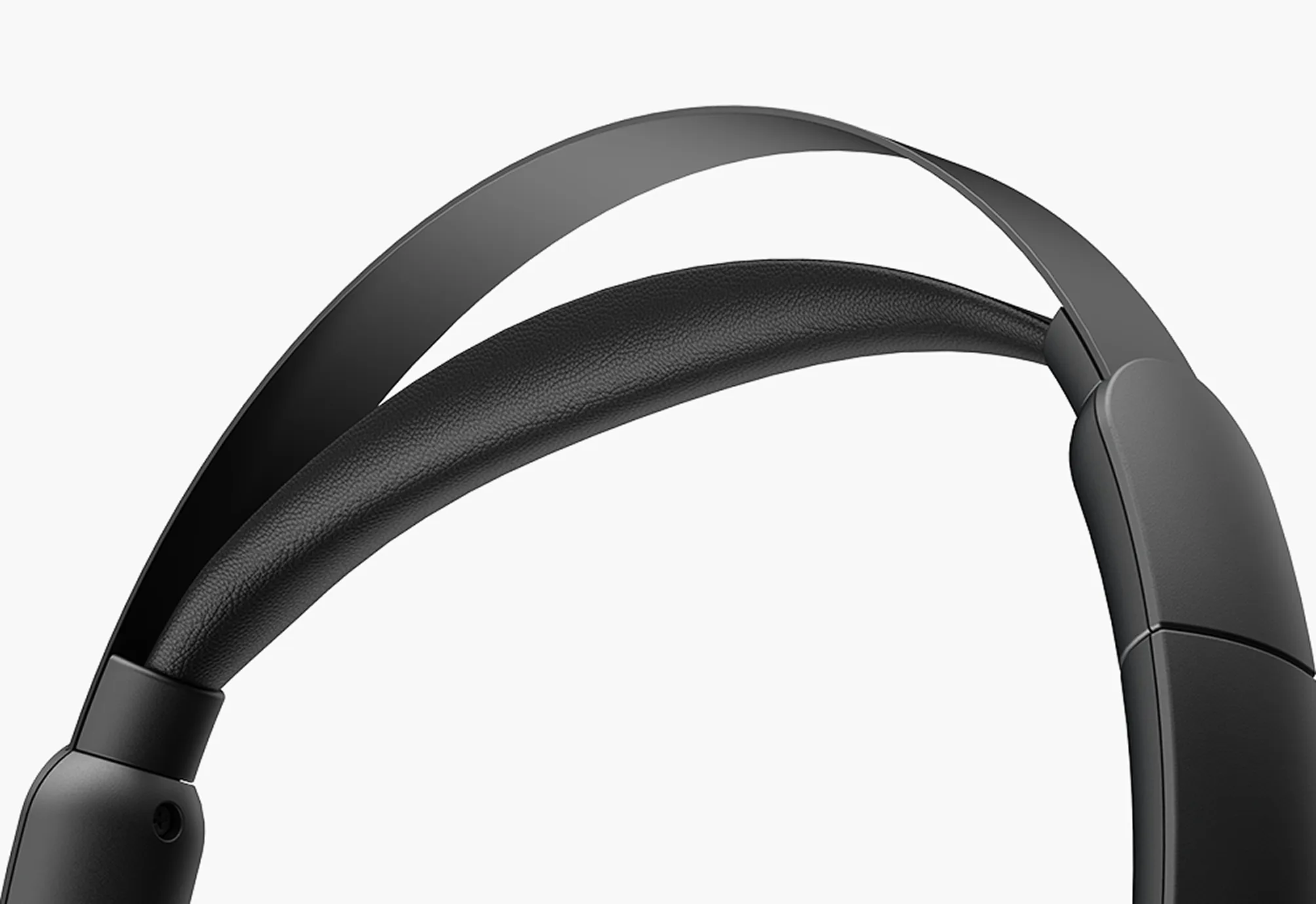
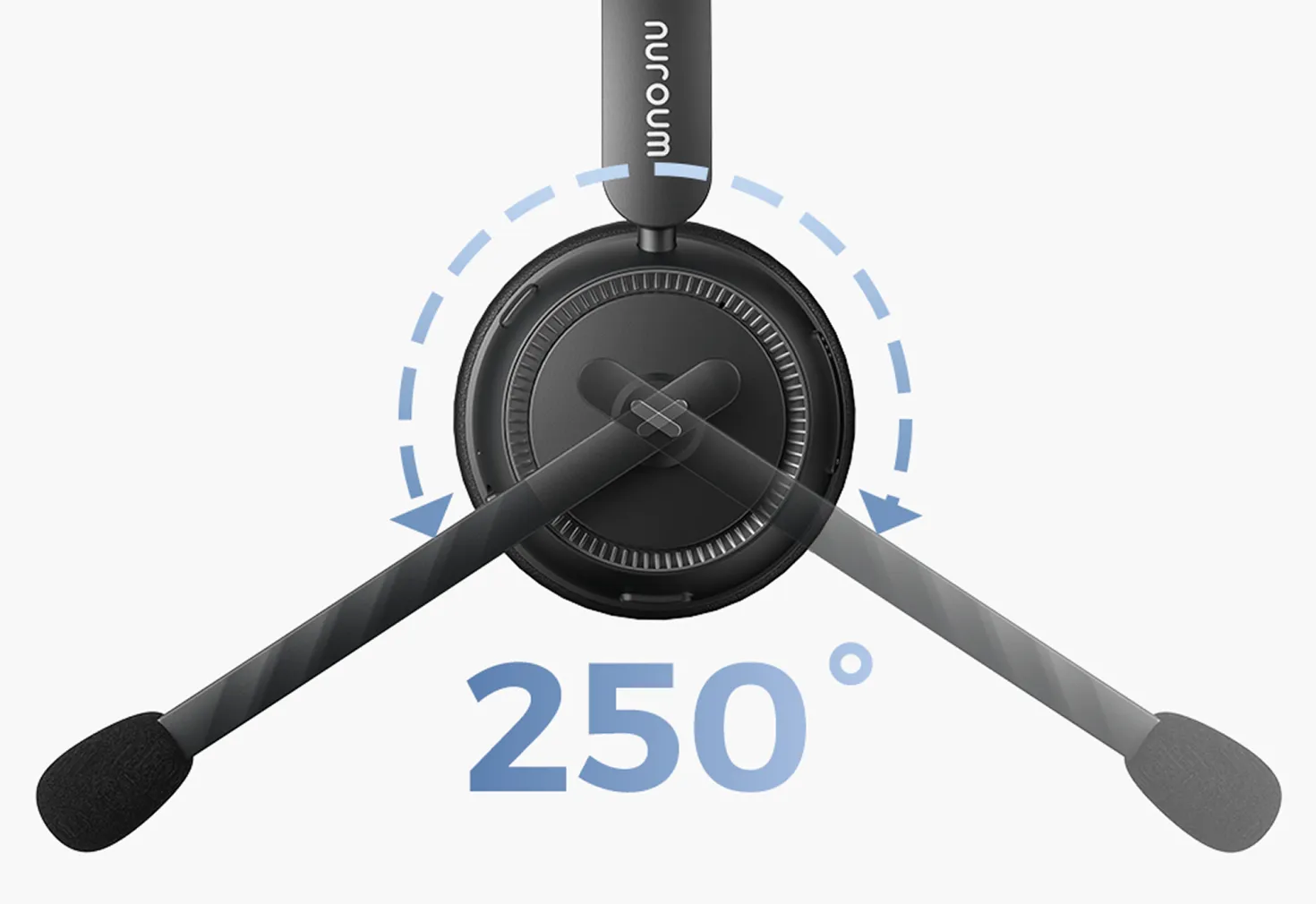
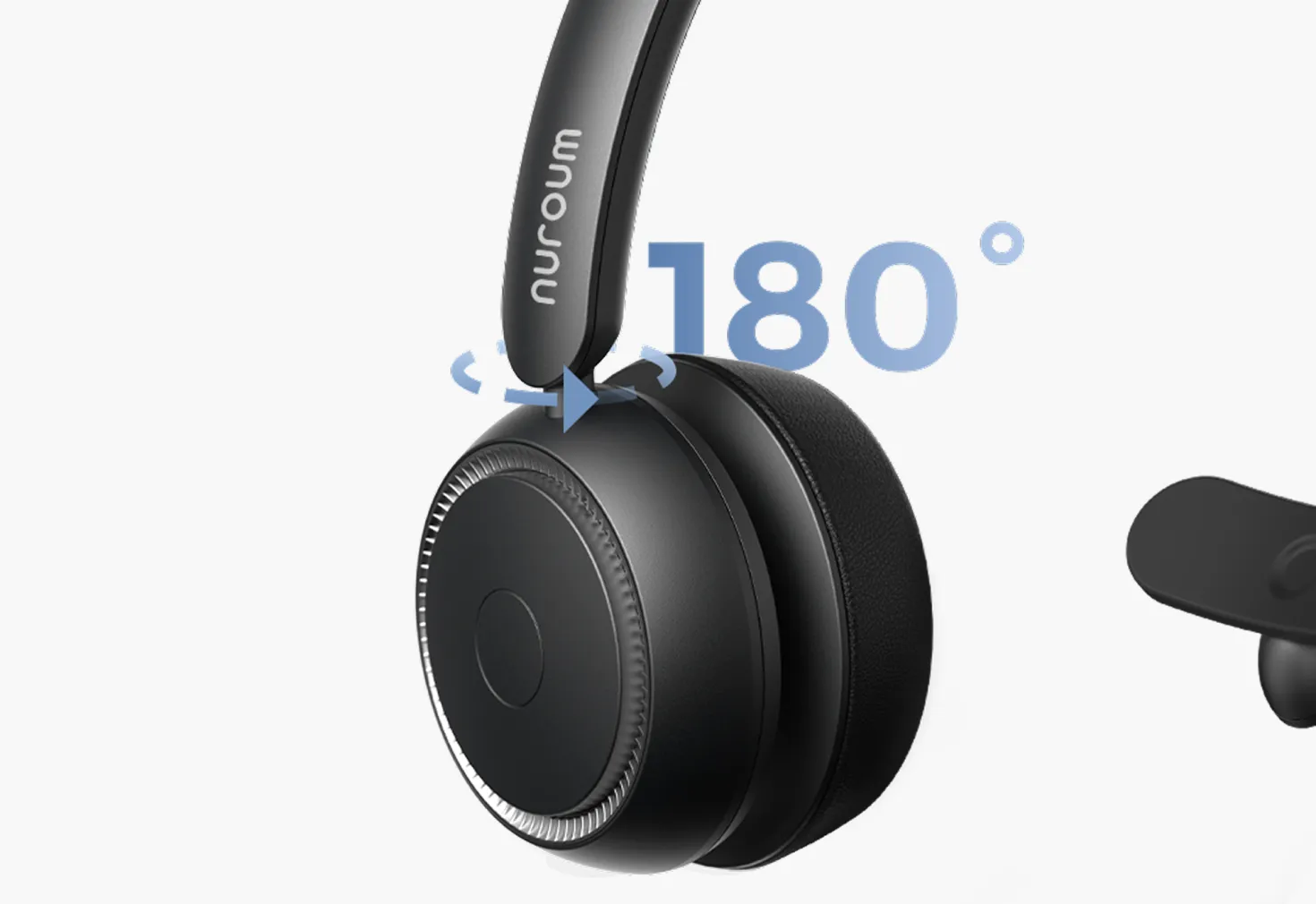
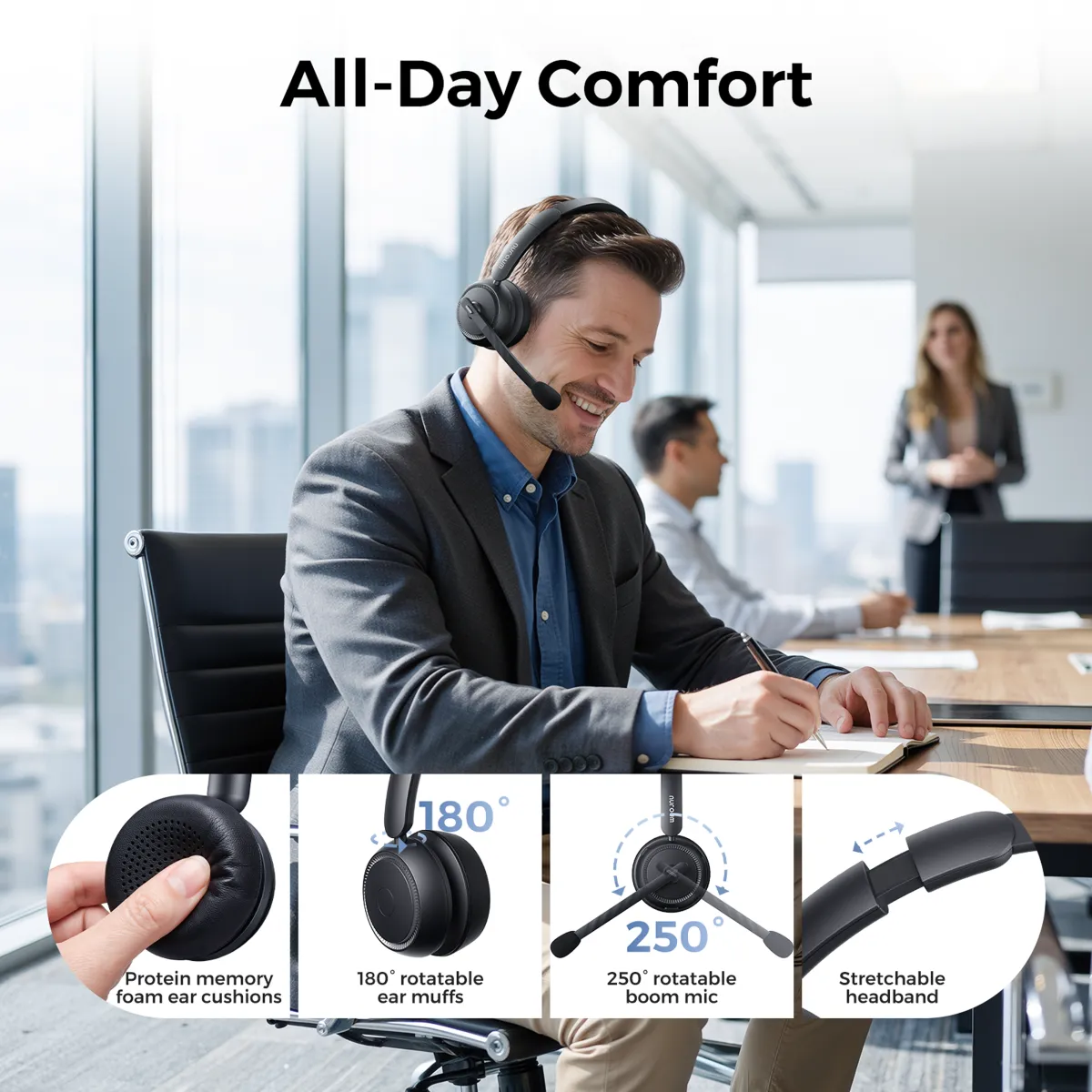
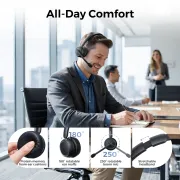
  • All-Day Comfort & Ergonomic Design: Prioritize comfort during prolonged use with the work headset’s thoughtful design. Indulge in pillow-soft ear cushions and a stretchable headband with a padded leather sling. The headphone's 250° rotatable boom mic supports versatile left and right wearing, while the 180° rotatable ear muffs accommodate various head shapes. Choose comfort without compromise for all-day wear, making it an ideal choice for your professional or personal needs.
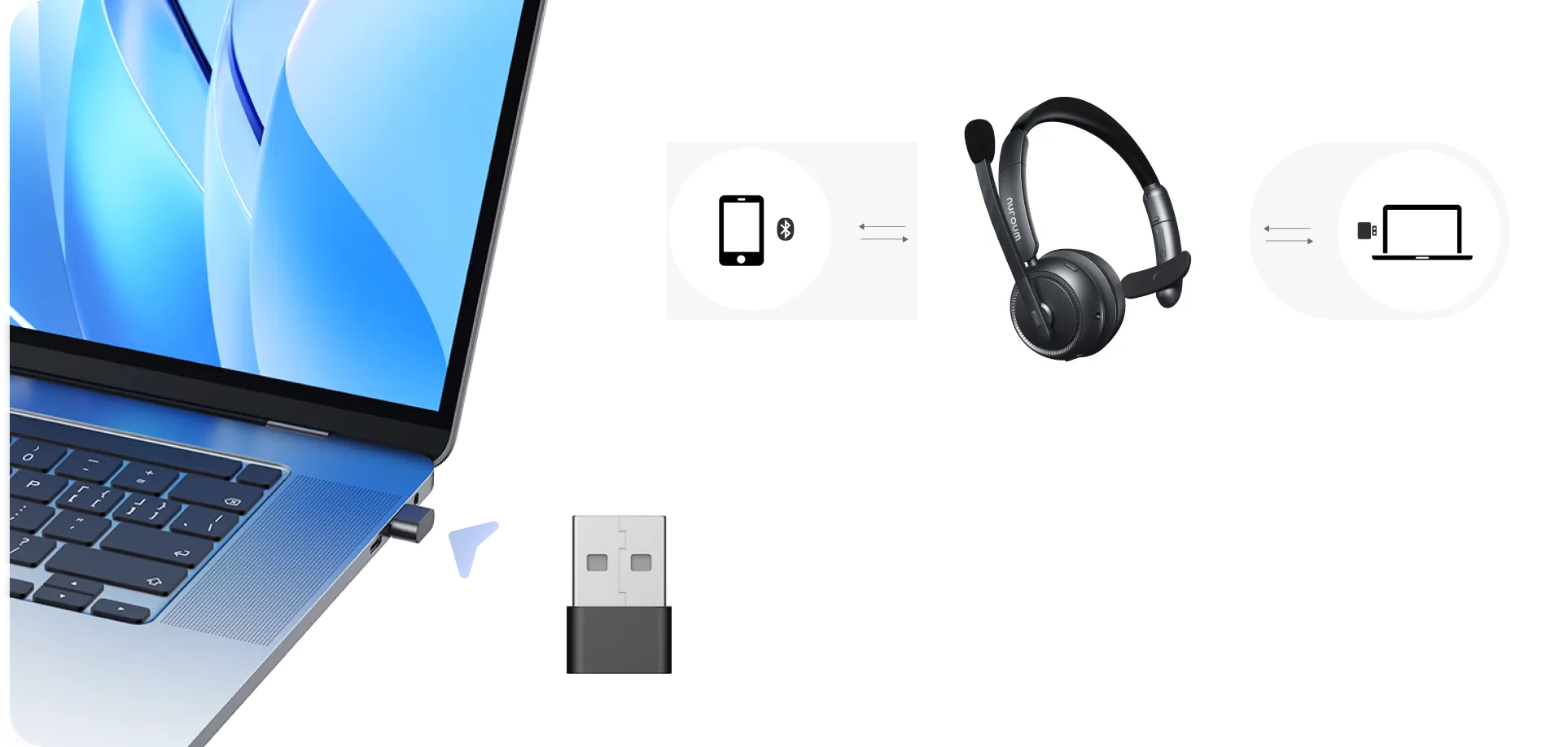
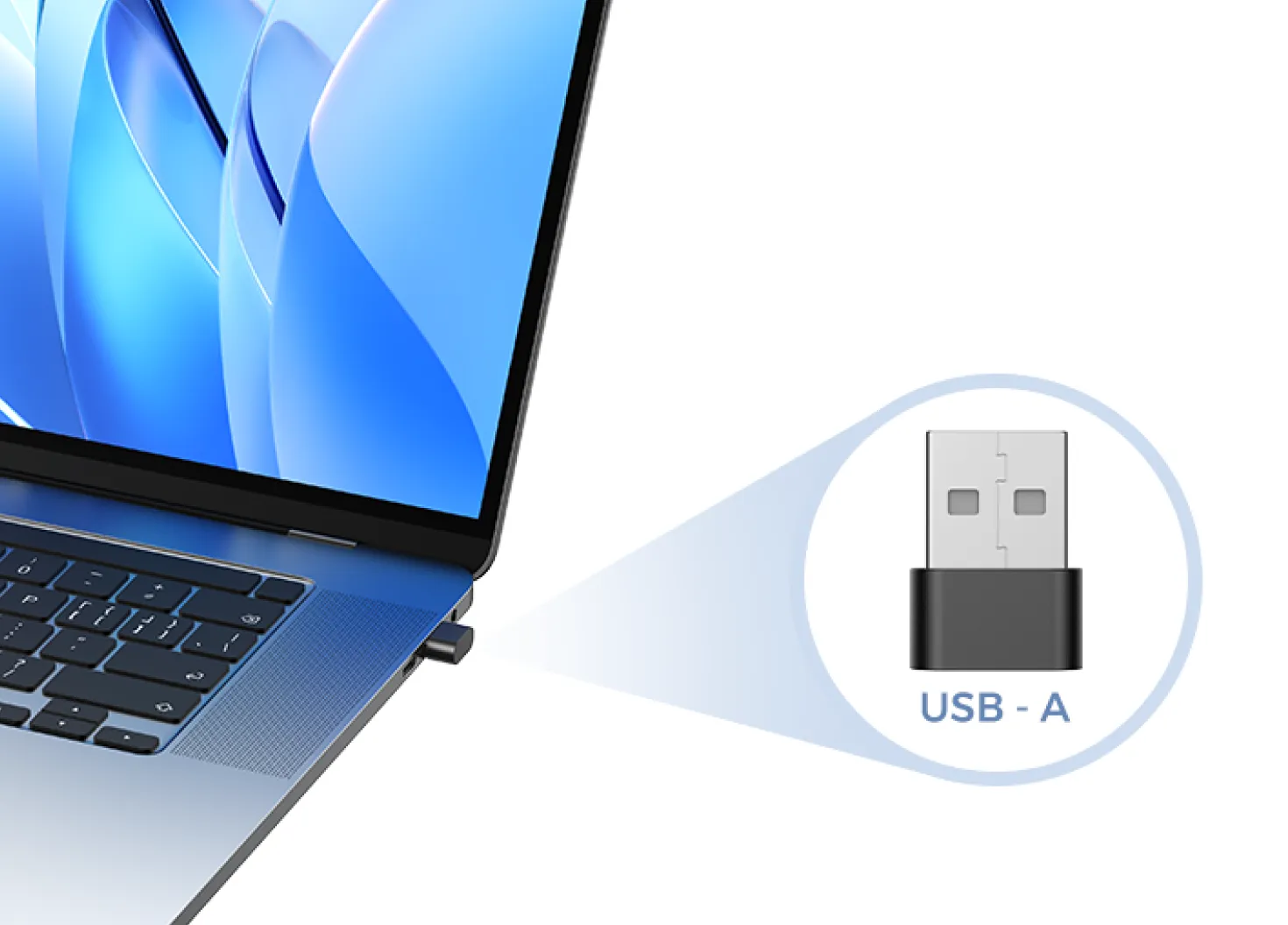
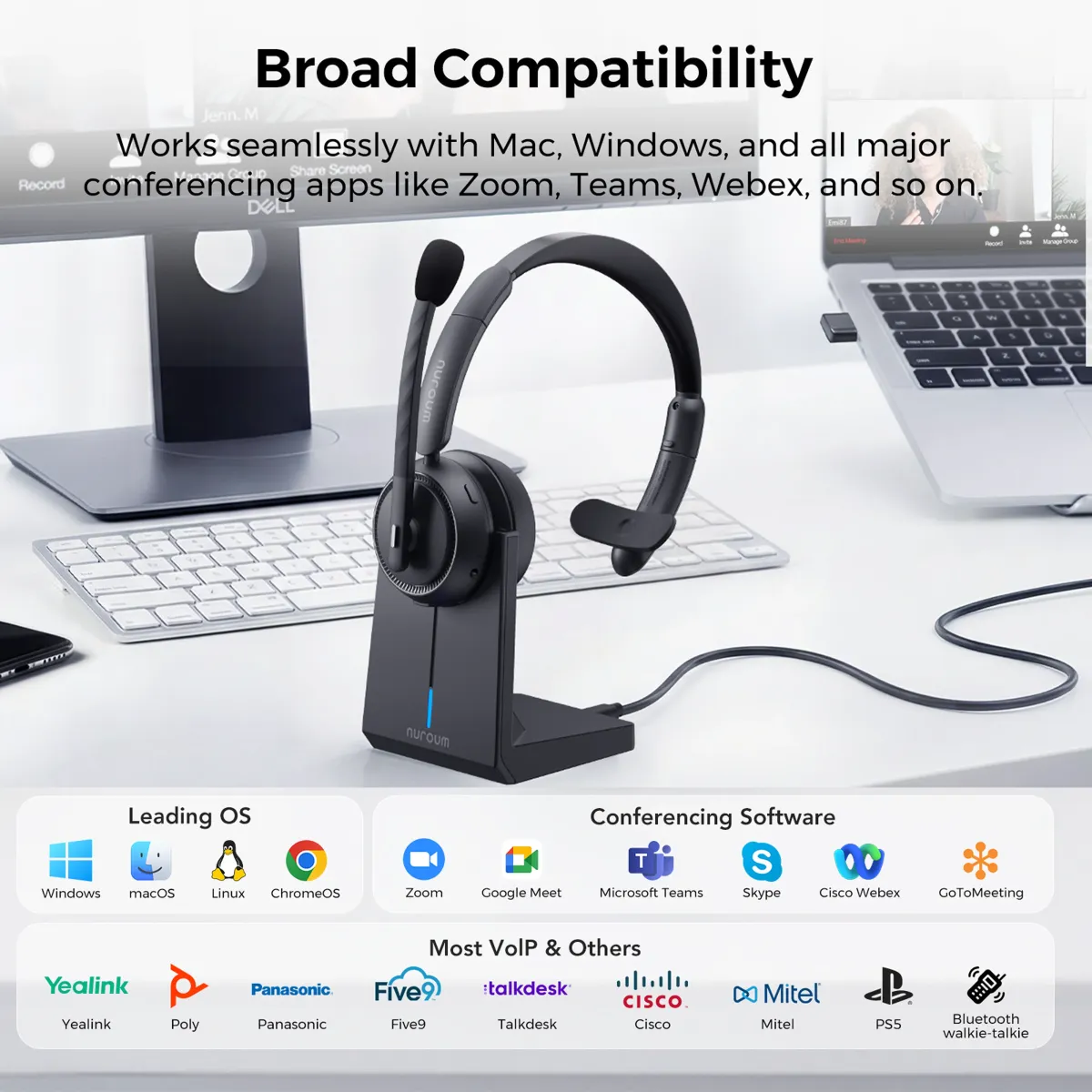
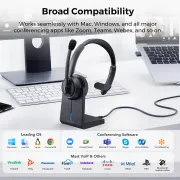
  • Versatile Connectivity & Broad Compatibility: Connect via Dongle, Bluetooth, or USB A/type-C cable to your PC, Mac, cell phones, or tablets. The included USB dongle caters to computers without Bluetooth, ensuring broad compatibility with leading platforms like Teams, Zoom, Webex, and more. Compatible with Windows, Mac, Linux, Android, and iOS, the on ear wireless headset is a reliable companion for work, calls, online courses, conferences, call centers, webinars, and home offices.
  • Übersicht
85,50 €94,99 €
30-DAYPrice Match
Limited Time
10% OFF
Code: NMNEW10
Model: HP31S
HP31S
HP31D
Menge:
1
Order Support
t 03 91d8a906 6117 4837 b03a 776b10df6972 2fd4
30-Day Price Match
t 03 670daf37 ce46 4504 8f83 92f314e6ae03 bcb7
1-Year Warranty
t 02 a1748a2f 2626 45de be44 e8c65a748831 8da5
Fast Free Shipping
t 04 d7dd9d87 ab25 46a2 aabc 691a34097606 b918
18-Hour Support
Fast Free Shipping

Free shipping: available in more than 40 countries and areas, including the US, Canada, Germany, Japan, etc. Shipping & Delivery Details

Fast Processing: FREE delivery 25. Jän. - 28. Jän. Or PREMIUM delivery 22. Jän. - 24. Jän.. PREMIUM delivery to US only(excluding islands and remote).

Shipping Details: Once your order has shipped, you’ll receive an email with tracking information.

Return & Warranty

14-Days Return Warranty

Customers may request a full refund within 14 days of receiving their Nuroum product if there are quality issues, provided that the product is still in its original, unopened condition. For products that have been activated or if the return is requested for personal reasons (such as fitness, appearance, or specific requirements), only a partial refund will be issued based on a prorated amount. In such cases, please contact the Nuroum support team via email to initiate the refund process. Refund Details

Return Conditions:

  • Users must present a valid purchase receipt when returning the item. If the product is damaged by the user, or if the packaging box or any accessories are missing, the return will not be accepted.
  • The refund of the paid amount will be processed within seven days from the date of receiving the returned goods.
  • If any manufacturing defects occur within the first 14 days and these failures are confirmed by warehouse inspection, Nuroum will refund all costs incurred during this return or exchange, including shipping.

Warranty Claims for Quality-Related Issues:

We provide a 12-mouth warranty service for our customers.

Delivery & Payment
nearhub delivery payment icon 6b3b1d61 d24d 4c94 b181 2172f7b8cc31 2c88
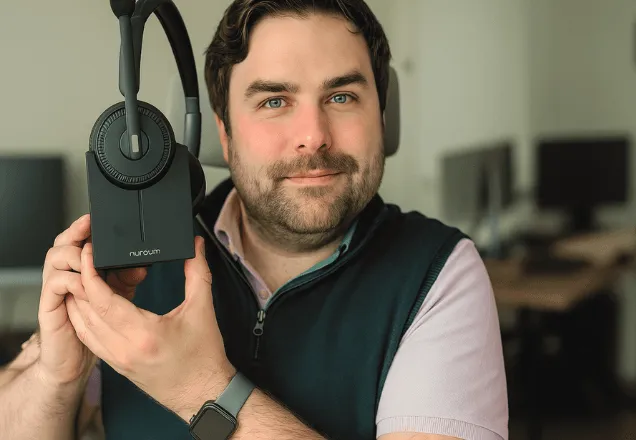
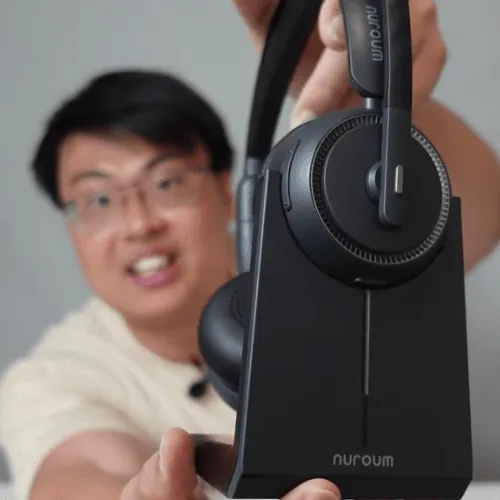
Brands using  Nuroum HP31S HeadsetBrands using Nuroum HP31S Headset

Trusted by 300,000+ Forward-Thinking Business Leaders

headset hp31s driver
I'm a driver and needed a reliable single-ear headset. This one works great — it doesn't block my other ear. The battery life is excellent-48hrs; I can wear it all day without recharging, even on long shifts.
Y

Yager

Truck Driver

A conference call headset that is set out to rival one of the big brands out there in the audio space. I think they've done really well. Here so sound signature on the headset is surprisingly good and I think nuroum definitely did a great job here with this tuning of this headset.
S

Sean

Professional Tech Reviewer

I’ve been using the Nuroum HP31S with my Windows 11 laptop while having college meetings— totally plug and play. The mic’s super clear, it’s comfy to wear, and works great on Zoom and Teams. Honestly, it does everything my Jabra does, but for way less money.
U

Ugonwa

UK Postgrad Researcher

It's a fantastic device. It delivers on all fronts. It delivers on all its promises and it has an excellent noise cancelling microphone. So I think even if you look at headsets at higher price points like Logitech, Playronics, all those big manufacturers, not many of them offer the same features and if they do, they're certainly going to be two or $3000, not $90.
M

Mark Darwin

Content Creator

As a mom has 2 children with full time job I am always looking for a quite corner in my home where I can take meetings in peace. So there are beautiful chaos when I'm having calls and I had to sit in the closet. Big shout out to Nuroum for making a headset whih elimates 99.99% of the chaos. Now I can from anywhere in peace.
S

Sue Joshi

Company Executive

Our consulting firm got the HP31S for the team—great value for money! The battery life is seriously impressive. Over 45 hours!! Our department’s efficiency has improved a lot. If you’re in customer service or any call-heavy role, I highly recommend it.
J

Jorben

Consulting Firm Manager

Why 10x Team Collaboration, 0% Wasted Meetings?

Cancel Noise Maintain Speech

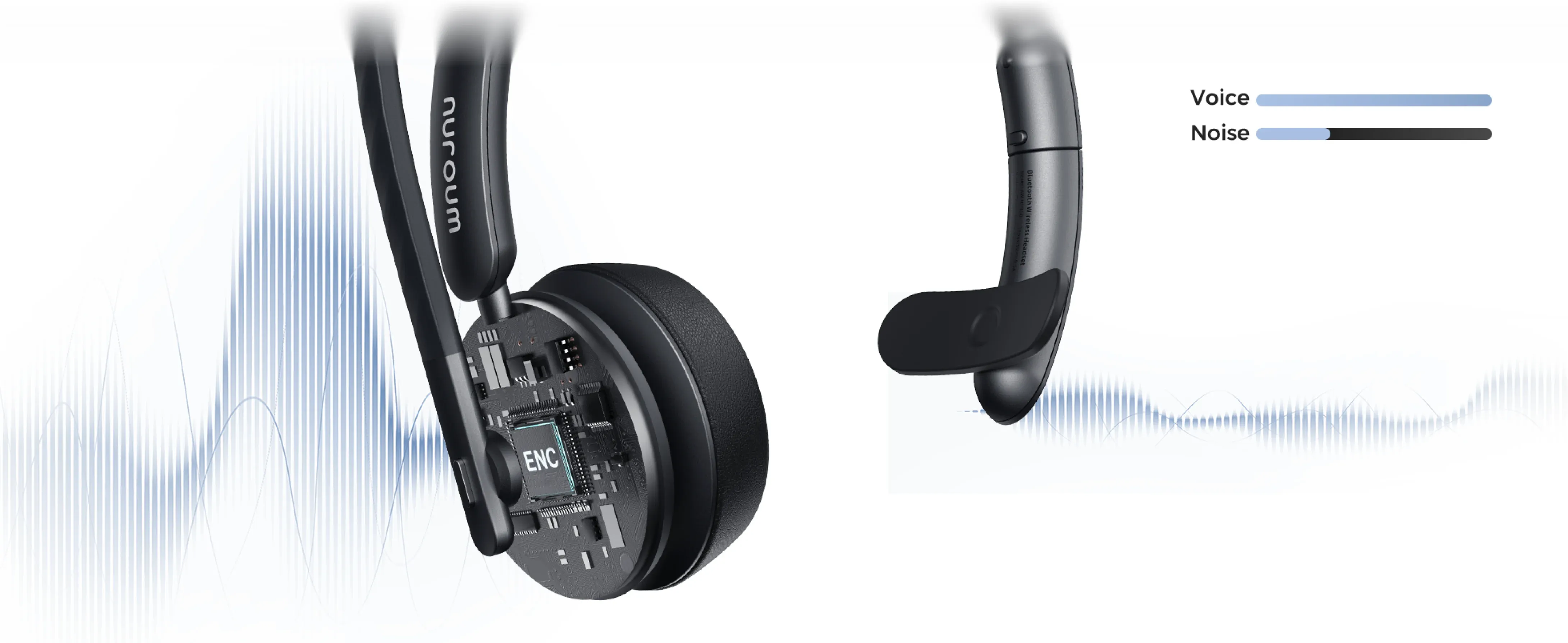
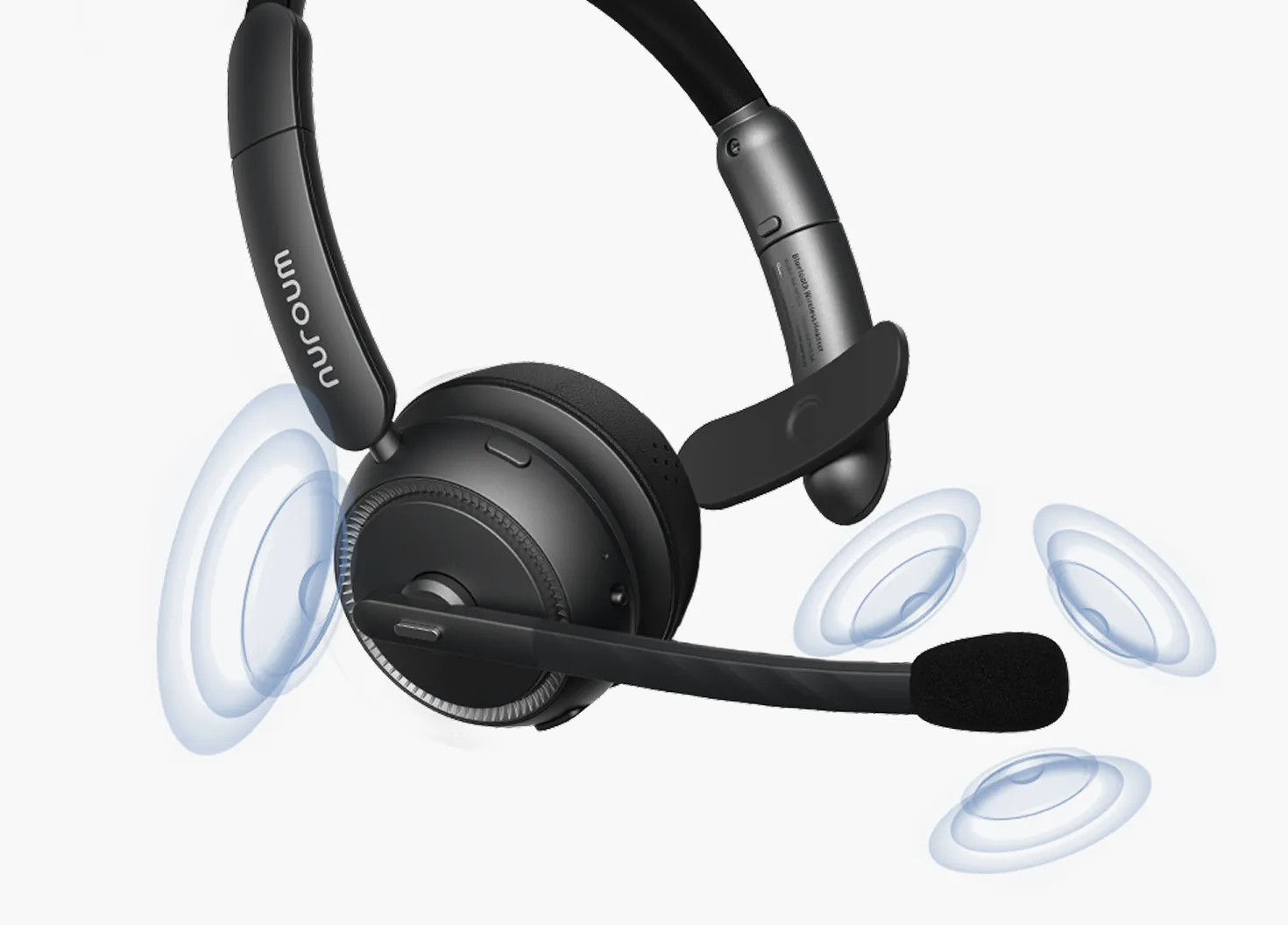
We understand teams need to chime in from home, on the road or even from airport. So we've re-invented true noise cancellation using dual-mic structure and on-device AI model to block noise while preserving speech. Meetings won't be wasted any more!
enc

All Day Comfort 0 Zoom Fatigue

We understand comfort is a big concern when using business headset. This bluetooth single ear headset is designed with minimum weight and makes sure your head will feel less pressure. You will be able to have a meanful work day without Zoom fatigue.
comfort

Wireless Freedom Even for Windows

Nobody likes clustering cables. With advanced Bluetooth multipoint technology, this single ear wireless headset lets you connect to both your smartphone and Windows PC—no hassle, no lag. The included USB-A dongle ensures stable PC connection, while built-in Bluetooth handles mobile—switch freely, stay connected.
connection

Broad Compatibility Across Devices

The single ear headset works seamlessly MacBook on x86, ARM M1/M2/M3/M4, Windows 7/8.1/10/11, and Chromebook, and with all the conference software, such as Zoom, Teams, Google Meet, Webex, Discord, and so on.
compatible

Stay in Power All Day

Worried about your headset dying mid-meeting or running out of battery too fast? Offering up to 35 hours of continuous calls, 45 hours of music playback, 2 hours of charging time, and dual-charge options, this single ear headset HP31S keeps you powered up all day long.
power

Next-Gen Single Ear Headset Boosts Hybrid Productivity

Experience All-day-comfort with Ultra-soft Headset

Nuroum HP31S Headset View
  • Ultra-soft protein earcup for ergosoft
  • Comfort headband with pressure-release
  • 250° swivel earcups for a more natural fit
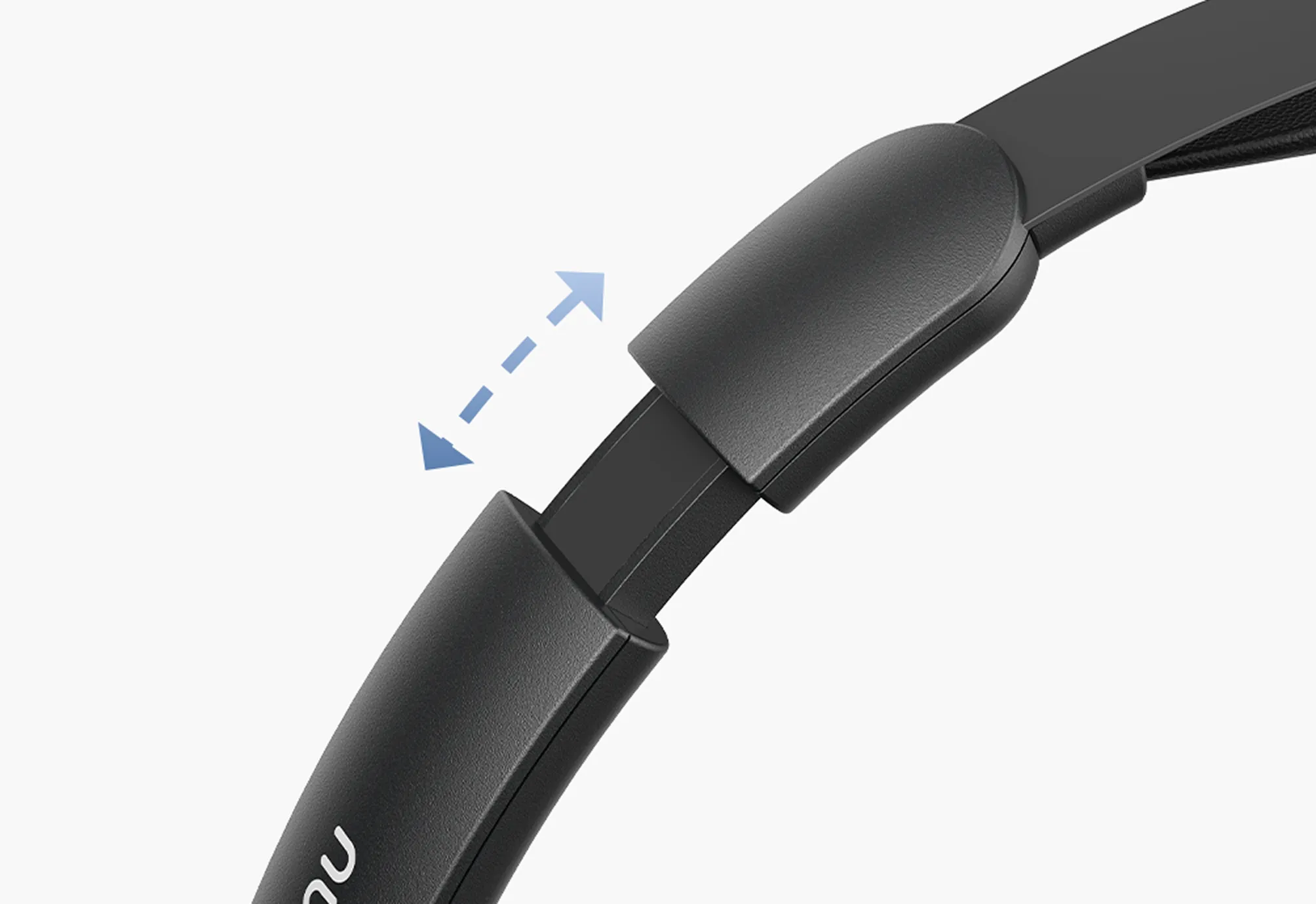
  • Stretchable headband fits more people
Traditional Meeting View
  • Hard materials unfits for all-day use
  • Single-layer band causes extra pressure
  • Limited swivel range, lacking flexibility
  • Unstretchable headband may not fit all

Eliminate Noise and Echo, Enhance Pro Audio Clarity

Nuroum HP31S Noise Cancellation
  • Crystal clear conversations
  • Intelligent auto-adjustments
  • Consistently clear sound
  • Comfortable listening experience
MacBook Noise Cancellation
  • Picks up background noise
  • Requires manual adjustment
  • Inconsistent audio quality
  • Causes listener fatigue

Finish Within 1 Second, Easier Charge Than Ever

Nuroum HP31S Conference View
  • Easy and quick charge
  • True wireless device
  • Minimal cables and connections
  • Start charge within 1 second with charge station
Traditional Meeting View
  • Time-consuming setup process
  • Wired device with limited mobility
  • Excessive cables and messy connections
  • Charging setup takes longer and lacks convenience

Cutting-Edge Hardware

Feel Completely Immersed with Powerful Sound

Nuroum HP31S Next-Gen Professional Headset

Noise Cancelling Mics for Work

Block out background noise and makes your voice clear and easy to hear.

HiFi 4 DSP Processor

Delivers an impressive 99.9% background noise suppression.

Upgraded Bluetooth 5.4 Technology

Provides a faster, more stable connection within a 33-foot range.

Long Battery Life

Enjoy up to 45 hours of playback on just a 2-hour charge.

Smart Essentials

Ensuring Seamless Communication And All-Day Productivity

Nuroum HP31S Next-Gen Professional Headset

Easy Controls for Effortless Communication

Mute your mic with a single press, plus easy volume and call controls.

Simultaneous Dual Pairing

Bluetooth 5.4 for phones, USB-A dongle for PCs.

Multiple Connecting Options

Keep working by plugging into your PC with a USB cable.

Two Ways to Charge

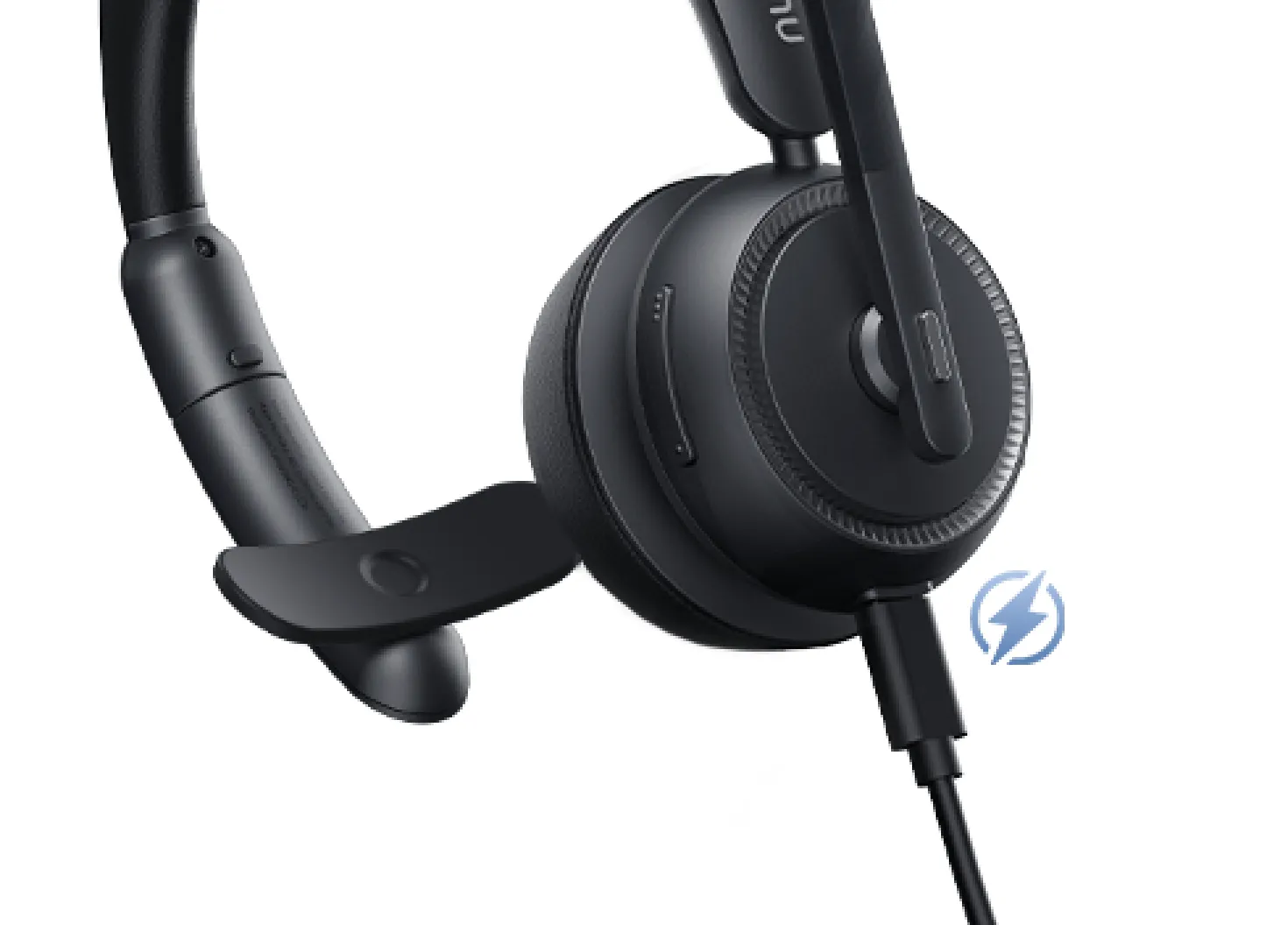
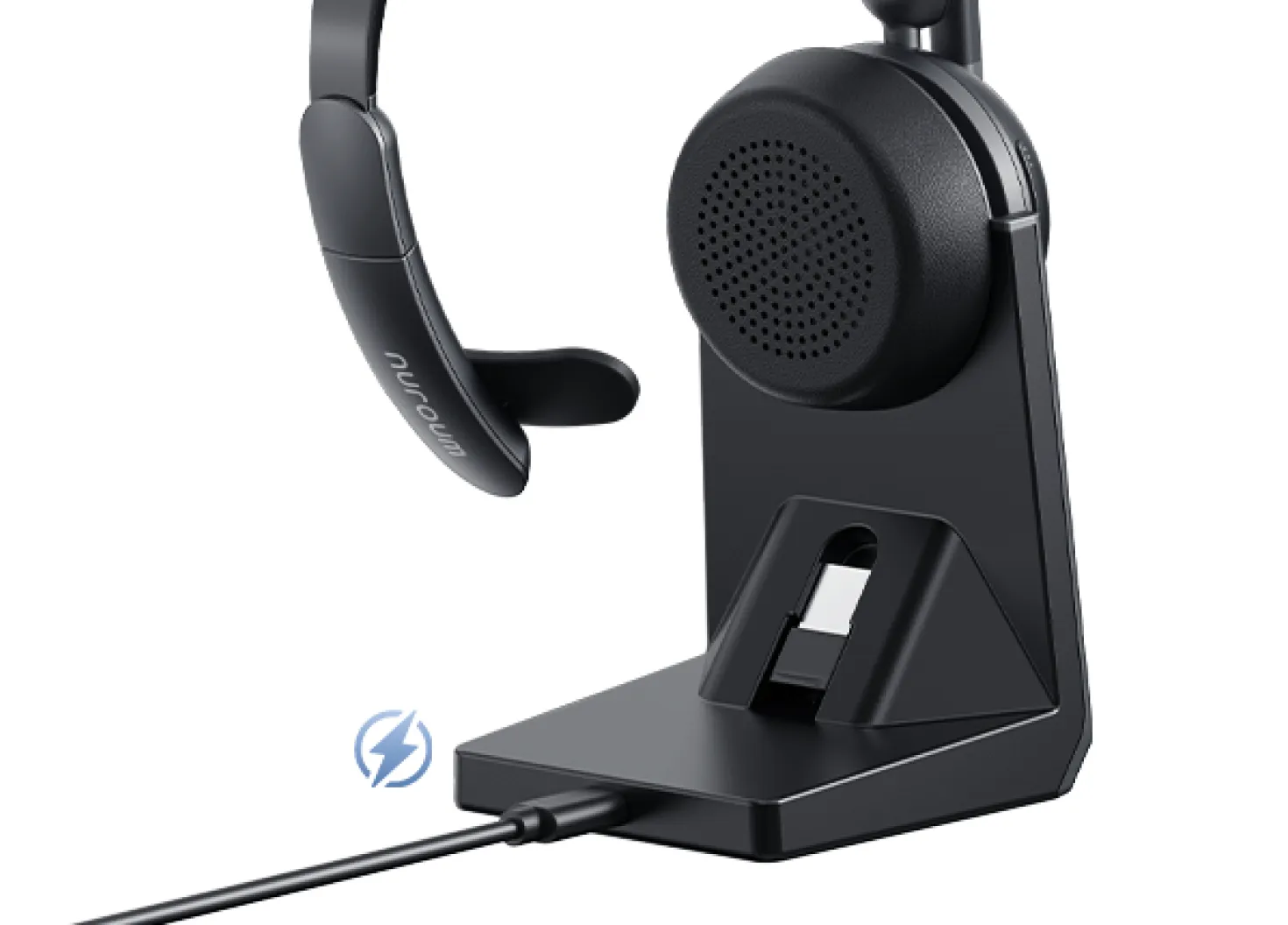
Simply set your headset on the charging stand or plug it in with the USB cable to charge.

Talk to Sales

What can I expect?
  • Customized Solutions

    We'll address your challenges and show how our product can be tailored to your needs.

  • Product Overview

    Explore our product's key features and real-world applications.

  • Live Q&A

    Engage in an interactive session with our experts to get your questions answered.

quick'sfram
goldensword
pcigases
kronick
statefire
cedem
simpara
craighospital
waterenvtech
logo left

Why Nuroum?

The Best Single Ear Bluetooth Headset for Phone Calls?
danny lightning
Danny Lightning Audio & Reviews

It's everything you need in one bluetooth single ear headset!

influencer long
Mr. Long 미스터 롱

Nuroum Single Ear Headset | Auriculares Bluetooth | Review

pakiu
Pakiu Reviews

The noise cancelling is so AMAZING! Nuroum HP31S

influcer bella
Bella's Diary

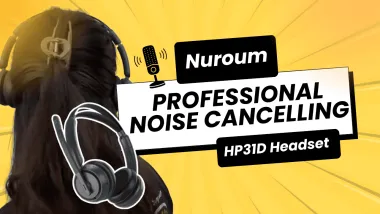
HP31D Review: There is really nothing to fall on....

sean
Sean Talks Tech

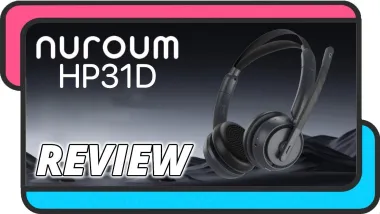
Nuroum HP31D Bluetooth Headset ENC Microphone Review

biboy
JohnyTechReview

This thing feels exactly like a $500-$600 headsets!!!

jforce
𝖩.𝖥𝗈𝗋𝖼𝖾 𝖦𝖺𝗆𝗂𝗇𝗀

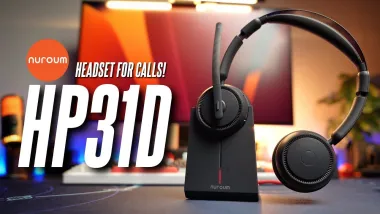
Auriculares NUROUM HP31D | sin cables ¡DESCÚBRELOS AHORA!

locutus
Locutus

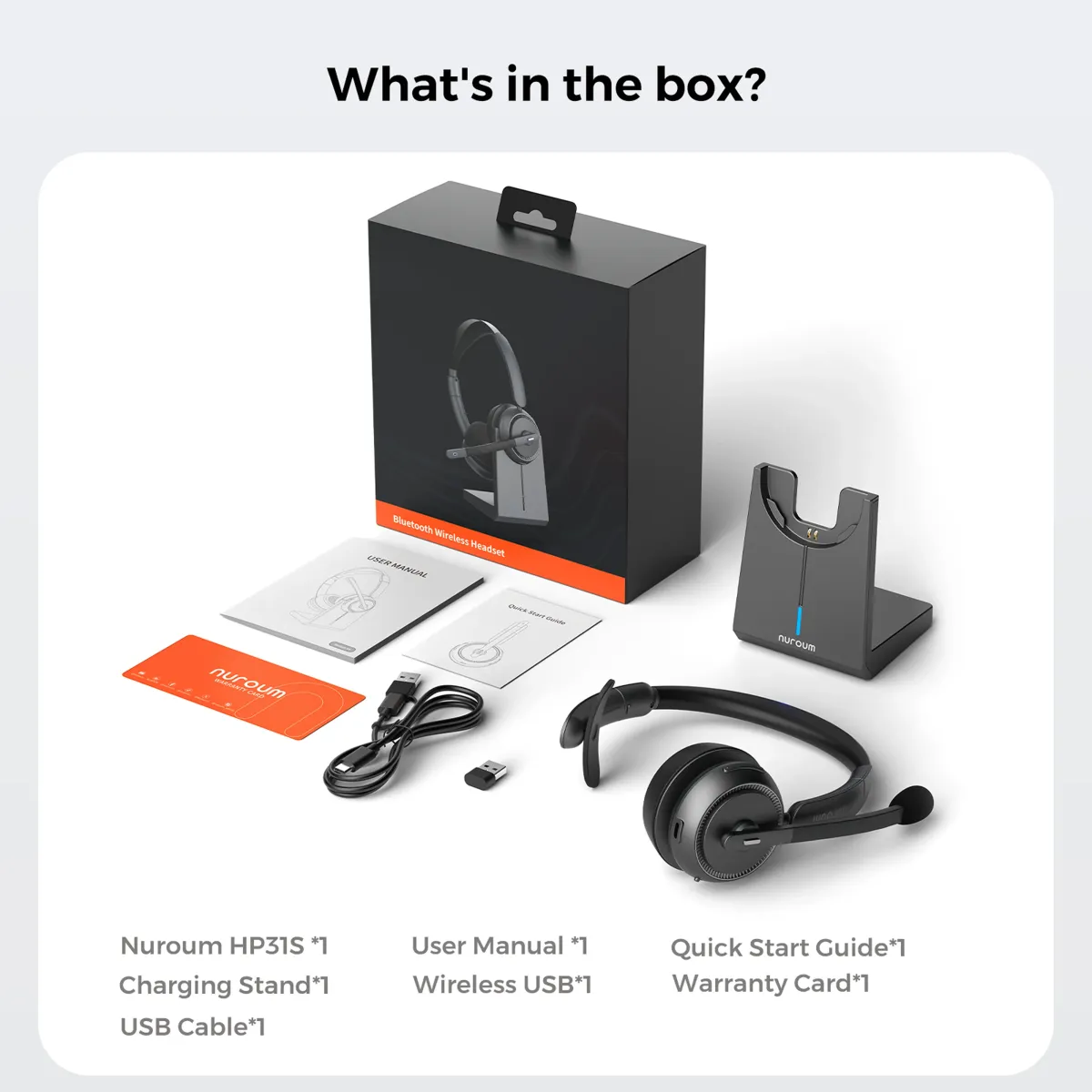
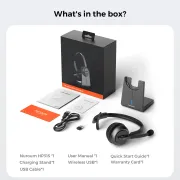
What's in the Box?

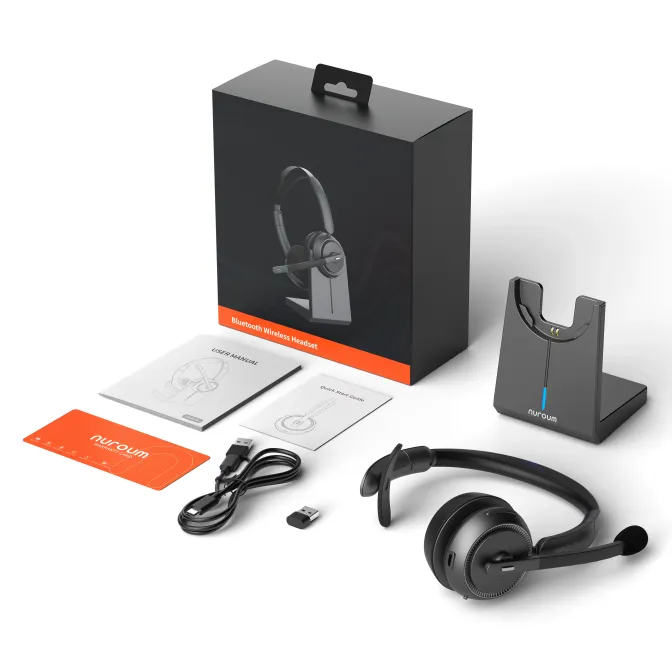
  • Nuroum HP31S *1
  • Charging Stand*1
  • USB Cable*1
  • Wireless USB*1
  • User Manual *1
  • Quick Start Guide*1
  • Warranty Card*1
If any USB-C&A cable or power adapter is damaged within the warranty period, you can contact the Nuroum sales team at [sales@nuroum.com] for a free replacement.
unboxing

Which single ear headset is best for me?

NuroumHP31S

Nuroum HP31S

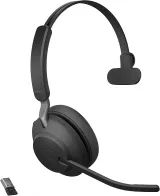
JabraEvolve265MS

Jabra Evolve2 65 MS

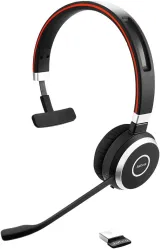
JabraEvolve65SE

Jabra Evolve 65 SE

Price (USD)
  • $94.99
  • (Limited Time Discount $85)
  • $234.99
$184.99
Microphones
  • 2
  • 3
  • 1
AI ENC√×
  • ×
Talk/ListenTime
  • 35h/45h
37h
  • 12h
Bluetooth
  • 5.4
  • 4.2
  • 4
ANC(Physical)
  • √
  • √
  • √
Bluetooth range
  • ~30m / 100ft
  • ~30m / 100ft
  • ~30m / 100ft

Product Details

Mic & SpeakerBatteryBluetoothPhysical
√
√
ECM omnidirectional microphone
2
-42dB@94dB SPL@1kHz + -38dBV/Pa@94dB SPL@1kHz
A-Weighted + 60dBV/Pa
100Hz–10kHz + 20Hz–20kHz
250° rotation
20Hz–20kHz
123±3dB@1kHz, 0.179V
≤3%@1kHz
32Ω / 10mW
Press the mute button on the microphone boom

FAQ

DeviceCompatibilityOrder Related
Can I use this bluetooth single ear headset to answer or hang up calls?
Yes, you can use the MFB button on the single ear headset to both answer and hang up calls. However, please note that only cell phone calls can be managed in this manner. For online calls via UC softwares like Zoom or Teams, you must use your mouse.
How can I put my single ear headset into pairing mode?
Upon powering on HP31S for the first time, the bluetooth single ear headset will automatically enter pairing mode. If you wish to re-enter pairing mode, simply press the MFB button and the volume up button simultaneously.
What should I do if the single ear headset suddenly fails to connect to the device?
You can try to clear the pairing record. Just press and hold the MFB and volume+ button simultaneously for 5 seconds while the single ear headset is turned on and not engaged in a call. When the record is cleared, the headset will restart and enter pairing mode.
How can I connect the single ear headset to two devices?
  • When using a Bluetooth connection only:
  • 1. Turn on the headset and connect it to Device A.
  • 2. Disconnect the headset from Device A, then press the MFB button and the volume control button at the same time to reconnect.
  • 3. Connect it to device B.
  • 4. Finally, reconnect it to Device A.
  • When using the usb dongle connection.
  • 1. Turn on the headset and connect it to device A.
  • 2. Connect it to device B via dongle.
  • Notification: When switching between devices, you need to pause the audio of device A first, and then switch on the audio of device B.
Why can't I hear sound when single ear headset is connected to the computer?
  • 1. When using a bluetooth connection, please click setting > bluetooth of the device to confirm the bluetooth connection is successful, and then in the sound setting, select HP31S as the default output and input device;
  • 2. When connecting by USB-dongle, please select HP31S as the default output and input device in the sound setting.
Can I use it directly with a USB-A or USB-C port without the single ear headset dongle?
No. The HP31S does not support direct USB-A or USB-C audio without the dongle. Audio must go through the dongle, USB A/type-C cable, or Bluetooth 5.4.
Do Nuroum headsets answer calls automatically?
No. Most Nuroum headsets do not have a built-in auto-answer feature. This is because calls are designed to be answered manually to prevent accidental calls when you’re not ready, ensuring privacy and call control. You can still enable auto-answer on your phone, so incoming calls will be answered automatically after a short delay.
Does the Nuroum single ear headset HP31S support adding a non-active earpiece to the other side?
The Nuroum HP31S is designed as a single-ear headset. Currently, we do not offer a non-active earpiece or any replacement accessory for the removable attachment on the other side.

Nuroum, In Real Life

influencer 5
influencer 2
trucker
influencer 4
influencer 6
noise canceling headphones sound
how hp31d powers advanced enterprise call center solutions meta image
influencer 3
Starten Sie 2025 richtig – Abonniere für exklusive 10% Angebote.
FaceBook YouTube Instagram LinkedIn Twitter FaceBook_Group Pinterest
  • Über uns
    • Unser Unternehmen
    • Markenbotschafter
    • Werden Sie Wiederverkäufer
    • Blog
    • Unternehmenskauf
  • Vergleichen
    • Nuroum 360 Pro vs Meeting Owl 3
    • HP20 vs Jabra Evolve2 40
    • C20 vs Logitech BCC950
    • C40 vs Logitech Connect
    • V11 vs Logitech C270
    • V21 vs Logitech C930e
    • V32AFL vs Logitech Brio
  • Lösungen
    • Kreation
    • Gesundheitswesen
    • Bildung
    • Team-Arbeitsplatz
    • Persönlicher Arbeitsplatz
  • Richtlinie
    • Zahlungsrichtlinie
    • Versandrichtlinie
    • Garantie & Rückerstattung
  • Kontaktieren uns

    Für Produkte Support:

    customer.service@nuroum.com

    Für Marketing-Zusammenarbeit:

    marketing@nuroum.com

    Für Produktverkäufe:

    sales@nuroum.com

    iconiconiconiconiconicon
    NearSync-logo NearSync Remote Device Management
    nearify-logo Nearify Free Noise Cancelling App
Copyright © 2026 Nearity USA Inc.
Privacy policy Terms of service