












Audio delays and unstable connections can quickly disrupt important meetings, online classes, and customer calls. While Bluetooth headsets are convenient, a wireless headset with USB dongle delivers a dedicated connection designed for professional communication. This guide explains how USB dongle technology reduces latency, improves call stability, and helps remote workers, educators, and business teams achieve clearer conversations.
If you have ever experienced choppy audio, lip-sync delays, or a microphone that cuts out mid-sentence during an important Zoom call, the problem may not be your internet — it may be your headset. Research on mediated communication has shown that transmission delays can negatively affect conversational quality by disrupting turn-taking patterns, increasing interruptions, and making interactions feel less natural. For professional communication scenarios such as online meetings and customer calls, minimizing audio latency is essential for maintaining smooth conversations.
A usb dongle headset offers a dedicated wireless link between your computer and your headphones, bypassing the congestion and latency that plague standard Bluetooth. For remote workers, call center agents, and anyone who relies on crystal-clear communication, understanding the difference between Bluetooth-only and wireless headset with dongle connectivity can transform your daily workflow.
What Is a USB Dongle Headset and How Does It Work?
A USB dongle headset is a wireless audio system that includes two components: the headset itself and a small USB transmitter (the dongle) that plugs into your computer. When you insert the dongle, it creates a private, dedicated wireless channel between your PC and the headset. This is fundamentally different from Bluetooth, which forces your audio to compete with keyboards, mice, smartphones, and other peripherals for the same crowded radio spectrum.
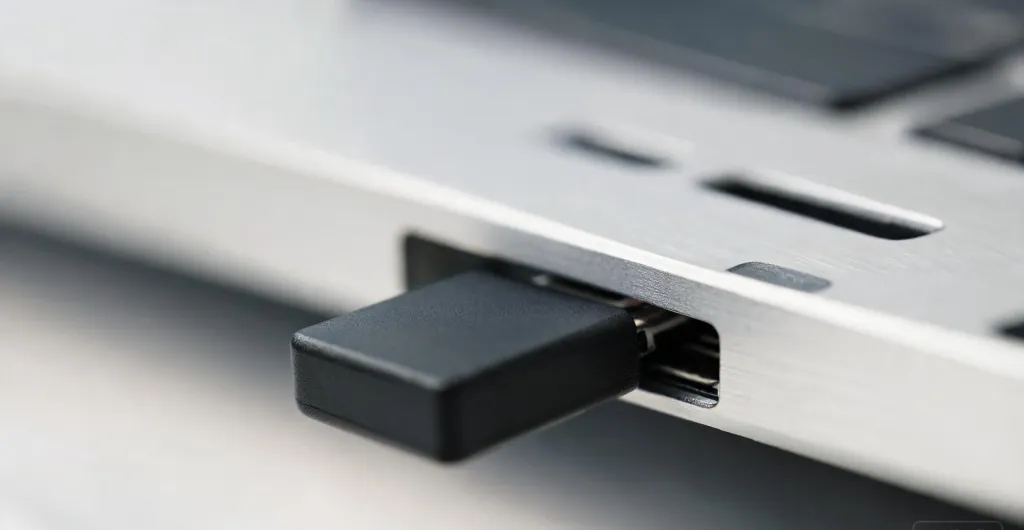
Most usb dongle wireless headsets use proprietary 2.4 GHz protocols optimized for audio. Unlike Bluetooth, which must handshake with many device types, the dongle communicates exclusively with its paired headset. That singular focus translates to faster pairing, lower latency, and a signal that resists interference from Wi-Fi routers and neighboring electronics.
Why Bluetooth Alone Falls Short for Professional Calls
Bluetooth works well for music, but it was never designed for real-time professional communication. Standard Bluetooth struggles in work environments because:
- Higher latency: Codecs like SBC and AAC introduce delays of 100–300 ms, creating noticeable echo and awkward pauses.
- Signal congestion: Your computer's Bluetooth radio is shared with keyboards, mice, and mobile devices, causing dropouts in dense offices.
- Compressed microphone audio: Bluetooth often downgrades microphone bitrate to save battery, resulting in tinny voice quality.
- Weak wall penetration: Bluetooth signals degrade quickly through walls, tethering you to your desk.
For professionals on Teams, Zoom, or Webex, these issues are productivity killers. A wireless headset with usb dongle connectivity eliminates most of them by providing a direct, optimized audio pipeline.
How USB Dongle Headsets Minimize Audio Latency
Latency is the silent enemy of natural conversation. When your colleague hears your words a split second late, the rhythm of dialogue breaks down. USB dongle headsets attack latency on multiple fronts:
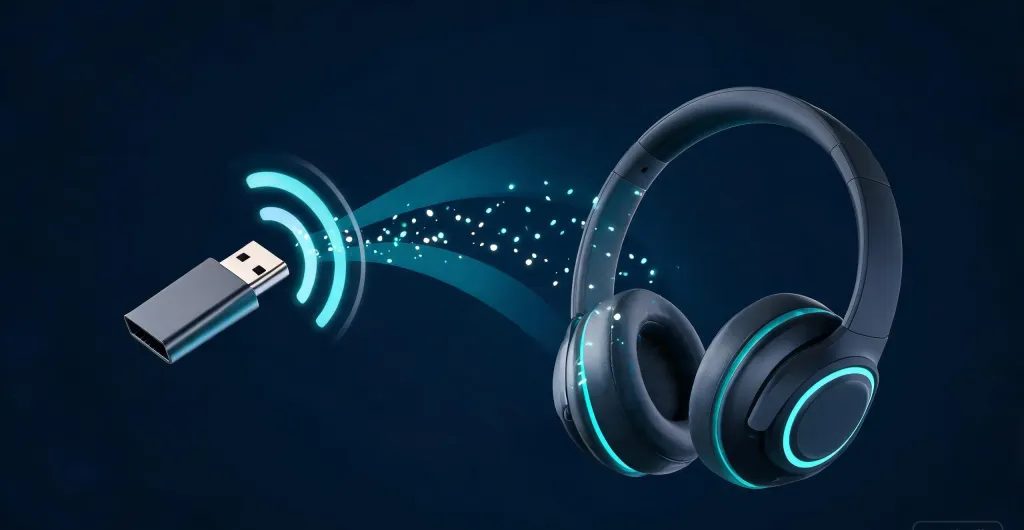
- Dedicated protocol optimization: Because the dongle and headset are engineered as a matched pair, the manufacturer can tune the wireless protocol specifically for audio. The result is often latency as low as 30 milliseconds — virtually imperceptible during calls.
- Bypassing the OS Bluetooth stack: Standard Bluetooth audio must pass through your operating system's drivers, adding processing overhead. A USB dongle appears as a native USB audio device, eliminating that extra software layer.
- Consistent bandwidth allocation: Bluetooth dynamically adjusts bitrate based on interference. A wireless headset with dongle reserves a fixed slice of clean 2.4 GHz spectrum, ensuring microphone and speaker data travel at full speed without compression artifacts.
- Optimized microphone pipelines: Professional usb dongle headsets often include dedicated DSP chips that process noise cancellation locally, reducing round-trip delay so your voice arrives instantly.
USB Dongle vs. Bluetooth-Only: A Side-by-Side Comparison
Choosing between a wireless headset with dongle and a Bluetooth-only model becomes easier when you see the differences laid out clearly.
| Feature | USB Dongle Headset | Bluetooth-Only Headset |
|---|---|---|
| Typical latency | 20–40 ms | 100–300 ms |
| Connection stability | Dedicated channel, minimal dropouts | Shared spectrum, prone to interference |
| Microphone quality | Full bitrate, optimized for voice | Often compressed to save bandwidth |
| Plug-and-play on PC | Instant, no pairing needed | Requires Bluetooth pairing each session |
| Works without built-in Bluetooth | Yes — any USB port suffices | No |
| Multi-device support | Dongle + Bluetooth simultaneously | Bluetooth only |
| Effective indoor range | ~33 ft with strong wall penetration | ~30 ft, weakens through walls |
| Best use case | Video calls, gaming, call centers | Casual music, short mobile calls |
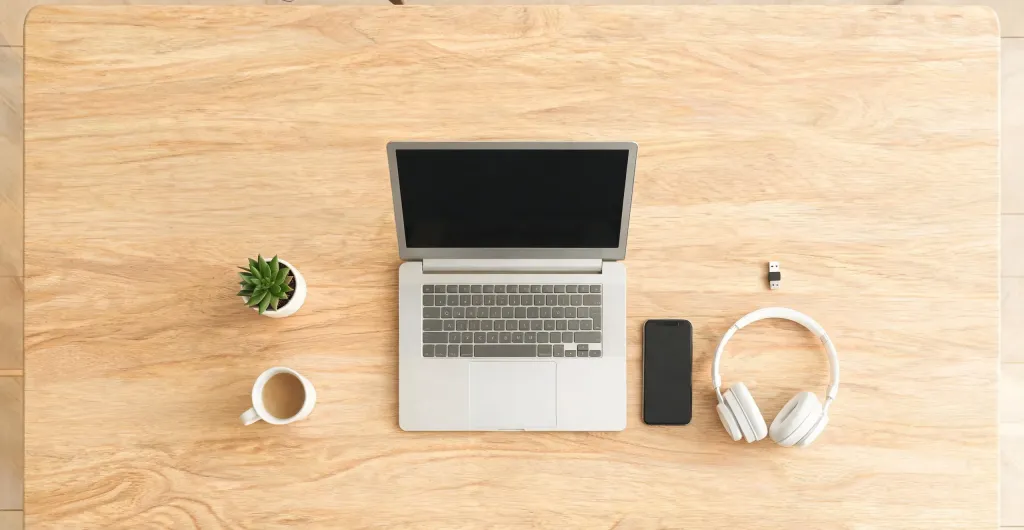
For anyone whose job depends on reliable voice communication, the table above tells a clear story. A usb dongle wireless headset is engineered for the demands of professional audio, while Bluetooth remains a general-purpose convenience.
Who Benefits Most from a Wireless Headset with Dongle?
Not every user needs the performance edge of a USB dongle, but for certain roles it is transformative:
- Remote workers: Low latency ensures natural conversation flow during back-to-back virtual meetings, plus the freedom to move around without audio cutting out.
- Call center agents: These roles demand all-day comfort, noise-canceling microphones, and zero dropouts. A wireless headset with usb dongle delivers the reliability customer-facing teams require.
- Online educators: Teaching live classes requires immediate verbal feedback. Even slight delays disrupt Q&A sessions and make it harder to read student reactions.
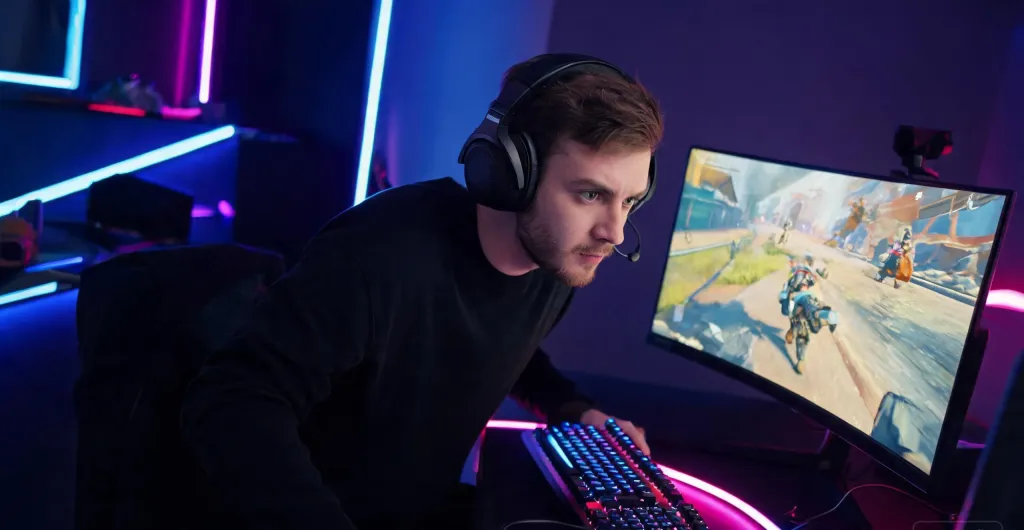
- Gamers and streamers: Competitive gaming depends on split-second audio cues. The sub-40 ms latency of a quality dongle headset can mean the difference between reacting in time and missing the moment.
- Mobile hybrid workers: Many modern usb dongle headsets also include Bluetooth 5.4, letting you stay connected to your laptop via dongle while pairing to your smartphone. Switch devices without removing the headset.
Spotlight: Nuroum HP31D and OpenEar Pro 2
If you are ready to upgrade to a wireless headset with dongle connectivity, the Nuroum lineup offers two compelling options tailored to different professional needs.
Nuroum HP31D: The Call Center Workhorse
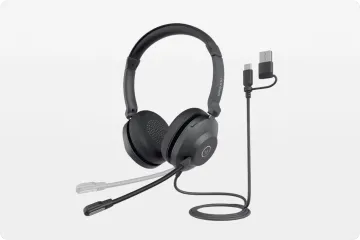
The Nuroum HP31D (2nd Gen) is a bluetooth noise cancelling headset built for marathon work sessions. It includes a USB-A dongle for rock-solid PC connectivity, plus Bluetooth 5.4 for mobile flexibility:
- AI-Powered ENC noise cancellation: A HiFi4 DSP processor reduces up to 99.9% of background noise, filtering out keyboard clatter and household distractions.
- Ultra-low 30 ms latency: Whether via dongle or Bluetooth, the HP31D delivers smooth, real-time audio.
- All-day battery: Up to 35 hours of talk time or 45 hours of music on a single charge.
- Ergonomic comfort: Pillow-soft ear cushions, a padded leather sling headband, and a 250-degree rotatable boom mic support left or right wearing.
- Multi-point connectivity: Connect to two Bluetooth devices simultaneously and switch seamlessly.
- Mute button and charging stand: Intuitive controls plus a convenient charging base keep your workflow efficient.
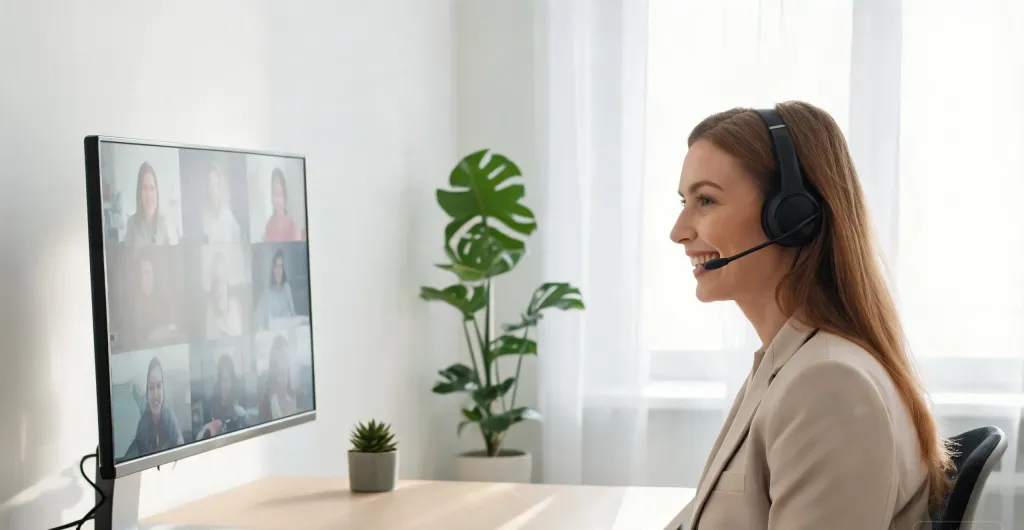
At under $100, the HP31D represents exceptional value for remote workers and help desk agents who need dependable wireless headset with dongle performance.
Nuroum OpenEar Pro 2: The Lightweight Open-Ear Innovator
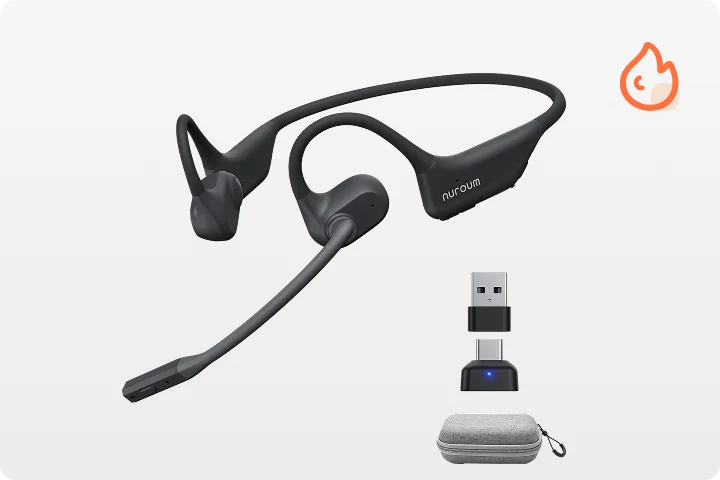
For professionals who prefer situational awareness without sacrificing call quality, the Nuroum OpenEar Pro 2 redefines what an open ear headphone with mic can do. Weighing just 31 grams, it is one of the lightest noise-cancelling open-ear headsets available.
- Open-ear comfort: No ear canal pressure means you can wear it for entire shifts without fatigue. The anti-sound leakage design also keeps your conversations private.
- ENC + HiFi 4 DSP: Dual noise-cancelling microphones and advanced digital signal processing ensure your voice cuts through background noise on every call.
- Bluetooth 5.4 with USB-A/C dongle: Includes both USB-A and USB-C dongles for instant plug-and-play on any laptop, plus Bluetooth for mobile pairing.
- 12 hours talk / 15 hours music: Enough battery for the longest teaching days or back-to-back client calls.
- Compact carrying case: Easily slip it into a bag for commuting, travel, or hybrid office schedules.
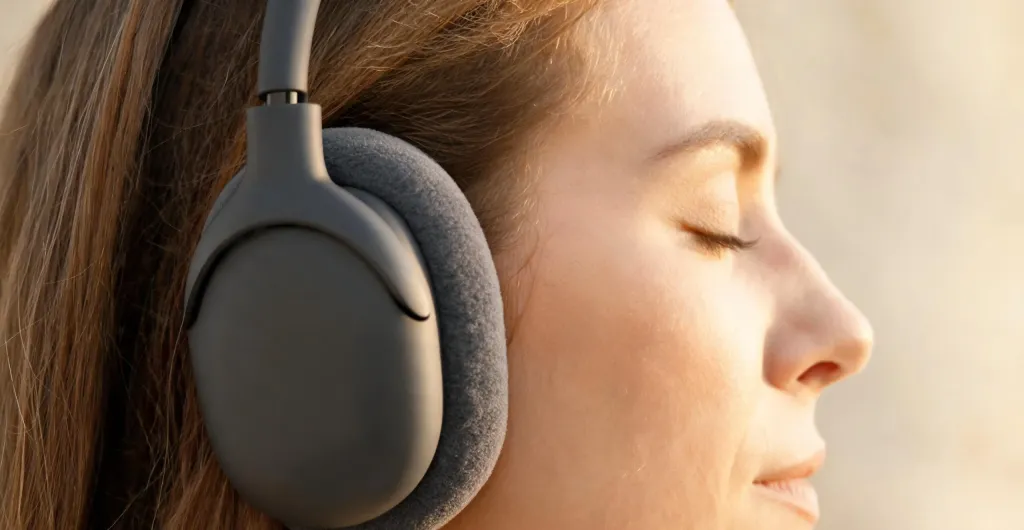
If you have tried bone-conduction headsets and found the audio thin, the OpenEar Pro 2 delivers noticeably richer, fuller sound. Reviewers consistently rank it among the best open ear headphone for phone calls in its class. It is an ideal choice for warehouse managers, online teachers, consultants, and anyone who needs to remain aware of their environment while sounding professional on calls.
Both models are compatible with Zoom, Microsoft Teams, Webex, Google Meet, and other leading platforms, running on Windows, macOS, Linux, Android, and iOS.
How to Choose the Right USB Dongle Wireless Headset for Your Needs
Selecting the right usb dongle headset comes down to matching features to your daily routine:
- Assess your environment: Noisy offices demand ENC noise cancellation and a boom microphone. If you need ambient awareness, consider an open ear wireless headphone with microphone.
- Check connectivity flexibility: The best wireless headset with dongle also includes Bluetooth for mobile use. Look for multi-point connection so you can pair with your laptop and phone simultaneously.
- Evaluate battery life: 15-hour batteries suit most professionals, but call center agents may need 30+ hours to avoid mid-shift charging.
- Test comfort for long sessions: Over-ear designs like the HP31D provide isolation. Open-ear designs like the OpenEar Pro 2 offer breathability for users who find traditional headsets fatiguing.
- Verify platform compatibility: Ensure the headset is certified for your primary meeting platform, whether that is Teams, Zoom, or a proprietary call center system.

Quick Setup Tips for Maximum Performance
Follow these tips to get the best performance from your usb dongle wireless headset:
- Use a front USB port: Dongles perform best with direct line-of-sight to your headset. Avoid USB hubs or ports hidden behind metal panels.
- Update firmware: Manufacturers regularly release updates that improve latency and fix bugs. Check the support portal every few months.
- Pair Bluetooth in advance: If your headset supports Bluetooth, pair it with your phone before busy periods so you are ready when calls switch devices.
- Position the microphone correctly: Place boom mics roughly two finger-widths from the corner of your mouth. On open-ear models, point the mic arm toward your face.
- Charge proactively: Make charging part of your end-of-day routine so you start each morning at 100%.
FAQs
Is a USB dongle headset better than Bluetooth for video calls?
Yes. A USB dongle headset typically delivers lower audio latency, a more stable connection, and better microphone quality than standard Bluetooth. The dedicated wireless protocol avoids Bluetooth congestion and interference, making it ideal for professional video calls, virtual meetings, and call center work.
What causes audio lag in wireless headsets?
Audio lag is caused by encoding, transmission, and decoding delays. Standard Bluetooth must compress audio, negotiate bandwidth with other devices, and route through your computer's Bluetooth stack. USB dongle headsets use optimized, low-latency protocols that bypass these bottlenecks, often reducing delay to as little as 30 milliseconds.
Can I use a USB dongle headset with a computer that has no Bluetooth?
Absolutely. One of the biggest advantages of a USB dongle wireless headset is plug-and-play compatibility with any PC or Mac that has a USB port, even if the computer lacks built-in Bluetooth. Simply insert the dongle and the headset connects automatically.
How far can I move from my desk with a USB dongle headset?
Most USB dongle wireless headsets provide a reliable range of approximately 33 feet (10 meters) indoors. The dedicated radio signal generally maintains a stronger, more consistent connection than Bluetooth at the same distance, with fewer dropouts when moving between rooms.



