







Ever tried presenting a crucial report while your dog barks relentlessly and consumer earbuds echo? It’s a frustrating pain point that derails your professional image instantly. Finding the perfect video conference headset in 2026 is no longer a luxury; it is a necessity for clear communication. In this guide, we explore top meeting platforms, break down audio technology, and help you choose the right gear. Let’s banish bad audio, elevate your virtual presence, and transform how you connect online today.
What Is a Video Conference Headset and Why It Matters for Online Meetings
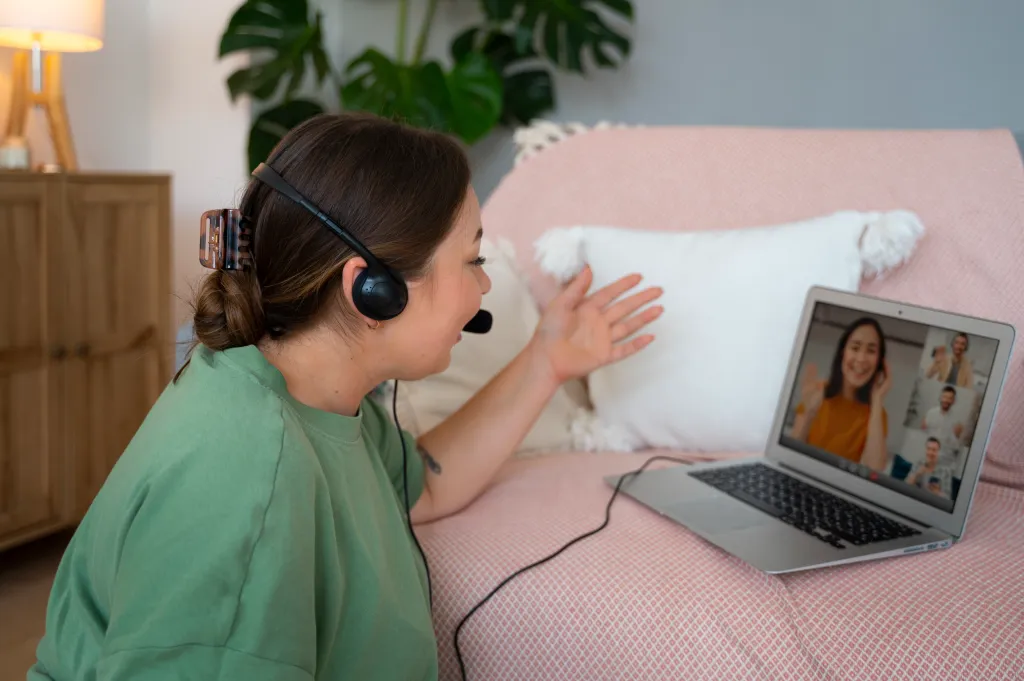
The remote and hybrid work revolution has completely shifted how modern professionals communicate on a daily basis. Standard music headphones are simply no longer sufficient for the rigorous demands of modern corporate communications.
A dedicated video conference headset is specifically engineered from the ground up to handle the unique audio frequencies of human speech. These devices are purpose-built to navigate the complex acoustic environments of home offices, coffee shops, and bustling corporate floors.
Why Standard Earbuds Fail in Professional Settings
Using standard consumer earbuds for an important client call is an incredibly risky gamble in 2026. Here is exactly why they fall short:
- Lack of Voice Isolation: Consumer audio prioritizes heavy bass for music, leaving human voices sounding muddy and easily drowned out by background noise.
- Zero Hardware Noise Suppression: Basic earbuds pick up every single keystroke, passing siren, or background conversation happening in your immediate vicinity.
- Severe Meeting Fatigue: Poor audio forces your brain to work twice as hard to decode what people are saying, leading to deep frustration and exhaustion.
The 2026 Remote Work and Virtual Meeting Landscape
To truly understand the critical importance of investing in high-quality audio gear, we must look at the objective market data. The massive shift to remote work is the permanent new reality:
- Workforce Shifts: According to a comprehensive Forbes report on remote work statistics, an estimated 32.6 million Americans will be working remotely by 2026 (roughly 22% of the workforce).
- Market Explosion: Detailed data from Fortune Business Insights reveals the global video conferencing market is projected to skyrocket to a staggering $65.72 billion by 2034.
- The Digital Handshake: With so much critical business happening virtually, your audio quality is your new digital handshake. Muffled audio instantly undermines your professional authority.
The Anatomy of a Professional Video Conference Headset
When you invest in premium audio hardware, you are paying for sophisticated technology designed specifically to process and enhance human speech. Here is a breakdown of what makes these devices so advanced:
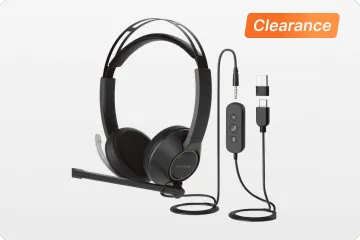
- Digital Signal Processing (DSP): This microscopic internal chip actively filters out background noise in real-time while enhancing the mid-range frequencies of human speech.
- Acoustic Shock Protection: Professional headsets include built-in hardware limiters to instantly block dangerous audio spikes above 118 decibels, protecting your hearing.
- Sidetone Technology: This feature feeds a tiny amount of your own voice back into the earcups, stopping you from unconsciously shouting and preventing the "plugged ear" feeling.
- Unified Communications (UC) Certification: This guarantees strict plug-and-play compatibility with major platforms, ensuring your physical mute buttons work flawlessly with your software.
Why You Cannot Rely on Laptop Microphones
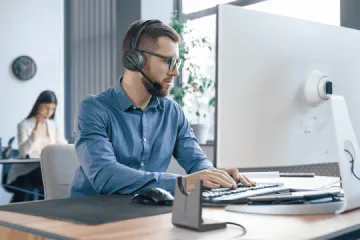
Relying on your laptop’s built-in microphone is universally considered a massive mistake for any remote worker.
- Omnidirectional Flaws: Laptop mics pick up sound from every single angle of your room equally, resulting in a hollow, cavernous room echo.
- Proximity to Noise: The microphone is located right next to noisy keyboard switches and internal cooling fans, practically guaranteeing mechanical noises will bleed into your meeting.
- The Solution: A dedicated headset for video conference use solves this by placing a highly directional microphone mere inches from your mouth, ensuring incredible vocal precision.
Top Conference Software for Online Meetings in 2026
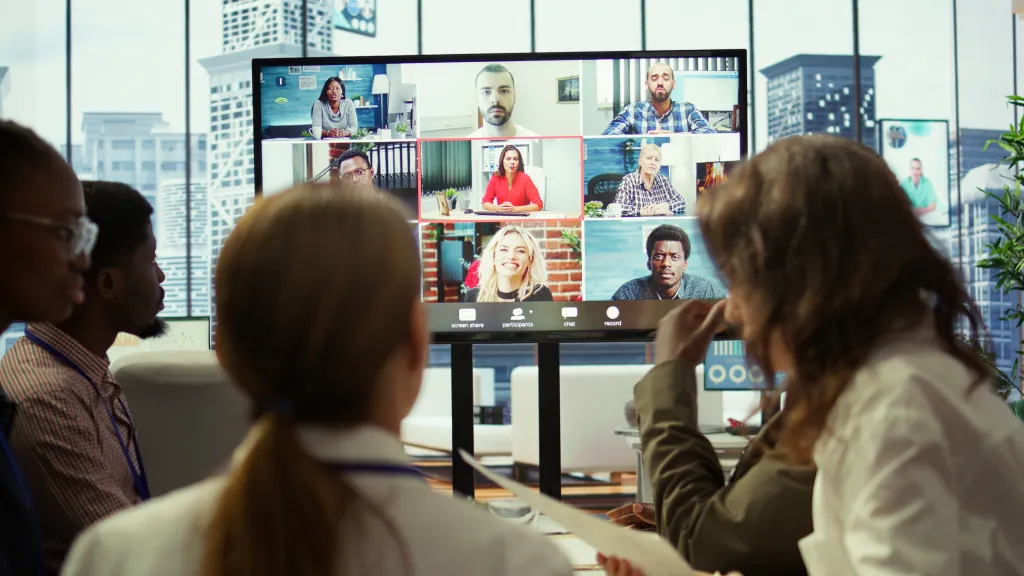
Even the smartest meeting software cannot fix a terrible hardware microphone. Pairing the right hardware with top-tier meeting software creates a seamless, stress-free professional experience.
Below, we break down the undisputed leaders in the video conferencing space for 2026 and detail exactly how your audio hardware interacts with them.
Microsoft Teams: The AI-Powered Behemoth
Microsoft Teams has firmly cemented its place as the undisputed backbone of global corporate communication.
- Core Focus: Enterprise internal collaboration and deep integration with the Microsoft Office ecosystem.
- AI Audio Features: Teams heavily utilizes cloud-based AI (like Microsoft Copilot) for real-time translation, automated meeting summaries, and advanced background noise suppression.
- Ideal Hardware Pairing: To get the maximum benefit, you need a natively compatible MS Teams certified headset. This allows you to answer calls and mute directly from tactile headset buttons.
Zoom Workplace: The Ubiquitous Choice
Zoom remains the universal go-to choice for user-friendly, high-quality video meetings across all industries.
- Core Focus: External client-facing meetings, massive webinars, and user-friendly interface design.
- AI Audio Features: The platform offers users the granular ability to manually adjust background noise suppression levels from low, to medium, to high.
- Ideal Hardware Pairing: Because setting software suppression too high can distort your voice, pairing Zoom with a premium headset allows you to safely leave Zoom’s suppression on "Low."
Google Meet: The Browser-Based Favorite
Google Meet continues to dominate the modern education sector and agile tech startups due to its incredibly lightweight, browser-based architecture.
- Core Focus: Agile startups, seamless browser access, and tight Google Workspace integration.
- AI Audio Features: Deeply integrated with Gemini AI, providing studio-quality sound processing and excellent audio separation technology for chaotic environments.
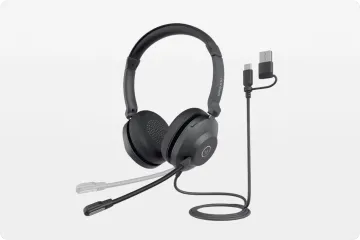
- Ideal Hardware Pairing: A simple plug-and-play USB wired headset is often the most reliable choice, completely bypassing complex driver installations.
Cisco Webex: The Enterprise Standard
When military-grade security encryption and uncompromising stability are strictly required, large global enterprises turn directly to Cisco Webex.
- Core Focus: High-security environments, government agencies, and flawless handling of massive global webinars.
- AI Audio Features: Boasts some of the most advanced proprietary noise-removal technology in the industry, capable of stripping away loud lawnmowers without degrading the speaker's voice.
- Ideal Hardware Pairing: IT departments actively mandate the use of specifically approved enterprise-grade DECT or UC-certified headsets to ensure strict security compliance.
2026 Conference Software Comparison Summary
Choosing the right platform often dictates the specific type of audio hardware you should invest in.
| Software Platform | Best Use Case | Key AI Audio Feature | Ideal Headset Type |
|---|---|---|---|
| Microsoft Teams | Enterprise internal collaboration | Copilot meeting summaries | MS Teams Certified Wireless |
| Zoom Workplace | External client facing meetings | Granular noise suppression controls | UC Certified Stereo/Mono |
| Google Meet | Agile startups and education | Studio sound processing | Plug-and-play USB Wired |
| Cisco Webex | High-security global webinars | Proprietary deep noise removal | Enterprise-grade DECT |
How to Choose the Best Headset for Conference Calls
With thousands of options flooding the global market, finding the best headset for conference calls goes far beyond looking at the price tag. You are investing in a daily productivity tool.
To separate a true professional headset for video conference use from a basic consumer headphone, you need to rigorously evaluate these five core technological pillars:
Microphone Noise Cancellation (ANC vs. ENC)
This is the most critical metric. Basic headphones only block noise for you, while professional devices protect your listeners.
- ANC (Active Noise Cancellation): Designed for your focus. It blocks ambient noise from reaching your ears, but it does nothing for the people listening to you.
- ENC (Environmental Noise Cancellation): Designed for your listener. It utilizes an array of outward-facing microphones on a boom arm to calculate and actively strip away the dog barking or keyboard typing around you.
- The Verdict: Ensure your device has hardware-level ENC. Investing in a dedicated bluetooth noise cancelling headset with mic guarantees your client only hears your isolated, crystal-clear voice without background interruptions.
All-Day Wearing Comfort
The absolute best headset conference calls demand is completely useless if it gives you a severe tension headache after twenty minutes.
- Target Weight: For true all-day wearability, target a total weight of strictly under 150 grams.
- Headband Design: The headband must distribute weight evenly across the crown of your head, rather than squeezing your temples like a vice grip.
- Cushion Materials: High-density memory foam wrapped in breathable protein leather or cooling fabric mesh is mandatory to prevent heat buildup and sweating.
Open-Ear vs. Over-Ear Architecture
Your structural design choice heavily dictates your acoustic isolation and long-term daily comfort.
- Over-Ear (Stereo) Designs: Physically enclose your ears. This provides maximum passive noise isolation, making them perfect for focusing deeply in chaotic environments.
- Open-Ear Architecture: Rapidly dominating the modern workspace. These designs bypass the ear canal entirely, resting lightly on the cheekbones.
- Health Benefits: Open-ear designs completely eliminate ear fatigue, pressure buildup, and hygiene concerns while allowing you to hear your own speaking volume naturally.
Bluetooth Stability and Range
Nothing kills professional credibility faster than your audio dropping out mid-sentence during a presentation.
- Modern Protocols: In 2026, you should exclusively look for wireless devices supporting at least Bluetooth 5.3 or 5.4 protocols.
- Zero Latency: These modern chips offer significantly wider bandwidth and aggressively lower latency, ensuring your audio remains perfectly synced with your webcam video feed.
- Roaming Range: A strong Bluetooth 5.4 chip provides a reliable roaming range of up to 33 feet, giving you freedom to stand, stretch, or walk while presenting.
Multi-Device Connectivity (Multipoint)
Modern professionals do not work on just one device. You might be watching a webinar on your laptop when a client calls your smartphone.
- The Core Feature: Multipoint Bluetooth technology is a non-negotiable feature that allows your headset to remain actively paired to both your PC and your mobile phone simultaneously.
- Seamless Switching: When your phone rings, the headset automatically pauses the audio from your laptop and switches the connection to your mobile device.
- Workflow Efficiency: This ensures you never have to fumble with Bluetooth settings or miss a critical call.
Matching the Right Video Conference Headset with Your Meeting Setup

The ultimate secret to flawless audio is "Scenario Matching." The most expensive hardware on the market will fail if it does not organically fit your specific physical workspace.
Instead of chasing random specifications, evaluate your daily friction points. Here is how to match specific communication setups with the exact audio solutions engineered to conquer them:
The Remote Work Setup (High Noise Scenarios)
Working from home offers ultimate flexibility, but absolutely zero acoustic control. You are constantly battling unpredictable background noises like neighborhood lawnmowers, delivery drivers, or crying children.
- The Challenge: Creating a flawless, professional acoustic illusion for your clients regardless of the household chaos happening around you.
- The Solution: This environment strictly demands dual-layered noise cancellation to isolate your focus while heavily scrubbing your microphone feed.
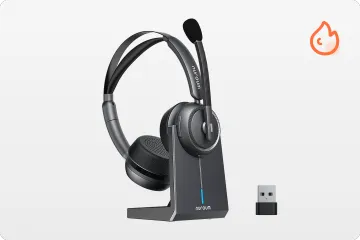
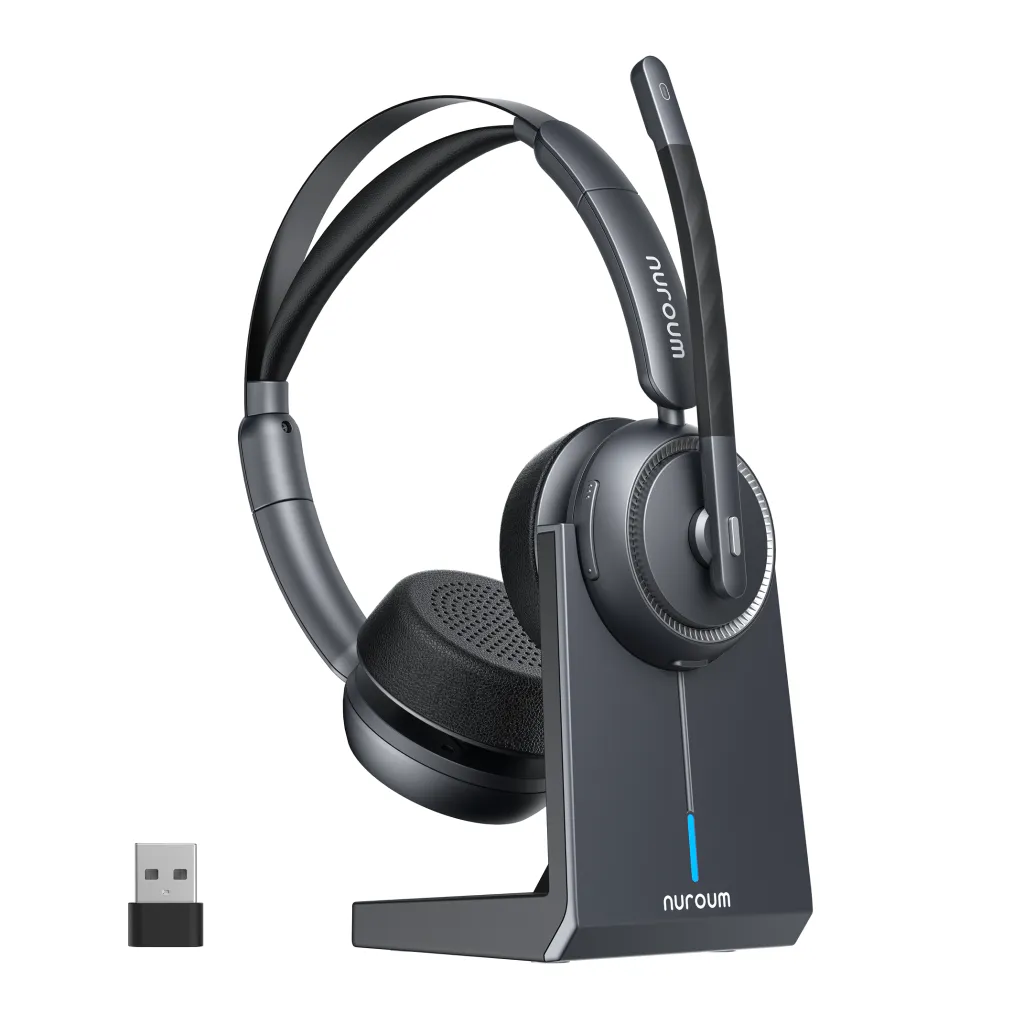
- Top Hardware Match: Deploying an aggressively noise-canceling device is the definitive answer. The Nuroum HP31D is engineered precisely for this scenario—its deep ENC blocks out your household distractions, while its dedicated ENC boom microphone ensures Zoom clients hear absolute boardroom silence.
The Open Office Setup (Collaborative Environments)
The modern open-plan office requires a delicate balancing act. You need to attend frequent Microsoft Teams meetings, but you also must hear when a supervisor walks up to your desk.
- The Challenge: Traditional over-ear headphones create an isolating bubble that severely damages in-person office collaboration. You desperately need situational awareness.
- The Solution: Utilizing advanced directional audio technology that beams sound directly to you without ever blocking your ear canals.
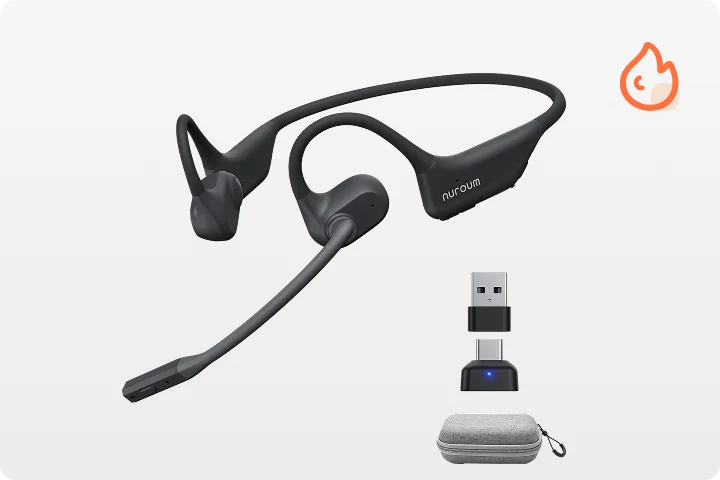
- Top Hardware Match: This is exactly where a wireless open ear headphone thrives. By utilizing the Nuroum OpenEar Pro 2, you can seamlessly transition from a crystal-clear virtual call to an in-person conversation without ever needing to take the headset off.
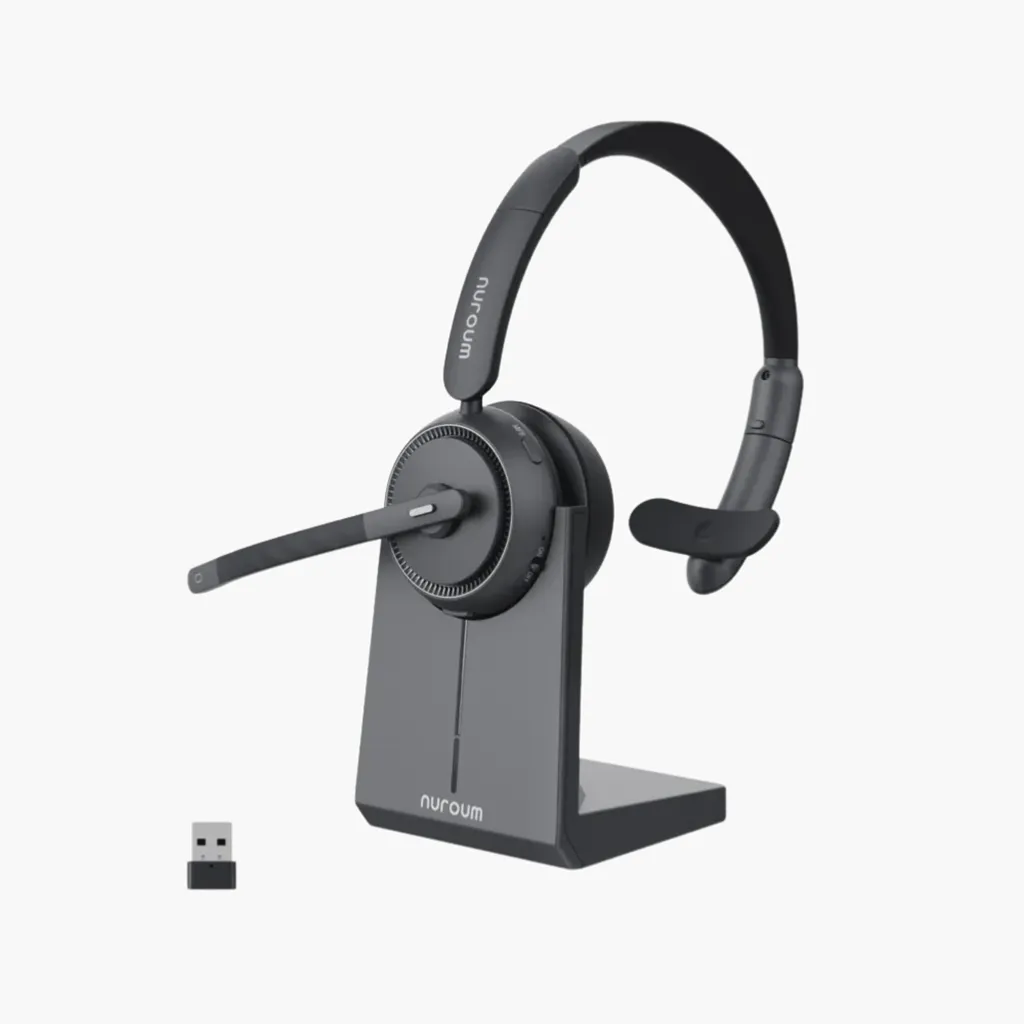
The Call Center and Sales Setup (Daily Business Calls)
Sales executives, recruiters, and customer support agents live on the phone. You are taking back-to-back calls for eight straight hours a day.
- The Challenge: Combating severe voice strain, physical neck fatigue, and battery depletion over a full shift. Having both ears covered forces agents to unconsciously shout, blowing out their vocal cords.
- The Solution: A lightweight, single-ear design that allows you to naturally regulate your speaking volume and prevents physical exhaustion.
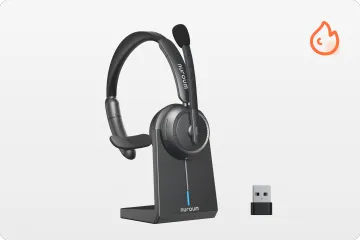
- Top Hardware Match: The industry-standard solution is a lightweight wireless one ear headset. The Nuroum HP31S purposefully leaves one ear free, combines an ultra-lightweight chassis with a precise unidirectional mic, and delivers fatigue-free endurance for your longest shifts.
The Hybrid Meeting Room (Dynamic Switching)
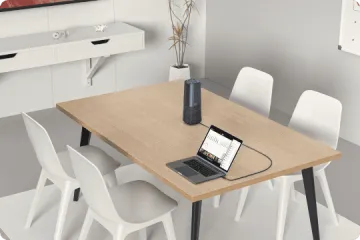
Hybrid workers are constantly on the move. You might start a Google Meet call at a hot-desk, transition to a private huddle room, and finish the conversation on your smartphone while walking to the train.
- The Challenge: You simply cannot afford to lose connection while physically moving between different network zones or rapidly switching your active devices.
- The Solution: Absolute agility and rock-solid software integration via advanced Bluetooth protocols.
- Top Hardware Match: This scenario strictly requires a device with Multipoint Bluetooth 5.4 capabilities. A headset capable of maintaining simultaneous connections ensures your audio feed remains totally uninterrupted as you migrate through the dynamic hybrid office.
Conclusion
Navigating the complex world of virtual communication in 2026 demands more than just a decent webcam; it strictly requires flawlessly reliable audio. As explored in this Ultimate Guide, upgrading your audio gear is one of the highest-ROI decisions any remote professional can make to reduce meeting fatigue and project instant authority.
Ultimately, the best video conference headset is the one that organically matches your specific workspace. By prioritizing hardware-level ENC, all-day ergonomic comfort, and modern Bluetooth stability, you guarantee your voice will always be heard clearly. Stop settling for subpar audio and take confident control of your next virtual meeting today.
FAQs
1.What is the best headset for conference calls if I wear thick glasses?
Wearing thick-framed glasses with a tight, clamping headset can cause severe, debilitating pain directly behind the ears. You should proactively look for lighter "on-ear" models that rest very gently against the outer ear, or utilize open-ear air conduction designs to avoid pressure entirely.
2.Can I use a standard gaming headset for a professional video conference?
Yes, technically you can, but it is rarely recommended for serious professional corporate environments. Consumer gaming headsets are heavily tuned specifically for explosive, deep bass and highly immersive sound effects—not the crisp, mid-range acoustic frequencies of standard human speech.
3.How do I completely stop background noise from bleeding into a video call?
Stopping chaotic background noise requires a highly aggressive two-tiered approach combining both hardware and software. First, you must physically use a premium video conference headset explicitly equipped with a noise-canceling boom microphone (utilizing ENC technology) to physically reject ambient sounds. Second, actively enable the advanced AI background noise suppression features natively built into platforms like Microsoft Teams or Zoom to digitally filter out the rest.
4.What is the exact difference between UC and MS Teams certified headsets?
Unified Communications (UC) certified professional headsets are universally optimized at the factory level to work incredibly seamlessly across multiple major platforms like Zoom, Google Meet, and Cisco Webex. Microsoft Teams certified headsets are technically identical in pure audio quality but feature a very specific, dedicated "Teams button" on the physical hardware. Pressing this button instantly brings the Teams application securely to the front of your screen for faster workflow efficiency.



