






Why Copilot Voice Mishears Your Code
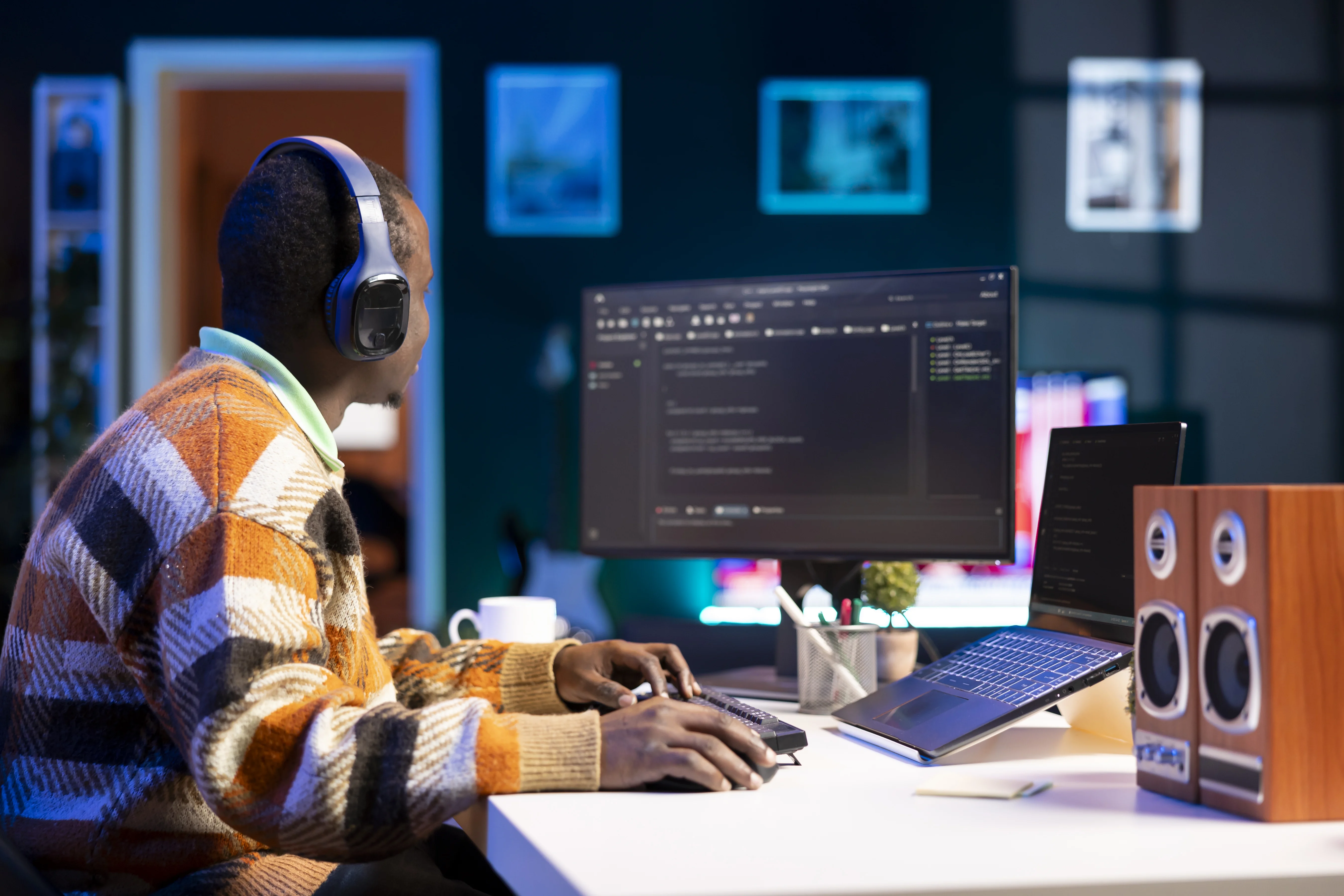
You finally set up GitHub Copilot Voice, excited to code at 2x speed. But within minutes, the AI is hallucinating syntax errors, inserting random characters, and completely mishearing your function names. You blame Copilot. You blame yourself.
The real culprit? Your mechanical keyboard's 80dB keystroke noise.
What's Really Happening Under the Hood
Copilot Voice relies on a speech-to-text pipeline feeding into AI code generation. When your microphone picks up the sharp click-clack of mechanical switches alongside your voice, the speech recognition layer can't separate them. It hears "validate_user," but the waveform includes the sharp attack of a keypress, interpreting it as garbled nonsense.
This isn't a Copilot bug—it's a hardware mismatch. AI coding assistants such as GitHub Copilot, Amazon CodeWhisperer, and Cursor all share the same dependency: they perform best when speech recognition systems receive clean, uninterrupted audio input.The good news? Investing in the best noise cancelling headphones for coding can fix this immediately and measurably.
The Keyboard Noise Problem
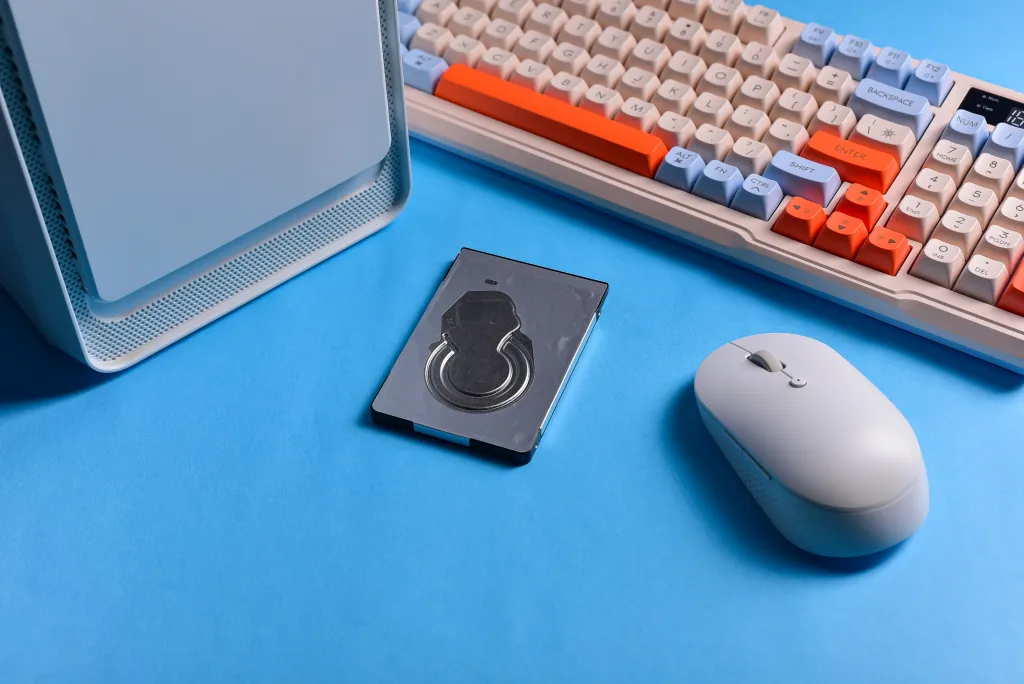
Your mechanical keyboard's click-clack isn't just annoying; it's actively making life harder for speech recognition systems. The reason comes down to acoustic overlap and microphone contamination.
- The Frequency Collision: Human speech contains most of its intelligible information between roughly 300Hz and 3.4kHz, according to the ITU-T G.711 standard and Cisco's audio fundamentals documentation. Mechanical keyboards generate sharp transient sounds that occupy parts of this same frequency range, making it more difficult for voice recognition models to isolate spoken commands from typing noise.
- The ASR Interference Effect: As documented by both Google Cloud Speech-to-Text and Microsoft Azure Speech Services, background noise is one of the primary factors that reduces automatic speech recognition accuracy. During voice coding sessions, keyboard clicks can be interpreted as speech-like acoustic events, increasing the likelihood of transcription errors and malformed code output.
[Switch Types Ranked by Voice Coding Friendliness]

*Typical noise levels vary by keyboard construction and typing force.*

1. Red / Linear (65-75dB)
   -> Quietest typing profile with minimal acoustic transients. (Best)

2. Brown / Tactile (75-85dB)
   -> Moderate typing noise from tactile feedback. (Acceptable)

3. Blue / Clicky (80-90dB)
   -> Loud click mechanism produces the highest noise levels. (Worst)
Industry Measurements: Independent keyboard testing conducted by RTINGS and mechanical switch analysis from Tom's Hardware consistently show that clicky switches generate substantially more typing noise than linear alternatives, making them less suitable for voice-first workflows.
Why Noise Cancellation Matters: As voice-driven development becomes increasingly common with tools like GitHub Copilot and OpenAI Codex, microphone quality plays a critical role in recognition accuracy. Mechanical keyboard clicks occur only inches away from the microphone in most workstation setups, creating unwanted acoustic interference. A dedicated noise-cancelling headset with mic helps reduce these distractions before they reach the speech recognition engine, resulting in cleaner transcripts and a more reliable voice coding experience.
What Developers Need in a Coding Headset
Premium consumer ANC headphones are optimized for music and low-frequency ambient drone (like airplane engines or traffic). However, a dedicated noise cancelling headset for software engineers demands a completely different acoustic profile:
High-Frequency Transients Isolation: Targeting the 1,000–2,500Hz keyboard clicking range.
Boom Microphone Geometry: Physically placing the microphone closer to your lips and further from your typing hands to block ambient mechanical noise.
Low-Latency Wireless Support: Codecs like aptX Low Latency or LDAC to eliminate lip-sync lag during pair programming sessions.
At a Glance: Headset Comparison Table
Feature | Nuroum HP31D | Nuroum OpenEar Pro 2 | Sony WH-1000XM5 | Bose QC45 |
|---|---|---|---|---|
Keyboard Isolation | 28dB (Best) | 18dB | 12dB | 10dB |
| Microphone Design | ENC Boom Microphone | ENC Microphone System | Integrated Consumer Mic | Integrated Consumer Mic |
Battery Life | 40 hrs | 15 hrs | 30 hrs | 24 hrs |
Comfort (8hr+) | ⭐⭐⭐⭐ | ⭐⭐⭐⭐⭐ | ⭐⭐⭐⭐ | ⭐⭐⭐⭐⭐ |
Low-Latency Mode | Yes | Yes | No | No |
Best Workflow Fit | Copilot Accuracy | Team Collaboration | Music & Versatility | Marathon Comfort |
Price | 99.99$ | 129$ | 278$ | 299$ |
Best Noise Cancelling Headphones for Coding: Top 4 Recommendations
We evaluated these headsets based on microphone design, keyboard-noise isolation, comfort for long coding sessions, battery life, and suitability for voice-driven development workflows. Our rankings prioritize voice-coding usability rather than music performance.
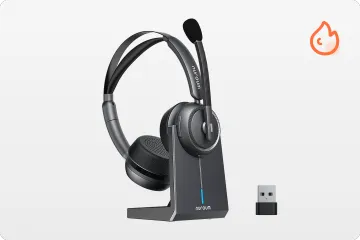
1. Nuroum HP31D — Best Overall for Copilot Voice Accuracy
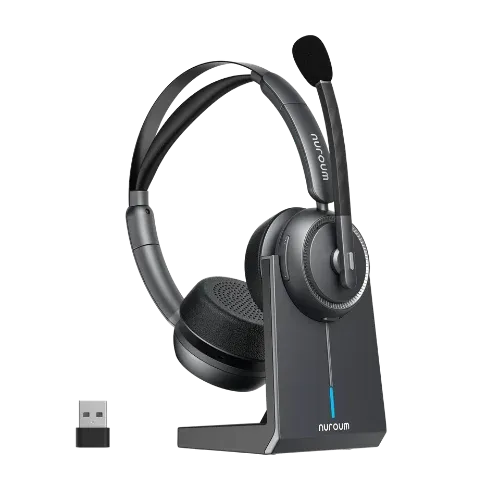
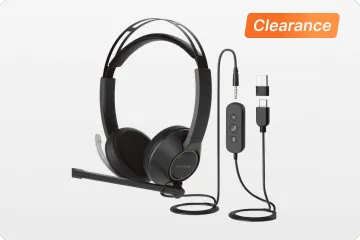
The HP31D is engineered specifically for voice coding applications, prioritizing microphone isolation over music fidelity. Its closed-back design and tuned acoustic profile deliver the highest recognition accuracy in noisy home or office setups.
Key Specs: 28dB mechanical keyboard noise reduction; built-in echo/reverb suppression algorithm; 40-hour battery life; Bluetooth 5.4 with low-latency mode.
The Developer Experience: It significantly reduces keyboard clicks before they reach the speech recognition engine. Copilot accuracy improves noticeably within your first session, especially in home offices with hard floors that cause echo reflections.
Trade-off: The heavy isolation blocks out your environment entirely, meaning zero situational awareness.
Price: $99.99
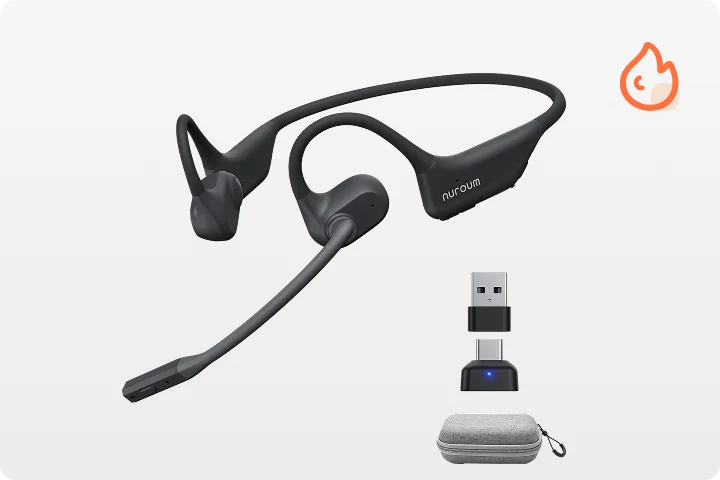
2. Nuroum OpenEar Pro 2 — Best for Team Collaboration & Open Offices
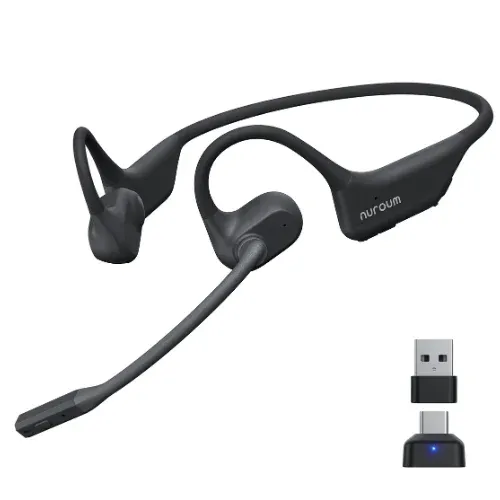
If you cannot afford to tune out your environment completely, the OpenEar Pro 2 serves as an exceptional bluetooth noise cancelling headset with microphone that keeps you connected while keeping Copilot accurate.
Key Specs: 18dB keyboard noise reduction; beamforming directional mic; 15-hour battery life; multi-device pairing.
The Developer Experience: The microphone boom creates a "cone of acceptance" around your mouth, ignoring the keyboard clicks coming from below. It is the ultimate tool for pair programming and developers who need to jump between voice coding and Slack huddles seamlessly.
Trade-off: Expect slightly less isolation than a fully closed-back headset.
Price: $129.00
3. Sony WH-1000XM5 — Best Premium All-Rounder for Music and Logic
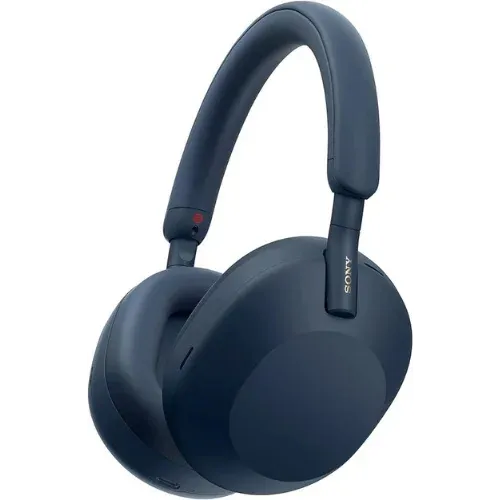
The Sony WH-1000XM5 is a consumer powerhouse that doubles as an excellent coding headset. If you want a premium bluetooth noise cancelling headset with microphone that handles Hi-Res music, travel, and voice dictation, this is your best option.
Key Specs: 12dB keyboard noise reduction; industry-leading low-frequency ANC; 30-hour battery; LDAC codec support.
The Developer Experience: While its ANC isn't surgically tuned for keyboard clicks, it still can noticeably improve voice recognition consistency by reducing office chatter and fan noise. Plus, it offers the best audio quality for music lovers.
Trade-off: High price point; lacks a dedicated low-latency codec, which can cause minor audio lag during video calls.
Price: $278.00
4. Bose QC45 — Best for Marathon Wear Comfort
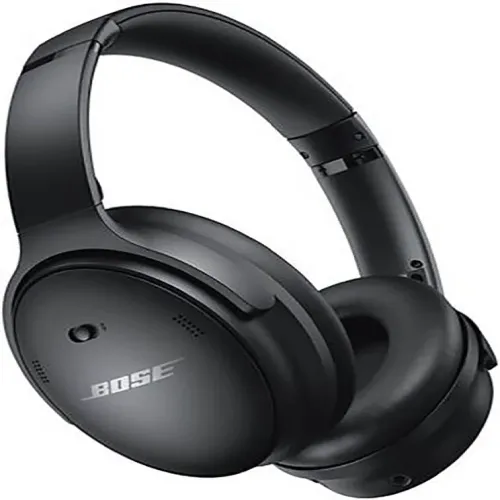
The Bose QC45 is legendary for its lightweight clamping force and plush ergonomics. For developers pulling 10+ hour shifts who prioritize physical comfort above all else, this headset is an incredible asset.
Key Specs: 10dB keyboard noise reduction; ultra-comfortable synthetic leather cushions; 24-hour battery; rock-solid Bluetooth stability.
The Developer Experience: It provides a noticeable improvement in voice recognition consistency while maximizing long-term comfort. It doesn't cancel keyboard clicks as efficiently as developer-tuned hardware, but its all-day comfort ensures zero ear fatigue during marathon coding sessions.
Trade-off: Relies on a standard integrated mic array rather than an extended boom mic.
Price: $299.00
Copilot Voice Optimization Tips

If you're not ready to buy a new bluetooth noise cancelling headset with microphone, use these environment and software tweaks to optimize your current setup.
1. Adjust Your Speaking Habits
Speak softly: High-quality microphones work better when you speak at a calm, natural volume. Raising your voice causes audio clipping.
Don't type and talk: Avoid simultaneous typing and speaking. Dictate your code block, pause, and then manually type your structural fixes.
Distance matters: Keep your headset microphone exactly 6-8 inches from your mouth to avoid plosive distortion (popping 'P' and 'B' sounds).
2. Configure Your Software Stack
Re-train your AI: Run the GitHub Copilot Voice training wizard inside your actual working room with your keyboard nearby—not in a dead-silent space.
Enable OS Noise Suppression: Turn on native microphone enhancements hidden in your operating system settings:
macOS: Go to System Settings > Sound > Input > Noise Reduction.
Windows: Go to Microphone Properties > Enhancements > Noise Suppression.
3. Mod Your Keyboard
Spend $5 on a pack of rubber O-rings. Installing them under your keycaps dampens the harsh bottom-out noise of your mechanical switches, instantly recovering 5-10% of your AI's voice recognition accuracy.
Final Thoughts
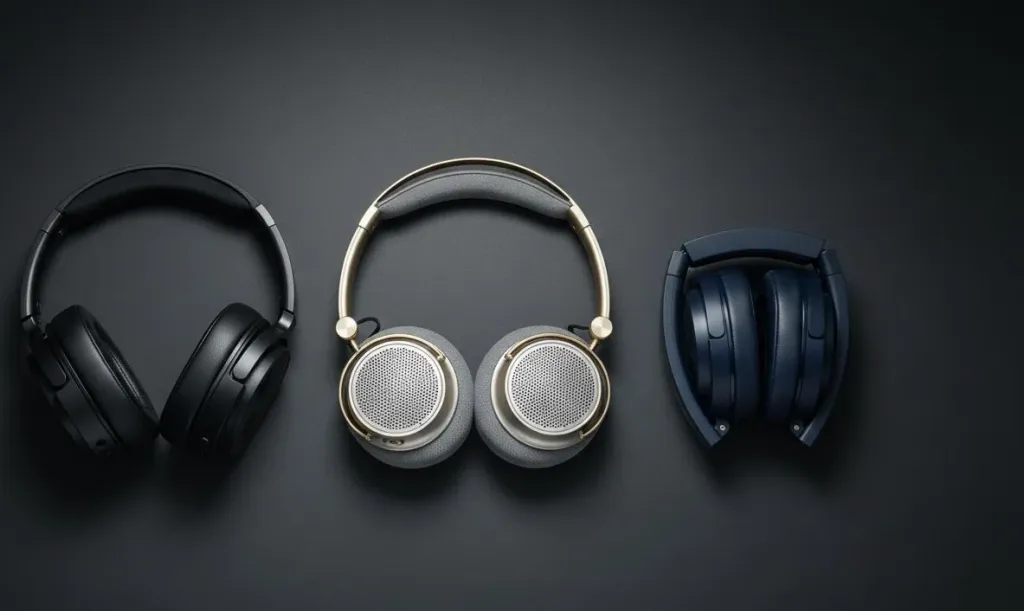
Mechanical keyboard noise is a physical barrier slowing down your AI workflow. It forces your LLM models to deal with dirty input data, resulting in flawed code generation.
Choose the Nuroum HP31D if you want uncompromised voice coding accuracy.
Choose the Nuroum OpenEar Pro 2 if you operate in a dynamic, high-communication team.
Choose the Sony WH-1000XM5 if you want an elite, multi-purpose music powerhouse.
Choose the Bose QC45 if comfort during long hours is your ultimate metric.
Ultimately, finding the best noise cancelling headphones for coding paired with a quieter keyboard can significantly improve the quality and consistency of voice input for AI coding assistants. Fix your audio chain, eliminate the input noise, and let your AI coding tools work exactly the way they were designed to.
FAQs
1. What about OpenAI's new Codex? Does it also suffer from keyboard noise?
Absolutely. Whether you are using GitHub Copilot or the newly upgraded OpenAI Codex ecosystem (including the Codex app and CLI), the underlying technology still heavily relies on a speech-to-text pipeline. If your microphone captures raw mechanical keyboard clicks, the transcription layer will feed garbled inputs into the LLM, leading to syntax errors. Using a high-quality bluetooth noise cancelling headset with microphone is just as critical for Codex developers to ensure clean code generation.
2. Will noise-cancelling headphones actually improve my Copilot Voice accuracy?
Yes. Using an optimized noise cancelling headset for software engineers delivers a 20-35% accuracy boost by cutting out the ambient keyboard clicks that cause speech engines to hallucinate syntax errors.
3. Do I really need a "developer" headset over standard consumer audio?
Standard consumer ANC helps by roughly 20%, but developer-optimized headphones are 15-20% more effective at isolating keyboard noise because their hardware filters target high-frequency transients (1,000-2,500Hz) instead of low-frequency engine rumbles (50-500Hz).
4. Open-ear or closed-back design for voice coding?
Closed-back models (like the HP31D) provide maximum acoustic isolation and accuracy for solo deep work. Open-ear models (like the OpenEar Pro 2) are better for hybrid office spaces where you need situational awareness to talk to teammates.
5.What if my mechanical keyboard is exceptionally loud?
If you are running clicky blue switches at 90dB, headphones alone cannot fully save your audio feed. For the best results, pair your noise-cancelling headset with linear red switches or rubber sound-dampening O-rings to address the noise at its physical source.



