













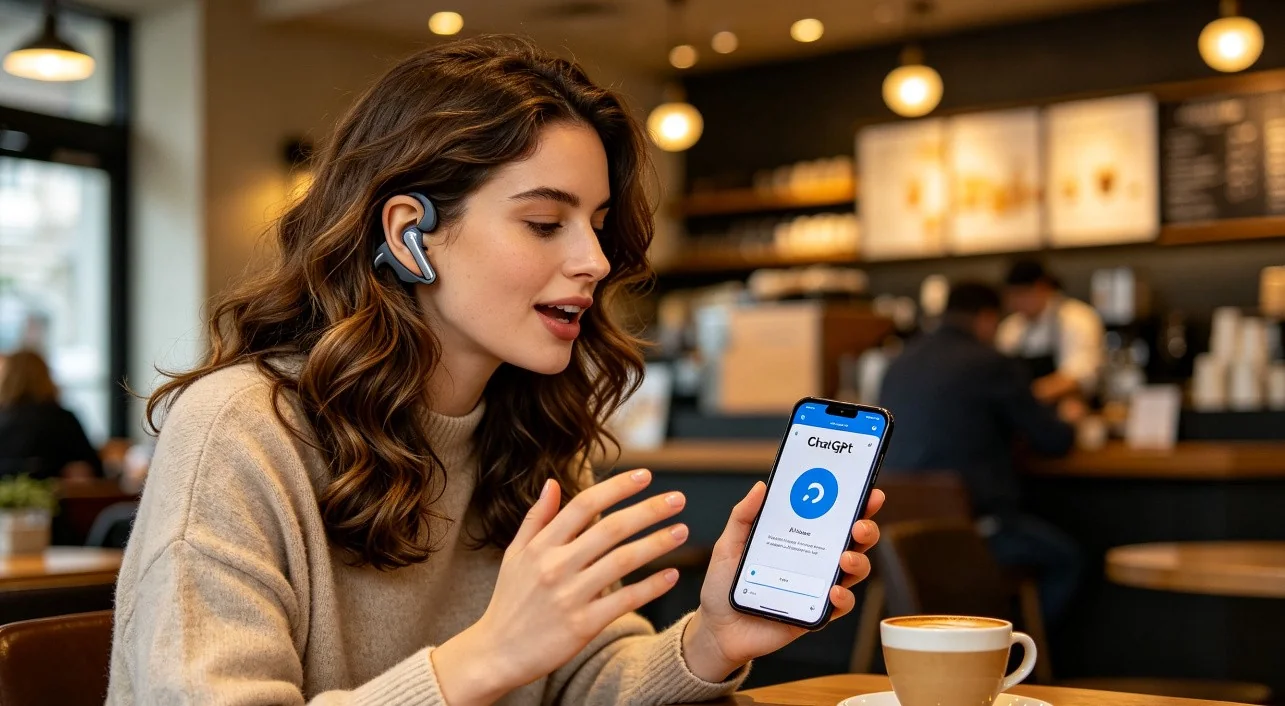
Talking to AI in a busy coffee shop or airport shouldn't feel like a constant battle with background noise. Yet traditional earbuds often struggle to deliver clear voice input while blocking your awareness of the world around you. This guide explains why open-ear headphones are becoming the preferred choice for AI voice assistants, what features matter most, and how the right headset can make conversations with ChatGPT, Gemini Live, and Claude Voice feel natural wherever you work.
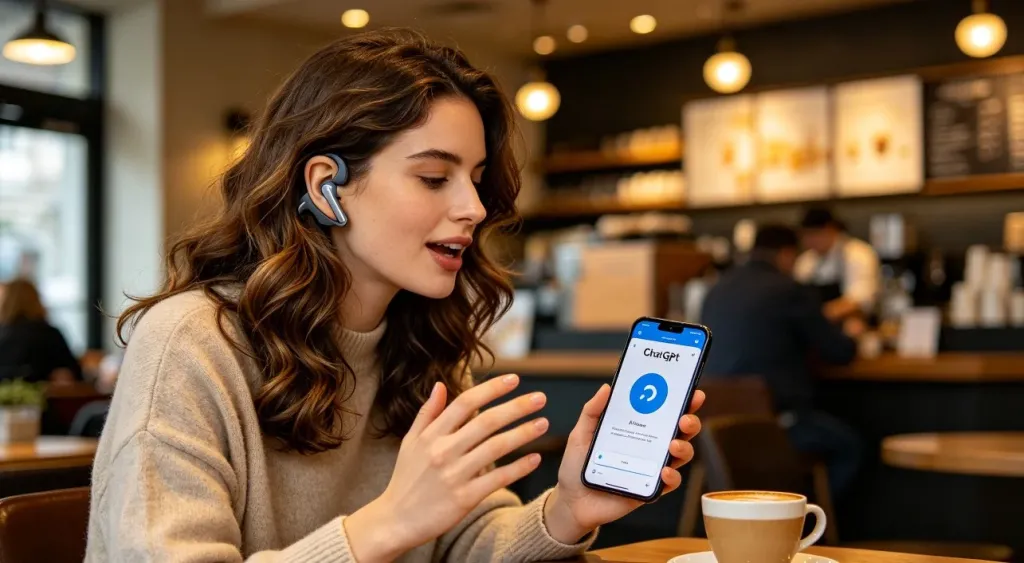
You walk into a coffee shop, order a latte, find a corner table, and open your laptop. You have a dozen ideas to process, and the fastest way to get them out of your head is through ChatGPT Voice Mode. You pull out your earbuds, press play, and start talking.
The AI responds with something that makes no sense. You repeat yourself. It still misunderstands. The espresso machine hisses, a group at the next table laughs, and you realize the problem is not the AI. It is your earbuds. They are picking up everything except your voice.
This scenario plays out daily for millions of AI power users. Remote workers, digital nomads, content creators, and entrepreneurs all share the same desire: to talk to their AI agents seamlessly in public spaces. But the hardware they are using was built for listening to music, not for two-way voice interaction with a language model. A wireless open ear headphone changes the equation entirely.
Why Traditional Earbuds Fail in Public
The first problem is situational awareness. In-ear earbuds seal your ear canal, blocking ambient sound. For music, this is desirable. For talking to ai agent in public coffee shop, it is a liability. You cannot hear your own voice naturally, which makes you speak louder than necessary. You cannot hear the barista calling your name. You cannot hear the scooter approaching as you cross the street. In a public environment, blocking your ears is a safety and social liability.
The second problem is microphone quality. Most consumer earbuds use omnidirectional microphones that capture everything: the espresso machine, the keyboard clatter, the conversation at the next table. The AI voice assistant receives a garbled signal and struggles to separate your speech from the background. The result is a frustrating loop of repeating yourself, rephrasing, and eventually giving up.
The third problem is comfort. In-ear designs apply pressure inside the ear canal. After an hour, they become uncomfortable. After two hours, they hurt. For anyone who uses AI voice assistants throughout the day, comfort is not a luxury. It is a prerequisite.

Open-Ear Design: The Technology Shift That Makes It Work
An open ear headphone with mic solves these three problems simultaneously. Instead of inserting a speaker into your ear canal, an open-ear design positions the speaker driver just outside the ear, directing sound toward the ear opening while leaving the canal completely unobstructed.Instead of inserting a speaker into your ear canal, an open-ear design positions the speaker driver just outside the ear, directing sound toward the ear opening while leaving the canal completely unobstructed. This means you hear your AI assistant clearly while also hearing the world around you.
The difference is not just about comfort. It fundamentally changes how you interact with AI voice assistants. When you can hear your own voice naturally, you speak at a normal volume. Your speech patterns remain natural. The AI receives a more consistent, natural input signal. And because the headphones do not isolate you, you can use them while walking through an airport, sitting in a coworking space, or ordering coffee, all without pausing your AI workflow.
A quality wireless open ear headphone also addresses the microphone challenge with dedicated noise-cancelling technology. Dual-microphone arrays with environmental noise cancellation use DSP chips to filter ambient sound from the voice signal before it reaches the AI. This is microphone-level filtering, not playback-side ANC. The AI hears clean voice audio, and you hear everything around you.
What to Look for in the Best Open Ear Headphone for AI Voice
Not all open-ear headphones are built for AI voice interaction. The category ranges from bone-conduction sports headsets to premium communication devices. Here is what matters most when evaluating the best open ear headphone for phone calls and AI voice use.
- Microphone noise cancellation. Look for headsets with at least two microphones and a dedicated DSP chip for environmental noise cancellation. This is the mechanism that keeps background noise out of your outgoing audio. A single-microphone open-ear headphone will not deliver the voice clarity that AI models need.
- Anti-sound leakage. One concern with open-ear designs is that the speaker can leak sound, making your AI conversation audible to people nearby. Advanced models use acoustic engineering to minimize this leakage, keeping your AI prompts private in public settings.
- Weight and all-day comfort. The best headphones for ai voice assistants are the ones you forget you are wearing. The lightest open-ear models weigh around 30 grams, roughly the weight of a single AA battery. A wrap-around ear hook design distributes this weight evenly.
- Battery life for sustained AI sessions. AI voice interactions consume battery faster than passive music listening because the microphone is always active. Aim for at least 12 hours of talk time to cover a full workday.
- Multi-device connectivity. If you use AI voice assistants on your phone while working on a laptop, Bluetooth multipoint lets you stay connected to both devices simultaneously. A USB dongle adds low-latency connectivity for computers that lack Bluetooth or have unstable Bluetooth stacks.

Scenarios Where Open-Ear Headphones Excel
These devices shine in specific situations that traditional earbuds handle poorly. A digital nomad in a coworking space needs to hear when a colleague taps on their shoulder. An entrepreneur walking through a city center needs to stay aware of traffic. A consultant at an airport lounge needs to hear gate announcements while taking a voice memo. A student working in a coffee shop needs to hear the barista call their order. A content creator dictating a blog post while walking through a park wants to stay alert to their surroundings.
In each case, the common thread is the same: the user needs to interact with an AI voice assistant while staying connected to the physical world. An open ear noise cancelling bluetooth headset delivers both.

Nuroum OpenEar Pro 2: Purpose-Built for the AI Voice Lifestyle
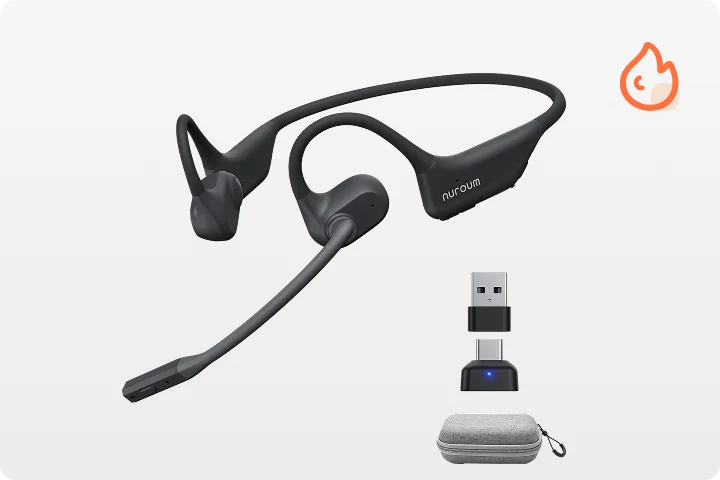
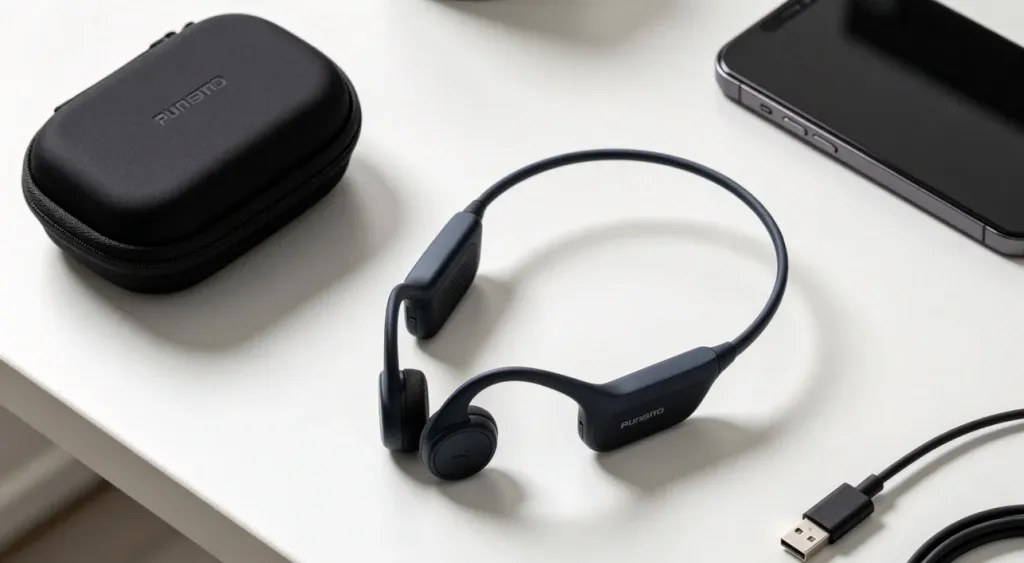
The Nuroum OpenEar Pro 2 is designed for exactly this use case. At 31 grams, it is among the lightest noise-cancelling open-ear headsets on the market. The dual-microphone system with HiFi 4 DSP processing suppresses background noise on the outgoing audio, ensuring that ChatGPT Voice Mode, Gemini Live, or Claude Voice receives clean input regardless of the environment.
The open-ear form factor leaves the ear canal completely unobstructed. This is not a bone-conduction device that vibrates against your skull. It is a traditional air-conduction speaker positioned just outside the ear, which produces fuller, more natural sound than bone-conduction alternatives. The anti-sound-leakage design keeps your AI conversations private, even at moderate volumes.
Bluetooth 5.4 with multipoint support means you can stay connected to both a laptop and a phone simultaneously. The included USB-A and USB-C dongle provides a plug-and-play low-latency connection for PCs and Macs without Bluetooth. Battery life clocks in at 12 hours of talk time or 15 hours of music playback, with a full charge in two hours via USB-C.

The physical controls are a subtle but important detail. A dedicated mute button sits on the headset itself, allowing you to mute your microphone instantly without reaching for your phone or laptop. This is useful when you need to pause an AI interaction mid-sentence, whether because someone is speaking to you in person or because you need a moment to think.
For professionals who need a noise cancelling headphone for work that supports AI voice interaction, the OpenEar Pro 2 bridges the gap between communication headsets and consumer audio gear. It provides the microphone clarity of a dedicated office headset in a form factor light enough to wear from morning coffee to evening commute.
The included carrying case makes the OpenEar Pro 2 practical for mobile professionals. The entire headset folds into a compact package that fits in a laptop bag or even a jacket pocket. For digital nomads, consultants, and anyone who works from multiple locations, portability is not optional.

FAQs
- Why do traditional earbuds fail when using AI voice assistants in public?
Traditional earbuds block ambient sound, which is good for music but problematic for AI voice interactions. They isolate you from your environment, making it harder to stay aware of your surroundings while you speak. Built-in microphones also pick up wind noise and background chatter, degrading the AI's ability to understand your speech.
- How do open ear headphones work for AI voice assistants?
Open-ear headphones sit outside the ear canal, allowing you to hear your own voice and surroundings naturally. This situational awareness is essential in public spaces. Many open-ear models also include ENC microphone arrays that filter background noise for the AI, while keeping your ears open to the environment.
- Can I use open-ear headphones for phone calls in noisy environments?
Yes. The best open-ear headphones for phone calls use dual noise-cancelling microphones and DSP chips to suppress ambient sound from the outgoing audio. This means the person on the other end hears your voice clearly, while you remain aware of traffic, announcements, or conversations around you.
- Are open-ear headphones comfortable for all-day wear?
A wireless open ear headphone is not just a different way to listen. It is a different way to interact. It keeps you present in the world while keeping you connected to your AI. For anyone who works from coffee shops, airports, coworking spaces, or city streets, that combination is the difference between a tool you use and a tool you actually rely on.



