




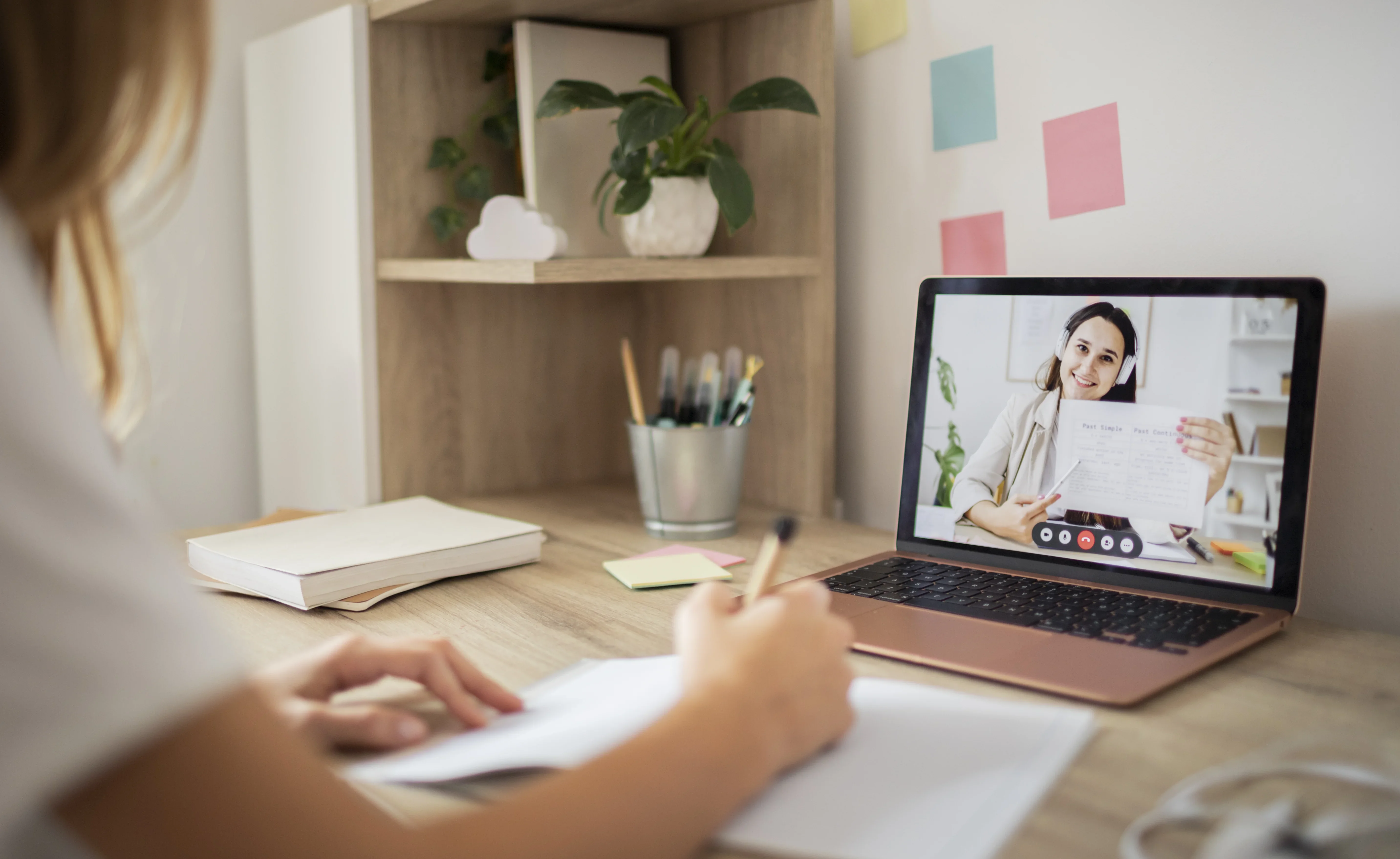
The transition to virtual classrooms has opened global doors for educators, but it has also raised the bar for professional delivery. If you have ever struggled with low student participation or felt that your online presence doesn't fully reflect your actual expertise, your digital environment likely needs a strategic upgrade.
This guide focuses on how to optimize your online classroom for maximum impact, with a special emphasis on the critical role of clear audio quality. You will discover actionable strategies to boost student retention, project polished professionalism, and build a powerful competitive edge in the digital education market.
The Growing Impact of Online Education
The shift toward e-learning is not a temporary phase; it is a rapidly accelerating global trend.
Recent statistics illustrate this massive expansion:
- 1.1 Billion Learners by 2029: According to market data published in the Statista Online Education Worldwide Market Outlook, the global online student and professional base is on track to surpass 1.1 billion users by 2029, showing continuous year-over-year expansion.
- $325 Billion Market: Market intelligence reports from leading firms like Grand View Research show that driven by corporate training and digital infrastructure, the broader online education market has scaled past $325 billion in 2025.
- Accelerating Growth in 2026: Driven by a global wave of professional upskilling and interactive learning platforms, the sector continues to maintain a robust double-digit annual growth rate, with projections expected to cross the $400 billion mark by 2026.
This surge emphasizes a growing demand for high-quality instruction. Educators must now adapt their strategies to ensure engagement and deliver effective lessons in a purely virtual format. Modern communication technology must help bridge the gap between traditional and digital teaching environments.
The Hidden Challenges for Educators
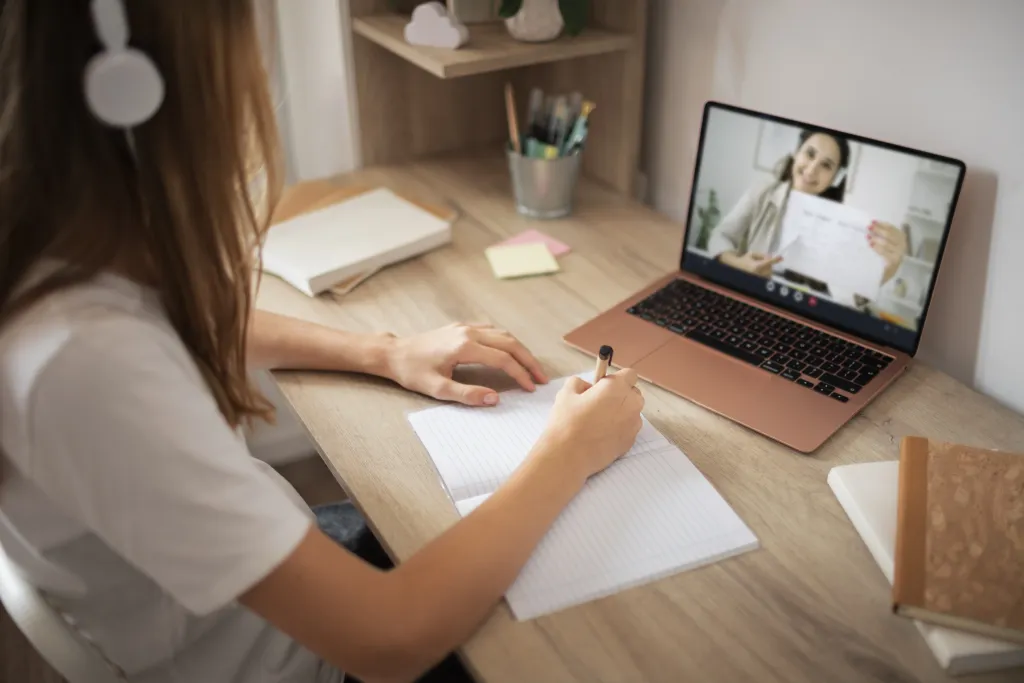
While online education offers incredible convenience, it presents unique obstacles that can hinder both teaching effectiveness and student engagement. Recognizing these barriers is the first step toward creating a better learning environment.
- Distractions and Multitasking: Students learning from home are surrounded by household responsibilities and digital distractions, making it difficult to maintain focus.
- Limited Real-Time Feedback: Without the immediate visual cues of a physical classroom, it is much harder for teachers to gauge if a student is confused or falling behind.
- Technical Glitches: Audio delays, frozen screens, and dropped connections disrupt the flow of the lesson, causing stress and requiring on-the-spot troubleshooting.
- Teacher Fatigue: Speaking for extended periods without natural acoustic feedback strains the voice, and the extra preparation required for engaging digital lessons heavily increases workloads.
The Science of Virtual Fatigue: Why Students Drift and Teachers Burn Out
To understand why virtual classrooms can feel so draining, we can look behind the screen at cognitive psychology and human physiology. When a lesson feels flat, or when you finish a day of teaching feeling completely shattered, it is rarely a reflection of your teaching ability. It is a technical bottleneck. When you rely on inadequate vocal tools, a destructive double-edged sword impacts both sides of the screen.
[ Unoptimized Audio Capture ]
       │
       ├─► Student Side: High "Cognitive Load" (Mental Exhaustion ──► Disengagement)
       │
       └─► Teacher Side: "Vocal Compensation" (Compensatory Shouting ──► Vocal Strain)
How Poor Audio Exhausts Your Students
Every student has a finite amount of mental energy, or working memory capacity. In a perfect room, 100% of that energy goes toward learning your lesson.
However, when your voice is muffled, hollow, or fighting background noise, a destructive shift happens:
- The Cognitive Trap: The student’s brain must instantly divert resources away from comprehending your material to perform a secondary task—decoding a damaged audio signal.
- The Invisible Drain: Industry research into cognitive fatigue in virtual meetings demonstrates that wrestling with poor audio forces the brain to spend up to 50% more mental effort simply trying to process which words were spoken.
- The Result: Students aren't tuning out because they are lazy; they are tuning out because their brains are literally exhausted from "translating" the ongoing static.

How Poor Audio Ruins Your Voice
While students face mental exhaustion, educators face a silent physical struggle known as Vocal Compensation.
When you teach through a standard laptop microphone placed several feet away, the lack of immediate acoustic feedback triggers an automatic psychological trap:
- The Lombard Effect: Your brain subconsciously assumes you are not being heard due to the physical distance, forcing you to unconsciously raise your volume and pitch.
- The Stadium Reflex: You stop speaking conversationally and start "roaring" at your screen as if addressing a crowded football stadium.
- The Physical Toll: According to clinical studies by the American Speech-Language-Hearing Association, this constant over-projection creates massive structural strain on your vocal cords. This leads directly to chronic hoarseness, throat dryness, and deep physical burnout by late afternoon.
Why Audio Clarity is the Missing Link
When we look closely at these two major headaches—students tuning out from mental exhaustion and teachers losing their voices from physical strain—we realize they aren't actually separate problems. They share the exact same root cause: unclear audio quality at the broadcast source.
If your voice sounds distant, echoey, or buried under the hum of a computer fan, a destructive chain reaction is triggered. The further away the microphone is from your lips, the more room noise it collects, forcing the student's brain to work double-time and forcing your vocal cords to over-project.
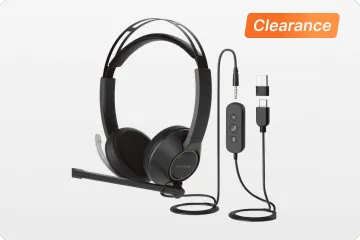
To break this cycle, you don't need to reinvent your curriculum or plead with students to pay attention. You simply need to bring the microphone capsule right to your lips and isolate your voice from the environment. This is where specialized hardware comes into play—specifically, a reliable wireless headphone with microphone for work. Transitioning to a high-quality setup is the ultimate turning point where virtual fatigue ends, allowing you to find the best wireless headphone for online teaching that matches your specific workplace demands.
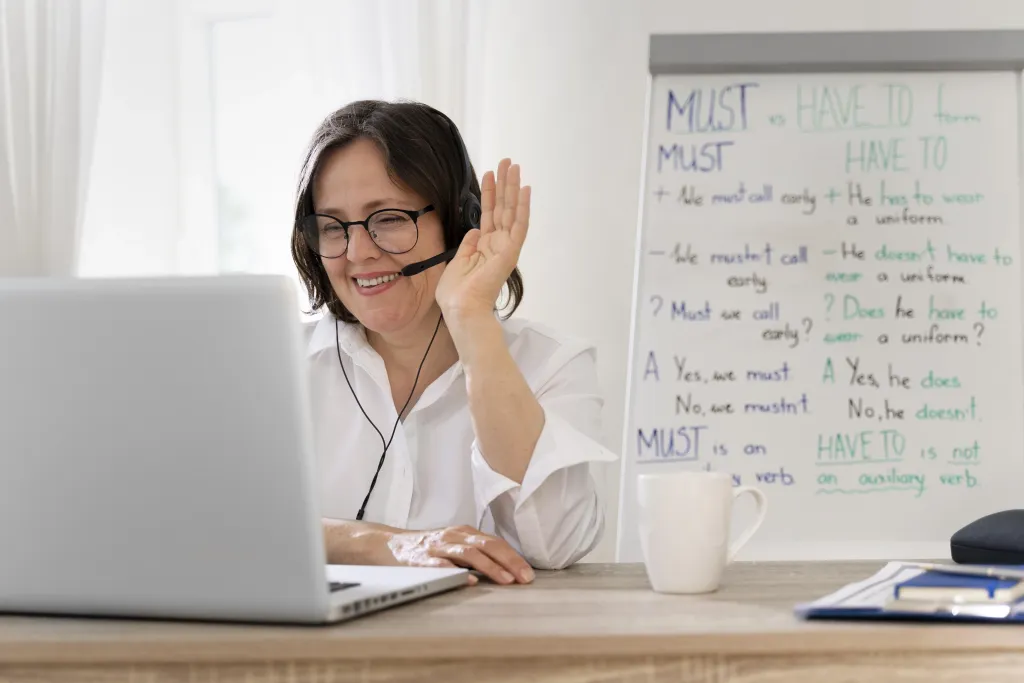
Matching Your Tool to Your Teaching Style
Not all virtual classrooms are the same. Your specific environment should dictate your choice of a wireless headphone with microphone for work. Instead of looking for a one-size-fits-all solution, look for form factors that seamlessly match your daily routine:
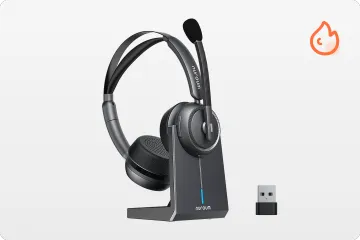
- For Deep Focus & Language Tutors: If you need absolute clarity for pronunciation and phonetics, an over-ear bluetooth noise cancelling headset with mic like the Nuroum HP31D is a powerhouse. Total isolation helps you catch every detail, which is why many consider this style the best wireless headphone for online teaching.
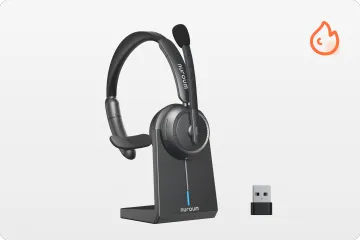
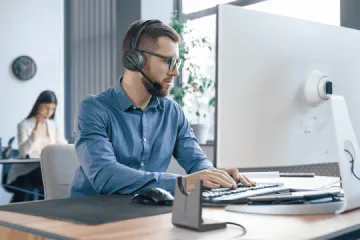
- For Multitasking Home Offices: If you need to keep one ear on your kids or pets while teaching from home, a single ear model is the perfect compromise. It provides professional audio while allowing situational awareness, making it one of the best headphones for zoom meetings for busy parents.
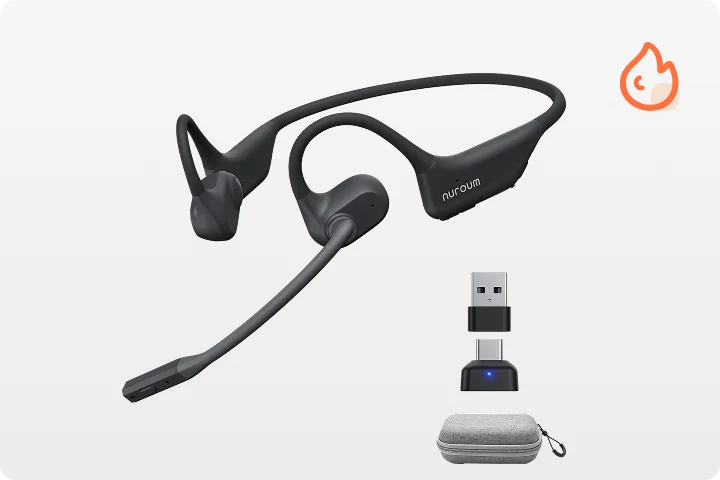
- For Marathon Teaching Days: If you teach 6 to 8 hours a day, an open ear headphone with mic like the Nuroum OpenEar Pro 2 provides ultra-light comfort. This air-conduction design prevents the dreaded ear fatigue, making it an excellent wireless headphone with microphone for work for long shifts.
Practical Tips for Maximizing Your New Audio Setup
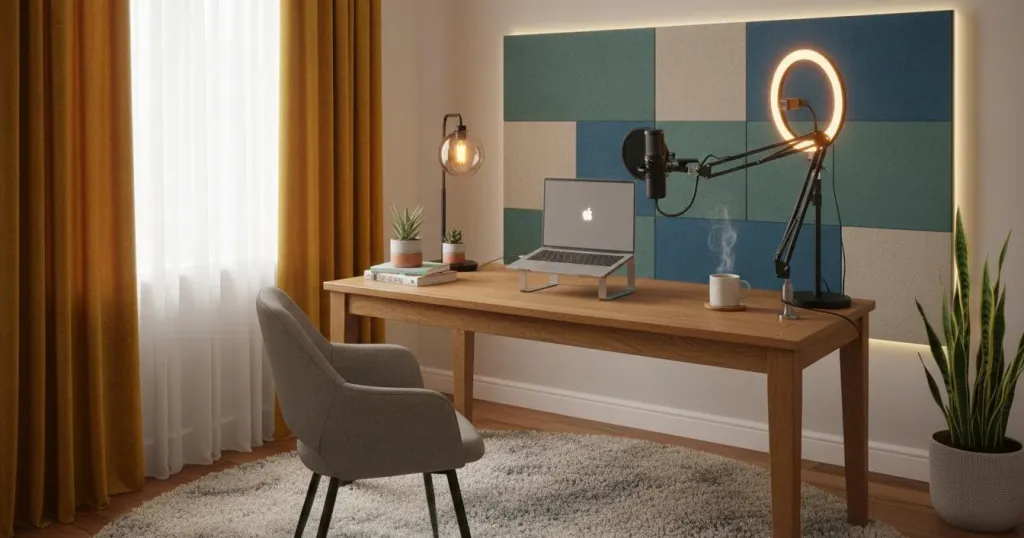
Once you have the right audio gear in place, combining it with a few environmental best practices will maximize your classroom's impact. Here is how to optimize your setup for the ultimate teaching experience:
- Soften the Room: Add a rug or heavy curtains to kill the "echo chamber" effect of hard walls, allowing your voice to sound warm and rich.
- The "Two-Finger" Rule: Position your microphone about two fingers' width from the corner of your mouth to prevent harsh popping or breathing sounds from disrupting the stream.
- Reliable Connection Routing: Always use your dedicated wireless headset with usb dongle instead of built-in system Bluetooth to ensure your audio stays perfectly synced with your video.
- Interactive Elements: Use digital whiteboards, screen sharing, and polls to complement your clear voice and keep students visually engaged.
- Hardware Check: Ensure you have activated the features on your bluetooth noise cancelling headset with microphone to filter out inevitable household background noise before hitting "record."
Conclusion
As online education continues to evolve, the tools you use will dictate your students' success. Clear audio, reliable technology, and engaging teaching methods work together to create a seamless experience. Choosing the best wireless headphone for online teaching is a commitment to educational excellence. It removes the cognitive load from your students and the vocal strain from your day, allowing you to focus on what truly matters: teaching.
FAQs
1. What is the best way to encourage student participation when a virtual class falls completely silent?
To break the ice in a quiet digital classroom, avoid asking open-ended questions to the entire group, which often results in awkward silence. Instead, use micro-engagements: leverage built-in polling tools for anonymous voting, utilize chat-box lightning rounds (where everyone types a one-word answer but hits "enter" at the same time), or break students into smaller discussion rooms. Shifting from a lecture format to interactive micro-tasks lowers the pressure on students and instantly boosts classroom energy.
2. Is it worth buying a dedicated wireless headphone with microphone for work?
Absolutely. Beyond improving student engagement, the best wireless headphone for online teaching protects your voice. By letting the microphone do the heavy lifting, the active protection of a bluetooth noise cancelling headset with microphone reduces vocal strain that leads to chronic hoarseness, making it an indispensable wireless headphone with microphone for work for any educator.
3. What are the best headphones for zoom meetings in a noisy house?
In a noisy environment, you need a bluetooth noise cancelling headset with mic with a high SNR (Signal-to-Noise Ratio). This technology isolates your voice from household chaos, making it the absolute best headphones for zoom meetings for remote tutors who want to protect their professionalism.
4. How do I prevent audio lag during my online classes?
Audio lag is often caused by a crowded Wi-Fi band. Using a dedicated wireless headset with usb dongle creates an interference-free lane for your audio, ensuring your words match your video perfectly. A secondary wireless headset with usb dongle can also be kept as a backup for long back-to-back testing sessions.
5. Can students hear the difference when I upgrade my equipment?
Yes, instantly. When you use a high-quality option that ranks as the best headphones for zoom meetings, students experience significantly less cognitive fatigue. Clearer audio provided by a professional wireless headphone with microphone for work leads to better participation and a more natural feel.



