








Online educators often find that building an engaging, organized virtual classroom is harder than it looks. You may have brilliant lesson ideas and teaching strategies, but without the right online teaching tools, delivering those ideas effectively becomes a daily struggle. Audio drops, video lag, and scattered workflows can derail even the most well-prepared sessions.
This guide cuts through the noise.We've curated five essential categories, so you can build a streamlined, high-impact teaching stack quickly.
Category 1: Interactive Video & Classroom Management
Your video platform is your virtual classroom. It needs to be stable, easy to use, and feature-rich enough to handle real teaching workflows.

Zoom
- Screen sharing with computer audio — play video clips and multimedia without routing audio separately
- Breakout rooms — split students into small groups for discussions, then bring everyone back instantly
- Built-in whiteboard, chat, reactions, and recording with auto-transcription for student review
- Free tier available; paid plans unlock longer group sessions and cloud storage
Google Classroom
- All-in-one cloud ecosystem — seamlessly integrates Docs, Drive, Slides, Forms, and Meet
- Assignment workflow — create, distribute, collect, and grade work in one interface
- Progress tracking — monitor student submissions, leave feedback, and organize modules by unit
- Free for educators; paid upgrades available for expanded storage
Category 2: Audio & Communication Hardware
Poor sound quality breaks student focus and lowers your teaching authority. Non-business headphones clamp too hard, trap heat, and let household background noise through. For educators who depend on their voice, your audio gear is the literal lifeline of your virtual classroom.
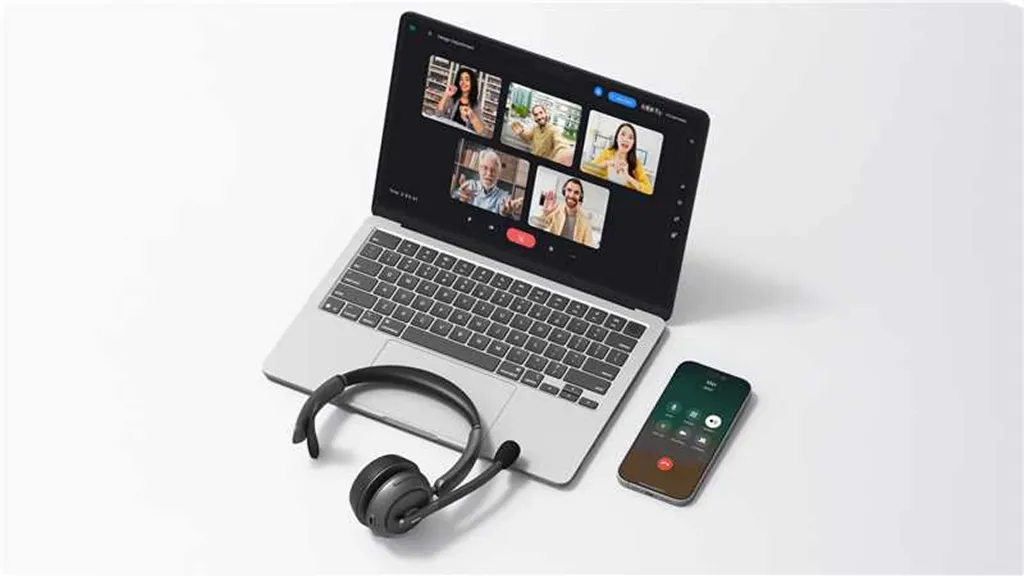
Choose your wireless headphone with microphone for work based on your specific daily teaching style, schedule, and environment:
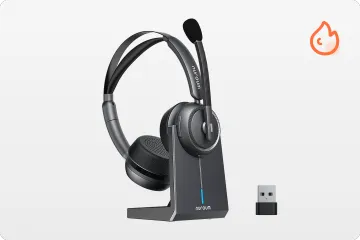
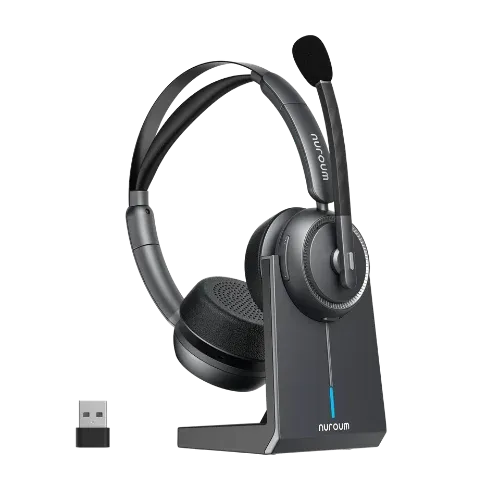
For High-Engagement Instructors: Bluetooth Noise Cancelling Headset with Mic
- Frame-Perfect Sync: While standard Bluetooth causes a split-second audio delay, the NuroumHP31D features a dedicated 2.4GHz USB dongle that slashes latency to an unnoticeable 30ms. This ensures young learners see exactly how your lips articulate words in real time.
- The Ultimate Chaos Filter: Its dual-microphone AI-ENC technology mathematically wipes out up to 99.6% of chaotic ambient sounds like barking dogs, sirens, or typing. Under $100, it includes a premium magnetic charging stand so you can just drop and charge between classes.
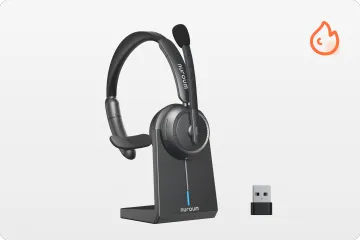
For Work-from-Home Parents: Single Ear Headphone with Mic
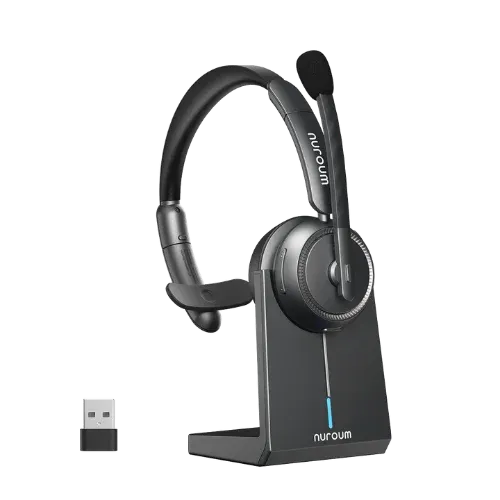
- One Ear for Class, One Ear for Family: Traditional dual-sided headsets completely isolate you from your surroundings. This single ear headphone with mic-Nuroum HP31S solves this with a lightweight, single-sided wireless design that allows you to deliver crystal-clear lessons with one ear while keeping the other free to monitor a sleeping baby or hear a delivery knock at the door.
- Professional Quality Without the Bulk: It shares the exact same professional acoustics and 99.6% AI noise-canceling microphone power as the premium model. By replacing the heavy desktop dock with direct USB-C charging, it sheds unnecessary bulk and cost, making it highly accessible and travel-friendly.
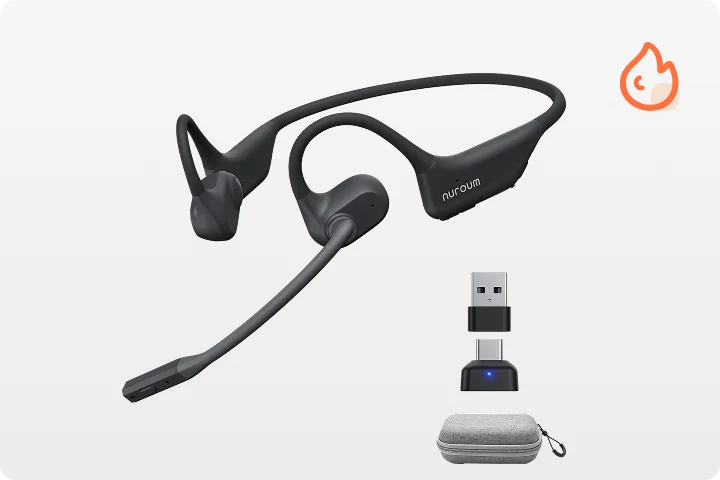
For Back-to-Back Classes: Open Ear Headphone with Mic
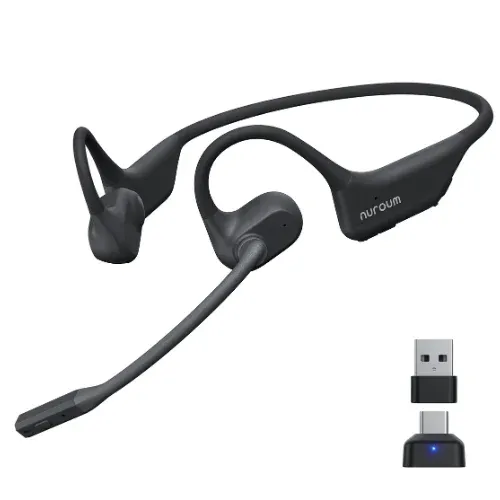
- Zero Pressure, Zero Ear Fatigue: Packed back-to-back teaching schedules cause physical ear agony and sweat buildup. The revolutionary Nuroum OpenEar Pro 2 features an innovative open-ear neckband design that leaves your ear canal completely unobstructed, eliminating all painful pressure and heat.
- Weightless All-Day Wear: Weighing a mere 31 grams, you will literally forget you are wearing it during long shifts. Despite the open design, its extendable boom mic utilizes advanced ProperClean 2.0 technology to deliver a massive 60dB of AI noise cancellation, effortlessly outlasting your longest days with a 15-hour battery life.
Category 3: Visual & Collaborative Whiteboards
Whiteboard tools bring ideas to life. They turn passive viewing into active creation and help students collaborate visually in real time.
Canva
- Professional presentation templates — education-specific designs that save hours of formatting
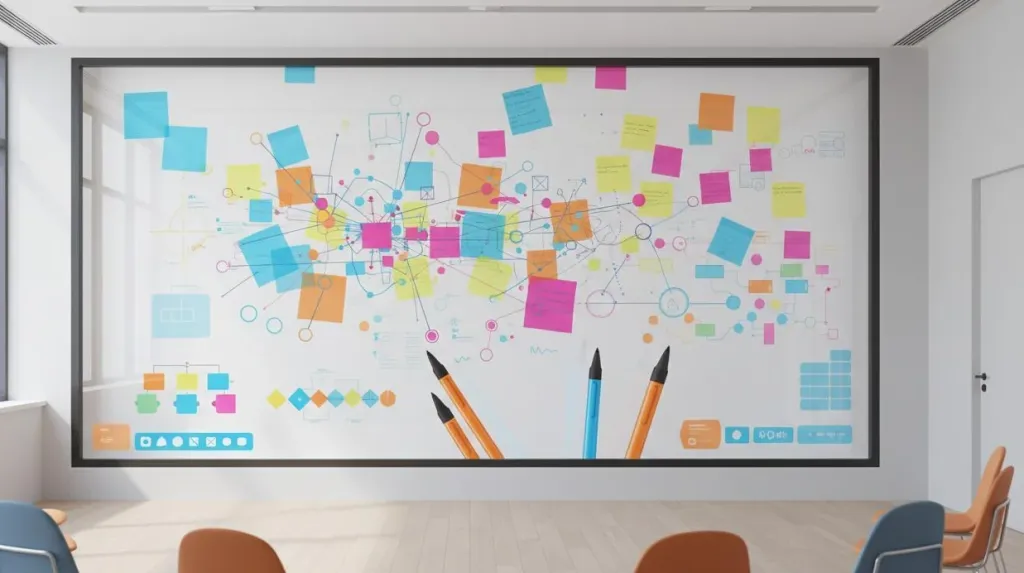
- Interactive live whiteboard — real-time collaborative canvas with sticky notes and drawing tools
- Graphic creation suite — design posters, slides, social content, and branded materials
- Free tier robust; Pro unlocks premium templates and advanced features
Miro
- Infinite canvas workspace — host an entire semester's worth of mind maps and project boards
- 30+ drag-and-drop templates — mind maps, flowcharts, retrospectives, and research boards
- Real-time student collaboration — share a link and co-create instantly
- Free for 3 boards; paid plans unlock unlimited boards and advanced integrations
Category 4: AI Lesson Planning & Content Helpers
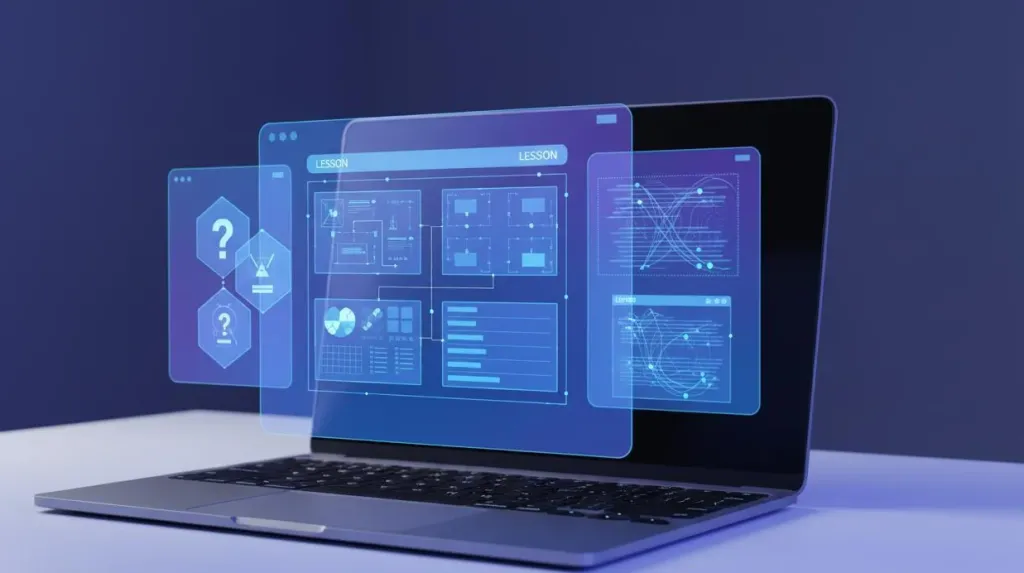
These online teacher tools won't replace your pedagogical judgment, but they will dramatically cut your prep time from hours to minutes.
ChatGPT / Claude
- Generate reading passages — customized by topic, reading level, and word count
- Create discussion prompts — Socratic-style questions tailored to any text or concept
- Build quizzes instantly — multiple-choice, short-answer, or true-false from your lesson content
- Draft lesson plan outlines — structured plans with timing, activities, and transitions
- Treat all output as a first draft; always verify accuracy before deploying
Eduaide.ai
- Purpose-built for educators — understands curriculum standards and teaching terminology
- Differentiation support — adapt base lessons for varied ability levels and learning preferences
- Rubric generator — produce detailed, standards-aligned assessment criteria automatically
- 100+ resource types — from worksheets to feedback templates
- Free account available; subscription unlocks unlimited access
Category 5: Student Engagement & Gamification
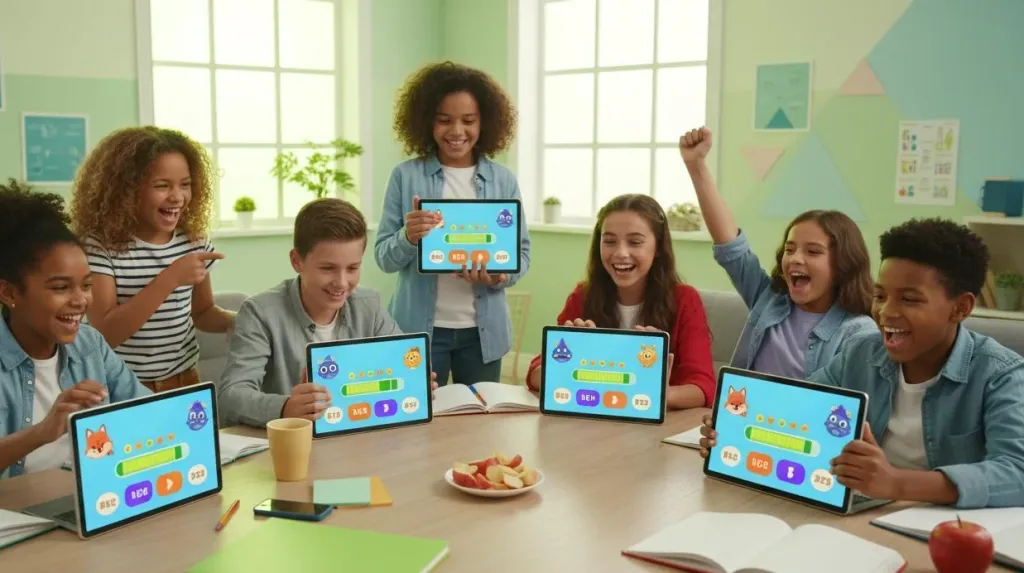
Student attention is your most precious resource. These platforms turn review and assessment into experiences students actually look forward to.
Kahoot!
- Live gamified quizzes — students answer on their devices; a real-time leaderboard drives engagement
- Millions of pre-made quizzes — searchable by subject, grade, and topic
- Built-in analytics — identify which concepts students mastered and which need reteaching
- Completely free for educators; paid tiers add advanced reporting and branding
Wordwall
- 30+ game templates from one input — matching games, flashcards, word searches, maze chases, and more
- Same content, multiple formats — differentiate by learning style without recreating material
- Community resource library — adapt existing activities to your teaching goals
- Free tier available; subscriptions unlock printing, advanced games, and class management
Final Thoughts:
For online educators and independent teacherpreneurs alike, building an engaging virtual classroom shouldn't be a daily struggle against audio drops, video lag, or scattered workflows. The goal is not to use every platform available, but to curate a streamlined system—spanning interactive video, professional audio hardware, visual whiteboards, AI lesson planners, and gamified review tools—that saves you time and upgrades your teaching quality.
In today's digital landscape, a dedicated tech repository is an absolute necessity. Whether you are teaching freedom-style for online companies or scaling your own independent courses, the right tools act as your silent partner. They eliminate tech friction, command authority from the first minute, and give you the professional foundation needed to unlock higher income and impact.
FAQs
1.What are the most important online teaching tools for new educators?
New educators should prioritize three core categories: a reliable video conferencing platform (like Zoom or Google Meet), a learning management system (like Google Classroom), and professional audio hardware. Poor audio is the single biggest factor that undermines teaching authority in virtual settings, so investing in a dedicated wireless headphone with microphone for work — such as the Nuroum HP31D or HP31s — should be your first hardware purchase.
2.Why does a USB dongle connection outperform standard Bluetooth for online teaching?
Standard Bluetooth audio typically introduces 100–300ms of latency, which creates a noticeable delay between your lip movements and the audio reaching students. This desynchronization is especially problematic during pronunciation lessons or high-engagement discussions. A dedicated 2.4GHz USB dongle reduces latency to approximately 30ms — effectively eliminating mouth-to-audio sync lag.
3.How do open-ear headset designs prevent ear fatigue during long teaching days?
Traditional over-ear and in-ear headsets create pressure on the ear canal and trap heat during extended wear, leading to discomfort during back-to-back teaching sessions. Open-ear designs leave the ear canal completely unobstructed while still delivering premium microphone performance.
4.Why is AI-ENC (AI Environmental Noise Cancellation) critical for student focus?
AI-ENC uses advanced algorithms to identify and subtract ambient noise from your microphone signal in real time. Without it, students must work harder to process your voice through background distractions, which measurably reduces comprehension. Professional-grade AI-ENC, like the technology in Nuroum headsets that removes up to 99.6% of chaotic ambient noise, ensures your voice arrives crisp and distraction-free.
5.How can I build a professional online teaching setup on a budget?
Start by investing in audio quality first — even a mid-range professional headset dramatically outperforms non-business headphones. For software, Google Classroom, Canva, and Kahoot! all offer robust free tiers. You can always upgrade your software stack later, but poor audio creates a negative first impression that is difficult to recover from.



