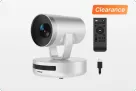
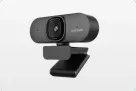
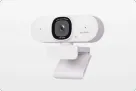













NearHub logo
  • Video Conference
    View products

    • https://resource.auditoryworks.co/nuroum-v1/strapi/header_1cb42042f4/header.png

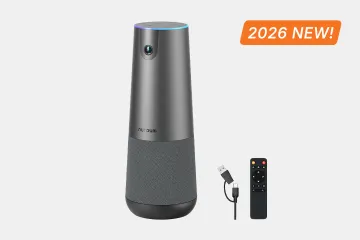
      360° All-in-1 for All-Size Rooms

      Nuroum 360 Pro

      https://resource.auditoryworks.co/nuroum-v1/strapi/header_c40_c17b54f724/header-c40.png

      4K Lens For Medium Room

      Nuroum C40

      https://resource.auditoryworks.co/nuroum-v1/strapi/a35_conference_speakerphone_471c9dff72/a35-conference-speakerphone.png

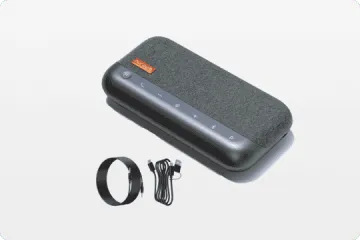
      Cascading for Large Meeting Room

      Nuroum A35

      https://resource.auditoryworks.co/nuroum-v1/strapi/A35x2_08d85feb_aea1_4fac_aad9_2a0d1ee20402_eb68cddba8.jpg

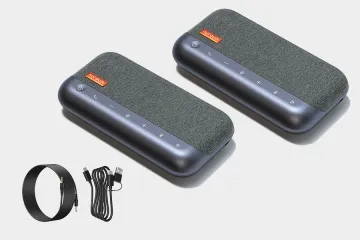
      For Large Room

      Nuroum A35*2


      • 360 Pro vs Meeting Owl 3
      • Customer Story of 360 Pro
      • Killer Features of 360 Pro
  • Conference Camera
    View products

    • https://resource.auditoryworks.co/nuroum-v1/strapi/c46_conference_camera_7b681a6317/c46-conference-camera.png

      4K Lens For Small Room

      Nuroum C46

      https://resource.auditoryworks.co/nuroum-v1/strapi/c20_conference_camera_7f008064ed/c20-conference-camera.png

      1080P Lens For Huddle Room

      Nuroum C20

      https://resource.auditoryworks.co/nuroum-v1/strapi/c10_conference_camera_4e2b3300b7/c10-conference-camera.png

      1080P Lens For Personal Space

      Nuroum C10


      • Customer Story of C46
  • Business Headset
    View products

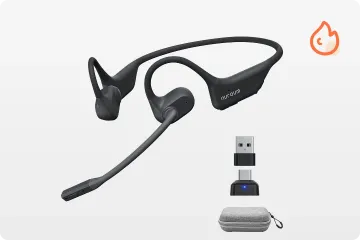
    • Open Ear Wireless Headset

      OpenEar Pro 2

      Dual-Ear Wireless Headset

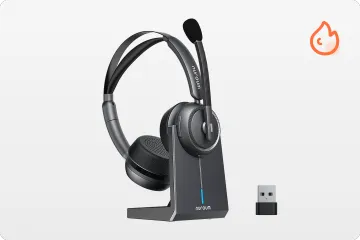
      HP31D

      Single-Ear Wireless Headset

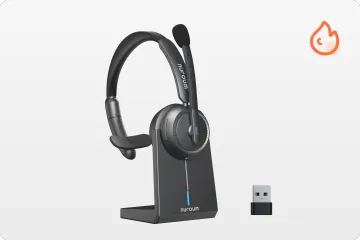
      HP31S


      • vs. Shokz & OpenRock
      • Customer Story
      • Best WFH Headsets
      • Key Features of HP31D
  • Conference Webcam
    View products

    • https://resource.auditoryworks.co/nuroum-v1/strapi/v403_conference_webcam_398e2e25fb/v403-conference-webcam.png

      AI-Powered PTZ Optics Camera

      Nuroum V403

      https://resource.auditoryworks.co/nuroum-v1/strapi/v32af_conference_webcam_4a54830808/v32af-conference-webcam.png

      4K Webcam For Streaming And Remote Work

      Nuroum V32AF

      https://resource.auditoryworks.co/nuroum-v1/strapi/v15af_conference_webcam_5f98e95463/v15af-conference-webcam.png

      Conference Room Webcam With Auto Focus

      Nuroum V15AF


      • Best Webcam for Small Room
      • How to Set Up in Meetings
      • Why Nuroum Webcam?
  • Speakerphone
    View products

    • https://resource.auditoryworks.co/nuroum-v1/strapi/a15_conference_speakerphone_068ecbf997/a15-conference-speakerphone.png

      Audio Pro for Clear Communication

      Nuroum A15


      • Daisy Chain
      • How to Choose Speaker
      • Audio-visual Solution
  • Video Conference Solution
    View products

    • https://resource.auditoryworks.co/nuroum-v1/strapi/403_a15_video_conference_solution_f7498e6b88/403-a15-video-conference-solution.png

      For Medium Room

      Nuroum V403+A15*1

      https://resource.auditoryworks.co/nuroum-v1/strapi/403_a15_2_video_conference_solution_c300a783f9/403-a15-2-video-conference-solution.png

      For large Room

      Nuroum V403+A15*2


      • BEST AV Solutions for You
      • Large Room AV Solution
      • Medium Room AV Solution
      • Small Room AV Solution
  • All-size Rooms Solution
    View products

    • https://resource.auditoryworks.co/nuroum-v1/strapi/huddle_conference_solution_ca02342223/huddle-conference-solution.png

      up to 5 participants

      Huddle Room

      https://resource.auditoryworks.co/nuroum-v1/strapi/small_conference_solution_397cc9dfd8/small-conference-solution.png

      up to 8 participants

      Small Room

      https://resource.auditoryworks.co/nuroum-v1/strapi/medium_conference_solution_052045511d/medium-conference-solution.png

      up to 13 participants

      Medium Room

      https://resource.auditoryworks.co/nuroum-v1/strapi/nuroum_large_video_conference_solution_d411720c3a/nuroum-large-video-conference-solution.png

      up to 20 participants

      Large Room


      • vs. traditional room
      • vs. traditional huddle room
      • vs. traditional medium room
      • V403+A15*2 for large rooms
  • Headset Use Cases
    View products

    • https://resource.auditoryworks.co/nuroum-v1/strapi/nuroum_call_center_scenario_f1ed35679c/nuroum-call-center-scenario.png

      Call Center

      https://resource.auditoryworks.co/nuroum-v1/strapi/noise_cancelling_headphones_for_office_warehouse_banner_7d774d50a8/noise-cancelling-headphones-for-office-warehouse-banner.png

      Warehouse

      https://resource.auditoryworks.co/nuroum-v1/strapi/female_doctor_glasses_headset_desk_laptop_writing_28c4811b1a/female-doctor-glasses-headset-desk-laptop-writing.png

      Healthcare & Virtual Nursing

      https://resource.auditoryworks.co/nuroum-v1/strapi/factory_workers_fc1a1eeca1/factory-workers.png

      Manufacturing

      https://resource.auditoryworks.co/nuroum-v1/strapi/noise_canceling_wireless_headset_with_microphone_online_teaching_remore_teaching_656d330d58/noise-canceling-wireless-headset-with-microphone-online-teaching-remore-teaching.webp

      Online Teaching

      https://resource.auditoryworks.co/nuroum-v1/strapi/food_beverage_headsets_2603c8f4af/food-beverage-headsets.png

      Food & Beverage

      https://resource.auditoryworks.co/nuroum-v1/strapi/retail_frontline_headsets_8217a78f70/retail-frontline-headsets.png

      Retail Frontline


      • Best Business Headset
      • Best Telehealth Headsets
      • Best Receptionist Headsets
      • Best Call Center Headsets
  • Webcam Scenarios
    View products

    • https://resource.auditoryworks.co/nuroum-v1/strapi/nuroum_solution_creation_5ec893e6dd/nuroum-solution-creation.png

      Creation

      https://resource.auditoryworks.co/nuroum-v1/strapi/nuroum_solution_education_8852f76993/nuroum-solution-education.png

      Education

      https://resource.auditoryworks.co/nuroum-v1/strapi/nuroum_solution_healthcare_d5148f078b/nuroum-solution-healthcare.png

      Healthcare


      • Best headset for drivers
      • Maximize work productivity
  • Help
    • Why Open Ear
    • Audio Technologies
    • Customer Stories
    • FAQ
    • Software NearSync
  • Blog
    • Work Productivity
    • Communication
    • Leadership
    • Non-Profit Management
    • Business Tech Trends
    • Customer Stories
    • Nuroum Updates
    • All the Topics >>
  • Connect
    • About Us
    • Contact Sales
    • Get a Demo
    • Brand Ambassador
    • Become a Reseller
    • Contact Us
    • Terms of use
Welcome to Nuroum
Join Now Log In
Just 31g. The Lightest Open-Ear HeadsetHP31D: Professional 45H Call Center Headset
logoNuroum
  • Meeting
    Video Conference
    Conference Camera
    Conference Webcam
    Speakerphone
    Video Conference Solution
    360° all-in-one conference camera

    360° All-in-1 for All-Size Rooms

    360 Pro

    4K 120° Camera With Expandable Audio

    4K 120° Camera With Expandable Audio

    C40

    Audio Conferencing Solution For Medium Room

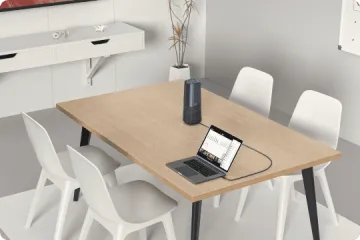
    Speakerphone for Medium Room

    A35

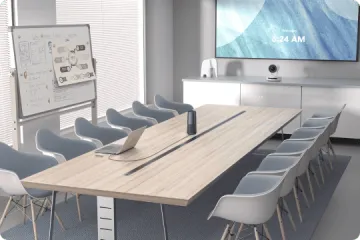
    Audio Conferencing Solution For Large Room

    Speakerphones for Large Room

    A35*2

    Explore All Video Conference Solutions

    Camera Collection >>
    360 Pro vs Meeting Owl 3 Real Reviews of 360 Camera C40 vs Logitech Group
  • Headsets
    Nuroum open ear wireless headphones with microphone

    Open Ear Wireless Headset

    OpenEar Pro 2

    work from home headset with noise cancelling microphone nuroum hp31d

    Dual-Ear Wireless Headset

    HP31D

    best single ear bluetooth headset for phone calls nuroum hp31s

    Single-Ear Wireless Headset

    HP31S

    Discover What Makes Each Headset Stand Out

    Collection - Business Wireless Headsets -->
    vs. Shokz & OpenRock Customer Story Best WFH Headset Best Office Headset Key Features of HP31D
  • Solution
    All-size Rooms
    Headset Use Cases
    Webcam Scenarios
    Nuroum Conference Cameras in Huddle Room

    up to 5 participants

    Huddle Room

    Nuroum Conference Room Cameras in Small Room

    up to 8 participants

    Small Room

    Nuroum Meeting Cameras in Medium Room

    up to 13 participants

    Medium Room

    Nuroum Video Conference Cameras in Large Room

    up to 20 participants

    Large Room

    vs. traditional large room vs. traditional medium room vs. traditional small room V403+A15*2 for large rooms
  • Explore
    • Why Open Ear
    • Audio Technologies
    • Customer Stories
    • FAQ
    • Software NearSync
  • Blog
    • Work Productivity
    • Communication
    • Leadership
    • Non-Profit Management
    • Business Tech Trends
    • Customer Stories
    • Nuroum Updates
    • All the Topics >>
  • Connect
    • About Us
    • Contact Sales
    • Get a Demo
    • Brand Ambassador
    • Become a Reseller
    • Contact Us
    • Terms of use
Contact Sales
Nuroum C40C40
Overview
Features
Specs
FAQ
Reviews
€255.00€299.99Buy Now Buy Now
Overview
Features
Specs
FAQ
Reviews
BF C40
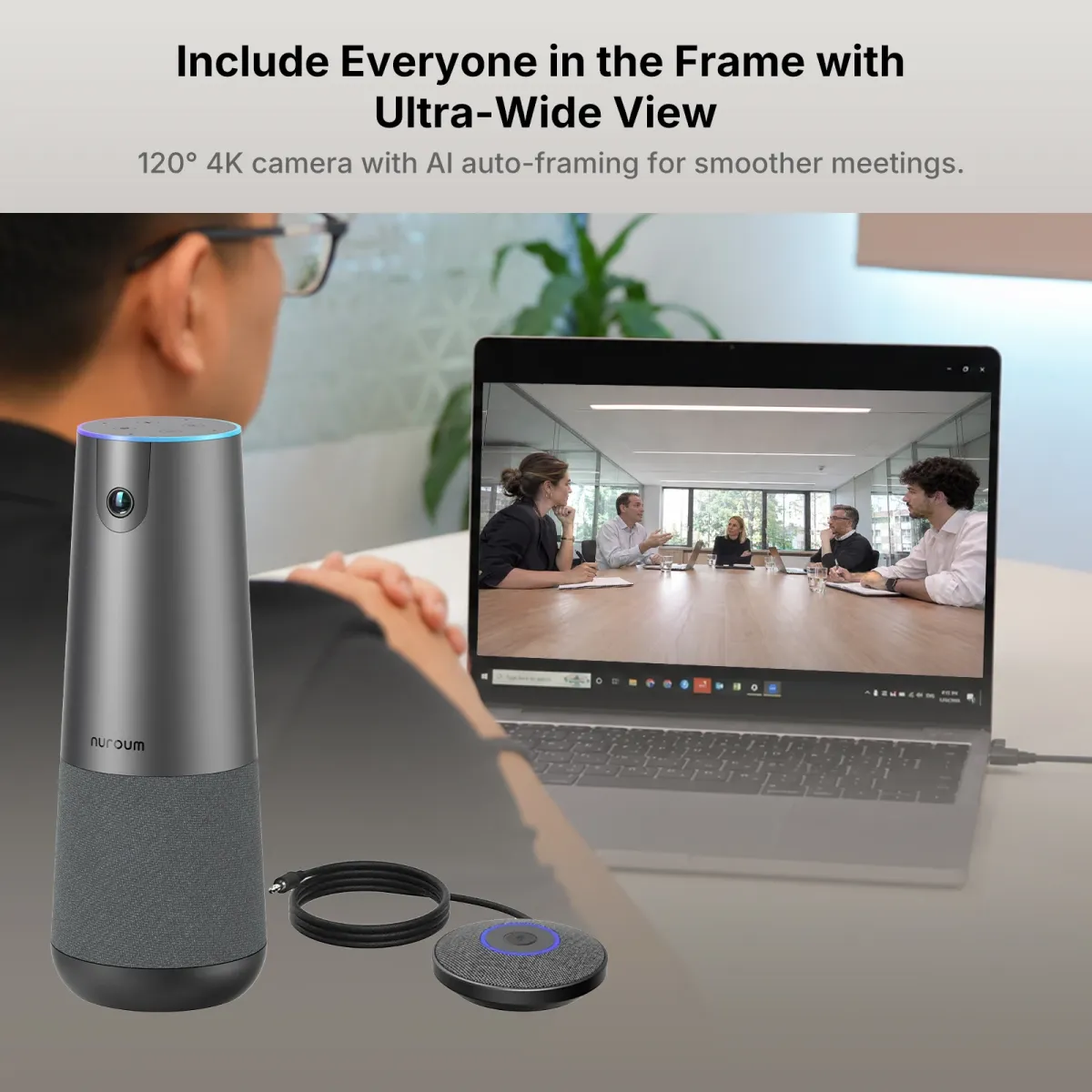
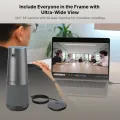
A laptop shows five people around a conference table in the Nuroum C40 4K camera’s 120° wide-angle view with AI auto-framing.
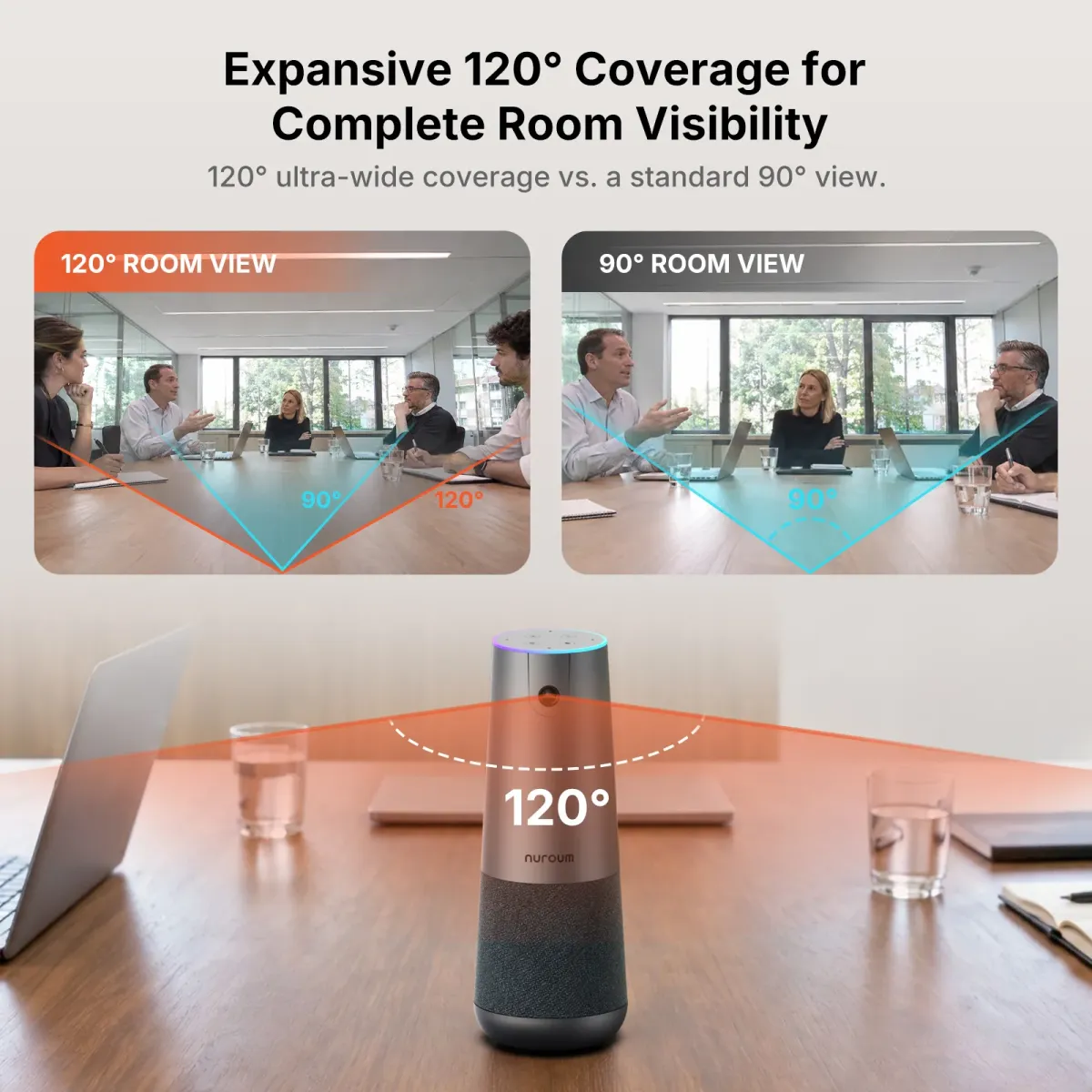
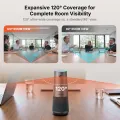
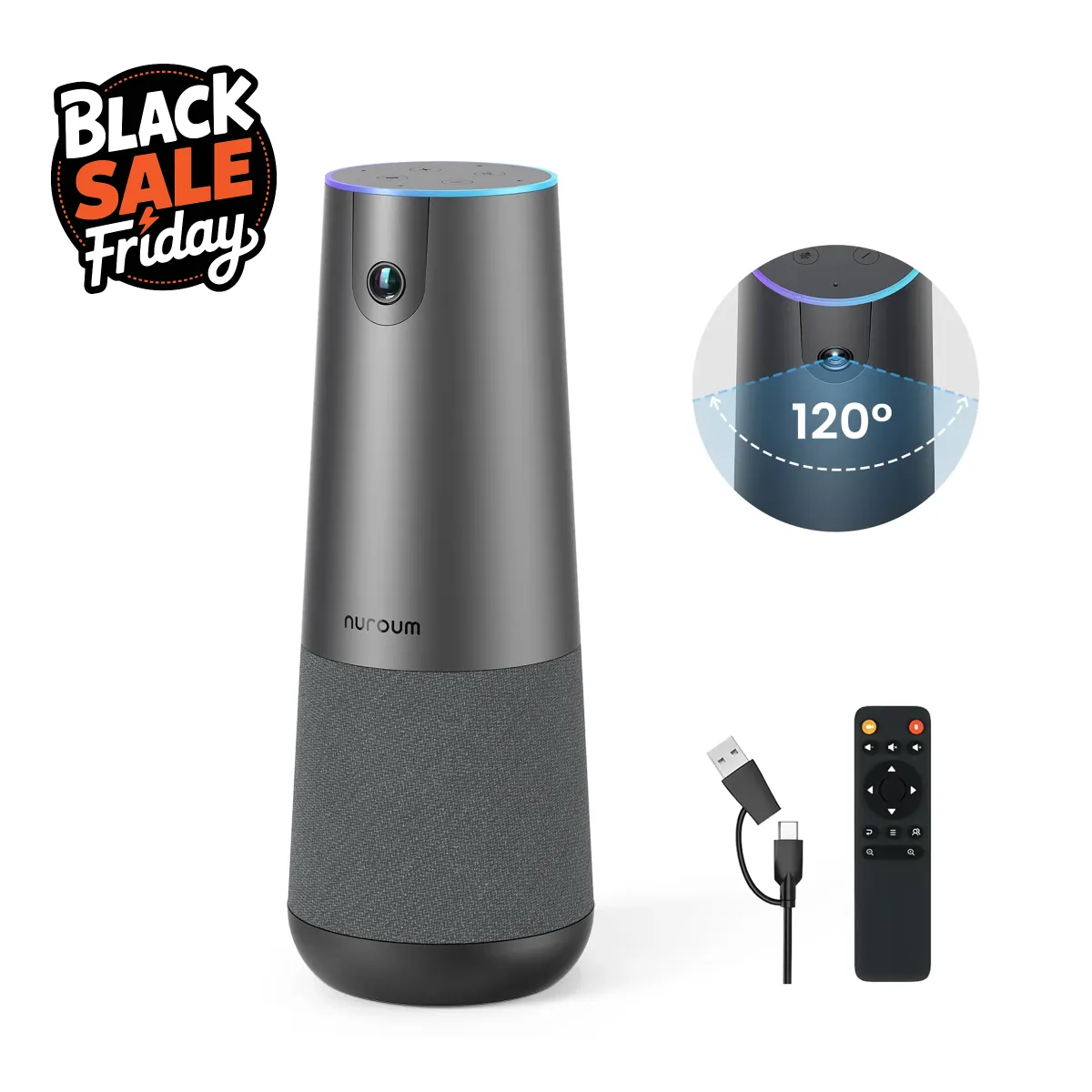
The Nuroum C40’s 120° field of view includes all five people at the table. A 90° view crops out the two people nearest the camera.
auto framing
4 camera
10 Noise
audio
6 plug and play
8 compare
9 c40s camera port
Board
12 review
c40
1/13
Product image 1
Product image 2
Product image 3
Product image 4
Product image 5
Product image 6
Product image 7
Product image 8
Product image 9
Product image 10
Product image 11
Product image 12
Product image 13

Product

4K Camera

Expansion Mic

Wireless

Let the Table Grow. Keep the Conversation Clear.

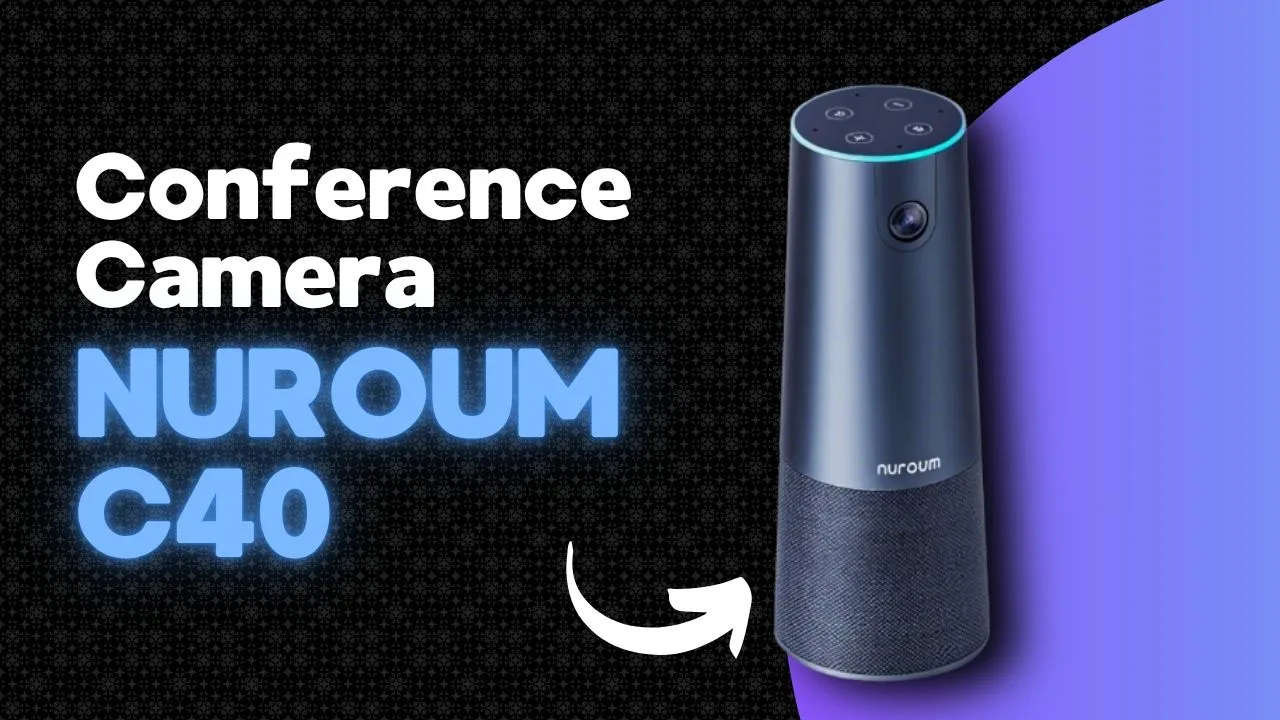
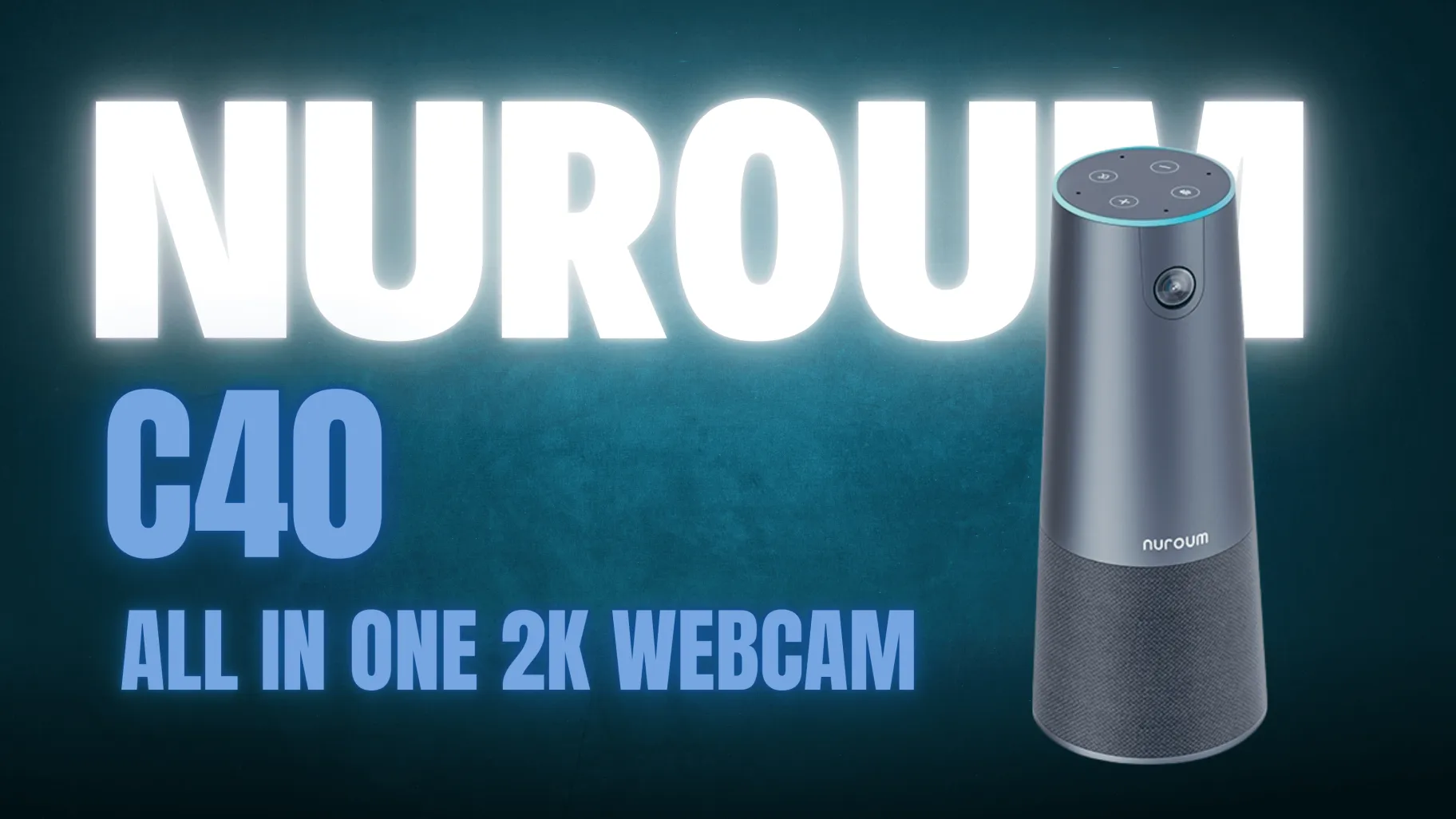
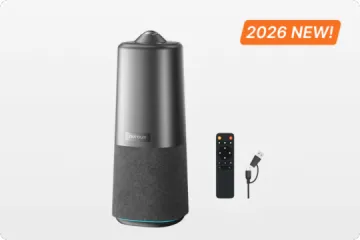
Nuroum C40 (2026 Upgraded) 4K All-in-One 120° Wide-Angle Conference Camera for Clearer Group Meetings

4.9
24 reviews
c40 true 4k 120 view v2

True 4K 120° View

See every face. Capture every detail.
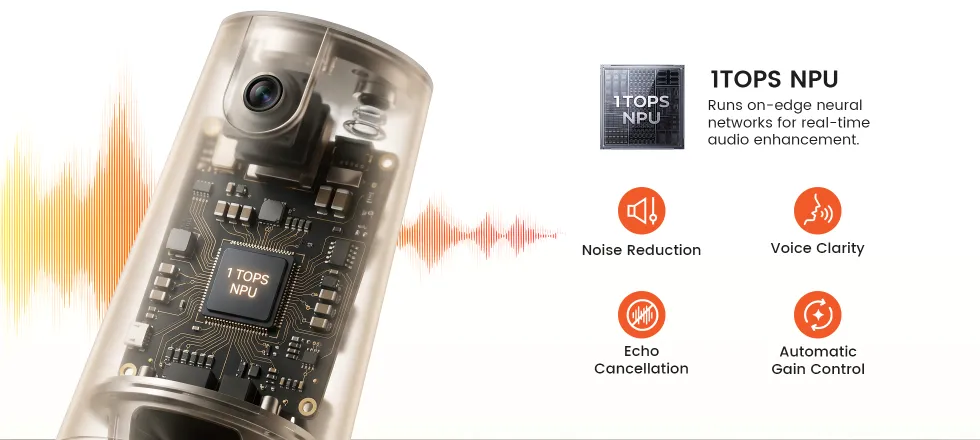
c40 1 tops npu

1 TOPS NPU

Process locally. Hear every voice clearly.

c40 plug play

Plug & Play Setup

USB-C or wireless. Start meetings instantly.

c40 built to scale

Built to Scale

Add expansion mics. Cover larger rooms.

€255.00€299.99
30-DAYPrice Match
Talk to an Expert: +1 (360) 602-1188
Select Option:
Nuroum C40 Conference Camera

Nuroum C40

€255.00€299.99
15%OFF

Nuroum C40 × 1 | 4K, 120° Wide-Angle , AI Auto-Framing , Wireless Expansion, Plug & Play

nuroum c40 conference camera starter kit

Nuroum C40 Starter Kit

€399.00€498.75
20% OFF

Nuroum C40 × 1 + AM01 Expansion Mic × 1 | Clear Voice Pickup Throughout the Conference Room
nuroum c40 camera ultimate kit

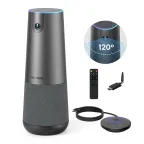
Nuroum C40 Ultimate Kit

€549.00€686.25
20% OFF

Nuroum C40 × 1 + AM01 Expansion Mic × 1 + NA20 Wireless Dongle × 1 | Seamless Wireless Conferencing Solution
Quantity:
1

Add Accessories

external mic am 01
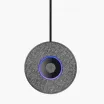
Expansion Mic AM01 (Extra)
€150.00€199.9925% OFF
1
See Detail
3-meter pickup radius, extend audio range, connect to conference camera
wireless dongle
Wireless Dongle NA20
€150.00€199.9925% OFF
1
See Detail
Wireless USB adapter for conference cameras
€255.00
€299.99

You Save €44.99

Order Support
t 03 91d8a906 6117 4837 b03a 776b10df6972 2fd430-Day Price Match
t 03 670daf37 ce46 4504 8f83 92f314e6ae03 bcb71-Year Warranty
t 02 a1748a2f 2626 45de be44 e8c65a748831 8da5Fast Free Shipping
t 04 d7dd9d87 ab25 46a2 aabc 691a34097606 b91818-Hour Support
Fast Free Shipping
  • Free delivery is available in 40+ regions, including the US, Canada, Germany, Japan, etc. Shipping & Delivery Details
  • Standard: 3-7 weekdays (free). Premium: 1-3 weekdays (Available for US/CA/DE/EU/UK)
  • Stay Updated: You’ll receive a tracking email the moment your order is on its way!
Tax-Exempt Order

We proudly support government agencies and qualified organizations.

Simply email your exemption certificate to sales@nuroum.com.

Once verified, our team will personally guide you through your tax-free purchase using your registered email.

Return & Warranty

14-Day Risk-Free Trial:

Not the perfect fit? Return any undamaged product within 14 days for a full refund—no questions asked. Once our team completes a quick quality check at the warehouse, your refund will be on its way. Check our full policy for a seamless return experience. Refund Details.


Easy Return Conditions:

  • Please keep your receipt and ensure the original packaging/accessories are intact.
  • Partial Refunds: If the product has been unboxed or used, we will happily coordinate with you to determine a fair refund percentage based on its condition.
  • Refunds are typically processed within 7 days of receiving your item.
  • Our Quality Promise: If a manufacturing defect occurs within the first 30 days, we’ll cover all return or exchange costs, including shipping.


12-Month Quality Guarantee

Your peace of mind is our priority. Every Nuroum purchase is backed by a dedicated 12-month warranty service.

Delivery & Payment
nearhub delivery payment icon 6b3b1d61 d24d 4c94 b181 2172f7b8cc31 2c88

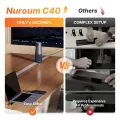
Theirs Misses the Edges. Ours Fits the Room.

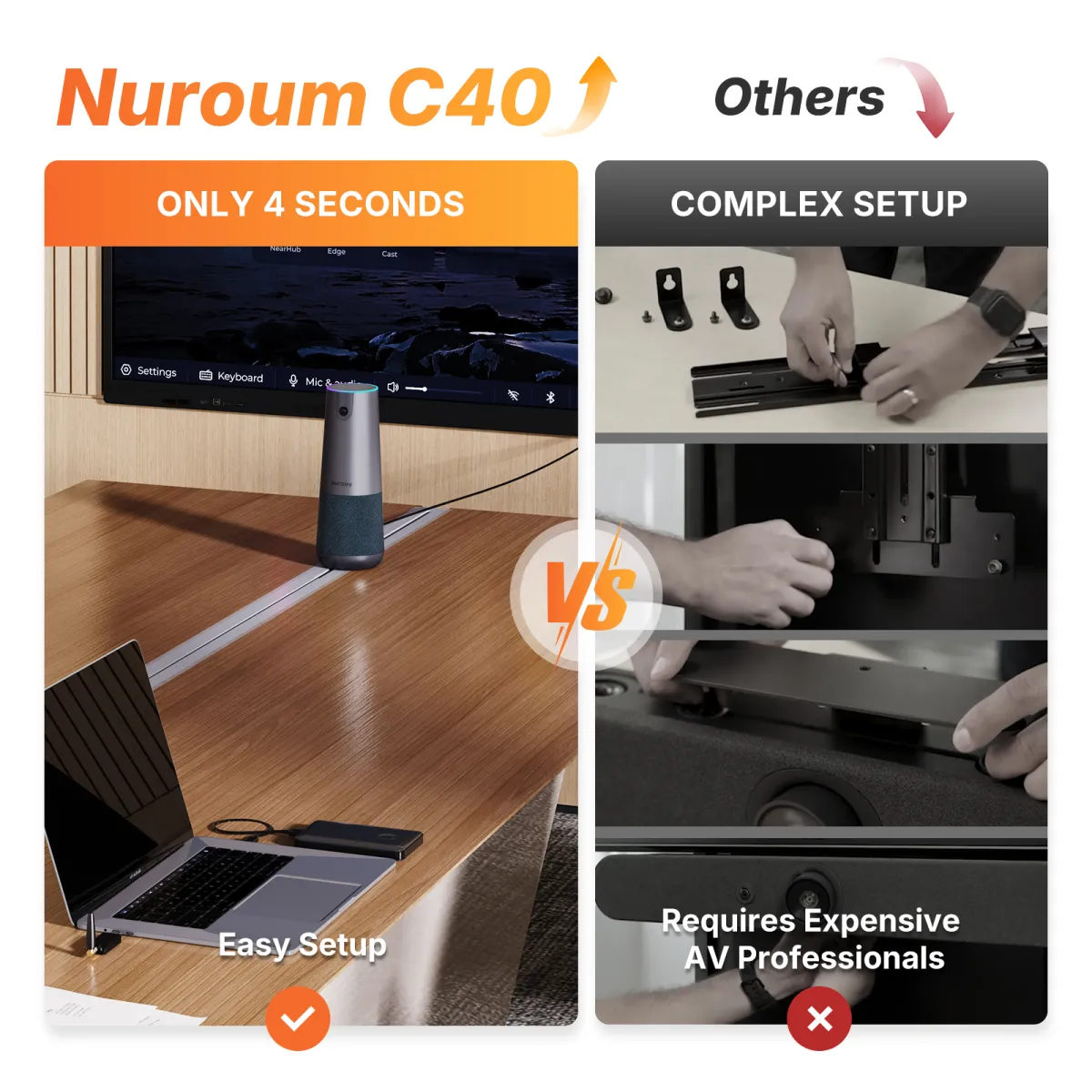
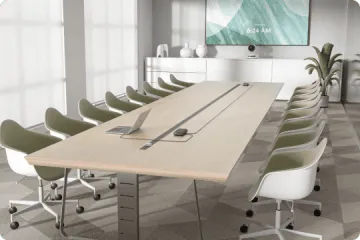
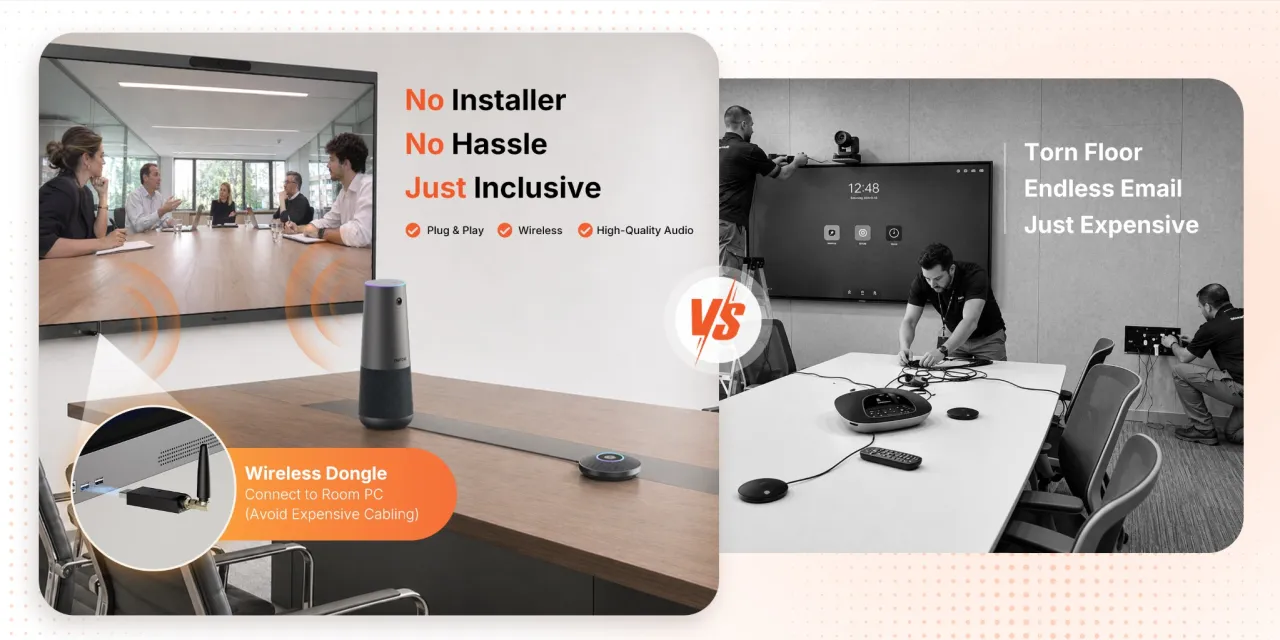
No complicated setup, no squeezed-in seating—connect C40 and start the meeting. True 4K, a 120° field of view, and expansion microphone support keep everyone seen and heard.
inclusive pc lossless
Smart Video

See the Whole Room. Keep Everyone in Focus.

Auto Framing

Room View

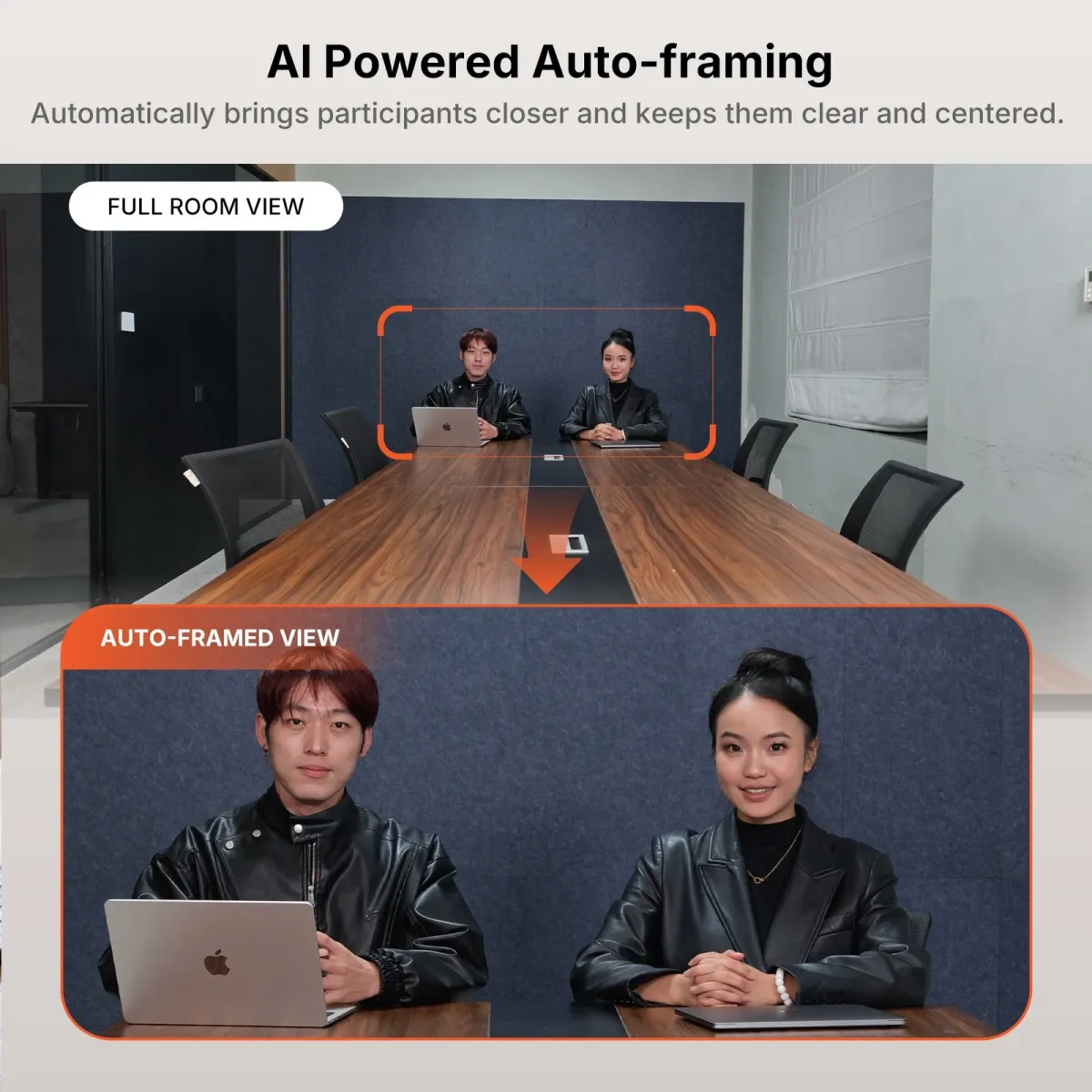
AI Auto Framing detects participants and adjusts the composition as people join or move, helping remote attendees stay connected to the conversation without constant manual camera adjustments.

AI-Powered Audio

Hear Every Voice. Cover Every Corner.

Nuroum C40 AI-powered audio processing
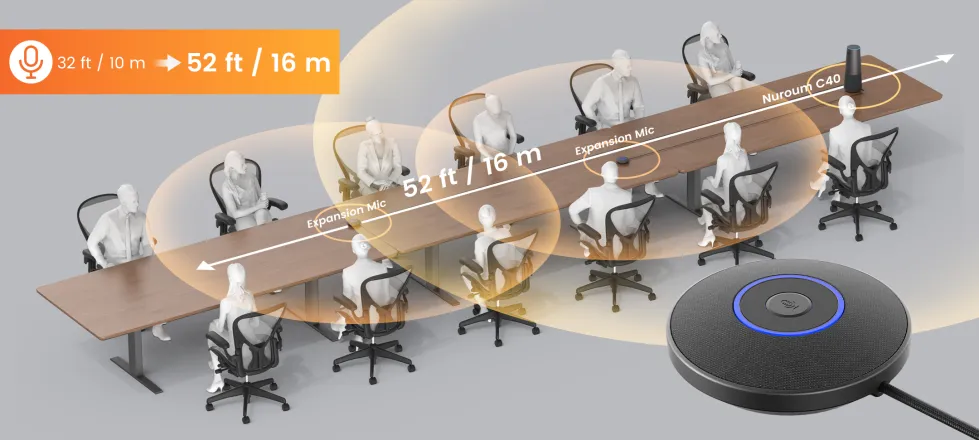
Nuroum C40 with AM01 expansion microphones
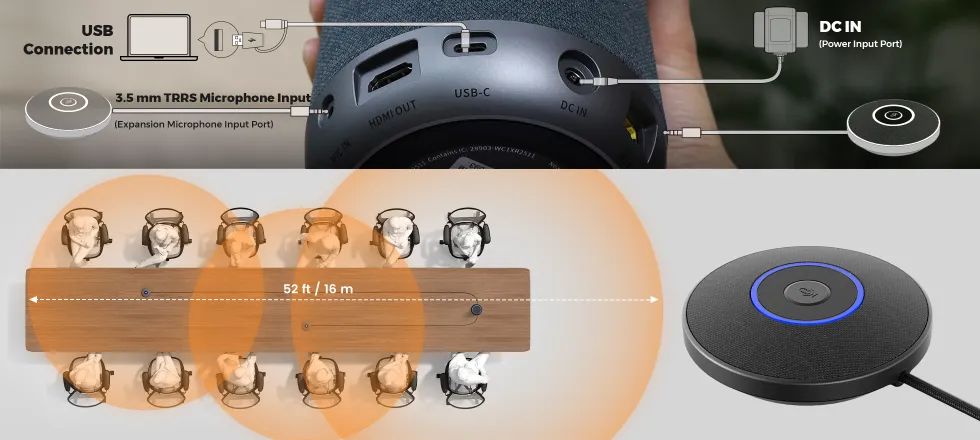
Nuroum C40 360-degree voice pickup

Smarter Sound for Focused Meetings

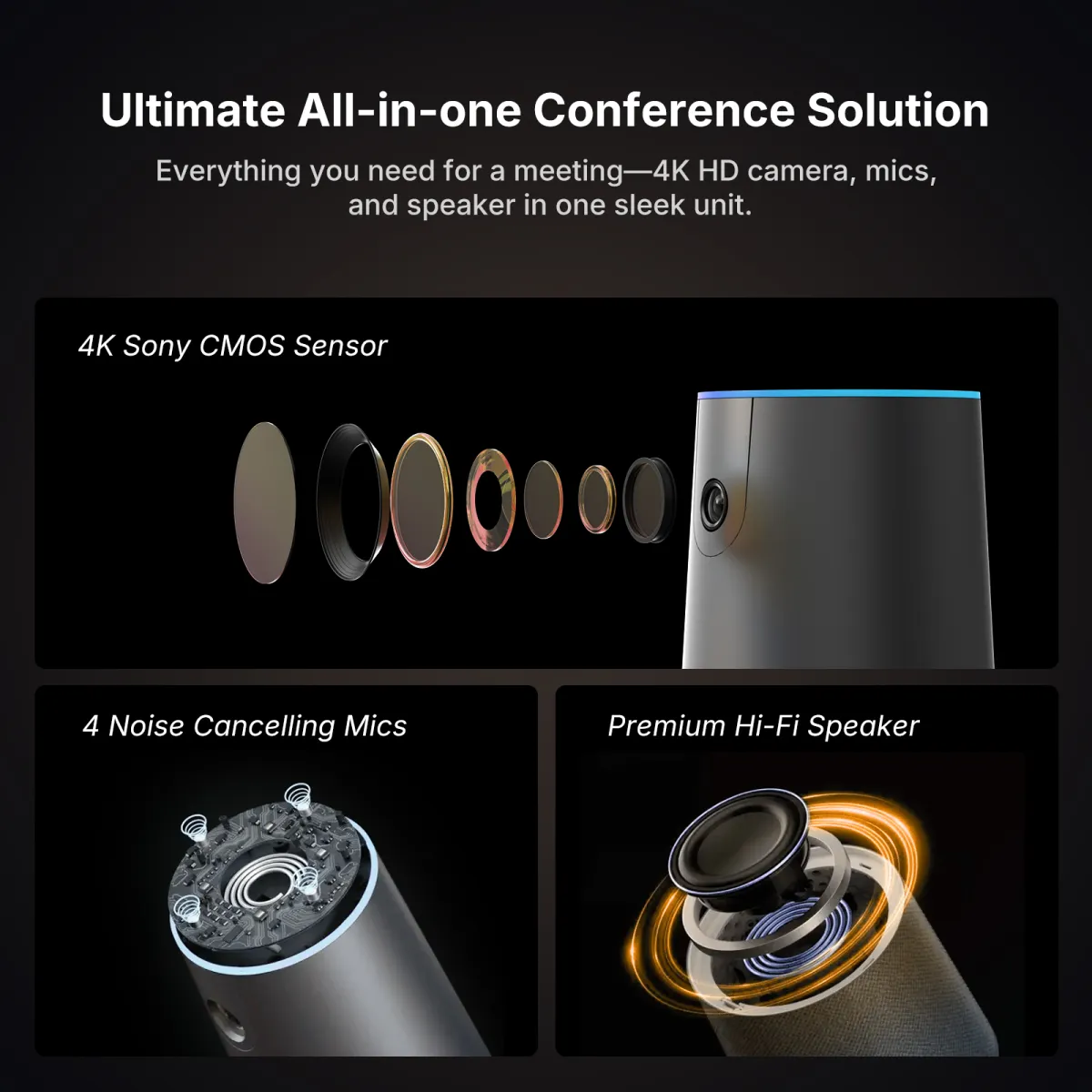
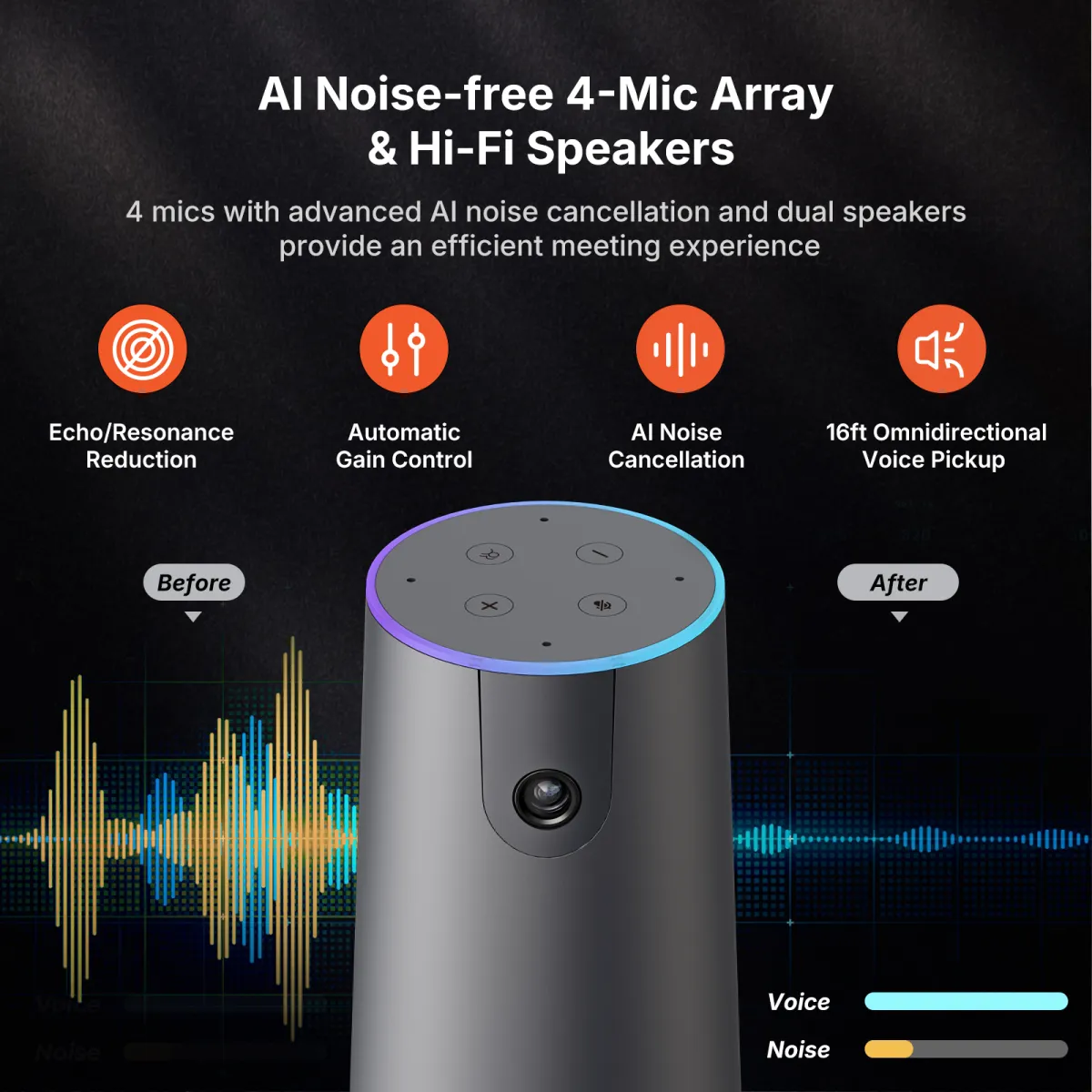
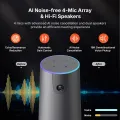
C40 uses AI noise reduction and echo cancellation to minimize distractions while keeping conversations clear, balanced, and natural.

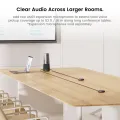
Clear Conversations Across Larger Rooms

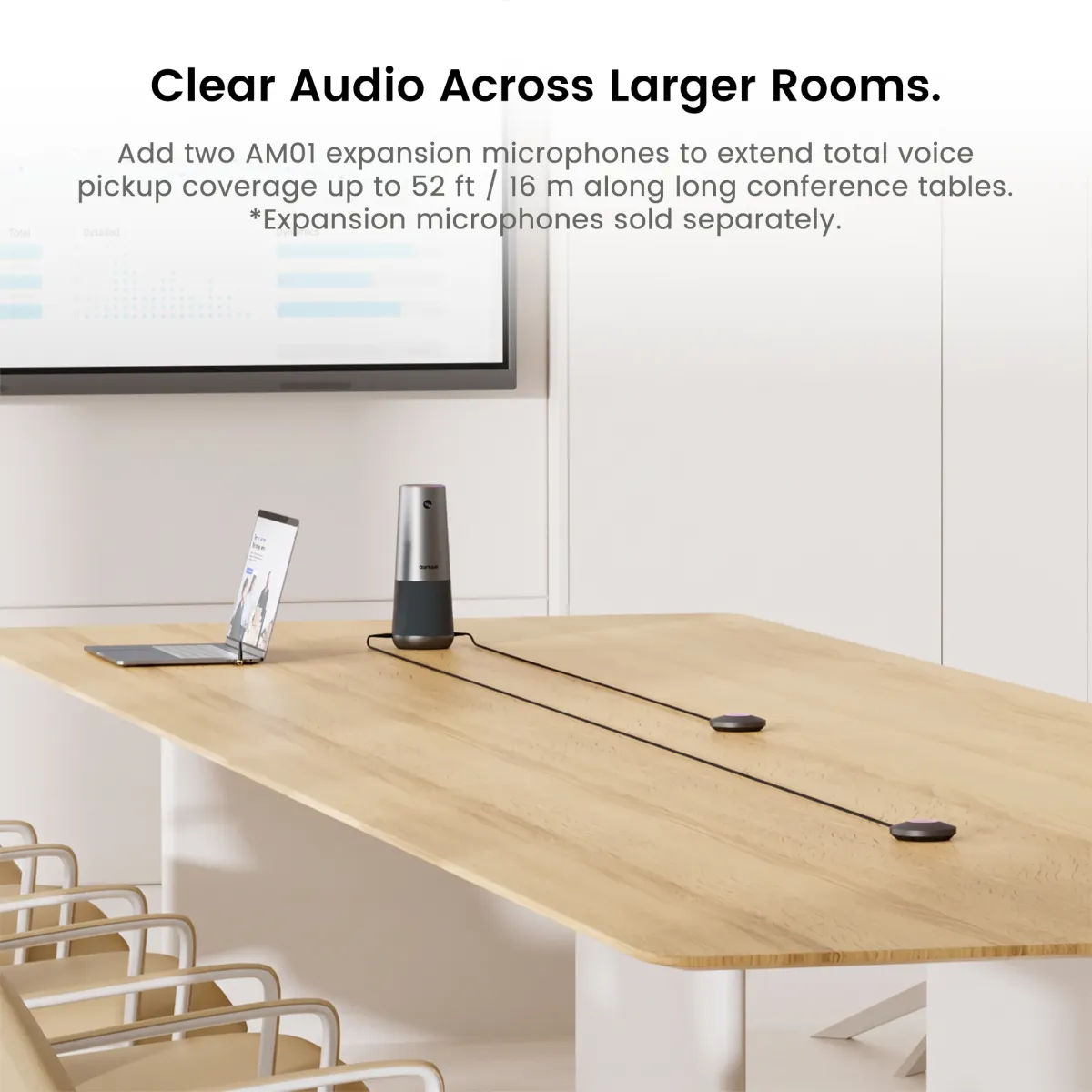
For longer tables or larger rooms, connect up to two AM01 expansion microphones. Only the two-AM01 configuration extends total voice coverage up to 16 m / 52 ft.

Speak Naturally from Any Seat

C40's four omnidirectional microphones provide 360° voice pickup within a 5 m / 16 ft radius, helping everyone around the table be heard clearly.
Easy Setup

Connect. Control. Start Meeting.

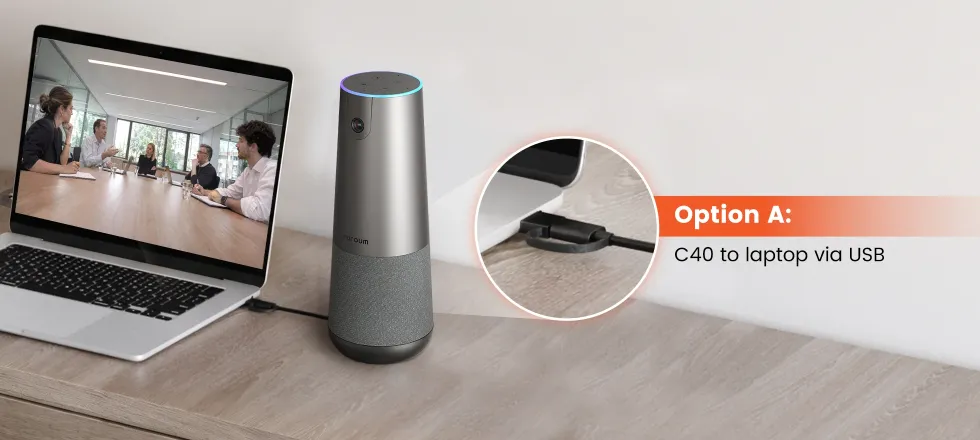
Nuroum C40 USB setup
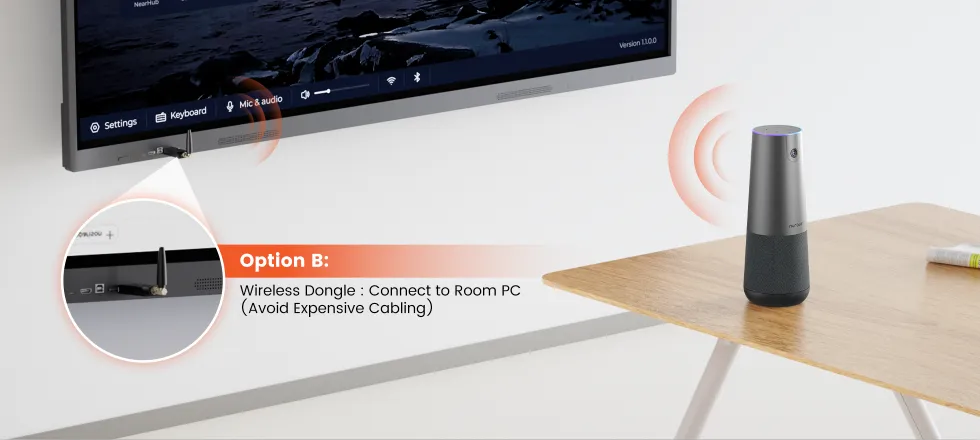
Nuroum C40 wireless setup
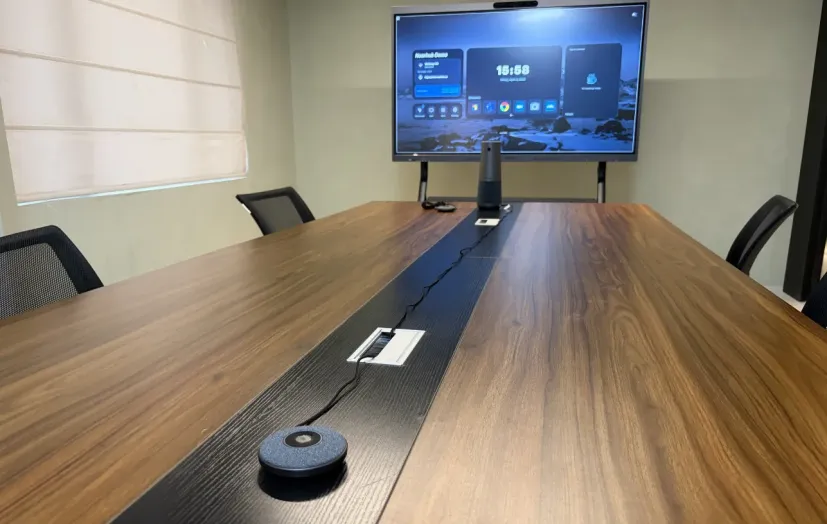
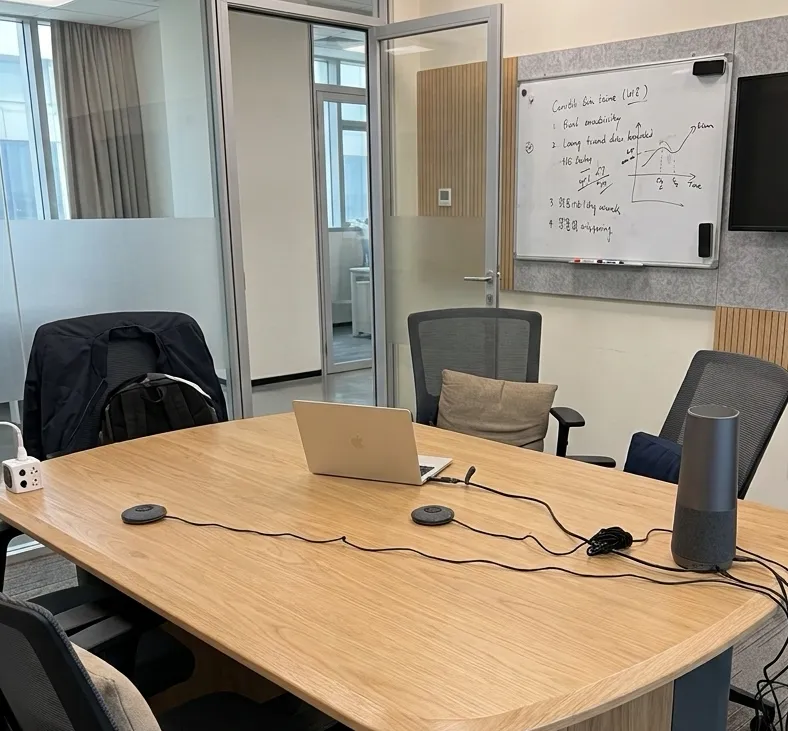
Nuroum C40 audio setup with expansion microphones
Nuroum C40 remote control and onboard controls

Plug In and Start

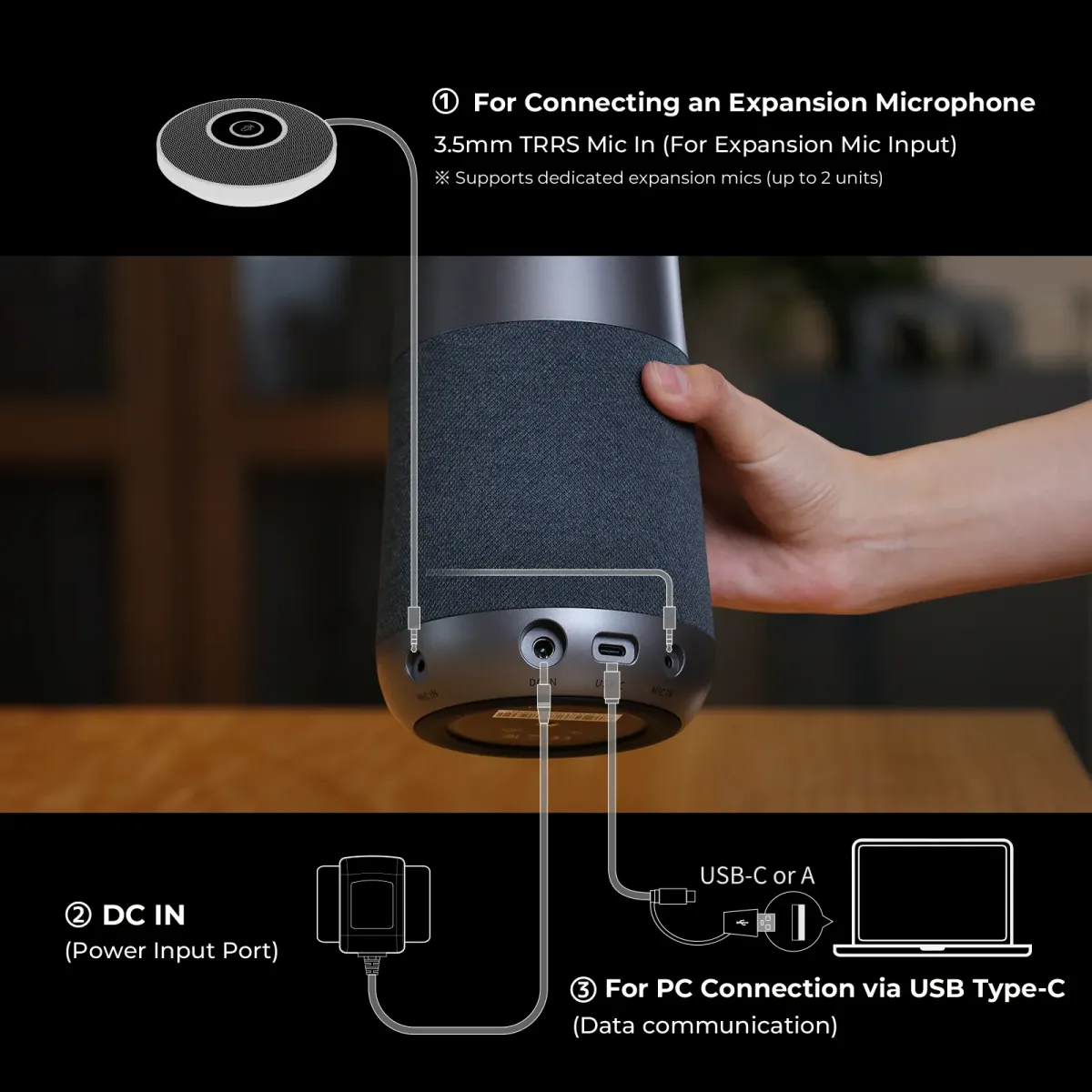
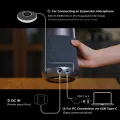
Connect C40 to your computer by USB and select it as your camera, microphone, and speaker. Standard operation requires no additional drivers or control software. USB video output supports up to 4K.

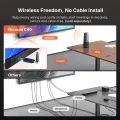
Connect Without the Cable

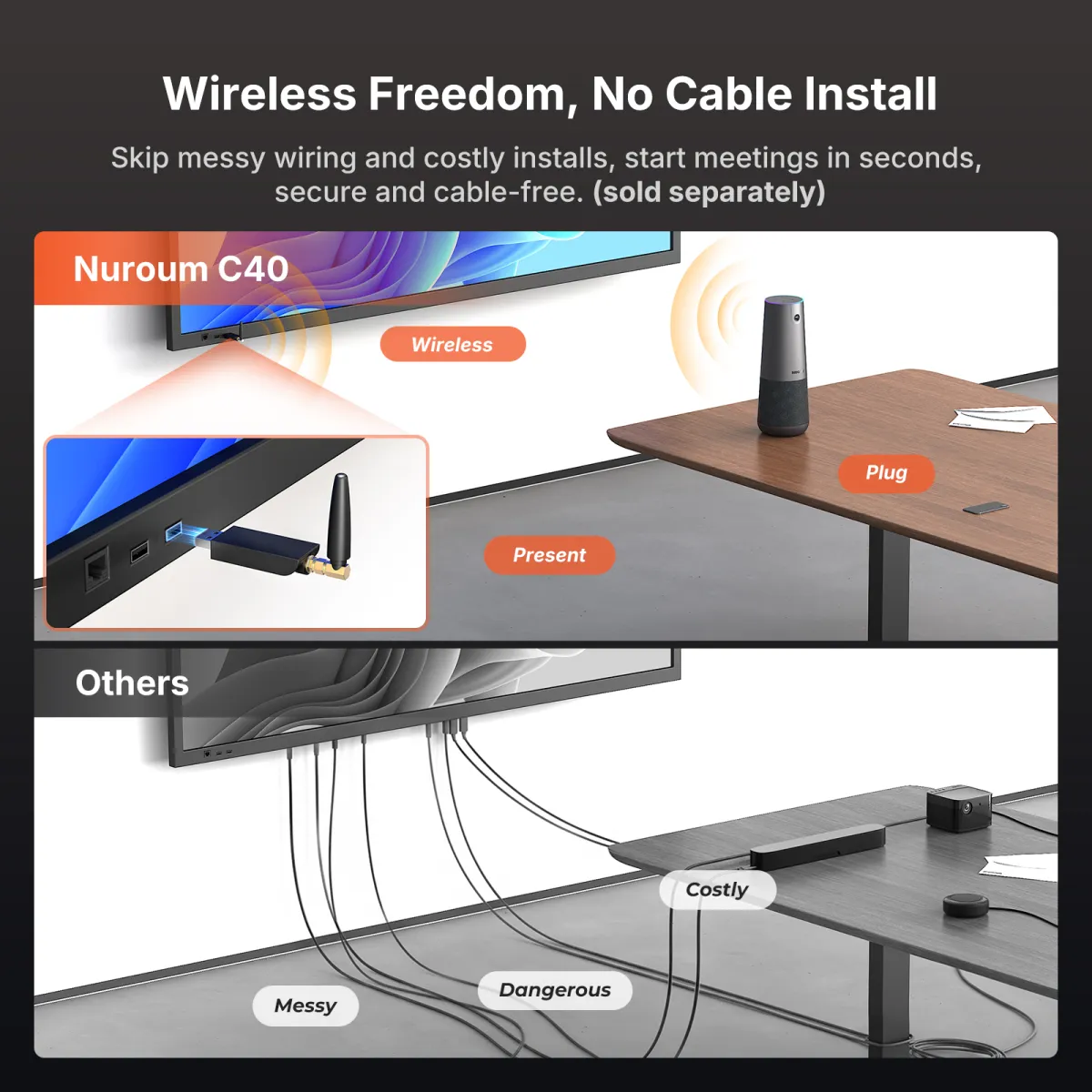
Use the compatible wireless dongle for a clean, flexible setup that lets you position C40 where it works best for the room.

Expand Audio with Ease

Connect up to two AM01 expansion microphones to extend voice coverage up to 16 m / 52 ft for clear conversations across larger rooms.

Control at Your Fingertips

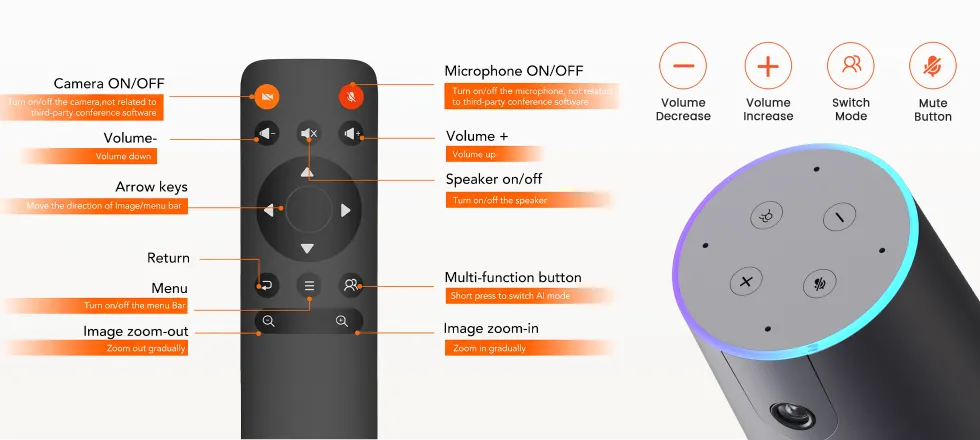
Use the included remote or C40's onboard buttons to adjust volume, mute the microphones, and switch camera modes without interrupting the meeting.


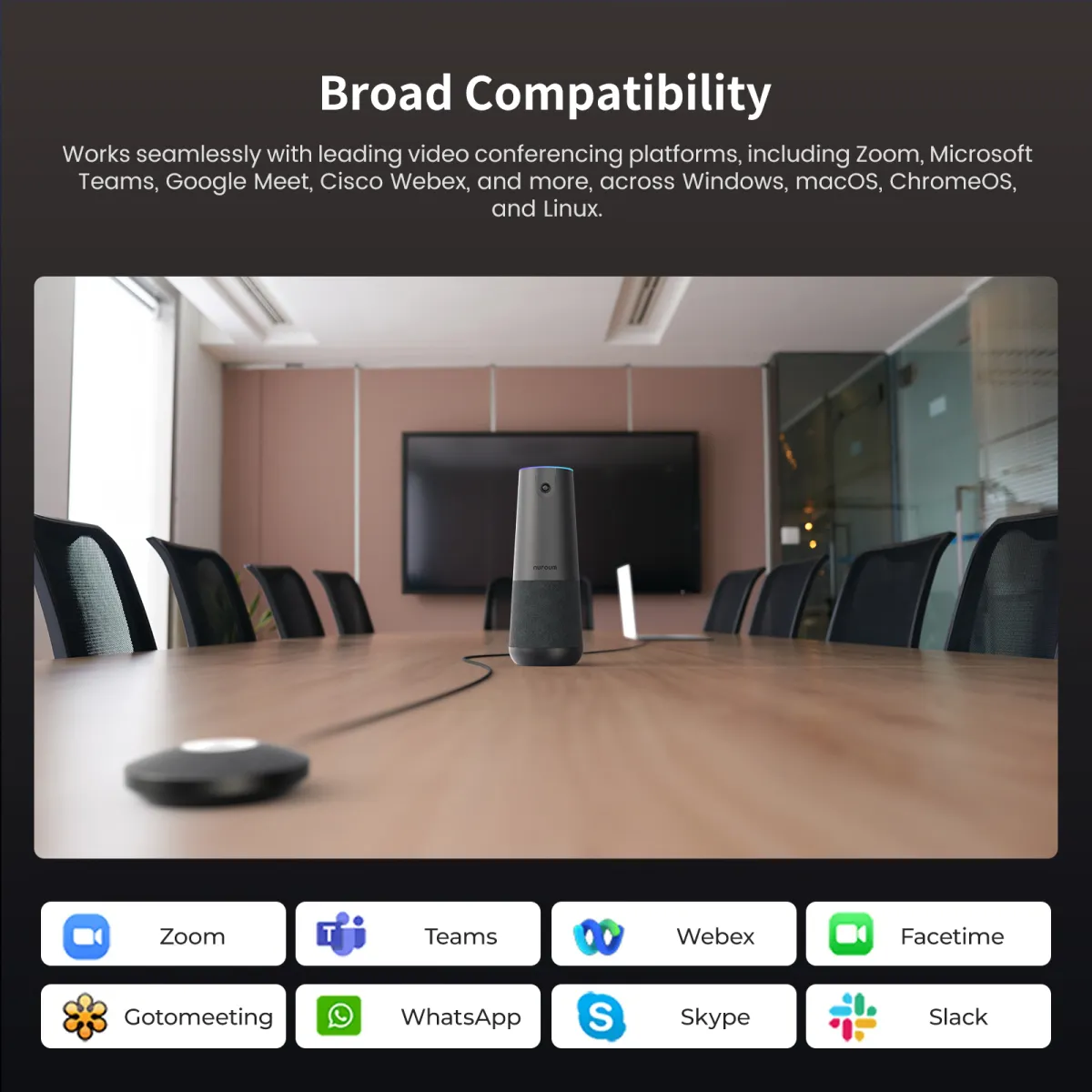
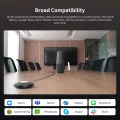
Works Seamlessly With Your Meeting Platform

teamszoomgoogle meetwWebexgoto meeting

Find Your Room Setup

Choose the C40 configuration that fits your room today, then add coverage as your setup changes.
c40 small room

4–6 people | Approx. 100–160 sq. ft.

Small Room

  • Nuroum C40 ×1
  • ✓16 ft / 5 m 360° voice pickup
  • ✓120° wide-angle view with AI Auto-Framing

Buy Now
c40 medium room

6–12 people | Approx. 150–300 sq. ft.

Medium Room

  • Nuroum C40 ×1 + Expansion Mic ×1
  • ✓Clear pickup at the far end
  • ✓Cost-effective for medium rooms

Buy Now
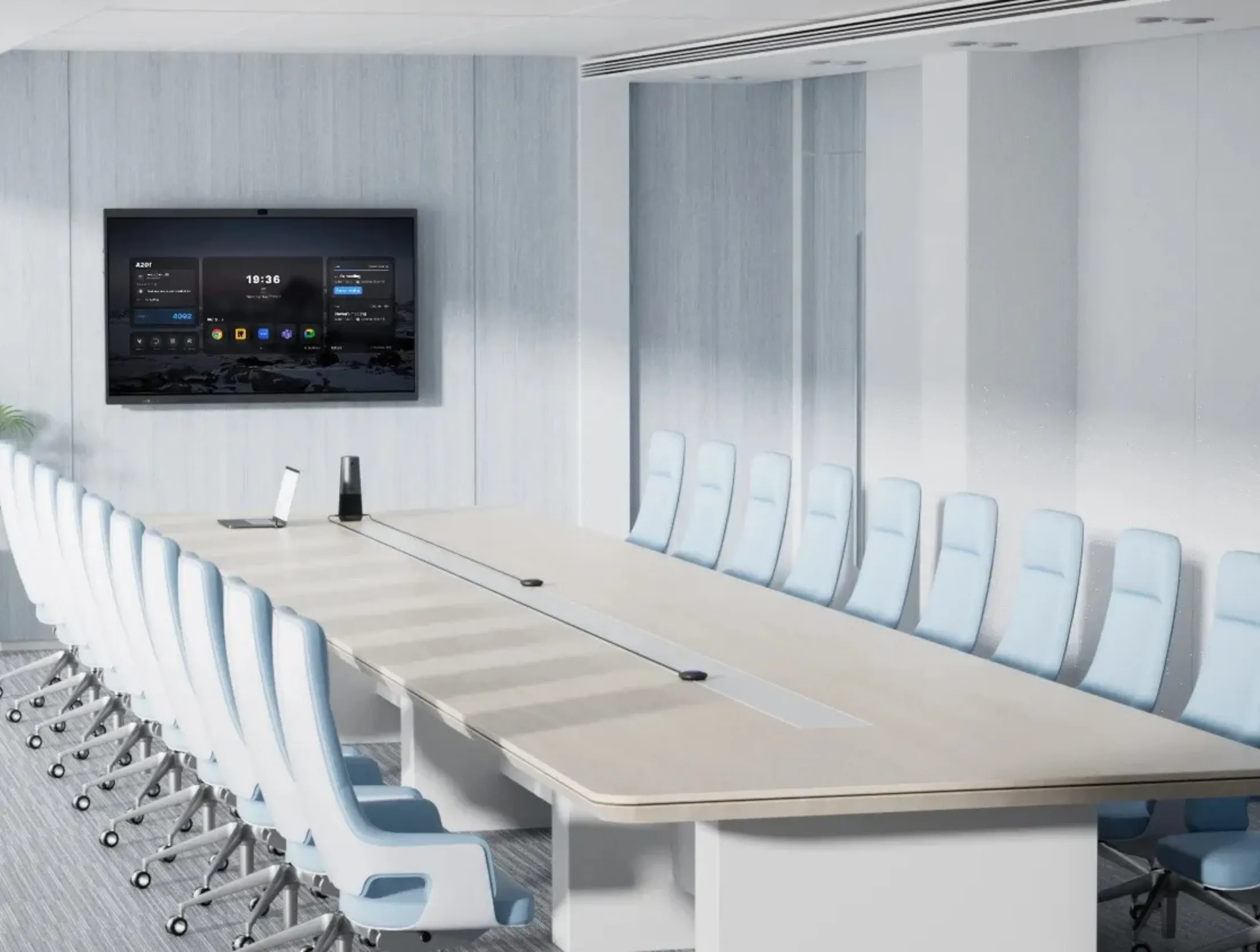
c40 large room

12–20 people | Approx. 300–600 sq. ft.

Large Room

  • Nuroum C40 ×1 + Expansion Mic ×2
  • ✓Up to 52 ft / 16 m coverage
  • ✓Clear audio across large rooms

Buy Now
Brands using Nuroum C40 All-in-one 4K Conference CameraBrands using Nuroum C40 All-in-one 2K Conference Camera

Trusted by 300,000+ Forward-Thinking Business Leaders

tesimony 01 technology
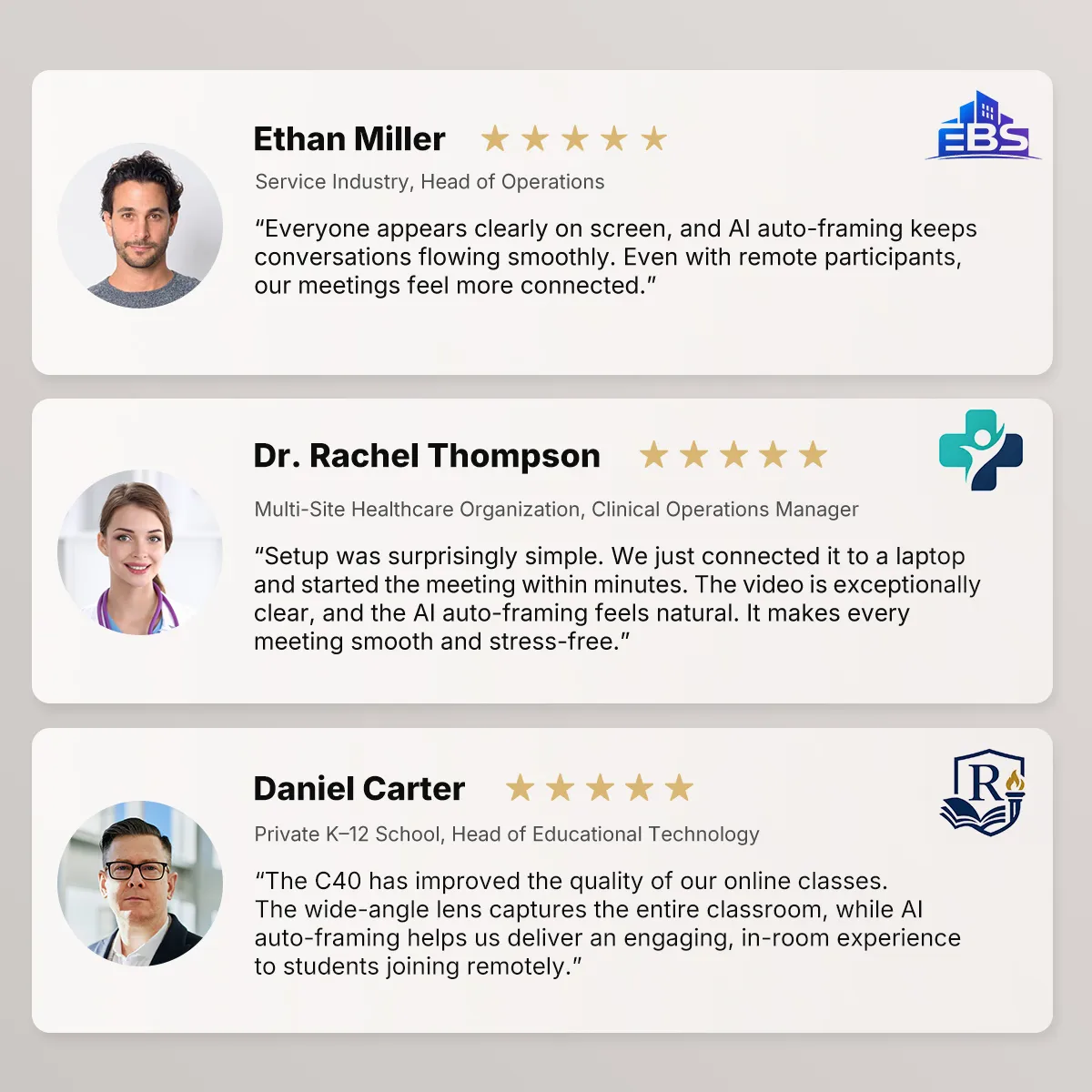
Our product reviews move fast, and the C40 keeps up. True 4K, a 120° field of view, and AI Auto-Framing keep the entire team and every product detail visible without constant camera adjustments.
Ethan Parker

Ethan Parker

Director of Product Engineering

testimony government
In our 25 x 40 ft hall with high vaulted ceilings and hardwood floors, the C40 delivers crystal-clear, even voice pickup across the entire space without echo. Mounting the unit on our existing projector rack and suspending the extender mics from the ceiling gave us the exact installation flexibility we needed. After our first Zoom meeting, everyone was impressed—this setup is definitely a keeper.
Robert "Bob" Miller

Robert "Bob" Miller

Post Commander

education
When a student joins our book discussion from home, I want them to hear the question from across the table just as clearly as they hear me. With the C40, we can leave our books open, talk at a normal volume, and give the students online room to jump in.
Yuki Tanaka

Yuki Tanaka

Academic Librarian

manufacture 2
Our hybrid production reviews need both the team and the product sample in view. The 4K 120° camera captures the full table, while up to 30 dB noise reduction helps remote colleagues hear the discussion more clearly.
Marcus Lee

Marcus Lee

Manufacturing Operations Manager

contraction
I've been using the Nuroum C40 webcam recently, and the autoframing is seriously impressive. It automatically centers the shot when I move or when someone joins the frame—no manual adjustment needed, very smooth and natural. Perfect for video calls.
Daniel Brooks

Daniel Brooks

Senior Construction Project Manager
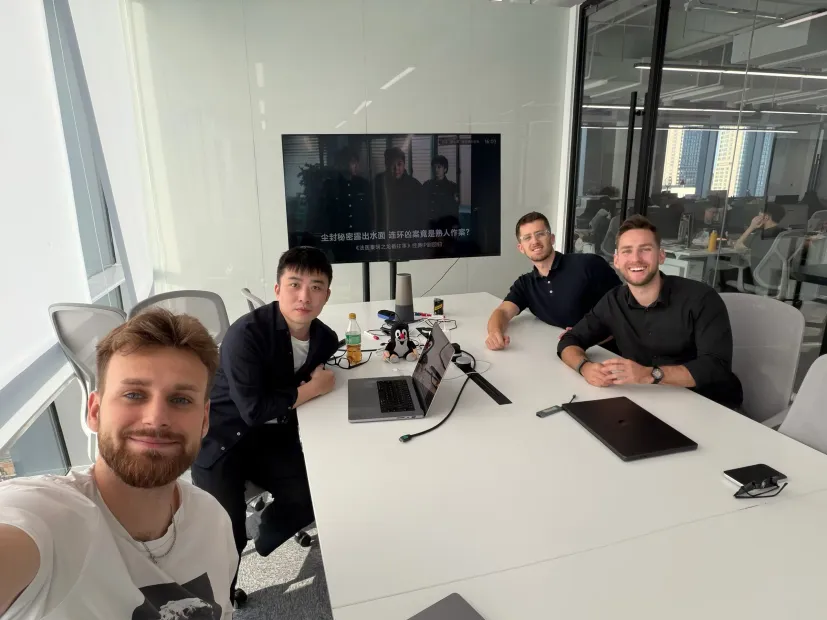
C40 testimony consulting
I move between client offices, so I need meetings to start without technical delays. The C40 connects without drivers via USB or a wireless dongle, while its 4K 120° camera keeps the entire client team clearly in view.
Sophia Bennett

Sophia Bennett

Senior Management Consultant
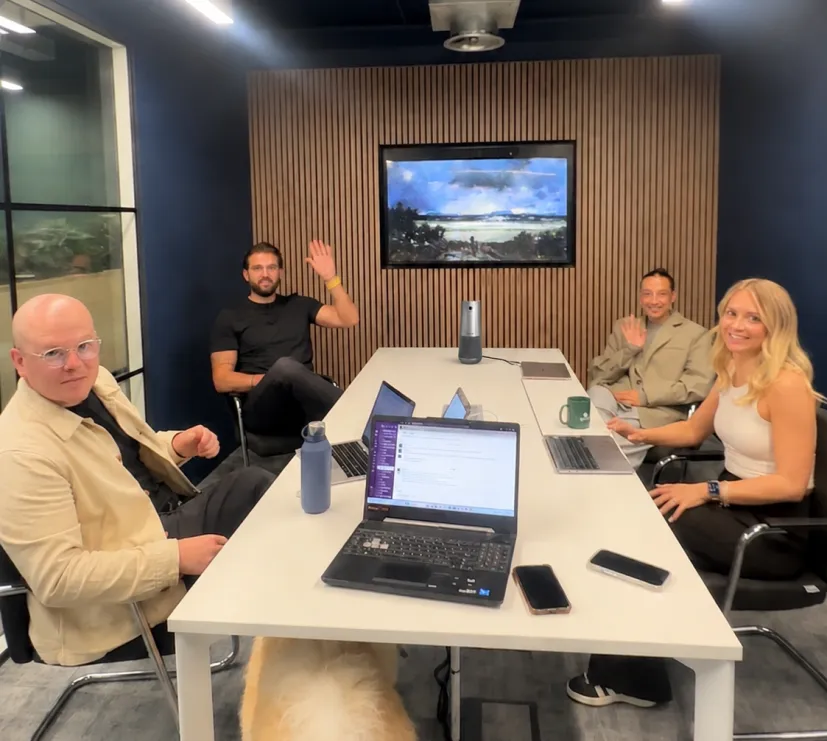
6
During claims reviews, 4K video makes documents, photos, and physical evidence easier to present remotely. The 120° view keeps everyone at the table visible without repeatedly moving the camera.
Olivia Bennett

Olivia Bennett

Senior Claims Adjuster

For Teams & Organizations

Setting Up Multiple Meeting Rooms?

Give each meeting room the same easy-to-use C40 setup. Tell us how many rooms you’re planning for, and we’ll help you with a quote or demo.

Quotes or Demos

Flexible options for every organization, with dedicated support for larger deployments and tax-exempt purchases.
C40 Deployment Guide

  • Quick Setup Guide
  • Meeting Room Tips
  • Real-World Examples

Experience the C40 Through Their Eyes

See how creators and professionals experience the Nuroum C40—from intelligent auto framing to clear video, natural audio, and effortless setup.
Nuroum C40 review by AdrianVideoImage

"From unboxing to the first meeting, the C40 is easy to set up, while auto framing keeps everyone naturally in view."

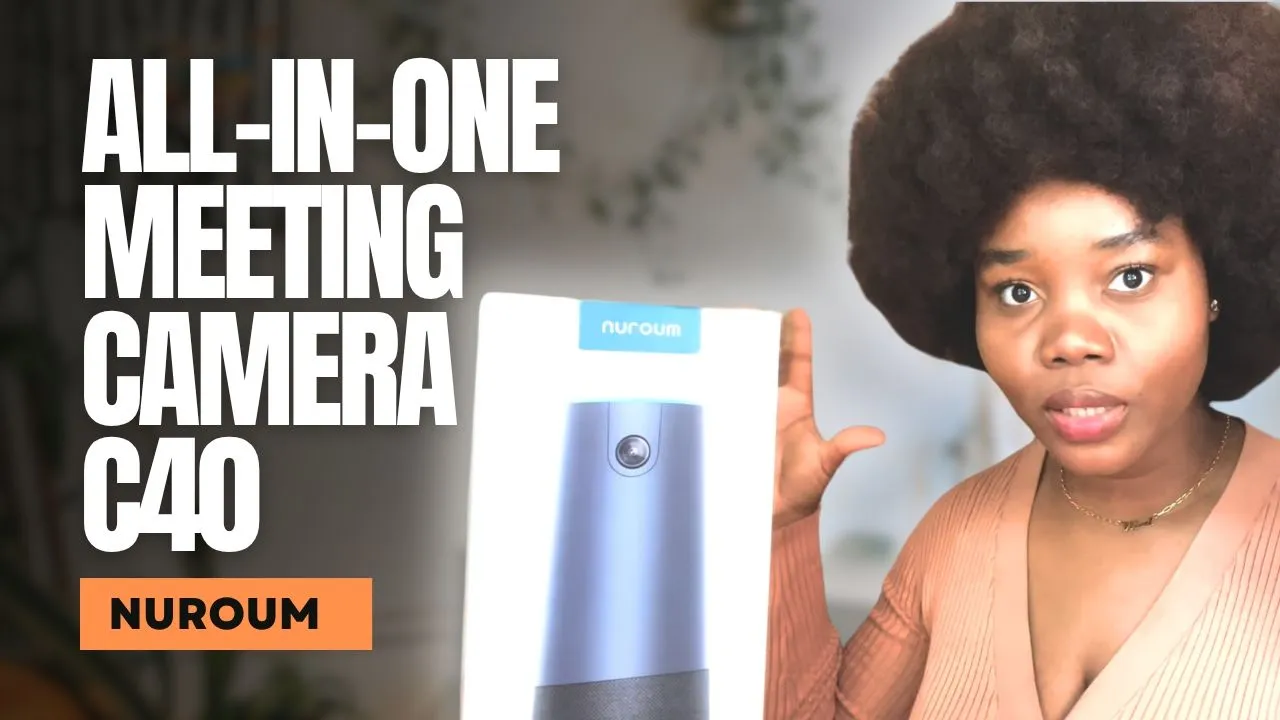
AdrianVideoImage
AdrianVideoImageTech & Life Creator
Nuroum C40 review by Winifred Kal

"I can focus on the conversation instead of adjusting the camera—the C40 automatically keeps everyone in frame."

Winifred Kal
Winifred KalSocial Service Professional
Nuroum C40 review by FPL reviews

"The C40 combines clear video, reliable audio, and intelligent framing in one practical device for everyday meetings."

FPL reviews
FPL reviewsConsumer Technology Reviewer
Nuroum C40 review by eGPlearning

"With its wide-angle view and all-in-one design, the C40 is a practical alternative for small and medium meeting rooms."

eGPlearning
eGPlearningWorkplace Technology Educator
Nuroum C40 review by JohnyTechReview

"Clear video, natural audio, and a simple setup make the C40 an easy upgrade for hybrid meetings."

JohnyTechReview
JohnyTechReviewTechnology Reviewer
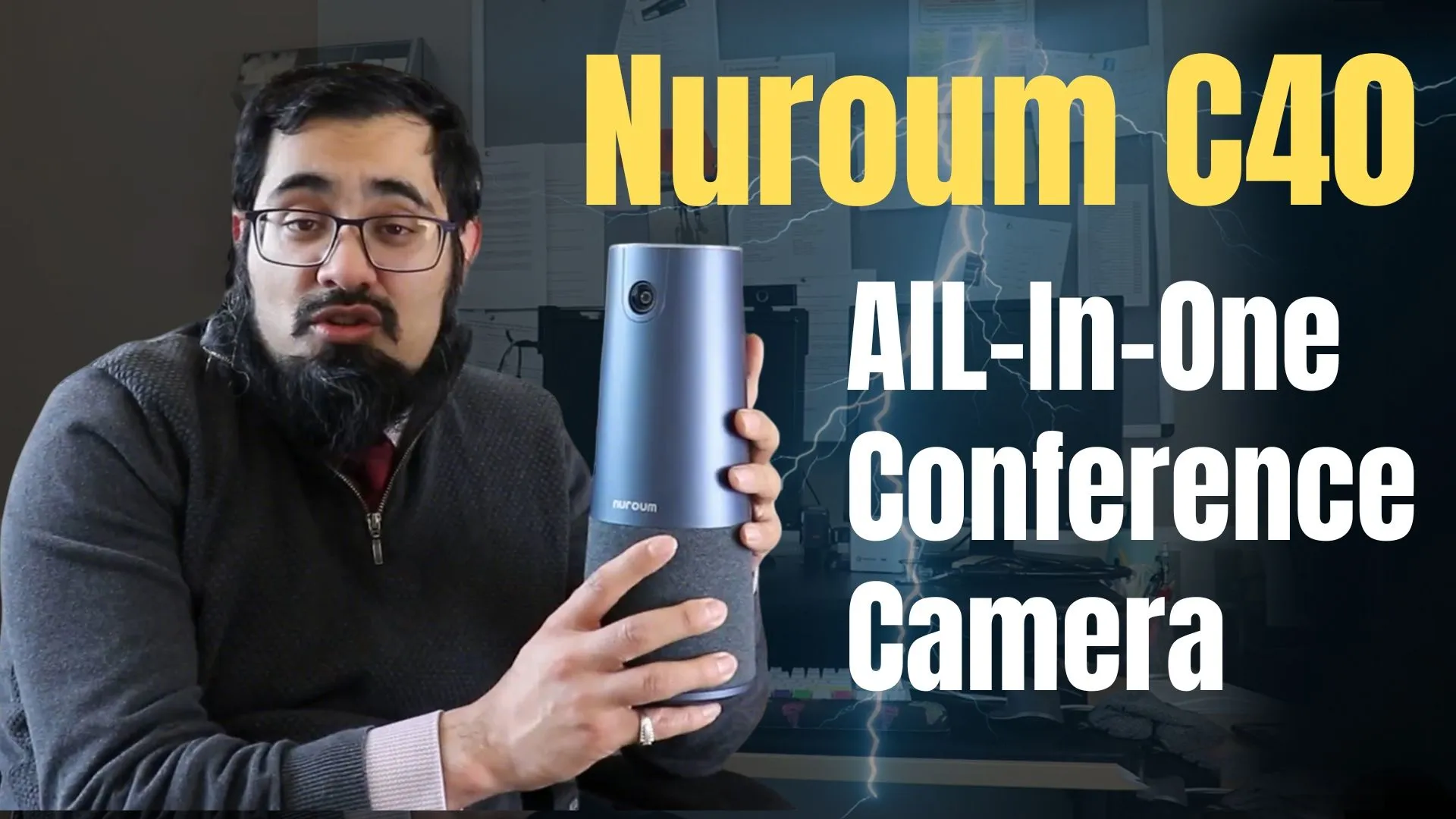
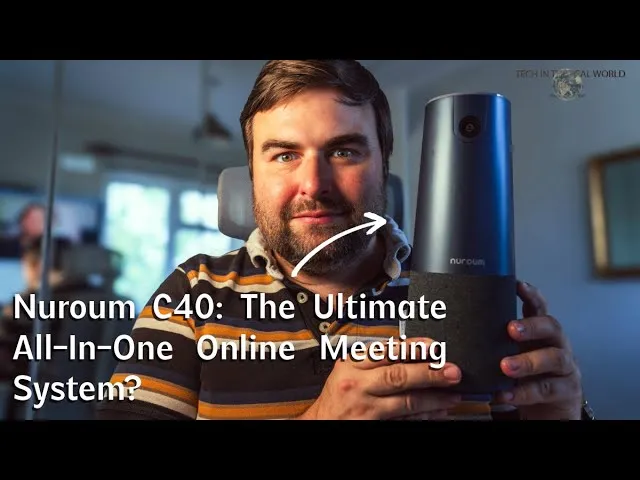
Nuroum C40 review by Tech In The Real World

"The C40 brings clear video, strong audio, and simple controls together in one device, making it a practical fit for real-world meetings."

Tech In The Real World
Tech In The Real WorldTechnology Reviewer

Tech Specs of the Conference Camera

4K video. 120° wide-angle view. AI-powered audio. Flexible USB or wireless setup.

Optics & Sensor

Image sensor
Star-VIS Sensor (8 MP)
Aperture
F2.0
Focus
Fixed focus · 2.0 mmKeeps participants consistently clear without autofocus hunting
Field of view
120° ultra-wide-angleCaptures the meeting table and participants in a single wide view
Distortion-free lens
Supported
Aspect ratio
16 : 9
Digital zoom
5×

Output & Encoding

Maximum resolution
USB output: 4K · Optional NA20 wireless dongle output: 1080PConnect directly through USB for 4K video or use the optional NA20 dongle for wireless 1080p output
MJPEG
Up to 4K @ 30 fps / 1080P @ 60 fps
YUY2
Up to 480P @ 30 fps

Image Processing

Auto-framing
SupportedAutomatically detects participants and adjusts the frame in real time
Auto exposure
Supported
Auto white balance
Supported
Anti-flickering
Supported
3D noise suppression
Supported
HDR
Supported

Microphone Array

Microphones
4 × omnidirectional MEMS microphonesProvides 360° voice pickup around the meeting table
Sensitivity
-38 dBV/Pa, 94 dB SPL @ 1 kHz
Signal-to-noise ratio
68 dB, 94 dB SPL @ 1 kHz, A-weighted
Total harmonic distortion
0.2% @ 94 dB SPL, 1 kHz
Pickup range — standalone
16 ft (5 m) radius · 360°
Pickup range — extended
Up to 52 ft (16 m) with two AM01 microphonesTwo optional AM01 expansion microphones extend total voice coverage across long tables and larger rooms

Audio Processing

AI noise cancellation
Supported
Maximum background noise suppression
30 dB
Acoustic echo cancellation
Maximum echo coupling loss ≥ 56 dB
Reverberation suppression
RT60 < 1 s
Beamforming
Supported
Speaker tracking
Supported
Automatic gain control
Intelligent voice gain within a 5 m radius
Full-duplex communication
Supported — interrupt at any timeBoth sides can speak simultaneously for more natural conversations

Loudspeaker

Rated output power
4 Ω / 3 W
Effective frequency response
140 Hz – 20 kHzReproduces a broad vocal range for clear, natural speech
Maximum volume
80 ± 3 dB (800, 1000, 1200, 1500 Hz) @ 1 W / 1 m
Total harmonic distortion
≤ 3%

Interfaces & Control

USB connection
USB cable + Type-C-to-A cable (2 m)Plug-and-play camera, microphone, and speaker connection
Wireless connection
Optional NA20 wireless dongle · Up to 1080P outputProvides flexible camera placement with fewer cables on the meeting table
Audio expansion
3.5 mm port · Connect AM01 expansion microphone
Remote control
IR remote control supported
Operating systems
Windows / macOS / Linux / ChromeOS

Setup & Compatibility

Installation
Tabletop · Tripod
USB setup
Plug and playNo additional drivers or control software required for standard operation
Wireless setup
Supported with optional NA20 dongle

Unit

Product dimensions
(Ø) 4.33 in × (H) 11.26 inApproximately (Ø) 11.0 cm × (H) 28.6 cm
Net weight
1.31 lbApproximately 0.59 kg
Color
Gunmetal Grey
Installation
Tabletop · Tripod

Power & Package

External power supply
DC 12V-2A
Package dimensions
6.10 × 5.43 × 15.4 inApproximately 15.5 × 13.8 × 39.1 cm
Gross weight
2.40 lbApproximately 1.09 kg

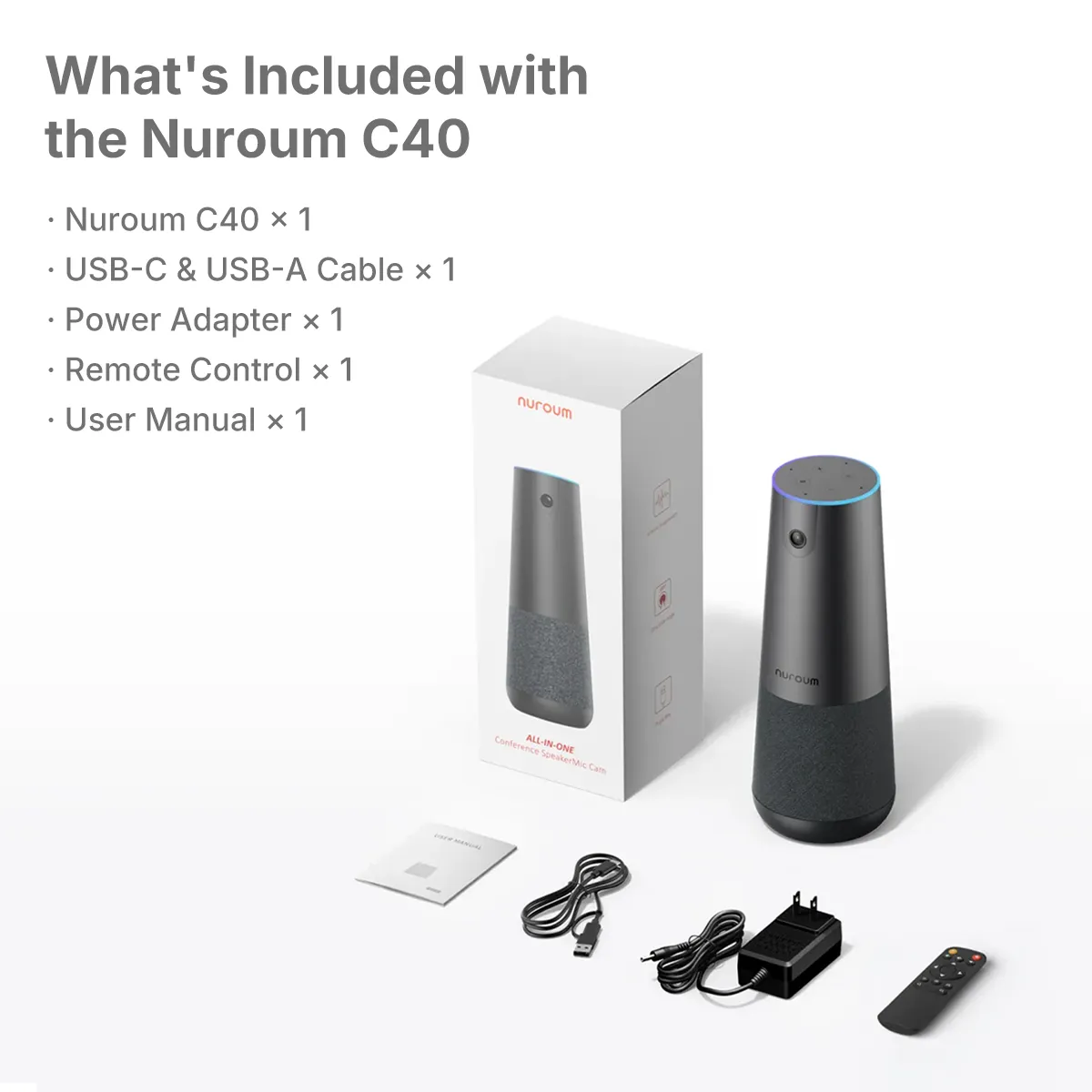
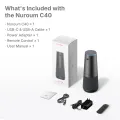
In the Box

Conference camera
Nuroum C40 ×1
Remote control
IR remote control ×1
USB accessories
USB cable + Type-C-to-A cable (2 m)
Power adapter
Adapter ×1
Documentation
User manual ×1 · Warranty card ×1

Get Your Full Tech Specs

All hardware and software details in one PDF

FAQ

Product RelatedOrder Related
Can remote participants hear someone speaking softly at the far end of the table?
The C40’s four built-in microphones pick up voices from all directions within a radius of up to 5 m (16 ft). Automatic gain control helps balance quieter and louder voices. If someone regularly sits beyond that range, place an optional AM01 expansion microphone closer to their seat.
How does auto-framing respond when someone stands up or walks to a whiteboard?
The C40 detects people within its 120° field of view and adjusts the framing as they move or others join the group. If your meetings often shift between the table and a whiteboard, position the camera so both are visible in the wide view.
How much of a small meeting room does the 120° lens capture?
The wide-angle lens helps fit people on both sides of a table into one shot, and its design helps limit distortion near the edges. Coverage depends on how close the nearest seats are to the camera. Check those seats in your meeting preview and move the C40 slightly farther back if anyone is cut off.
How do I connect an AM01 expansion microphone, and when would I need a second one?
Connect the AM01 to the C40’s 3.5 mm expansion microphone port and place it near seats farther from the camera. For a longer table, the C40 supports up to two AM01 microphones. With both connected, total voice coverage can extend up to 16 m (52 ft).
What video resolution does the C40 support over USB and wireless?
A direct USB connection supports up to 4K at 30 frames per second. With the optional NA20 wireless dongle, the maximum video resolution is 1080p.
Do I need the NA20 wireless dongle to use the C40?
No. You can connect the C40 directly to your computer with the included USB cable. Choose the optional NA20 if you want a wireless connection between the camera and your meeting computer. The C40 still needs its power adapter in either setup.
Can people in the room and on the far end speak at the same time?
Yes. Full-duplex audio lets both sides speak and listen at the same time, so a remote teammate can ask a question while someone in the room is talking. If two people in the same room speak over each other, their words can still be difficult to distinguish.
Can I adjust the framing or zoom during a meeting?
Yes. Use the included remote control to zoom in or out and adjust the framing from your seat. This is useful when you want a closer view of a presenter or a wider shot of the group.
How do I set up the C40 for a video meeting?
Plug the power adapter into an outlet and connect the C40 to your computer via USB. Open your meeting app’s audio and video settings, then select Nuroum C40 as the camera, microphone, and speaker. No separate driver is required.
How do I mute the room microphones during a call?
Press the mute button on the C40 or on the included remote control. The microphone indicator turns red to confirm the room is muted. Press the button again to unmute.
Does the C40 work with Zoom, Microsoft Teams, and Google Meet?
Yes. The C40 works with Zoom, Microsoft Teams, Google Meet, and Webex. If your app defaults to your laptop’s built-in camera or microphone, select Nuroum C40 in the app’s device settings.
Start 2026 Right - Subscribe for Exclusive 10% Offers
FaceBook YouTube Instagram LinkedIn Twitter FaceBook_Group Pinterest
  • Connect Us
    • About Us
    • Brand Ambassador
    • Become a Reseller
    • Blog
    • Corporate Purchase
  • Compare
    • Nuroum 360 Pro vs Meeting Owl 3
    • OpenEar Pro 2 vs Shokz & OpenRock
    • C20 vs Logitech BCC950
    • C40 vs Logitech Connect
    • V32AFL vs Logitech Brio
  • Solutions
    • Creation
    • Healthcare
    • Education
    • Team workspace
    • Personal Workspace
  • Policy
    • Payment policy
    • Shipping policy
    • Warranty & Refund
  • Contact us

    For Products Support

    customer.service@nuroum.com

    For Marketing Collaboration

    marketing@nuroum.com

    For Product Sales

    sales@nuroum.com

    iconiconiconiconiconicon
    NearSync-logo NearSync Remote Device Management
    nearify-logo Nearify Free Noise Cancelling App

Copyright © 2026 Nearity USA Inc.
Privacy policy Terms of service