



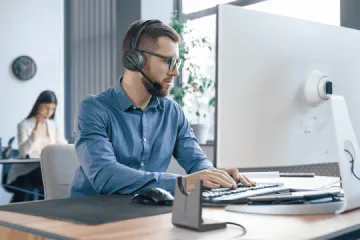
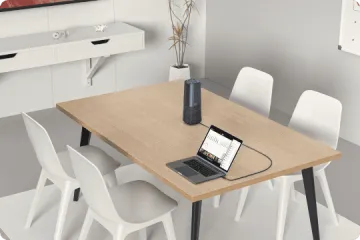



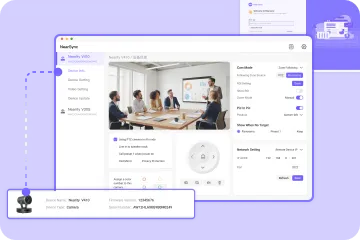
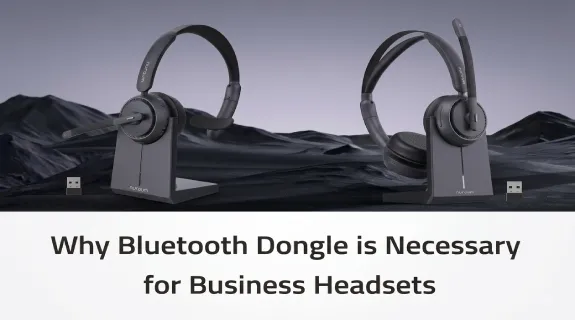
In the age of remote work and digital communication, the equipment we use significantly affects our productivity and comfort. While many professionals rely on Bluetooth connections for their headsets, an often-overlooked accessory—Bluetooth dongle or Bluetooth adapter—can make a world of difference. In this blog, we will explore why a headset dongle is necessary for business headsets, highlighting the key benefits it brings to the table.
Built-in Bluetooth vs. USB Dongle
A USB dongle (also known as a Bluetooth adapter) bypasses your computer's internal Bluetooth card. It acts as an external, dedicated audio processor.
| Feature | Built-in PC Bluetooth | Dedicated USB Dongle |
|---|---|---|
| Audio Processing | Relies on the PC's overloaded CPU. | Has its own dedicated audio chip. |
| Interference | High. Fights with Wi-Fi and other PC devices. | Low. Creates a secure, dedicated frequency. |
| Latency (Audio Lag) | High (Noticeable lip-sync issues). | Zero latency (Often sub-30ms). |
| Range | Usually drops after 3-5 meters. | Can extend up to 30-50 meters. |
| Connection Speed | Requires manual pairing in PC settings. | Plug-and-play. Pre-paired to the headset. |
Why Choose Dongle
1. Unified Communications (UC) Integration
If you use platforms like Zoom, Microsoft Teams, or Webex, a dongle is a game-changer. High-end dongles allow the headset to communicate directly with the software. This means when you press the "Mute" button on your headset, it actually mutes you on Zoom—and alerts you if you start talking while muted. Built-in Bluetooth cannot support this deep integration. In fact, according to Microsoft’s official hardware requirements, wireless headsets must use a dedicated USB dongle to achieve the official "Microsoft Teams Certified" badge, as native PC Bluetooth cannot reliably guarantee call-control protocols.

2. Supporting Dual Connections for Increased Flexibility
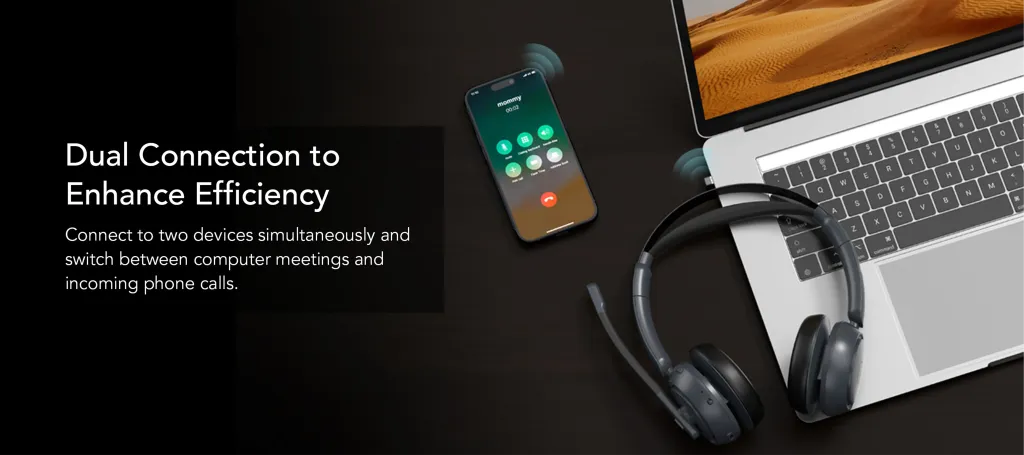
In today’s connected world, multitasking is essential. A recent study by Gartner on hybrid work trends emphasizes that seamless multi-device connectivity is a top driver of remote worker productivity. The beauty of using a Bluetooth dongle is that it supports dual connections—allowing you to connect to your computer via the dongle while simultaneously pairing your headset with your mobile phone through standard Bluetooth. This functionality means you can effortlessly receive Zoom or Microsoft Teams calls on your PC while still being accessible for mobile calls. This level of convenience improves communication flow, reduces the risk of missing important calls, and ultimately enhances overall efficiency.
3. Flawless Stability in High-Interference Zones
If you work in an apartment building or a busy office, the air is thick with 2.4GHz Wi-Fi signals. While analyzing real-world audio connectivity issues, we noticed numerous threads on platforms like Reddit's r/WFH (Work From Home) expressing frustration with premium headsets that rely solely on native PC Bluetooth. For example, one user of Shokz have posted a complaint stating that:
"I work from home, but the Bluetooth signal on my Shokz headset becomes highly unstable and stutters constantly in my apartment,which makes me feel very awkward when having online meetings with my colleagues. How can this be solved?"
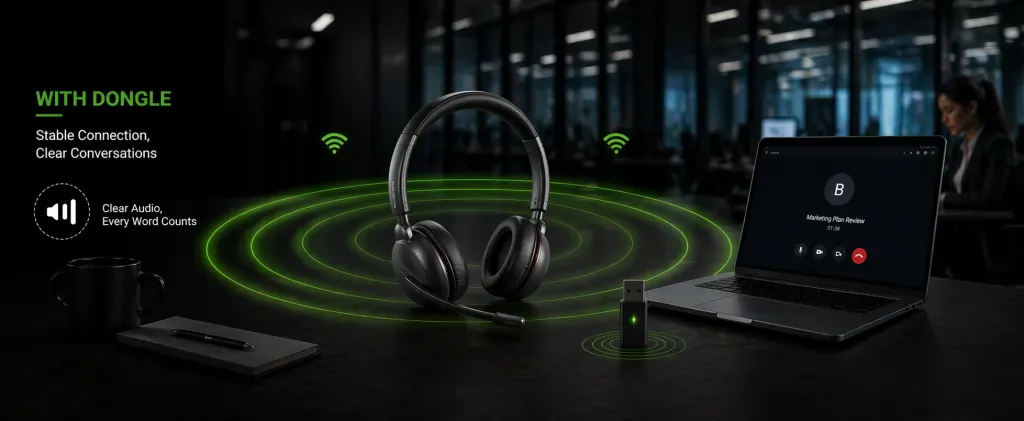
According to reports from the IEEE (Institute of Electrical and Electronics Engineers), the 2.4GHz ISM band is notoriously congested, which leads to severe packet loss for standard Bluetooth devices. A dedicated USB dongle is engineered specifically to cut through this interference. It locks onto your headset's signal on a secure frequency, bypassing your PC's struggling internal chip to prevent your audio from dropping out mid-sentence.
Recommended Business Headsets with Bluetooth Adapter
If you're looking for quality business headsets that complement the advantages of using a Bluetooth dongle, here are four excellent choices from Nuroum:
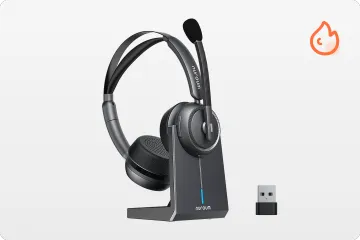
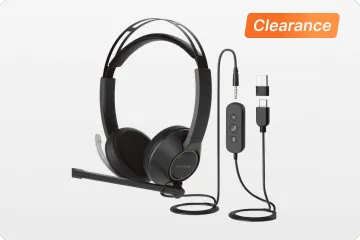
1. Nuroum HP31D
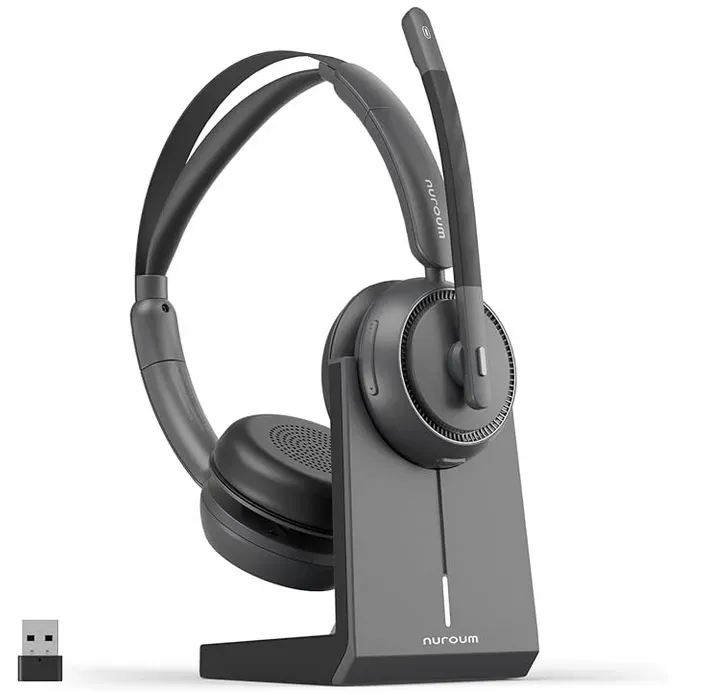
$99.99
Dual-Ear Design | AI-Powered ENC Noise Cancellation
Bluetooth Version: 5.4 | Bluetooth Effective Range: 33ft/10m
Battery Life: 35H for calls, 45H for music | Charging Time: 2H | With Charging Stand
Connection Options: Dongle/Bluetooth/USB A&C | Support Dual Connection
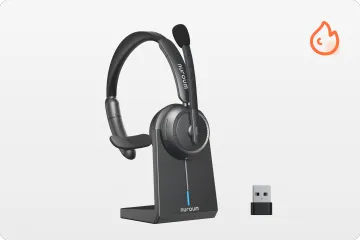
2. Nuroum HP31S
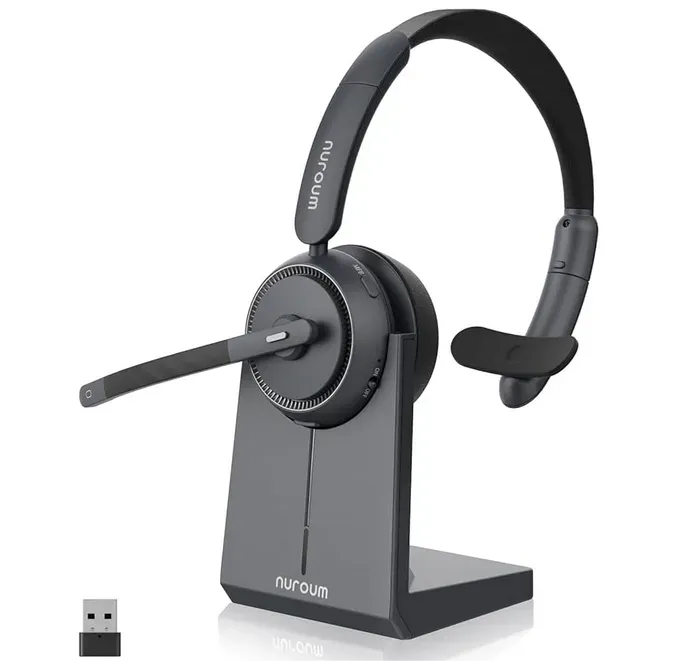
$94.99
Single-Ear Design | AI-Powered ENC Noise Cancellation
Bluetooth Version: 5.4 | Bluetooth Effective Range: 33ft/10m
Battery Life: 35H for calls, 45H for music | Charging Time: 2H | With Charging Stand
Connection Options: Dongle/Bluetooth/USB A&C | Support Dual Connection
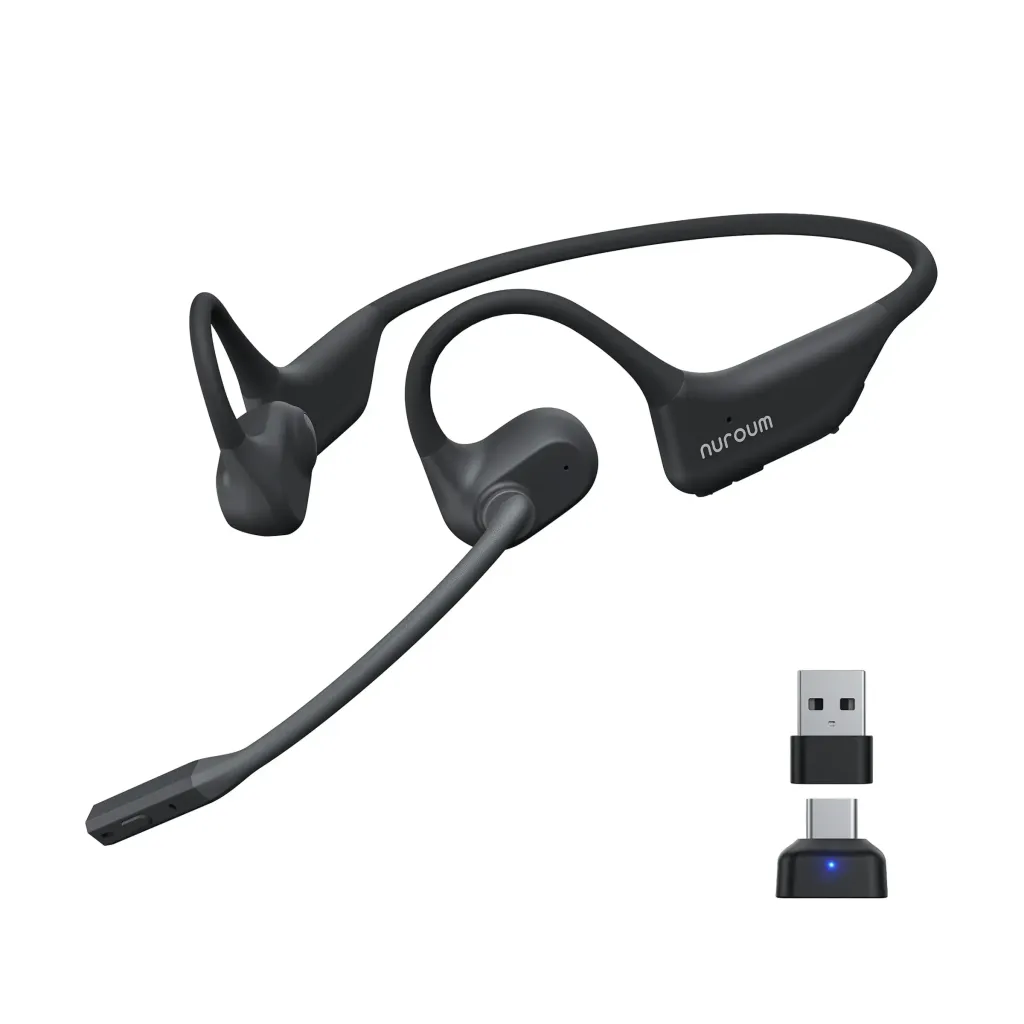
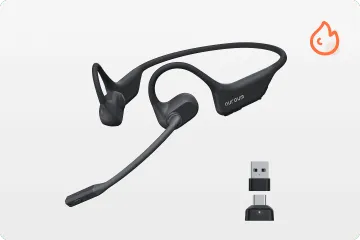
$129.00
Open-Ear Comfort | Bone Conduction-level Ease + AI-Powered ENC Noise Cancellation
Bluetooth Version: 5.4 | Bluetooth Effective Range: 33ft/10m
Battery Life: 12H for calls, 15H for music | Charging Time: 2H | USB-C Charger Cable
Connection Options: Dongle/Bluetooth/USB A&C | Support Dual Connection
Conclusion
Your professional reputation relies on how well you communicate. Relying on a internal PC Bluetooth chip for high-stakes business negotiations is a massive risk.
By using a dedicated USB dongle, you upgrade your setup with zero latency, extended range, and flawless software integration. If you are upgrading your home office, look for a wireless headset with mic for work that includes a pre-paired dongle in the box.
With high-quality options like Nuroum HP31D, Nuroum HP31S and Nuroum OpenEar Pro 2 you’ll find the perfect headset that meets your business needs while maximizing the benefits of using a headset dongle.
FAQs
1. Why is a dongle better than my PC's built-in Bluetooth?
Standard PC Bluetooth is a "jack of all trades" that manages multiple devices. A dedicated USB dongle is an external sound card specifically tuned for high-definition audio. It provides higher bandwidth, lower latency, and much better resistance to Wi-Fi interference.
2. Can I use the Nuroum dongle with any other brand's headset?
While many dongles use standard protocols, professional dongles like those included with the Nuroum HP31D are factory-paired and optimized for specific hardware. Using the "native" dongle ensures you get the best range and the full range of remote control features (like one-touch muting).
3. Will the dongle help if my office has too many Wi-Fi signals?
Yes. This is one of its primary benefits. Most USB dongles are engineered to handle "busy" 2.4GHz environments better than internal chips, preventing the audio stuttering often caused by overlapping wireless signals in apartment buildings or crowded offices.
4. Do I need to install drivers to use a Bluetooth dongle for my headset?
In most cases, no. Professional business headsets are designed for Plug-and-Play functionality. Once you plug the USB-A or USB-C adapter into your PC, it is immediately recognized as the primary audio device, bypassing the need for complex Windows/Mac Bluetooth pairing menus.
5. Does using a dongle impact my headset's battery life?
Actually, it can improve it. Because the connection is more stable and uses optimized protocols (like Bluetooth 5.4 in the OpenEar Pro 2), the headset doesn't have to work as hard to maintain a weak signal, which can lead to more efficient power consumption during long calls.



