






Looking to remove vocals from songs or isolate instrumentals for remixing, karaoke, or podcast editing? This guide breaks down the best vocal remover tools in 2026, from top AI-powered software and free online vocal removers to pro-level desktop editors. Learn how to optimize the ultimate vocal remover best settings, explore software like UVR or LALAL.AI, and discover how the right wireless headset with noise cancelling mic can help you capture and monitor studio-quality results.
Removing vocals from music tracks has become incredibly simple and accurate thanks to AI-powered tools. Whether you're creating karaoke tracks, remixing songs, or editing podcasts, finding the best vocal remover can make all the difference.
In this guide, we cover the best vocal remover software, free online tools, and the ultimate vocal remover best settings to help you isolate vocals or instrumentals with clean, studio-like precision.
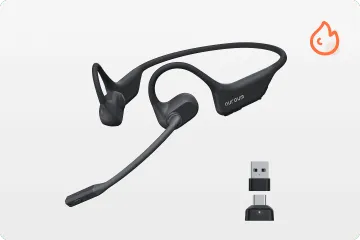
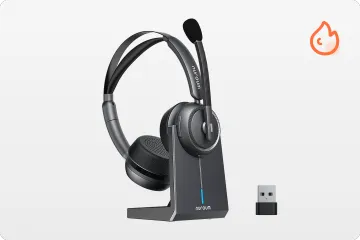
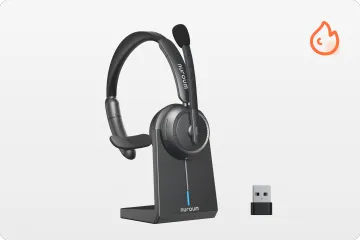
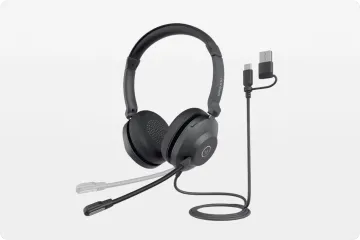
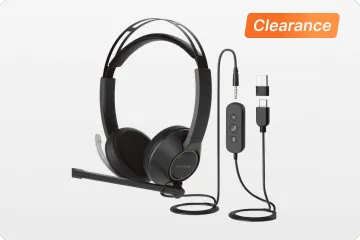
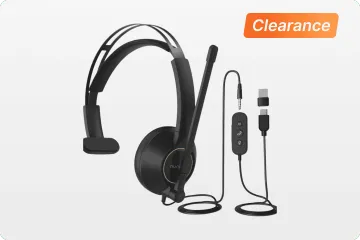
🎧 Bonus tip: For the most accurate monitoring during audio edits and recording clean voiceovers, we recommend using a wireless headset with noise cancelling mic. The over-ear design provides solid physical isolation to hear pure audio stems, while the ENC technology keeps your vocal recordings free from background interference.
Key Features to Look for in a Vocal Remover
Before we jump into the top tools, here are the must-have features that define the best vocal remover:
- 🎼 Clean and accurate vocal or instrumental separation
- ⚡ Fast and smooth performance
- 🤖 AI-powered processing for intelligent stem separation
- 💾 Multiple file format support (MP3, WAV, FLAC)
- 🌐 Online and offline options
- 🔊 No audio distortion or artifacts
Best Vocal Remover Software in 2026
- Ultimate Vocal Remover (UVR)
Keyword: best vocal remover / ultimate vocal remover best settings
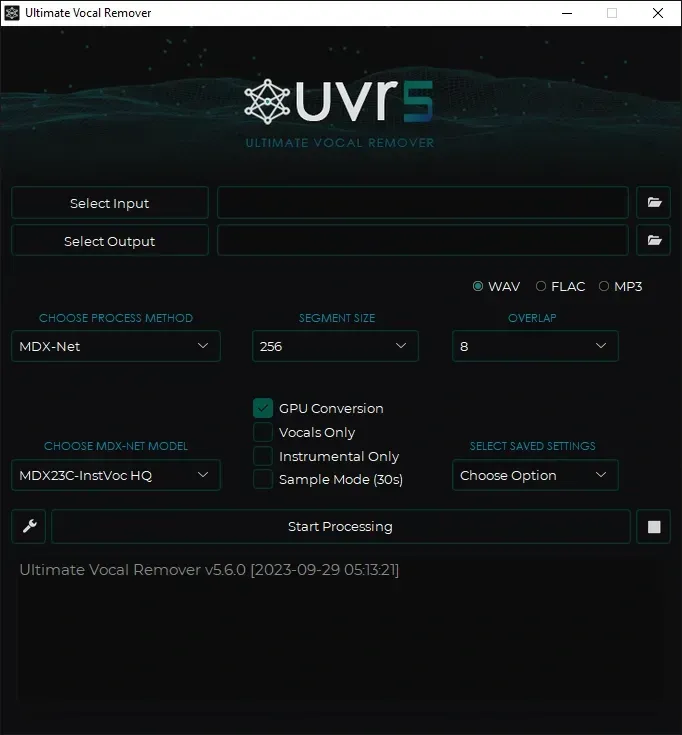
Key Features:
- Free and open-source
- Uses advanced AI models like MDX23C and Demucs
- Multiple processing modes (vocal, instrument, stem separation)
- Batch processing supported
Comments: UVR is hands down the best AI vocal remover for audio professionals and advanced users. While it's not browser-based, it delivers studio-quality results and lets you customize the separation settings to a professional level.
Best Settings Tip:
- Use MDX23C-Inst HQ model
- Enable post-processing and normalization
- Export in WAV for best sound quality
- LALAL
Keyword: best vocal remover online free / best ai vocal remover
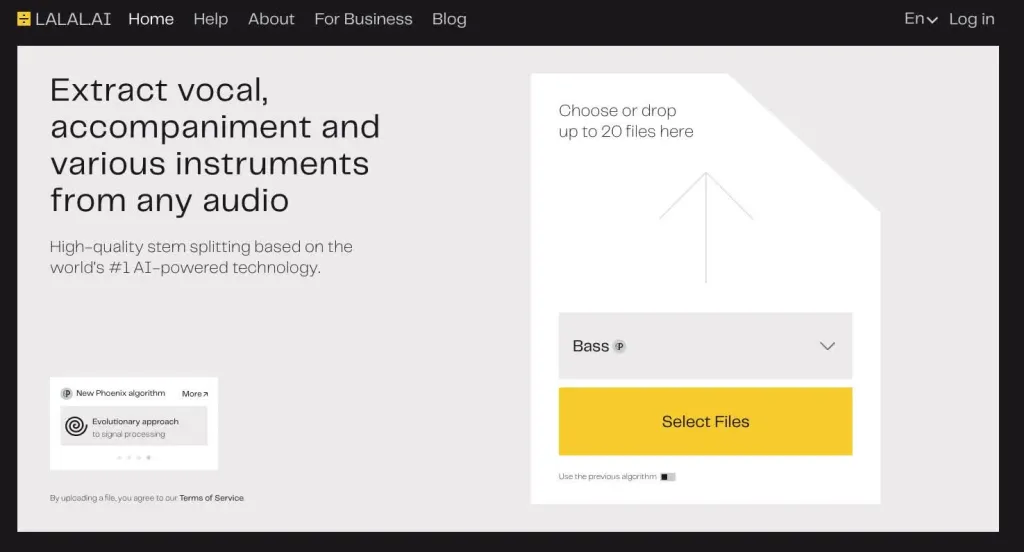
Key Features:
- AI-powered stem separation
- Supports vocals, drums, bass, and more
- Web-based—no download needed
- Free tier with limited uploads
Comments: LALAL.AI stands out as one of the best free online vocal removers for casual users and musicians. The drag-and-drop interface is super intuitive, and the AI engine is quite accurate even for complex audio files.
- Moises
Keyword: best ai vocal remover / best vocal remover online free
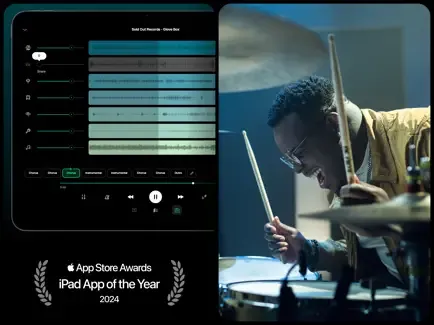
Key Features:
- Mobile app and web access
- Real-time vocal separation
- Adjust pitch, speed, and key
- Free plan with premium upgrade
Comments: Moises.ai is the best vocal remover for mobile use. It allows creators to remix, slow down, or repurpose tracks on the go. The free tier offers solid performance, while the premium upgrade unlocks more customization.
- VocalRemover.org
Keyword: best vocal remover online free / best free online vocal remover
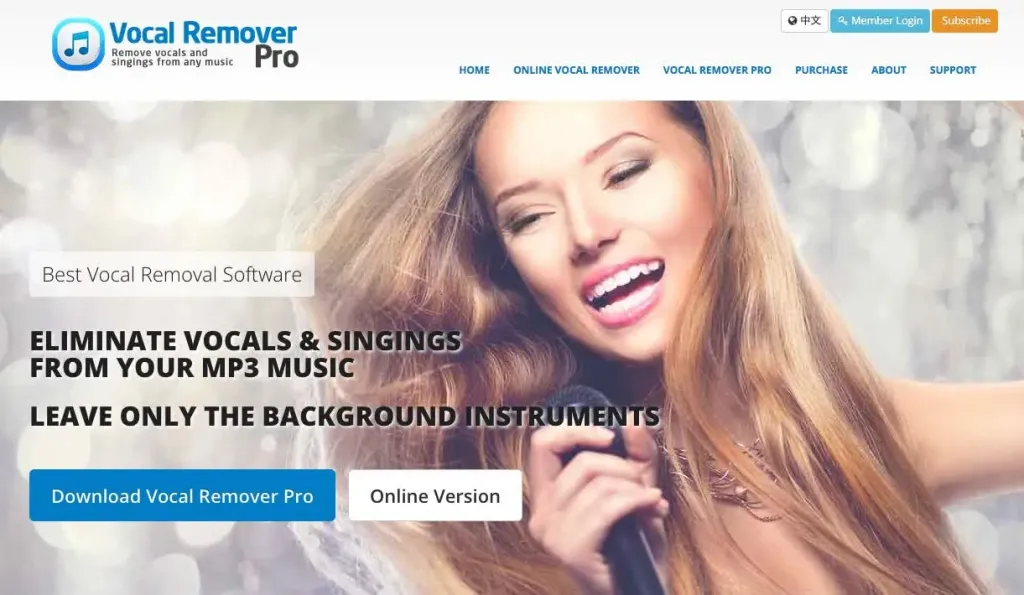
Key Features:
- Free, browser-based vocal remover
- Karaoke mode and pitch changer
- Quick upload and fast processing
- No account required
Comments: If you're looking for the best free online vocal remover, this is it. It's great for karaoke nights, quick demos, or basic remixing tasks. No installation, no sign-up—just upload and download.
- Audacity (With Plugins)
Keyword: best vocal remover software
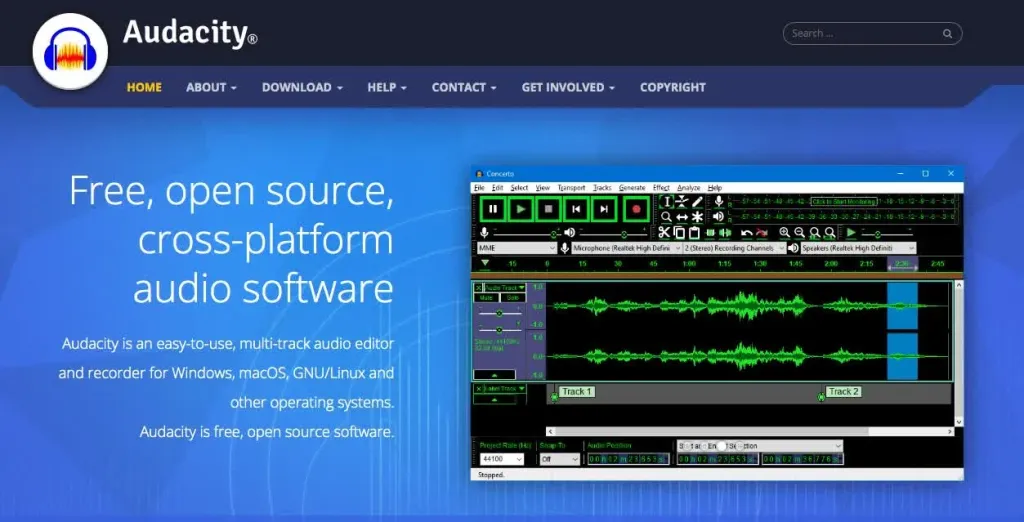
Key Features:
- Free and open-source audio editor
- Manual vocal removal using phase inversion
- VST plugin support for AI processing
- Compatible with Mac, Windows, Linux
Comments: Audacity is a versatile tool for editors who like manual control. While it doesn’t have AI built-in, you can use third-party plugins to achieve high-quality vocal separation. Ideal for those comfortable with EQ and audio processing.
- Adobe Audition
Keyword: best vocal remover software
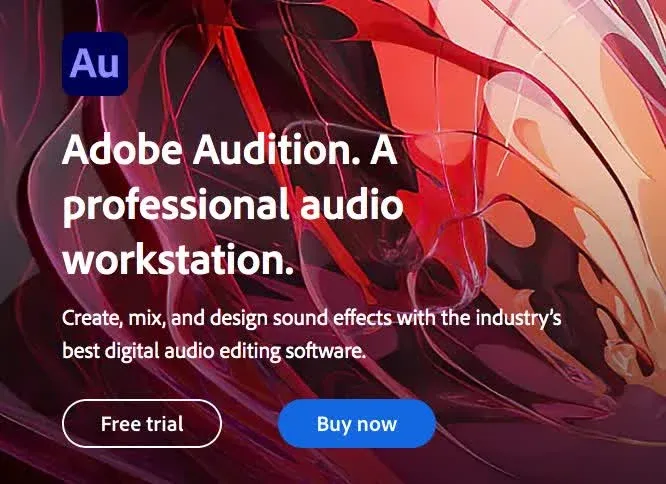
Key Features:
- Industry-grade audio workstation
- Spectral frequency editing
- AI-based noise reduction tools
- Integration with Premiere Pro
Comments: Adobe Audition offers powerful vocal editing tools but comes at a premium price. Best for creators, producers, and podcast editors who need full-spectrum control and studio-level sound.
Ultimate Vocal Remover Best Settings: Pro Guide
When using Ultimate Vocal Remover, choosing the right settings is key for clean, professional audio separation.
✅ Recommended Settings:
- Model: MDX23C-Inst HQ
- Demucs Mode: Enabled
- Chunk Size: 44100
- Output Format: WAV (for quality)
- Post-Processing: Yes
- Normalization: Yes
🎧 Pro Tip:When reviewing AI-separated stems or recording new tracks, precise frequency response is crucial. Using an over ear wireless headset ensures you won't miss microscopic distortions, giving you studio-level control over your mix.
Conclusion
Whether you’re a musician, DJ, podcaster, or casual music fan, the tools above represent the best vocal remover options available in 2026. Choose based on your needs—be it software depth, AI convenience, or online accessibility. Plus, a great software paired with a high-quality wireless headset with noise cancelling mic is the secret to a flawless audio experience.
FAQs
Q1: What is the best vocal remover in 2026?
Ultimate Vocal Remover (UVR) is the most versatile and accurate, while LALAL.AI and Moises.ai are top choices for online and mobile users.
Q2: What is the best free online vocal remover?
VocalRemover.org offers quick and free results without sign-up. Moises.ai and LALAL.AI also provide strong free plans.
Q3: What is the best AI vocal remover?
Ultimate Vocal Remover, LALAL.AI, and Moises.ai use AI models that outperform traditional audio editing tools for vocal separation.
Q4: What are the best settings for UVR?
Use the MDX23C-Inst HQ model with Demucs, post-processing, and export in WAV. This ensures studio-quality results with minimal distortion.
Q5: Why do I need a good headset for vocal removal?
Audio accuracy matters. Consumer earbuds often mask the faint background hiss left by AI algorithms. By using over ear noise cancelling headphones, you get the physical noise isolation needed to catch those tiny imperfections others miss, ensuring your final edits are clean and professional.



