



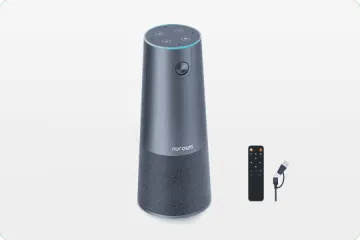


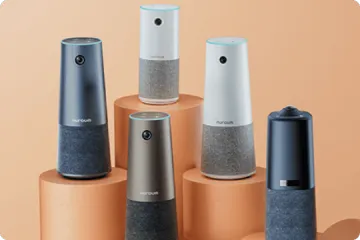


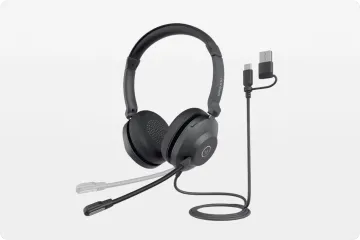





If ChatGPT Voice Mode or Whisper keeps misunderstanding your prompts, the problem may not be the AI—it may be your microphone. This guide explains how microphone quality, background noise, and signal-to-noise ratio affect speech recognition accuracy, and why a professional headset with AI-powered noise cancellation can dramatically improve AI dictation, voice commands, and transcription workflows.
You have been using ChatGPT Voice Mode for months, and the responses feel hit-or-miss. Sometimes the AI nails your intent. Other times it produces completions that seem to come from a different conversation entirely. You tweak your prompts. You slow your speech. You try different rooms in the house. The inconsistency persists.
The problem may not be your prompts, your pacing, or even the AI model. It may be sitting three inches from your mouth.
Most people who rely on a wireless headset with mic for work have already discovered this. Professionals who spend hours on Zoom or Teams know that microphone quality is the single largest variable in communication clarity. The same principle applies to AI dictation, but it is a connection most users have not made yet. Whether you are using ChatGPT Voice Mode, Claude's voice feature, Gemini Live, or running OpenAI's Whisper API locally, the quality of your microphone input determines the quality of the output. Garbage in, garbage out.

What ChatGPT Voice Mode Actually Hears
ChatGPT's voice mode processes audio in near real-time, converting your speech into tokens that the model interprets and responds to. This pipeline is remarkably fast, but it is also remarkably sensitive to input quality. The model does not "listen" the way a human does. It does not subconsciously filter out the hum of your air conditioner or the clatter of your mechanical keyboard. It receives a raw audio waveform and must extract phonemes from it.
When background noise is present, those phonemes get distorted. The word "write" can sound like "right" or "white" to a speech recognition engine. A multi-syllable prompt becomes a string of misheard fragments. The model then generates a response based on what it thinks you said, not what you actually meant.
This is not a flaw in the AI. It is a fundamental constraint of automatic speech recognition. Microsoft Research published a comprehensive overview of noise-robust ASR techniques, analyzing three decades of methods for handling real-world acoustic distortion. The paper makes one point abundantly clear: no amount of algorithmic sophistication fully compensates for a noisy input signal. The cleanest path to accurate recognition starts at the microphone.
The Background Noise Problem
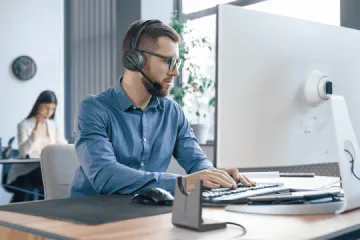
Most people dictate into their laptop's built-in microphone. That microphone sits on the same surface as the keyboard, near the screen's speakers, surrounded by whatever is happening in the room. It is an omnidirectional pickup that captures everything equally: your voice, the fan noise from your laptop, the dog barking outside, the conversation in the next room.
For casual voice commands, this is tolerable. For sustained AI dictation, it is a liability. The chatgpt voice mode microphone requirement is not published as a formal specification, but the practical threshold is clear: you need a signal-to-noise ratio that lets the model distinguish your speech from ambient sounds. Laptop mics rarely deliver this in real-world conditions.
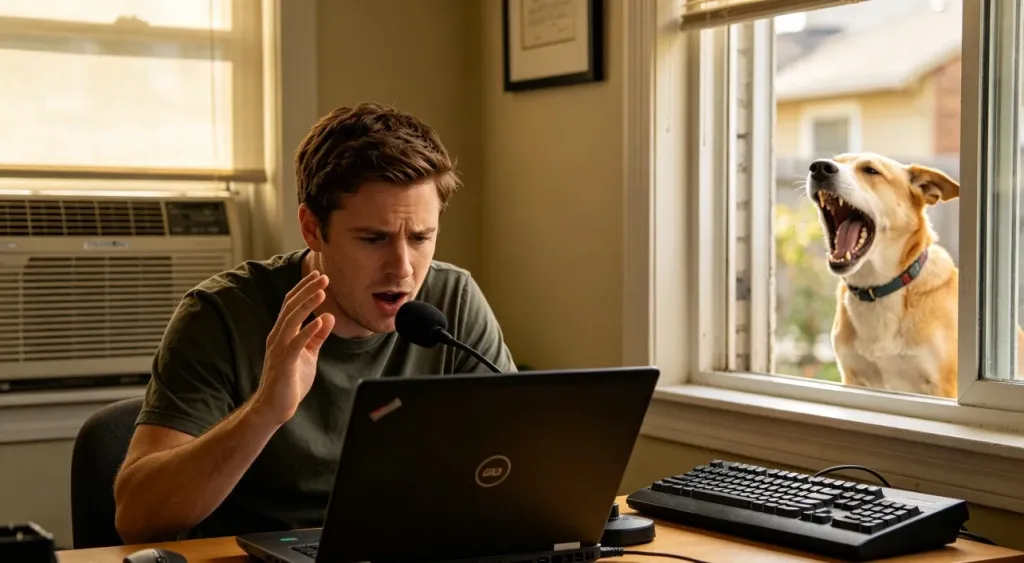
Common noise sources that sabotage dictation include air conditioners and HVAC systems, which produce constant low-frequency rumble. Mechanical keyboards generate sharp transient clicks that punctuate every pause between words. Open-plan offices introduce unpredictable human speech from neighboring desks. Even surfaces matter: a hardwood desk reflects sound differently than a carpeted floor, and that reverb further contaminates the signal.
The result is transcription that looks almost correct but contains just enough errors to require manual cleanup. For writers, journalists, and researchers who use AI dictation to draft content, those small errors compound across thousands of words. What was supposed to save time ends up costing it.
Whisper and the Signal-to-Noise Threshold
OpenAI's Whisper model set a new standard for whisper ai speech to text mic noise handling when it launched. It handles accented speech, overlapping audio, and moderate background noise better than any previous open-source model. But Whisper has limits, and those limits are defined by input quality.
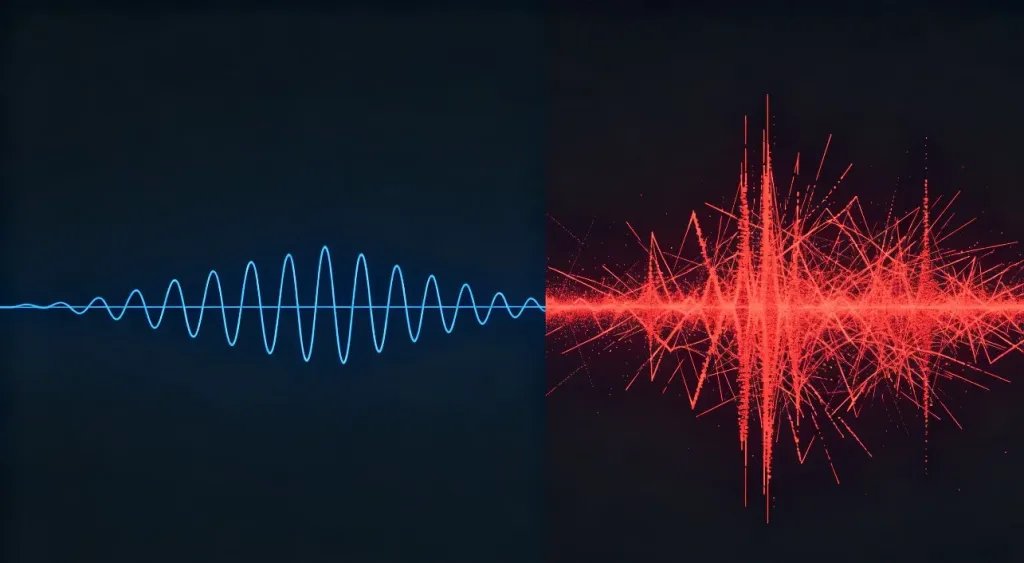
In testing, Whisper's word error rate climbs measurably when the signal-to-noise ratio drops below approximately 15 dB. That sounds technical, but it translates to a practical reality: if you can hear background noise while you speak, Whisper can probably hear it too, and it is affecting your transcript.
Professionals who need to eliminate background noise for ai transcription face two options. The first is environmental control: close the window, turn off the AC, move to a quiet room, use a dynamic microphone close to the mouth. The second, and more practical for most people, is to use a microphone that does the filtering for you.
What Your Microphone Needs to Deliver
Not all microphones are built for speech recognition. Here is what matters most:
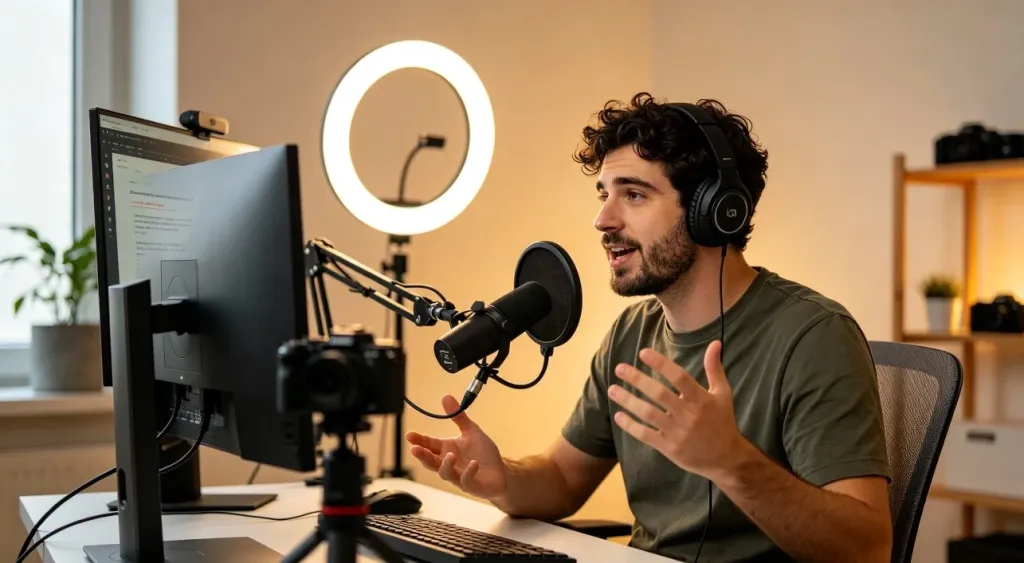
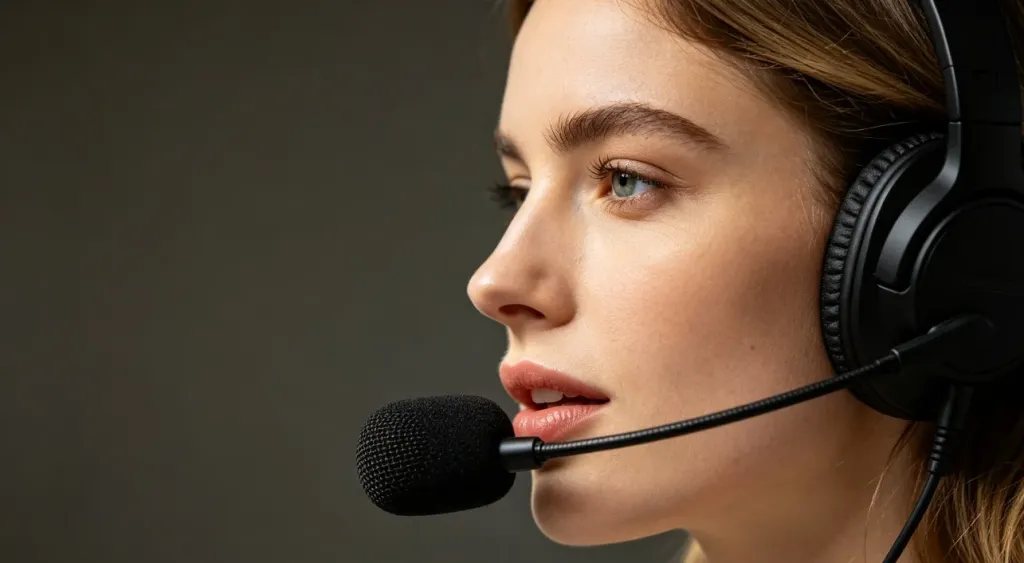
- Proximity to the mouth. A boom microphone that sits two to three centimeters from your mouth captures a direct signal with minimal ambient pickup. This alone eliminates most room noise.
- Directional pickup pattern. Cardioid or noise-rejecting microphones focus on the sound source directly in front of them while attenuating sounds from the sides and rear. Built-in laptop mics are typically omnidirectional, which is the worst pattern for dictation.
- Active noise cancellation on the microphone. A headset with noise cancelling mic uses microphone-level ENC to suppress ambient sounds before they reach AI speech recognition models, resulting in cleaner voice input for transcription.
- Low latency. For real-time voice interaction with AI models, latency under 50ms is ideal. Bluetooth 5.4 with a dedicated USB dongle typically delivers this.
Practical Setup Tips Before You Buy New Hardware
If you are not ready to invest in a dedicated headset, these adjustments can meaningfully improve your current dictation quality:
Close all unnecessary browser tabs and applications that produce notification sounds. Even brief pings can interrupt the audio stream mid-sentence. Position yourself as close to the microphone as possible, ideally within a foot of the input source. Reduce hard, reflective surfaces around your recording area. A blanket draped over a desk or a bookshelf behind you can absorb reverb. Record in the quietest room available, ideally a small carpeted room with soft furnishings. Use a pop filter or windscreen if you are using a standalone condenser microphone.

These steps help, but they are workarounds. They require ongoing effort and environmental cooperation. For anyone who dictates regularly, a purpose-built solution is the better path.
A Dedicated Headset Built for This Problem
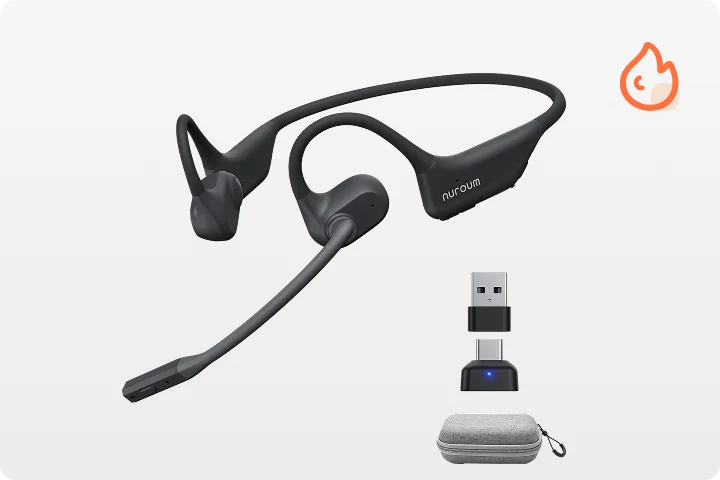
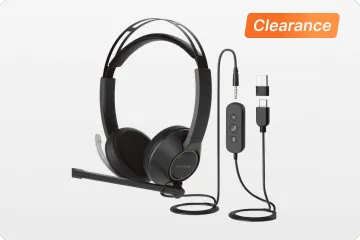
The Nuroum HP31D is designed as a communication-first professional wireless noise cancelling headset, and the same qualities that make it effective for calls also make it effective for AI dictation. Its core strength is a dual noise-cancelling microphone array driven by a HiFi4 DSP processor with a neural network trained to suppress up to 99.9% of background noise. This is microphone-level noise cancellation that cleans your outgoing audio before it reaches any AI model.
For the specific use case of AI dictation and voice interaction, the HP31D delivers what laptop microphones cannot. The boom arm positions the microphone close to your mouth, capturing a direct voice signal. The AI-powered ENC filters out air conditioners, keyboard clicks, and room echo in real time. Bluetooth 5.4 with multipoint support means you can switch between a laptop running Whisper and a phone running ChatGPT without re-pairing. The 35-hour talk-time battery means you can dictate through an entire workday without charging.
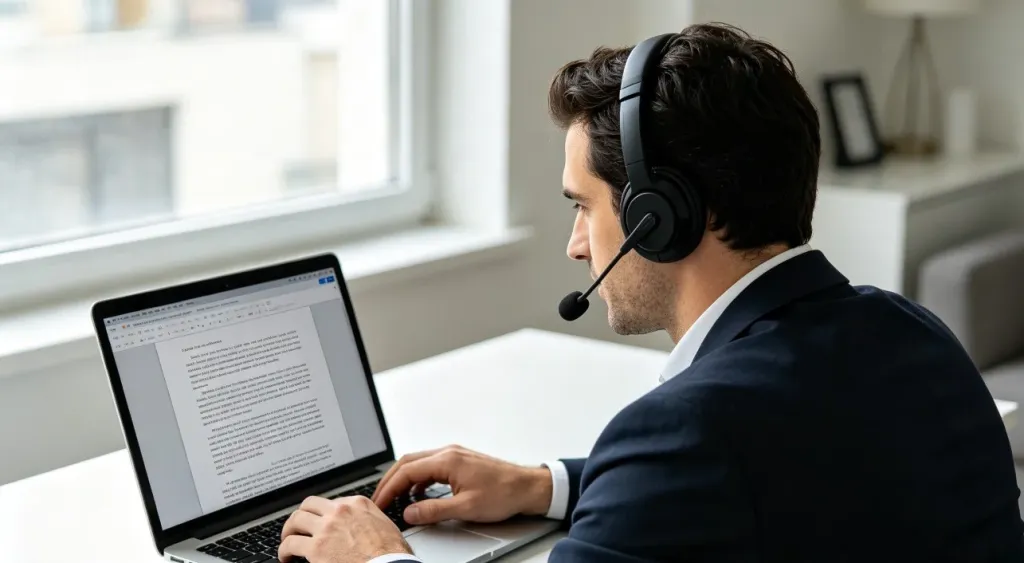
As a wireless headset with mic for work, the HP31D also serves double duty for meetings and calls, which is where most AI power users spend the rest of their day. The included USB-A dongle provides plug-and-play low-latency connectivity for PCs without Bluetooth, and the charging stand keeps it ready on your desk. At $90, it sits in a price range that makes it a practical upgrade rather than an enterprise investment.
FAQs
- Why does my AI transcription keep getting words wrong?
Most transcription errors come from background noise contaminating the audio signal before it reaches the AI model. Air conditioners, keyboard clicks, street traffic, and room echo can cause phoneme confusion. Using a close-talk microphone with noise cancellation dramatically reduces these errors.
- Does ChatGPT Voice Mode need a special microphone?
ChatGPT Voice Mode does not require a specific microphone, but it performs significantly better with a close-talk mic that minimizes ambient noise. Laptop built-in mics pick up too much room sound, which degrades the AI's ability to parse your intent.
- Can a noise-cancelling headset improve Whisper transcription?
Yes. Whisper's accuracy drops sharply when the signal-to-noise ratio falls below a certain threshold. A noise-cancelling headset with a boom microphone captures your voice while suppressing ambient sounds, delivering cleaner input that Whisper can transcribe more accurately.
- What is the difference between ANC headphones and a boom mic headset?
ANC headphones reduce the noise you hear. A headset with a boom microphone reduces the noise the AI hears. For speech-to-text and voice commands, what matters is the output microphone quality, not the playback noise cancellation.



