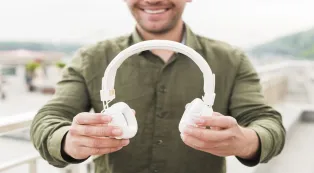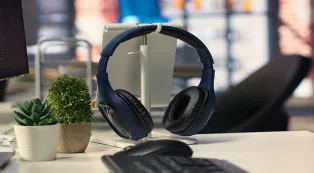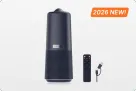
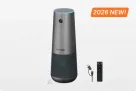























Being a Virtual Assistant (VA) means your voice is your most valuable asset, but background noise—like a barking dog or a whirring lawnmower—can instantly shatter your professional image. This comprehensive guide serves as a deep dive into what is the best headset for remote work and why finding the right equipment matters so much for your career trajectory. If you have ever struggled to be heard during a high-stakes client meeting, you know that high-quality audio isn't just a luxury; it is the foundation of digital trust in the modern global economy.
Key Takeaways
- Clear audio is essential for virtual assistants because voice quality directly impacts client trust efficiency and perceived professionalism.
- The best headset for remote work helps reduce background noise prevent misunderstandings and support long hours of daily communication.
- A noise canceling mic headset protects your professional image even in busy home or shared work environments.
- Investing in professional audio gear enables virtual assistants to deliver higher value command better rates and grow long term careers.
What Does a Virtual Assistant Do in Remote Work?

To understand why audio gear is so critical, we must first define the expansive role of the modern Virtual Assistant. A VA is no longer just a "remote secretary." They are strategic partners who manage the operational backbone of businesses across the globe.
The Evolution of the VA Role
Virtual assistants handle a diverse array of tasks that require constant, clear communication. These include:
- Administrative Support: Managing calendars, emails, and travel arrangements.
- Client Relations: Acting as the first point of contact for a brand’s customers.
- Project Management: Coordinating between different departments and stakeholders.
- Specialized Services: Social media management, bookkeeping, and technical support.
- Executive Ghostwriting: Assisting with LinkedIn posts and professional correspondence.
- Data Research: Compiling competitive analysis reports for startups.
The Communication-Heavy Nature of the Job
Whether you are conducting a discovery call with a potential lead or troubleshooting a technical issue for a long-term client, your ability to transmit information clearly is paramount. Because VAs often work across different time zones, the windows for synchronous communication are narrow and must be maximized for efficiency. A missed word due to a crackling microphone can lead to a misunderstanding that costs hours of rework.
Why Virtual Assistants Need the Best Headset for Remote Work
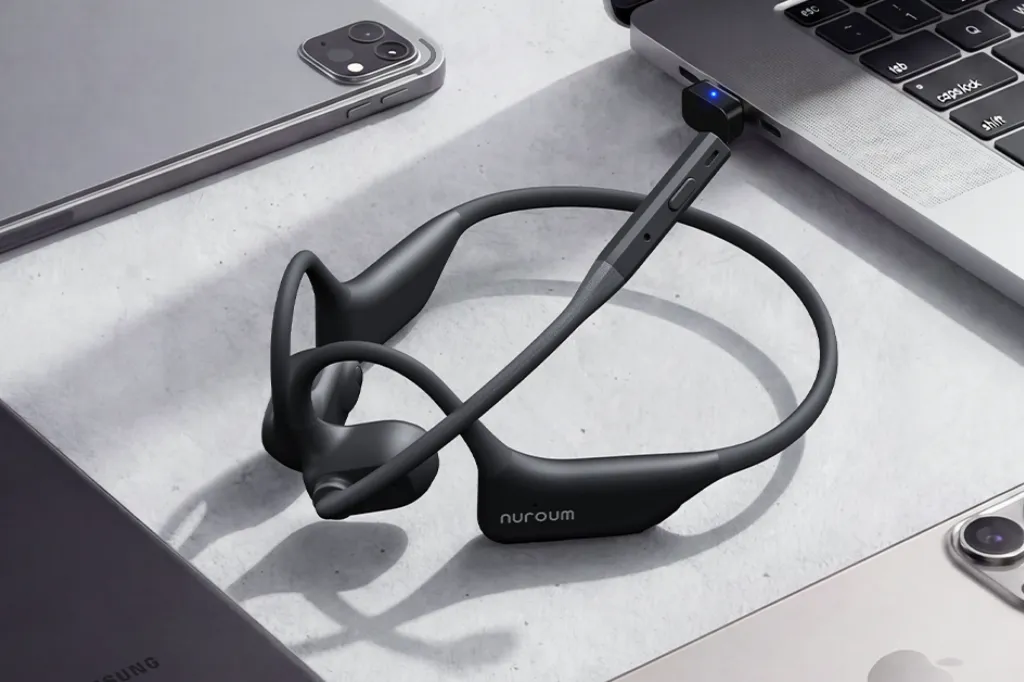
Investing in the best headset for remote work is about more than just hearing audio; it is about establishing a professional presence that transcends physical distance.
Establishing Professional Authority
When you join a call with crystal-clear audio, you signal to your client that you take your business seriously. High-quality equipment allows you to maintain situational awareness while delivering studio-quality voice transmission. For those who need total immersion in a noisy household, a professional headset provides a robust, dual-ear solution that signals "do not disturb" to anyone else in your workspace.
Efficiency and Multitasking
A high-quality headset allows for:
- Hands-Free Operation: Allowing you to type notes or look up data during a call without cradling a handset.
- Long-Wear Comfort: Essential for VAs who spend 6–8 hours a day in meetings.
- Reliable Connectivity: Minimizing the "Can you hear me now?" interruptions that derail productivity and annoy busy executives.
- Vocal Preservation: Professional mics require less "shouting," preventing voice strain over long work weeks.
Health and Ergonomics
Using a proper headset instead of holding a phone or using laptop speakers prevents "tech neck" and ear fatigue. Research from Ergonomics Plus suggests that headset use can reduce neck pain and upper body tension by up to 41% in office environments. For VAs, this means fewer headaches and more energy at the end of a long shift.
The Daily Communication Challenges Virtual Assistants Face
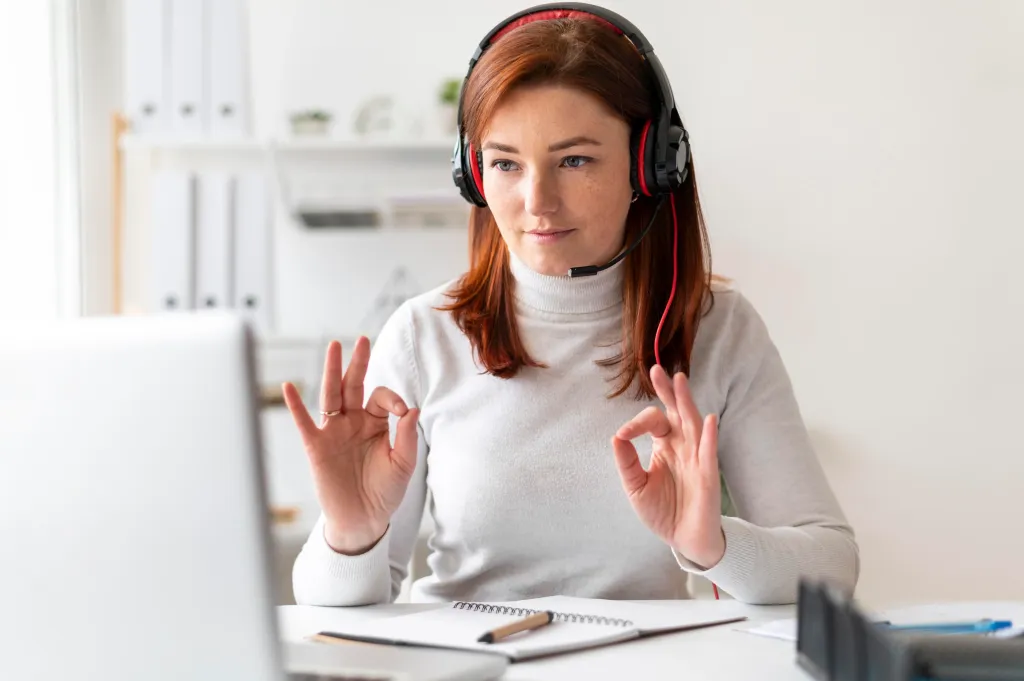
Remote work is filled with auditory landmines. For a VA, these challenges aren't just annoying—they are potential threats to their reputation and contract longevity.
Environmental Noise Pollution
Most VAs work from home, which comes with unpredictable sounds:
- Household Activity: Children playing, kitchen appliances, or family members talking.
- Neighborhood Noise: Construction, traffic, landscaping crews, and sirens.
- Weather Events: Heavy rain or wind hitting the windows.
- Internal Echo: Empty rooms or tiled floors creating a "hollow" sound.
Technical Hurdles
Even in a quiet room, poor hardware can cause:
- Echo and Feedback: Often caused by using laptop speakers and microphones simultaneously.
- Audio Clipping: Where the microphone cuts out the beginning or end of your sentences.
- Static and Interference: Common in low-end bluetooth headphones open ear models without proper shielding.
- Latency: Delays that cause you to accidentally talk over your client.
The "Distance Gap"
Without the benefit of body language, VAs rely entirely on vocal tonality and clarity. If your audio is muffled, your client may misinterpret your tone as being disinterested, unprepared, or even unprofessional. Clear audio bridges the empathy gap, making the client feel as though you are sitting right next to them.
How Poor Audio Quality Impacts Client Trust and Career Growth

The correlation between audio quality and perceived intelligence is a documented psychological phenomenon that every freelancer should be aware of.
The "Cognitive Fluency" Factor
According to a study published by the University of Southern California (USC), listeners perceive speakers with higher audio quality as being more intelligent and likable. Conversely, poor audio makes the listener work harder to understand, leading to "listener fatigue" and a negative subconscious association with the speaker. If a client has to struggle to hear you, they will eventually stop listening to your ideas.
Direct Impact on VA Earnings
- Retention Rates: Clients are less likely to renew contracts with VAs who are difficult to communicate with.
- Referral Potential: A VA who sounds like a "pro" is much more likely to be recommended to high-paying peers.
- Promotion to Leadership: Moving from a VA to an OBM (Online Business Manager) requires leading team meetings where clear communication is non-negotiable.
- Premium Pricing: You can command higher hourly rates when your "virtual office" setup matches the quality of a corporate executive.
The Trust Deficit
In the world of remote work, trust is the primary currency. If a client hears chaos in your background, they may wonder if you are truly focused on their work or if your "home office" is actually a kitchen table shared with three other people. This is why a best noise canceling mic headset is an essential tool for privacy and professionalism.
Why a Noise Canceling Mic Headset Is a Smart Investment
Not all headsets are created equal. To truly excel, a VA needs a bluetooth headphone open ear or a headset with mic noise cancellation that can filter out the world and isolate the human voice.
Active vs. Passive Noise Cancellation
- Passive: Physical barriers (like high-density foam ear cups in the Nuroum HP31D) that block out ambient sound.
- Active (ANC): Technology that uses internal microphones to create "anti-noise" waves to cancel incoming low-frequency sounds.
- Mic Noise Cancellation: This is the most critical for VAs. It specifically filters what the other person hears, ensuring your voice is the only thing transmitted, even if a vacuum cleaner is running in the next room.
Comparison of Popular Remote Work Audio Solutions
| Feature | Laptop Speakers/Mic | Standard Earbuds | Nuroum OpenEar Pro 2 | Nuroum HP31D |
|---|---|---|---|---|
| Audio Clarity | Poor | Average | Superior | Professional Grade |
| Noise Reduction | None | Minimal | High (AI-Enhanced) | Ultra-High (Dual Mic) |
| Battery Life | N/A | 3-5 Hours | 12+ Hours | 35+ Hours |
| Comfort Level | N/A | Moderate | Best (Open-Ear) | High (Memory Foam) |
| Ideal Use Case | Emergency only | Casual calls | Multitasking/Active | Focus/Deep Work |
| Price Point | Free | $30 - $100 | Competitive | Premium Value |
Top Professional Solutions: OpenEar vs. Focus Powerhouse
Depending on your specific working environment, Nuroum offers two distinct paths to professional-grade audio. Whether you need to stay connected to your surroundings or completely tune out the world, choosing the right model is key to your success as a Virtual Assistant.
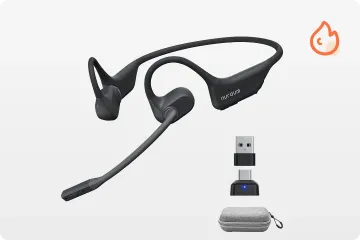
1. Nuroum OpenEar Pro 2: The Multi-Tasker’s Choice
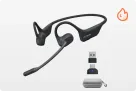
For virtual assistants who need to stay aware of their surroundings—such as parents working from home or those expecting deliveries—the open ear headphone bluetooth design of the Nuroum OpenEar Pro 2 offers the perfect balance of situational awareness and clarity.
Key Features of the Nuroum OpenEar Pro 2:
- Open-Ear Design: Uses air-conduction technology to deliver sound without blocking your ear canal, preventing "ear fatigue" and keeping you connected to your physical environment.
- Dual-Mic Noise Cancellation: Isolates your voice from background chatter, ensuring that even with the "open" design, your client hears only your professional tone.
- Featherweight Comfort: Designed for 12+ hours of wear, its ergonomic wrap-around frame stays secure without applying pressure to your temples or ears.
- Multipoint Pairing: Seamlessly connects to your laptop for Zoom calls and your smartphone for mobile Slack notifications.
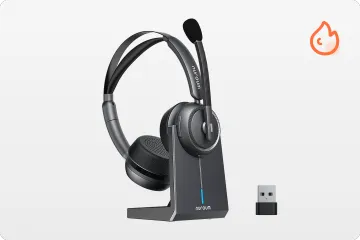
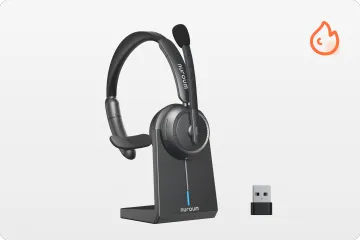
2. Nuroum HP31D: The Focus Powerhouse
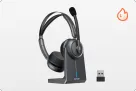
For virtual assistants who operate in shared workspaces, busy coffee shops, or households with constant activity, the Nuroum HP31D is the gold standard for audio isolation. Unlike open-ear models, the HP31D is a binaural (dual-ear) headset designed to provide a "quiet room" for your head.
Key Features of the Nuroum HP31D:
- AI-Powered ENC: Utilizes a sophisticated neural network to eliminate up to 99.9% of background noise, ensuring your client only hears your voice regardless of your environment.
- Ultra-Long Battery Life: With up to 45 hours of talk time on a single charge, you can easily go a full work week without ever reaching for a cable.
- Premium Comfort: Features ultra-soft protein leather ear cushions and a stretchable headband for all-day wear without the "head-clamp" feeling.
- Bluetooth 5.4 Stability: Offers a rock-solid wireless range of up to 33 feet, allowing you to pace or grab a coffee during long brainstorming sessions without audio drops.
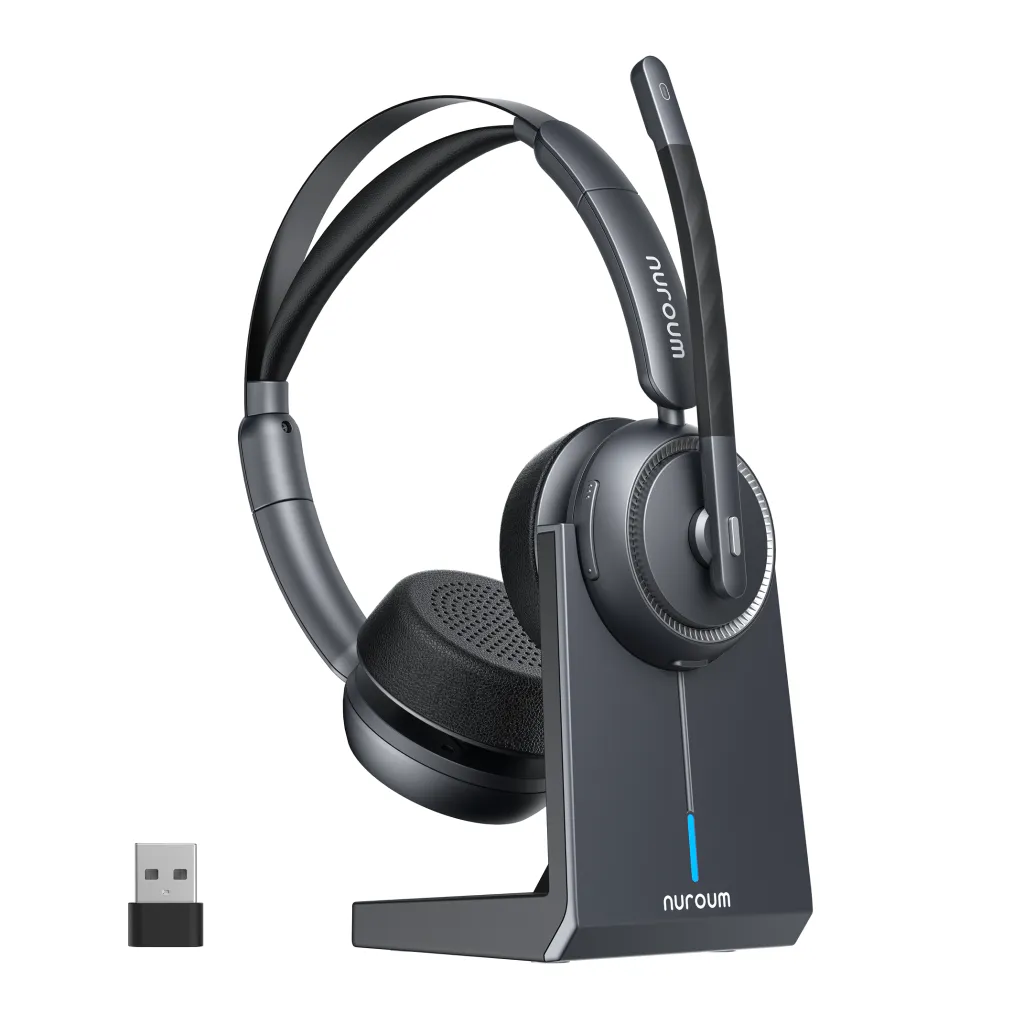
Both models represent the best headset for remote work in their respective categories. Whether you are managing a high-pressure noise cancelling headphones for call center environment or a quiet home office, Nuroum ensures you sound like a seasoned professional.
Smart Communication Practices for Virtual Assistants
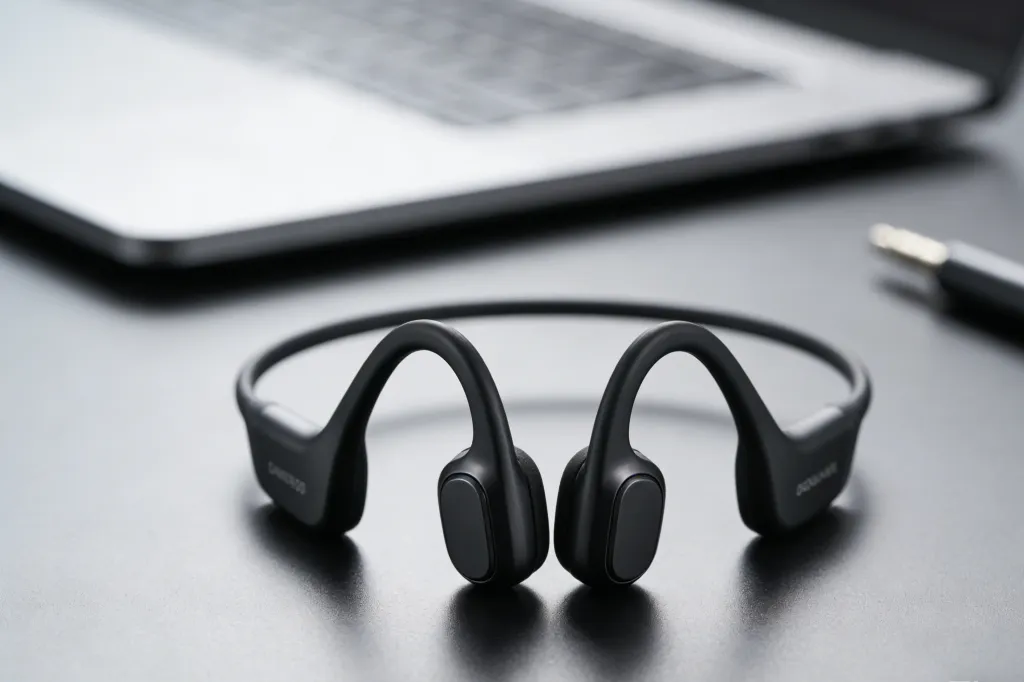
Having the hardware is only half the battle. You must also implement professional habits to maximize the value of your gear.
Technical Checklists Before Calls
- The 5-Minute Rule: Always join the meeting link 5 minutes early to test your noise cancelling headphones for call center settings and ensure your computer hasn't defaulted to the internal mic.
- Mute Etiquette: Stay on mute when not speaking, especially in large group settings.
- Battery Management: Always charge your bluetooth headset with mic noise cancellation overnight to avoid the dreaded "low battery" beep during a presentation.
Optimizing Your Environment
Even with the best noise canceling mic headset, you should:
- Use Soft Furnishings: Rugs, curtains, and even bookshelves reduce echo in your home office.
- Positioning: Face a window for natural light, but keep your back to a solid wall (not a hallway) to minimize sound bounce.
- Software Backup: Keep a tool like Krisp.ai as a secondary layer of noise filtration if you are working in an extremely chaotic environment.
Professional Verbal Habits
- Speak with Intention: Without visual cues, use "verbal nods" like "I understand" or "That makes sense" to show you are listening.
- Check-In Frequently: Periodically ask, "Am I coming through clearly?" to ensure the connection hasn't dipped.
- Tone Control: Smile while you speak; even without a camera, the listener can "hear" a smile in your voice through a high-quality mic.
Choosing Your Gear: What to Look For
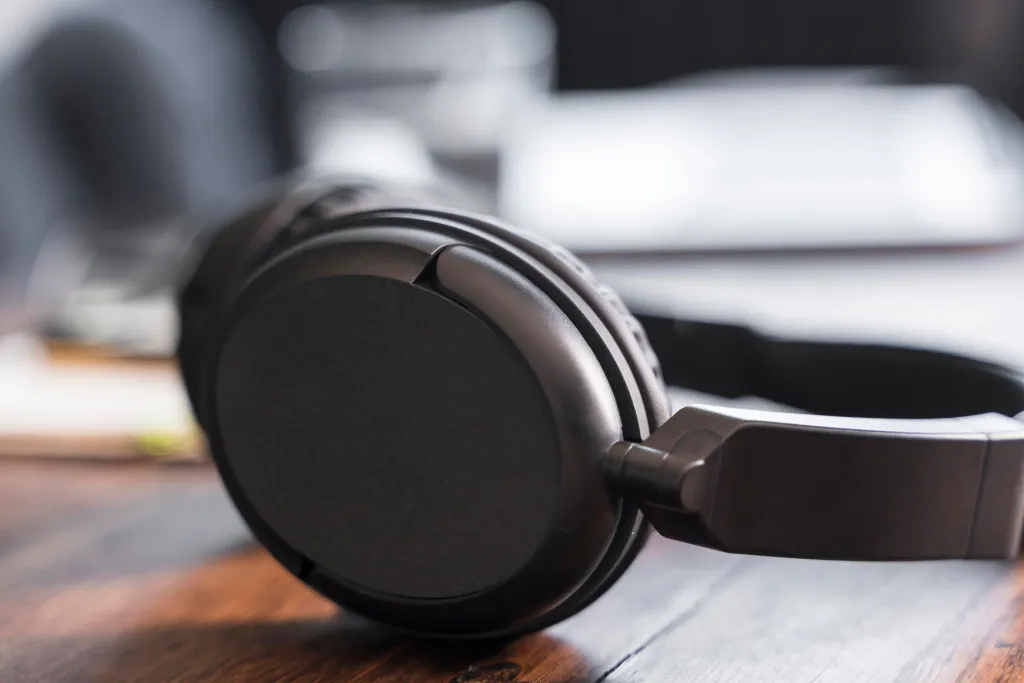
When shopping for the best headset for remote work, keep these specific VA-centric criteria in mind:
Weight and Pressure
Since you'll wear this for hours, look for lightweight frames. The open ear headphones bluetooth design is particularly effective at preventing the "clamping" feeling, while the Nuroum HP31D uses specialized protein leather and memory foam to ensure the pressure is distributed evenly across the head.
Multipoint Connection
A VA often manages multiple devices. Your headset should ideally connect to your laptop for Zoom and your phone for Slack notifications simultaneously. This ensures you never miss a priority alert while in a meeting.
Range and Stability
If you need to step away from your desk to grab a file or a glass of water, you need a headset with a reliable 30-foot range so you don't drop the call. Modern Bluetooth 5.4 protocols found in Nuroum devices ensure that walking into the next room doesn't result in digital artifacts or robotic voices.
Conclusion
In summary, choosing the best headset for remote work is a foundational step in any virtual assistant's career. It is an investment that pays dividends in the form of increased client trust, improved professional reputation, and reduced physical fatigue. Whether you prefer the situational awareness of the Nuroum OpenEar Pro 2 or the deep-focus isolation of the Nuroum HP31D, having the right gear is non-negotiable for the modern digital nomad.
By prioritizing features like a best noise canceling mic headset and a bluetooth headset with mic noise cancellation, you ensure that your contributions are always heard with the clarity they deserve. Ultimately, your goal as a Virtual Assistant is to provide seamless support that makes your client's life easier. When you eliminate audio distractions and technical friction, you move from being a "hired hand" to an indispensable strategic partner. Equip yourself with the right tools, master your communication habits, and watch as your remote career reaches new heights of success and stability.
FAQs
1. What is the difference between a gaming headset and the best headset for remote work?
Gaming headsets are often tuned for "immersive" bass and have flashy RGB lights which can look unprofessional on client calls. The best headset for remote work focuses on "vocal clarity" and mid-range frequencies, ensuring human speech is crisp and natural. Professional models also offer a more subtle, sleek aesthetic suitable for corporate environments.
2. Can I use standard smartphone earbuds for professional VA work?
While you can, it is not recommended for long-term career growth. Smartphone earbuds typically have "omnidirectional" mics that pick up every sound in the room. A dedicated best noise canceling mic headset uses "unidirectional" or beamforming mics to isolate only your voice, providing a much higher level of service to your clients.
3. Is Bluetooth reliable enough for high-stakes client meetings?
Yes, provided you use modern versions. High-quality gear offers stable connections that rival wired setups. For those who are extra cautious, many professional headsets also come with a USB dongle to ensure a more stable "plug-and-play" wireless connection than standard Bluetooth.
4. How do I maintain my headset to ensure it lasts for years?
Keep the microphone boom clean of dust using a dry microfiber cloth, avoid overcharging the battery past 100% consistently, and store it in a hard case when not in use. For VAs, this headset is a revenue-generating tool, so treat it with the same care a surgeon treats their scalpel.