









































Running a small business is no easy feat. Whether you’re managing employees, tracking finances, or trying to expand your customer base, the right IT solutions can make all the difference. Today, businesses of all sizes rely on technology, and small businesses are no exception. But with so many options out there, it can be overwhelming to figure out which IT solutions will work best for you. In this blog, we’ll walk through why IT solutions are essential for small businesses, how to choose the right tools, and highlight some of the best IT solutions for small businesses.
Why Small Businesses Need IT Solutions: A 2026 Guide
Running a small business today requires more than a great product or service. Technology plays an increasingly important role in improving productivity, protecting data, supporting communication, and helping businesses grow.
Business IT solutions give small companies access to the tools and services they need to manage daily operations more efficiently. From cloud computing and cybersecurity to communication platforms and managed IT services, the right technology can reduce costs, improve collaboration, and create a stronger foundation for growth.
This guide explains why small businesses need IT solutions, what to consider when choosing technology, and the best IT solutions for small business owners in 2026.
What Are Business IT Solutions?
Business IT solutions are technology tools, services, and systems designed to help companies manage their operations. They can include cloud computing, cybersecurity software, data management systems, communication tools, collaboration platforms, and managed IT services.
For small businesses, IT business solutions are particularly valuable because they can provide access to advanced technology without requiring a large internal IT department. Instead of investing heavily in physical infrastructure or hiring specialists for every technical task, businesses can use scalable software and outsourced services that match their needs and budget.
Why Small Businesses Need IT Solutions
1. Improve Productivity
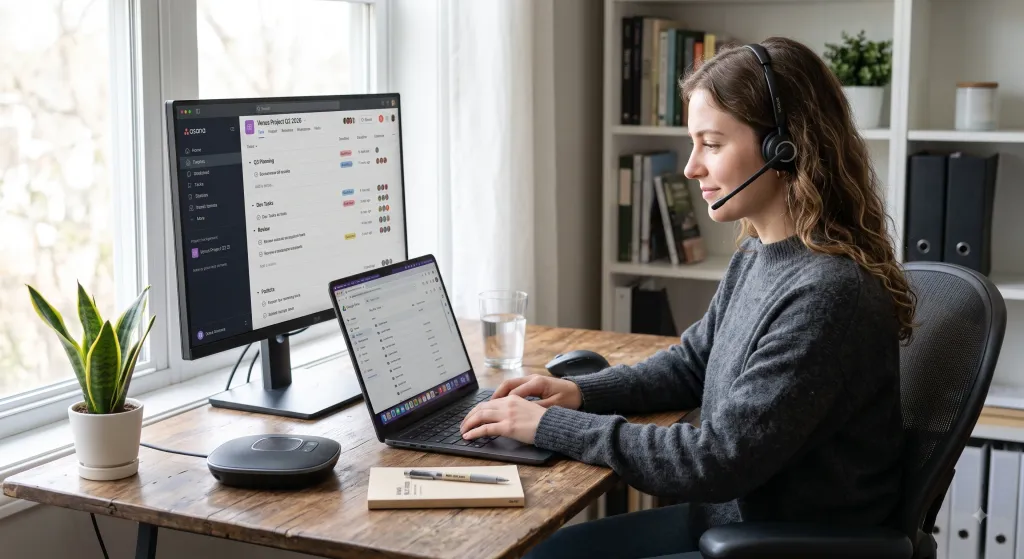
The right technology can automate repetitive tasks, simplify communication, and make information easier to access. Cloud storage, project management software, and collaboration platforms allow employees to work more efficiently and spend less time on manual processes.
For employees who spend much of their day in online meetings and calls, a wireless headset with mic for work can also make communication more convenient while reducing the distractions associated with cables and noisy office environments.
For remote and hybrid teams, effective business IT solutions also make it easier to share files, communicate, and collaborate regardless of location.
2. Reduce Operating Costs
Technology can require an initial investment, but the right solution can reduce long-term operating costs. Cloud services, for example, reduce the need for expensive on-site hardware and maintenance.
Automated workflows can also reduce the amount of time employees spend on repetitive tasks, while cybersecurity tools can help prevent the potentially high costs associated with data breaches and system disruptions.
3. Strengthen Cybersecurity
Small businesses handle valuable information, including customer data, financial records, and business documents. Without appropriate security measures, this information can be vulnerable to cyberattacks.
Cybersecurity software, secure cloud storage, data backups, strong access controls, and employee security training can help businesses reduce these risks and protect sensitive information.
4. Support Business Growth
Technology needs often change as a company grows. A system that works for a five-person company may not be suitable for a team of 50.
Scalable IT solutions for small businesses allow companies to add users, storage, features, and services as their needs change without replacing their entire technology infrastructure.
Common IT Challenges for Small Businesses
Although technology offers significant benefits, small businesses also face several challenges when implementing IT solutions.
Limited Budgets
Small businesses often have limited resources and need to carefully prioritize technology investments. Instead of purchasing every available tool, business owners should focus on solutions that directly improve productivity, security, communication, or customer service.
Security Risks
Smaller organizations may have fewer resources dedicated to cybersecurity, making it particularly important to use reliable security tools and establish clear security policies.
Scalability
Businesses should avoid technology that only works for their current size. Choosing scalable cloud platforms, communication tools, and managed services can make future growth easier.
Lack of IT Expertise
Not every small business has an in-house IT specialist. Managed IT services can provide technical support, monitoring, maintenance, and cybersecurity expertise without requiring a full-time internal team.
How to Choose the Right IT Solutions
Before investing in new technology, consider these four factors.
Identify Your Business Needs
Start by identifying your biggest operational problems. Do employees struggle to collaborate remotely? Is data difficult to access? Are cybersecurity concerns increasing? Do meetings frequently suffer from poor audio or video quality?
Understanding these pain points will help you identify the IT business solutions that can deliver the greatest value.
Consider Scalability
Choose technology that can grow with your company. Cloud-based services and subscription software often make it easier to add users and features without major infrastructure changes.
Evaluate Security
Security should be considered before purchasing any business technology. Check how a provider protects data, manages user access, handles backups, and responds to security incidents.
Compare Total Cost
Do not evaluate a solution based only on its purchase price. Consider subscription fees, maintenance, training, upgrades, and potential productivity gains when calculating the total cost of ownership.

Best IT Solutions for Small Business in 2026
The best IT solutions for small business depend on the company's size, industry, budget, and goals. However, several categories can provide value across many types of organizations.
1. Cloud Computing Solutions
Cloud computing allows businesses to store data and use software without relying entirely on physical infrastructure.
Services such as Google Drive, Microsoft OneDrive, Dropbox, Amazon Web Services (AWS), Google Cloud, and Microsoft Azure provide scalable options for file storage, collaboration, and computing.
For small businesses, cloud solutions can improve accessibility while reducing the need for expensive on-site hardware.
2. Cybersecurity Solutions
Essential cybersecurity tools include antivirus software, firewalls, encryption, password managers, multi-factor authentication, and automated backups.
Businesses should also train employees to recognize phishing attempts, use strong passwords, and follow secure data-handling practices.
3. Managed IT Services
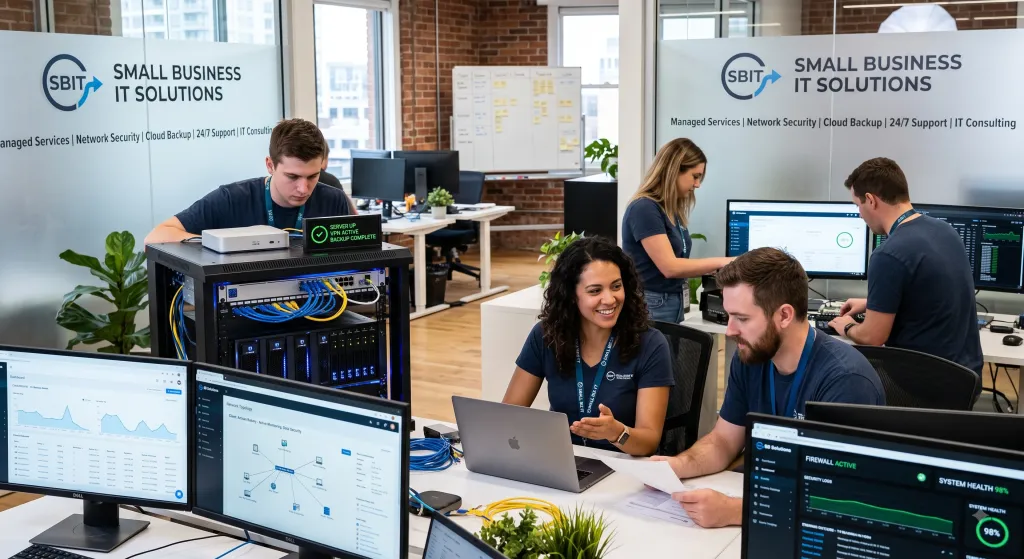
Managed IT services allow businesses to outsource some or all of their technology management to a third-party provider.
A managed service provider can handle technical support, system monitoring, software updates, backups, and security management. This can be particularly useful for small companies that do not have an internal IT team.
4. Communication and Collaboration Tools
Reliable communication technology is essential for remote, hybrid, and distributed teams. Video conferencing cameras, speakerphones, and professional headsets can improve meeting quality and make collaboration easier.
Conference Cameras
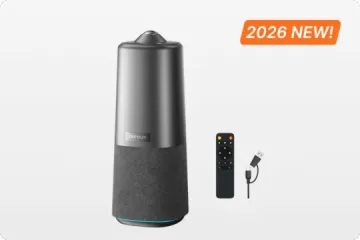
A conference camera can improve video meetings by providing clearer video, better audio pickup, and features designed for group conversations.
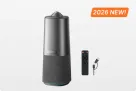
Nuroum All-in-One Camera 360 Pro is an example of an all-in-one conference solution designed for hybrid meetings and collaborative workspaces.
Speakerphones
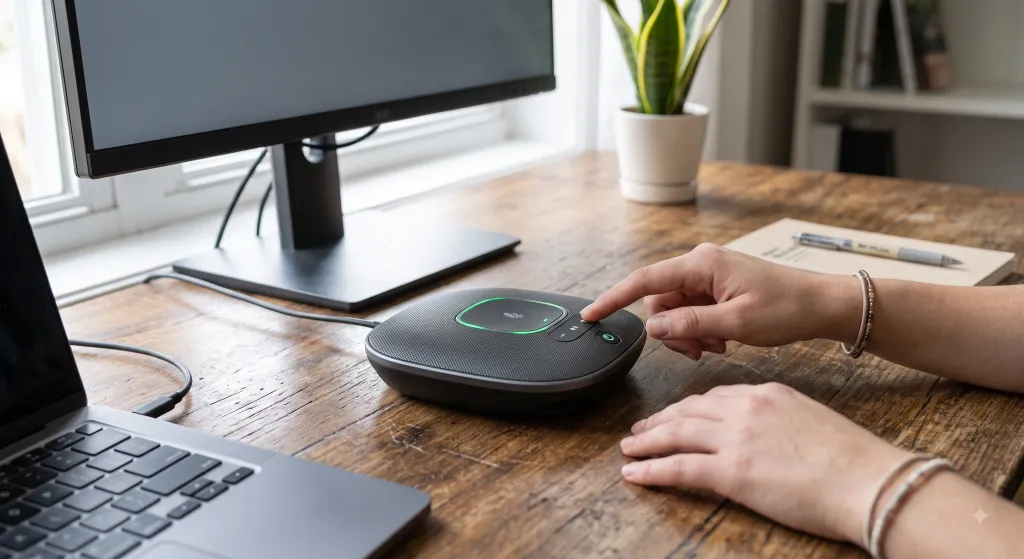
Speakerphones provide hands-free communication for meetings and conference calls. They are particularly useful in small meeting rooms or shared workspaces.
Nuroum A15 offers a portable communication solution with an omnidirectional microphone, AI-powered noise cancellation, USB and Bluetooth connectivity, and support for larger group conversations through daisy chaining.
Business Headsets
Professional headsets are useful for employees who frequently participate in online meetings or need private communication in shared workspaces.For office employees who need clearer conversations in busy environments, a noise cancelling headphone with mic for office can help reduce surrounding distractions while keeping voice communication clear.
Nuroum HP31D combines AI noise cancellation, Bluetooth connectivity, a long battery life, and a comfortable design for remote and office workers.
5. Multifunction Printers
Although many business processes are now digital, printers remain useful for contracts, invoices, forms, and other physical documents.
Multifunction printers combine printing, scanning, copying, and sometimes faxing into one device, helping small businesses reduce equipment costs and save office space.
Future Trends in Small Business IT
Technology will continue to change how small businesses operate. Several trends are particularly important to watch.
1.AI and Automation
AI-powered tools can automate customer service, analyze business data, generate content, and streamline repetitive workflows. Small businesses can use automation to improve efficiency without significantly increasing their workforce.
2. Remote and Hybrid Work
Remote and hybrid work are likely to remain important. Businesses will increasingly rely on cloud platforms, collaboration software, video conferencing, and secure remote access.
3. Sustainable IT
Energy-efficient hardware, cloud optimization, device recycling, and responsible e-waste management can help businesses reduce their environmental impact while controlling operating costs.
FAQs
What are the best IT solutions for small businesses?
The best IT solutions for small business typically include cloud computing, cybersecurity, managed IT services, and communication and collaboration tools. The right combination depends on the company's specific needs and budget.
How do I choose the right IT solution for my business?
Start by identifying your biggest operational challenges and business goals. Then compare solutions based on features, scalability, security, support, and total cost.
Why are business IT solutions important for small businesses?
Business IT solutions can help small businesses improve productivity, reduce costs, protect data, support remote work, and scale more efficiently.
Do small businesses need managed IT services?
Not every business needs fully managed IT services, but they can be valuable for companies without an internal IT team. A managed service provider can provide technical expertise, maintenance, monitoring, and security support.