











The Audio-Only Blind Spot
Your conference microphone is excellent at its job. Voices come through clearly. The pickup range covers the table. Noise suppression filters out keyboard clicks and air conditioning hum. From an audio engineering perspective, you have solved the sound problem.
But your remote participants are still struggling — and they rarely complain directly because the problem is invisible to them until it becomes frustrating.
What they miss is not audio quality. It is visual context. When Sarah makes a point and three people around the table nod in agreement, remote attendees hear Sarah's voice but see nothing. When Marcus stands up to draw on the whiteboard, the microphone captures his explanation but remote participants cannot see the diagram. When the team splits into a side discussion about a detail, remote attendees hear fragments without knowing who is talking or whether the sidebar matters.
Over weeks and months, this visual deprivation accumulates. Remote team members contribute less in meetings because they lack the contextual cues that drive participation. They miss the nonverbal signals that indicate when to speak, when to yield, and when a point has landed. The meeting becomes a radio drama for them — intelligible but incomplete.
When Conference Microphones Are Sufficient
Audio-only meeting technology has a legitimate place. Understanding where it works helps clarify where it fails:
Routine status calls with known teams: When the same group meets weekly to share updates, participants know each other's voices well enough that identification is not a problem. The conversation is structured and predictable. Visual cues add value but are not essential.
Large webinars and presentations: When one person presents to many, and most attendees are passive listeners, the presenter's video is what matters — not the audience's. A conference microphone capturing audience questions plus a separate camera on the presenter is a workable configuration.
Audio-first cultures: Some organizations, particularly in consulting and finance, have meeting cultures where detailed pre-reads circulate before calls and the conversation is strictly additive. In these environments, the visual dimension is genuinely less important.
Bandwidth-constrained environments: In locations with unreliable internet, audio-only may be the only stable option. Adding video can degrade the entire meeting experience if the connection cannot support it.
When Audio-Only Creates Real Problems
The transition from acceptable to problematic happens gradually. Watch for these signals:
Creative and collaborative sessions: Brainstorming, design reviews, and workshop-style meetings rely heavily on visual communication. Participants gesture toward concepts, sketch ideas spontaneously, and read facial reactions to gauge whether an idea is landing. A conference microphone captures the audio of creativity without the visual component that makes creativity productive.
Client and stakeholder meetings: External participants do not know your team well enough to identify speakers by voice alone. They need visual identification to build relationships and trust. A client who cannot see your team's reactions to their concerns misses the reassurance that facial expressions provide.
Training and onboarding: New employees learn culture and dynamics partly by observing how meetings work — who speaks when, how decisions emerge, what the unwritten rules are. A conference microphone gives them the audio transcript without the social context.
Hybrid meetings with equal remote/in-office splits: When half the team is remote and half is in the office, the in-room participants have full visual context while remote participants have audio only. This asymmetry creates a persistent disadvantage for remote attendees that compounds over time.
The Hidden Cost of Separate Audio
Even when a conference microphone technically "works," the separate-device approach incurs costs that all-in-one cameras avoid:
Cable complexity: A conference microphone needs USB connection, power, and potentially extension cables for large rooms. Add a separate camera and speaker, and you have a cable management problem that frustrates users and creates failure points.
Firmware fragmentation: Each device updates independently. A microphone firmware update might change gain behavior that previously worked well with your camera's auto-framing. Managing compatibility across devices from different vendors is ongoing overhead.
Support ambiguity: When meeting quality degrades, which device is responsible? The microphone, the camera, the speaker, the USB hub, or the platform? Separate devices create troubleshooting complexity that delays resolution and frustrates users.
User confusion: Meeting participants need to select the correct audio input, audio output, and video input in their conferencing software. Three selections instead of one creates more opportunities for error, especially for guests and infrequent users.
The All-in-One Alternative
All-in-one conference cameras do not merely add video to a microphone. They restructure the meeting experience around how hybrid teams actually collaborate.
Integrated microphone arrays in modern all-in-one devices match or exceed dedicated conference microphones in pickup quality. The difference is that the microphones, camera, and speaker are engineered to work together. Audio levels adjust automatically based on how many people are in the room and where they sit. The camera's AI features use audio cues to determine who is speaking and frame them appropriately. The speaker output is balanced for the room's acoustics based on the device's position.
This integration eliminates the configuration and compatibility work that separate devices require. It also enables features that separate devices cannot match: discussion modes that highlight multiple speakers based on audio source localization, noise suppression that uses video context to distinguish between human speech and other sounds, and automatic gain control that adapts to room dynamics in real time.
Making the Decision
The choice between a conference microphone and an all-in-one camera is ultimately a choice about what kind of meetings you want to have:
Choose a conference microphone if: Your meetings are audio-centric, your team is small and co-located, or you have a specific use case (podcast recording, transcription-focused meetings) where video adds no value.
Choose an all-in-one camera if: You have hybrid meetings with remote participants, your meetings involve visual collaboration, you manage multiple rooms and want standardization, or you have received feedback that remote attendees feel disconnected.
The cost difference between a premium USB conference microphone and a mid-range all-in-one camera is often smaller than the cost of the IT time spent managing separate devices — before accounting for the productivity impact of visually deprived remote participants.
Where the Nuroum 360 Pro Fits
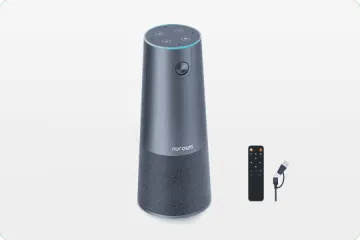
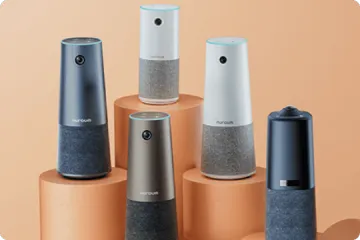
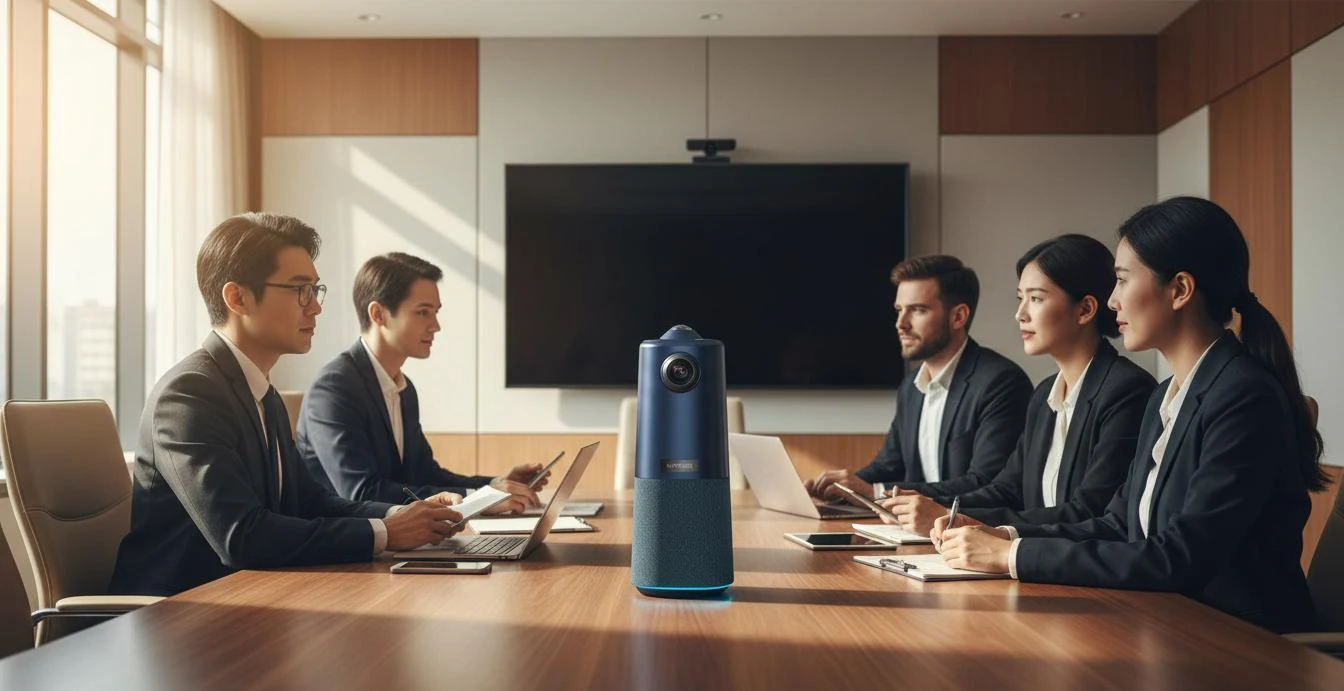
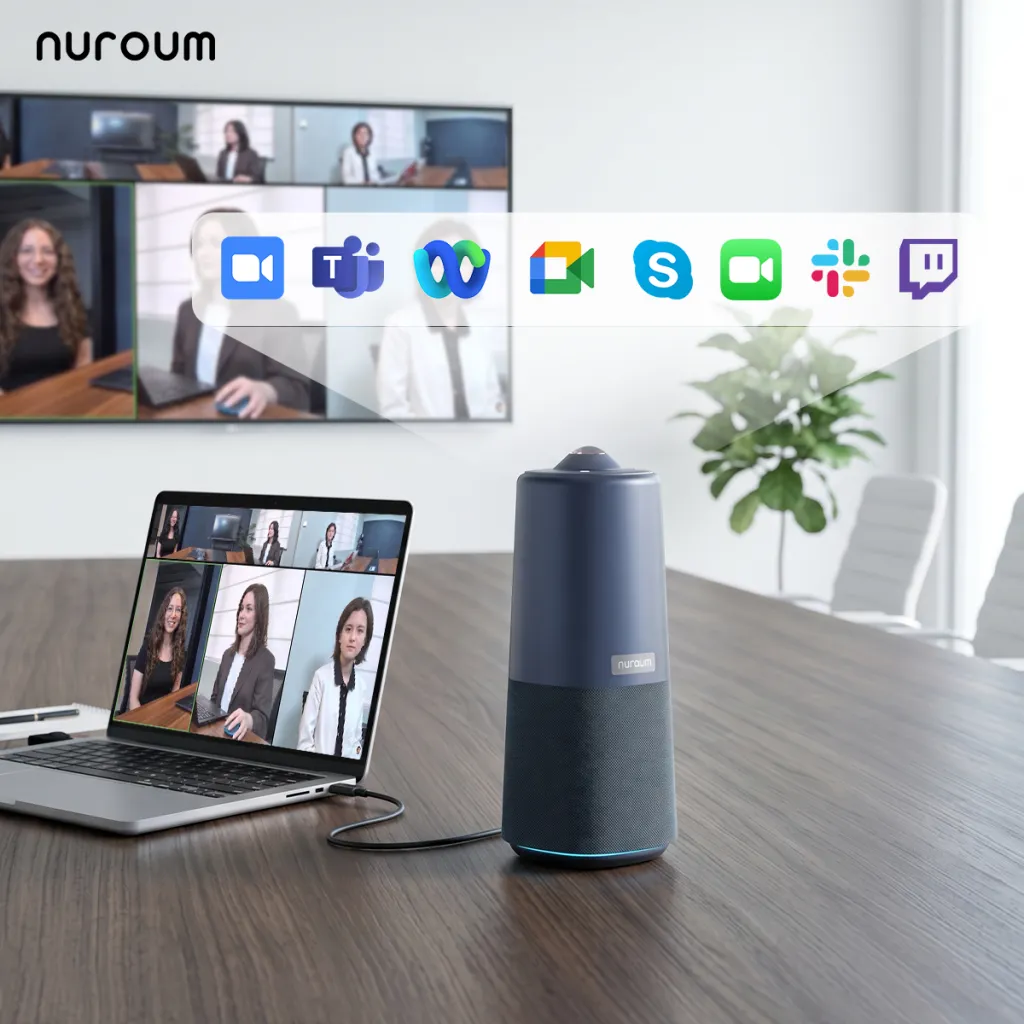
The Nuroum 360 Pro provides the audio quality of a dedicated conference microphone — six omnidirectional microphones with 16-foot pickup range and full-duplex audio with echo cancellation — while adding the video dimension that audio-only devices cannot provide.
For organizations considering whether to upgrade from conference microphones, the 360 Pro offers a single-device replacement that eliminates separate audio components. The 360° panoramic lens captures the entire room, the microphone array handles standard conference room audio, and the integrated speaker replaces whatever separate audio output the room currently uses. USB plug-and-play connection means the transition requires no IT infrastructure changes.
FAQs
Q: Is a conference microphone enough for hybrid meetings?
A: A conference microphone is sufficient for audio-only meetings where all participants are familiar with each other and the conversation is informational. For hybrid meetings with remote participants, audio-only creates an uneven experience. Remote attendees cannot see who is speaking, read body language, follow visual cues, or participate in whiteboard sessions. Over time, this visual gap leads to disengagement and reduced meeting effectiveness.
Q: What pickup range do I need for a conference room microphone?
A: Match the pickup range to your room size: huddle rooms (2-4 people) need 6-8 feet, standard conference rooms (6-10 people) need 10-14 feet, and large rooms (10+ people) need 16+ feet or extension microphones. Keep in mind that published pickup ranges assume quiet environments with minimal reverberation. Real-world performance in glass-walled offices or rooms with hard surfaces will be 20-30% shorter.
Q: Can I add a separate camera to my conference microphone?
A: Technically yes, but this approach creates integration challenges. You need to manage two separate devices, ensure they synchronize properly, deal with different USB ports and cables, and troubleshoot compatibility issues between manufacturers. All-in-one devices solve this by integrating a camera, microphones, and speaker in a single unit designed to work together from the start.
Q: Do USB conference microphones work with all video conferencing platforms?
A: Most USB conference microphones work as generic audio devices with Zoom, Microsoft Teams, Google Meet, and other platforms. However, they appear as audio input only — they provide no video. For a complete hybrid meeting experience, you still need a camera and speaker, which means additional devices and management overhead.
Related Guides
- Speakerphone vs. All-in-One Conference Camera: Why Hybrid Teams Are Making the Switch
- Best Webcam Alternative for Conference Rooms: Upgrade to an All-in-One Camera
- Best Conference Phone Alternative: Modern Video-First Solutions
The Nuroum 360 Pro combines professional-grade audio pickup with 360° video in a single device — eliminating the need for separate conference microphones while giving remote participants the visual context they need.



