












The Brand That Defined the Category
For nearly a decade, Logitech defined what a conference room camera looked like. The ConferenceCam Connect, MeetUp, Group, and Rally Bar became default choices for IT managers who needed reliable video conferencing hardware. Logitech earned this position through consistent quality, broad platform compatibility, and a product range that covered room sizes from huddle spaces to boardrooms.
But the category Logitech built has evolved beyond the architecture they pioneered. The multi-component approach — separate camera, speakerphone, hub, and cables — made sense when integration was technically difficult. Today, the same capabilities fit in a single device. The platform-specific configurations that delivered premium features now create lock-in that organizations want to avoid. And the pricing that was competitive against proprietary systems looks less compelling against newer all-in-one alternatives.
This article examines where Logitech conference cameras fit in 2026, what their limitations are, and what alternatives offer for organizations evaluating their next conference room upgrade.
The Logitech Lineup: Where Each Model Fits
Understanding Logitech's range helps clarify what alternatives need to match or exceed:
MeetUp: Designed for huddle rooms and small spaces. Combines a camera with an integrated speakerphone bar. 120° field of view, 4K optics, and beamforming microphones. Works well in its intended environment but struggles when participants sit at varying distances or when the room layout is non-standard.
Group: Built for mid-size conference rooms. Separate camera, speakerphone, and hub connected by multiple cables. 90° field of view with 10x optical zoom. The modular design allows expansion microphone additions for larger tables. Installation is more complex than the MeetUp due to the multi-component setup.
Rally Bar and Rally Bar Mini: All-in-one video bars for small to medium rooms. Integrated camera, speakers, and microphones in a soundbar form factor. Available in platform-specific versions for Zoom, Teams, and Google Meet. The platform lock-in is the key consideration — advanced features require the matching platform ecosystem.
Rally Plus: Premium system for large rooms with separate PTZ camera, speakerphone, and hub. Modular and expandable but requires professional installation and ongoing management of multiple components.
ConferenceCam Connect and BCC950: Entry-level options for small rooms and individual use. Basic functionality at lower price points, with the limitations that budget devices carry.
The Architectural Limitations
Multi-Component Complexity
Logitech's room systems — Group, Rally, and Rally Plus — require multiple connected components. The camera connects to a hub, the hub connects to a speakerphone, and everything connects to a computer via USB. Cables must be routed, lengths must be adequate, and connections must be secure. Each component is a potential failure point. Each cable is a maintenance item.
This architecture made sense when the technology required physical separation between components for performance reasons. Those constraints no longer exist. Modern all-in-one devices integrate camera, microphones, and speaker in a single enclosure with no performance penalty.
Fixed Camera Position Constraints
Even the MeetUp and Rally Bar, which consolidate components, mount on a wall below or above a display. This creates the same fixed-position problem that all wall-mounted cameras face: participants sit facing the display, which means the camera captures them from the front in a narrow range and from the side or back for anyone not directly facing the screen.
The Group and Rally systems use PTZ cameras that can pan and tilt, but this requires either manual control or automated framing that works within the constraints of a fixed mounting position. Neither solution captures the full room dynamic the way a table-centered 360° camera does.
Platform Ecosystem Lock-In
The Rally Bar ships in platform-specific versions: Rally Bar for Zoom, Rally Bar for Teams, Rally Bar for Google Meet. Each version is optimized for its platform and functions as a generic USB device on others. This means the premium features you paid for — one-touch join, calendar integration, room controls — only work on the designated platform.
For organizations using multiple platforms, this creates a difficult choice: buy different bars for different rooms, accept reduced functionality on secondary platforms, or standardize on one platform regardless of team preferences.
What Modern Alternatives Offer
Single-Device Simplicity
All-in-one 360° cameras reduce the component count to one. One device sits on the table. One USB cable connects to the computer. No hub, no speakerphone, no cable routing, no component compatibility management. For IT teams managing dozens of rooms, this simplification translates directly into reduced support tickets and faster deployment.
Table-Centered Coverage
A 360° panoramic lens on the conference table sees everyone equally. No front-row bias, no side-profile capture, no back-of-head visibility. The camera is where the people are, not where the display is mounted. This geometry eliminates the framing compromises that wall-mounted cameras accept.
Platform Agnostic Operation
USB-based all-in-one cameras work with any platform without platform-specific licensing or configuration. Zoom, Teams, Google Meet, Webex — the device appears as a standard USB audio and video source. This flexibility matters for multi-platform organizations and protects against future platform changes.
AI-Powered Intelligence
Modern alternatives include AI features that Logitech's lineup either lacks or requires specific platforms to access: discussion modes that highlight multiple speakers, intelligent noise suppression that adapts to room acoustics, and automatic framing that requires no manual intervention or platform-specific configuration.
When Logitech Still Makes Sense
Despite the limitations, Logitech conference cameras remain appropriate in specific scenarios:
Professional AV-managed environments: If your organization has dedicated AV staff who configure, manage, and operate camera systems, the Rally Plus's PTZ capabilities and modular expansion offer precision that simpler devices cannot match.
Platform-homogeneous enterprises: If your organization has standardized exclusively on Microsoft Teams (or Zoom, or Google Meet) and will remain on that platform for the foreseeable future, the platform-specific Rally Bar delivers deeper integration than generic alternatives.
Existing infrastructure investments: If you have already invested in Logitech components, expansion microphones, and mounting infrastructure, staying within the ecosystem may be more cost-effective than replacing everything.
Rooms requiring optical zoom: For large boardrooms where participants sit 20+ feet from the camera, Logitech's PTZ cameras with optical zoom capture detail that fixed-lens all-in-one devices cannot match.
The Migration Decision
Organizations currently using Logitech conference cameras face a decision at refresh time: stay with the ecosystem or switch to newer architectures. Consider these factors:
Total cost of ownership: Include not just hardware purchase price but installation labor, cable infrastructure, ongoing management time, and platform licensing. The multi-component systems carry hidden costs that single-device alternatives avoid.
User experience consistency: If different rooms have different Logitech models (MeetUp in small rooms, Group in medium rooms, Rally in large rooms), users face inconsistent meeting experiences. A standardized all-in-one device across room sizes creates more predictable behavior.
IT support burden: Fewer components means fewer failure modes. Standardized devices mean standardized troubleshooting. Both factors reduce the support load that conference room equipment creates.
Platform strategy: If your organization is moving toward platform flexibility or multi-platform usage, ecosystem-locked devices create friction. Platform-agnostic alternatives align better with this strategy.
Where the Nuroum 360 Pro Fits
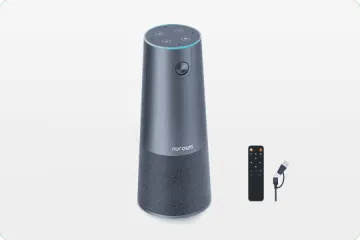
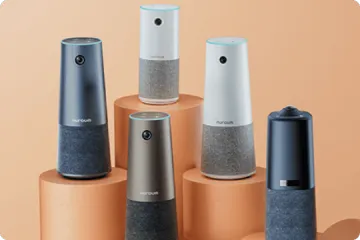
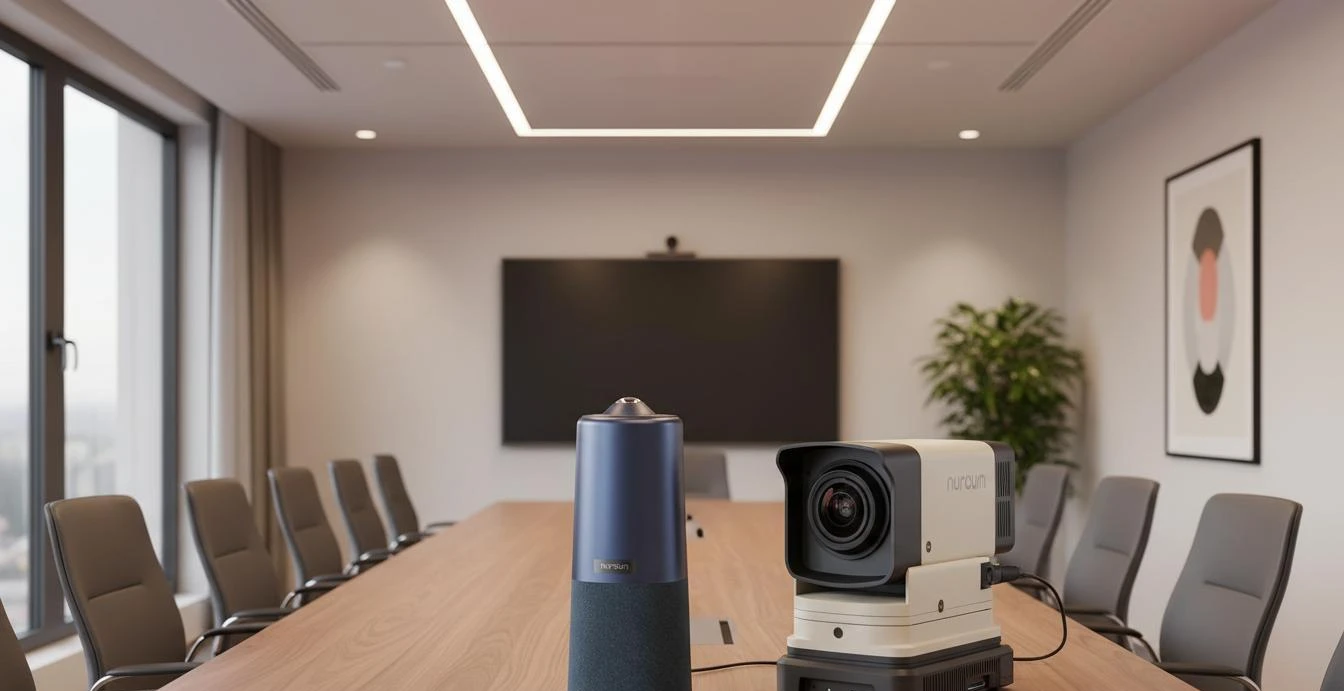
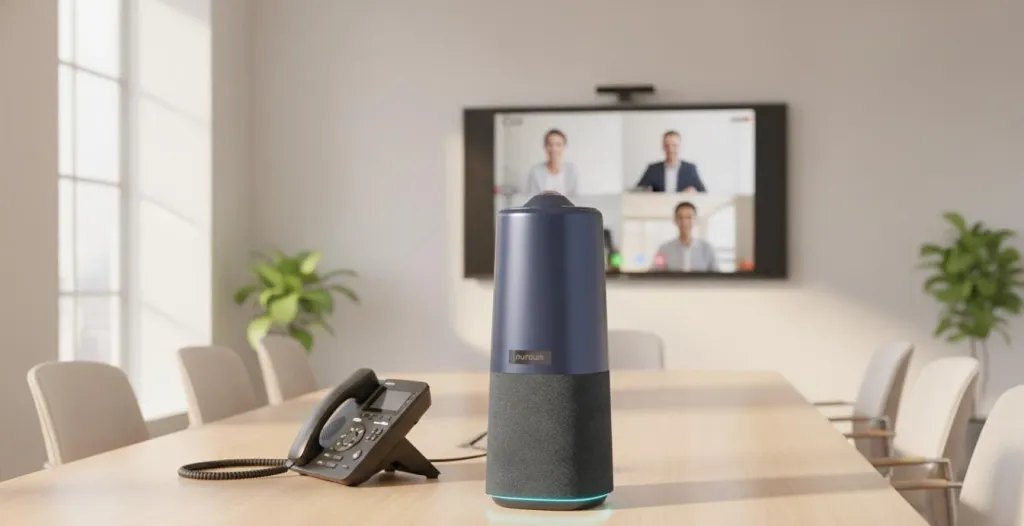
The Nuroum 360 Pro serves as an alternative to Logitech MeetUp and Rally Bar installations in small to medium conference rooms. It replaces the multi-component or wall-mounted architecture with a single table-centered device.
The 360° panoramic lens captures the full room without the positioning constraints of wall-mounted cameras. Six omnidirectional microphones provide 16-foot pickup range, comparable to the MeetUp and Rally Bar. The integrated Hi-Fi speaker replaces the need for separate audio output. USB plug-and-play connection works across all platforms without ecosystem lock-in.
For organizations currently managing multiple Logitech components per room, the 360 Pro offers a simplification path: one device instead of many, one cable instead of several, and one vendor relationship instead of multiple support streams.
FAQs
Q: What are the main limitations of Logitech conference cameras?
A: Logitech conference cameras like the MeetUp, Group, and Rally Bar are quality devices with solid optics and audio. Their main limitations are: fixed or limited field of view that requires careful positioning, multiple components (camera, speakerphone, hub, cables) creating installation complexity, platform-specific configurations for advanced features, and higher total cost of ownership when accounting for accessories and licensing. They excel in controlled environments but require more setup and management than newer all-in-one alternatives.
Q: How do 360° cameras compare to Logitech's PTZ cameras?
A: Logitech PTZ cameras like the Rally Bar offer motorized pan-tilt-zoom for framing flexibility, but require a controller or software to operate. 360° cameras capture the entire room continuously and use AI to frame participants intelligently, eliminating the need for manual camera operation. For teams that want zero-touch meeting starts, 360° cameras are simpler. For environments where a human operator controls the camera, PTZ offers more precise control.
Q: Can I replace a Logitech MeetUp with a single all-in-one device?
A: Yes. The Logitech MeetUp is designed for small huddle rooms and combines a camera with a speakerphone bar. All-in-one 360° cameras serve the same room size but add panoramic video coverage and AI-powered framing. The transition typically involves removing the MeetUp and its cables, then placing the new device on the table with a single USB connection.
Related Guides
- Speakerphone vs. All-in-One Conference Camera: Why Hybrid Teams Are Making the Switch
- Best Polycom & Plantronics Speakerphone Alternative in 2026
- Video Bar Alternative: Why Teams Are Upgrading to All-in-One Cameras
The Nuroum 360 Pro offers a single-device alternative to multi-component conference camera systems — 360° video, professional audio, and platform-agnostic USB connectivity.



