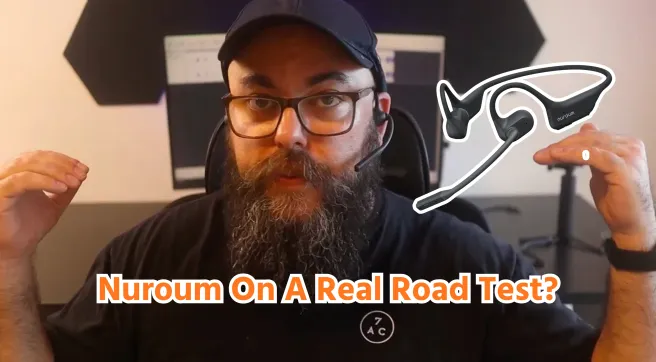

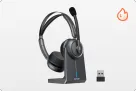
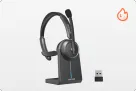




















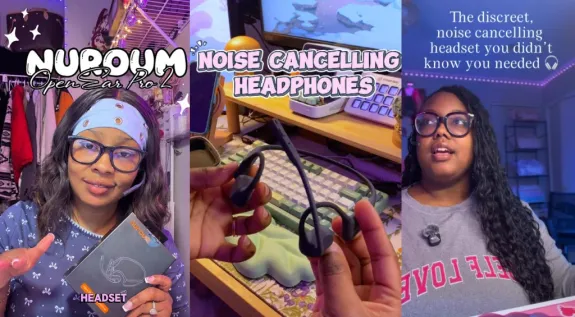
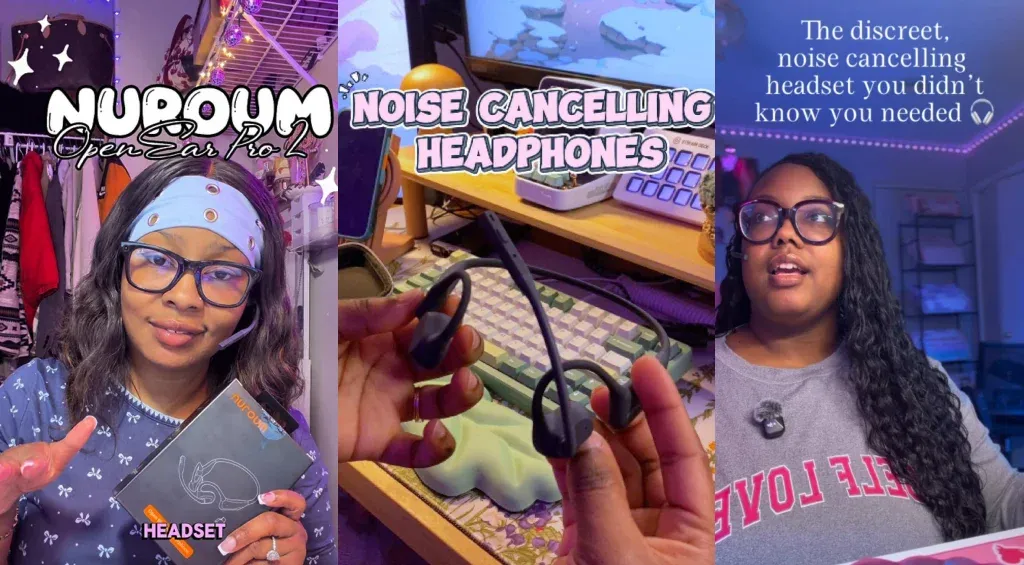
If you work from home with kids, your headset matters more than you think. Between Zoom meetings, kids at home, and chores blending into work blocks, ordinary earbuds rarely deliver both comfort and call quality. That's why we turned to three work-from-home moms — Lisa, Nandy, and Shameraa — who put the Nuroum OpenEar Pro 2 through real household chaos. If you're comparing work from home headphones right now, their experiences beat any spec sheet.
Key Takeaways
- 31g open-ear comfort — Lisa wore it through customer calls with no ear pain, and the low-profile design stays discreet on camera.
- Callers hear you, not your house — in Nandy's side-by-side test, the headset's dual-mic ENC removed background music and kid noise that her laptop mic picked up.
- Fan noise nearly disappears — during Lisa's live mic test with a fan running, the person on the other end could barely hear it.
- One headset for every device — Bluetooth plus a USB dongle covers laptops, phones, and desktops, with up to 12 hours of talk time per charge.
Stay Comfortable During Long Workdays
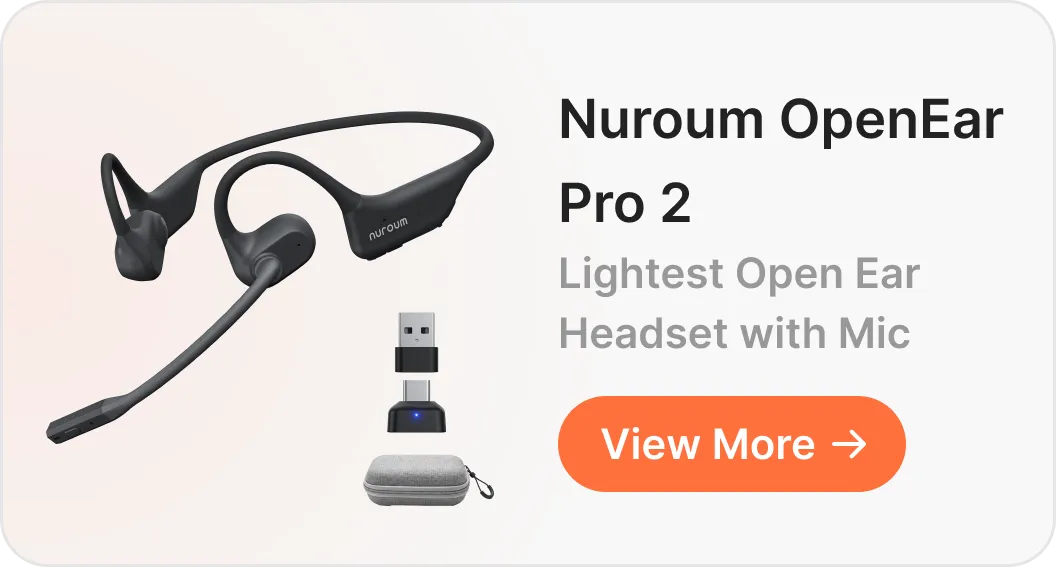
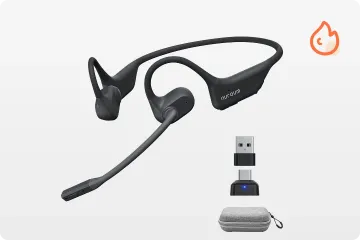
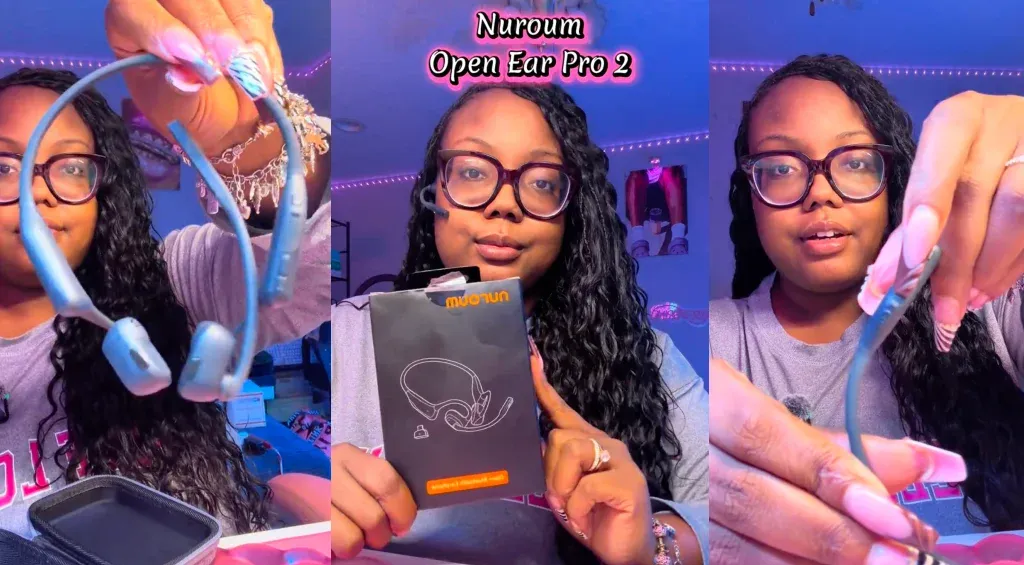
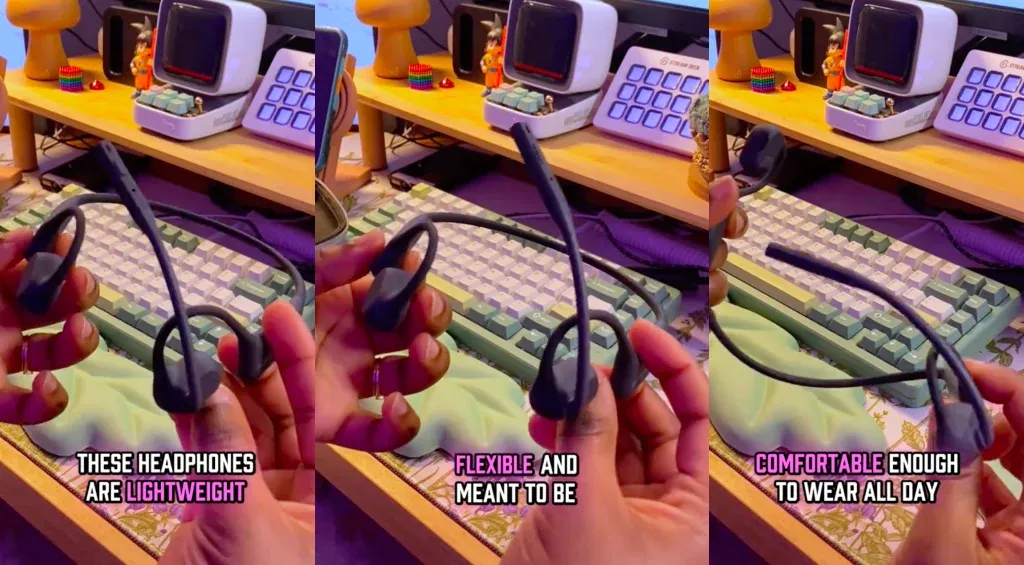
The Nuroum OpenEar Pro 2 is built for all-day wear: it weighs just 31g, rests on the ear instead of inside the ear canal, and keeps you aware of what's happening around the house — a direct answer to anyone whose ears hurt after hours in traditional home office headphones.
- Open-ear fit: nothing sits inside your ear canal, so there's no pressure buildup over long shifts.
- 31g lightweight frame: light enough to forget you're wearing it between meetings.
- Situational awareness: you can hear kids, the doorbell, or the oven timer without taking the headset off.
Lisa, who spends her days on customer calls, noticed the difference immediately — and liked how discreet this wireless headsts for working from home look on camera compared with a bulky boom mic:
These little things did not hurt my ear, y'all. They are actually comfortable… I love how it's low key and discreet.
— Lisa, creator video review
If comfort is your priority, our deeper dive into the best open ear headset with mic compares the leading options.
Keep Your Voice Clear Amid Household Noise
The Nuroum OpenEar Pro 2 uses AI-powered dual-mic environmental noise cancellation (ENC) to filter background sound out of your outgoing audio — so callers hear your voice, not your household. Note the distinction: this is about what they hear, not blocking noise from your ears.
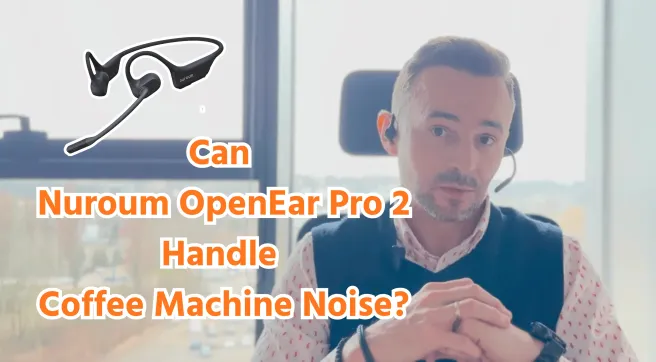
Nandy ran the most telling comparison: first her regular laptop audio, with music playing and kids active in the background, then the home office headset:
The noise canceling is awesome because it just filters out all the background noise so people on your meetings can actually hear what you're saying.
— Nandy, creator video review

Shameraa also tested this common home-office scenario: playing loud music while taking a simulated work call to see whether the background audio would come through to the other person. And it turned the other person could hear her loud and clear.
Lisa ran a complementary test — a live call with her fan at full speed:
I got my fan going. You can't even hear my fan. Like, it's literally crystal clear.
— Lisa, creator video review
| Test scenario | Laptop built-in mic | Nuroum OpenEar Pro 2 |
|---|---|---|
| Music playing in background | Clearly audible to callers | Filtered out (Nandy's and Shamerra's test) |
| Fan running nearby | Hiss on the line | Barely audible (Lisa's test) |
| Kids active at home | Distracting background noise | Voice stays in focus |
For more call-quality picks, see our guide to the best noise cancelling headphones for working from home.

Connect to Your Devices With More Flexibility
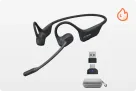
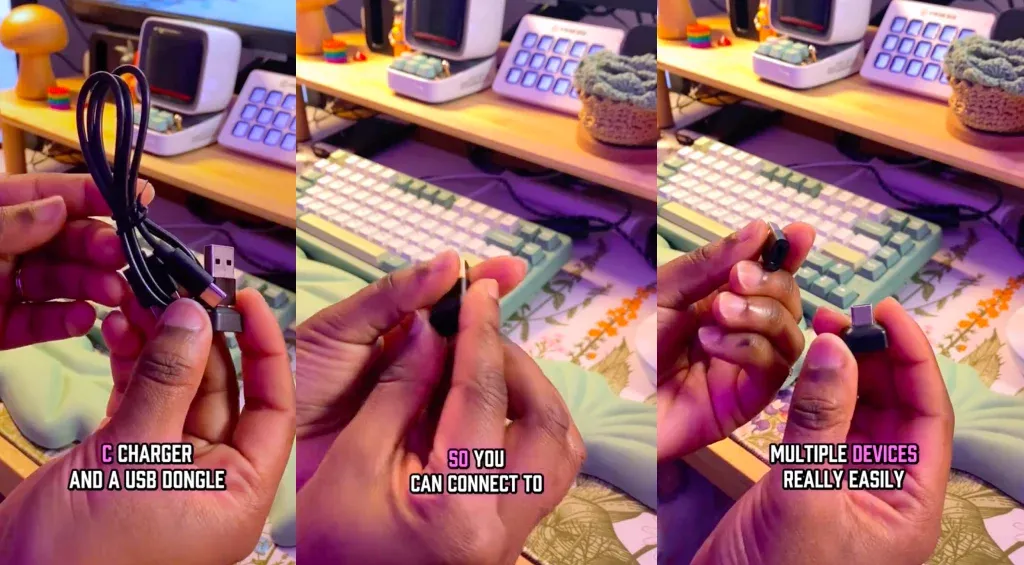
The Nuroum OpenEar Pro 2 connects via Bluetooth or the included USB dongle, so one headset covers your laptop, phone, and desktop. Add up to 12 hours of talk time, 15 hours of music, one-touch controls, and a dedicated mute button, and it doubles as an everyday headset between meetings.
Nandy highlighted the setup flexibility:
You also get a USB C charger and a USB dongle with adapter so you can connect to multiple devices really easily.
— Nandy, creator video review
Shameraa also noted:
This headset is a 10 out of 10… it's Bluetooth, it can connect by USB, it also has 15 hours of battery life and it's also water resistant.
— Shamerra, creator video review
Together, these features make this wireless headsets for working from home more practical for everyday calls and flexible home-office setups.
If phone calls fill your day, our roundup of the best open ear headphones for phone calls covers the category.
Is the Nuroum OpenEar Pro 2 Worth It for Working From Home?
Starting at $129, the Nuroum OpenEar Pro 2 is a strong fit for remote workers who need comfort, clear outgoing audio, and multi-device flexibility in one headset. It won't isolate you from your surroundings — for deep focus, a closed-back ANC headphone is the better tool — but that's the trade-off for all-day wearability and awareness.
So this open ear headset with mic is worth buying if you are:
- WFH parents and caregivers: open-ear comfort plus the ability to hear your kids makes this a natural match.
- Meeting-heavy remote workers: the ENC mic and physical mute button suit back-to-back calls.
- Multi-device users: Bluetooth + USB dongle means no re-pairing between laptop and phone.
- Budget-conscious buyers: at $129, the OpenEar Pro 2 offers an affordable headset for working from home, undercutting many business headsets with similar mic technology. For alternatives, see our best office headset guide and these wfh headsets tested by other remote-working moms.
Bottom line: if you're comparing wireless headsets for working from home and want comfort, call clarity, and environmental awareness in one affordable package, the Nuroum OpenEar Pro 2 deserves a spot on your shortlist.
FAQ
1. Are open-ear headphones good for working from home?
Yes. Open-ear designs avoid ear-canal pressure during long workdays and keep you aware of kids, doorbells, and deliveries — something most in-ear work from home headphones can't offer.
2. Can wireless headsets for working from home connect to both a laptop and a phone?
Look for dual connectivity: a USB dongle gives a stable plug-and-play link for Teams and Zoom, while Bluetooth handles your phone — no re-pairing needed.
3. How much battery life do I need in home office headphones?
Aim for 10–12 hours of talk time to cover a full shift without battery anxiety.
4. What is a good affordable headset for working from home?
A good affordable headset for working from home combines a noise-cancelling mic, all-day comfort, and multi-device connectivity under roughly $150 — at $129, the OpenEar Pro 2 checks all three boxes.