





















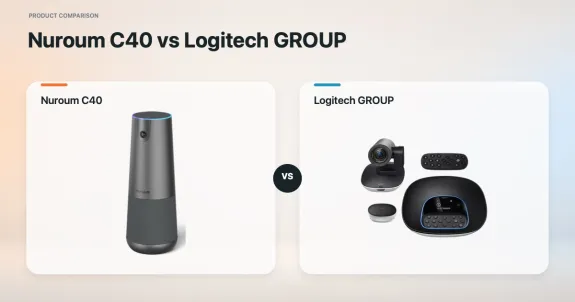
A conference room can produce good video and still be awkward to use. The camera may need to sit near the display, the microphones may need to reach the far end of the table, and the host may need to find the correct cable or remote before the call begins.
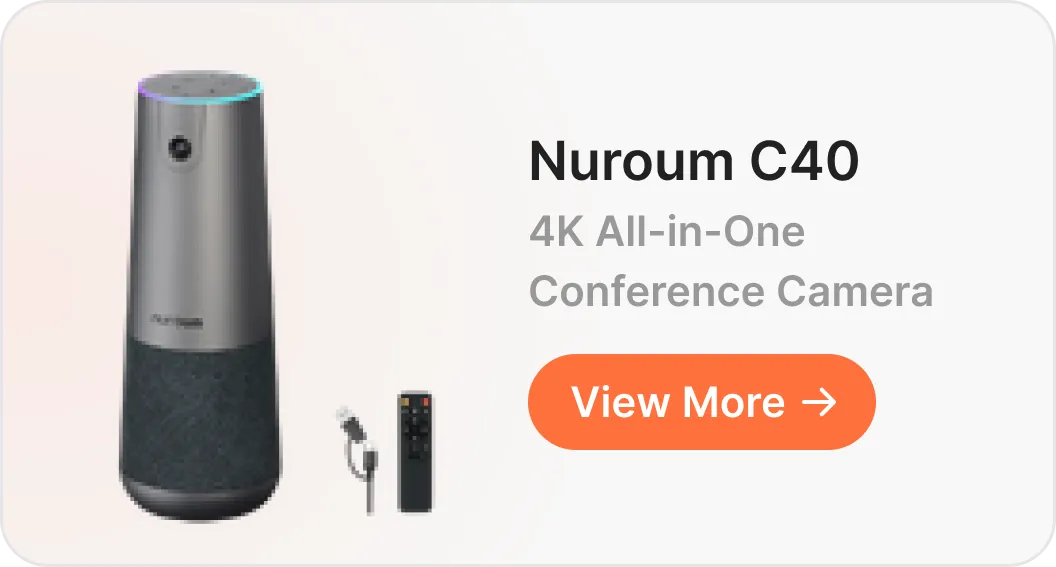
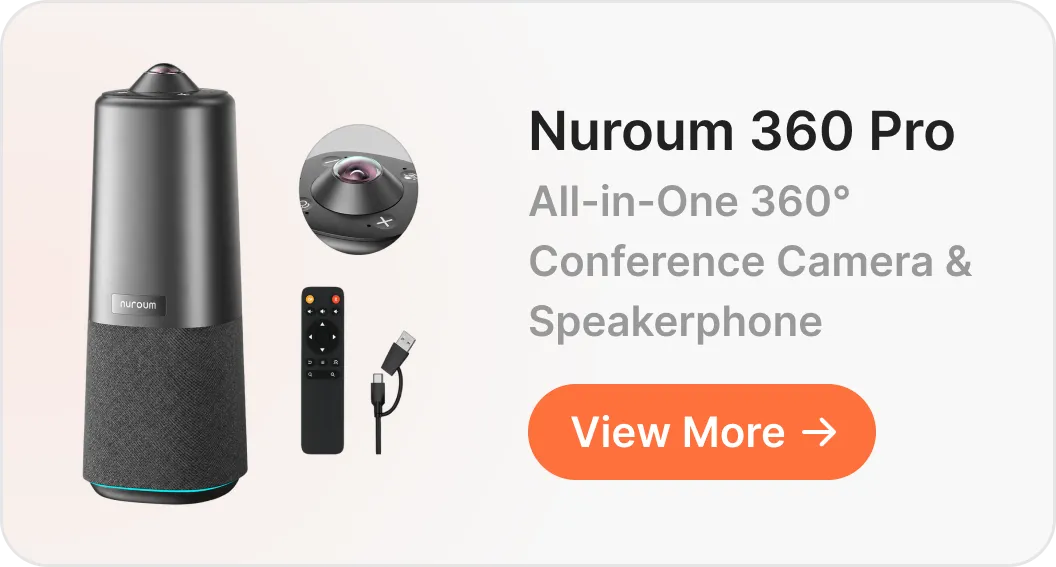
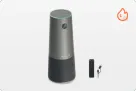
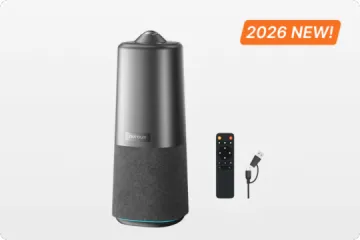
The Nuroum C40 and Logitech GROUP address those jobs with two different system architectures. C40 combines the camera, four microphones, and speaker in one main device. GROUP separates the PTZ camera, tabletop speakerphone, and powered hub so each component can have its own position.
That architectural choice affects installation, camera operation, room flexibility, and the number of connections a meeting host must understand. To see how those differences appear after purchase, we analyzed 58 Amazon reviews of the Logitech GROUP bundle with expansion microphones and compared the recurring themes with the C40 design.
Key Takeaways
- C40 reduces the core room hardware. The camera, four microphones, and speaker share one housing, with optional AM01 microphones available for longer tables.
- GROUP gives fixed rooms more placement control. Its separate PTZ camera, speakerphone, and hub can be installed in different parts of the room.
- The trade-off is operational. GROUP supports deliberate presenter and whiteboard close-ups; C40 uses a 120° view and automatic group framing to reduce camera operation during seated discussions.
- Plan cables for either system. C40 still needs power and USB or the optional NA20, while expansion microphones add cables to both room designs.
All-in-One vs Modular Conference Room Systems
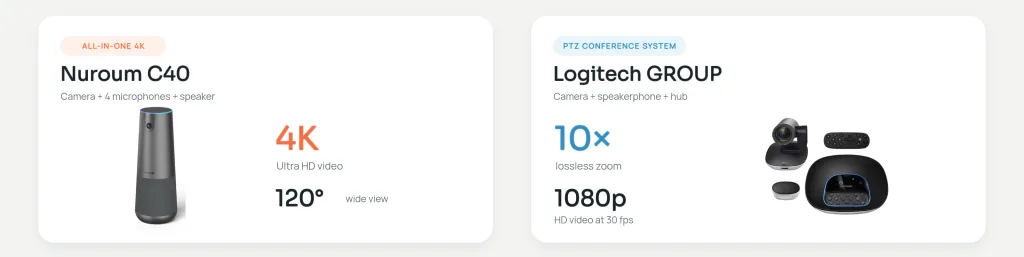
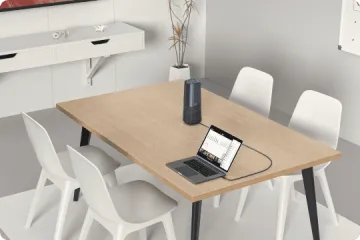
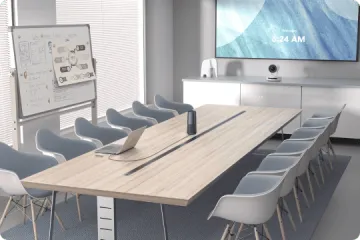
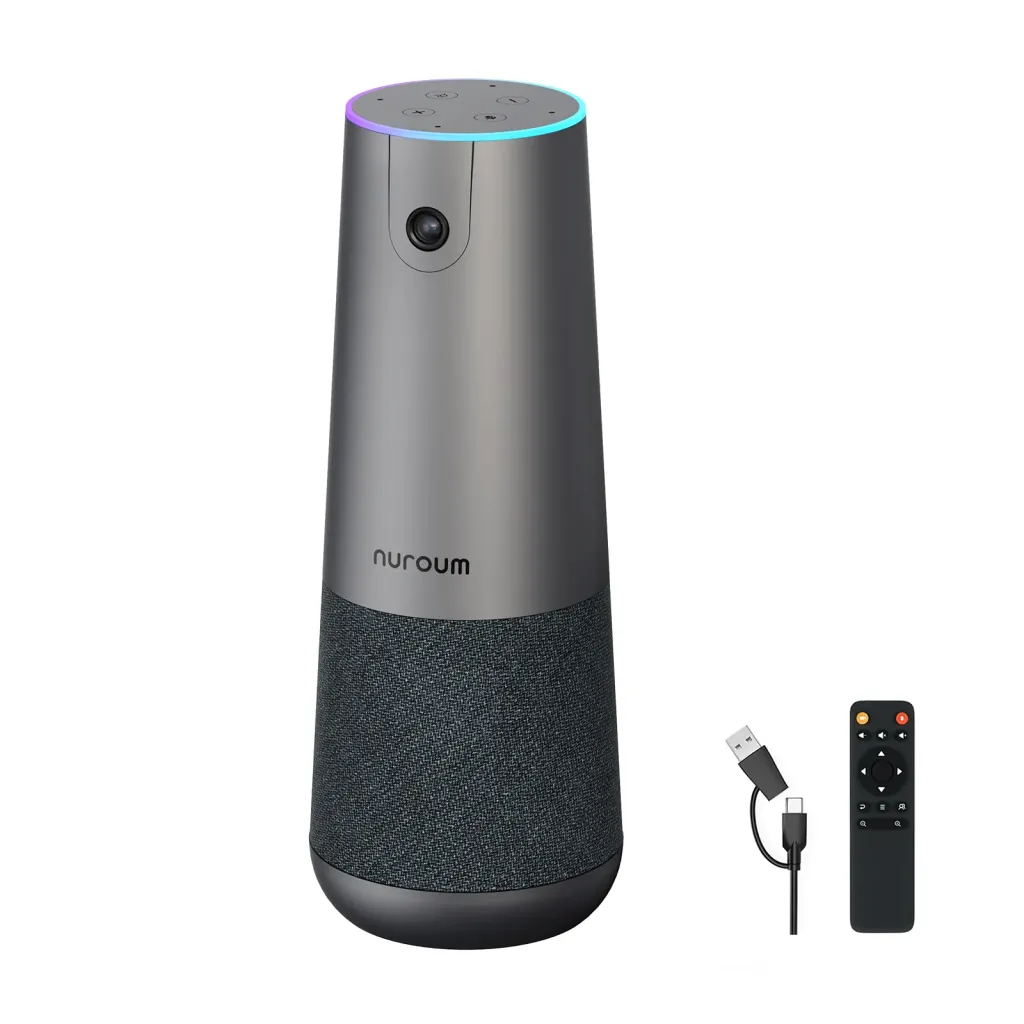
Nuroum C40 follows the all-in-one video conferencing system model. The host places one main device on the table or a tripod, connects power and USB, and selects it for camera, microphone, and speaker. The room can add one or two AM01 microphones when the table needs more pickup points.
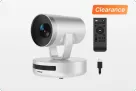
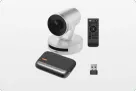
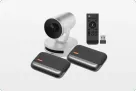
GROUP behaves more like a small conference room AV system. The camera can remain near the display or on a wall, the speakerphone can sit near the discussion, and both connect to a powered hub. This separation gives an installer more control over component placement. It also creates more cable routes and connection points to plan.
The distinction matters most when the room changes users or layouts. A permanently installed boardroom can hide GROUP cables under the table or inside conduit. A shared room that rearranges furniture may benefit more from moving one C40 main unit.
What 58 Logitech GROUP Amazon Reviews Reveal About Modular Conference Systems
The supplied dataset contains 58 reviews published from April 2016 through September 2026. Buyers frequently praised GROUP’s audio and ease of use: 14 reviews mentioned easy setup or everyday use, and 13 mentioned audio quality or clearer room conversation.
The same reviews also reveal the planning work behind a modular room system. Eleven discussed cable length, proprietary connections, or routing friction. Eight mentioned varied concerns involving camera quality, framing, pan and tilt, or the remote.
1. Conference Room Cable Routing Can Become an Installation Project
GROUP needs connections between the camera, speakerphone, powered hub, computer, and power source. Those runs become more difficult when the camera is mounted near a display and the hub or speakerphone is several meters away.
I just wish there were more options to make the cables longer for flexibility on installation.
— Aaron L. Quinn, 4-star Amazon review, September 2, 2017
Logitech currently lists optional 10 m and 15 m extended cables, so the practical question is how the required route affects installation and cost. Buyers should measure around walls, doors, table grommets, and conduit instead of using the straight-line distance between devices.
How C40 responds: The camera, built-in microphones, and speaker do not need separate cable runs between three main components. C40 still needs external power and a computer connection. Optional AM01 microphones add their own cables.
2. More Conference Room Components Create More Setup Steps
Several GROUP reviewers described the system as easy to use once it was installed. One five-star review praised its straightforward operation while also noting the amount of room hardware involved:
There is plenty of wiring and a hub…
— Right3ous, 5-star Amazon review, November 14, 2016
This is the central modular-system trade-off. Separate components allow the camera and speakerphone to occupy better positions, but the room owner has more devices and connections to install, document, and check when the setup changes.
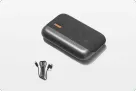
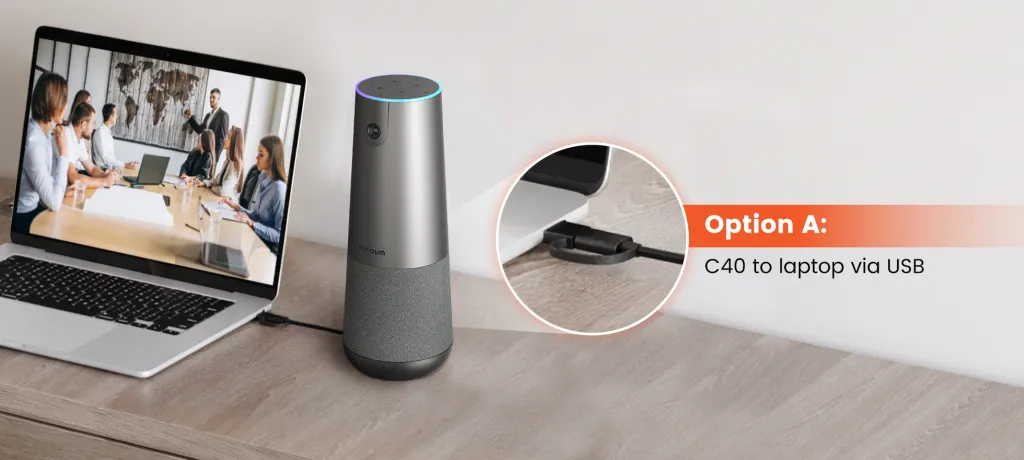
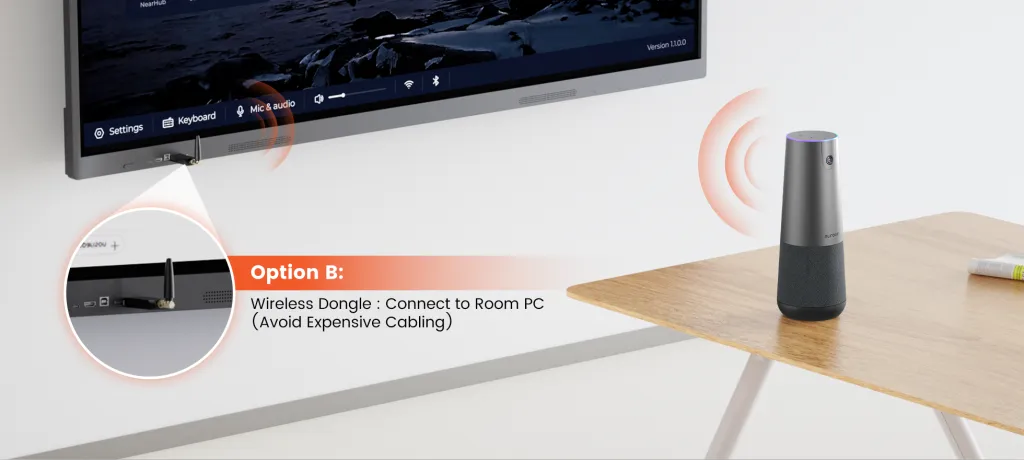
How C40 responds: One housing contains the camera, four microphones, and speaker. A new host has fewer core components to identify. The optional NA20 can remove the direct USB cable between the host computer and C40, with wireless video output up to 1080p, although the C40 still requires power.
3. PTZ Camera Control Adds Work During Live Meetings
GROUP provides motorized pan and tilt, autofocus, presets, and 10× lossless zoom. These controls are valuable when the meeting moves between a presenter, a whiteboard, and the full room. They also give the host or room operator another task during the call.
The pan/tilt and zoom control from the remote is clunky and unreliable.
— Vadim Makarov, 3-star Amazon review, April 14, 2017
This is one reviewer’s experience, not evidence that every GROUP remote behaves the same way. It does show why buyers should test presets, remote positioning, and camera movement from the seats that will actually control the meeting.
How C40 responds: Its 120° field of view and automatic group framing are designed to keep a seated group composed as participants join or move. This reduces routine camera adjustment. It does not replace GROUP’s ability to create a controlled close-up of a presenter or whiteboard.

4. Expansion Microphones Improve Coverage but Add More Cabling
Audio was one of GROUP’s strongest review themes. Six reviewers specifically praised large-room or expansion-microphone performance. One buyer described using the system with two expansion microphones in a 30 × 40 ft room:
At any location in this room, the setup picks up all speaking individuals in the entire room…
— J. Schey, 5-star Amazon review, June 8, 2023
That result comes from one customer’s room rather than a controlled acoustic test. It still shows why microphone placement often matters more than the camera’s headline resolution. The same expansion that brings microphones closer to distant seats also adds cables that must cross or pass through the table.
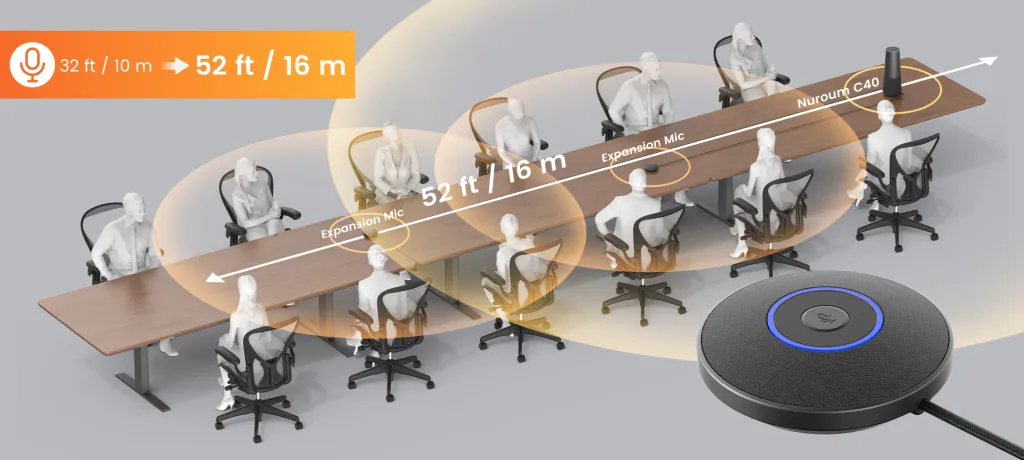
How C40 responds: The built-in microphones have a published 5 m / 16 ft pickup radius. One or two optional AM01 microphones can add pickup points along a longer table, with Nuroum publishing up to 16 m / 52 ft of total coverage when two are used. The main camera, speaker, and microphones remain integrated, but the AM01 units still require cable planning.
Nuroum C40 vs Logitech GROUP Comparison at a Glance
| Buying factor | Nuroum C40 | Logitech GROUP |
|---|---|---|
| System design | All-in-one: camera, four microphones, and speaker in one main device | Modular: separate PTZ camera, speakerphone, powered hub, remote, and cables |
| Video and field of view | Up to 4K/30 fps over USB; 120° field of view | Up to 1080p/30 fps; 90° diagonal field of view |
| Camera operation | Automatic group framing, fixed focus, and 5× digital zoom | Motorized pan and tilt, autofocus, presets, and 10× lossless zoom |
| Audio expansion | Supports up to two optional AM01 microphones | Supports an optional two-microphone expansion bundle |
| Installation | Tabletop or tripod placement with power and USB | Separate placement and cable routing for the camera, speakerphone, hub, and power |
| Best fit | Shared rooms that favor a wide automatic group view and fewer core components | Fixed rooms that need independent component placement and controlled close-ups |
The table summarizes the technical difference. The room layout determines whether integration or separation becomes the greater advantage.
Two Real-World Conference Room Scenarios
The effect of conference camera placement becomes clearer when the products are placed in two different rooms.
Shared Multipurpose Room With Changing Hosts
Consider a room used for team meetings, customer calls, and training sessions. Different employees bring their own laptops, tables move, and most participants remain seated.
C40 can sit at the head of the table as one main video-and-audio device. Automatic group framing handles changes in the seated group, and optional AM01 microphones can extend pickup along the table. The host still connects power and USB, or uses the optional NA20 for the computer link.
This room benefits from fewer core components because each new host has less hardware to identify and the setup can move with the furniture.
Fixed Presentation Room With a Whiteboard
Now consider a boardroom with a wall display, a presenter who moves between slides and a whiteboard, and an installation that stays in place.
GROUP can mount the camera near the display while the speakerphone remains closer to the discussion. A preset or remote can move from the full room to a tighter presenter or whiteboard view. The hub and cables require an installation plan, but that work happens once when the system remains fixed.
This room benefits from separation because independent placement and PTZ control support the way the presentation moves.
Who Should Choose an All-in-One Conference Camera Like C40?
C40 is the stronger fit when:
- Different employees bring laptops and need to understand the room quickly.
- Tables or room layouts change frequently.
- The meeting usually needs a wide view of a seated group.
- Automatic framing is more useful than manual PTZ operation.
- The room may need one or two additional microphone pickup points later.
C40 may be less suitable when the camera must be mounted on a wall, positioned separately from the audio device, or used for controlled optical close-ups. Its all-in-one design simplifies the main system by keeping camera and audio placement together.
Who Should Choose a Modular Conference Room System Like GROUP?
GROUP is the stronger fit when:
- A fixed mid-to-large room can support planned hub and cable installation.
- The camera belongs near the display while the speakerphone belongs near participants.
- Presenters, whiteboards, or objects need motorized pan, tilt, autofocus, presets, and 10× lossless zoom.
- IT values physical controls and a distributed system that remains installed.
- The organization already knows and supports the GROUP workflow.
GROUP may be less suitable when tables move often, visible cables are difficult to manage, or the meeting mainly needs a wide automatic group view. Teams comparing it with other Logitech meeting camera options should look at room architecture as closely as resolution and zoom.
Editorial Verdict: Choose the Room Architecture First
C40 reduces the number of core components and camera decisions a meeting host must manage. Its integrated housing, 120° view, automatic group framing, and optional audio expansion suit shared rooms built around seated group discussions.
GROUP gives a fixed room more control over where the camera and audio devices are placed. Its motorized PTZ camera and 10× lossless zoom suit meetings that move between the full room, a presenter, and a whiteboard.
Choose around the meeting that happens most often. Test the occupied camera view, the far-end microphone seat, the complete cable route, and the controls a real host will use. Nuroum’s comparison of the best conference room cameras covers additional configurations when neither architecture fits the room.
FAQs
What is the difference between an all-in-one and a modular conference room system?
An all-in-one system places the camera, microphones, and speaker in one main housing. A modular system separates those functions so the camera and audio equipment can be positioned independently. That flexibility usually requires more components and cable planning.
Is the Nuroum C40 easier to install than Logitech GROUP?
C40 has fewer core room components because its camera, four microphones, and speaker share one housing. GROUP uses a separate PTZ camera, speakerphone, powered hub, remote, and connecting cables. Actual installation effort still depends on room layout, microphone expansion, power, and cable routing.
When is Logitech GROUP a better choice than Nuroum C40?
GROUP is better suited to a fixed room that needs the camera near a display, the speakerphone near participants, and controlled close-ups of a presenter or whiteboard using motorized pan, tilt, presets, autofocus, and 10× lossless zoom.
Is the Nuroum C40 completely wireless?
No. The optional NA20 can provide a wireless connection between the host computer and C40 with video output up to 1080p, but the C40 still requires its external power adapter. Optional AM01 microphones also add cables.
Can an all-in-one conference camera cover a long table?
It can when the camera view and microphone layout fit the room. Nuroum lists a 5 m / 16 ft pickup radius for the C40 and supports up to two optional AM01 microphones, with published total coverage up to 16 m / 52 ft. Room acoustics and microphone placement still affect the result.
What do Logitech GROUP Amazon reviews say about installation?
In the supplied set of 58 Amazon reviews, 14 mentioned easy setup or everyday use, while 11 discussed cable length, proprietary connections, or routing friction. Most reviews are several years old, so they identify planning questions rather than current defect rates.