
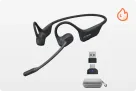





















A headset should disappear into your calendar, not become another problem in it. For most hybrid workers, the best headphones with microphone balance call clarity, comfort and stable device switching before headline specs. This tested buying guide compares six boom-mic Bluetooth headsets by real-world use. The lightest options suit travel and all-day wear, while certification, dongles and charging stands matter more for shared offices.
Price note: “Tested” here reflects published hands-on evidence, owner feedback and repeatable call criteria; it is not a laboratory hearing-safety score.
At a Glance: The Best Headphones with Microphone for Work Calls
From lightweight open-ear designs to traditional office headsets, these six picks cover different work styles and call needs. Use the table to narrow the rest.
| Best for | Model | Why it stands out |
|---|---|---|
| Best overall open-ear work calls | Nuroum OpenEar Pro 2 | 31g air-conduction fit, Bluetooth 5.4 and a USB-A/C dongle; $120 at Nuroum at the time of checking |
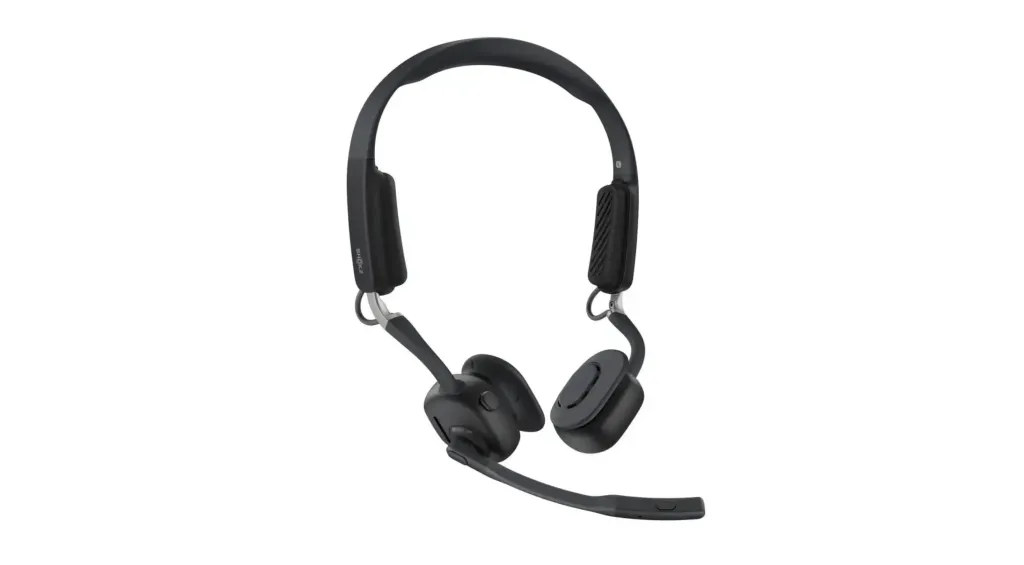
| Best ultra-light travel option | Yealink BH71 Pro | An 18g hook design with four-microphone beamforming and Teams certification |
| Best conventional Teams standard | Poly Voyager 4310 UC | Familiar mono fit, a charging base, USB receiver and Acoustic Fence microphone processing |
| Best value single-ear office headset | Nuroum HP31S | Charging stand, USB receiver, Bluetooth 5.4 and up to 35 call hours; $76 at Nuroum at the time of checking |
| Best premium open-ear meetings | SHOKZ OpenMeet | Dual-conduction design, pressure-relief frame and Zoom certification |
| Best long-range desk-to-floor option | Logitech H820e | DECT wireless, a charging base and up to 90m rated range |

How We Chose the Top Headphones with Microphone
The shortlist prioritizes call clarity, comfort, connection stability and honest battery value over one spectacular specification.
- Outgoing voice clarity, including beamforming and ENC.
- Comfort after several hours, not first impressions.
- Bluetooth multipoint or USB dongle support for mixed devices.
- Talk-time battery, charging routine and included accessories.
- Teams or Zoom fit, price, warranty and long-term support.
For Teams-heavy desks, this office headset guide explains when a stable desktop system beats a tiny Bluetooth earpiece. Remote workers may also enjoy this working-from-home headset review.
What to Look for in a Bluetooth Headset with Boom Microphone
The best Bluetooth headset with boom microphone makes your voice predictable, even when your room is not. Start with a flexible arm, easy mute and natural-sounding speech processing.
Know which noise problem you have. ENC cleans outgoing audio so callers hear less background noise. ANC reduces what reaches your ears. Many office headsets have ENC but no ANC, leaving them clear for callers and noisy for you.
Connection is part of call quality. Multipoint Bluetooth holds a phone and laptop connection, while a USB-A/C dongle gives computer calls a dedicated route. Check that your app selects the headset for both input and output.
Compare fit and talk time honestly. Open ears reduce pressure but admit room sound; closed cups isolate more. Compare call hours with call hours, not music time with talk time.

The 6 Best Bluetooth Headsets with Boom Microphones in 2026
These six picks are grouped by use case so you can choose the right headset with boom mic, not just the loudest review score.
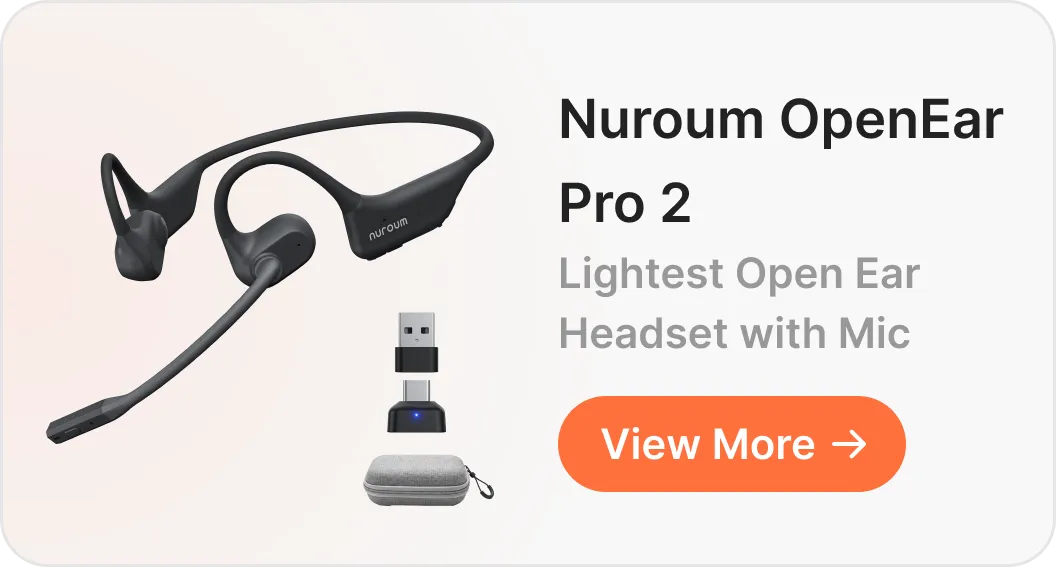
1. Nuroum OpenEar Pro 2: Best Overall for Open-Ear Work Calls
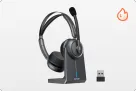
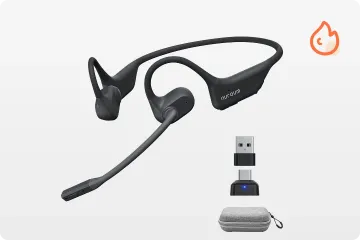
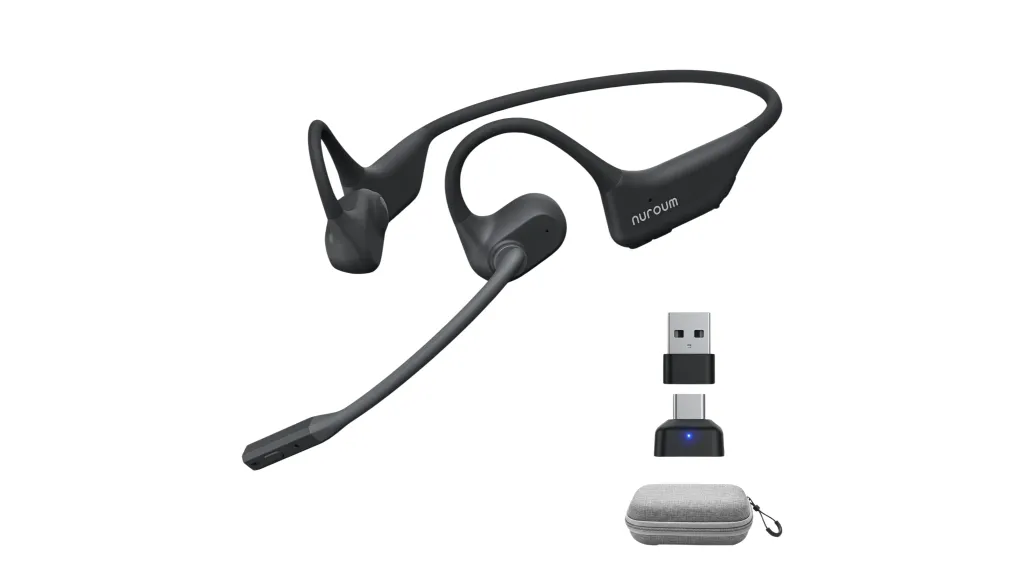
The Nuroum OpenEar Pro 2 is best for hearing your surroundings without giving up a work-focused microphone. Its 31g air-conduction frame rests outside the ear canal, avoiding the plugged-ear feeling of earbuds and some cheekbone vibration from bone-conduction designs.
- Flexible desk use: Bluetooth 5.4 multipoint, plus a USB-A/C dongle for Windows, macOS and Linux.
- Easy call controls: boom mic, dedicated mute and physical volume buttons.
- Full-day stamina: up to 12 call hours and 15 music hours.
- Clearer calls in noisy spaces: Dual-mic AI ENC helps reduce background noise picked up by the microphone, keeping your voice clearer during calls.
A published hands-on test by Tech4Dads on the Nuroum OpenEar Pro 2 page used it near overhead and laptop fans; the reviewer reported filtered background noise and a clear voice. For noisy workplaces, this noisy-environment headset review adds context. ENC helps your caller, but open ears still let you hear the room.
Trade-off: Some sound can leak at high volume, and the fit may bother TMJ-sensitive users.
Best for: remote workers, commuters and frequent callers who dislike earbuds; see these open ear headphones for phone calls.
2. Yealink BH71 Pro: Best Ultra-Light Option for Travel
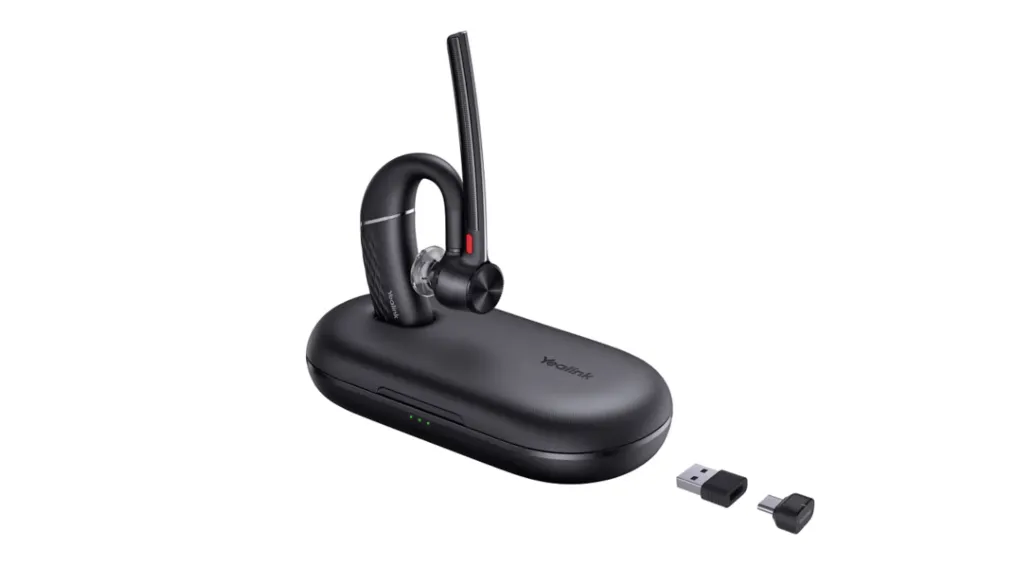
The BH71 Pro is for a headset that can vanish into a laptop bag. At 18g, its ear hook is much lighter than a traditional mono headset, while four-microphone beamforming, a USB-C/A dongle and Teams certification keep it ready for business calls. The base version typically costs about $70–$110.
Trade-off: It must fit your ear well, and field durability deserves attention:
3 months and the unit won’t charge. Granted I work in construction.
— Jake, 1-star Amazon review, July 30, 2026
That experience is not universal, but check warranty coverage for rough work.
Best for: travelers, field sales and anyone who dislikes headbands.
3. Poly Voyager 4310 UC: Best Conventional Teams Office Standard
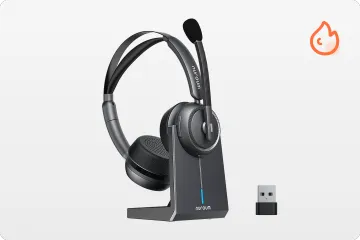
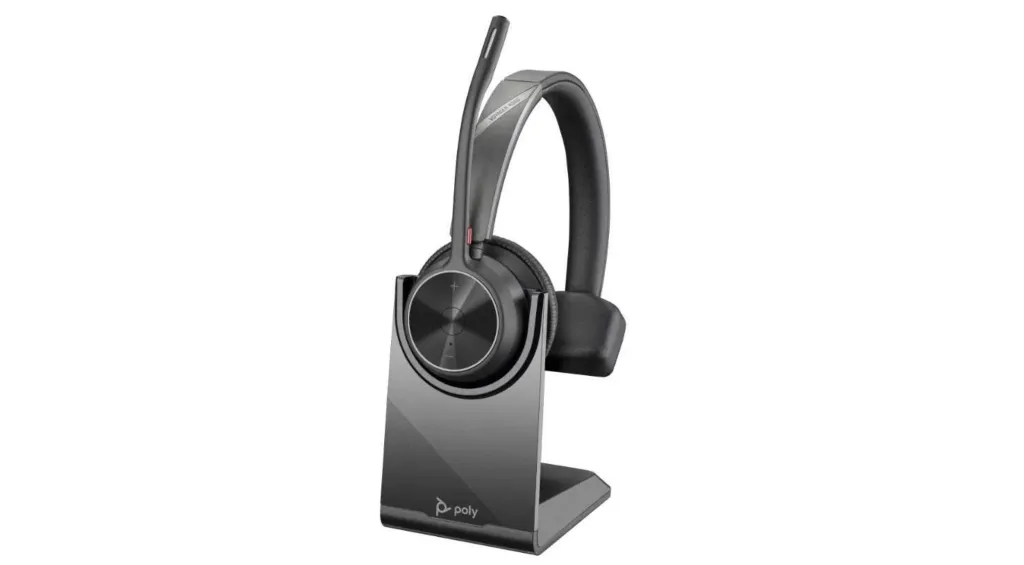
The Voyager 4310 UC is the easy-to-deploy choice for a Teams office. Poly's Acoustic Fence microphone system targets nearby voices, while the charging base and USB receiver support a repeatable desk setup. You may still hear colleagues, but they should be less obvious on the call.
Trade-off: Fit and audio routing still need testing. One owner found the result underwhelming for the price:
For the price it’s not the best. Customers constantly Say I sound low or far away and definitely no noise cancellation.
— Geneva S., 3-star Amazon review, May 14, 2026
This is ENC, not ANC: it protects the call from room noise rather than silencing the room for you.
Best for: Teams-heavy offices and shared desks where predictable workflows matter.
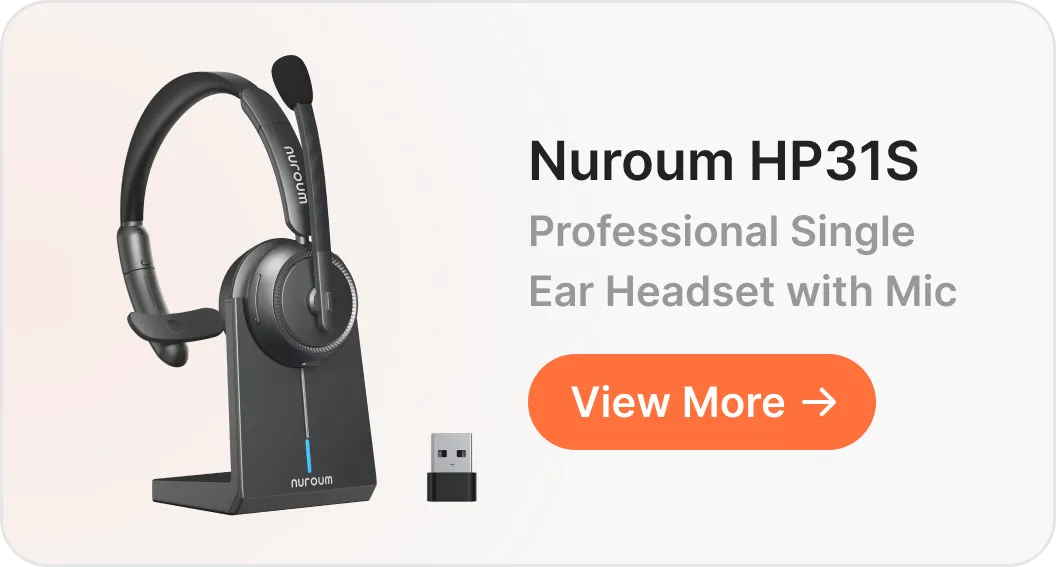
4. Nuroum HP31S: Best Budget Bluetooth Headset with Boom Mic
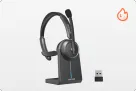
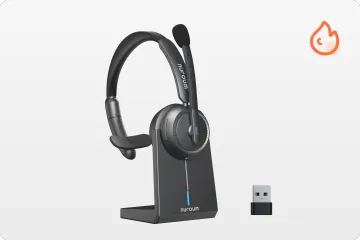
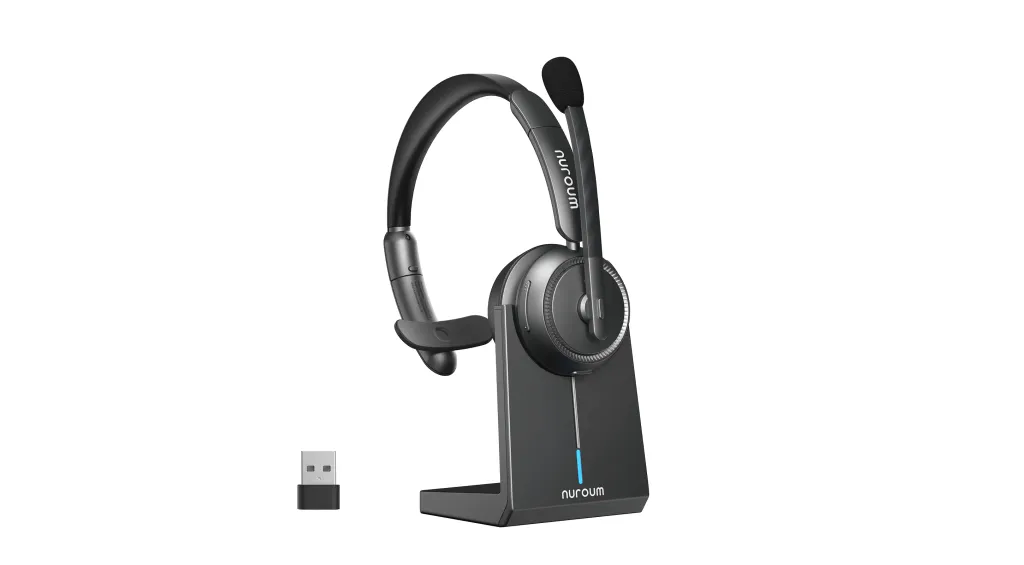
The Nuroum HP31S is the value pick for a conventional single-ear desk setup. At $76 on Nuroum's official store when checked(for Black Friday), it includes a charging stand, USB receiver, Bluetooth 5.4 and up to 35 hours of calls.
- A complete kit: dongle and charging base arrive in the box.
- Voice-focused processing: HiFi4 DSP and dual-mic ENC target background noise and echo.
- Phone-plus-computer use: multipoint Bluetooth and dongle mode cover different devices.
The practical catch is weight: at 128g, it is not the feather-light choice for a 10-hour shift. It also has ENC, not ANC, and its mono design favors calls over music.
Best for: home offices, drivers, reception desks, small teams and call centers.
5. SHOKZ OpenMeet: Best Premium Open-Ear Comfort
The OpenMeet is the premium choice when long-meeting comfort comes first. It combines bone- and air-conduction elements, uses a five-point pressure-relief headband and carries Zoom certification. The open fit keeps you aware of traffic, coworkers and family while avoiding earbud pressure.
Trade-off: A premium open-ear headset is only premium if it stays put. Fit is highly personal:
Excellent in every way except the one that matters most - the fit. These are great headphones - crisp sound quality and super noise cancelling microphone but they unfortunately are just too big and slide every time I move my head.
— Jay, 2-star Amazon review, February 7, 2026
Best for: frequent Zoom users and long-meeting workers who prioritize environmental awareness.
6. Logitech H820e: Best Long-Range DECT Headset
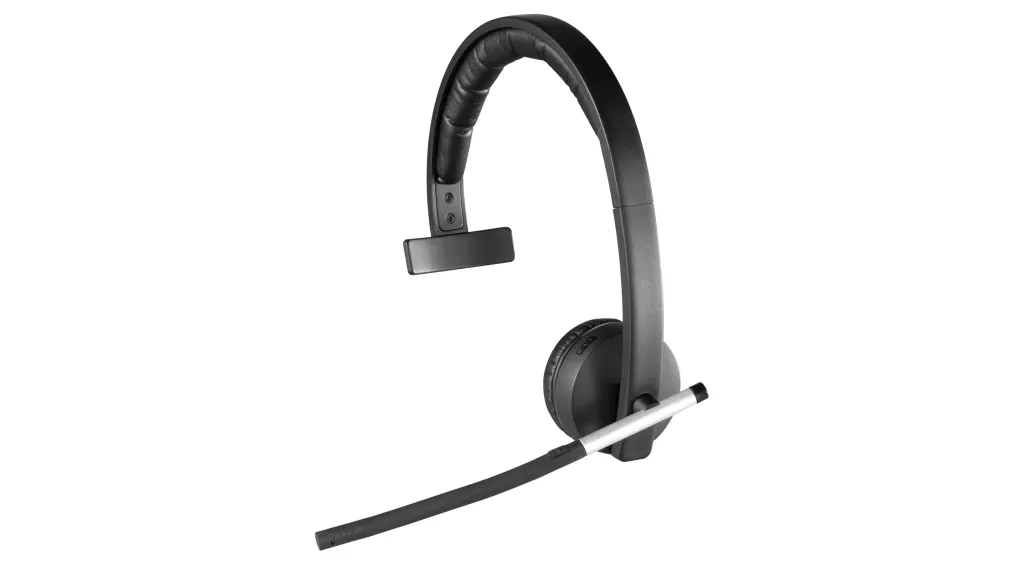
The H820e is for leaving the desk without leaving the call. Its DECT connection is rated for up to 90m and is generally more resistant to Wi-Fi congestion than Bluetooth. The mono boom mic and charging stand suit warehouses, clinics and logistics teams.
Trade-off: This is an older model, so confirm whether you are buying new, renewed or end-of-life stock—and do not expect it to work while sitting on the charger:
The only criticism I have for this, and it's a big issue: You can't use the headset while it's charging. Even if you jury-rig a charging solution for it, the audio doesn't work at all while it's charging.
— Taegost, 1-star Amazon review, June 3, 2019
Because that review is old, verify the exact unit before buying.
Best for: warehouse and reception jobs where range matters more than portability.
Which Bluetooth Headset with Boom Mic Should You Choose?
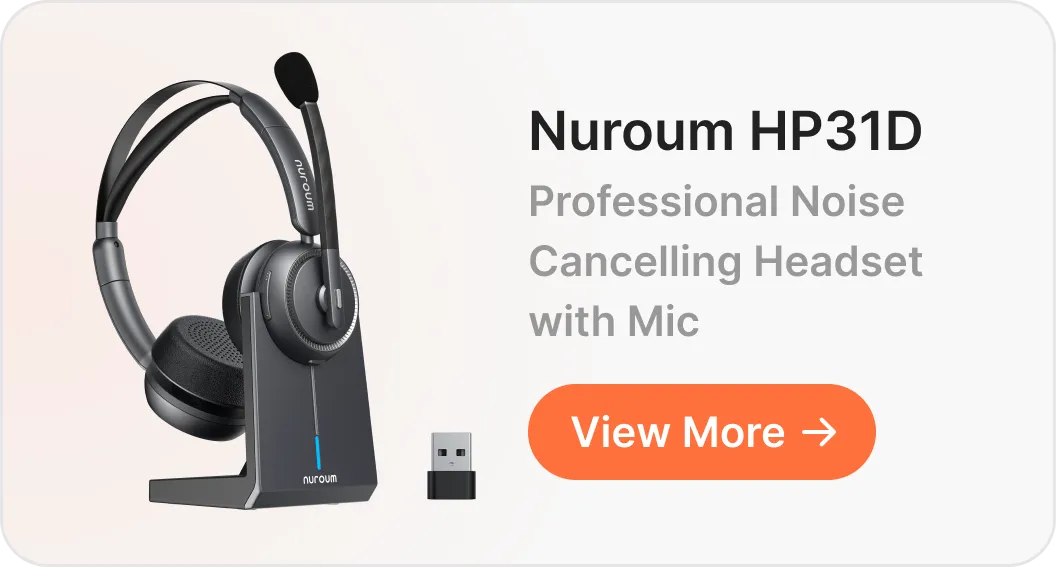
Choose the OpenEar Pro 2 for comfort, awareness and flexible phone-to-laptop switching. Choose the HP31S for a conventional single-ear setup with a charging stand, dongle and long call battery under $100.
- Travel light: Yealink BH71 Pro.
- Standardize on Teams: Poly Voyager 4310 UC.
- Want premium open-ear meetings: SHOKZ OpenMeet.
- Need to roam away from a desk: Logitech H820e, after checking availability.
Check live pricing, warranty and returns. Then test what specifications cannot prove: whether it still feels right after an hour, and whether your app selects the right microphone after a device switch. Compare the OpenEar Pro 2 or the all-in-one HP31S.
FAQ
1. Is a boom microphone better than a beamforming microphone on a Bluetooth headset?
A Bluetooth headset with a boom microphone offers direct voice pickup because the mic sits close to your mouth. Beamforming microphones use multiple mic elements to isolate your voice from background noise. For noisy work environments, a boom mic with effective noise reduction can provide more consistent call clarity.
2. Can a Bluetooth headset with a boom mic connect to a laptop and phone?
Yes, with multipoint Bluetooth or a USB dongle. Multipoint holds two connections; a dongle gives the computer a dedicated route. Test the switch in your meeting app first.
3. Is ENC the same as ANC?
No. ENC cleans outgoing microphone audio so callers hear less background noise. ANC reduces what you hear. A headset can be excellent for the caller without quieting your room.
4. Do open-ear headsets with boom mic leak sound during calls?
Some leakage is normal because the earpieces do not seal the ear canal. It is strongest at high volume in quiet rooms. For confidential calls, use a closed-cup headset.
5. How can I improve microphone quality on a Bluetooth headset for work?
Hold the mic one to two fingers from your mouth and slightly to the side. Select the headset directly in your meeting app, reduce excessive gain and use its USB dongle when Bluetooth routing is unreliable.