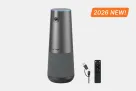

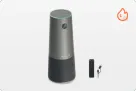
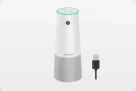
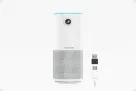
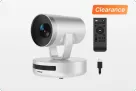
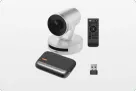
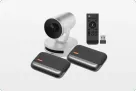












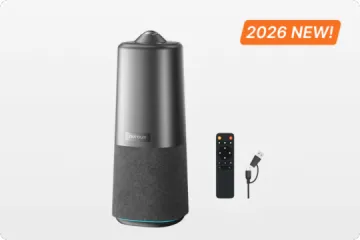
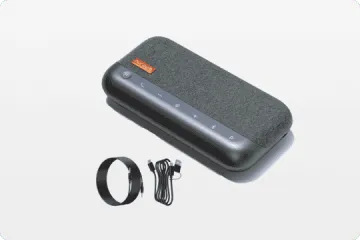


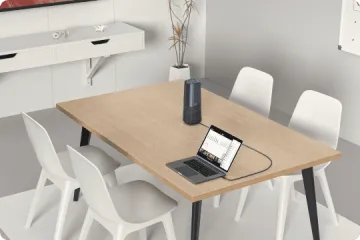

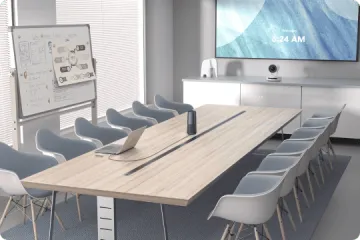
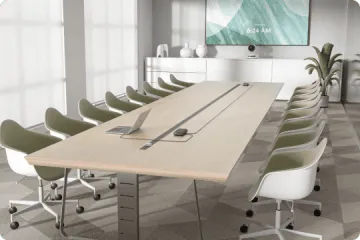
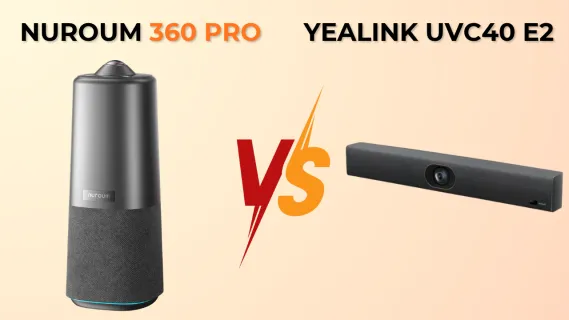
This comparison contrasts the center-of-table Nuroum 360 Pro with the front-of-room Yealink UVC40 E2. It uses Amazon reviews and Reddit IT discussions to examine microphone reach, camera perspective, speaker tracking, setup friction, room layout, and the meeting styles that best fit each device.
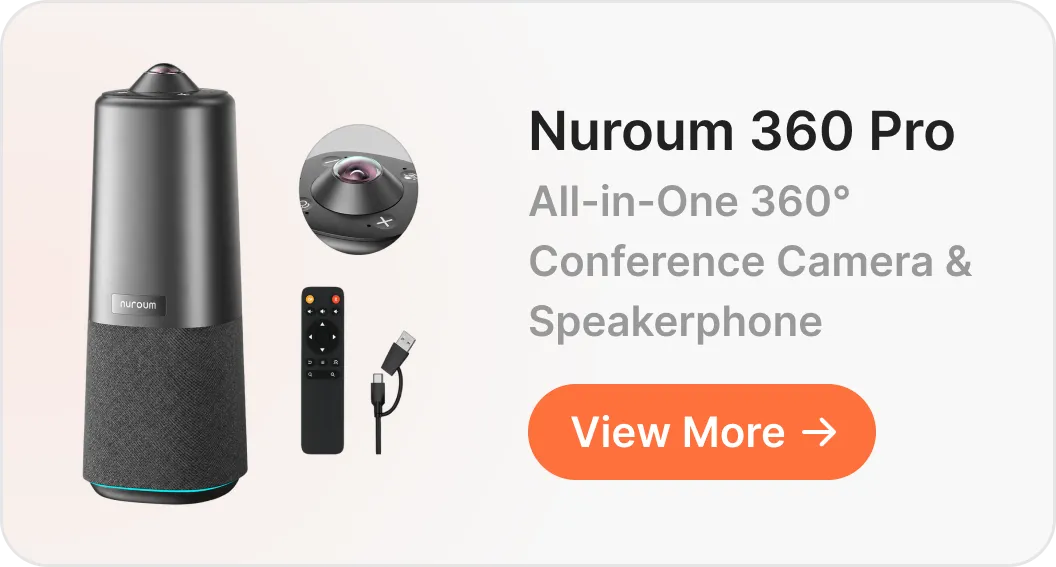
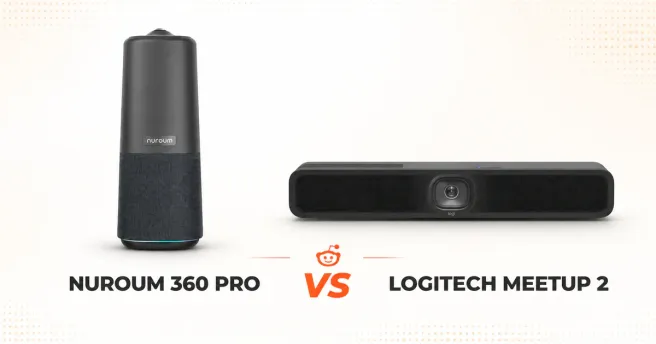
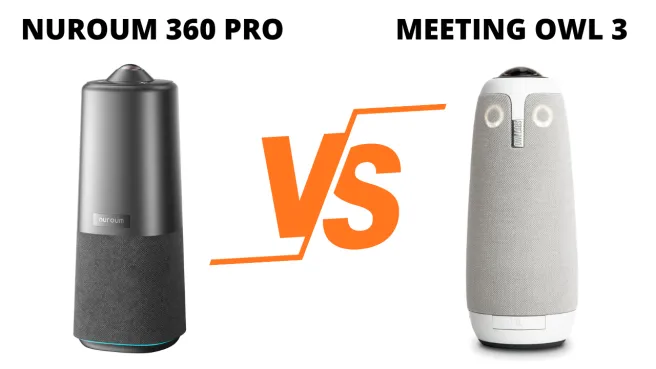
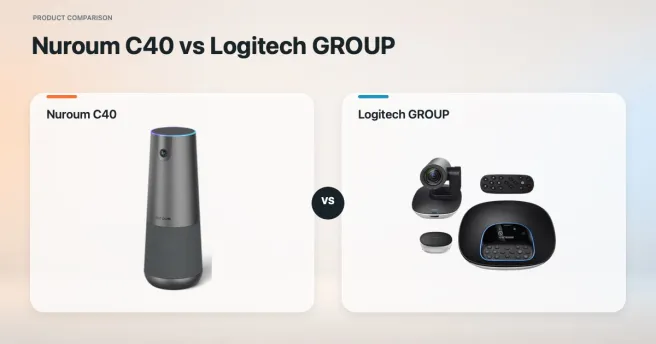
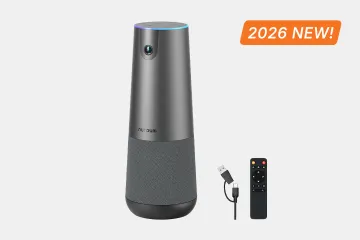
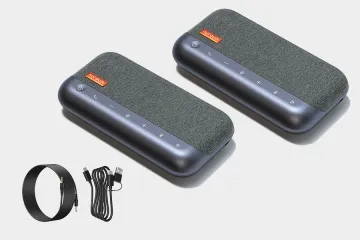
Choosing between the Nuroum 360 Pro vs Yealink UVC40 E2 isn't just a spec-sheet comparison—it is a choice between two completely different room architectures. On one side, you have the Yealink UVC40 E2, a front-of-room all-in-one USB video bar designed to sit below or above a wall-mounted TV. On the other side, you have the Nuroum 360 Pro, an on-the-table 360 conference camera engineered to sit right in the center of your conference table and capture everyone equally.
While front-of-room video bars look clean on paper, real-world buyer reviews on Amazon for the Yealink UVC40 E2—alongside IT admin and AV integrator discussions on Reddit (r/yealink, r/CommercialAV, and r/sysadmin)—highlight several recurring pain points inherent to wall-mounted video bars. When tables get longer, ceilings get higher, or meetings turn into roundtable discussions, front-of-room bars hit clear physical limits.
Below, we compare the two devices side by side, break down the three biggest video bar issues revealed in real user reviews, and show how placing a 360 conference camera in the center of the table solves each one.
Quick Verdict: Nuroum 360 Pro vs. Yealink UVC40 E2 at a Glance
Before diving into real user feedback, here is how the Nuroum 360 Pro and Yealink UVC40 E2 compare across form factor, optics, audio pickup, and deployment style:
| Feature / Dimension | Nuroum 360 Pro | Yealink UVC40 E2 |
|---|---|---|
| Form Factor & Placement | Center-of-table 360° all-in-one unit | Front-of-room wall/display-mounted video bar |
| Camera & Field of View | 360° panoramic lens (50MP Sony sensor, 1080p HD output) | Fixed front-facing wide-angle lens (120° FOV, 4K sensor) |
| Framing & Tracking | On-device AI auto-framing, speaker tracking, & multi-view modes | Auto-framing and speaker tracking from front display wall |
| Microphone Array | 6-mic omnidirectional AI array (360° equidistant pickup) | 8-mic MEMS linear array (front-facing directional pickup) |
| On-Device Controls | Built-in physical buttons for instant view-mode switching & mute | Handheld remote control + Yealink RoomConnect software |
| Connectivity | Plug-and-play USB (BYOD) | Plug-and-play USB (BYOD) or paired with Yealink MVC room kits |
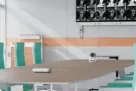
| Best Room Layout | Round, square, or medium conference tables (6–12 people) | Small huddle rooms where everyone faces the front screen (4–6 people) |
Nuroum 360 Pro vs Yealink UVC40 E2: 3 Real-World Video Bar Pain Points
Looking through verified Amazon reviews for the Yealink UVC40 E2 and IT threads across Reddit, buyers generally find that compact video bars do a decent job in small, screen-facing huddle rooms. However, three recurring complaints show up again and again—and each one stems directly from mounting the camera and microphones on a front wall instead of the conference table.
Pain Point 1: Conference Room Microphone Drop-Off on Longer Tables & High Ceilings
If you ask any IT manager what actually ruins a hybrid meeting, they won't say 1080p vs. 4K video—they will say bad audio. Because a front-of-room video bar is anchored beneath a TV, its built-in conference room microphone array has to capture voices across long distances. People sitting at the far end of a 10- or 12-foot table are three to four times farther from the bar than those up front, forcing the device to crank up digital gain—which amplifies HVAC hum, keyboard clatter, and room echo.
What Real Users Say in Reviews & IT Threads:
"The video works fine, and the speaker works fine, but for picking up people at the far end of the table, the built-in mics on the bar aren't enough—we still needed to look into external table microphones."
— r/CommercialAV deployment discussion
"Once you go past roughly 8 people or put it in a room with high ceilings, a single front bar starts hitting its limits."
— r/CommercialAV buyer recommendation
"In a high-ceiling conference room, the video on our wall-mounted bar was fine, but the built-in microphones did not perform well in that acoustic space."
— r/yealink user feedback
How the Nuroum 360 Pro Solves It:
By placing the Nuroum 360 Pro in the center of the table, you cut the distance between every speaker and the conference room microphone array in half—or more:
- Equidistant 360° Pickup: Equipped with a 6-element omnidirectional AI microphone array, the 360 Pro picks up voices evenly from every direction around the table within a 16-foot (5-meter) radius. Nobody at the far end has to lean forward or raise their voice.
- On-Device AI Noise Suppression: Powered by an integrated 2 TOPS NPU, the 360 Pro filters out non-speech background noise—such as typing, paper shuffling, and air conditioning—directly on the hardware before audio reaches Zoom, Microsoft Teams, or Google Meet.
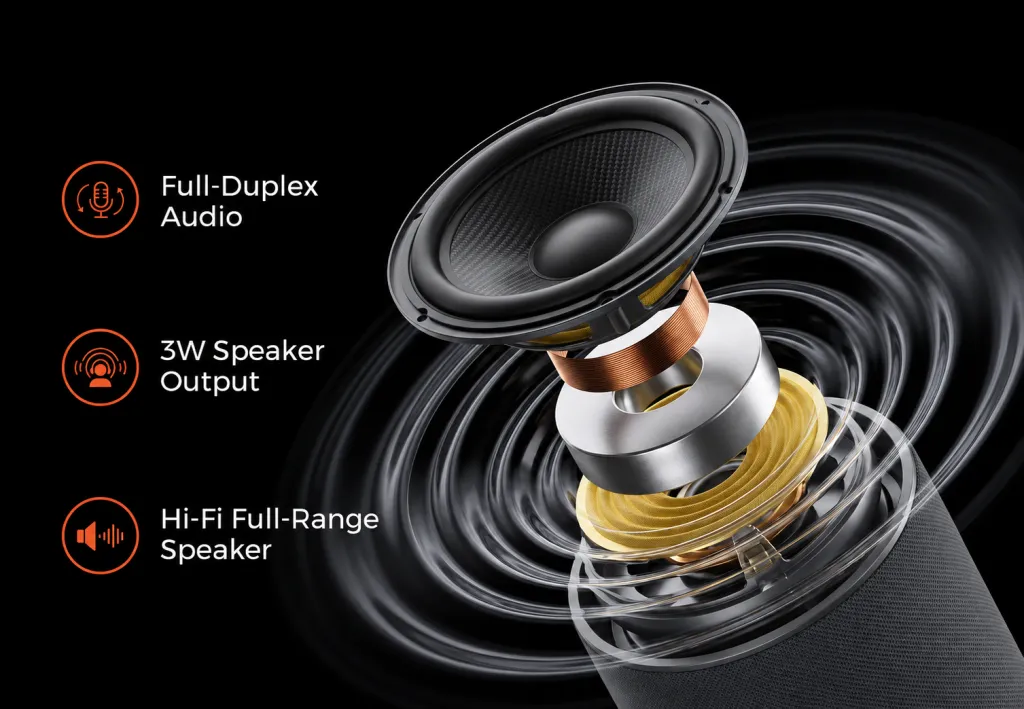
- Full-Duplex Audio Without Extra Mic Pods: Instead of buying a front-of-room bar and spending hundreds more on wired or wireless extension table mics, the Nuroum 360 Pro builds equidistant table-mic pickup and full-duplex speaker output directly into one center-of-table unit.
Pain Point 2: Side-Profile Blind Spots & "Ping-Pong" Framing on Front-Wall Cameras
Even when a video bar delivers sharp optics in a small room, a single front-wall lens obeys strict geometry: everyone has to face the TV to be seen properly. In real team meetings, people sit along both sides of a table and turn toward each other to talk. A wall-mounted speaker tracking conference camera can only capture side profiles—or the backs of heads—and constantly crops back and forth across a wide 120° field of view whenever two people have a rapid back-and-forth conversation.
What Real Users Say in Reviews & IT Threads:
While Amazon reviewers of the Yealink UVC40 E2 note that "video quality is clear for a small room," buyers upgrading from older cameras also note incremental limits in real-world framing—with one verified Amazon buyer pointing out that "image quality is good, though not a huge leap over our previous Yealink camera given the weight and cost." Meanwhile, AV pros on Reddit consistently flag that front-wall bars only work well when rooms are narrow enough for everyone to stay inside a tight front-facing cone.
How the Nuroum 360 Pro Solves It:
As an on-the-table speaker tracking conference camera, the Nuroum 360 Pro captures every participant at natural eye level from the center of the table:
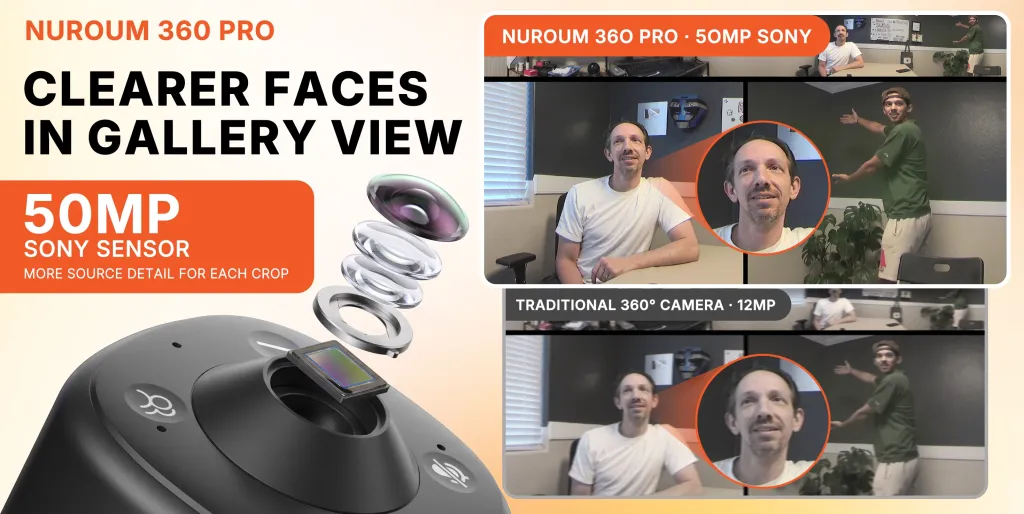
- 360° Panoramic + Multi-Speaker Split View: Combining a 50MP Sony sensor with a 360° panoramic lens, the 360 Pro shows a continuous panoramic strip of the entire table alongside automatic close-up frames of active speakers—even displaying two or three speakers side by side during fast dialogue without dizzying camera pans.
- Zero Blind Spots & Natural Eye Contact: Whether teammates sit at the ends or along the sides of a rectangular, oval, or round table, everyone faces the camera naturally without blocking each other.
- Crisp 3x Digital Crop Detail: Because its outputs clean 1080p HD video, cropping into individual speakers around the table keeps facial expressions sharp and lifelike.
Pain Point 3: Setup Friction, Missing Remotes & Cable Clutter
A conferencing system only works if anyone in the office can walk into a room and start a call in seconds. On Amazon and Reddit, reviews of the Yealink UVC40 E2 and UVC40 series reveal three practical workflow headaches tied to front-of-room bars: initial setup confusion, connectivity expectations (such as users expecting direct HDMI/hub capabilities instead of long USB runs back to the table), and reliance on handheld remotes or software utilities—not to mention the hassle of power-cycling or troubleshooting a device bolted to a wall when firmware glitches occur.
What Real Users Say in Reviews & IT Threads:
"Initial connection was a bit frustrating to get dialed in, though customer support eventually helped get it sorted."
— Amazon Vine Review (UVC40 E2)
"Wish it had built-in HDMI/USB hub capabilities for cleaner room connectivity rather than just acting as a basic USB peripheral."
— Paraphrased from 3-Star Verified Amazon Reviews (UVC40 E2)
"When audio devices drop off or firmware needs recovery on wall-mounted units, having to physically unplug power and USB behind displays creates real headaches for IT."
— Paraphrased from r/yealink IT troubleshooting thread
How the Nuroum 360 Pro Solves It:
The Nuroum 360 Pro is built around an effortless, center-of-table conference room camera and microphone workflow that eliminates wall-mounting and remote-control clutter:
- On-Device Tactile Mode & Mute Controls: Physical buttons right on top of the unit let anyone switch viewing layouts (panoramic + speaker view, discussion mode, split screen) or toggle mute with a single press—no missing infrared remotes and no mandatory desktop software required. A 360° LED ring clearly signals live vs. muted status to the whole table.
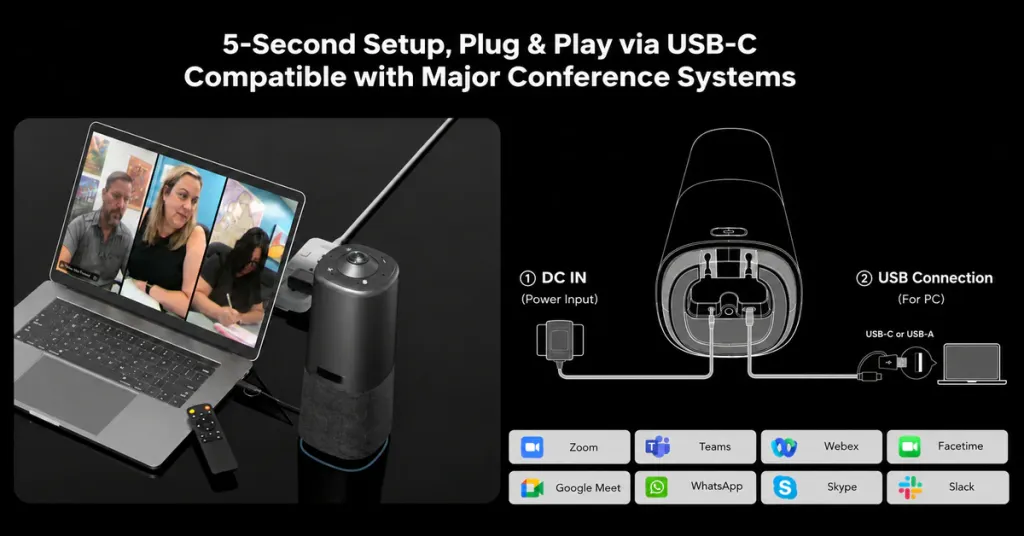
- 30-Second Plug-and-Play Deployment: As a driver-free 360 USB camera, the 360 Pro requires zero wall drilling or long USB wall-conduit runs. Place it on the table, connect power and a single USB cable to your laptop or room PC, and launch Zoom, Microsoft Teams, Google Meet, or Webex immediately.
- Easy Room-to-Room Portability: Because it isn't bolted to drywall, IT teams can move the Nuroum 360 Pro between conference rooms, training spaces, or temporary war rooms in under a minute.
Which One Fits Your Room? Nuroum 360 Pro vs. Yealink UVC40 E2
Still deciding between Nuroum 360 Pro vs Yealink UVC40 E2? Use this quick room-fit checklist to choose the right architecture for your space.
Choose the Nuroum 360 Pro If:
- Your team collaborates around a table (6–12 people): Participants sit on both sides and at the ends of a rectangular, oval, or round conference table.
- Even audio across the entire room matters: You want every voice picked up clearly at equal volume without buying extra table extension microphones.
- You want zero-drilling setup and instant tactile control: You prefer a true plug-and-play center-of-table setup with physical mode/mute buttons that anyone can use—and move between rooms when needed.
- You want inclusive hybrid meetings: Remote attendees benefit from seeing 360° room context alongside automatic multi-speaker close-ups rather than a distant wall shot.
Choose the Yealink UVC40 E2 If:
- You have a small, front-facing huddle room (4–6 people): Everyone sits on one side of a short table facing a wall-mounted TV, and nobody sits with their back to the screen.
- You want permanent wall-mounted hardware: You already have concealed in-wall cable conduits and want a fixed bar dedicated to a single small room or a Yealink MVC Microsoft Teams Rooms kit.
- Your calls are mostly one-way presentations: Remote participants primarily need to view a presenter standing near a front display rather than a multi-person roundtable discussion.
Frequently Asked Questions (FAQ)
What is the difference between a 360 conference camera and a standard conference room webcam?
A traditional conference room webcam (or front-of-room video bar) uses a single forward-facing lens—typically covering 90° to 120°—mounted near a monitor or wall. While suitable for small screen-facing setups, it misses anyone seated off to the sides or near the front edge of the table, and its microphones must capture voices across long distances. A 360 conference camera like the Nuroum 360 Pro sits in the center of the table, capturing a full 360-degree panoramic view and equidistant omnidirectional audio so every participant is seen at eye level and heard clearly.
Is the Yealink UVC40 E2 good for medium or large conference rooms?
Based on Amazon buyer reviews and Reddit AV discussions of the UVC40 platform, the Yealink UVC40 E2 works best in compact huddle rooms (roughly 4 to 8 people) with standard ceiling heights. In longer rooms or spaces with high ceilings, users frequently note that front-wall microphones lose vocal clarity at the far end of the table unless paired with additional expansion microphones.
Does the Nuroum 360 Pro require special software or drivers to work with Zoom and Teams?
No. The Nuroum 360 Pro is a plug-and-play 360 USB camera that works natively without mandatory drivers on Windows and macOS. Once connected via USB, it appears immediately as your camera, microphone, and speaker inside Zoom, Microsoft Teams, Google Meet, Webex, and other conferencing apps, while built-in hardware buttons let you switch framing modes directly on the device.
Can you use the Nuroum 360 Pro in a room that already has a wall-mounted TV?
Yes—and that is one of its most popular setups. You simply connect your laptop or room computer to the wall TV via HDMI for screen sharing and remote participant gallery views, while placing the Nuroum 360 Pro in the center of the conference table via USB to handle all 360° camera framing, microphone pickup, and speaker output.
Final Verdict: Nuroum 360 Pro vs Yealink UVC40 E2
Comparing Nuroum 360 Pro vs Yealink UVC40 E2 comes down to where your team actually interacts. While the Yealink UVC40 E2 handles basic, small screen-facing huddle rooms, real-world user reviews highlight the unavoidable limits of front-wall video bars: distant microphone drop-off, side-profile blind spots, and wall-mounted setup friction.
By bringing a 50MP 360° panoramic camera, a 6-mic equidistant AI array, a full-duplex speaker, and one-touch physical controls right to the center of the table, the Nuroum 360 Pro eliminates those exact hybrid meeting bottlenecks—giving everyone around the table an equal voice and a front-row seat.