









































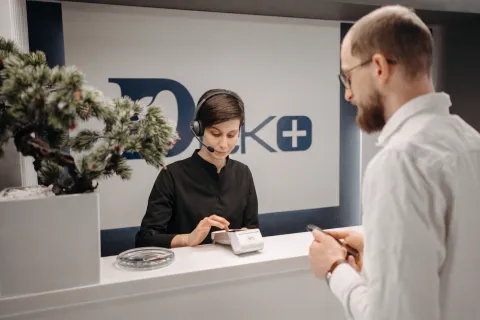
Receptionists need a headset that keeps calls clear without cutting them off from visitors and coworkers. Across five models we evaluated on comfort, mic performance, and connectivity, the Nuroum HP31S stands out for busy front desks because its single-ear design and all-day battery hold up through long, interrupted call days while leaving one ear free for the person at the counter.
Key Takeaways
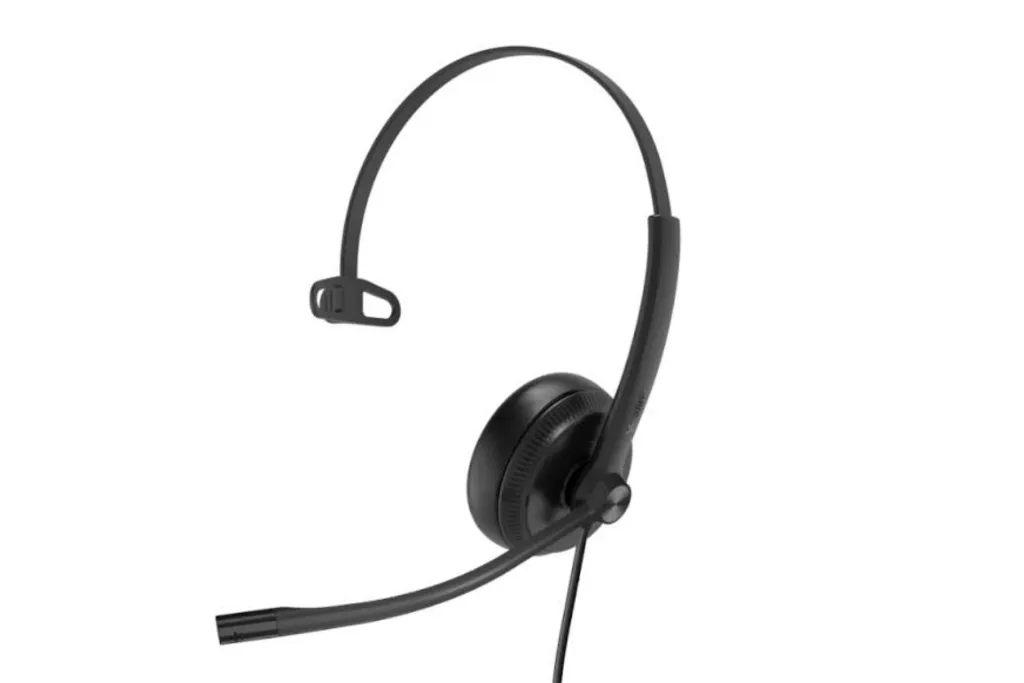
- A single-ear (mono) headset leaves one ear open, which is more practical than stereo for receptionists who must greet visitors while on a call.
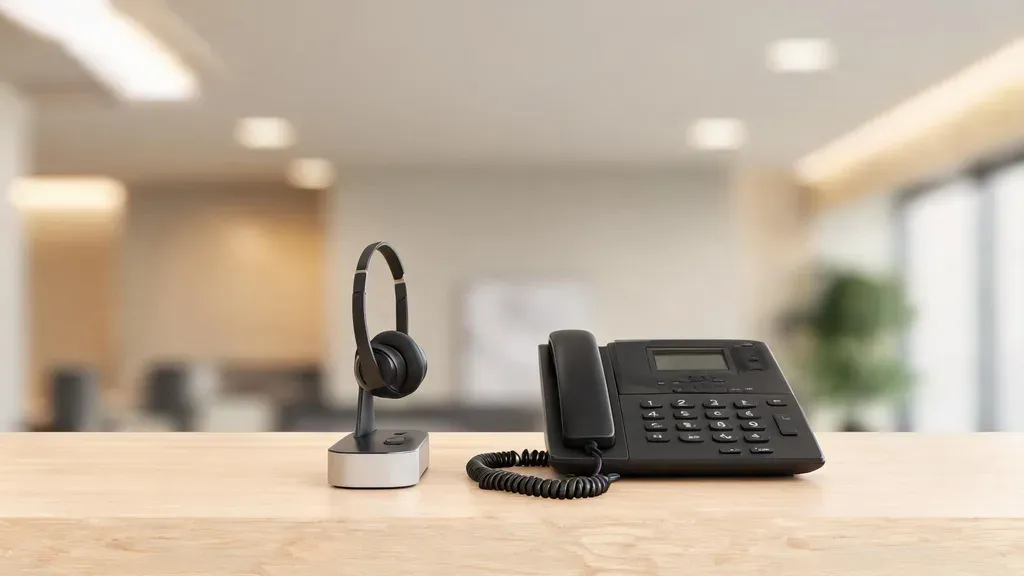
- Bluetooth and USB headsets pair with computers and softphones, but a traditional desk phone usually needs a dedicated DECT or RJ-9 headset such as the Poly CS540.
- The Nuroum HP31S is a strong overall pick for softphone-based front desks because its single-ear fit, 35-hour talk time, and two-device multipoint cover a full reception day.
- For high-volume customer-service teams, a secure DECT headset such as the Jabra Engage 55 offers up to 490 feet of range and hearing protection.
- A budget wired USB mono headset like the Yealink UH34 gets the job done for under $40 if you rarely leave your station.
Receptionists need a headset that keeps calls clear without disconnecting them from the front desk. You may need to answer a call, greet a visitor, and hear the door chime within minutes.
For most receptionists, a single-ear headset is the practical choice because it leaves one ear open to the surrounding workspace. Below, we compare five receptionist headsets based on microphone clarity, comfort, connectivity, mobility, and price.
Why Single-Ear Headsets Work Well for Receptionists
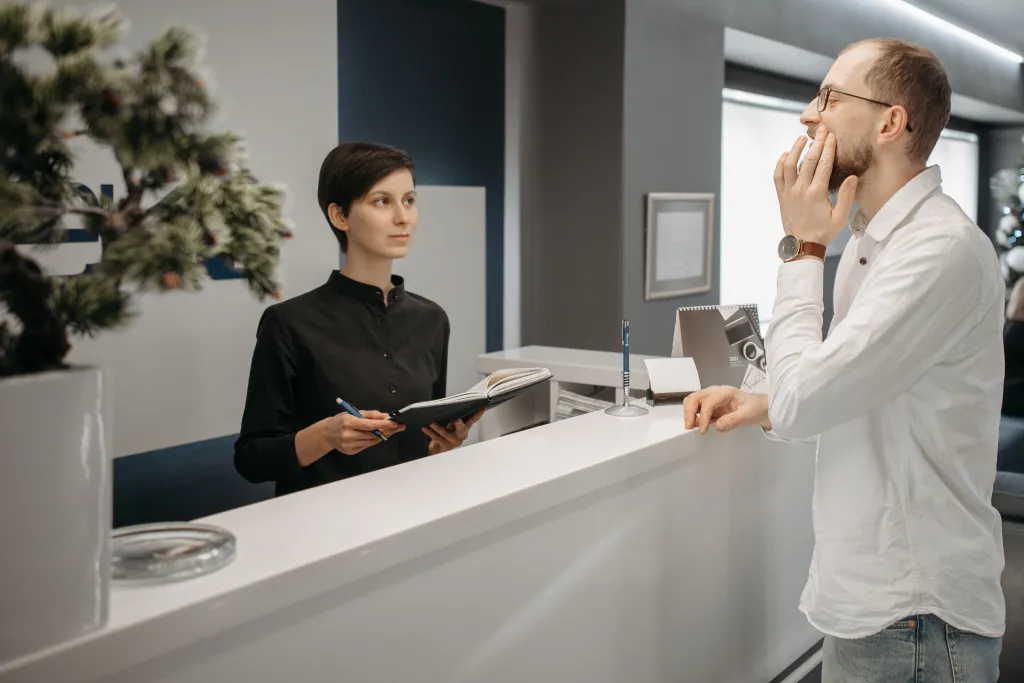
A receptionist needs to stay aware of what is happening around the desk.
A single-ear headset lets you:
- Hear visitors and coworkers
- Notice doorbells and incoming calls
- Take calls hands-free
- Stay aware while moving around the office
This makes mono headsets particularly useful for clinics, law firms, hotels, offices, and busy reception areas.

Quick Comparison
| Headset | Type | Connectivity | Best for | Key advantage |
|---|---|---|---|---|
| Nuroum HP31S | Single-ear wireless | Bluetooth 5.4 + USB dongle | Softphone and mobile front desks | AI noise cancellation with all-day battery |
| Poly CS540 | Single-ear wireless (DECT) | Desk phone (handset/RJ port) | Traditional desk phones | Long-range desk-phone connection |
| Poly Voyager 4320 UC | Single-ear wireless | Bluetooth + USB-A dongle | Flexible softphone and mobile | 24-hour talk time and multipoint |
| Jabra Engage 55 | Single-ear wireless (DECT) | USB adapter (softphone/UC) | Customer service teams | 490-ft range with hearing protection |
| Yealink UH34 Mono | Single-ear wired | USB | Budget front desks | Lightweight build under $40 |
5 Best Headsets for Receptionists & Front Desk Staff
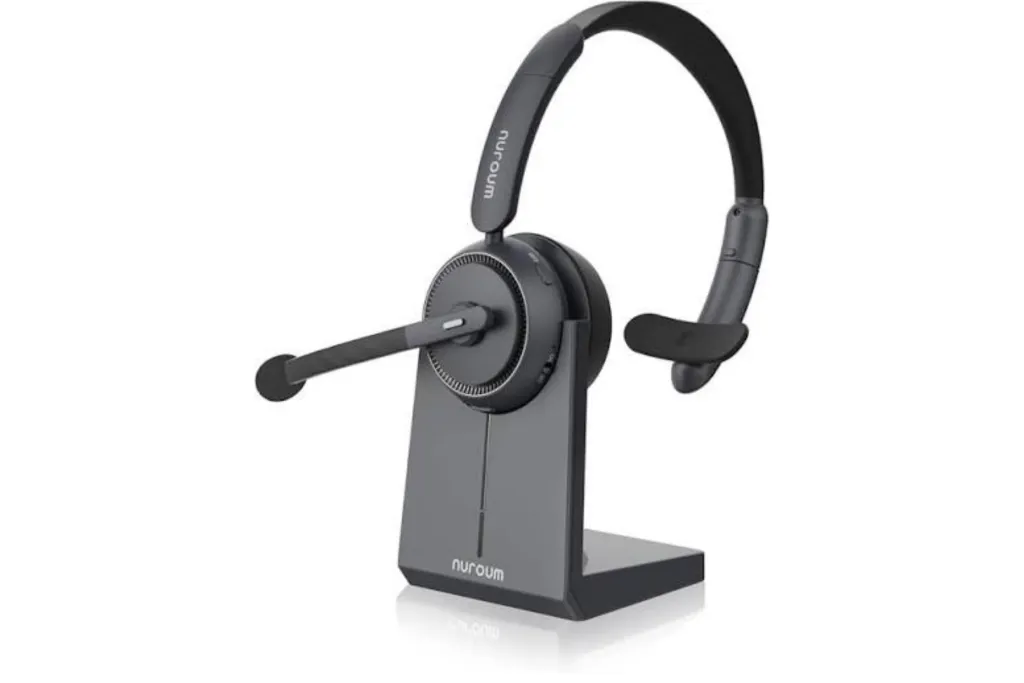
1. Nuroum HP31S — Best Overall
The Nuroum HP31S is built for receptionists who need to stay connected without losing awareness of the room.
Why it stands out
- Single-ear design keeps one ear open
- AI noise cancellation helps keep your voice clear
- Up to 35 hours of talk time
- Bluetooth 5.4 multipoint
- USB dongle for plug-and-play computer calls
- Charging stand and mute button included
Best for: Receptionists using Zoom, Teams, Webex, or other computer-based softphones.
Watch out: It does not connect directly to a traditional analog desk phone. Check your phone system before buying.
2. Poly CS540 — Best for Traditional Desk Phones
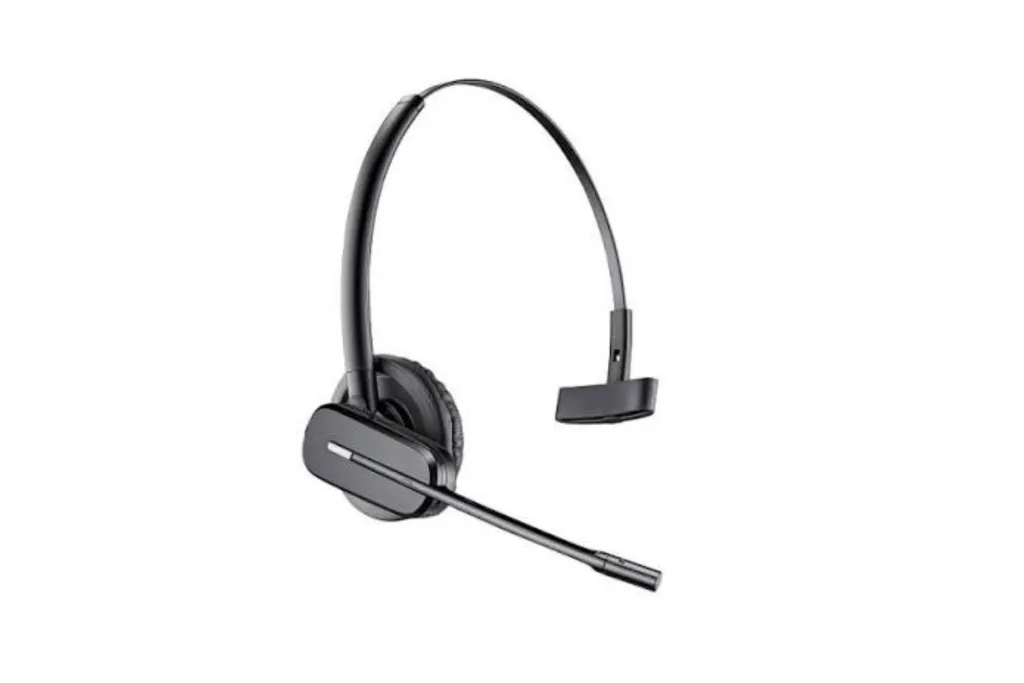
The Poly CS540 is designed for reception desks that still rely on physical office phones.
Why it stands out
- DECT wireless connection
- Connects through the phone's handset/RJ port
- Up to roughly 328 ft of range
- Noise-cancelling microphone
- Convertible wearing style
- SoundGuard acoustic protection
Best for: Receptionists who primarily use a traditional desk phone.
Watch out: Talk time is around 7 hours, and computer use usually requires an additional connection.
3. Poly Voyager 4320 UC — Best for Wireless Flexibility
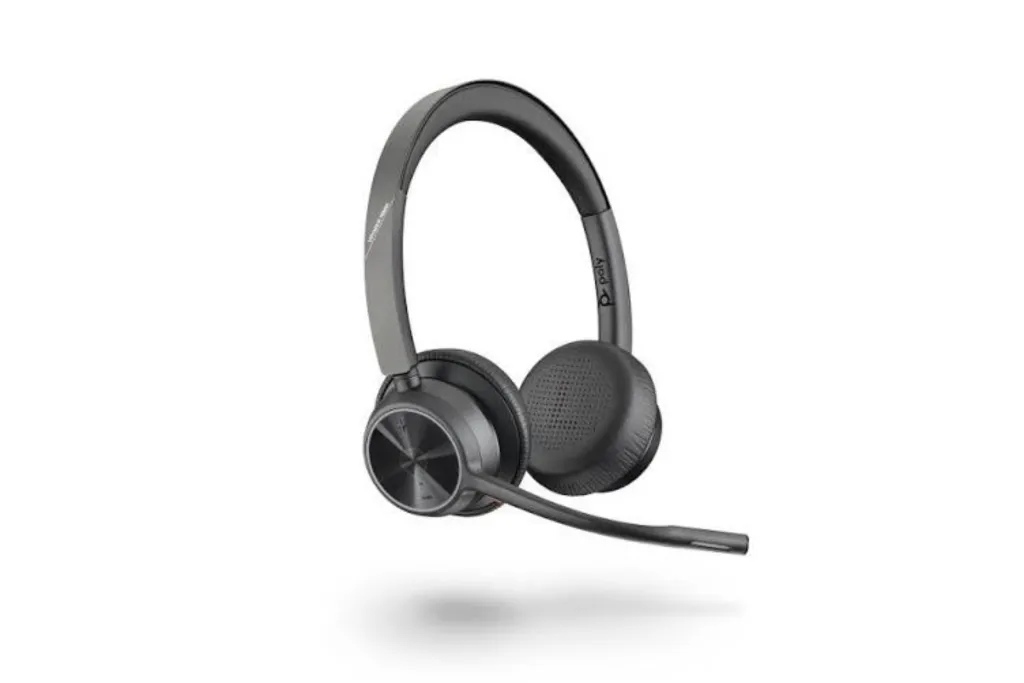
The Poly Voyager 4320 UC is a good fit for receptionists who move between the front desk and other areas of the office.
Why it stands out
- Bluetooth + BT700 USB-A dongle
- Up to 24 hours of talk time
- Two-device multipoint
- Acoustic Fence microphone
- Wireless range of roughly 164 ft
- Flip-to-mute boom
Best for: Receptionists who need to move around while staying on calls.
Watch out: Like the HP31S, it is designed primarily for computers and mobile devices rather than direct desk-phone connections.
4. Jabra Engage 55 — Best for High-Volume Calls
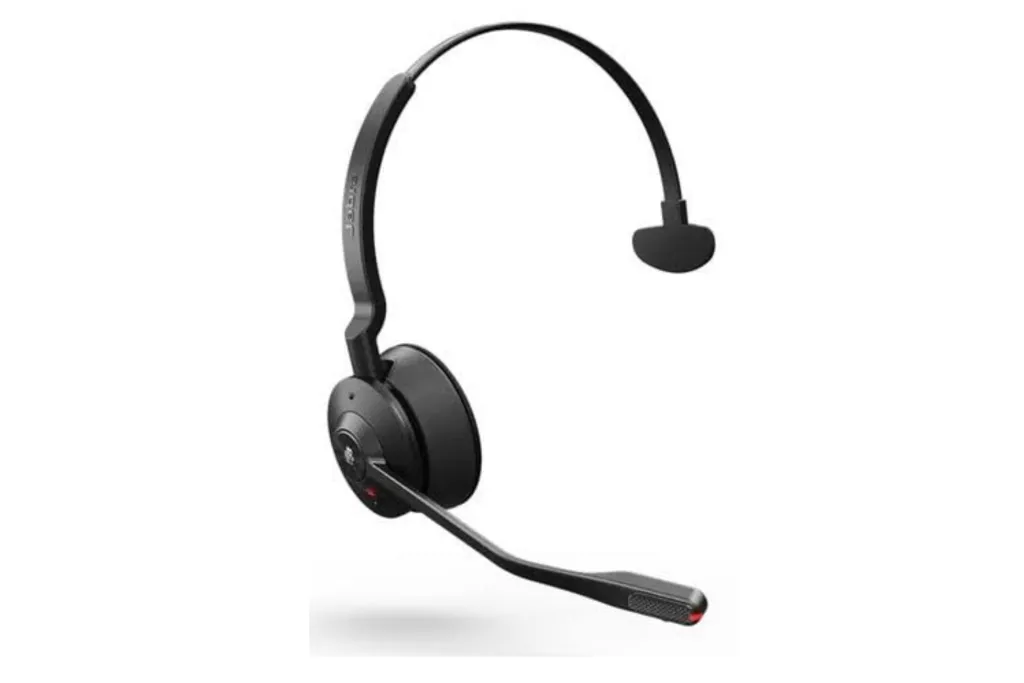
The Jabra Engage 55 is designed for receptionists and customer service teams handling calls throughout the day.
Why it stands out
- DECT wireless connection
- Up to 490 ft of range
- Noise-cancelling microphone
- Busylight for call status
- SafeTone 2.0 hearing protection
- Up to 13 hours of talk time
Best for: High-volume reception desks and customer service teams.
Watch out: It costs more than basic receptionist headsets, and desk-phone connections may require an additional adapter.
5. Yealink UH34 Mono — Best Budget Option
The Yealink UH34 Mono is a simple wired option for receptionists who stay at their desks.
Why it stands out
- Lightweight at roughly 82g
- USB plug-and-play connection
- Noise-cancelling microphone
- No battery or pairing required
- Low-cost option
Best for: Budget-conscious front desks using computer-based softphones.
Watch out: The wired USB connection limits mobility.
Wired vs. Wireless: Which Is Better for Receptionists?
The choice mainly depends on how much you move.
| If you... | Choose | Why |
| Stay at the desk | Wired USB | Simple and reliable |
| Move around occasionally | Bluetooth | More freedom |
| Walk around frequently | DECT/Bluetooth | Greater mobility |
| Use a traditional desk phone | DECT | Designed for desk-phone systems |
| Use Teams/Zoom/Webex | USB or Bluetooth | Easy softphone connection |

Simple rule:
Desk-bound → wired.
Mobile → wireless.
Traditional desk phone → check for DECT compatibility.
How to Choose a Headset for Your Office Phone
Before buying, identify what actually carries your calls.
💻 Computer softphone
If your calls run through Teams, Zoom, Webex, or another softphone, choose a USB or Bluetooth headset.
The HP31S, for example, uses Bluetooth plus a USB dongle for flexible computer connectivity.
☎️ Traditional desk phone
If your receptionist desk uses a physical phone with a handset/RJ connection, look for a desk-phone-compatible DECT headset such as the Poly CS540.
🔄 Both desk phone and computer
If you need both, look for a headset or base designed to bridge the two systems. Always check compatibility with your specific phone model and PBX before ordering.
FAQs
- Can receptionists use Bluetooth headsets?
Yes. Bluetooth works well with computers, phones, and tablets, especially for softphone calls. Traditional desk phones may require an adapter or a DECT headset.
- What is the best headset for a front desk phone?
For a traditional desk phone, a DECT headset such as the Poly CS540 is a strong option. For computer-based calls, a Bluetooth or USB headset like the Nuroum HP31S is simpler.
- Are single-ear headsets better for receptionists?
Usually, yes. They keep one ear open so you can hear visitors, coworkers, and other sounds around the front desk.
- What is the best wireless headset for receptionists?
For most computer-based front desks, the Nuroum HP31S offers a strong balance of comfort, battery life, noise cancellation, and connectivity. For traditional desk phones, consider a DECT model instead.
- Can a receptionist use a headset with both a desk phone and computer?
Sometimes. It depends on the headset, base, phone model, and PBX. Check compatibility before purchasing.