




















One headset can replace separate phone and computer headphones if it supports the right connections. Bluetooth multipoint suits mobile-first users; a USB dongle gives plug-and-play stability on computers. Prioritize microphone noise cancellation, all-day comfort, and long battery life.
Key Takeaways
- A headset works on both phone and computer when it offers Bluetooth multipoint or a USB dongle — ideally both, so no device is left out.
- Mic noise cancellation (ENC) and speaker ANC are different: for calls, what matters is reducing what the other side hears, not what you hear.
- For 6–10 hour shifts, weight and wearing style matter more than specs — a 31g open-ear design removes headband and ear-cup pressure entirely.
- A USB dongle gives plug-and-play stability on Teams and Zoom, avoiding the pairing drops common with built-in laptop Bluetooth.
If you work across a phone, a laptop, and maybe a desktop too, you've probably asked: do I really need separate headphones for each? The good news is you don't. The right headset for phone and computer handles video meetings on your laptop, phone calls on the go, and everything in between — with one charge and one pairing.
This guide explains what to look for, which connection type fits your setup, and two practical picks for different work styles.
What Makes a Headset Work for Both Phone and Computer?
A headset earns the "works with everything" label when it checks three boxes:
Dual connectivity
Bluetooth for your phone, plus Bluetooth multipoint or a USB dongle for your computer.
Platform compatibility
reliable performance on Teams, Zoom, and Google Meet without driver headaches. If Teams is your main platform, see our guide to the best headset for Microsoft Teams.
A call-grade microphone
because "can you hear me?" moments cost credibility.
Miss any one of these, and you end up re-pairing mid-day or switching devices mid-call — exactly what you're trying to avoid.

Bluetooth Multipoint vs. USB Dongle: Which Connection Do You Need?
| Bluetooth Multipoint | USB Dongle | |
|---|---|---|
| How it works | Connects to two devices at once | Dedicated pre-paired USB receiver |
| Best for | Phone-first users, commuters | Computer-first users, call-heavy work |
| Stability | Good, but depends on laptop Bluetooth | Excellent — plug-and-play, no pairing drops |
| Setup | Pair once per device | Plug in and it works |
Common user complaint solved: "My Bluetooth drops during critical Teams calls."
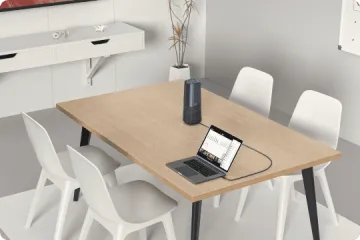
That usually isn't the headset's fault — it's the laptop's built-in Bluetooth. A USB dongle bypasses it entirely, which is why dongle-based headsets are favorites for plug-and-play simplicity on Teams and Zoom.
5 Features to Look for in a Headset for Phone and Computer
Microphone noise cancellation (ENC).
This is not the same as speaker ANC. ENC reduces what your callers hear — so "people on the other end can hear my kids/dog" stops happening. ANC quiets what you hear. For calls, ENC matters far more.
Multipoint or dongle connectivity.
Multipoint for phone-plus-laptop juggling; a dongle for rock-solid computer calls. Having both is the safest bet.
Battery life that covers real workdays.
Look for 30+ hours, so charging becomes a weekly task, not a daily one.
All-day comfort.
"My ears hurt after wearing headphones all day" is the most common long-shift complaint.
Weight, clamping force, and ear-cup heat matter more than any spec sheet.
A physical mute button.
Faster and more trustworthy than hunting for the on-screen mute in a meeting.
How to Choose a Headset for Different Devices and Daily Tasks
Match the design to your dominant scenario:
Remote work with meetings all day
Prioritize mic ENC, a dongle, and long battery. Dual-ear designs help you focus. For a broader office-focused breakdown, check our best office headset roundup.
WFH parent or shared office
You need to hear the doorbell and kids. Open-ear designs keep you aware while your mic stays clear.
Commuting and on-the-go calls
Light weight, multipoint, and a stable fit come first.
Best Headsets for Phone and Computer: 2 Practical Picks
Nuroum OpenEar Pro 2 — Best for Mobile Flexibility and Awareness
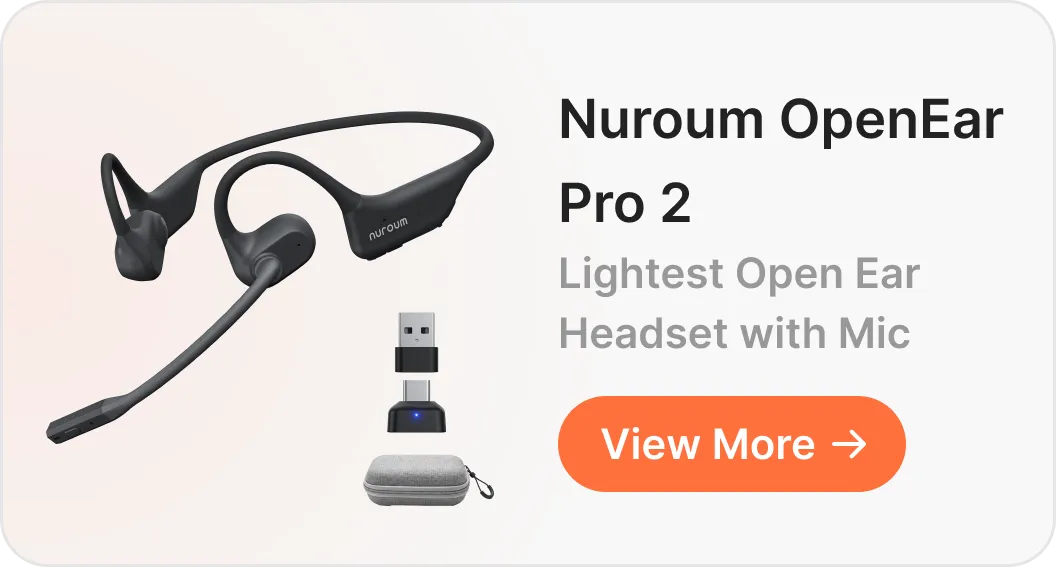
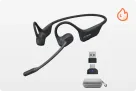
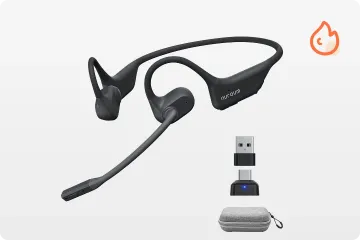
The Nuroum OpenEar Pro 2 is an open ear headset with mic built in a neckband-style design for people who move between devices and environments all day.
- Ultra-light 31g design — nothing pressing on your ears or head, even with glasses
- Dual noise-cancelling mics with HiFi4 DSP for clear calls
- USB-A/C dongle included — plug-and-play on any computer
- Physical mute button for instant privacy
- Open-ear fit keeps you aware of doorbells, kids, and office chatter
What real users say: the number one praise for open-ear headsets is exactly the pain point they solve — "Can I wear it for a 6–10 hour shift without pain?"
At 31g with no ear cups, the OpenEar Pro 2 is designed so the answer is yes.
Choose this if: you split time between phone calls and computer meetings, work around family or colleagues, or find traditional headsets fatiguing.
Nuroum HP31D — Best for Professional, Desk-Based Calls
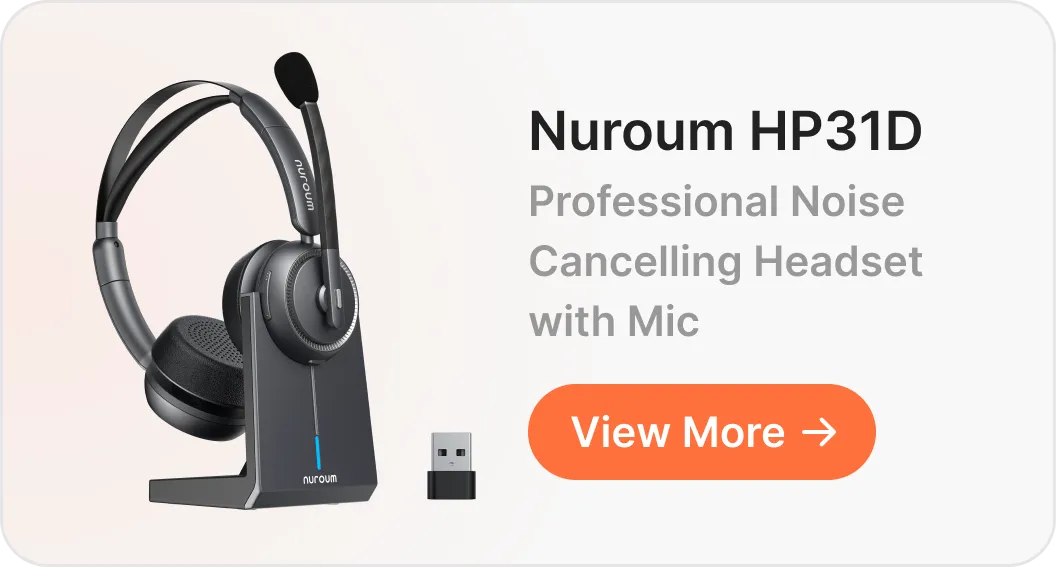
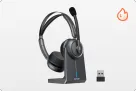
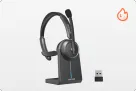
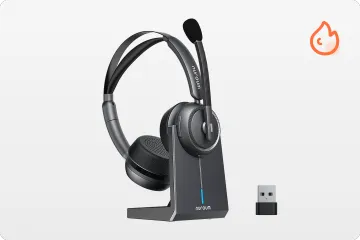
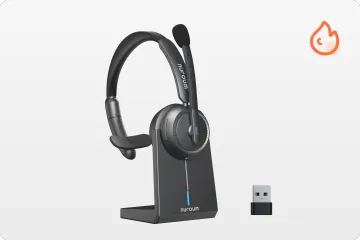
The Nuroum HP31D is a dual-ear wireless headset with mic for work, equipped with a USB dongle and charging stand, built for seamless desk-based calls across both phone and computer.
- Up to 45 hours of battery life — real-world users report lasting several full workdays between charges, no battery anxiety
- Charging stand — drop it on the base at day's end; always ready tomorrow
- USB-A dongle for stable, plug-and-play computer connectivity
- Dual-ear design with noise-cancelling mic — focus on your call, and your caller hears only you
- Mute button within easy reach
Common user complaint solved: mic static and connection dropouts after months of use often trace back to worn cables or flaky laptop Bluetooth.
The HP31D's wireless dongle link and boom-free durability remove both weak points.
Choose this if: your day is mostly computer-based meetings and calls, and you want a computer wireless headset with microphone that behaves like office equipment, not a gadget.
Quick Comparison
| OpenEar Pro 2 | HP31D | |
|---|---|---|
| Design | Open-ear, 31g | Dual-ear, over-head |
| Best for | Mobile + aware | Desk + focused |
| Computer link | USB-A/C dongle | USB-A dongle |
| Battery | All-day use | Up to 45 hours |
| Price | From $129 | From $90 |
Final Thoughts
Whether you need the open-ear flexibility of the OpenEar Pro 2 for hybrid work or the deep-focus, desk-based durability of the HP31D, both options deliver the seamless phone and computer connectivity required for clear, professional calls all day long.
FAQs
Can a Bluetooth headset connect to a phone and a laptop at the same time?
Yes, with Bluetooth multipoint. It keeps both devices connected, so a phone call can come through while you're on your laptop.
Do I need a USB dongle to use a wireless headset with my computer?
Not strictly, but a dongle gives you a dedicated, pre-paired link that avoids the dropouts common with built-in laptop Bluetooth — the safest choice for important meetings.
Is microphone noise cancellation the same as ANC?
No. Mic ENC cleans what your callers hear; ANC quiets what you hear. For calls across phone and computer, prioritize mic ENC.
Can I wear one headset for a full 8-hour workday without pain?
Yes — choosing the right
best office headset