











































Choosing the right Microsoft Teams headset wireless solution can directly affect call quality, comfort, and productivity. From the value-focused Nuroum HP31D to premium options from Jabra, Logitech, Yealink, Microsoft, and EPOS, this guide compares seven wireless headsets across microphone performance, noise cancellation, battery life, connectivity, Teams certification, and price. Whether you're an IT buyer deploying headsets at scale, a remote worker, or part of a noisy open-plan office, find the model that best fits your workflow and budget.
Key Takeaways
Choosing a Microsoft Teams best wireless headset with mic for work is about more than sound quality. For enterprise teams, IT buyers, and remote workers, microphone clarity, comfort, connectivity, and reliability directly affect daily meetings and productivity.

How We Selected These Headsets
Every headset here was evaluated against five criteria: microphone clarity and noise suppression, wireless range and stability, all-day comfort, real-world battery life, and value for the price. The list is loosely grouped by scenario rather than strictly ranked.
Quick Picks
| Scenario | Top Pick | Why |
|---|---|---|
| Best overall value | Nuroum HP31D | AI noise cancellation, 45-hour battery, charging stand included at $90 |
| Best for enterprise deployment | Jabra Evolve2 65 | Teams-certified, proven reliability, IT-friendly |
| Best for noisy open offices | Logitech Zone Wireless 2 | Premium ANC, Teams Open Office certified |
| Best for desk-phone + PC users | Yealink WH64 | DECT + Bluetooth, 606 ft range |
| Best first-party integration | Microsoft Modern Wireless Headset | Native Teams button, lightweight, ~$100 |
The Best Wireless Headsets for Microsoft Teams
1. Nuroum HP31D — Best Value for Daily Teams Calls
At $90, the Nuroum HP31D combines AI-powered ENC, long battery life, and flexible connectivity for everyday Teams calls.
Key features:
AI-powered ENC with ProperClean 2.0 and HiFi4 DSP
Up to 35 hours of talk time / 45 hours of music
Bluetooth 5.4 multipoint + USB-A dongle
Charging stand included
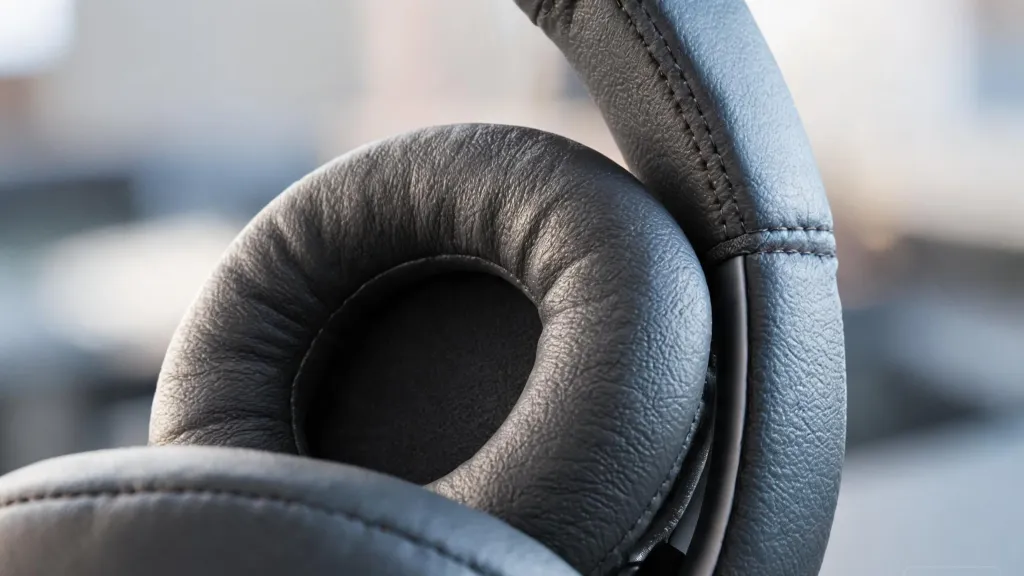
250° rotatable boom mic and memory foam ear cushions
Limitations: Not officially Teams-certified, although it works with Teams, Zoom, and Webex.
Best for: Remote workers, IT teams, and users who want strong call performance and long battery life without a premium price. For professionals comparing the best noise cancelling headset with mic for working from home, the HP31D's combination of AI ENC, all-day battery, and included charging stand makes it a compelling option at its price point.
2. Jabra Evolve2 65 — Enterprise Reliability
The Jabra Evolve2 65 is a lightweight, Teams-certified option designed for professional environments.
Key features:
Triple-microphone array
Integrated busylight
99g lightweight design
Up to 37 hours of battery life
Limitations: On-ear fit may feel snug during long sessions, and pricing is higher than the HP31D.
Best for: Enterprise teams that require certified hardware, portability, and reliable call performance.
3. Poly Voyager 4310 — Entry-Level Teams Certified
The Poly Voyager 4310 offers Teams certification and Acoustic Fence microphone technology at a more accessible price point.
Key features:
Acoustic Fence noise cancellation
Lightweight 162g design
BT700 USB dongle
Flip-to-mute boom mic
Up to 24 hours of talk time
Limitations: Less plush ear cushions and shorter battery life than the HP31D.
Best for: Organizations that need Teams-certified hardware at a lower entry price.

4. Logitech Zone Wireless 2 — Premium ANC for Open Offices
Designed for noisy workplaces, the Zone Wireless 2 combines adaptive hybrid ANC with advanced Teams microphone certification. When open-plan noise is your biggest daily challenge, the best headphones for calls in noisy environment offer the microphone-side noise suppression that keeps your voice clear — and the Zone Wireless 2 is engineered specifically for that scenario.
Key features:
Adaptive hybrid ANC
Four noise-canceling MEMS microphones
Teams Open Office Premium Microphone certification
Interchangeable ear pads
Up to 40 hours of battery life
Limitations: Around $250, it's expensive for individual buyers, and some users may notice ANC pressure during long sessions.
Best for: Open-plan offices and professionals who need strong noise control.
5. Yealink WH64 — Dual Connectivity for Desk Phone + PC
The Yealink WH64 combines DECT and Bluetooth, making it useful for workplaces that still rely on desk phones alongside PCs.
Key features:
DECT + Bluetooth connectivity
Up to 606 ft range
Three-microphone noise cancellation
Up to 32 hours of talk time
Limitations: Bulkier than Bluetooth-only headsets and unnecessary if you don't need DECT.
Best for: Call centers and office workers who need desk-phone and PC connectivity. For high-volume voice environments, the best call center headset with noise cancelling microphone is a category where microphone endurance and voice clarity are non-negotiable.
6. Microsoft Modern Wireless Headset — First-Party Simplicity
Microsoft's own headset focuses on simple, direct integration with Teams, including a dedicated Teams button.
Key features:
Dedicated Teams button
136g lightweight design
Up to 30 hours of Teams talk time
Around $100
Limitations: Beamforming noise cancellation is better suited to quieter environments, and the on-ear pads are relatively thin.
Best for: Microsoft 365 users who prioritize simple Teams integration.
7. EPOS IMPACT 1060T — Premium ANC for Power Users
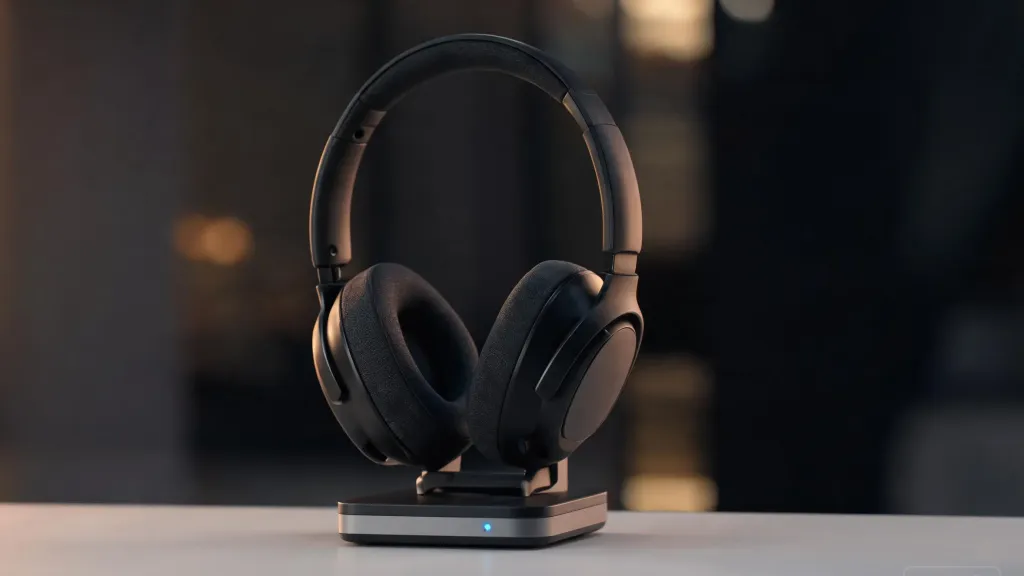
The EPOS IMPACT 1060T combines hybrid ANC, BrainAdapt technology, and a comfortable over-ear design for extended use.
Key features:
Hybrid ANC
BrainAdapt technology
Over-ear memory foam cushions
Boom-free microphone design
Limitations: Around $350, it's expensive for most individual buyers. The boom-free mic also provides less focused voice pickup than dedicated boom-mic designs.
Best for: Power users and executives who want premium ANC without a boom microphone.
Comparison at a Glance
| Headset | Price (approx.) | Battery (Talk) | ANC/ENC | Teams Certified | Weight |
|---|---|---|---|---|---|
| Nuroum HP31D | $90 | 35 hr | AI ENC | Compatible | ~180 g |
| Jabra Evolve2 65 | $150–200 | 37 hr | 3-mic isolation | Certified | 99 g |
| Poly Voyager 4310 | $150 | 24 hr | Acoustic Fence | Certified | 162 g |
| Logitech Zone Wireless 2 | $250 | 40 hr | Hybrid ANC | Premium Certified | ~185 g |
| Yealink WH64 | $150–180 | 32 hr | 3-mic ENC | Certified | ~200 g |
| Microsoft Modern Wireless | $100 | 30 hr | Beamforming | Certified | 136 g |
| EPOS IMPACT 1060T | $350+ | 30 hr | Hybrid ANC | Certified | ~210 g |
Which Headset Fits Your Workflow?
When the decision comes down to matching a headset to your actual daily routine, the best wireless headset for work depends less on the spec sheet and more on where and how you take calls. Here is how each scenario maps to the right pick:

IT buyers deploying at scale
Nuroum HP31D offers strong value with AI noise cancellation, a charging stand, and long battery life. Choose Jabra Evolve2 65 if Teams certification is required.
Remote & hybrid professionals
HP31D is better for unpredictable home-office noise, while Microsoft Modern Wireless is a good choice for lightweight comfort and Teams integration.
Open-plan offices & call centers
Logitech Zone Wireless 2 stands out for ANC, while Yealink WH64 offers flexible DECT connectivity for desk-phone environments.
Budget-conscious individuals
HP31D packs premium-level features at around $90, while Microsoft Modern Wireless is a solid alternative for Teams users.
FAQs
Does a headset need to be Microsoft Teams certified to work with Teams?
No. Non-certified headsets like the Nuroum HP31D can still work with Teams via USB dongle or Bluetooth. Certification mainly adds tighter Teams integration and call controls.
What is the difference between UC and Teams-certified versions?
UC versions are designed for platforms like Zoom and Google Meet, while Teams-certified models offer dedicated Teams controls and deeper Microsoft 365 integration.
How important is noise cancellation for a Teams headset?
It depends on your environment. ENC/ANC is especially useful for open offices, call centers, and noisy home offices.
Can I use a wireless headset with Teams on my phone?
Yes. Most Bluetooth headsets work with the Teams mobile app. Multipoint Bluetooth lets you stay connected to your phone and computer simultaneously.
What battery life should I expect from a wireless Teams headset?
For all-day calls, aim for 30+ hours of talk time. Battery life varies by model and usage, especially with ANC enabled.