









































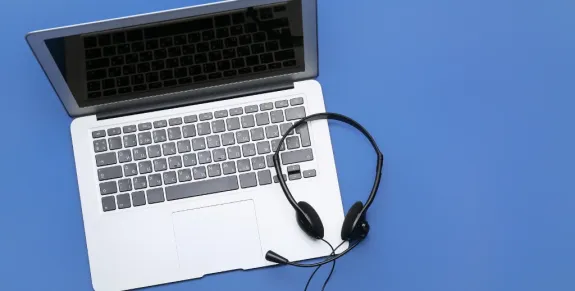
The right PC mic headset depends less on brand than on connection, microphone noise rejection, and all-day comfort. A USB dongle gives the most reliable call audio on Windows and macOS. The Nuroum HP31D suits long desk and call-center sessions, while the OpenEar Pro 2 favors open-ear comfort and ambient awareness.
Key Takeaways
- A USB dongle beats generic Bluetooth pairing for call reliability, because it removes pairing loops, dropouts, and lag on both Windows and macOS.
- If background noise is your main problem, choose a headset with AI/ENC noise cancellation plus a boom mic — the HP31D claims up to 60 dB of noise reduction.
- Open-ear comfort and situational awareness favor the OpenEar Pro 2, but expect roughly 15 hours of battery versus the HP31D's 45 hours.
- You'll usually pay more for open-ear design — the OpenEar Pro 2 lists around $129, while the HP31D is around $90.
Choosing a pc mic headset isn't just about price. The right headset should match how you work, how you connect, and how noisy your environment is.
In this guide, we'll explain what to look for in a PC headset with a mic, compare USB and wireless connections, and look at two options from Nuroum: the HP31D and OpenEar Pro 2. Whether you are comparing the best wireless headset with mic for work for your daily setup, the connection type and microphone quality matter more than the brand name — and that is exactly what this guide breaks down.
What to Look For in a PC Mic Headset
Before comparing specific models, focus on four features that have the biggest impact on everyday use.
1. Clear Microphone + Noise Cancellation
For meetings and calls, clear microphone quality matters more than powerful bass.
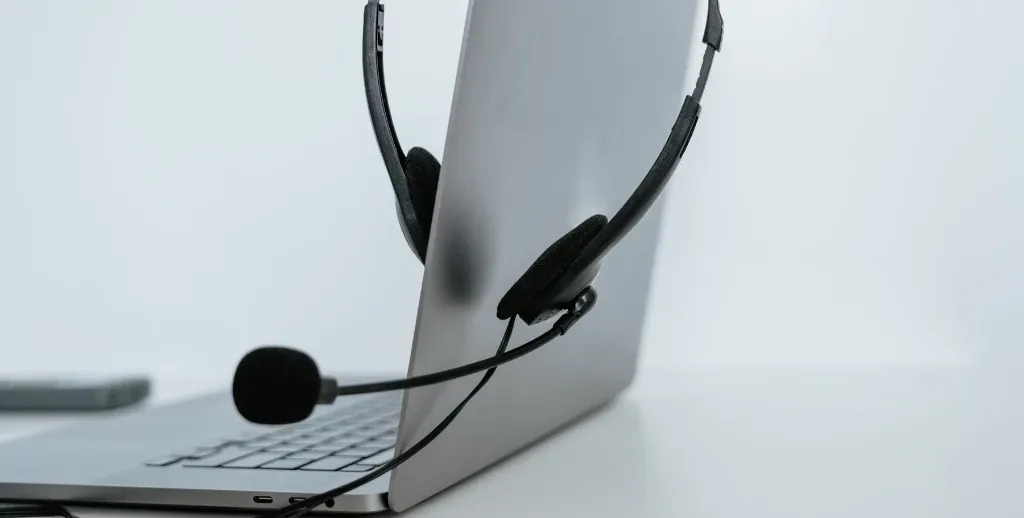
A boom mic close to your mouth can improve voice clarity and reduce background noise. If you work in a noisy environment, choose a noise cancelling pc headset with ENC (Environmental Noise Cancellation).
Bottom line: For frequent calls, prioritize microphone quality and ENC.
2. All-Day Comfort
If you wear a headset for hours, comfort matters as much as sound quality.
Look for: Soft ear cushions, a lightweight frame, a padded headband, and an adjustable microphone.
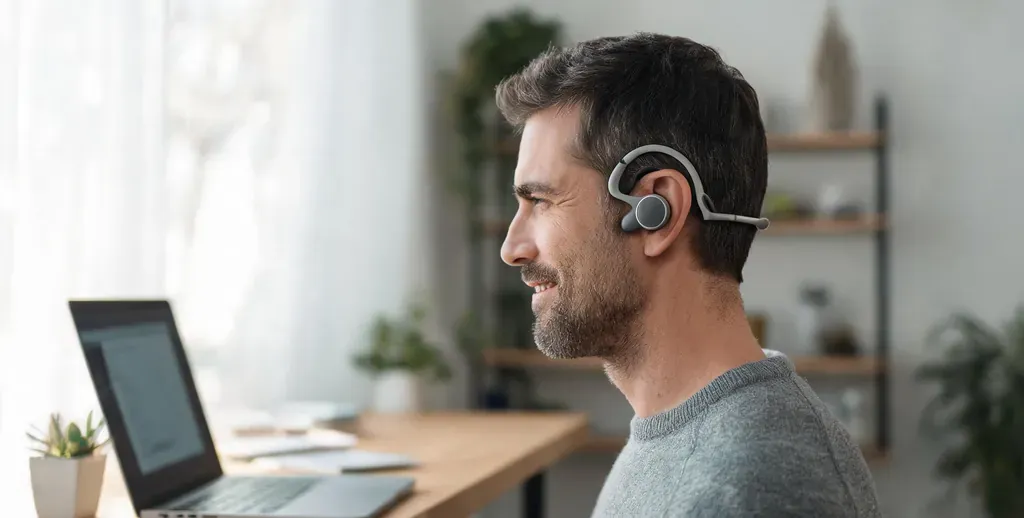
Open-ear designs leave your ears uncovered, helping you stay comfortable and aware of your surroundings.
3. Battery and Controls
For wireless headsets, check talk time, not just music playback time. Useful features include:
- Mute button
- Volume controls
- Call controls
- Convenient charging
A quick-access mute button is especially useful at home or in shared offices.
4. Reliable Connectivity
Your connection determines how easily the headset works with your computer and other devices.
| Connection | Best For | Main Advantage |
|---|---|---|
| USB | Desk-based work | Stable, plug-and-play connection |
| USB Dongle | Wireless PC calls | Low latency + wireless freedom |
| Bluetooth | Phones and laptops | Easy switching between devices |
| Bluetooth + USB Dongle | Hybrid work | Flexibility across devices |
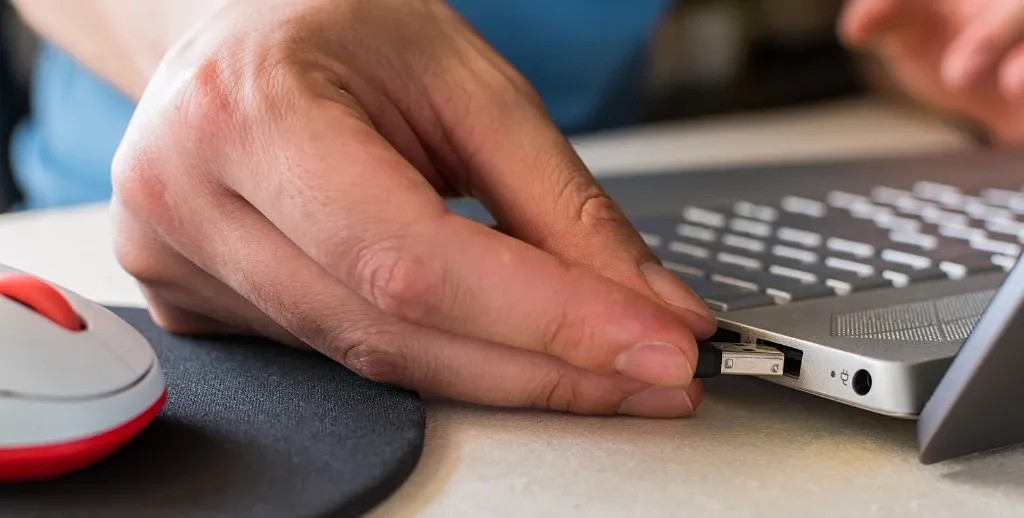
For a desk-based PC setup, a USB dongle is often the easiest option because you can connect quickly without going through Bluetooth pairing every time.
USB vs Wireless: Choosing Your Connection
If you mainly use your headset with a PC or Mac, choose the connection type based on how you work: USB or a USB dongle is best for stable desk-based use, while Bluetooth is more convenient for switching between devices.
USB and USB Dongle: Best for Desk-Based Work
For PC meetings, a USB headset or wireless headset with a USB dongle offers stable audio, low latency, easy setup. If you have ever wondered why your Bluetooth headset audio suddenly sounds compressed the moment you unmute your mic, searching for how to fix bluetooth headset hands free audio quality almost always points to the same root cause: the Bluetooth Hands-Free Profile is the bottleneck, and a USB dongle bypasses it entirely.
Bluetooth: Best for Multi-Device Use
Bluetooth is ideal for users who switch between a computer and mobile devices. Many Bluetooth headsets support multipoint, allowing you to stay connected to two devices at once.
Quick Recommendation
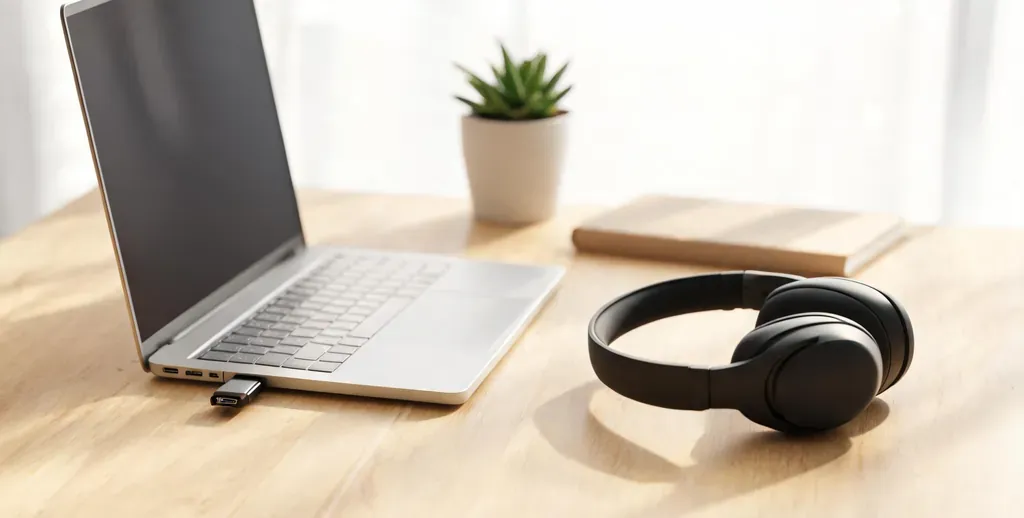
- Choose USB/dongle if:
You mainly work at a desk and want maximum reliability. - Choose Bluetooth if:
You frequently move around or switch between your computer and phone. - Choose both if:
You want one headset for work, mobile calls, and travel.
Mac and PC Compatibility: What Actually Matters
Most modern USB and Bluetooth headsets work with both Windows and macOS. The bigger concern is how easily the headset connects to your specific devices.
Check These 3 Things
1. USB ports
Some PCs still use USB-A, while newer MacBooks often rely on USB-C.
If you use different computers, a headset with a USB-A/C dongle can make switching easier.
2. Meeting apps
For work, check compatibility with the platforms you actually use, such as:
- Zoom
- Microsoft Teams
- Google Meet
- Webex
3. Bluetooth
Bluetooth 5.4 provides a modern wireless connection and can support features such as multipoint connectivity and improved power efficiency.
Buying Guide: How to Pick the Right Headset
Use this quick sequence to narrow your options instead of scrolling endless product lists.
- Define your primary use case. Long desk calls favor a comfortable over-ear headset with a boom mic. Mobility and all-day awareness favor open-ear.
- Pick your connection. Need maximum reliability? Choose USB dongle or USB-C. Need to roam and answer phone calls too? Choose Bluetooth with multipoint.
- Check microphone and ENC. If your environment is noisy, require dual mics with AI or ENC noise cancellation — this is the spec that leads with "noise cancelling pc headset" claims.
- Confirm battery and controls. Match talk-time to your longest day, and confirm a hardware mute button.
- Set a budget. You do not need to spend hundreds. Strong $90–$130 options now rival pricier Jabra, Logitech, and Poly headsets on call clarity.

Nuroum HP31D vs OpenEar Pro 2: Side-by-Side
Both headsets reduce background noise and carry dual noise-cancelling mics, but they solve different problems.
| Feature | Nuroum HP31D | Nuroum OpenEar Pro 2 |
|---|---|---|
| Design | On-ear with 250° rotatable boom mic | Open-ear, 31 g, sits off the ear |
| Microphones | Dual noise-cancelling mics, AI ENC | Dual mics, HiFi 4 DSP ENC |
| Noise handling | Up to 60 dB noise reduction + echo suppression | ENC + anti-sound-leakage privacy |
| Connectivity | Bluetooth 5.4, USB-A dongle, USB cable | Bluetooth 5.4, USB-A/C dongle |
| Battery | 35 h talk / 45 h music | 12 h talk / 15 h music |
| Comfort focus | Pillow-soft cushions, padded headband | No ear pressure, ambient-aware |
| Best for | Long desk days, call centers, home office | Open-office awareness, mobility, WFH parents |
| Approx. price | $90 | $129 |
The HP31D is the pick when call quality and endurance matter most. Its boom mic plus AI-powered ENC claims up to 60 dB of noise reduction, and 35 hours of talk time covers back-to-back meetings. The USB dongle and charging stand complete the desk setup for around $90.

The OpenEar Pro 2 is the pick when comfort and awareness matter most. At 31 g it is one of the lightest headsets around, and since it does not seal your ears, you stay aware of colleagues, doorbells, or kids on a call. Its anti-sound-leakage tech keeps conversations private, and the USB-A/C dongle travels easily between laptops.
Best Headset for Different Use Cases
Match the headset to the situation rather than forcing one device into every role.
- Remote work and daily video meetings. The HP31D's boom mic and long battery keep you clear and comfortable from morning standup to afternoon calls.
- Call centers and long shifts. The HP31D's 35-hour talk time, one-click mute, and noise suppression are built for continuous use. When evaluating a best call center headset with noise cancelling microphone, endurance and voice clarity are the two metrics that separate professional.
- Open office and team environments. The OpenEar Pro 2 keeps you aware of colleagues approaching while its ENC cleans up your voice.
- Working parents and multitaskers. The OpenEar Pro 2 lets you hear what is around the house while the mic filters it out for the caller.
- Travel and hot-desking. The OpenEar Pro 2's carrying case and USB-A/C dongle make it effortless to pack and connect anywhere.
FAQs
- Do USB headsets with a mic work on a Mac?
Yes. Most USB and Bluetooth headsets are class-compliant on macOS and need no drivers. Just confirm your ports and that the headset lists support for your meeting apps.
- Is a boom mic better than an open-ear microphone for calls?
For your outgoing voice, a boom mic near the mouth generally captures speech more cleanly. Open-ear headsets compensate with dual mics and noise-reduction software, which is plenty for most meetings.
- What is the difference between noise cancelling for you versus for the caller?
ANC reduces what you hear; ENC reduces what the caller hears by filtering background noise from your mic. For meetings, ENC performance matters most.
- Should I get wired, wireless, or Bluetooth for video meetings?
A wireless USB dongle is the best all-rounder — it offers mobility with a direct, low-latency connection to your PC or Mac. Full Bluetooth adds phone convenience but can introduce pairing steps and latency.