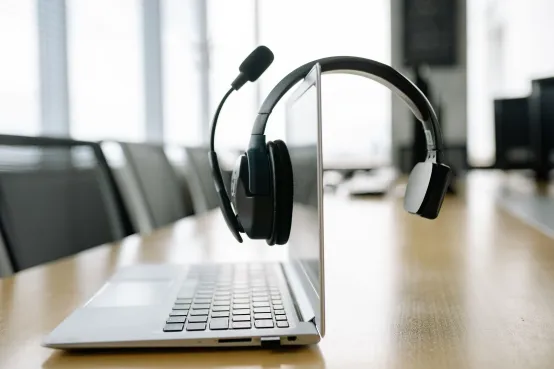








































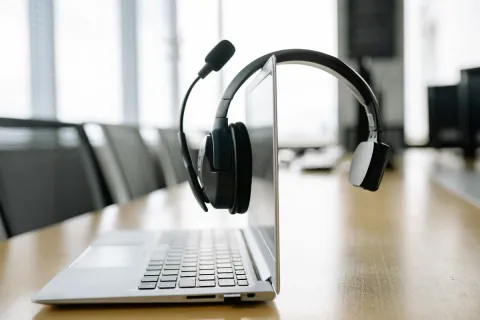
A headset combines headphones and a microphone in one device for two-way communication. The right choice depends on fit (over-ear, on-ear, in-ear, open-ear, single-ear), connection (wired or wireless), and use case — remote calls favor noise-canceling boom mics and USB dongles, while all-day wear favors lightweight or open-ear designs.
Key Takeaways
- A headset combines headphones and a microphone for two-way communication.
- Single-ear headsets keep you aware of your surroundings, while dual-ear headsets help reduce distractions.
- A wireless USB headset with mic uses a USB dongle for stable, plug-and-play connectivity.
- For 8+ hours of calls, prioritize a lightweight design and mic noise cancellation for all-day comfort.
What Is a Headset?
What is a headset, exactly? A headset is a wearable audio device that combines headphones and a microphone in a single unit, letting you listen and speak at the same time. That built-in mic is the key difference between a headset and ordinary headphones: headphones are designed for one-way listening, while a headset is built for two-way communication — video meetings, phone calls, online classes, gaming voice chat, and customer support work.
Headsets come in many shapes, from bulky over-ear gaming models to featherlight single-ear designs worn by receptionists and truckers. What they all share is the same job: keeping your voice clear to the person on the other end while keeping their voice clear to you.
What Are the Main Parts of a Headset?
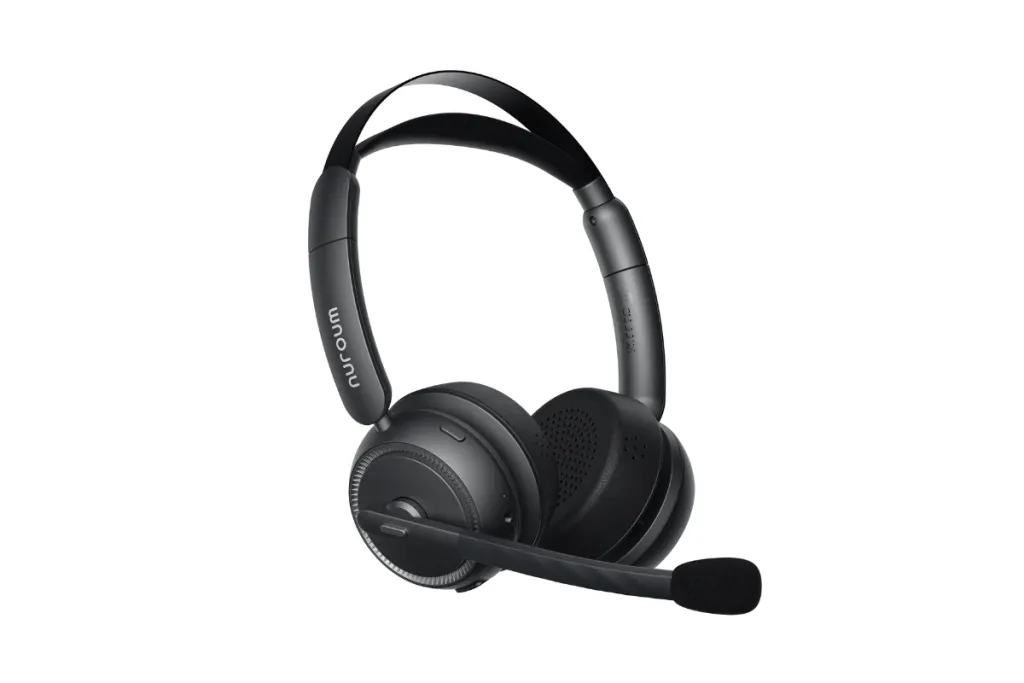
Understanding the parts of a headset makes every product spec sheet easier to read. Most headsets, wired or wireless, share these core components:
- Ear cups / earpieces (drivers): The speakers that produce sound. Over-ear cups surround the ear, on-ear cups rest against it, in-ear buds sit inside the canal, and open-ear designs hover just outside it.
- Microphone: Usually mounted on a boom arm near your mouth, or built into the earpiece. Better headsets use noise-canceling mics that isolate your voice from background sounds like keyboards, traffic, or a barking dog.
- Headband or neckband: The structure that holds everything in place. Traditional headsets use an over-the-head band; open-ear models often use a lightweight behind-the-neck band.
- Ear cushions: Foam or leatherette padding that affects both comfort and how much outside noise is blocked.
- Controls: Buttons or inline modules for volume, call answer/end, and — critically for meetings — a dedicated mute button.
- Connection hardware: A cable and 3.5 mm/USB plug on wired models; a battery, Bluetooth radio, and often a USB dongle on wireless ones.
When you compare headsets, the two parts that matter most for call quality are the microphone system and the fit of the earpieces — everything else is secondary.
What Are the Main Headset Types?
Headset types are usually grouped in two ways: by how they fit on your ear, and by how many ears they cover.
By wearing style:
- Over-ear (circumaural): Large cups that fully enclose the ear. Best noise isolation and sound quality; common for gaming and focused office work, but heavier.
- On-ear (supra-aural): Cups rest on the ear. Lighter and cooler, with moderate isolation.
- In-ear (earbuds): Compact and portable, popular for calls on the go.
- Open-ear: Speakers sit outside the ear canal, leaving it completely uncovered. You hear your calls and your surroundings — ideal for all-day comfort and situational awareness.
By ear coverage:
- Single-ear (monaural): One earpiece, one ear free. The classic choice for receptionists, dispatchers, and truck drivers who must stay aware of their environment; if that sounds like your day, see our picks for the best single ear bluetooth headset for phone calls.
- Dual-ear (binaural): Sound in both ears. Better concentration and call clarity in noisy spaces like open offices and call centers.
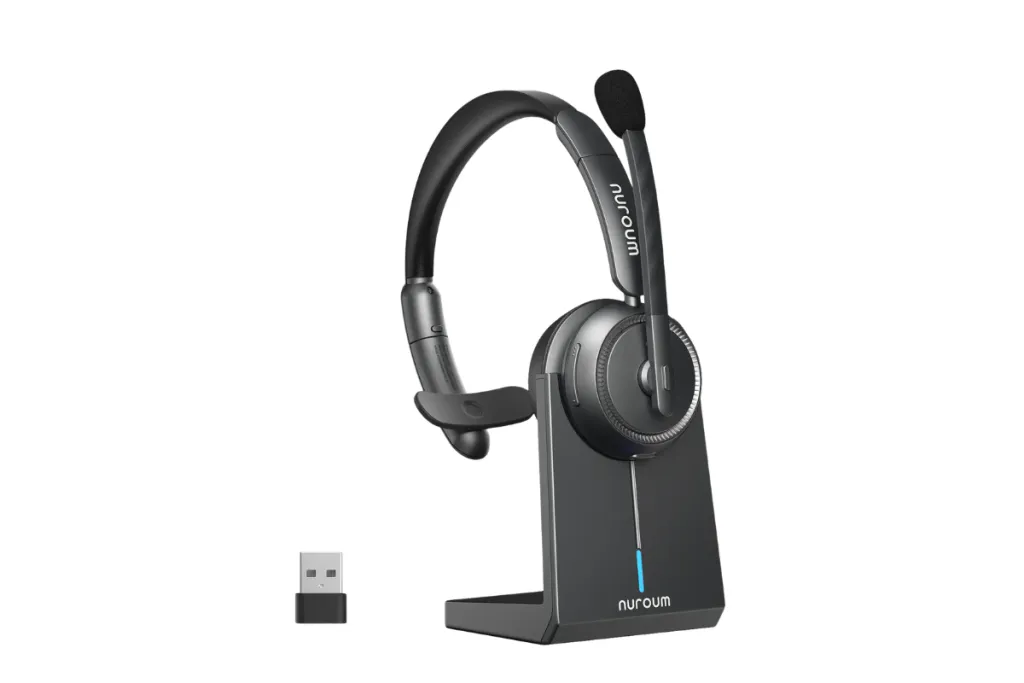
There is no single "best" type — the right one depends on where you work and how much of the outside world you need to hear.
Wired vs. Wireless Headsets: What's the Difference?
| Factor | Wired headset | Wireless headset |
|---|---|---|
| Connection | 3.5 mm or USB cable | Bluetooth or USB dongle |
| Battery | Never needs charging | Needs charging (typically 20–45+ hours per charge) |
| Mobility | Tethered to your device | Move freely, usually 30+ ft from the source |
| Setup | Plug in and go | Pair via Bluetooth, or plug in the dongle |
| Reliability | Immune to interference and dropouts | Dongle-based models are very stable; Bluetooth can stutter on busy laptops |
| Typical price | Lower for the same audio quality | Higher, but falling fast |
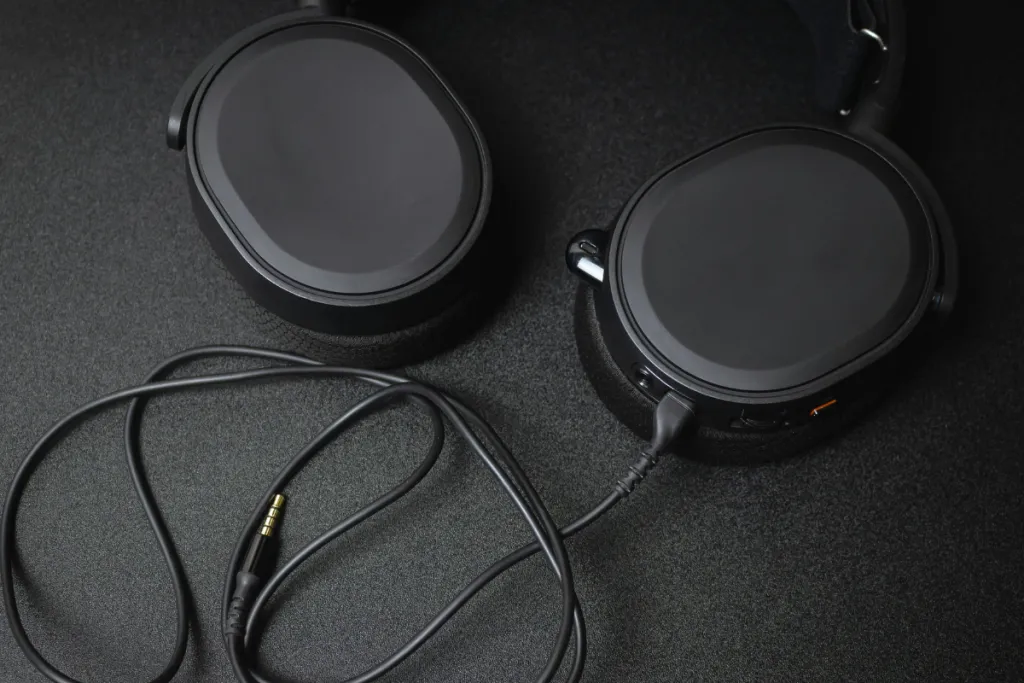
Wired headsets win on simplicity and price: no battery, no pairing, no latency. Wireless headsets win on freedom — standing up during a long call, grabbing a coffee, or pacing while you think. For most desk-based professionals in 2026, wireless has become the default, especially models that include a charging stand so the battery is never a worry. If you're ready to compare options, our roundup of the best wireless headset for work is a practical next step.
What Is a Wireless USB Headset with Mic?
A wireless USB headset with mic is a wireless headset that connects to your computer through a small USB receiver (dongle) instead of — or in addition to — Bluetooth. The dongle creates a dedicated, pre-paired wireless link the moment you plug it in.
Why does this matter? Three practical reasons:
- Plug-and-play setup. No Bluetooth menus, no pairing codes. Plug the dongle into a USB-A or USB-C port and the headset connects automatically — a big deal on locked-down work laptops.
- A more stable connection. The dongle link is optimized for voice, so calls drop and stutter far less than they do over a laptop's built-in Bluetooth, which juggles mice, keyboards, and other devices.
- Works everywhere. Even desktops with no Bluetooth at all get full wireless headset functionality through the dongle.
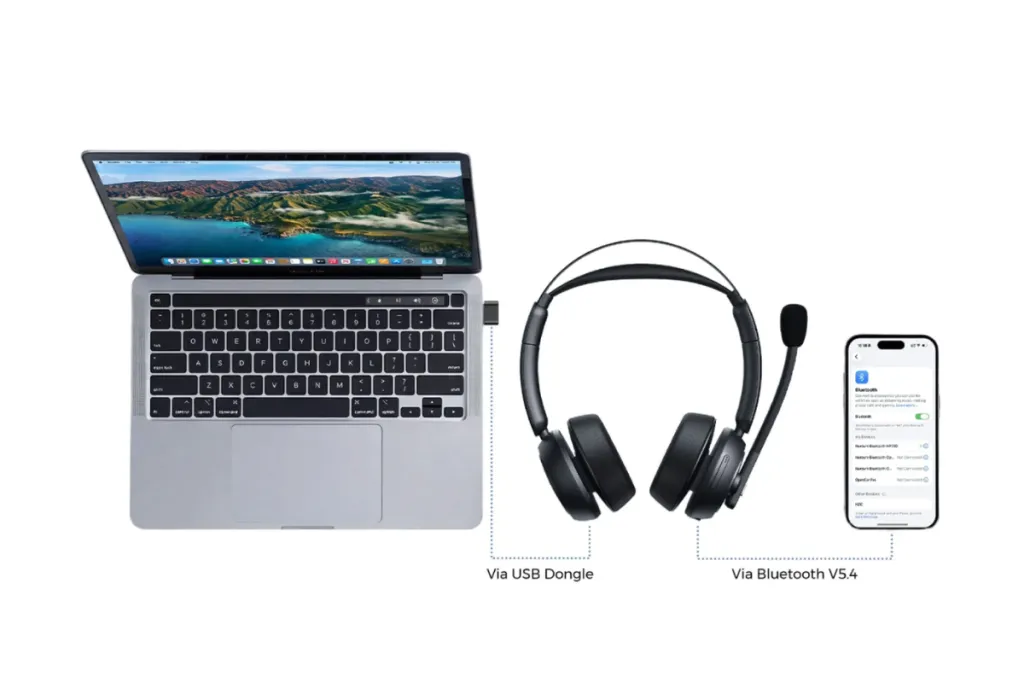
If your day runs on Zoom, Teams, or Google Meet calls, a wireless USB headset with mic is the most hassle-free option you can buy.
How to Choose the Right Headset
Work through these five questions in order:
- Where will you use it? Noisy open office → dual-ear with a noise-canceling mic. Home office with kids or pets around → noise-canceling mic, fit of your choice; if children are part of your daily setup, our guide to the best headset for working from home with kids offers more tailored advice. Driving or front-desk work → single-ear or open-ear so you stay aware.
- How many hours a day? For 6+ hours of wear, weight and clamping force matter more than any spec. Look for lightweight designs — some open-ear models weigh barely an ounce.
- Wired or wireless? Fixed desk and tight budget → wired. Any need to move around → wireless, preferably with a USB dongle.
- What will you connect to? Laptop-only users should confirm USB-A vs. USB-C dongle compatibility. Phone-first users need Bluetooth.
- What's your mic environment? If others hear your background noise today, prioritize a headset with multiple noise-canceling microphones and a DSP chip — that's what actually cleans up your voice.
3 Headsets to Consider
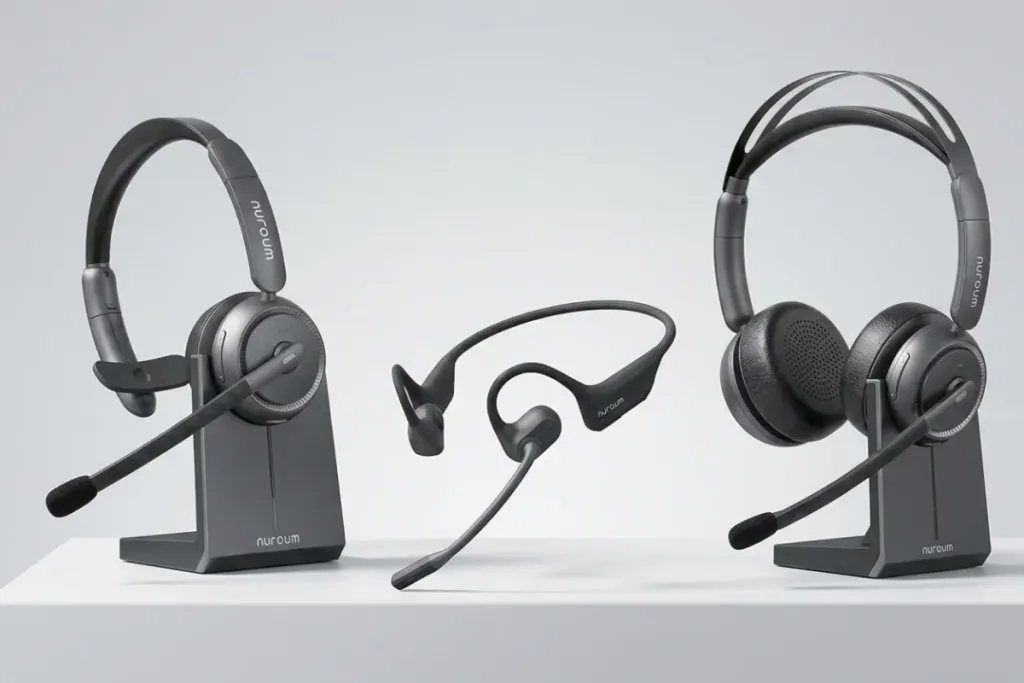
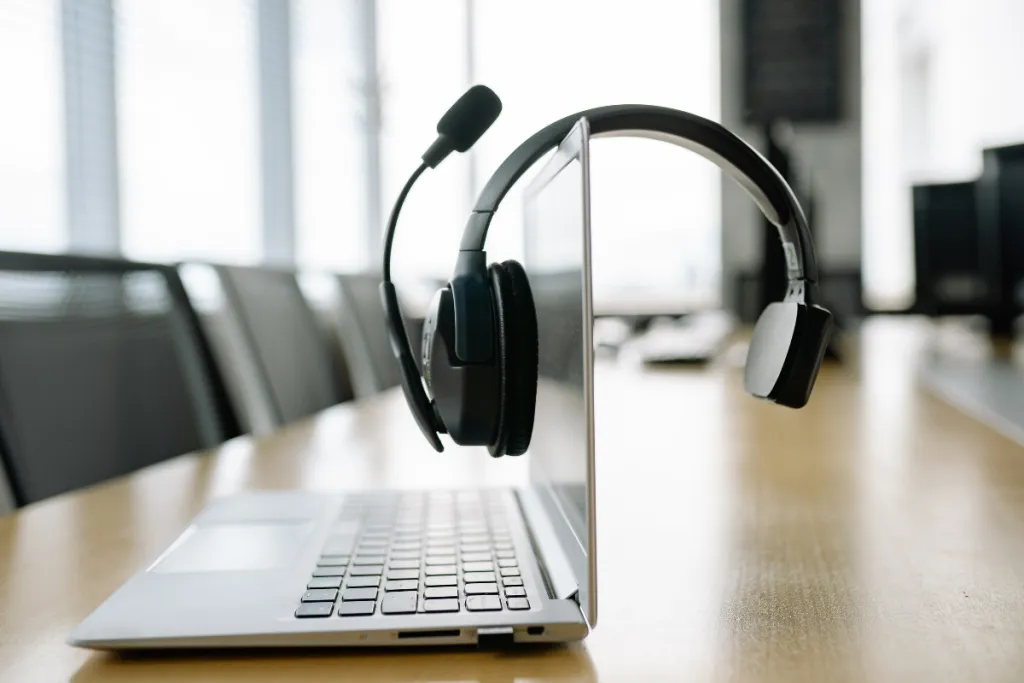
To make the types above concrete, here are three Nuroum headsets that each represent a different design philosophy:
- Nuroum HP31D — dual-ear wireless for deep focus. A binaural wireless headset with dual noise-canceling microphones, up to 45 hours of battery life, a charging stand, a dedicated mute button, and a plug-and-play USB-A dongle (from $90). It's built for customer support agents, call centers, and anyone who needs to tune out a noisy room. For a broader occupation-specific comparison, see our guide to the best call center headset with noise cancelling microphone.
- Nuroum HP31S — single-ear wireless for staying aware. The same core platform — 45-hour battery, charging stand, mute button, USB dongle, noise-canceling mic — in a monaural design that leaves one ear open (from $85). A natural fit for receptionists, truckers, and dispatchers.
- Nuroum OpenEar Pro 2 — open-ear wireless for all-day comfort.A neckband-style open-ear headset weighing just 31 g, with dual noise-canceling mics, a USB A/C dongle, and a mute button (from $129). Nothing touches your ear canal, so you can wear it through a full workday while staying aware of your surroundings. To compare this approach with other open-ear designs, see our review of the best open ear headset with mic.
FAQ
- Is a headset the same as headphones?
No — headphones are listen-only, while a headset adds a microphone for two-way communication. If you take calls or meetings, you need a headset.
- Can I use a wireless headset with a computer that has no Bluetooth?
Yes. A wireless USB headset with mic includes a USB dongle that handles the connection itself, so it works on any computer with a USB port, no Bluetooth required.
- Are open-ear headsets good for phone calls?
Yes, provided they have a noise-canceling microphone. Open-ear models with dual noise-canceling mics, like the Nuroum OpenEar Pro 2, keep calls clear while leaving your ears uncovered.
- How long should a wireless headset battery last for work?
Aim for 40 hours or more. Headsets rated around 45 hours, such as the HP31D and HP31S, cover a full workweek of calls between charges — and a charging stand makes battery life a non-issue.