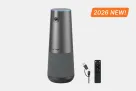

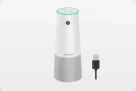
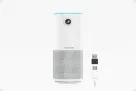













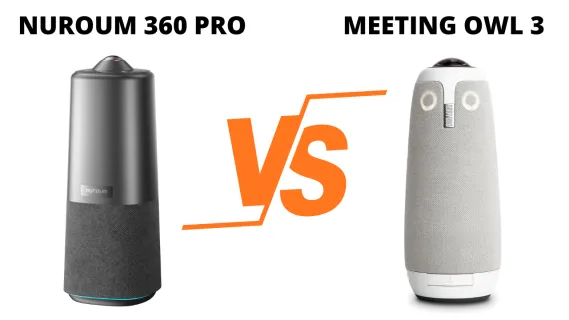
Choosing between the Nuroum 360 Pro and Meeting Owl 3 is not simply a matter of comparing microphone counts or camera specifications. The more useful question is how each 360-degree conference camera handles the moments that make hybrid meetings difficult: seeing faces clearly, following a fast conversation, hearing the far end of the table, and starting a call without turning the room into an IT project.
We researched and collected authentic customer voices to identify the questions buyers repeatedly face. These comments reveal what teams should test; they do not prove that every 360 camera behaves the same way or establish a defect rate.
Key Takeaways
- Meeting Owl 3 earns strong praise for making remote attendees feel included, especially around a central conference table.
- The most important visual trade-off is not whether everyone fits in the frame, but whether faces remain clear when the camera creates close-ups.
- Automatic speaker tracking helps remote viewers follow a conversation, but manual control matters when people interrupt, move, or speak over one another.
- Both cameras output 1080p, while 360 Pro currently offers the lower purchase price.
- Owl offers the stronger expansion path for long rooms and multi-device installations; 360 Pro favors a self-contained setup with physical controls and three selectable viewing modes.
What Meeting Owl 3 Reviews Reveal About 360 Degree Conference Cameras
The most positive voices describe a clear emotional benefit: remote colleagues can finally understand what is happening around the whole table.
We can now hear everyone and see who’s around the table…
— Davita W
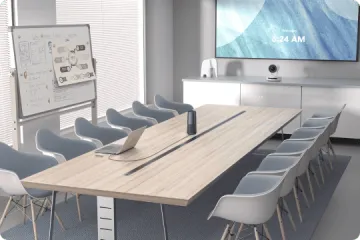
That sentence captures the job a 360 degree conference camera is hired to do. A conventional front-of-room webcam may leave people outside its angle, while a center-table camera restores context: who is present, who is reacting, and where the conversation is moving.
Compared with other conference camera types, the center-table design creates its own questions: one panoramic camera must build useful close-ups, decide whom to show, and hear every direction. Praise for tracking, audio, and setup appeared beside complaints about soft close-ups, distracting switching, and connection trouble.
360 Degree Conference Camera Image Quality: Seeing Everyone vs Seeing Faces Clearly
Panoramic coverage and facial detail are different outcomes. A camera may show the entire table while still producing a soft image when it crops tightly around a speaker.
Brian Massey described that gap bluntly:
Resolution on my low end camera on my old surface pro is better than the Owl 3.
— Brian Massey
Tim reported a more balanced experience after using multiple Owl devices:
The picture quality is OK, not great.
— Tim
Other reviewers called the Owl picture crisp or excellent, so these comments do not prove universally poor video. They do reveal the right buying question: how much facial detail survives after a panoramic image becomes a speaker close-up?
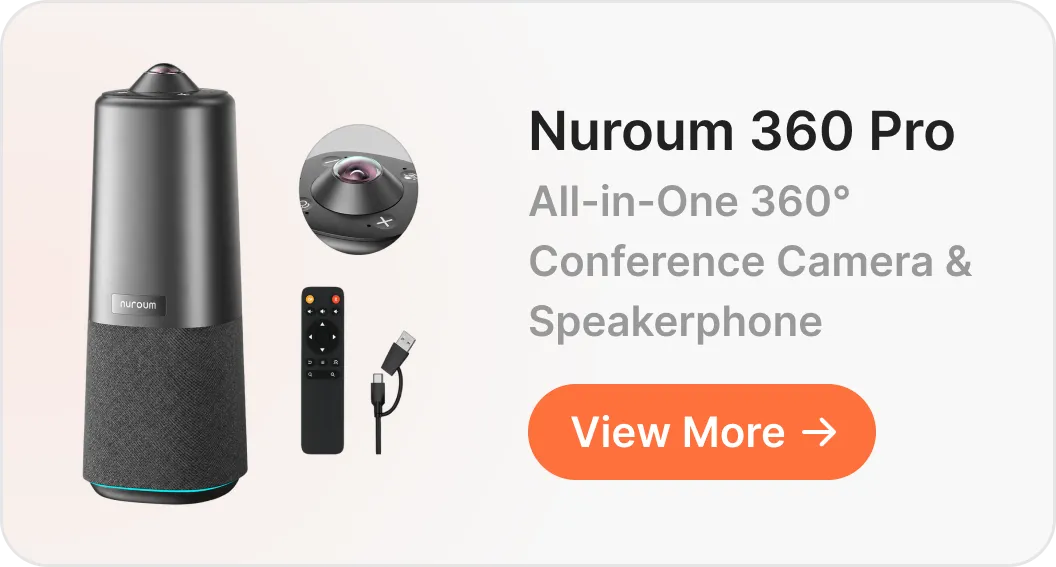
The Meeting Owl 3 uses a 16MP camera sensor and outputs 1080p video. The Nuroum 360 Pro starts with a 50MP Sony source sensor—more than three times the source pixels—before processing the panoramic image into a 1080p meeting stream. That additional image data gives its framing system more room to de-warp the panorama, crop around active speakers, and preserve facial detail when creating close-ups.
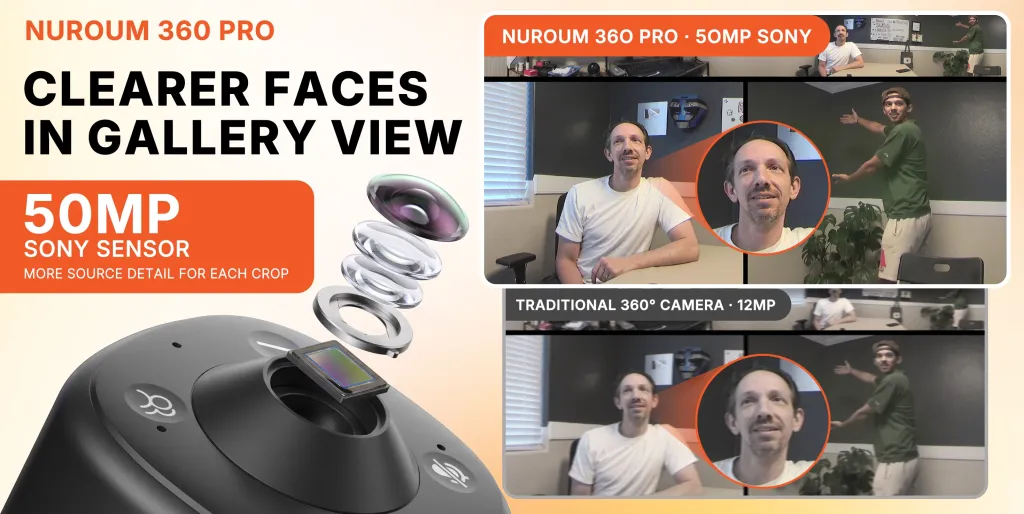
Price strengthens that value case. At US prices checked on November 5, 2026, 360 Pro was $630 on sale, while Meeting Owl 3 was $1,099. Buyers can therefore get the same 1080p output class for less, although only a room test can confirm which image looks better at their actual seating distance.
For an internal roundtable, maintaining a sense of the whole room may matter most. For client presentations, lip-reading, or subtle facial reactions, run a side-by-side test at the real seating distance.
Does Speaker Tracking Feel Natural in Real Meetings?
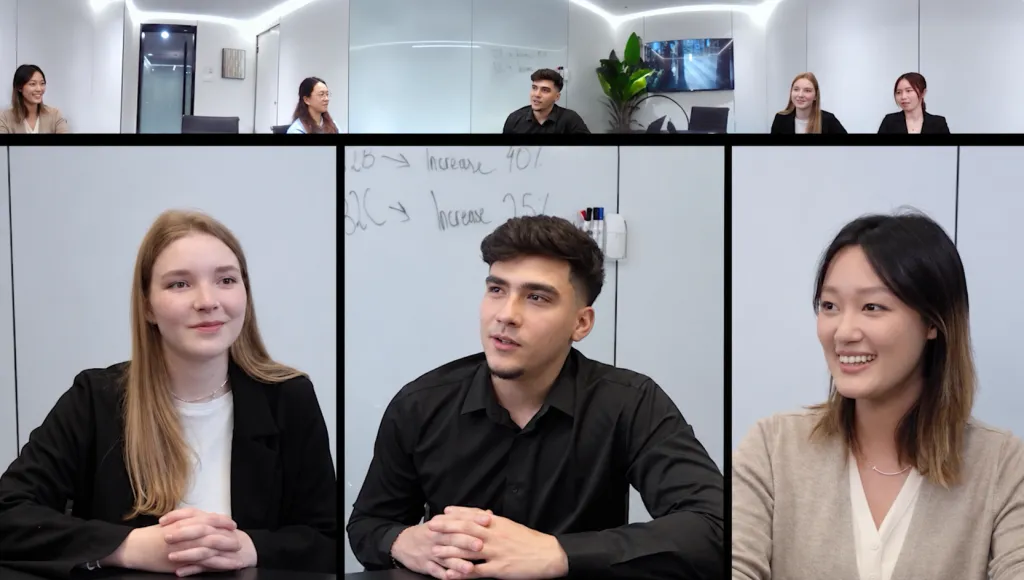
Automatic framing is successful when nobody talks about it. Remote participants should simply follow the conversation without noticing the camera making decisions.
Alejandro Ayerza praised the experience in direct terms:
Best camera fucus intelligence and directional audio I’ve ever experienced.
— Alejandro Ayerza
Other voices said overlapping speakers or background sound could cause quick, distracting switches. Both experiences can be true: a structured board meeting is easier to frame than an interruption-heavy workshop.
Owl’s intelligence system uses voice, vision, and motion to create a dynamic speaker view. For teams that want the camera to direct the meeting automatically, this is a mature and recognizable approach.
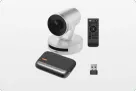
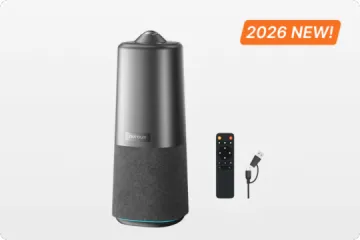
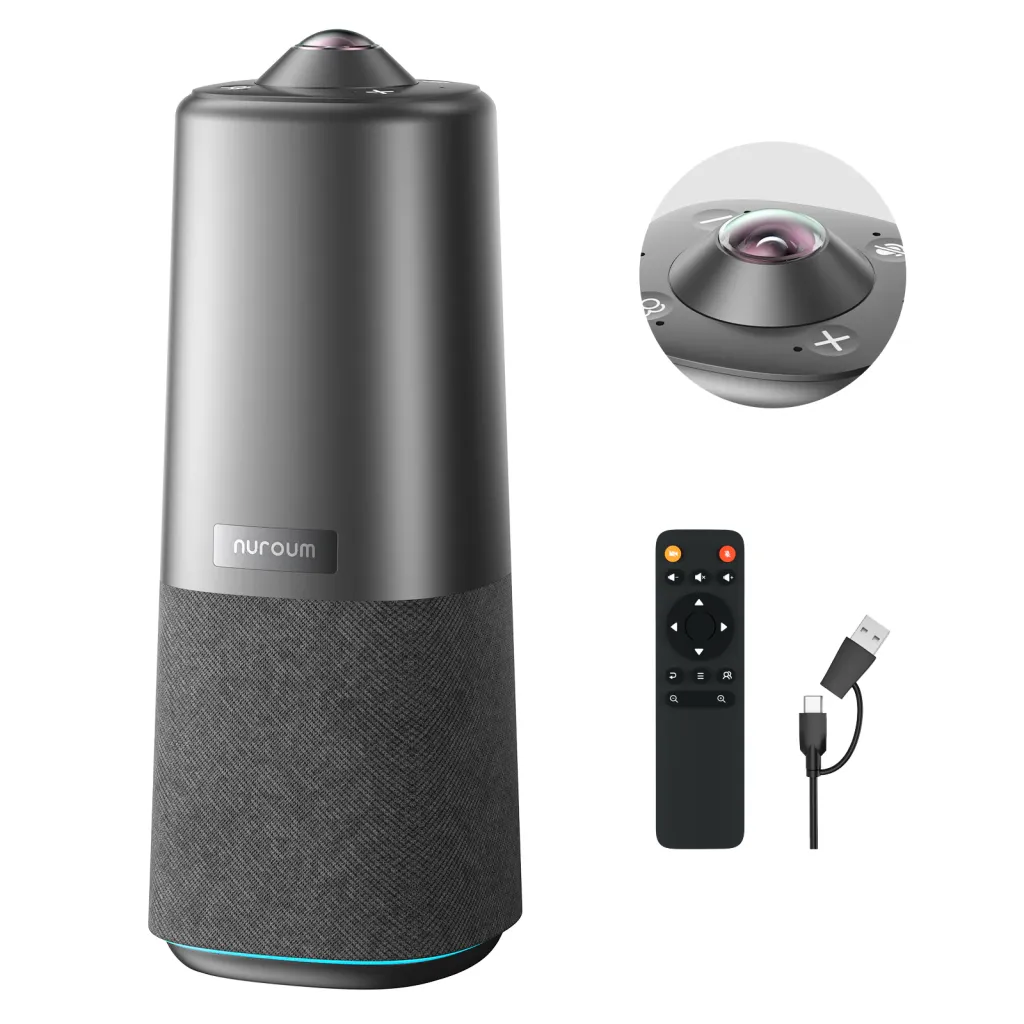
360 Pro has a clearer advantage when automatic switching itself becomes the distraction. Discussion Mode can frame up to three active speakers, Presentation Mode follows a presenter, and Global Mode holds a steady wide view. A host can change the behavior from the device or included remote instead of depending on one automatic pattern or opening an app.
That control does not guarantee perfect tracking, but it gives the room a quick recovery path. Owl remains attractive for teams that prefer a highly automatic experience; 360 Pro is easier to recommend when meetings frequently include interruptions, overlapping speakers, or formats that change during the call.
Can a Conference Room Camera and Microphone Reach Everyone at the Table?
Audio claims often focus on maximum pickup distance, but real rooms introduce harder variables: glass walls, air conditioning, quiet speakers, laptops blocking voices, and several people talking at once.
John N. captured the positive side of the Owl experience:
Its speaker and microphone are really good. Like, crazy good.
— John N.
Other voices said distant participants had to repeat themselves or that loud playback sounded muffled. These individual experiences remind us that a conference room camera and microphone must be evaluated as part of a room, not in isolation.
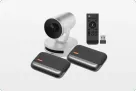
Meeting Owl 3 uses a beamforming microphone array designed for participants around a central table. For a longer space, an optional Expansion Mic and compatible linked devices create a meaningful advantage when one position cannot serve every seat.
For a conventional small-to-medium room, 360 Pro answers the audio complaints without requiring an add-on microphone: six omnidirectional microphones combine automatic voice balancing, noise suppression, echo cancellation, and full-duplex audio. That makes it the simpler value choice when one center-table device already fits the room. It is not the stronger architecture for an unusually long space, where Owl’s expansion path remains more appropriate.
Before choosing either camera, hold a test call with one quiet speaker at the farthest seat, another person typing nearby, and people at both ends speaking naturally. The remote listener—not the person standing beside the device—should judge the result.
Conference Room Setup: When Placement and Cables Affect the Experience
Many customers describe the Owl as easy to begin using. James Wood summarized the appeal:
It was easy to set up and use.
— James Wood
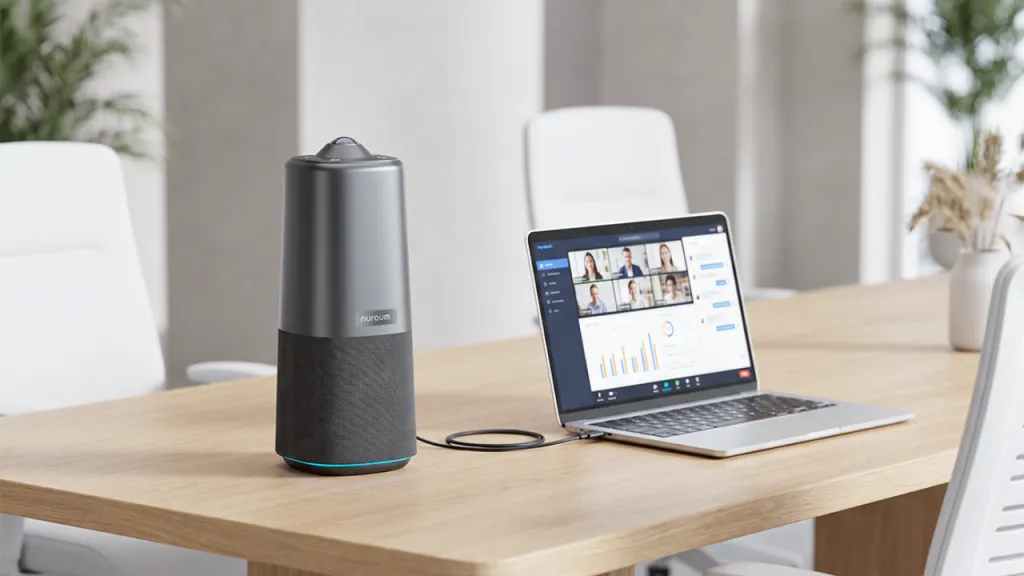
That simplicity is real, but “plug and play” does not mean “wireless.” Meeting Owl 3 connects to the host computer by USB-C, requires power, and uses its app for first-time setup and in-meeting settings. Shared rooms still need an owner for updates and configuration.
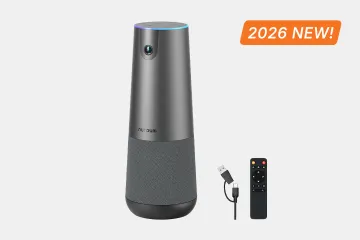
The 360 Pro also needs physical connections, but its advantage is what happens after connection. Onboard touch controls and the included remote handle mute, volume, camera, and viewing modes, while basic meetings do not require each visitor to install an app. NearSync remains available for administrators who want deeper settings or firmware updates.
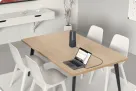
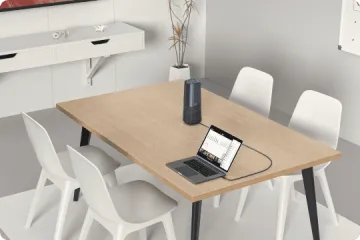
Conference camera placement deserves equal attention. A center-table camera captures every direction, but participants may look toward a monitor at the end of the room rather than toward the camera. Cables also need a safe route across or beneath the table.
For a permanent conference room setup, either product can be prepared once and left ready. For a device that moves between rooms, test the entire routine: carrying it, finding power, connecting the host computer, selecting the camera and microphone, and returning the room to normal afterward.
What Meeting Owl 3 Reviews Say About Long-Term Ownership
Easy installation describes day one. Ownership also includes firmware, room changes, support, and what happens when hardware fails.
Jared Townsend shared one repair-related experience:
It is fragile and has no replacement parts available.
— Jared Townsend
Jeff t Devoll described the operational consequence of an intermittent problem:
try having a meeting when the camera glitches constantly.
— Jeff t Devoll
For Michael, an IT manager, the app became a problem when an unexpected update disrupted a live meeting:
The device always update to a new version and instantly bricked when meeting...and has to be restarted every time.
— Michael Turner
These experiences highlight potential limitations around repairability, meeting stability, and app-dependent updates. Owl’s app and The Nest provide useful centralized management, but they can add software complexity. Nuroum 360 Pro keeps everyday controls on the device and remote, while NearSync provides a simpler way to manage settings and firmware when needed.
Meeting Owl 3 vs Nuroum 360 Pro: How Each Addresses These Pain Points
| Buying question | Meeting Owl 3 | Nuroum 360 Pro |
|---|---|---|
| How does it include the room? | Automatic panorama plus active-speaker views | 360° view with Discussion, Presentation, and steady Global modes |
| What if automatic framing becomes distracting? | App-based camera controls and presenter features | Physical mode button and remote make it easy to choose another view |
| How does it handle a long room? | Optional Expansion Mic and compatible multi-device linking | Best treated as a self-contained central-table system |
| What does daily setup feel like? | USB host connection, power, and app-supported configuration | USB host connection, physical controls, remote, and optional NearSync management |
| What about multiple rooms? | The Nest and the wider Owl ecosystem support fleet use | NearSync supports settings and firmware management |
| Price and output | $1,099; 1080p output | $630 sale; 1080p output |
| Best fit | Teams valuing automatic framing, expansion, certification, or an existing Owl ecosystem | Teams valuing selectable views, direct controls, and a simpler standalone room experience |
Sensor size, microphone count, and pickup distance matter only when they change what people can see, hear, or operate in the actual room. Procurement teams that need the longer specification view can use the Nuroum 360 Pro vs Meeting Owl 3 comparison alongside this experience-led table.
Which 360 Degree Conference Camera Fits Your Meeting Room?
If neither architecture fits, compare additional Meeting Owl alternatives for small meeting rooms.
For a standard central conference table
Owl suits teams that want automatic speaker views and may expand within its ecosystem. The 360 Pro suits users who want to switch between discussion, presentation, and steady room views without opening an app.
For a long and narrow boardroom
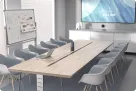
Meeting Owl 3 has the clearer advantage because its optional microphone and device-linking path can extend coverage beyond one center point. Measure the table and test the farthest seat first.
For fast, multi-speaker discussions
Test both with real interruptions. Tracking may feel engaging when speakers take turns and restless when several people overlap. A steadier view can be more valuable than aggressive switching.
For training and a moving presenter
Compare how quickly each camera follows movement, handles an audience question, and recovers when the framing chooses the wrong subject.
For shared rooms without dedicated IT
The 360 Pro’s touch controls and remote reduce visitors’ need to manage an app. Owl remains straightforward once the room is configured, particularly with an existing administrator.
When facial detail matters most
Both systems deliver 1080p meeting video, so do not choose from the source-sensor number alone. Let a remote viewer judge the close-up at normal distance and lighting.
Editorial Verdict
The Nuroum 360 Pro vs Meeting Owl 3 decision is ultimately about price and direct control versus expansion. For a small-to-medium room that can be covered from one central position, the lower-priced 360 Pro offers the more persuasive value: the same 1080p output class, three selectable viewing modes, direct controls, and built-in audio processing without paying for a broader ecosystem. Owl 3 remains the stronger fit when Microsoft Teams certification, device pairing, expansion audio, highly automatic speaker presentation, or centralized Owl management matters more.
Before purchasing, run one 15-minute test that includes the farthest seat, two people speaking over each other, a moving presenter, and a remote participant judging both faces and voices. If one central device covers the room, explore the Nuroum 360 Pro as the lower-cost place to start; if the test exposes a need for linked devices or extended audio, Owl’s premium may be justified.
FAQs
1. Is Nuroum 360 Pro better than Meeting Owl 3?
It depends on the room. The 360 Pro favors selectable views, direct controls, and value; Owl 3 favors expansion and centralized management.
2. Do Meeting Owl 3 reviews prove that its video quality is poor?
No. The mixed comments are a reason to test normal seating distance and lighting, not evidence of a universal defect.
3. Does the 50MP sensor mean Nuroum 360 Pro sends 50MP video?
No. The 50MP figure refers to the source sensor. The meeting-video output is 1080p. The final experience still depends on framing, cropping, lighting, motion, and the conferencing platform.
4. Which camera is better for a large conference room?
Owl 3 has the stronger expansion path for long rooms. If one central position is enough, 360 Pro keeps the setup more self-contained. Very large spaces may need a PTZ camera and separate audio.
5. Does Meeting Owl 3 require an app?
Owl’s official documentation says the Meeting Owl app is required for first-time setup and for adjusting settings during meetings. Ordinary calls still use the camera, microphone, and speaker selected in the conferencing platform.