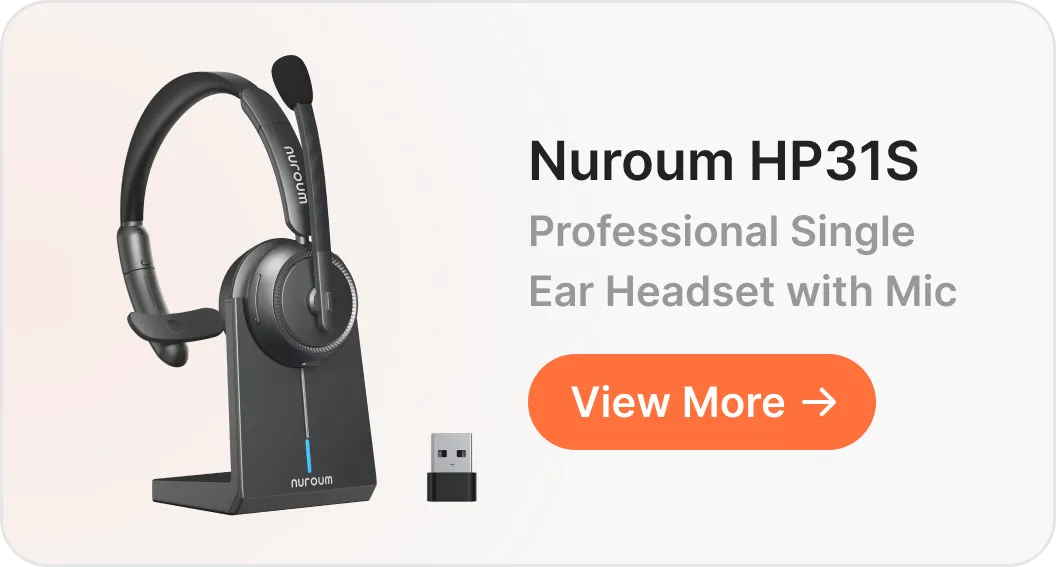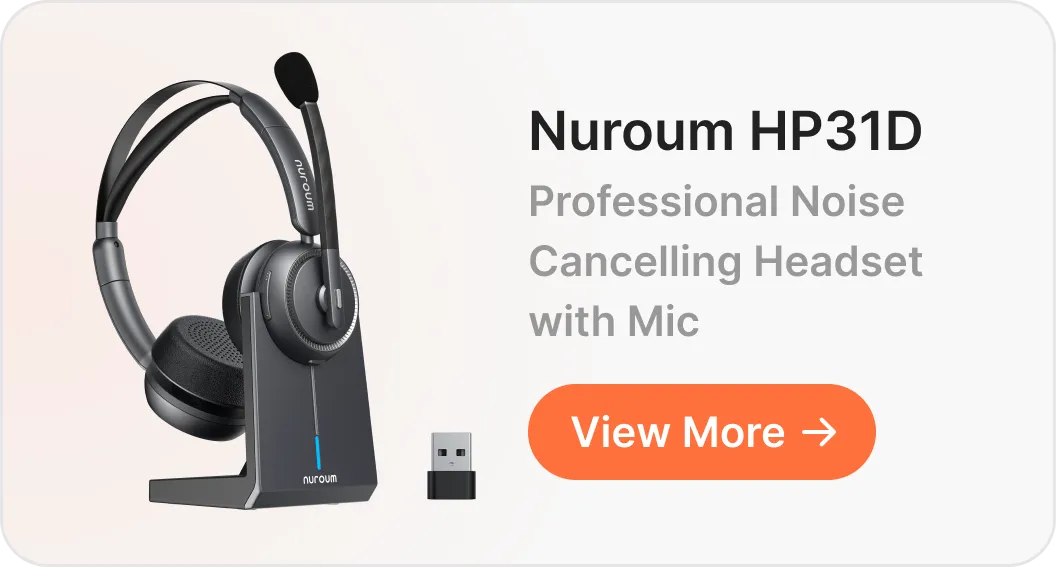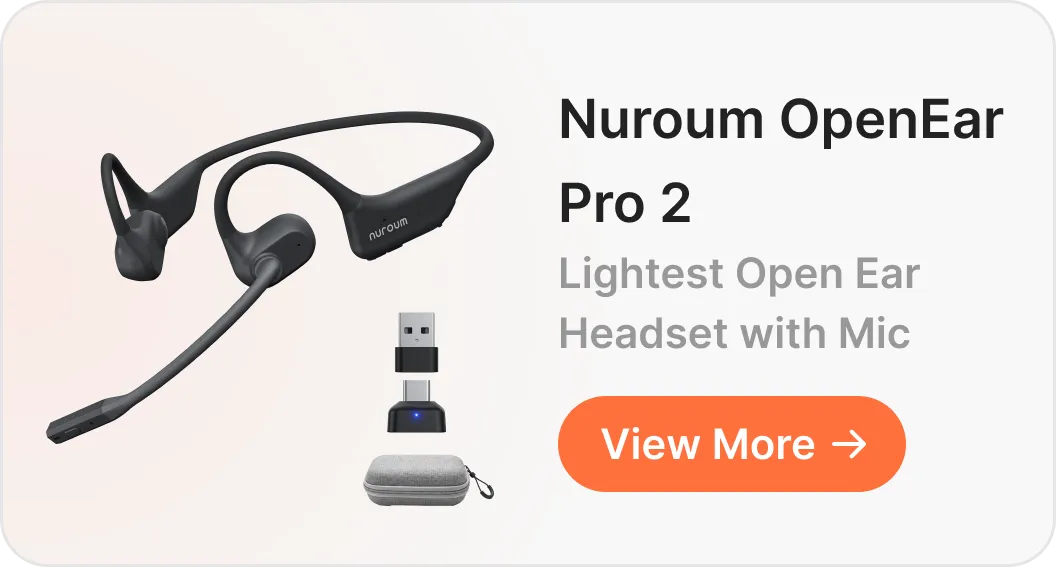

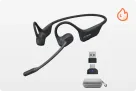
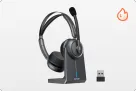
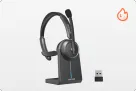
















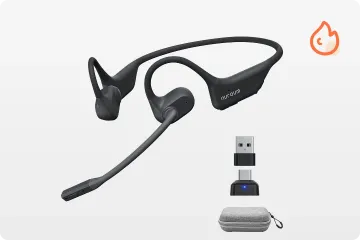
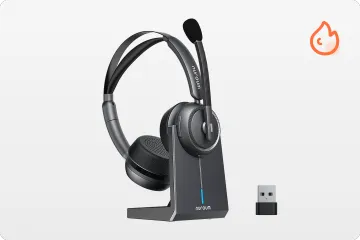
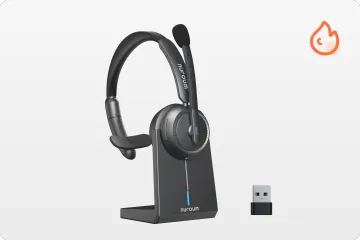

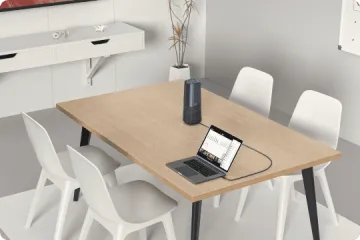




If your workday is filled with calls but you still need to keep an ear on what's happening around you, a single-ear headset might be just what you need. Four criteria decide a good purchase: mic quality, comfort, connectivity, battery.
Key Takeaways
- Mic quality beats speaker quality. A dual-mic array with AI noise reduction keeps keyboard and office noise off your calls.
- Under ~150g is the all-day comfort zone for 6–10 hour shifts, paired with a padded cushion and adjustable headband.
- Multipoint + dongle = hybrid-proof. One headset serves both PC meetings and mobile calls.
- Read battery specs as talk time. 30+ hours means charging weekly, not nightly.
Is a Single-Ear Headset Right for Your Work Environment?
A single-ear (mono) headset leaves one ear open, so you can take calls while staying aware of colleagues and your surroundings; a dual-ear headset isolates you for deeper focus.
A single ear wireless headset for office use makes sense for call center agents, receptionists, warehouse staff, and dispatchers — anyone who talks while staying alert. It's why many professionals look for the best single ear bluetooth headset for phone calls rather than a closed-back pair. But for long stretches of focused listening in a loud open-plan office, dual-ear serves you better.

Prioritize Microphone Quality and Noise Cancellation
On any single ear headset with mic for work, the microphone — not the speaker — determines how professional you sound. Callers judge you by what your mic filters out.
- Noise cancellation: look for a dual-mic array with AI noise reduction that suppresses keyboard sounds, nearby conversations, and office hum. The Nuroum HP31S combines dual omnidirectional mics, a DNN-based AI algorithm, and echo suppression.
- Boom design and positioning: an adjustable boom keeps pickup consistent; the HP31S boom rotates 250°, so it sits correctly on either ear.
- Practical call controls: a one-touch mute button on the boom means no hunting for an on-screen control mid-sentence.
For professionals taking calls in busy environments, these features can make a noticeable difference. The HP31S is designed to keep your voice clear, even in busy environments. One customer working from a busy home office shared:
My home office isn't always quiet, especially when the rest of the house is busy. The mic does a better job of keeping the focus on my voice during work calls.
— Customer review, Nuroum HP31S

Choose a Comfortable Fit for Long Working Hours
For 6–10 hour shifts, weight and wearing pressure decide comfort more than any feature list when choosing single ear headphones with microphone. Three checks:
- Weight and pressure: lighter headsets clamp less; at 128 g, the HP31S sits well under the all-day threshold.
- Cushion and materials: a soft, padded ear cushion prevents the soreness that builds up by mid-afternoon.
- Adjustability: a stretchable headband and reversible boom let you fine-tune fit and switch ears. If headbands never sit right, see our guide to over ear headphones for small heads.
These details make a difference in everyday use. As a single ear wireless headset for office, the Nuroum HP31S combines a lightweight 128g build with memory foam cushioning and an adjustable headband, making it a practical option for professionals who wear a headset throughout their shift.
One customer, Jason Miller, a Warehouse Picking Associate, highlighted its comfort during extended shifts:
Really comfortable for long shifts.
— Jason Miller, Nuroum product-page customer story

Check Connectivity, Compatibility, and Battery Life
A single ear wireless headset with mic for PC should connect to computer and phone without re-pairing, support your meeting apps, and last a full week of calls.
- Bluetooth and multipoint: Bluetooth 5.4 with two-device multipoint — as on the HP31S — keeps you paired to laptop and phone; pause one device before playing the other.
- Wired and dongle options: the included USB-A dongle gives plug-and-play reliability on computers where Bluetooth is restricted.
- Compatibility: verify your OS and meeting tools — the HP31S lists Windows, macOS, Linux, Microsoft Teams, Zoom, and Google Meet.
- Battery and charging: judge by talk time — the HP31S is rated up to 35 hours of talk time (45 hours of music at 70% volume) and recharges in about two hours on its included stand.
The HP31S makes switching between computer and phone calls easier with its Bluetooth multipoint connection and USB dongle. One user described the convenience of this setup:
I use the dongle for calls on my work laptop and keep my phone connected for incoming calls. It's convenient not having to re-pair everything every time I switch tasks.
— Customer review, Nuroum HP31S

How to Choose the Right Single Ear Headsets for Work: A Practical Checklist
The fastest way to choose is a five-step filter:
1. Identify your work environment: do you need situational awareness on calls, and how noisy is it?
2. Set your call quality requirements: match mic noise cancellation and boom design to that noise level.
3. Evaluate long-term comfort: check weight, cushion, and headband against your daily wearing hours.
4. Verify device compatibility: confirm connections, app support, and talk-time battery.
5. Test before deciding: try mic performance, fit, and connection stability in your real workspace, then compare prices.
Your priorities may also vary by role:
- Call center agents on high call volume: prioritize mic noise cancellation and sub-150 g comfort — the HP31S covers both; budget-conscious teams can compare the best headset for call center agents under budget.
- Receptionists, warehouse staff, dispatchers: mono awareness plus one-touch mute for quick side conversations.
- Remote and hybrid workers: multipoint pairing plus a USB dongle for seamless laptop-and-phone days.
Ultimately, the best single-ear headset is the one that fits your daily workflow rather than simply offering the most features. The Nuroum HP31S, with its dual-mic noise cancellation, lightweight 128g design, and flexible connectivity options, is one option worth considering.
FAQ
1. Are single ear headphones with microphone good for working from home?
Yes. One ear stays open for the doorbell, kids, or pets, while a noise-cancelling boom mic keeps household noise off your calls— see our picks for the best single ear bluetooth headset for phone calls.
2. Can a single ear wireless headset with mic for PC and phone connect to both at once?
Yes, via Bluetooth multipoint. The headset stays paired to both; pause audio on one device before playing the other.
3. How much battery life does a single ear headset with mic for work need?
Judge by talk time, not music playback. Around 30+ hours covers a full work week; a charging stand makes top-ups effortless.
4. Is a one ear headset with mic comfortable enough for all-day wear?
It can be — look for under ~150g, a padded cushion, an adjustable headband, and a reversible boom.