
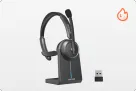
















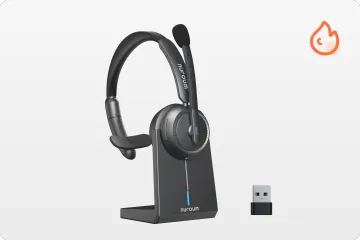





Look around any call center and you'll notice something odd: every agent wears the same thing — a wireless mono headset covering just one ear. It looks simple, but that single earpiece solves three problems support teams deal with every day.
Key Takeaways
Teamwork: One open ear lets agents hear colleagues and communicate with supervisors without removing their wireless mono headset.
Clear Calls: Microphone noise reduction(ENC) matters more than speaker ANC, helping callers hear agents clearly while agents stay aware of their surroundings.
Device Flexibility: Bluetooth multipoint and a USB dongle support connections to personal devices and work PCs.
Buying Benchmark: Look for a lightweight design (under 150 g), an adjustable headband, and 30+ hours of rated talk time for long shifts.
Why Do Call Centers Prefer Mono Headsets?
A mono (monaural) headset has a single earpiece. Instead of sealing both ears, a single-ear headset with a mic leaves one ear open — and for call center work, that design choice drives two big operational advantages.
1. Stay Aware of the Surroundings
Agents need to hear more than the customer. A single-ear headset with a mic makes this possible. As one agent put it:
I spend most of my shift on customer calls, but I still need to hear when my supervisor has a quick question. Having one ear free makes that a lot easier than wearing a fully closed-off headset.
— Zayden.S, Nuroum website verified review, February 14, 2026
2. Support Real-Time Team Collaboration
Call centers rely on quick teamwork, from live coaching to help with difficult calls. A mono bt headset lets agents communicate with nearby colleagues without removing their headset or interrupting the customer. If this single-ear style fits your workflow, our roundup of the best single ear Bluetooth headsets for phone calls compares the current options.

Why Does Wireless Matter in a Call Center?
1. More Freedom to Move
A wireless mono headset lets agents stand up, grab paperwork, or check on a colleague without putting a call on hold. With a typical range of around 10 m (33 ft) in open space, agents get more room to move — and fewer cables to tangle, fray, or get in the way.
2. Flexible Device Connectivity
Two features do most of the work here:
- Bluetooth multipoint keeps the headset paired to two devices and switches between them. Switching audio rather than playing both at once would be better.
- A USB dongle provides plug-and-play simplicity for Teams and Zoom on work PCs where Bluetooth is disabled or unreliable. Plug it in, and the computer treats the headset like a wired device — no pairing, no IT ticket.

Are Wireless Mono Headsets Suitable for Every Call Center?
No. The right call center headset depends on the working environment:
- Open-plan call centers: Mono is usually the better fit, since agents need environmental awareness and constant collaboration.
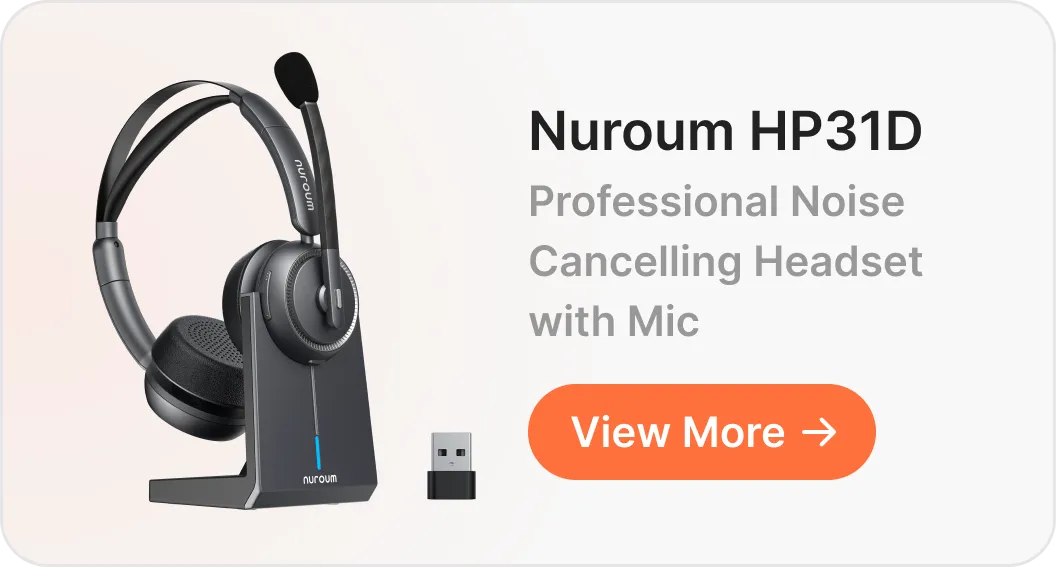
- Noisy environments: A dual-ear (stereo) design may suit agents who need to concentrate, though real isolation depends on the earcup design, not just the number of earpieces.
- Traditional office phone systems: Check compatibility with existing desk phones, computer softphones, and available interfaces before buying wireless.
For teams equipping an entire office, our guide for bulk headset for call centers may help.
Should You Look for in a Wireless Mono Headset?
| Factor | Why it matters |
|---|---|
| Weight and fit | Reduces ear fatigue during 6–10-hour shifts. Look for a lightweight build (under 150 g), soft cushions, and an adjustable headband. |
| Microphone noise reduction (ENC) | Filters background noise so callers hear your voice clearly. Unlike ANC, it focuses on what the caller hears, not what you hear. |
| Connection options | Bluetooth 5.x for stability, multipoint for two devices, and an included USB dongle for locked-down office PCs. |
| Battery and charging | Rated talk time should comfortably exceed a full shift; a charging stand makes top-ups a habit instead of a chore. |
| On-headset controls | A one-touch mute button on the boom arm beats hunting for an on-screen control mid-call. |
| Platform compatibility | Confirm support for Windows/macOS and your meeting tools (Teams, Zoom, Google Meet) — plus desk phones if your floor still uses them. |

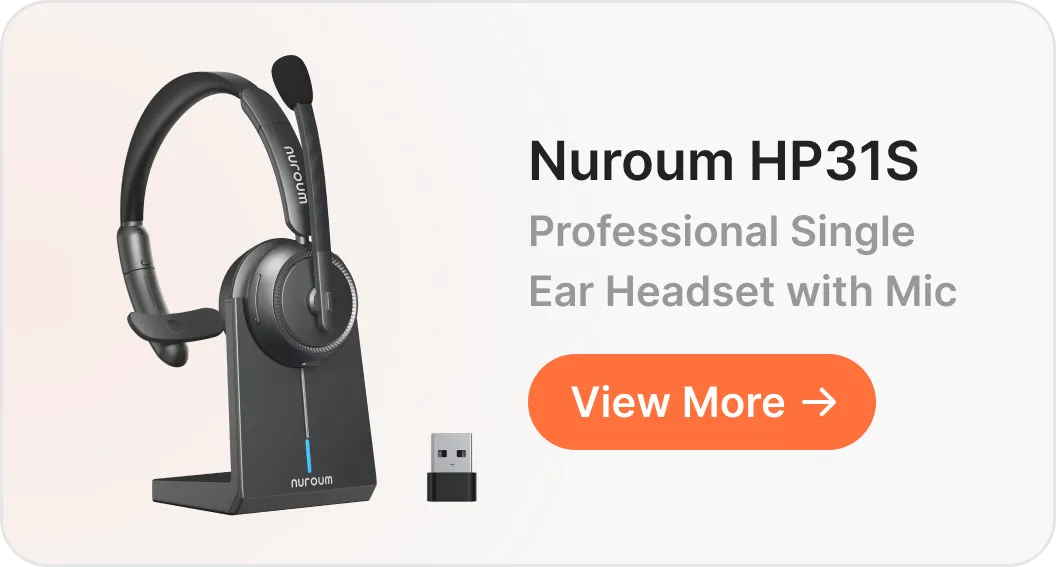
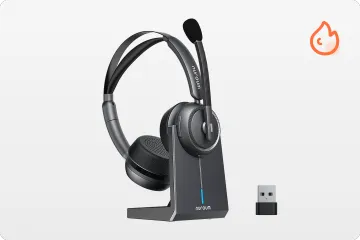
A Practical Example: Nuroum HP31S
The Nuroum HP31S shows what these criteria look like in practice.
- Comfort and call clarity. At 128 g with a protein-leather cushion, padded sling, and a boom mic that rotates 250° for left- or right-side wear, it targets the all-day-fatigue complaint directly:
I can wear it through back-to-back support calls without constantly wanting to take it off. The adjustable headband also makes it easier to get a fit that feels right.
— Ellen.T, Nuroum website verified review, May 9, 2026
Its dual microphones use AI-based noise reduction to keep the focus on your voice:
My clients hear me perfectly all the time.
— Harper.W, Nuroum website verified review, February 3, 2026
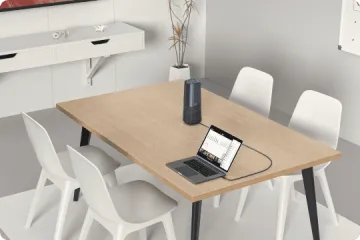
- Device connectivity. Bluetooth 5.4 with multipoint covers a laptop-plus-phone setup, and the included USB-A dongle provides a straightforward connection to office computers.
I use the dongle for calls on my work laptop and keep my phone connected for incoming calls. It's convenient not having to re-pair everything every time I switch tasks.
— Ben. D, Nuroum website verified review, June 27, 2026
Call Management. A one-touch mute button sits right on the boom arm —
It's handy when you jump between customer calls and quick conversations with people around you.
— Willson.F, Nuroum website verified review, September 19, 2026
- Extended use. It is rated for up to 35 hours of talk time (at 70% volume) and recharges in about two hours on the included stand, so several full workdays can pass between charges — and the stand doubles as a tidy place to dock the headset.
Conclusion: Match the Headset to the Floor
Call centers use wireless mono headsets because the combination solves real problems: the open ear keeps agents connected to their team, and wireless connectivity keeps them mobile and flexible.
- Collaboration-heavy, open-plan teams: A wireless mono headset is the natural fit.
- Hybrid and work-from-home agents: Prioritize multipoint and a USB dongle for painless switching between devices.
- Very noisy floors or focus-intensive work: Consider a stereo design instead.
For the first two scenarios, the HP31S is a strong fit on comfort, connectivity, and battery life — see how it compares in our guide to the best call center headsets, or browse broader picks in our best office headset roundup.
FAQs About Wireless Mono Headsets
1. Is a mono BT headset good enough for a noisy office?
Usually yes — a good wireless mono headset with noise cancelling mic cleans up what your caller hears. But if agents struggle to hear customers over floor noise, a stereo model may suit them better.
2. Can HP31s connect to a laptop and a phone at once?
With multipoint, yes. This wireless mono headset stays paired to both and switches audio between them rather than playing both simultaneously. It also also include a USB dongle for more reliable connectivity with office computers.
3. How much battery life is enough for a call center headset?
For a single ear headset with mic for call center, one full shift at minimum; 30+ hours of rated talk time means several workdays between charges.