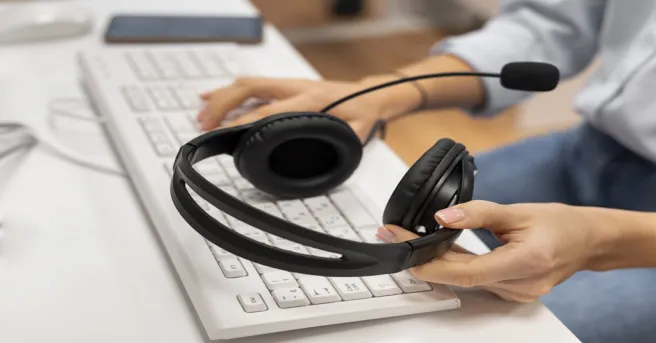











































Ear soreness from long Zoom calls usually comes from clamping force, sealed ear cups, and heat buildup — not from volume.
Lightweight headsets under 40 g, breathable cushions, and open-ear designs remove the pressure points that cause fatigue, while a noise-cancelling boom mic keeps your voice clear without sealing your ears.
Key Takeaways
Mechanical Pain vs. Audio Fatigue
Clamping force above 4–5 N and airtight ear cups cause 90% of meeting ear fatigue—not meeting volume.
Open-Ear Eliminates Canal Pressure
For sensitive ears, lightweight open-ear designs (<40 g) eliminate ear-canal heat and pressure entirely.
Dual-Mic ENC Over Heavy ANC
· In Zoom calls, incoming noise isolation shouldn't cause "ear suction". · Outward-facing dual-mic ENC noise cancellation delivers crystal-clear speech without clamping fatigue.
Comfort Habits
Take a 10-minute break every 90 minutes and maintain volume around 60% to protect auditory stamina.
If you spend hours a day in video meetings, you know the pattern: the first call is fine, but by mid-afternoon your ears ache, your temples throb, and you start dreading the next invite.
Finding the best headphones for Zoom calls is not just about raw sound quality—it is about balancing zero-pressure comfort with enterprise-grade voice clarity.
For remote professionals exploring the
This guide breaks down:
- Why standard headsets cause ear soreness
- How smart noise cancellation solves both pain and audio clutter
- Which form factor truly fits all-day Zoom wear

Why Do Headphones Cause Ear Fatigue on Long Calls?
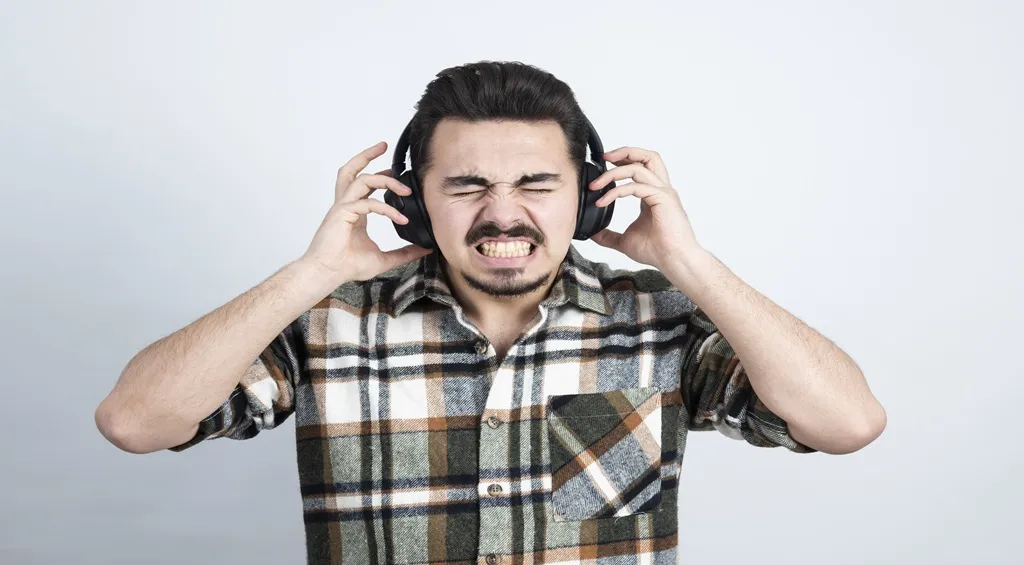
Ear fatigue is almost never about volume alone. It is usually a mechanical problem — pressure, heat, and contact — that builds over a long meeting day. Four factors do most of the damage:
Clamping force
Headbands that squeeze too hard press the ear cups against the pinna (the cartilage of your outer ear).
After an hour or two, that pressure becomes a dull ache around the ear and jaw.
Heat and moisture
Sealed leather ear cups trap warm, humid air, irritating skin and making ears feel sore and sticky, especially in warm home offices.
In-ear pressure
Earbuds press directly into the ear canal, which is packed with sensitive nerve endings — tolerable for music, painful after back-to-back calls.
Understanding these causes makes the fix obvious:
- Reduce pressure
- Improve airflow
Soften every point of contact
Key Features to Look for in Zoom Headsets
When shopping for the best headset for meetings you will wear all day, prioritize these essential specs:
Weight
Aim for under 200 g for over-ear models, under 40 g for open-ear styles.
Clamping force
Look for adjustable headbands and flexible frames — secure, but never tight.
Breathability
Ventilated or open designs prevent the heat buildup that turns mild warmth into real soreness.
Noise-Cancelling Mic
An dual-mic ENC boom ensures loud background distractions are suppressed, preventing common issues where colleagues complain about a muffled voice or your
mic not working
A headset that scores well on weight, clamping force, and breathability will outperform a "premium" model that ignores them.

3 Practical Habits to Prevent Meeting Ear Fatigue
Even the most comfortable headset benefits from good habits that dramatically extend comfortable wear time:
Take micro-break
Remove your headset for 10 minutes every 90 minutes so your ears can cool and recover circulation.
Loosen the fit
Extend the headband one notch beyond snug. A slightly looser fit rarely affects audio but noticeably reduces clamping soreness.
Keep volume near 60 percent
Listening fatigue compounds physical soreness; Zoom's built-in volume normalization helps.
If you apply these habits and your ears still hurt daily, the headset itself is the problem — which brings us to design.

Best Headset Designs for Sensitive Ears
For sensitive ears, headphone design matters more than any single spec.
Here is how the three main styles compare for long Zoom sessions:
| Design | Comfort over 4+ hours | Ventilation | Mic quality | Best for |
|---|---|---|---|---|
| Over-ear (closed-back) | Good if cushions are deep memory foam | Poor — traps heat | Excellent | Noisy offices, deep focus |
| On-ear | Moderate — presses on the pinna | Moderate | Good | Shorter meetings, hybrid days |
| Open-ear | Excellent — nothing touches the canal | Excellent | Good with ENC dual mics | Sensitive ears, all-day calls |
For professionals whose ears throb regardless of cushion softness, open-ear air-conduction designs eliminate mechanical pressure completely.
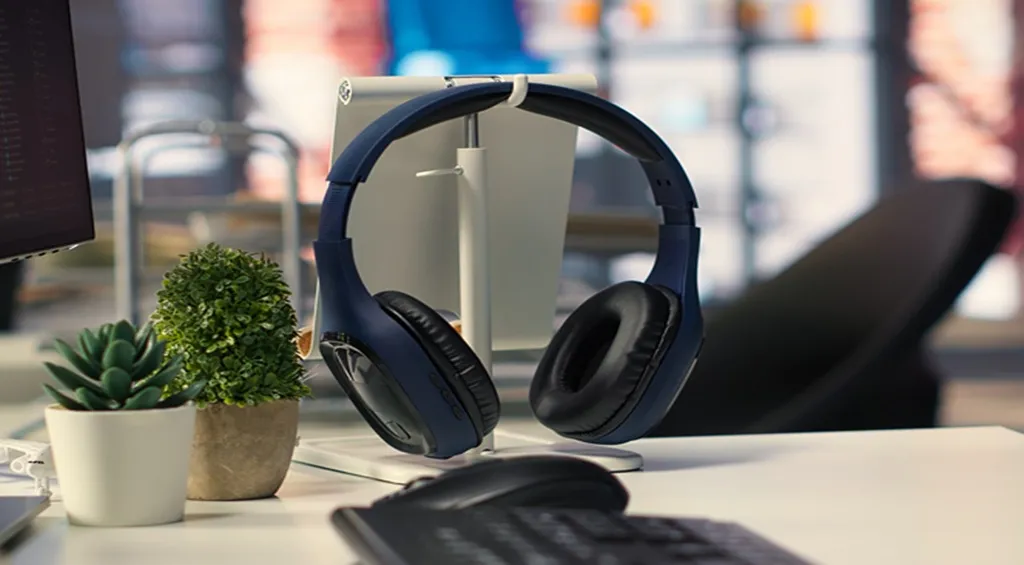
Nothing touches or blocks the ear canal—directional acoustics beam crisp sound directly to your ears while leaving them fully ventilated.
You can read our detailed
How to Choose Your Ideal Meeting Headset
Putting it all together, here is a simple decision path:
Assess your ears
If earbuds or tight headbands have ever made your ears ache, rule out in-ear and high-clamp on-ear designs entirely.
Verify battery and controls
· 12+ hours of talk time
· Physical mute button
· Ulti-device pairing
Match weight to your day
· Under 40 g for open-ear, under 200 g for over-ear.
· Glasses wearers should prioritize flexible silicone frames that do not pinch the arms.
For marathon Zoom days, sensitive ears, and all-day communication, a sub-40 g noise-cancelling open-ear headset delivers the best balance of pain-free wear and studio-grade voice clarity.
FAQs
1.What are the best headphones for Zoom calls if my ears hurt after long meetings?
Choose a headset under 200 g (or under 40 g for open-ear) with minimal clamping force and soft, breathable contact points.
2.Are open-ear noise-cancelling headphones good for Zoom calls?
Yes.
· Open-ear designs rest comfortably outside the ear canal, they eliminate clamping pressure, earwax buildup, and trapped heat.
· Equipped with ENC noise-cancelling boom microphones, they allow you to hear your own voice naturally without conversational fatigue.
3.Why do my ears hurt after wearing headphones all day?
Clamping force on the pinna, heat trapped in sealed ear cups, hard contact points on cartilage or glasses arms, and in-ear pressure are the usual causes.
Volume and long sessions without breaks amplify them.