













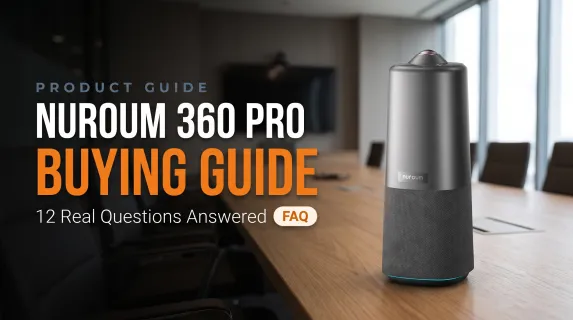
Choosing a 360° conference camera often comes with the same practical doubts: will people at the far end of a long table look blurry, does auto-tracking get dizzy during fast debates, and can the mics handle overlapping voices?
To give IT managers and hybrid teams clear expectations, we compiled 12 of the most common pre-purchase questions buyers ask about the Nuroum 360 Pro. Below are direct, spec-backed answers covering video clarity, room acoustics, display compatibility, and daily reliability.
Key Takeaways
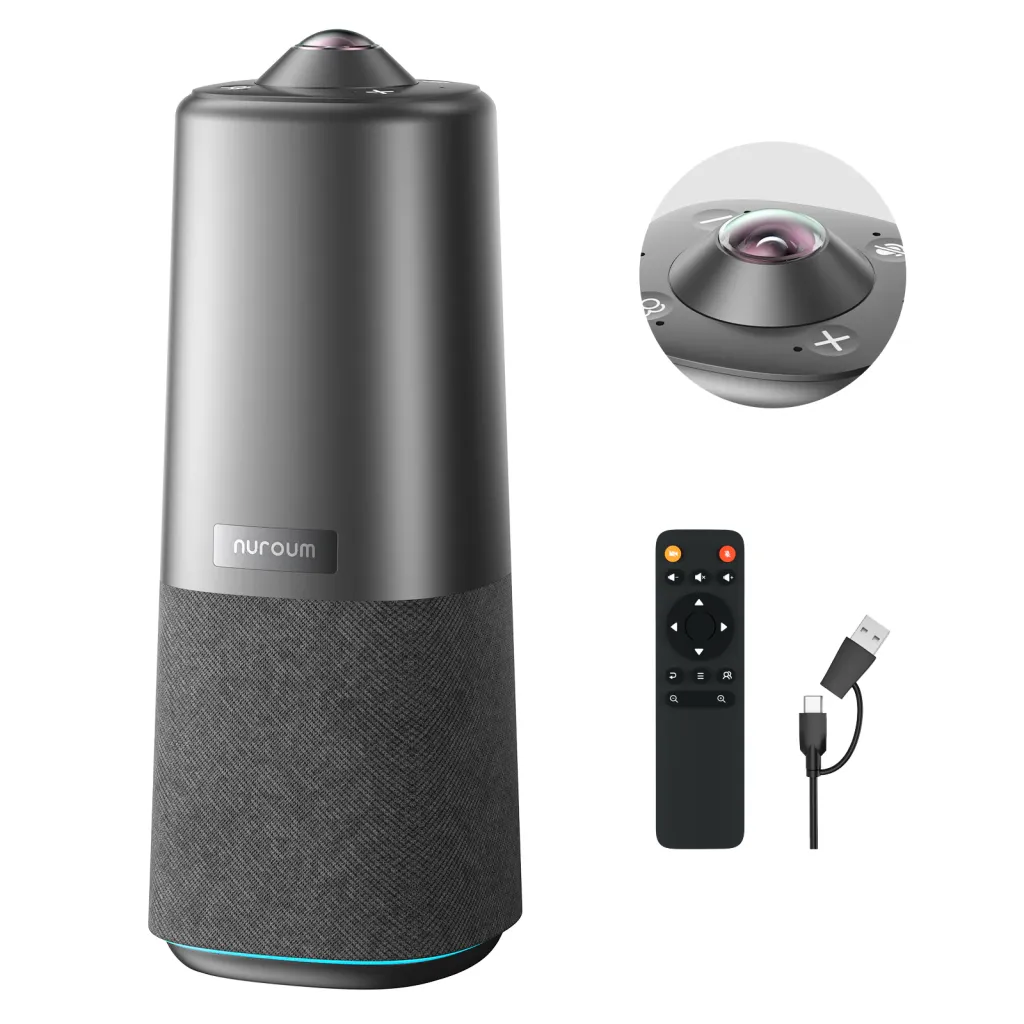
Sharp Long-Table Video & Smooth Tracking: A 50MP Sony sensor with 3× digital zoom keeps faces clear up to 12–15 ft, while the on-device 2 TOPS NPU frames active speakers smoothly without draining laptop CPU.
20-Foot Full-Duplex Audio: Six omnidirectional mics with AGC and ProperClean 2.0 pick up quiet voices, suppress glass-room echo, and handle overlapping speech without clipping words.
True USB Plug-and-Play (No Built-in Android): Works out of the box with Zoom, Teams, and Google Meet on existing room TVs—eliminating OS boot lag and IT firmware maintenance.
Ideal Room Fit: Best for 6–14 person conference rooms and hybrid spaces; rooms longer than 25 ft are better served by a front-of-room optical zoom bar.
Quick Reference: How the Nuroum 360 Pro Handles Common Room Challenges
Meeting Challenge | Hardware Behind It | Practical Room Limit |
|---|---|---|
Far-End Table Clarity | 50MP Sony CMOS + 3× Digital Zoom | Sharp facial detail up to 12–15 ft |
Fast Speaker Switching | On-Device 2 TOPS NPU | Smooth framing without laptop CPU lag |
Overlapping & Quiet Voices | 6-Mic Array + Full-Duplex + AGC | 20 ft (6 m) 360° pickup radius |
Display & App Setup | USB Plug-and-Play (No Built-in OS) | Instant pairing with existing room TVs |
Part 1: Video Clarity, Office Lighting & AI Speaker Tracking
1. How sharply does it capture remote participants at long tables?
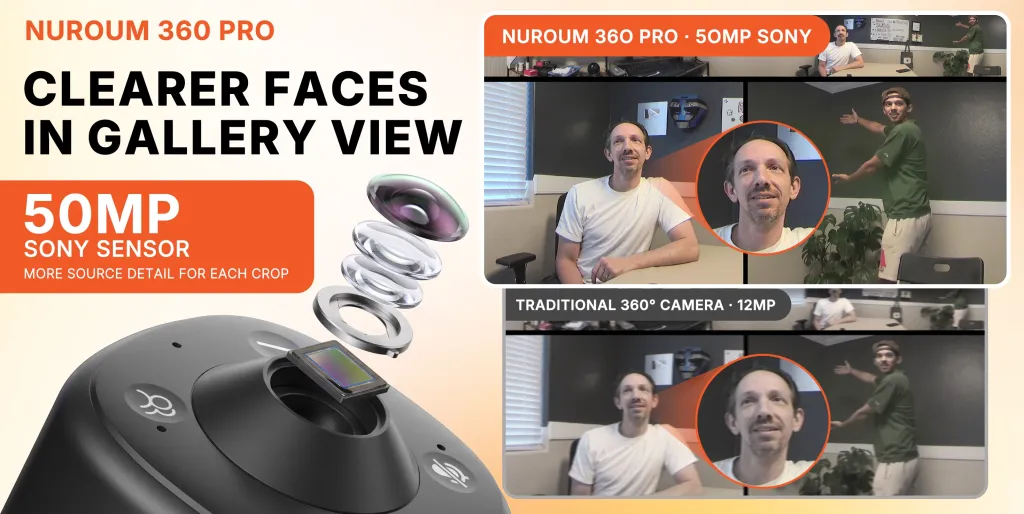
The Nuroum 360 Pro uses a 50MP Sony CMOS sensor combined with 3× digital zoom, retaining substantially more pixel density after panoramic de-warping than standard 12MP 360° cameras. Participants seated 12 to 15 feet away at either end of a conference table remain clearly recognizable with natural facial detail. For extra-long boardrooms exceeding 20 feet, however, a front-of-room optical zoom camera will still resolve distant faces more sharply than any center-table 360° lens.
2. How smoothly does the automatic speaker tracking follow fast conversation?
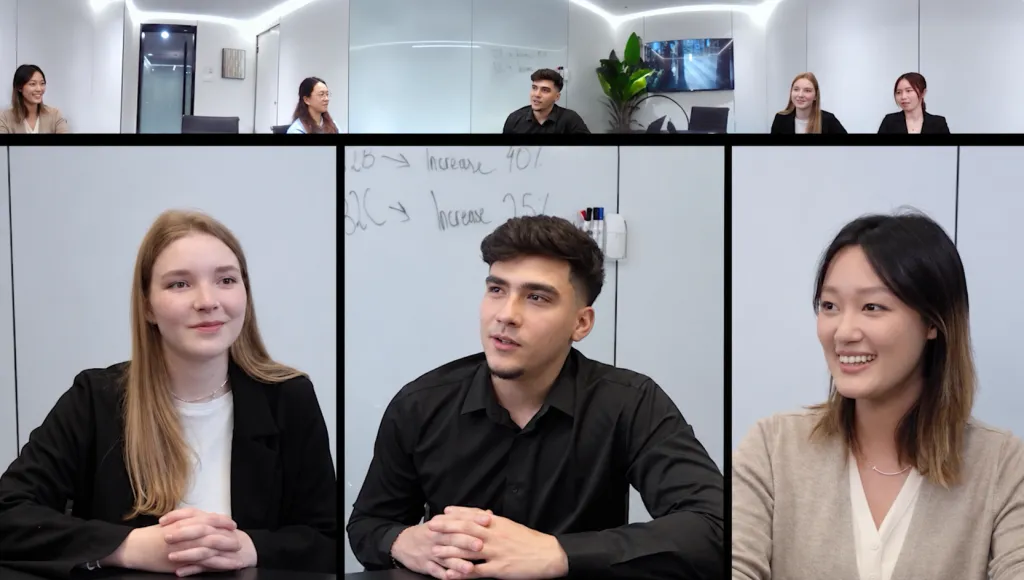
An on-device 2 TOPS NPU handles voice localization and facial framing locally, eliminating the lag caused by routing AI processing through your laptop. Instead of rapidly whipping a single frame back and forth during back-and-forth banter, Discussion Mode splits the screen to keep multiple active speakers framed simultaneously. This multi-pane layout prevents viewer motion fatigue while keeping remote attendees engaged.
3. How accurately does its AI track fast-moving speakers?
When a presenter walks toward a whiteboard or paces along the side of the room, switching to Presentation Mode locks onto the primary speaker and follows their movement smoothly. The tracking algorithm applies gentle framing transitions rather than abrupt jumps, keeping the presenter centered without jittery camera shake.
4. How well do colors look under office lighting?
Equipped with an F2.0 aperture and adaptive auto white balance, the lens captures balanced, true-to-life skin tones under typical cool-white LED or fluorescent office fixtures. It also compensates well for mixed lighting near windows, though avoiding direct backlighting from uncovered glass walls behind participants will always yield the cleanest exposure.
Part 2: Audio Pickup, Room Echo & Overlapping Conversations
5. How clearly does the 360-degree microphone pick up distant and quiet voices?
The built-in 6-microphone omnidirectional array captures voices evenly across a 20-foot (6-meter) radius. Integrated Automatic Gain Control (AGC) dynamically boosts softer voices from participants sitting farther down the table, allowing everyone to speak at a normal conversational volume without leaning toward the center.
6. How cleanly does the audio pickup handle overlapping room conversations?
Thanks to Full-Duplex audio processing, the 360 Pro transmits and receives audio simultaneously without clipping words when two people chime in at once. If multiple in-room participants talk over each other simultaneously, the beamforming array prioritizes the dominant voice source so remote listeners still hear intelligible speech rather than garbled static.
7. How well do its built-in mics suppress room echo?
ProperClean 2.0 noise suppression and Acoustic Echo Cancellation (AEC) actively filter out HVAC hum, keyboard typing, and reverberation off glass partitions or bare conference tables. In standard drywall or glass-walled meeting rooms, voices sound crisp and close-mic'd, though cavernous rooms with bare concrete floors still benefit from basic acoustic panels or carpeting.
8. How does it handle mixed remote and in-room audio?
The speaker and microphone array are acoustically isolated so remote participants' voices playing through the room speaker do not loop back into the mics. This prevents echo feedback and lets remote colleagues interject naturally while someone in the conference room is speaking.
Part 3: Room Display Integration, Setup & Hardware Reliability
9. How well does the camera integrate with major video apps?
The 360 Pro operates on standard UVC/UAC plug-and-play protocols, working natively with Zoom, Microsoft Teams, Google Meet, Webex, and Slack on both Windows and macOS. You do not need to install mandatory background drivers just to get video and audio running, though the optional NearSync desktop app is available for firmware updates and custom framing tweaks.
10. How easy is it to position on a shared table and connect to existing meeting room displays?
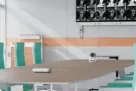
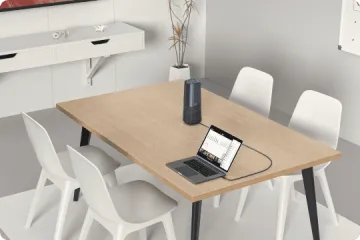
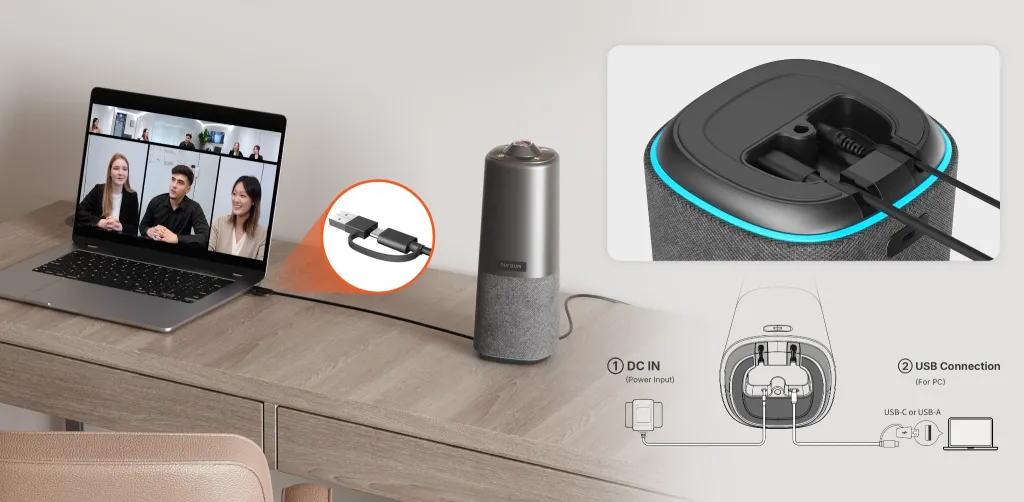
Its compact cylindrical footprint sits cleanly in the center of a shared table without blocking eye contact across the room. In a typical BYOD room setup, you connect your laptop to the existing conference room TV or projector via HDMI for display output, and plug the 360 Pro into your laptop via USB—no wall mounting or room rewiring required.
11. Does it have a built-in Android interface, and how responsive are its controls?
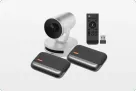
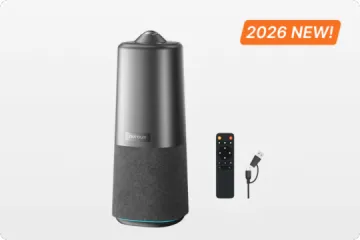
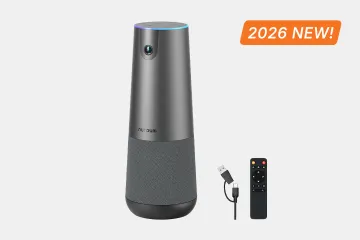
No—the Nuroum 360 Pro is a dedicated USB peripheral with no built-in Android operating system. Because there is no onboard OS to boot up, lag, or patch for security vulnerabilities, response times are instantaneous. Switching view modes or muting the mic via the included physical remote control or top touch buttons happens with zero delay.
12. How warm does it run during long meetings?
The 360 Pro uses a fanless passive cooling design so mechanical fan noise never bleeds into the microphones. During back-to-back two- to three-hour video calls, the outer chassis will feel noticeably warm to the touch as it dissipates heat, which is normal thermal behavior and does not cause video throttling or disconnects.
Final Verdict: Is the Nuroum 360 Pro Right for Your Room?
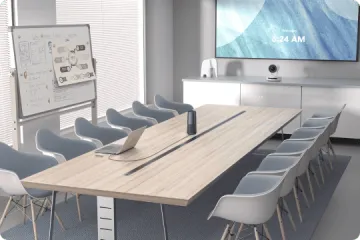
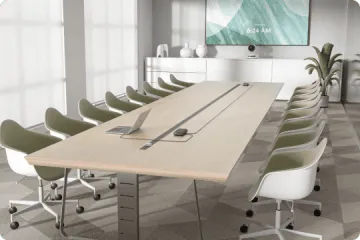
Best Fit: Medium conference rooms and boardroom tables seating 6 to 14 people, teams utilizing existing TV displays in a BYOD workflow, and hybrid meetings that mix round-table discussions with whiteboard presentations.
Consider Alternatives: Extra-large lecture halls or training rooms longer than 25 feet (where a front-of-room optical zoom PTZ bar like the Nuroum C40 or expansion mic setup works better), or dedicated IT rooms that require an standalone Android appliance with no laptop connection.