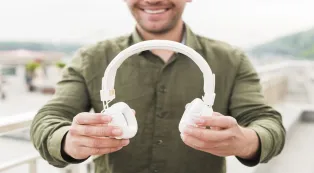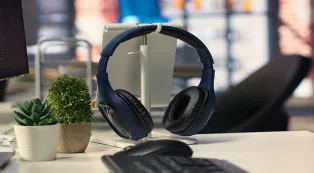












































A headset combines headphones and a microphone, but call quality depends on more than adding a boom. Match the wearing style to your environment, prioritize microphone noise reduction for loud spaces, and choose connectivity that fits your devices. Open-ear, single-ear, dual-ear, wired, and wireless designs each solve a different problem.
Key Takeaways
- For calls in noisy rooms, prioritize a noise-cancelling microphone and a well-positioned boom over speaker ANC alone.
- Choose single-ear or open-ear designs when awareness matters; choose dual-ear models when concentration matters more.
- A headset rated for up to 45 hours can reduce charging breaks, while a wired USB model removes battery concerns entirely.
- Before buying, run one real meeting and a 60-second recording to check your voice, fit, controls, and connection.
The top headphones with microphone are not simply the models with the longest feature list. The right choice depends on where you take calls, how long you wear them, and whether you need isolation or awareness.
This guide explains headset basics first, then compares practical designs for work, study, commuting, and everyday communication.
What Is a Headset?
A headset combines listening speakers with a microphone in one device. Standard headphones focus on playback, while a headset is built for two-way communication through meetings, calls, gaming, or voice recordings.
That microphone changes the buying decision. A model can sound excellent for music yet perform poorly on calls if it picks up keyboard noise, echoes, or nearby conversations.
If clear communication in busy settings is your priority, choosing the
When comparing options, judge both what you hear and what other people hear.
What Are the Main Parts of a Headset?
| Part | What it does | What to check |
|---|---|---|
| Microphone | Captures your voice | Boom position, noise reduction, mute control |
| Earcups or earpieces | Deliver sound to you | Fit, isolation, speaker clarity |
| Controls | Manage calls and audio | Accessible mute, volume, and power buttons |
| Connection hardware | Links to your device | Cable, Bluetooth, USB receiver, or included dongle |
| Battery | Powers wireless models | Rated runtime and charging method |
What Are the Different Types of Headsets?
The main headset types overlap, so start with the design that best matches your environment. If you are comparing different setups to find the
Wired: Connects through USB or an audio jack. It needs no charging and suits a fixed desk, but the cable limits movement.
Wireless: Uses Bluetooth or a USB receiver. It offers more freedom, but requires charging and compatible hardware.
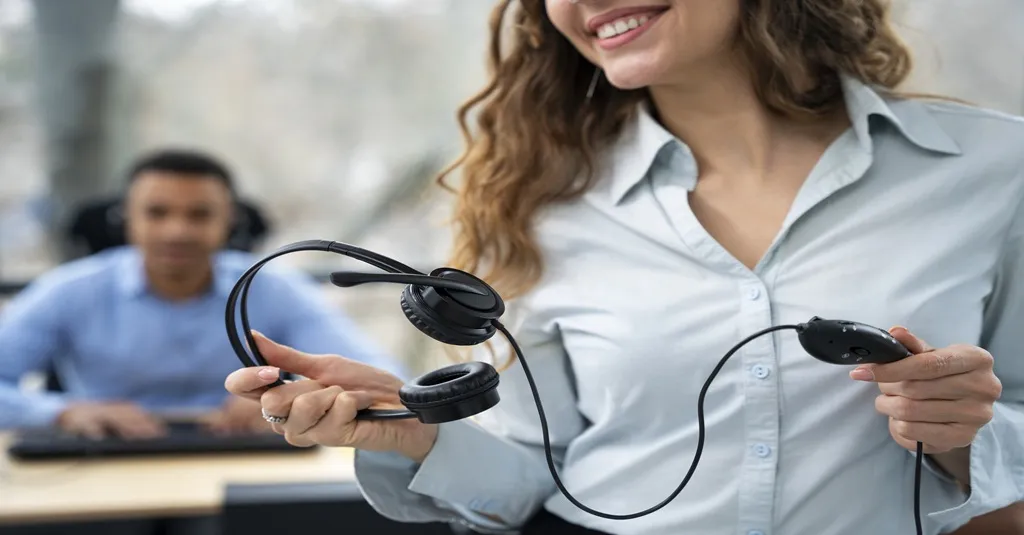
Single-ear (monaural): Covers one ear and leaves the other open. It suits receptionists, drivers, and call handlers who need awareness.
Dual-ear (binaural): Covers both ears. It is better for concentration and immersive listening, though it can feel more isolating.
Open-ear: Leaves the ear canal unobstructed. It favors comfort and awareness, but usually provides less isolation in loud rooms.
On-ear or over-ear: Rests on or surrounds the ears. These designs can improve listening focus, with comfort varying by clamping force, padding, and heat.

How Do Different Headset Types Compare?
| Type | Call focus | Awareness | Portability | Power needs | Best-fit use |
|---|---|---|---|---|---|
| Wired dual-ear | High | Low | Medium | None | Desk-based meetings |
| Wireless dual-ear | High | Low | Medium | Charging | Focused remote work |
| Wireless single-ear | Medium–high | High | High | Charging | Calls plus nearby activity |
| Open-ear wireless | Medium–high | Very high | High | Charging | Mobile work and commuting |
These are general design tendencies, not guarantees. Microphone tuning, fit, and your environment can matter as much as the category.

What Features Matter Most in a Headset?
Microphone clarity
Look for a design intended to reduce background noise.
The right noise control
ANC helps you hear by reducing incoming ambient sound. Microphone noise reduction helps others hear you. They are not interchangeable.
Comfort
Consider weight, pressure, ear heat, and whether you wear glasses. Long calls expose small fit problems quickly.
Connectivity
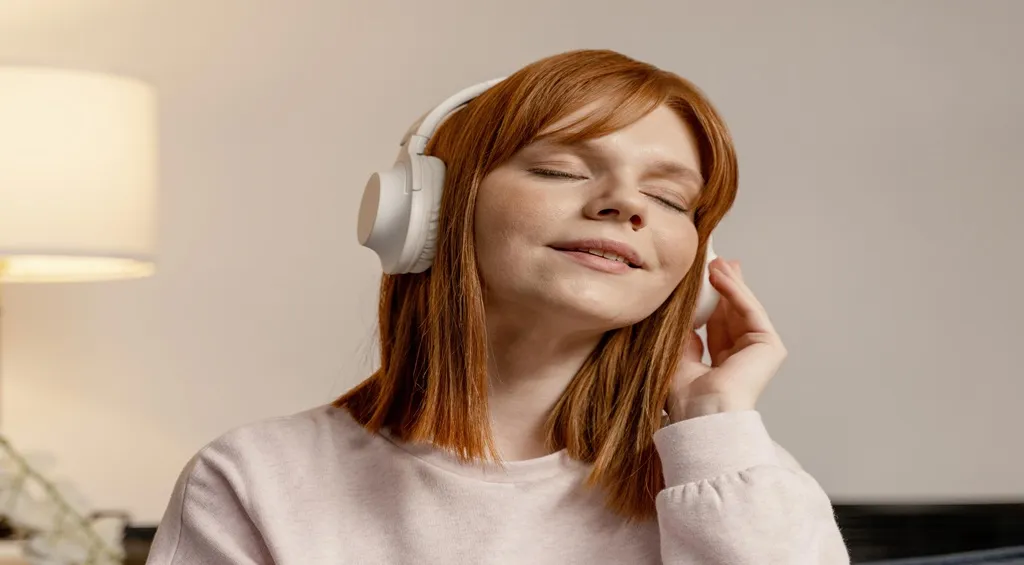
Bluetooth is convenient with phones, while a USB dongle can simplify computer setup. Check ports, device compatibility, and app support.
Battery and controls
Compare rated runtime with your longest workday. A charging base and an easy-to-find mute button add everyday convenience.
Which Headset Type Is Best for Your Needs?
These three featured models illustrate how different designs solve different call problems. They are use-case picks, not a universal ranking.
For awareness and mobile work: Nuroum Open Ear Pro 2
The Nuroum Open Ear Pro 2 uses a 31g lightweight design with dual noise-canceling microphones, a USB-A/C dongle, and a dedicated mute button. As an
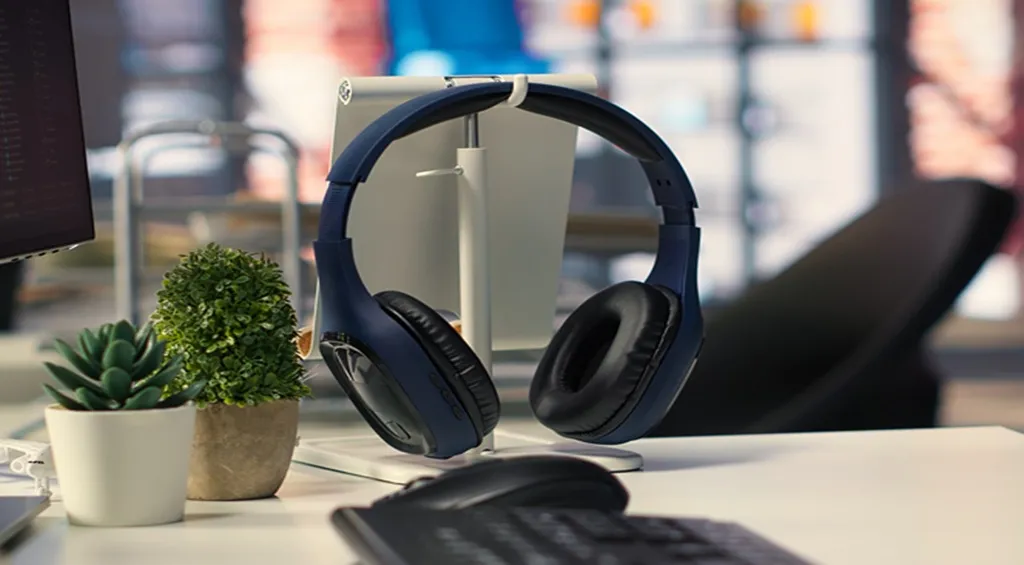
For focused, dual-ear calls: Nuroum HP31D
The Nuroum HP31D combines a binaural design with two noise-canceling microphones, HiFi4 DSP, a charging stand, USB-A dongle, and up to 45 hours of rated battery life.
If you need a reliable
For one-ear calls: Nuroum HP31S
The Nuroum HP31S keeps one ear free while offering the same 45-hour battery rating, charging stand, and USB-A dongle format.
Designed as a flexible
For immersive listening or maximum focus, the HP31D is the more natural alternative.
How to Choose the Right Headset
Start with your environment, not a product ranking:
- Noisy room: Prioritize outgoing microphone noise reduction and a dual-ear design for listening focus.
- Home with interruptions: Choose open-ear or single-ear if awareness matters; use dual-ear when you need separation.
- All-day desk work: Test weight and clamping force, then compare battery needs and charging convenience.
- Phone-first use: Check Bluetooth compatibility and controls. For computer-first use, consider a dedicated USB connection.
Check the recording, mute control, fit, and connection before committing. For a broader shortlist, see these best office headset options.
FAQs
Is ANC the same as microphone noise cancellation?
No. Active noise cancellation mainly reduces the sound you hear through the earpieces. Microphone noise reduction targets unwanted sound in your outgoing voice. For callers in busy spaces, both can help, but microphone performance is what improves clarity for listeners.
Can an open-ear headset work in a noisy office?
It can keep you aware of nearby activity and may use microphone processing to improve outgoing calls. However, its open design provides less listening isolation. If surrounding noise makes it hard to hear others, a closed dual-ear headset may be more suitable.
Why does my headset microphone work on one device but not another?
The second device may be using a different input, blocking microphone permission, or running outdated audio settings. Select the headset explicitly in both system and app settings, reconnect it, and test a recording. Also check whether a physical mute control is enabled.
Should I choose Bluetooth or a USB dongle?
Bluetooth is convenient for phones and tablets without extra hardware. A USB dongle can offer a simple dedicated computer connection, especially when a work PC has unreliable Bluetooth.