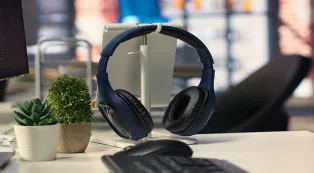











































Certification is mostly ecosystem binding and brand premium.
In real calls, a universal headset with a quality AI noise-canceling microphone, a stable USB dongle, and all-day comfort performs on par with certified models — often at half the price.
This guide ranks the best headset for Zoom calls across budgets and explains how to pick by your environment, not by a badge.
Key Takeaways
- A Zoom Certified or Teams Certified headset guarantees compatibility, not better microphones — mic hardware and AI noise cancellation matter far more than the badge.
- Universal headsets with a dedicated USB dongle avoid the latency and dropouts that plague plain Bluetooth, closing the biggest real-world gap.
- For noisy homes, prioritize AI mic noise cancellation rated for background voices; for open offices, add hybrid ANC and multipoint.
- Budget $60–$120 covers most remote workers' needs; paying $300+ only makes sense if your IT department mandates certified fleets.
You need the best headset for Zoom calls, and every search tells you to buy a "Zoom Certified" or "Teams Certified" model — usually for $250 or more.
But here's the truth: certification guarantees compatibility, not superior sound. A well-built
Here's how the two actually compare — and the 10 best headphones for Zoom meetings right now.
What Is Zoom/Teams Certification?
Zoom and Microsoft Teams certify headsets that pass their interoperability and audio-standard tests. In practice, that means:
- Guaranteed plug-and-play recognition — the device shows up correctly in the app
- A dedicated button for mute, call answer, or the platform's assistant
- Firmware-level integration so the platform can push updates
Why You Don't Need a "Certified" Headset
Call quality on Zoom and Teams comes down to three things, none of which require a badge:
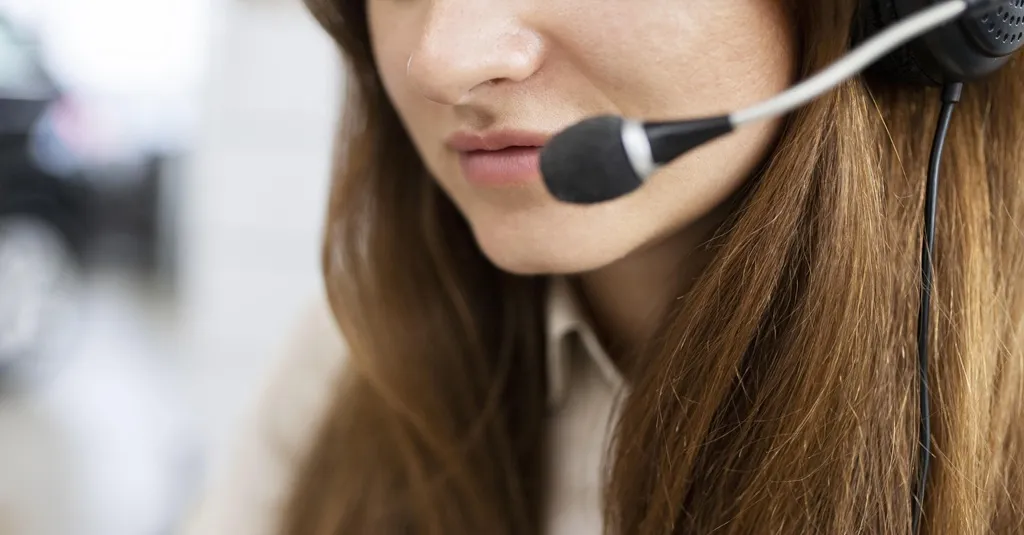
AI noise-canceling microphone
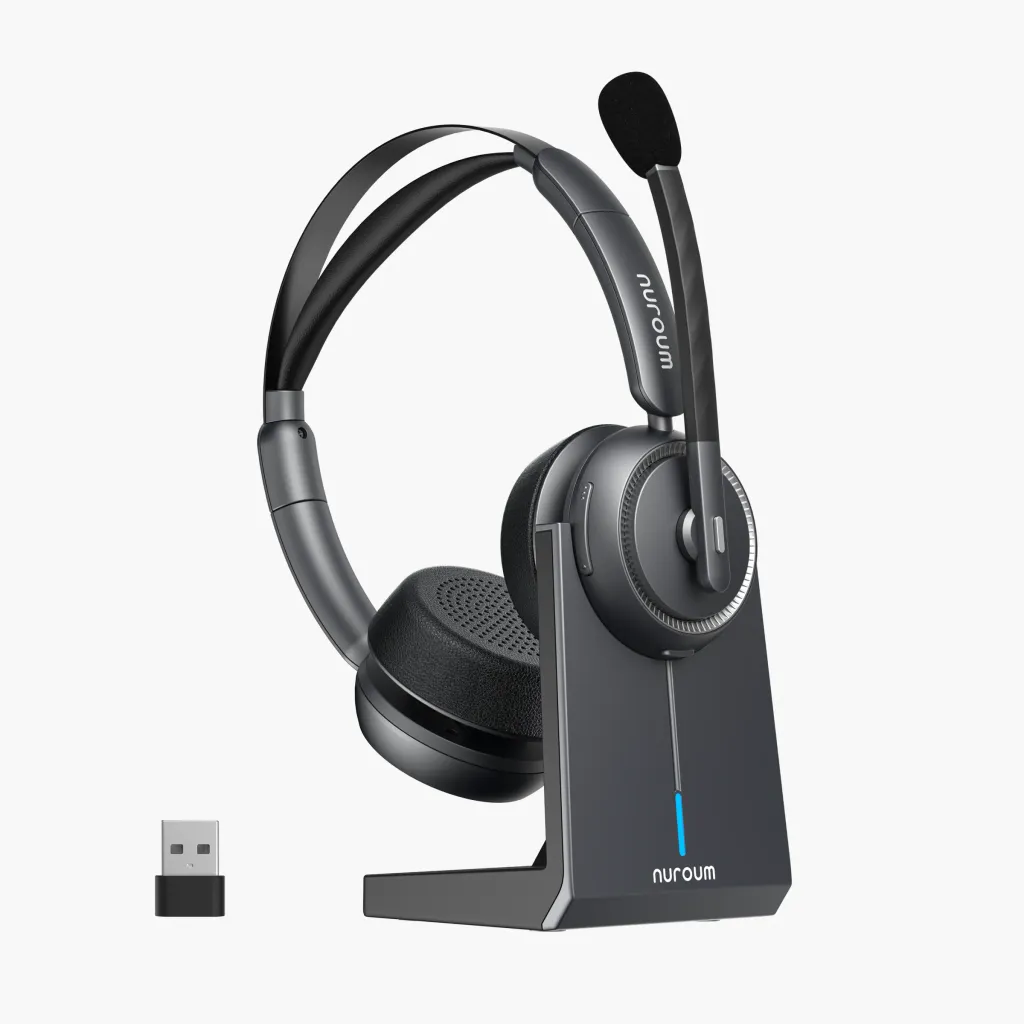
Modern AI chips isolate your voice from kids, pets, keyboards, and traffic. This is a hardware feature — the Nuroum HP31DSP, for example, filters out background voices using an AI algorithm, with no certification involved.
A dedicated USB dongle
Plain Bluetooth fights the "hands-free profile" problem: mics and speakers share limited bandwidth, causing latency and dropouts.
A USB dongle (or wired USB) creates a stable, low-lag link. This alone solves most Zoom audio not working complaints.
Standard USB drivers
Zoom, Teams, and Google Meet all use standard audio drivers. Any compliant device "just works" — certification is a confirmation, not a requirement.
The result:
A $100 universal headset with noise cancelling microphone routinely outperforms a $300 certified model from three years ago.
How We Tested and Ranked the Best Headsets for Meetings
We evaluated each headset across five criteria that determine real call quality:
| Criterion | What We Measured |
|---|---|
| Mic clarity | Voice pickup in quiet, home-noise, and open-office conditions |
| AI noise cancellation | How well background voices, typing, and appliances were removed |
| Connection stability | Latency and dropouts via dongle, Bluetooth, and USB |
| Comfort | Weight, clamp force, and earcup heat after 4+ hours |
| Value | Performance relative to price — the "certified tax" factor |

The 10 Best Headsets for Zoom Meetings in 2026 (Certified & High-Value Universal Options)
| # | Headset | Type | Best For | Key Strength | Approx. Price |
|---|---|---|---|---|---|
| 1 | Nuroum HP31D | Universal | Noisy homes | AI mic noise cancellation, USB dongle | $100 |
| 2 | Nuroum OpenEar Pro 2 | Universal (open-ear) | All-day wear | Open-ear comfort, beamforming mics | $90 |
| 3 | Jabra Evolve2 65 Flex | Teams Certified | Office pros | Comfort + certified reliability | $250 |
| 4 | Poly Voyager Focus 2 | Teams Certified | Open offices | Hybrid ANC, certified | $220 |
| 5 | Logitech Zone Wireless 2 | Zoom Certified | Hybrid workers | Certified, multipoint | $250 |
| 6 | Anker PowerConf H700 | Universal | Budget buyers | Great mic, low price | $80 |
| 7 | Sony WH-1000XM5 | Universal | Travel + calls | Top-tier ANC, decent mic | $350 |
| 8 | Bose QuietComfort Ultra | Universal | Noise blocking | Class-leading ANC | $380 |
| 9 | Epos Adapt 260 | Teams Certified | All-day desk use | Dual connectivity | $180 |
| 10 | JLab Go Work | Universal | Under $50 | Surprisingly capable mic | $45 |
Our take:
- The Nuroum HP31D delivers 90% of the certified-flagship experience for 40% of the price.
- If you wear headsets 8+ hours daily, the OpenEar Pro 2 removes ear fatigue entirely while its beamforming mics keep calls crisp.
Certified models like the Evolve2 remain smart picks only when IT mandates them.
The Right Headset for Your Work Environment and Budget
Loud home (kids, pets)
Prioritize AI mic noise cancellation.

Long wear
Under 200 g or open-ear designs prevent the afternoon ache. Headphones for small heads deserve a check too — fit affects mic boom position more than most buyers realize.
Travel/hot-desking
Multipoint Bluetooth plus a dongle, in a foldable frame.
Open office
You need hybrid ANC and mic noise cancellation.

FAQs
Do Zoom certified headsets sound better than universal headsets?
No — certification confirms compatibility, not microphone quality. AI noise cancellation hardware matters more, and universal headsets lead there at lower prices.
Is it worth paying extra for Teams certified headsets?
Only if your IT department requires them or you want the dedicated Teams button. Audio-wise, the premium buys little.
Why does my Bluetooth headset keep dropping audio on Zoom?
Bluetooth's hands-free profile limits simultaneous mic/speaker bandwidth. Switch to the headset's USB dongle or a wired connection.
How much should I spend on a headset for Zoom meetings?
$60–$120 covers AI mic noise cancellation, dongle stability, and all-day comfort for most people. Beyond that, you're paying for ANC luxury or certification.