











































Comparing air-conduction open-ear, bone conduction, and traditional headsets for Mac professionals — and why the Nuroum OpenEar Pro 2 wins on comfort, mic clarity, and multi-device connectivity.
Key Takeaways
Air conduction keeps the ear canal open without the vibration fatigue of bone conduction — at 31g, the Nuroum OpenEar Pro 2 stays comfortable through 8-hour call days, even with glasses.
A dedicated USB dongle sidesteps macOS's built-in Bluetooth codec downgrades and latency quirks; the OpenEar Pro 2's 2-in-1 USB-A/C dongle covers any Mac or iPad port without adapters.
HiFi 4 DSP plus dual-mic ENC isolates speech from dogs, typing, and household noise far better than earbud pinhole mics or standard cVc processing.
At $129.99, the OpenEar Pro 2 undercuts the Shokz OpenComm 2 UC ($199.95) by $70 while offering newer Bluetooth 5.4 and both dongle port types in the box.
Choosing the Right Business Headset for MacBook and iPhone Users
Apple users today often work across multiple devices — a MacBook for video meetings, an iPhone for calls, and sometimes an iPad for productivity. A professional headset needs to do more than deliver clear audio. It needs to provide:
Comfortable all-day wearing experience
Reliable connection with Mac and iPhone
Fast switching between devices
Portability for hybrid work and business travel
When choosing the best business headset for Apple users, three popular designs stand out:
Open ear business headset with boom microphone
Bone conduction headset
Over-ear business headset
In this comparison, we will look at three representative models: Nuroum OpenEar Pro 2, Shokz OpenComm, Jabra Evolve2 65. Each design has advantages, but for modern hybrid workers using MacBook and iPhone, open ear headsets offer the best balance between comfort, communication quality, and flexibility.
Open Ear Business Headset: The Best Balance for Modern Apple Users
Example: Nuroum OpenEar Pro 2
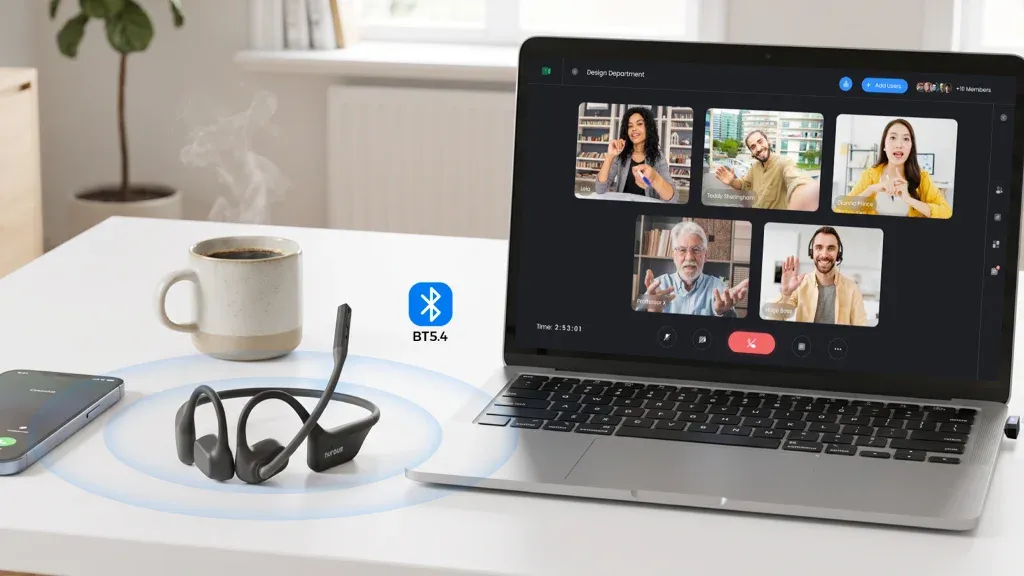
Nuroum OpenEar Pro 2 represents a new generation of professional headsets designed for hybrid workers. Instead of covering the ears like traditional office headsets or transmitting sound through the bones like bone conduction models, open ear headsets place lightweight speakers near the ears while keeping the ear canal open.
For Apple users who frequently move between MacBook, iPhone, home office, and shared workspaces, this design solves several common problems.
Why Open Ear Headsets Are Better for Long Meetings
Comfort
Many professionals spend 4–8 hours every day on Zoom, Microsoft Teams, Google Meet, or phone calls.
Traditional over ear headsets can create:
Ear pressure
Heat buildup
Sweating
Discomfort after long sessions
Bone conduction headsets avoid ear blockage, but some users experience pressure around the cheekbones after extended use.
Open ear headsets provide a different approach:
No pressure inside the ear canal
No enclosed feeling around the ears
Better airflow
Lightweight design
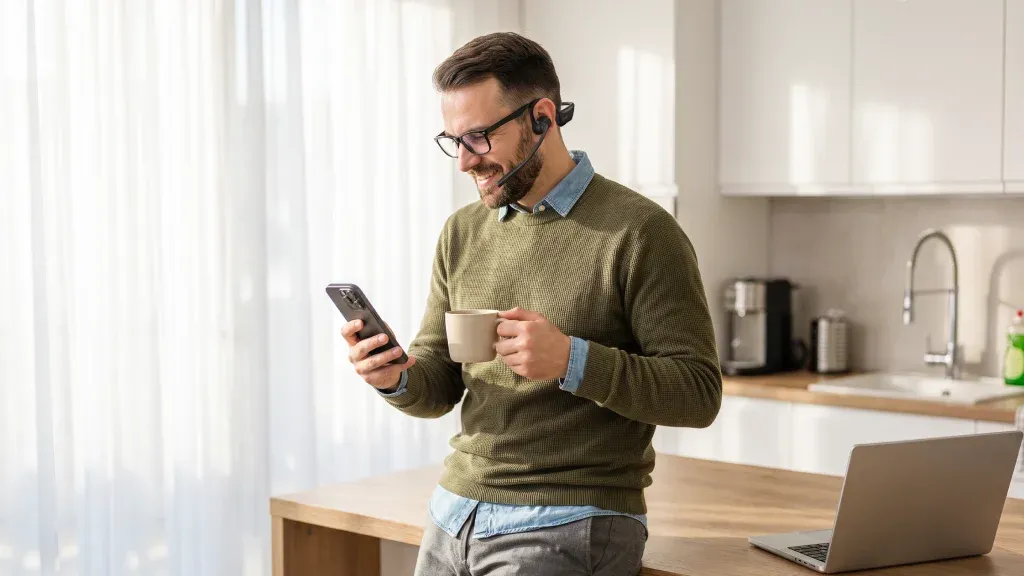
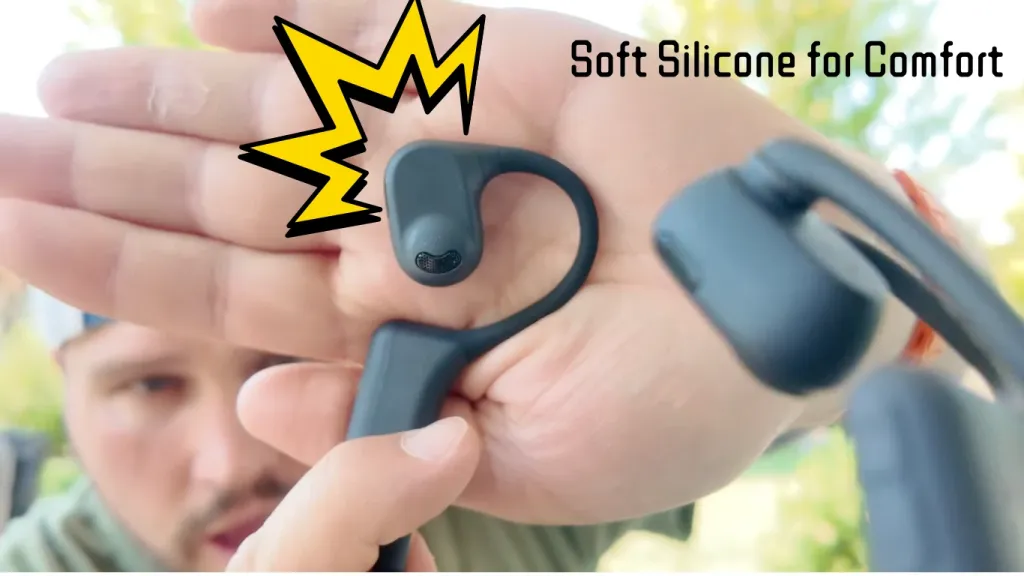
The Nuroum OpenEar Pro 2 weighs only about 31g and uses an open-ear structure designed for extended wearing comfort.
For professionals who spend all day in meetings, an open ear headset with microphone can feel almost invisible during use.
USB Dongle: Faster Switching Between MacBook, iPhone, and Other Devices
One challenge for Apple users is switching between devices.
A typical workflow:
Morning: Zoom meeting on MacBook
Afternoon: Teams call on laptop
Evening: Phone call on iPhone
Bluetooth pairing can sometimes require manual reconnection.
A business headset with a USB dongle provides a more professional experience.
Advantages:
Plug and Play Connection
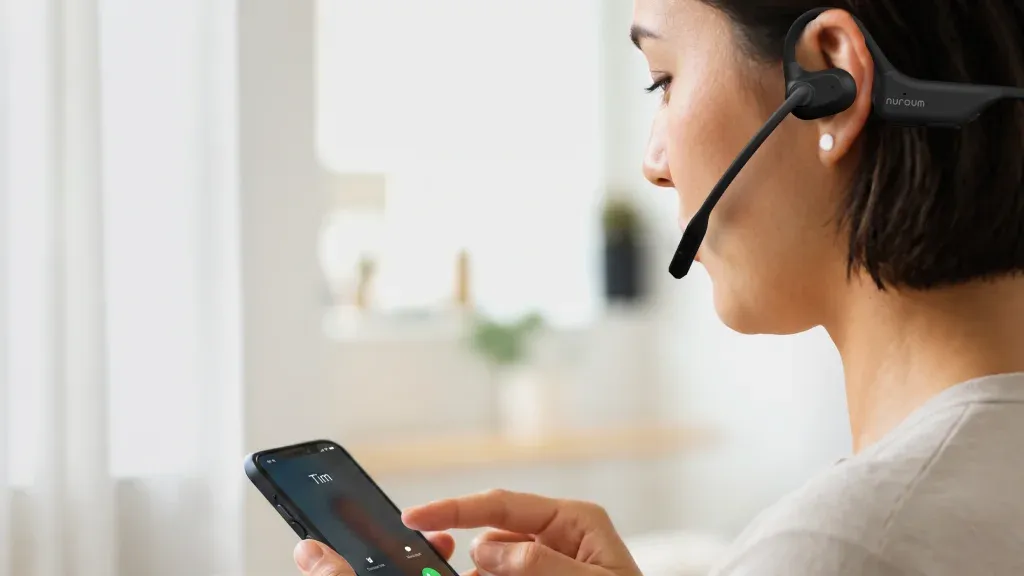
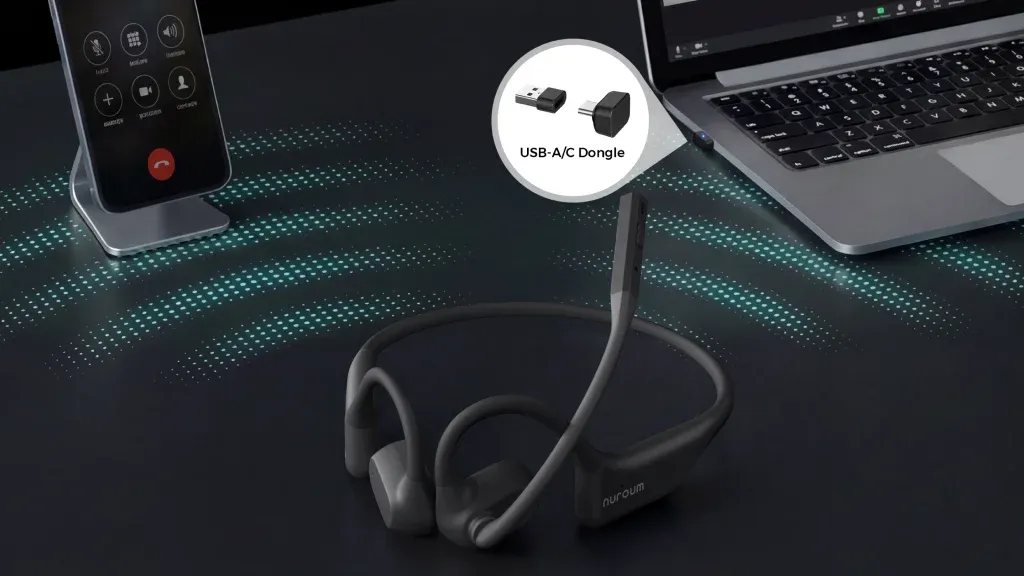
A USB-A/C dongle allows instant connection with computers without opening Bluetooth settings.
Lower Latency
USB dongles usually provide a more stable connection for video meetings.
Multi Device Switching
Premium business headsets allow users to stay connected to both computer and mobile devices. Nuroum OpenEar Pro 2 includes a USB A/C dongle and supports Bluetooth multipoint connection, making switching between computers and smartphones easier. Jabra Evolve2 65 also supports Bluetooth adapter connectivity and simultaneous connections.
For Apple users who work across MacBook and iPhone, a wireless headset with USB dongle is one of the most important productivity features.
Environment Noise Cancelling: Which Headset Performs Better?
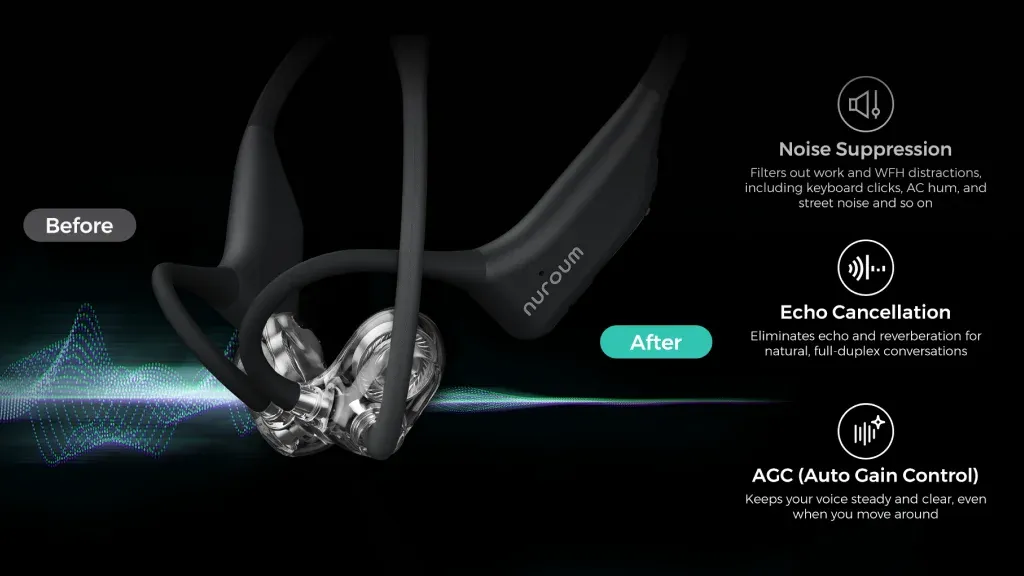
A common misunderstanding is that "noise cancelling" only means blocking what you hear. For business calls, microphone noise cancellation is equally important. There are two types:
1. Microphone Noise Cancellation
This reduces background noise heard by the person on the other side.
Examples:
Keyboard sounds
Office conversations
Coffee shop noise
2. Speaker Noise Isolation
This reduces noise you hear.
Alternative Headset Types: Bone Conduction vs. Over-Ear
Bone Conduction Headset——Example: Shokz OpenComm
Bone conduction headsets are popular among professionals who need maximum environmental awareness.
Advantages:
Ears remain completely open
Very lightweight
Good for outdoor workers
However:
Sound quality is usually weaker compared with air conduction
Bass performance is limited
Loud environments can make listening more difficult
Bone conduction is ideal for:
Warehouse workers
Field technicians
Outdoor professionals
But for daily MacBook meetings, an open ear headset usually provides a better balance.
Over Ear Business Headset——Example: Jabra Evolve2 65
Traditional over ear headsets remain popular in corporate environments.
Advantages:
Strong passive noise isolation
Good microphone performance
Professional office appearance
The Jabra Evolve2 65 features memory foam cushions, a boom microphone, and a USB Bluetooth adapter option.
However:
Heavier than open ear designs
Less comfortable in hot environments
Less awareness of surroundings
For employees sitting at a desk all day, over ear headsets still work well. But for hybrid workers moving between locations, open ear designs provide more flexibility.
Portability & Travel: Which Headset Fits the Hybrid Work Lifestyle?
Modern professionals rarely work from one location.
A business headset should fit into:
Laptop bags
Backpacks
Carry-on luggage
Comparison:
Open Ear Headset
Pros:
Lightweight
Compact
Comfortable during travel
Easy to wear for long periods
Bone Conduction Headset
Pros:
Extremely lightweight
Durable
Cons:
Less versatile for music and entertainment
Over Ear Headset
Pros:
Best sound isolation
Cons:
Larger
Takes more space
For frequent travelers using MacBook and iPhone, an open ear wireless headset is usually the most practical option.
Why Open Ear Headset Is the Best Choice for Apple Users
For most professionals, the ideal business headset should support:
✅ MacBook compatibility
✅iPhone connectivity
✅ Zoom and Microsoft Teams meetings
✅ Long working sessions
✅ Clear microphone quality
✅ Easy device switching
✅ Comfortable everyday use
Open ear headsets combine the strongest advantages:
More comfortable than traditional over ear headsets
Better voice pickup than many bone conduction headsets
More awareness than closed designs
More practical for hybrid work
For Apple users who need one headset for work, calls, and mobility, an open ear business headset with boom microphone is becoming the new standard.

Headset Comparison: Nuroum OpenEar Pro 2 vs. Shokz vs. Jabra
| Feature | Nuroum OpenEar Pro 2 | Shokz OpenComm | Jabra Evolve2 65 |
|---|---|---|---|
| Design | Open ear air conduction | Bone conduction | Over ear |
| Best For | Hybrid workers, Mac users, remote professionals | Outdoor workers, field professionals | Traditional office users |
| Comfort for All-Day Use | ⭐⭐⭐⭐⭐ | ⭐⭐⭐⭐ | ⭐⭐⭐ |
| Ear Pressure | None | None | Medium |
| Environmental Awareness | Excellent | Excellent | Limited |
| Boom Microphone | Yes | Yes | Yes |
| Microphone Noise Cancellation | Yes | Yes | Yes |
| USB Dongle Support | Yes (USB-A/C) | Yes (UC versions) | Yes |
| MacBook Compatibility | Excellent | Excellent | Excellent |
| iPhone Compatibility | Excellent | Excellent | Excellent |
| Multi Device Switching | Bluetooth multipoint + dongle | Bluetooth multipoint | Bluetooth multipoint |
| Portability | Excellent | Excellent | Average |
| Music Quality | Better than bone conduction | Basic | Best |
| Best Scenario | Hybrid work, meetings, travel | Outdoor communication | Office desk work |
Buying Guide: Which Headset Should You Buy for Your Apple Ecosystem?
If you are an Apple user looking for the best business headset for MacBook and iPhone, the right choice depends on your working style:
Choose open ear headset if you need comfort, flexibility, and all-day productivity.
Choose bone conduction headset if you work outdoors and need maximum awareness.
Choose over ear headset if you mainly work in a fixed office environment.
For today's hybrid workplace, an open ear business headset with boom mic and USB dongle offers the best combination of comfort, connectivity, and professional communication quality.