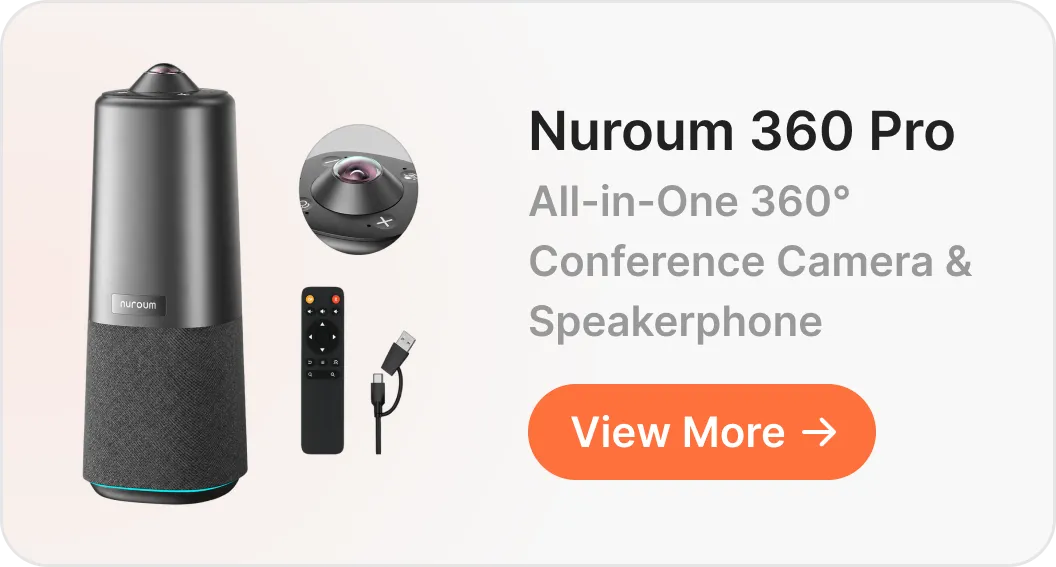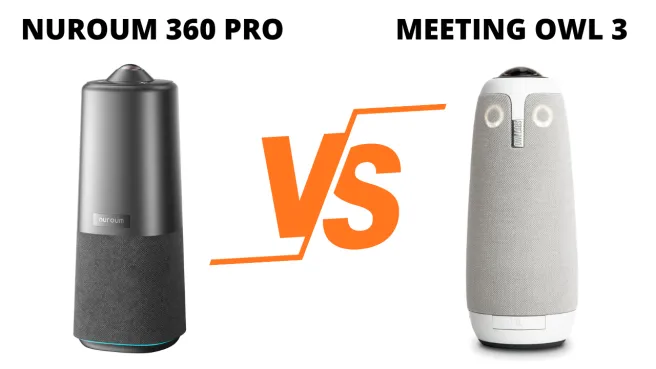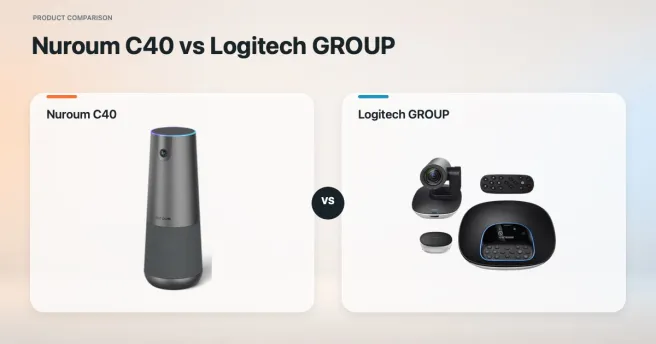
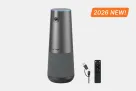
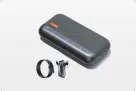

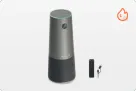
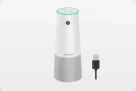
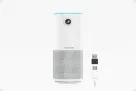
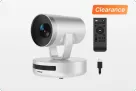
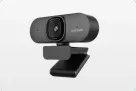
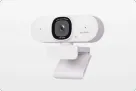
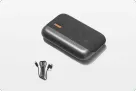
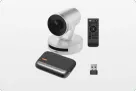
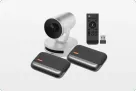










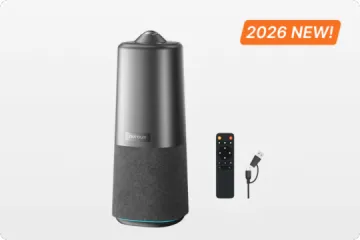
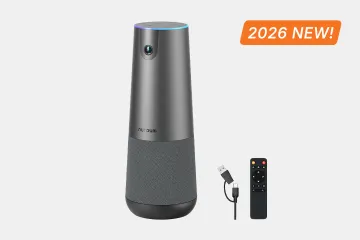
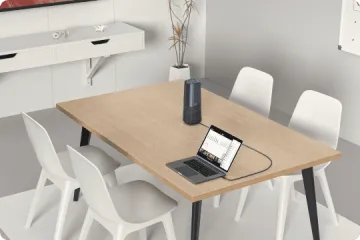

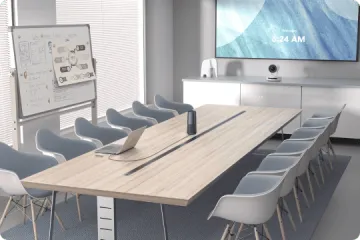
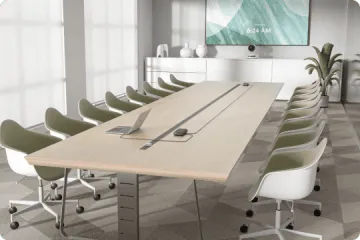
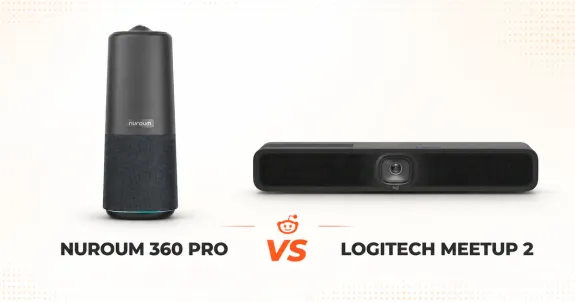
Nuroum 360 Pro is the stronger fit for conversations around a table, where center placement keeps the camera close to participants and simplifies local control. Logitech MeetUp 2 is better suited to compact, front-facing rooms with a planned USB-C, display, and control workflow.
Nuroum 360 Pro vs Logitech MeetUp 2: Start with how people sit
Choose Nuroum 360 Pro when the meeting happens around the table. Choose Logitech MeetUp 2 when the meeting happens toward a wall display in a compact, permanently configured room. The deciding factor is the room architecture, not a single camera specification.
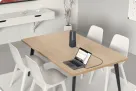
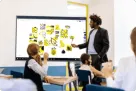
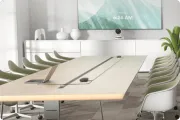
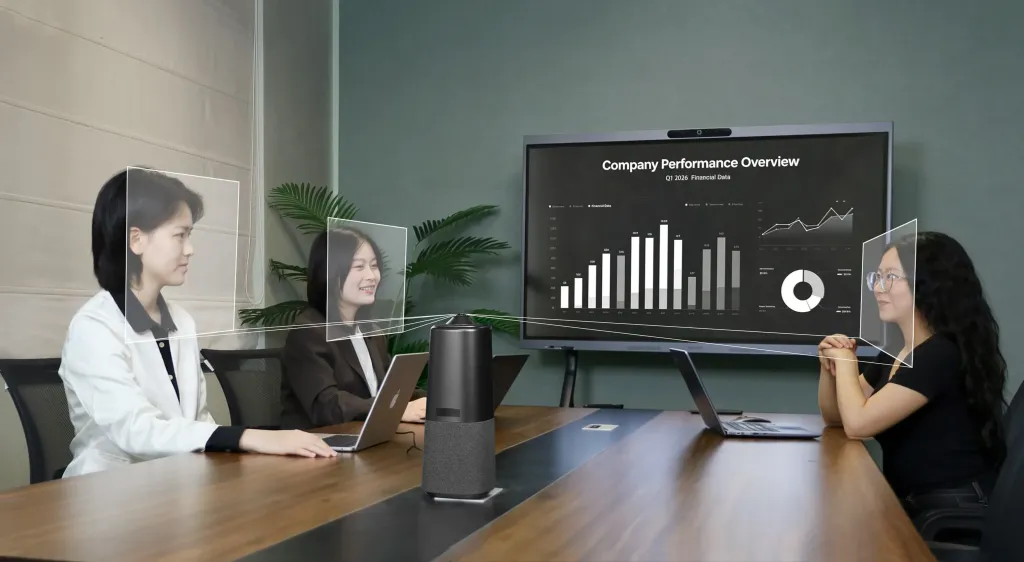
Around the table
Nuroum 360 Pro keeps the camera and main meeting controls close to participants seated on every side.
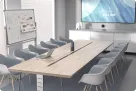
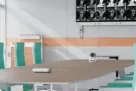
Toward the screen
Logitech MeetUp 2 organizes the camera, audio, display integration, and BYOD workflow around the front of the room.
Key takeaways
01 · ROOM GEOMETRY
A center-table 360° camera is the more natural fit when people sit and speak in several directions.
02 · BYOD PATH
MeetUp 2 can integrate the display workflow, but the laptop, cable, DP Alt Mode, and power expectations must align.
03 · LOCAL CONTROL
360 Pro separates the USB camera and audio path from the display connection and keeps view controls on the table.
Nuroum 360 Pro vs Logitech MeetUp 2: The architecture difference
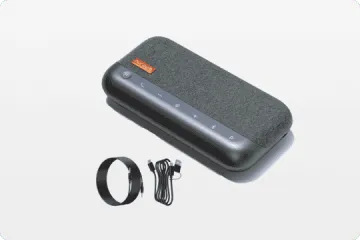
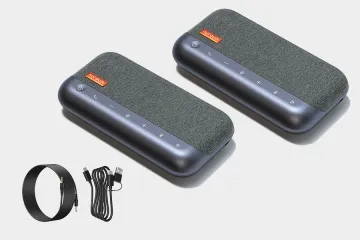
Logitech MeetUp 2 is a front-of-room video bar. The camera, microphones, speaker, display integration, and optional BYOD workflow are organized around a wall-facing layout. Nuroum 360 Pro sits in the middle of the table and acts as the computer's USB camera, microphone, and speaker.
On-table 360° camera
The conversation is the center
Participants can sit on opposite sides while remaining part of the primary view. The camera-to-person distance is more even around the table.
Best fit: roundtable discussions, workshops, design reviews, and meetings with frequent back-and-forth conversation.
Front-of-room video bar
The screen is the center
Participants face one direction while the bar captures the room from beside the display. A planned installation can create a clean, repeatable huddle-room setup.
Best fit: compact rooms with fixed seating, a wall display, and a cable path validated by IT.
For a broader look at these layouts, compare 360 conference cameras and front-of-room video bars.
How the two approaches handle the reported problems
| Buyer concern | MeetUp 2 room | 360 Pro room |
|---|---|---|
| Back-row experience | The front camera becomes farther from people at the back. | Center placement keeps the camera closer to seats on every side. |
| USB-C and display | USB data, display output, and charging expectations can converge on one path. | Camera, microphone, and speaker use a separate USB AV path. |
| Automatic framing | The bar crops a wide front-facing view into speaker or group layouts. | Global view and direct mode switching provide a stable alternative. |
| Walk-up control | The bar, display, laptop, and optional remote form one room workflow. | An included remote and top controls keep primary controls on the table. |
Problem 1 · Room depth
The back of the room becomes the weak point
One CommercialAV user described using MeetUp 2 in a room measuring approximately 6.5 × 4 meters, which is larger than Logitech's recommended MeetUp 2 room size of approximately 4.5 × 3 meters.
Reddit review
“the experience for the back half of the room was very average, even with an extension mic.”
— NomadicSoul88, Reddit
This experience shows what can happen when a front-of-room bar is stretched into a deeper space: the people nearest the display remain close to the camera, while faces and voices at the back have farther to travel.
The conference camera placement question is different with 360 Pro. Center placement reduces the distance gap between the nearest and farthest seats. Global Mode can keep the table visible, while Discussion Mode can present the active conversation.
See what other MeetUp 2 users say about room and audio
AUDIO PERFORMANCE
“Audio pickup, projection and sound suppression are great.”
— Sir_Loin_of_Pork, Reddit
MICROPHONE EXPANSION
“Only thing is they can't use mic pods. But after testing it does not matter.”
— brownhotdogwater, Reddit
Problem 2 · USB-C BYOD
“Single-cable BYOD” depends on the entire cable chain
MeetUp 2 can bring the conference bar and room display into one BYOD workflow, but the result depends on more than the camera. DisplayPort Alt Mode requires a compatible host and a suitable cable, while Logitech's optional Active USB cable does not provide laptop power delivery.
Reddit review
“it does not charge laptops like we were told.”
— Sir_Loin_of_Pork, Reddit
The laptop, cable specification, cable direction, DP Alt Mode support, display behavior, and charging expectation all need to agree. When one part is incompatible, the room may appear broken even though the camera and microphones are working.
360 Pro avoids this exact dependency. It connects to the host as a USB camera, microphone, and speaker. Its AV path does not rely on DP Alt Mode or display pass-through, so the laptop-to-display connection remains separate.
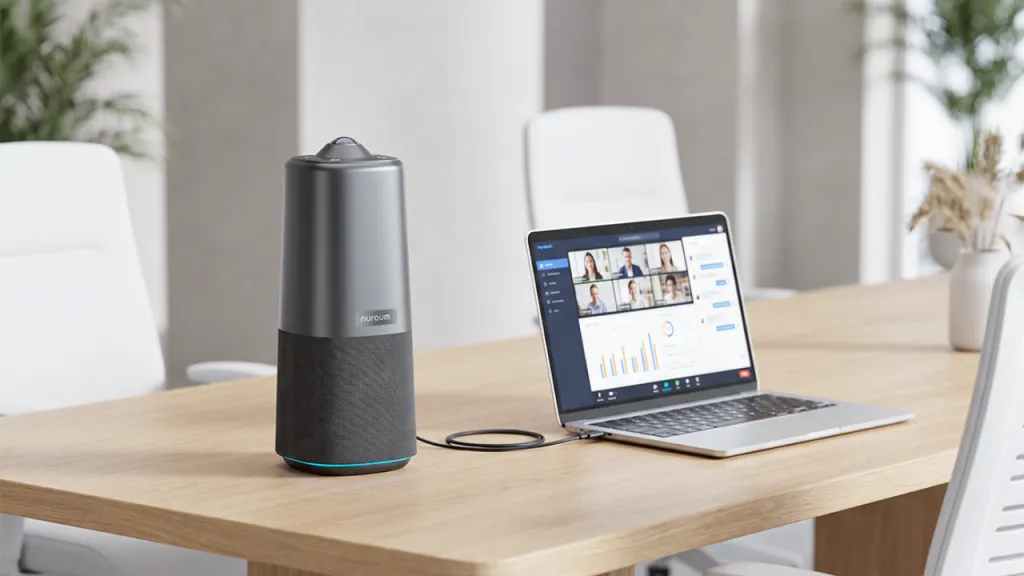
360 PRO AV PATH
Laptop → USB camera, microphone, and speaker
DISPLAY PATH
Laptop → separate room-display connection
See what other MeetUp 2 users say about USB-C cabling
COMPATIBLE ACTIVE CABLE
“Replaced the Extron with a Kramer USB-C Pro (Active) cable—everything works perfectly.”
— StillFlight2553, Reddit
ADDITIONAL POWER
“We had similar issue and usb-c cable required power adapter to get camera working.”
— su5577, Reddit
PURPOSE-BUILT CABLE
“Logitech sells their Strong Cable for this purpose. Wildly overpriced for an optical USB- but it works.”
— lordtrackball, Reddit
Problem 3 · Automatic framing
Automatic framing needs a fast manual fallback
MeetUp 2 offers Group View, Speaker View, and Grid View through RightSight. These modes help a front-of-room camera turn a wide view into more useful close-ups, but the bar still has to decide how to crop a room that it sees from one end.
Reddit review
“Worked for the most part but its failures, while few, were unacceptable.”
— Sir_Loin_of_Pork, Reddit
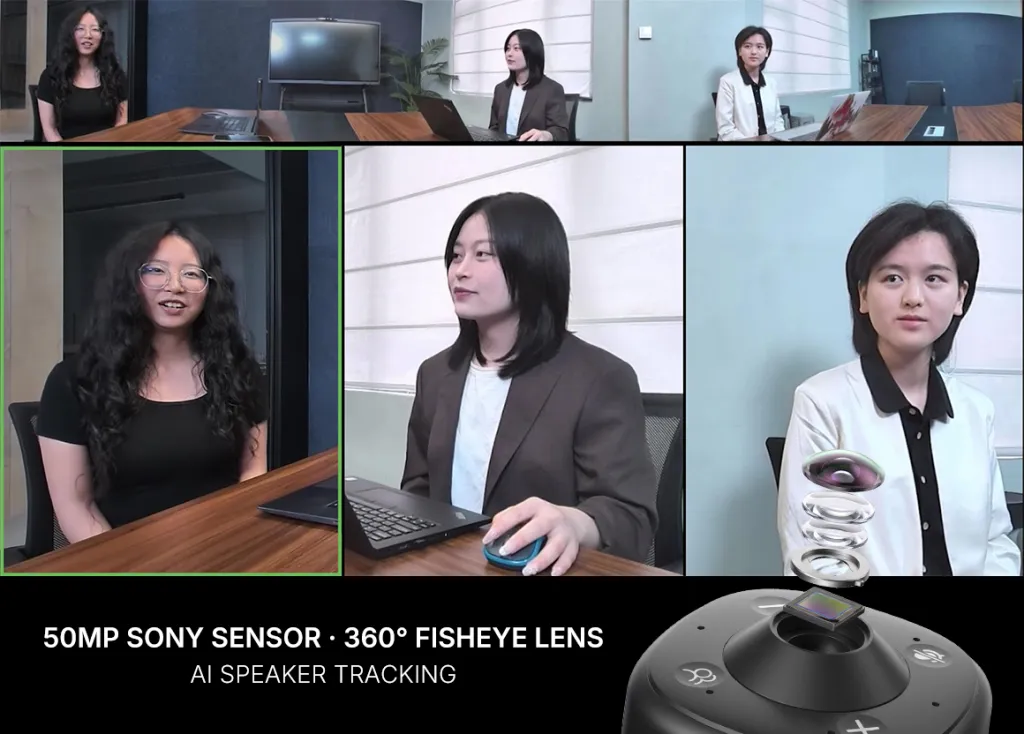
360 Pro starts with a different view of the meeting. Discussion Mode supports an active exchange, Presentation Mode supports a speaker-led session, and Global Mode provides a stable view of the full table.
Problem 4 · Shared-room control
Shared rooms need controls that anyone can find
Shared rooms are used by people who did not install the equipment. MeetUp 2 does not include a remote, although it is compatible with the Logitech Rally Bar remote. The bar, display, laptop, and optional remote can therefore become one workflow that IT must define.
Reddit review
“the remote only controls the volume — nothing else works.”
— Thread author, Reddit
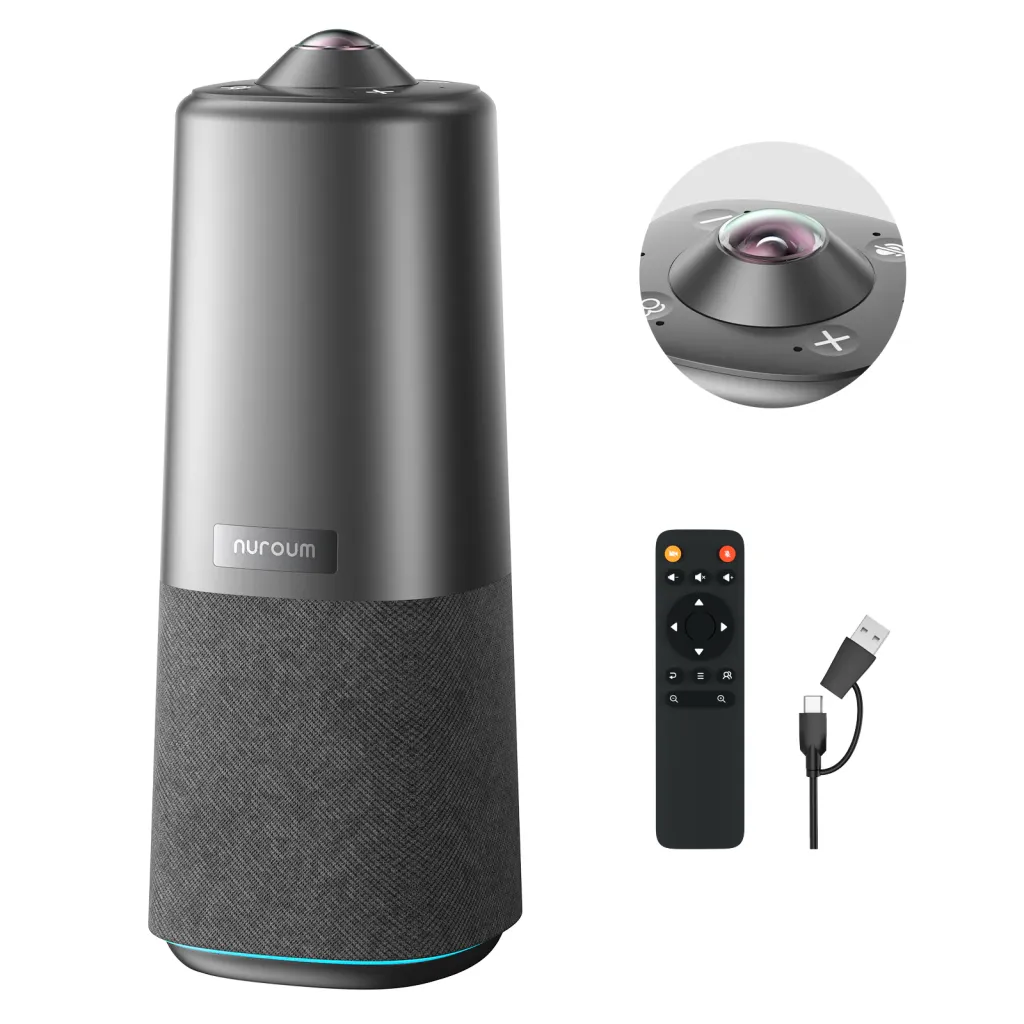
360 Pro keeps the primary controls on the table. Its included remote and top controls cover mute, volume, view mode, and camera on/off. Because it does not carry the laptop's display signal, it is not responsible for display pass-through behavior.
See what other MeetUp 2 users say about controls and displays
DISPLAY SLEEP
“The meetup 2 simply never goes to sleep and therefore the video feed never cuts off.”
— davisjaron, Reddit
WINDOWS DISPLAY
“even though we don't use anything in the HDMI ports, the Meetup shows up as a screen in windows.”
— Thread author, Reddit
WORKAROUND
“That's a VERY expensive workaround, but it did the trick. Got display control and power delivery.”
— davisjaron, Reddit
More user voices
MeetUp 2 also earns positive feedback in planned rooms
Not every MeetUp 2 discussion focused on a problem. Short reports from small-room and Teams deployments show the other side of the decision.
SMALL-ROOM USE · POSITIVE
“honestly, it's working great so far.”
— lvluffinz, Reddit
TEAMS ROOMS · POSITIVE
“I am using them with my teams rooms for windows just great. They dropped right in. Even used the same mount.”
— brownhotdogwater, Reddit
INSTALLED FLEET · POSITIVE
“just finished installing a bunch for a customer and they're very happy with them.”
— bireland203, Reddit
BYOD DEPLOYMENT · MIXED
“We have 2 of these at work, BYOD mode, they are O.K.”
— Sir_Loin_of_Pork, Reddit
Which conference camera fits your room?
Choose Nuroum 360 Pro
When the meeting happens around the table
- Participants sit and speak from several sides.
- Remote attendees need to see reactions across the table.
- The host wants immediate view-mode and mute controls.
- A separate laptop-to-display connection fits the workflow.
This setup suits strategy sessions, workshops, training discussions, and collaborative team meetings. You can also compare the wider Nuroum conference camera range.
Choose Logitech MeetUp 2
When the meeting happens toward the screen
- The room is compact and everyone faces the wall display.
- The video bar remains permanently mounted.
- IT can validate the host, cable, display, and control workflow.
- Display integration matters more than center-table visibility.
“We use them at Medical School in small conference rooms - and they have been very successful.”
— BUCKE_, Reddit
Verdict
Choose the meeting geometry, not the longer feature list
Choose Nuroum 360 Pro when the meeting happens around the table. Its center placement avoids the same dependency on a distant back row, an integrated USB-C display chain, and controls distributed across the room setup.
Choose Logitech MeetUp 2 when the meeting happens toward the screen. In a compact room with a validated cable and control workflow, the front-of-room video-bar format can be the stronger fit.
Frequently asked questions
What is the main difference between Nuroum 360 Pro and Logitech MeetUp 2?
Nuroum 360 Pro is an on-table 360° conferencing device designed to capture people seated around it. Logitech MeetUp 2 is a front-of-room video bar designed for a compact room in which participants face a wall display.
Does 360 Pro avoid the USB-C problems reported for MeetUp 2?
Its camera, microphone, and speaker functions do not rely on DisplayPort Alt Mode or display pass-through. The laptop still needs a separate connection to the room display, but a display-chain issue does not have to interrupt the USB AV device.
Is MeetUp 2 a poor choice for small meeting rooms?
No. User feedback includes positive reports about its camera and audio in small conference rooms. The reported problems become more relevant when the room is deeper than its intended format or when an integrated BYOD and display chain has not been fully validated.
Which product is better for people sitting around a table?
Nuroum 360 Pro is the more natural fit because its camera sits among the participants and captures every direction. This reduces the front-to-back distance difference created by a wall-mounted camera.
Which product is better for a fixed, front-facing huddle room?
Logitech MeetUp 2 is the more natural fit when everyone faces the display and the room's cable and control workflow is planned in advance.
Does 360 Pro replace the room's HDMI or display connection?
No. It provides the USB camera, microphone, and speaker path. Presentation output from the laptop to the room display remains a separate connection.