










































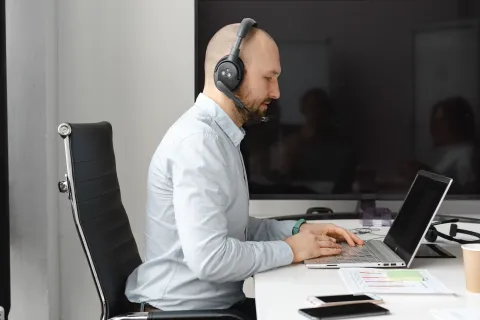
A great Google Meet headset needs to do more than sound good—it needs to keep your voice clear, stay comfortable through back-to-back meetings, and connect reliably when the call matters most. This guide compares five of the best wireless headsets with microphones for work in 2026, from budget-friendly options to premium travel headsets. Whether you're teaching classes, working from a noisy home office, traveling between meetings, or outfitting an entire team, discover which headset best matches the way you work.
Key Takeaways
- Compare the 5 best wireless headsets with mics for Google Meet in 2026 based on microphone clarity, connectivity, comfort, battery life, and value.
- Find the right headset for different work styles, from educators and remote workers to frequent travelers and noisy-office professionals.
- See why the Nuroum HP31D stands out for its AI noise-cancelling boom mic, long battery life, USB dongle, and charging stand.
- Learn how USB dongles, proper mic positioning, hardware mute, and Google Meet audio settings can improve call reliability and clarity.
- Understand why microphone noise cancellation and connectivity can matter more for work meetings than speaker quality alone.
If you spend your day in Google Meet, a best wireless headset with mic for work can make a noticeable difference in call clarity, comfort, and reliability.
But the best headset depends on how you work. A teacher taking hours of classes needs different features than a consultant taking calls on the go.
Below are five top picks for Google Meet in 2026, selected for microphone clarity, connectivity, comfort, battery life, and value. We prioritized plug-and-play options that work smoothly with Google Workspace.
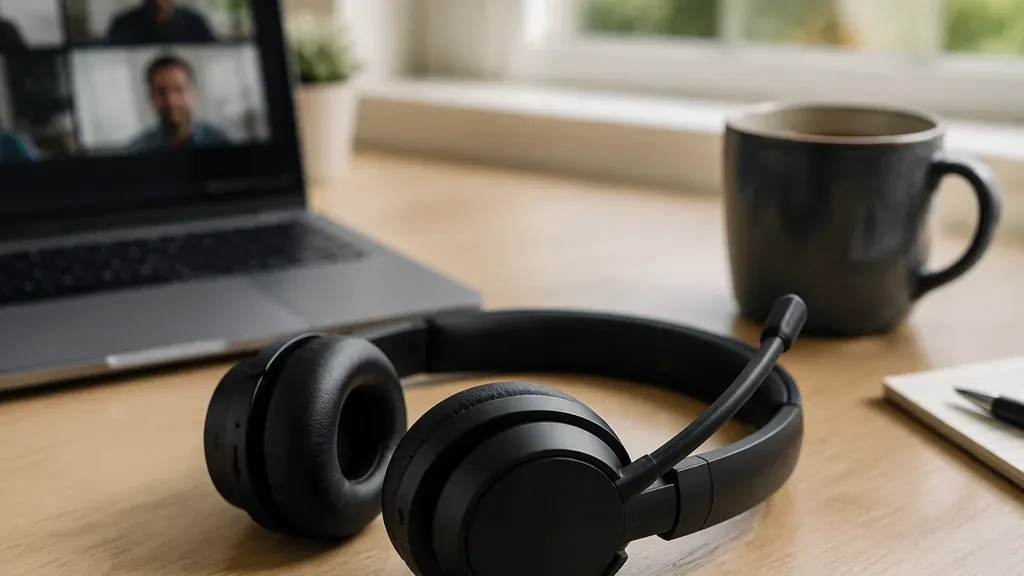
Quick Picks
Best overall value: Nuroum HP31D — dual-ear wireless, AI noise-cancelling mic, 45-hour battery, under $100
Best premium pick: Jabra Evolve2 65 Flex — foldable, hybrid ANC, excellent mic array
Best for noisy offices: Poly Voyager Focus 2 — Acoustic Fence microphone tech
Best lightweight comfort: Logitech Zone Vibe 100 — feather-light for all-day wear
Best for meeting productivity: Anker PowerConf H700 — strong software extras
The 5 Best Wireless Headsets with Mics for Work in 2026
1. Nuroum HP31D — Best Overall Value
Best for: Remote workers, educators, and SMB teams
The Nuroum HP31D delivers the core features most Google Meet users need without the premium price tag.
Why We Recommend It
AI-powered noise-cancelling boom mic with dual microphones and HiFi4 DSP
USB-A dongle for plug-and-play connection with Windows, Mac, and Chromebook
Up to 35 hours of talk time and 45 hours of listening
Charging stand keeps the headset ready between meetings
2-minute fast charge provides up to 15 hours of use
Physical mute button for quick call control
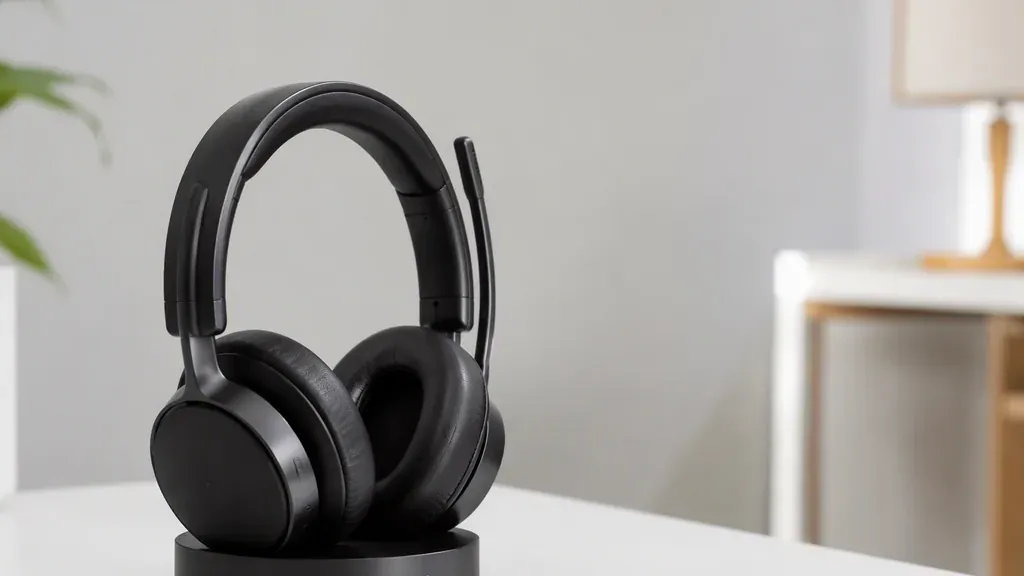
The combination of clear calls, long battery life, and simple connectivity makes it particularly attractive for people who spend hours in online meetings.
Trade-offs
No multipoint pairing through the dongle
Headband may shift when bending far forward
Mute button feedback is relatively subtle
Bottom line: A strong choice if you want business-focused call performance without paying $250+ for a premium brand. For remote workers who need a best noise cancelling headset with mic for working from home that handles back-to-back meetings without daily charging anxiety, the HP31D checks the boxes that matter most.
2. Jabra Evolve2 65 Flex — Best Premium Pick
Best for: Frequent travelers and hybrid professionals
The Jabra Evolve2 65 Flex focuses on portability and premium workplace performance.
Key Strengths
Fold-flat design for easy travel
Hybrid ANC for noisy environments
Strong microphone processing
Designed for professional communication
UC variants work with Google Meet
Trade-offs
Higher price than most options on this list
On-ear design may become less comfortable during very long sessions
Bottom line: Best suited to professionals who want one premium headset for the office, home, and travel.
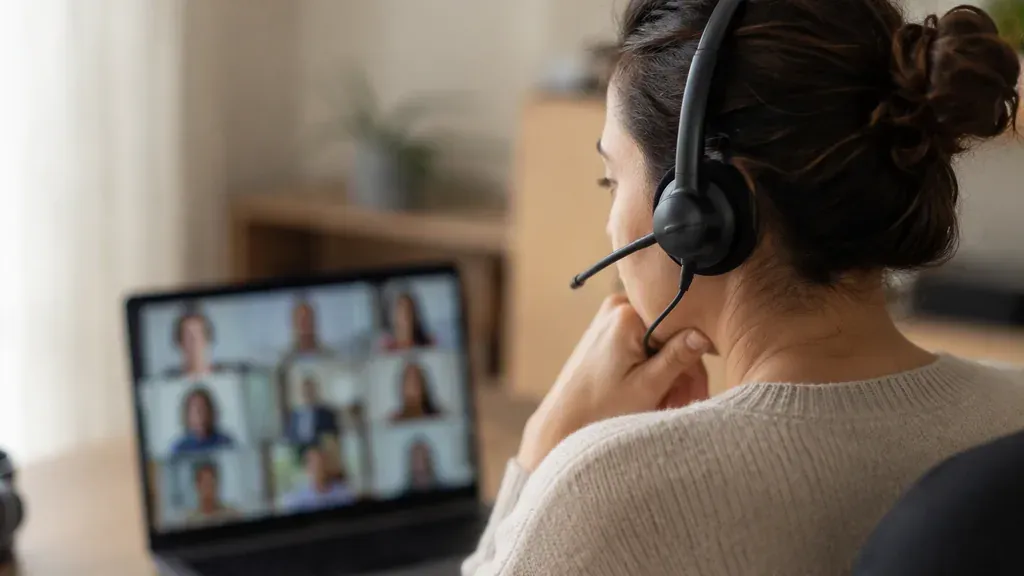
3. Poly Voyager Focus 2 — Best for Noisy Offices
Best for: Open-plan offices and busy home environments
The Poly Voyager Focus 2 is built for users who struggle with background noise.
Its Acoustic Fence technology helps isolate your voice from surrounding conversations, while ANC reduces the noise you hear on your end. When your workspace makes it hard to be heard clearly, the best headphones for calls in noisy environment are worth the investment.
Key Strengths
Acoustic Fence microphone technology
Active noise cancellation
Comfortable stereo design
Strong voice isolation
Trade-offs
Higher price tier
Battery life is shorter than the HP31D's 35-hour talk-time class
Bottom line: A strong option when background noise is your biggest problem.

4. Logitech Zone Vibe 100 — Best Lightweight Comfort
Best for: All-day callers who prioritize comfort
At around 185g, the Logitech Zone Vibe 100 is one of the lighter options in this group. Its memory-foam earcups are designed for extended wear, making it a good fit for back-to-back meetings.
Key Strengths
Lightweight 185g design
Soft memory-foam earcups
Flip-to-mute boom microphone
40mm drivers for music and entertainment
Typically around the $100 price range
Trade-offs
Mic noise suppression isn't as strong as the leading boom-mic models
No included charging stand
Bottom line: Choose it if comfort and simplicity matter more than maximum microphone performance.
5. Anker PowerConf H700 — Best for Meeting Productivity
Best for: Users who want meeting-focused features
The Anker PowerConf H700 combines a noise-reducing boom microphone with software features designed to support meetings.
Key Strengths
Noise-reducing boom microphone
Full-workday battery life
Call transcription features
Meeting recording tools
Companion software for additional functionality
Trade-offs
Build quality feels less premium than Jabra or Poly
Some software features require the companion app
Bottom line: A good choice if you want your headset to provide meeting productivity tools in addition to audio and calls.
Side-by-Side Comparison
| Headset | Best for | Mic & noise handling | Battery | Price tier |
|---|---|---|---|---|
| Nuroum HP31D | Overall value, long call days | AI noise-cancelling boom mic, dual mics + DSP | Up to 45 hrs | $ (from $90) |
| Jabra Evolve2 65 Flex | Premium, travel | Multi-mic array, hybrid ANC | Full workday+ | $$$ |
| Poly Voyager Focus 2 | Noisy offices | Acoustic Fence mic bubble, ANC | Full workday | $$$ |
| Logitech Zone Vibe 100 | Lightweight comfort | Flip-to-mute boom, good suppression | ~18–20 hrs | $ |
| Anker PowerConf H700 | Meeting productivity | Noise-reducing boom + software | Full workday+ | $$ |
Dialing In Your Google Meeting Setup
Whichever headset you choose, a few setup habits make an outsized difference in Google Meet:
Select the headset explicitly. In Meet's settings, set both Microphone and Speakers to your headset — "Default" can silently fall back to the laptop mic.
Prefer the USB dongle over Bluetooth. Dongles avoid the classic Bluetooth profile switch that drops mic quality mid-call, and they're more reliable on Chromebooks. If you have ever wondered how to fix bluetooth headset hands free audio quality on Windows, the root cause is often this exact profile-switching behavior.
Position the boom mic correctly. About a finger's width from the corner of your mouth, slightly off-axis so breath pops don't hit the capsule.
Use a hardware mute you trust. When coughing or talking to someone in the room, an earcup mute button is faster and more certain than hunting for the on-screen control.
Do a five-second sound check. Meet's preview screen shows your mic level live — glance at it before joining client-facing calls.

Which One Should You Choose?
Different Google Meet routines point to different winners when choosing a best wireless headset for work:
Educators & trainers: Need long battery life, comfort, and easy Chromebook setup. HP31D fits best, with Zone Vibe 100 as a comfort-first alternative.
Startup & SMB teams: Need affordable, scalable equipment. HP31D delivers strong mic performance at a lower cost per seat.
Hybrid workers: Need reliable noise suppression. Choose Poly Voyager Focus 2 for noisy offices or HP31D for budget-friendly home use.
Frequent travelers: Need portability and noise control. Evolve2 65 Flex stands out with its foldable design and ANC.
Client-facing remote workers: Need clear calls and all-day reliability. HP31D offers a strong mix of mic clarity, physical mute, and charging convenience.

FAQs
Do I need a certified headset for Google Meet?
No. Meet works with any audio device your computer recognizes. A reliable USB dongle and a noise-cancelling mic matter more than a certification badge for most users.
Is a USB dongle better than Bluetooth for video calls?
Usually yes. A pre-paired dongle avoids Bluetooth dropouts, pairing conflicts, and the mic-quality downgrade that happens when Bluetooth switches to call mode — particularly on Chromebooks and shared machines.
How important is mic noise cancellation for remote work?
Very. Participants judge you by what they hear. Mic-side noise suppression keeps keyboards, pets, and household noise out of the call — arguably more important than speaker quality.
What matters most for educators using Google Meet?
Long battery for back-to-back classes, all-day comfort, a clear boom mic students can understand, and plug-and-play setup that works on school-managed Chromebooks without software installs.
Can one headset handle both music and meetings?
Yes. Most modern work headsets with larger drivers double as everyday headphones. Prioritize mic quality first; pure music headphones still win on audio richness alone.