










































For clear video calls, microphone noise cancellation matters more than speaker ANC. The Nuroum HP31D is the best value under $100, the Jabra Evolve2 65 Flex suits frequent travelers, and the Poly Voyager Focus 2 wins in noisy offices. Always prefer a USB dongle over laptop Bluetooth.
Key Takeaways
- Mic noise cancellation (ENC) matters more than speaker ANC for calls — the Nuroum HP31D's dual-mic AI ENC suppresses up to 99.9% of background noise.
- A USB dongle beats built-in laptop Bluetooth for meeting reliability: lower latency, fewer dropouts, and plug-and-play setup on computers without Bluetooth.
- Full-time meeting schedules need 20+ hours of talk time; models under 15 hours will force midweek charging.
- Noisy home offices call for boom-mic designs like the Poly Voyager Focus 2's Acoustic Fence, not open-ear models.
- Premium enterprise headsets (EPOS IMPACT 1061, Jabra Evolve2 75) only pay off if you spend 4+ hours daily on calls.
Bad audio kills good meetings. If colleagues keep asking you to repeat yourself, the fix is simple: a quality headset with noise cancelling microphone that isolates your voice and blocks background chaos.
We compared the 10 best wireless headsets for video calls in 2026, focusing on mic clarity, comfort, battery life, and connectivity — for work and home.

Who This Guide Is For
This guide is for remote workers, office professionals, and business users who spend hours on Zoom, Teams, or Google Meet. If you work from a home office, a shared space, or a busy open-plan floor, the picks below will help others hear you — not your environment.
Prices are approximate and change often, so check current listings before buying.
Quick Comparison Table of the 10 Best Headsets
| # | Headset | Best For | Mic Noise Cancelling | Battery (Talk) | Connection | Price |
|---|---|---|---|---|---|---|
| 1 | Nuroum HP31D | Best overall value | Dual-mic AI ENC | 35 hrs | BT 5.4 + USB dongle | ~$90 |
| 2 | Jabra Evolve2 65 Flex | Hybrid work & travel | Beamforming mics + ANC | 32 hrs | BT + USB dongle | ~$210 |
| 3 | Poly Voyager Focus 2 | Noisy offices | Acoustic Fence | 25 hrs | BT + USB dongle | ~$200 |
| 4 | Logitech Zone Wireless 2 | Teams users | AI noise suppression | 40 hrs | BT + USB receiver | ~$250 |
| 5 | Logitech Zone Vibe 100 | Lightweight comfort | ENC boom mic | 18 hrs | BT + USB receiver | ~$100 |
| 6 | Anker PowerConf H700 | Software extras | AI noise reduction | 24 hrs | BT + USB dongle | ~$130 |
| 7 | EPOS IMPACT 1061 | Enterprise calls | AI microphone array | 30 hrs | BT + USB dongle | ~$400 |
| 8 | Yealink BH76 Plus | Video conferencing | ANC + ENC | 35 hrs | BT + USB dongle | ~$220 |
| 9 | Shokz OpenComm2 UC | Open-ear wearers | DSP boom mic | 16 hrs | BT + USB dongle | ~$180 |
| 10 | Jabra Evolve2 75 | Flagship all-rounder | 8-mic technology | 36 hrs | BT + USB dongle | ~$260 |
The 10 Best Headsets for Virtual Meetings
1. Jabra Evolve2 65 Flex — Best for Hybrid Work
Foldable, certified for Zoom and Teams, and armed with a beamforming mic array plus hybrid ANC. At ~$210 it is the premium pick for professionals who split time between home, office, and travel.
2. Nuroum HP31D — Best Overall Value
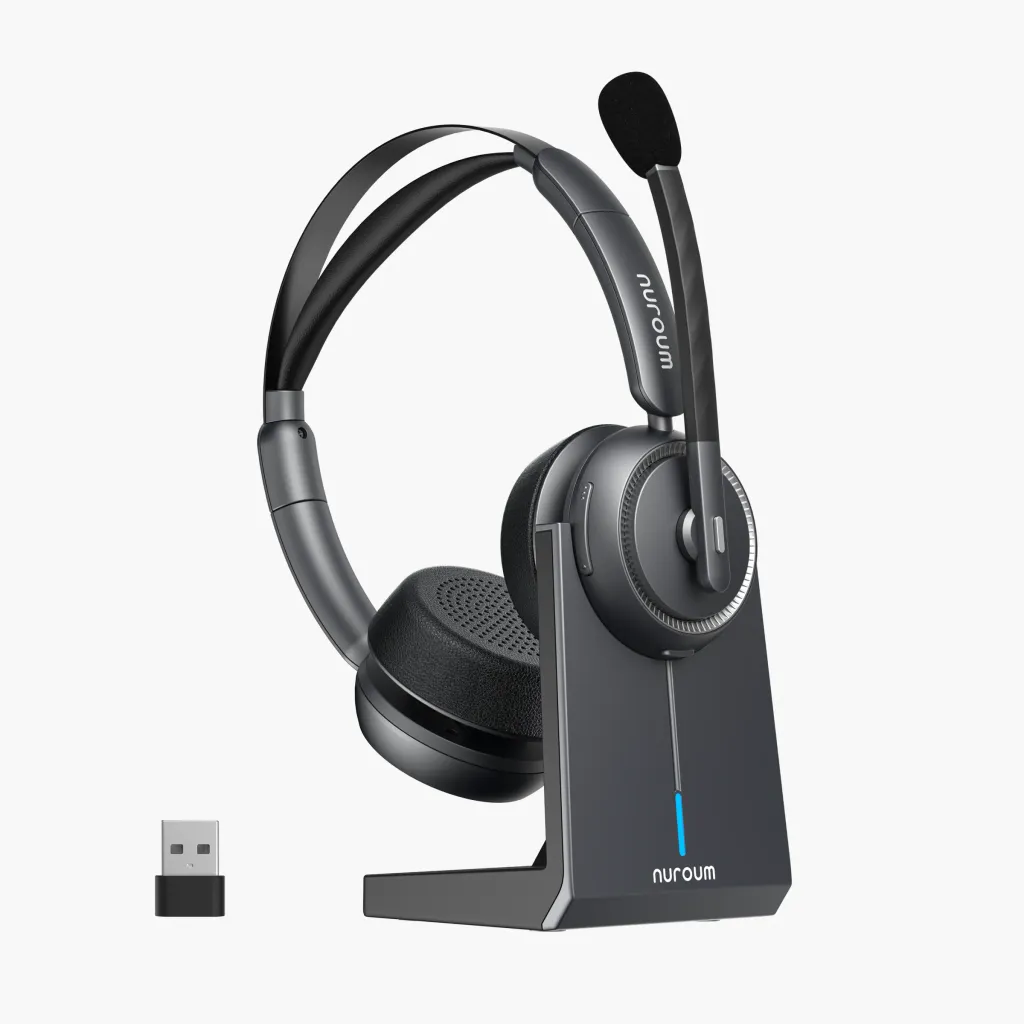
The HP31D is a dual-ear wireless headset whose dual-mic AI ENC suppresses up to 99.9% of background noise — keyboard clatter, kids, pets, all of it. You get Bluetooth 5.4, multipoint pairing, a USB dongle for computers without Bluetooth, a charging stand, and 35 hours of talk time for around $90.
For most people, this is the best wireless headset for working from home at any price.
3. Poly Voyager Focus 2 — Best for Noisy Offices
Poly's Acoustic Fence technology builds a virtual quiet bubble around your mouth, so callers hear you instead of your surroundings. Ideal for shared workspaces and loud homes.
4. Logitech Zone Wireless 2 — Best for Teams
AI noise suppression works on both ends of the call, and the flip-to-mute boom is genuinely convenient. Deep integration with Microsoft Teams and up to 40 hours of battery.
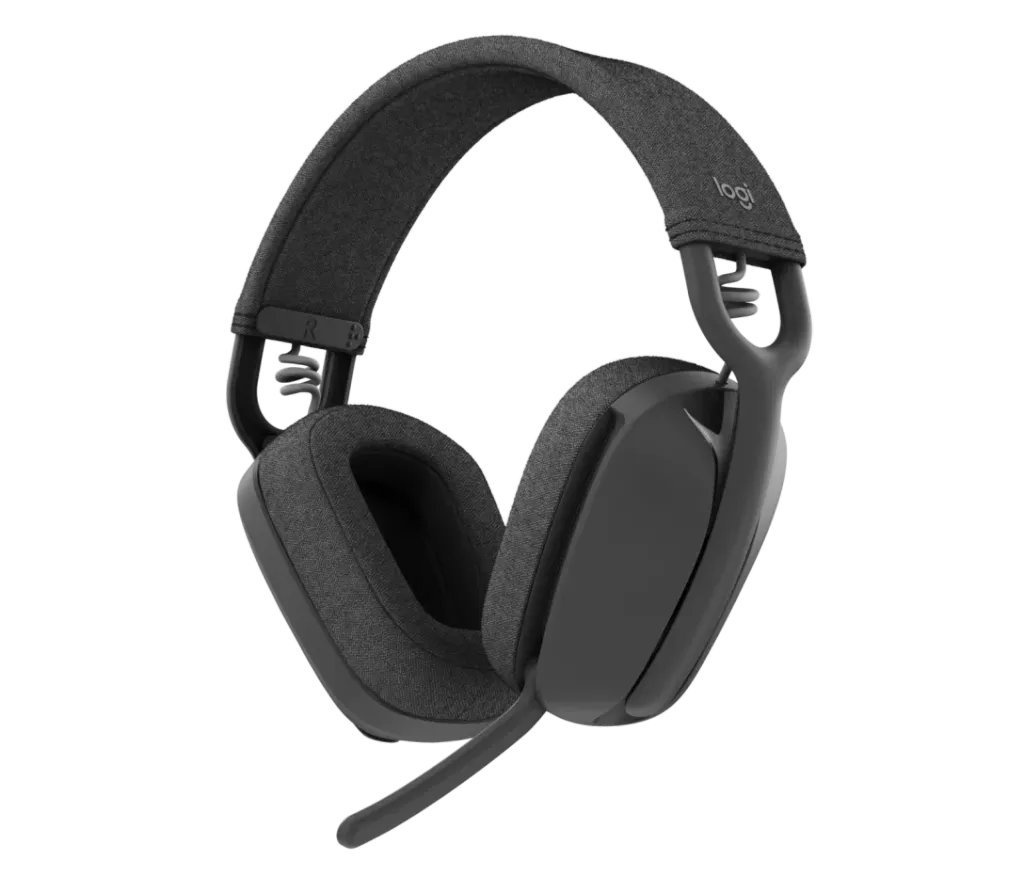
5. Logitech Zone Vibe 100 — Best Lightweight Comfort
Feather-light on-ear design for all-day wear, a solid noise-cancelling boom mic, and a friendly ~$100 price. Battery life is average at 18 hours.
6. Anker PowerConf H700 — Best Software Extras
Strong AI noise reduction plus a polished companion app with call transcription and meeting tools. A smart mid-range choice.
7. EPOS IMPACT 1061 — Best for Enterprise
An AI-driven microphone array tuned for dense open offices. Expensive, but built for people who live on calls all day.
8. Yealink BH76 Plus — Best for Video Conferencing
ANC for you, ENC for your callers, 35 hours of battery, and native UC platform certification. A dependable conference-room-to-home crossover.
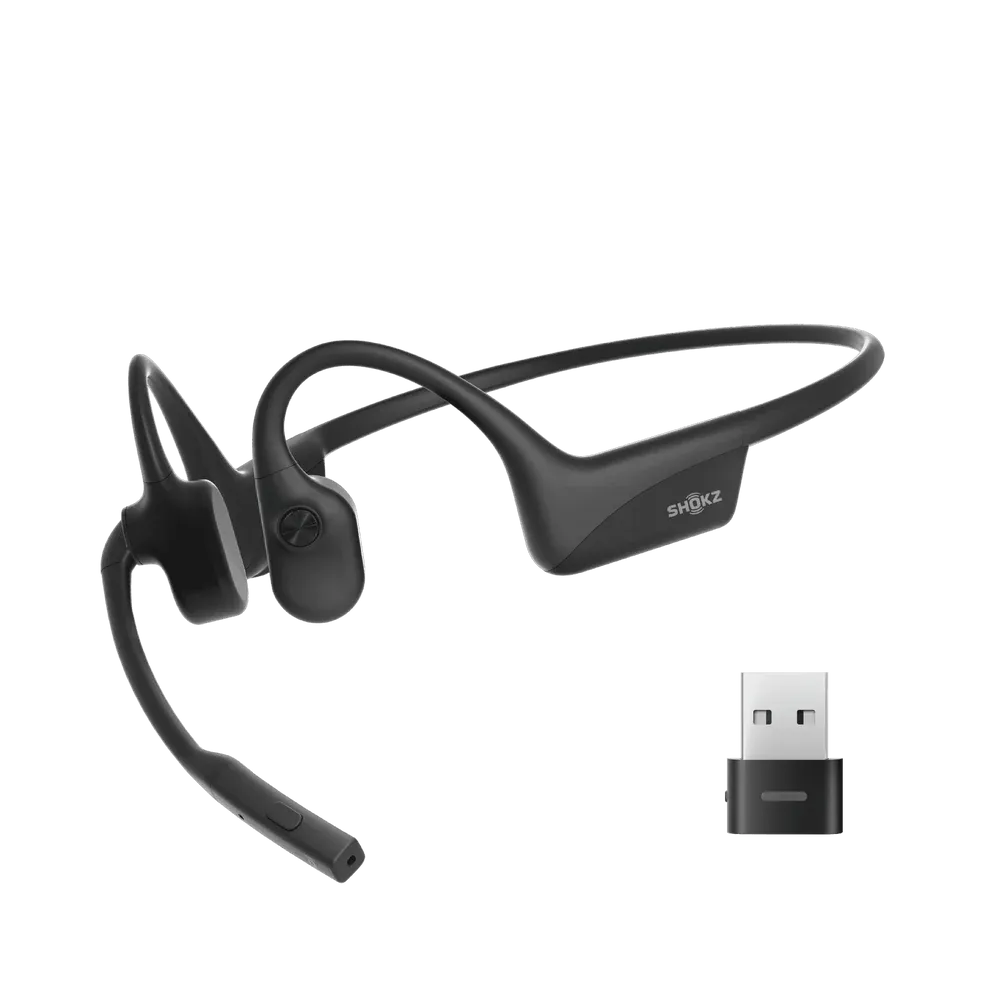
9. Shokz OpenComm2 UC — Best Open-Ear
Bone conduction keeps your ears open to the room while the DSP boom mic keeps your voice clear. Sixteen hours of talk time and a USB dongle included. See how it compares in our Nuroum OpenEar Pro 2 vs Shokz OpenComm2 breakdown.
10. Jabra Evolve2 75 — Best Flagship All-Rounder
Eight microphones, advanced ANC, a hideaway boom arm, and 36 hours of battery. The no-compromise option if budget allows.
Key Features to Look For in a Virtual Meeting Headset
- Mic noise cancellation (ENC): Cleans your outgoing voice. This matters more than speaker ANC for calls.
- USB dongle support: A wireless headset with USB dongle gives a stable, low-latency link that beats built-in laptop Bluetooth.
- Battery life: 20+ hours of talk time for full-time meeting schedules.
Comfort: Soft ear cushions and an adjustable headband for 8-hour days.

- Platform certification: Teams, Zoom, or Google Meet certification guarantees smooth mute and call controls. Pick the best headset for Microsoft Teams if that is your daily platform.
- Multipoint pairing: Connect to laptop and phone at once.
Tips to Get the Most Out of Your Headset
- Position the boom mic one finger-width from the corner of your mouth.

- Use the dongle, not Bluetooth, on work laptops for fewer dropouts.
- Mute physically with the boom or button, not just in software.
- Fix audio glitches fast: if your Zoom audio is not working or your headset mic is not working on PC, reselect the headset as the input device before reinstalling anything.
FAQs
Is a headset with noise cancelling microphone worth it for video calls?
Yes. A noise-cancelling microphone filters out keyboards, kids, and traffic before your voice reaches others. It improves how you sound on every call — which matters more for professional meetings than how you hear others.
Do I need a USB dongle, or is Bluetooth enough?
A dongle is the safer choice for laptops and desktops. It gives a stable, low-latency link that bypasses weak built-in Bluetooth, and works on computers with no Bluetooth at all.
How much battery life do I need for all-day meetings?
Aim for at least 20 hours of talk time so the headset lasts two to three workdays per charge. If you take calls all day, 30–45-hour models like the Nuroum HP31D remove charging anxiety entirely.
What is the difference between ANC and a noise-cancelling microphone?
ANC quiets the world for you through the speakers. A noise-cancelling microphone (ENC) cleans your outgoing voice for the people on the other end. For video calls, ENC matters more.