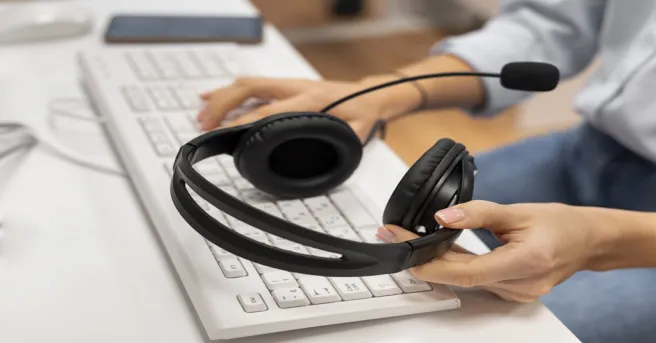











































In-ear earbuds hurt after long calls mainly because of ear canal pressure, poor fit, heat buildup, and high listening volume over hours of continuous wear. Lowering volume, taking regular breaks, and switching to a lighter over-ear or open-ear wireless headset with mic for work removes most of the discomfort without sacrificing call quality.
Key Takeaways
- Ear fatigue after calls usually comes from four fixable causes: canal pressure, poor fit, heat and moisture buildup, and listening above roughly 60% volume for hours.
- The 60/60 rule — no more than 60% volume for 60 minutes at a stretch, followed by a 5-10 minute break — prevents most earbud soreness.
- Open-ear and lightweight over-ear headsets remove ear canal contact entirely, making them the most comfortable headphones for long use in back-to-back meetings.
- For remote work, prioritize a boom mic with noise reduction and all-day battery over raw audio specs.
What Is Ear Fatigue, and Why Do Your Ears Hurt After Long Calls?
Ear fatigue is the soreness, dull ache, itching, or feeling of fullness that builds up after wearing earphones for extended periods. It is not a single injury but a combination of small stresses that accumulate over hours.
Three mechanisms do most of the damage:
Mechanical pressure
Ear tips pressing against the sensitive skin of your ear canal
Occlusion and heat
A sealed canal traps warmth and moisture, softening skin and encouraging irritation
Acoustic load
Continuous sound, especially at high volume, tires the auditory system itself
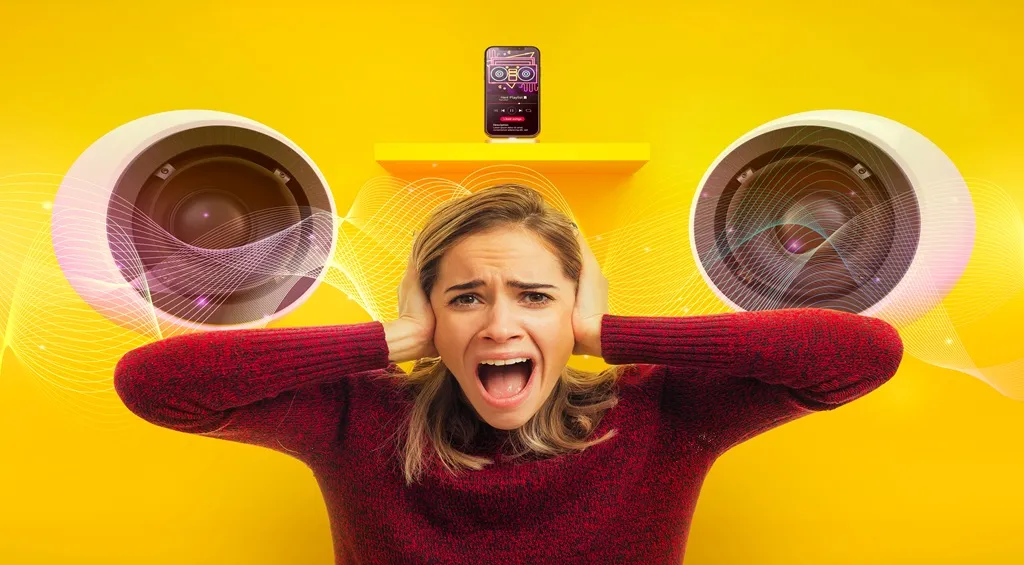
Occasional 20-minute calls rarely cause problems, but four to six hours of daily wear gives your ears no chance to recover.
Why Do In-Ear Earbuds Cause Discomfort During Extended Use?
In-ear earbuds are the most fatiguing headphone design precisely because of how they work: they seal directly inside your ear canal.
1. Constant ear canal pressure
Ear tips must press outward against the canal walls to stay in place and block noise. Even a good fit creates sustained low-level pressure that adds up over a workday.
2. Trapped heat and moisture
A sealed ear canal cannot ventilate. Heat and humidity build up, skin softens, and friction increases — the same principle that makes sweaty shoes uncomfortable. This is also why ears often itch after long earbud sessions.
3. The volume spiral
In noisy environments, people instinctively raise the volume to overcome background sound — and because earbuds sit so close to the eardrum, every extra decibel hits harder.
How Can You Prevent Ear Fatigue When Wearing Headphones for Work?
Before replacing your gear, try these habit-level fixes:
Follow the 60/60 rule
Keep volume under 60% and take a 5-10 minute break every 60 minutes.
Refit your ear tips
Experiment with the full set of included tip sizes; a smaller tip often seals fine with far less pressure.
Clean your earbuds weekly
Earwax and bacteria on ear tips cause itching and irritation that feels like fatigue.
Alternate ears for mono use
If you use a single bud for calls, swap sides between meetings.
Health authorities note that noise-induced hearing damage risk climbs with prolonged exposure above roughly 85 dB, so keeping call volume moderate protects you twice: less fatigue today, less hearing loss over the years. (See the CDC/NIOSH guidance on noise and hearing loss.)
What Should You Look for in the Most Comfortable Headphones for Long Use?
When habits are not enough, hardware design becomes the deciding factor. The most comfortable headphones for long use share a few traits:
- Minimal contact with the ear canal
- Low clamping force
- Breathable materials
- Light weight — ideally under 200 grams for all-day wear
Here is how the four main designs compare for extended calls:
| Design | Ear Canal Contact | Pressure Points | Ventilation | Noise Isolation | Best For |
|---|---|---|---|---|---|
| In-ear earbuds | Direct, inside canal | Ear canal | Poor | Excellent | Noisy commutes, short calls |
| On-ear | None | Ear cartilage | Moderate | Moderate | Occasional calls |
| Over-ear | None | Headband, jaw area | Moderate (heats up) | Good | Focus work, long meetings |
| Open-ear | None | Minimal (ear hook) | Excellent | Low | All-day wear, ear-fatigue-prone users |
For people whose ears already hurt, open-ear designs are often the revelation.
An open ear headphone with mic rests beside your ear rather than inside it, eliminating canal pressure entirely while a boom microphone still captures your voice clearly.
If you are wondering how open ear headphones work, they use either air conduction directed at the ear opening or bone conduction through the cheekbones — both leave the canal completely free.
How to Choose the Best Headset for Remote Work Without Sacrificing Call Quality
Comfort is only half the equation. The best headset for remote work must also make you sound professional. When comparing options, weigh these criteria in order:
Microphone quality first
A boom mic positioned near your mouth beats embedded mics every time; look for environmental noise cancellation (ENC) that filters out keyboards, fans, and household sounds.
Fit style matched to your ears
If earbuds hurt you, shortlist over-ear or open-ear models; a wireless open ear headphone with a boom mic is the comfort-first choice for quiet home offices.
Battery life of 20+ hours
Enough for two full workdays, so a dead battery never forces you back onto painful earbuds mid-meeting.
Multipoint Bluetooth
Connect to laptop and phone simultaneously and switch seamlessly.
Physical controls
A dedicated mute button you can find by touch saves real embarrassment on calls.
A modern wireless headset with mic for work checks all of these boxes while weighing less than a pair of sunglasses — which is exactly why so many ear-fatigue sufferers switch and never look back.

For a broader comparison of workplace options, explore these top office headsets to see which features may best suit your working routine.
How Can You Build Healthier Listening Habits for All-Day Work Calls?
Whatever headset you choose, these habits keep ear fatigue from returning:
Schedule audio-only recovery time
Take low-stakes calls while walking without any earphones, or use speakerphone when privacy allows.
Set a volume ceiling
Configure your device's maximum volume limit so fatigue-driven volume creep becomes impossible.
Choose equipment suited to your calling routine
If you spend much of the day on customer calls, the right design may differ from what you need for occasional meetings.
This comparison of call center headsets offers another perspective on choosing equipment for frequent calling.
FAQs
Is a wireless headset with mic for work better than earbuds for all-day calls?
For calls lasting several hours, usually yes.
A wireless headset with a boom mic keeps pressure off the ear canal, positions the microphone near your mouth for clearer voice pickup, and typically offers longer battery life than earbuds.
Can wearing earbuds all day cause permanent ear damage?
The soreness itself is temporary, but the habits behind it can cause lasting harm.
Listening at high volume for extended periods damages hearing over time.
Keep volume moderate, take breaks, and clean ear tips regularly.
Are open-ear headphones a good choice for office and remote work calls?
Open-ear headphones rest outside the ear canal, eliminating canal pressure and letting your ears breathe — a strong option for anyone prone to ear fatigue.