



















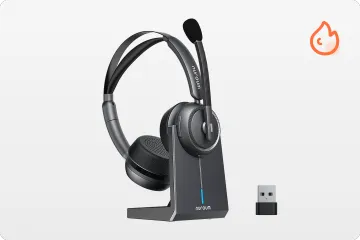

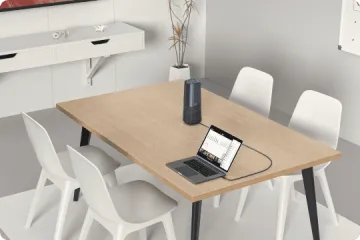




Your AI assistant is reading out a translation when a coworker taps your shoulder. You pull off your dual-ear noise cancelling office headset, lose your place, and break your flow. That's the hybrid office juggling act: AI handles searches, translations, and notes, but your team still needs your attention. A single-ear Bluetooth headset offers a smarter way to keep one ear on your digital workflow and the other on the real world. So, how do you multitask in a hybrid office without missing either?
Key Takeaways
- Batch AI micro-tasks instead of switching constantly. Grouping voice requests into short sessions cuts context switching, the biggest hidden cost of hybrid work.
- Keep one ear open for your team. A single ear bluetooth headset pipes AI audio to one ear while the other monitors the room.
- Mic noise cancellation matters more than ear isolation. AI-powered ENC removes up to 99.9% of background noise for your callers.
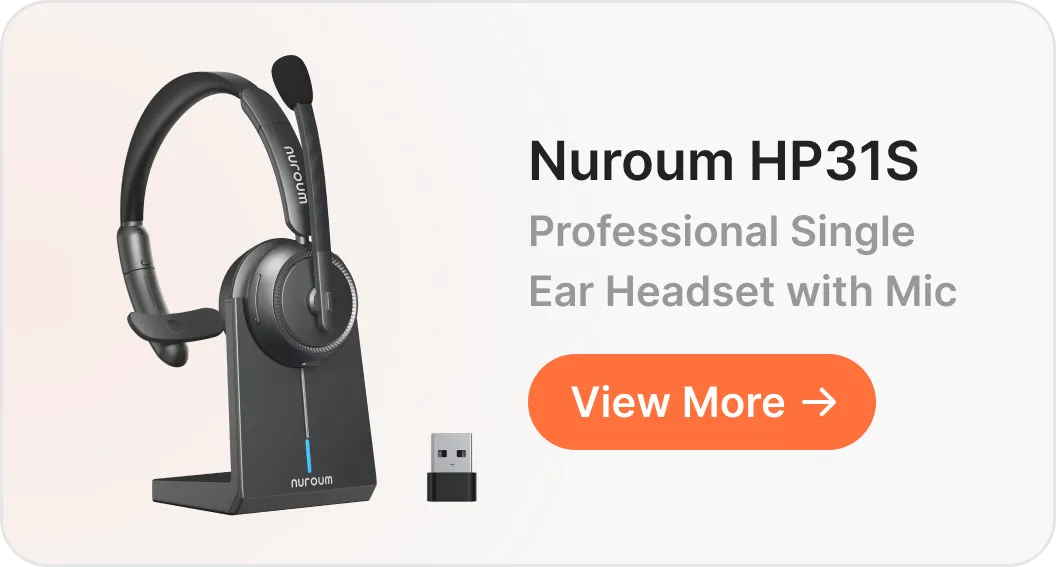
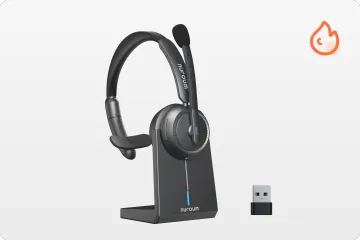
- The Nuroum HP31S is built for this workflow. Single-ear design, 35-hour talk time, Bluetooth 5.4 multipoint, and a USB dongle, for about $85.
Why Multitasking in a Hybrid Office Is Harder Than It Seems
Hybrid multitasking fails mainly because of context switching, not workload. Every jump between a digital task and a face-to-face interaction forces your brain to reload context. Two pain points show up repeatedly:
- The isolation problem. Dual-ear headphones are great for focus but make you unreachable. Coworkers hesitate to interrupt, quick questions become Slack threads, and you miss the spontaneous exchanges that make office days worthwhile.
- The interruption problem. Removing a headset every time someone approaches — then putting it back and finding your place — turns a 20-second question into a two-minute disruption.
The challenge isn't doing more at once. It's moving between AI-assisted work and real conversation without losing context in either direction.

How to Multitask in a Hybrid Office: Let AI Handle Micro-Tasks
The most effective approach to better hybrid office productivity is delegating small, repetitive tasks to AI by voice while staying available to people. A single-ear Bluetooth headset makes this voice-first workflow easier. Three habits make it work.
1. Delegate repetitive micro-tasks to AI
Voice commands beat typing for anything that doesn't need your judgment. Translations, quick lookups, email drafts, and meeting notes are ideal: speak the request, keep working, collect the result. A business wireless headset with a noise-canceling mic makes this practical — dictation quality depends on the microphone, not the app.
2. Batch small tasks instead of constantly switching
Grouping similar AI requests into one short session beats interrupting yourself every few minutes. Capture ideas as quick voice notes, then batch your lookups and drafts between meetings. Fewer tabs, less reloading.
3. Keep human communication within reach
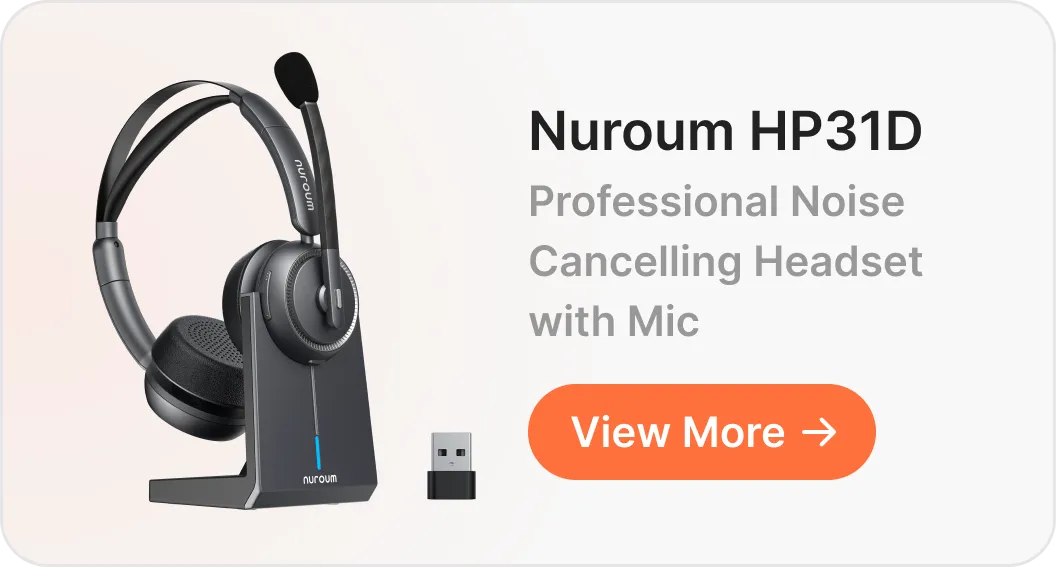
AI audio should pause the moment a person needs you. Unlike a dual-ear noise cancelling office headset that can make you feel removed from your surroundings, a single-ear design lets you stay aware of nearby conversations. Keep feedback, brainstorming, and decisions human-first. Let AI handle the micro-tasks so you can give people your full attention.
Why a Single-Ear Bluetooth Headset Fits the Hybrid Office
A single ear bluetooth headset splits your hearing by design: one ear receives calls and AI audio, the other stays open to the room. It's a division of labor dual-ear designs can't offer.
| Design | What you hear | Best for |
|---|---|---|
| Single-ear | Audio in one ear, office in the other | Hybrid multitasking, calls, reception |
| Dual-ear | Isolated stereo sound | Deep focus, noisy offices |
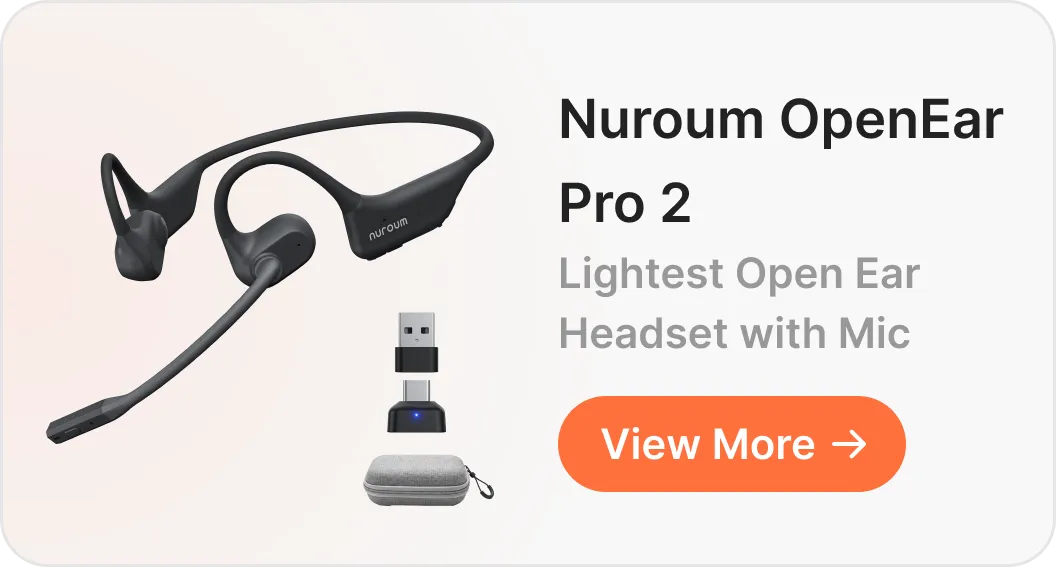
| Open-ear | Ambient sound, nothing covering ears | Mobile work on the go |
If you move around all day, the best open ear headset with mic is worth a look; for maximum isolation at home, see the best noise cancelling headphones for working from home. But for desk-based multitaskers fielding both AI prompts and in-person questions, single-ear hits the balance — which is why the format dominates reception desks and call centers, roles built on exactly this kind of switching.

How the Nuroum HP31S Supports an AI-Ready Workflow
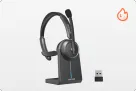
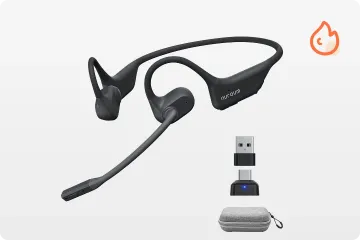
The Nuroum HP31S is a single-ear business wireless headset whose feature set maps closely to the micro-tasking workflow above — for about $85.
- Your callers hear you, not your household. This single-ear headset with mic features dual microphones and ProperClean 2.0 AI ENC, helping reduce keyboard clicks, nearby chatter, and household sounds for clearer calls — solving the classic "people can hear my kids/dog" complaint.
- Laptop and phone, no re-pairing. Bluetooth 5.4 multipoint keeps both connected, while the USB-A dongle adds plug-and-play simplicity for Teams and Zoom on locked-down work computers.
- A full week of voice tasks per charge. Enjoy up to 35 hours of continuous talk time or 45 hours of music playback per charge. The included charging stand makes this business wireless headset with USB dongle convenient for regular office use.
What real users say:
The headset is comfortable and works terrific. Great clarity and the person you are speaking to can not even tell you are on a headset.
— "Very Happy Customer," B&H Photo customer review
I use the dongle for calls on my work laptop and keep my phone connected for incoming calls. It's convenient not having to re-pair everything every time I switch tasks.
— Customer review, Nuroum HP31S product page
It also ranks among the best single ear bluetooth headset for phone calls in our testing.
One honest trade-off: a single earcup can't isolate you from a loud office — there, a dual-ear model fits better.
Build Your Own AI Micro-Tasking Setup in 3 Steps
Setup takes five minutes:
- Connect. Plug the HP31S's USB-A dongle into your computer and select the headset as your microphone and speaker — no drivers needed.
- Configure. Open your AI assistant or dictation app, enable voice input, and test one short prompt.
- Stay connected. Keep one ear open, use brief voice prompts for routine tasks, and tap the mute button when a colleague needs your attention.
Ready to try it? The Nuroum HP31S ships with the dongle, charging stand, and lifetime customer support.
FAQ
1. Can I wear a single ear bluetooth headset for a full workday without ear fatigue?
Generally yes — it's a common reason people switch. With one earcup, pressure and heat build-up are roughly halved versus dual-ear designs. Look for an adjustable headband and padded earcup, and alternate ears on breaks.
2. Is a noise cancelling office headset the same as an ENC microphone headset?
No. ANC quiets the world for you as the listener; ENC cleans up what your callers hear. The HP31S uses AI-powered ENC, so your voice stays clear in a busy office while your open ear still hears colleagues.
3. Does a business wireless headset like the Nuroum HP31S work with Microsoft Teams and Zoom?
Yes. The Nuroum HP31S works with Microsoft Teams, Zoom, and Google Meet on Windows, macOS, and Linux, via Bluetooth or its USB dongle. If Teams is your main platform, see our guide to the best headset for Microsoft Teams.
4. When should I choose a dual-ear headset instead a single-ear business wireless headset?
Choose dual-ear when isolation is the priority — noisy offices, deep focus, stereo audio. For mixed days of calls, AI tools, and face-to-face collaboration, single-ear keeps you reachable. Our roundup of the best headsets for work compares both.