









































Ever wondered why your Bluetooth headset sounds great for music but suddenly becomes low-quality the moment you join a Windows meeting? The problem is not your headset — it is how Windows handles Bluetooth audio profiles during two-way communication. This guide explains why Bluetooth headsets lose audio quality when using the microphone, how 2.4GHz USB dongle technology solves the problem, and why modern wireless headsets with dongles deliver a better experience for remote work, AI tools, and professional calls.
Key Takeaways
- Windows Bluetooth audio limitations can reduce headset sound quality when the microphone is activated.
- A 2.4GHz USB dongle avoids Bluetooth profile switching and delivers more stable, full-bandwidth communication.
- Low-latency wireless connections improve video calls, AI voice tools, and real-time collaboration.
- A noise cancelling microphone with DSP technology helps professionals communicate clearly in noisy environments.
- Nuroum HP31D and OpenEar Pro 2 provide flexible connectivity with Bluetooth 5.4 + USB dongle support for modern workflows.
Why a Wireless Headset with USB Dongle Beats Bluetooth for Voice on Windows
If you have ever been on a Windows video call where your Bluetooth headphones sounded rich and full — until the moment you unmuted your microphone and the audio suddenly turned tinny and compressed — you are not imagining things. This is one of the most common complaints among remote workers, developers, and anyone who relies on voice communication through a Windows PC. The root cause is not a defect in your headphones. It is a fundamental limitation of how Bluetooth handles bidirectional audio on Windows. A wireless headset with USB dongle sidesteps this problem entirely, and understanding why can transform your daily communication experience.
This guide breaks down the technical reasons behind Bluetooth audio quality degradation on Windows, explains how 2.4GHz USB dongle technology solves the problem, and highlights two headsets — the Nuroum HP31D and Nuroum OpenEar Pro 2 — designed for professionals who cannot afford compromised voice quality.
The Hidden Challenge of Bluetooth Audio on Windows
Bluetooth was originally designed with two distinct audio profiles, and Windows enforces a strict separation between them. The first is A2DP (Advanced Audio Distribution Profile), which delivers high-quality stereo audio but operates in one direction only — from the computer to your headphones. This is the profile Windows uses when you are listening to music or watching a video without engaging your microphone. The second is the Hands-Free Profile (HFP) or Headset Profile (HSP), which supports bidirectional audio — you can hear and speak — but at a significantly reduced bitrate, typically capped at 16 kHz mono.
The moment an application on Windows requests microphone access — whether it is Zoom, Microsoft Teams, Discord, or an AI voice assistant — Windows forces the Bluetooth headset to switch from A2DP to HFP. This switch happens because standard Bluetooth cannot maintain high-quality output audio and a microphone stream simultaneously. The result is immediately noticeable: music sounds flat, voices sound robotic, and the overall experience degrades sharply. The real solution is hardware: a best wireless headset for work that uses a dedicated USB dongle bypasses Bluetooth's audio profile switching entirely.

Windows displays this behavior as two separate audio devices in the Sound control panel: one labeled "Headphones" (A2DP, high quality) and one labeled "Headset" or "Hands-Free" (HFP, low quality). Many users manually toggle between them, but this is a workaround rather than a solution, because you lose microphone functionality entirely when on the high-quality profile.
Why Audio Quality Matters for AI Voice Interaction
The rise of AI productivity tools has changed what we expect from a microphone. Speech-to-text engines, real-time translation, AI meeting transcription, and voice-controlled assistants like Windows Copilot all depend on clean, full-bandwidth audio input. When your headset is forced into HFP mode at 16 kHz mono, you are feeding these systems a degraded signal that strips away high-frequency consonant sounds — the very information that helps speech recognition models distinguish between similar-sounding words like "paste" and "taste" or "fix" and "six."
Developers who use voice-to-code tools, professionals who rely on AI meeting summaries, and anyone experimenting with real-time AI translation all benefit from a microphone that captures the full frequency range of human speech. A work from home headset with noise cancelling microphone does more than filter out background noise — when paired with a stable wireless connection that preserves full-bandwidth audio, it gives AI systems the clean input they need to perform accurately.

Latency is the other half of the equation. Bluetooth HFP introduces 150 to 250 milliseconds of latency, which is noticeable in real-time conversation and disruptive when interacting with AI assistants that respond to voice prompts. For professionals whose workflow increasingly blends human conversation with AI interaction, every fraction of a second of delay compounds into a frustrating user experience.
Bluetooth vs 2.4GHz USB Dongle: Understanding the Difference
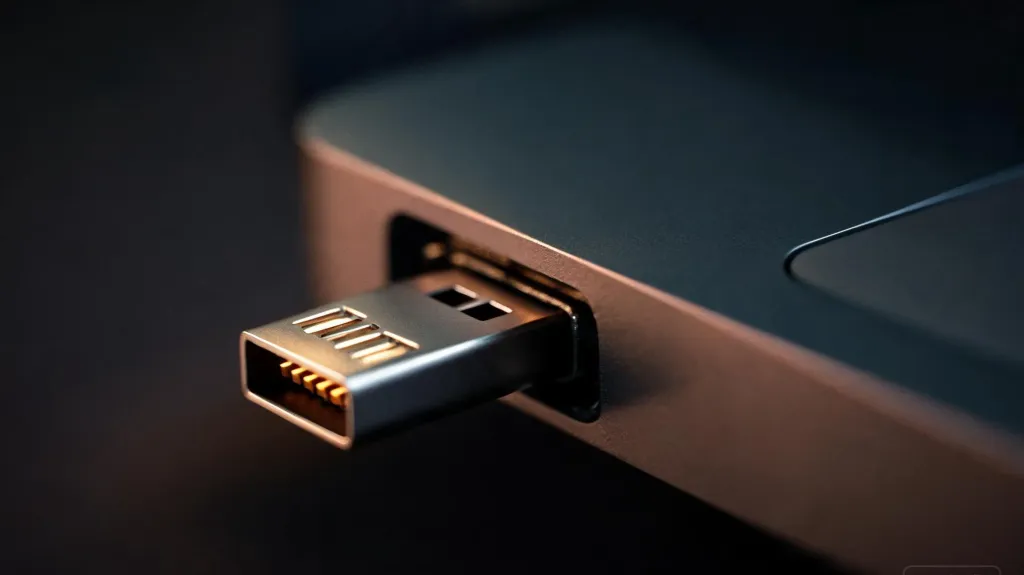
A 2.4GHz USB dongle operates on the same frequency band as Bluetooth but uses a fundamentally different approach. Instead of the Bluetooth protocol stack with its profile limitations, a USB dongle creates a proprietary wireless link between the headset and the computer. This link carries full-bandwidth audio in both directions simultaneously — high-quality output and clean microphone input — without the profile switching that cripples Bluetooth on Windows.

The technical differences are significant:
| Feature | Bluetooth (HFP) | 2.4GHz USB Dongle |
|---|---|---|
| Audio output quality | 16 kHz mono, compressed | Full-bandwidth stereo |
| Microphone quality | 16 kHz mono, compressed | Wideband, up to 48 kHz |
| Latency | 150–250 ms | ~30 ms |
| Profile switching | Yes (A2DP to HFP) | No — always bidirectional |
| Connection stability | Subject to interference | Dedicated channel |
| Simultaneous mic + audio | No (degrades quality) | Yes (no degradation) |
When evaluating 2.4ghz dongle vs bluetooth headset for voice communication, the dongle wins on every metric that matters for professional use. The 30 ms latency is low enough for natural conversation and real-time AI interaction. The dedicated wireless channel resists interference from the Wi-Fi routers, microwaves, and other Bluetooth devices that crowd the 2.4GHz band. Most importantly, the audio quality never drops — there is no profile switch, no sudden tinny sound, and no need to choose between hearing clearly and being heard clearly.
This is not a marginal improvement. The difference between 16 kHz mono and full-bandwidth audio is the difference between a voice that sounds like it is coming through a decades-old telephone and one that sounds like the person is sitting across the desk from you. For professionals who spend hours each day in meetings, that quality gap affects listening fatigue, comprehension, and the overall impression you leave on clients and colleagues.A best wireless headset with mic for work that uses dedicated dongle connectivity delivers the full-bandwidth, bidirectional audio that Bluetooth alone cannot match.
How USB Dongle-Based Headsets Improve Professional Workflows
For technology professionals, developers, and remote workers, a stable audio connection is not a luxury — it is infrastructure. Consider a typical workday: a morning standup on Teams, a midday client presentation on Zoom, an afternoon pair-programming session where you dictate code to an AI assistant, and an end-of-day call with a colleague. Each scenario demands both clear audio output and a reliable microphone. A wireless headset with USB dongle maintains consistent quality across all of them without any manual intervention.
Consider the developer who switches between a Zoom standup, a VS Code Live Share session, and a quick voice-to-text query to an AI coding assistant. With Bluetooth, each context switch risks an audio profile change that degrades quality or drops the microphone entirely. With a USB dongle, the transition is seamless — the same full-bandwidth audio path handles every application without interruption, and you never have to check whether Windows defaulted to the wrong audio device.
The plug-and-play nature of USB dongles also eliminates pairing friction. Insert the dongle, and Windows recognizes the headset as a USB audio device using built-in generic drivers. There is no Bluetooth discovery process, no PIN entry, no wondering whether the headset connected to your phone instead of your computer. For IT teams managing dozens of headsets across an organization, this simplicity reduces support tickets dramatically.

A headset with noise cancelling mic adds another layer of professional reliability. When the microphone uses DSP-based environmental noise cancellation — filtering out keyboard clatter, air conditioning hum, and household noise — the person on the other end of the call hears only your voice. For professionals whose workspace sits in the middle of a busy household, café, or open-plan office, the best headphones for calls in noisy environment combine DSP noise cancellation with stable dongle connectivity to ensure your voice cuts through every time. Combined with the full-bandwidth audio that a USB dongle provides, this creates a communication experience that rivals being in the same room.
Nuroum HP31D and OpenEar Pro 2: Wireless Headsets Designed for Modern Communication
Two headsets from Nuroum illustrate how USB dongle technology and intelligent design come together for professional use. Both ship with USB dongles in the box, both support Bluetooth 5.4 for mobile connectivity, and both feature AI-powered environmental noise cancellation — but they serve different preferences and workflows.
Nuroum HP31D: All-Day Comfort and Dual-Mode Connectivity
The Nuroum HP31D is an over-ear headset built for professionals who spend their entire day in calls. It features AI-powered ENC noise cancellation driven by a HiFi4 DSP processor, which reduces up to 99.9% of background noise. The included USB-A dongle provides a plug-and-play 2.4GHz connection with 30 ms latency and a 33-foot wireless range, while Bluetooth 5.4 with multipoint connectivity lets you pair a phone and computer simultaneously.
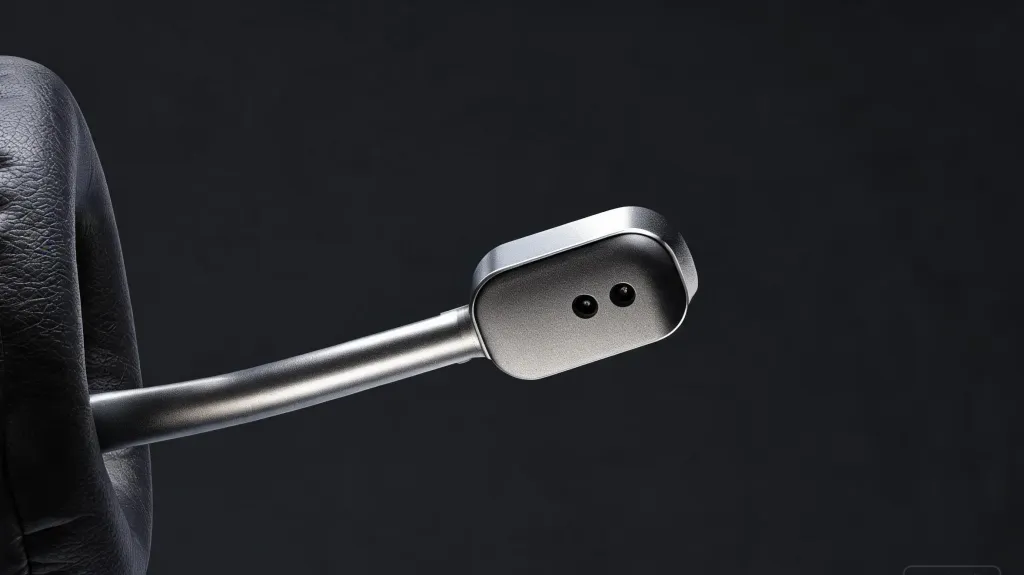
Battery life is a standout: up to 35 hours of talk time and 45 hours of music playback on a single charge. The headset includes a charging stand, a dedicated mute button with discreet voice prompts, and a 250-degree rotatable boom mic that supports left or right wearing. At $90, it competes with headsets costing two to three times as much. Connect via dongle, Bluetooth, or USB cable to Windows, Mac, Linux, Android, or iOS — the versatility makes it equally suited for call centers, home offices, and field work.
Nuroum OpenEar Pro 2: Open-Ear Design for Ambient Awareness
The Nuroum OpenEar Pro 2 takes a different approach. At just 31 grams, it is an open ear headphone with mic that rests outside the ear canal, leaving you fully aware of your surroundings — a critical safety feature for professionals who work in active environments or split time between calls and in-person interaction. As a wireless open ear headphone, it pairs Bluetooth 5.4 multipoint connectivity with an included USB-A/C dongle for the same stable, full-bandwidth Windows connection the HP31D offers.
The open ear wireless headphone with microphone uses HiFi4 DSP and ENC technology to ensure your voice comes through clearly even in noisy settings. With up to 12 hours of talk time and 15 hours of music, a USB-C charging port that fully charges in two hours, and a compact carrying case, it is built for professionals on the move. Anti-sound-leakage technology keeps conversations private. At $129, it is an open ear headphone bluetooth option that bridges the gap between safety, comfort, and call quality — making it a strong contender for the best open ear headset with mic in its price range. For those who prefer a bluetooth headphone open ear design that does not isolate them from their environment, the OpenEar Pro 2 delivers professional-grade audio without the trade-offs.
FAQs
Can I use my wireless headset with USB dongle alongside regular Bluetooth headphones?
Yes. Windows treats a USB dongle headset as a separate audio device from any Bluetooth-connected headphones. You can have both connected simultaneously, but only one can serve as the active default communication device at a time. Switch between them in Windows Sound settings.
Do I need to install drivers for a USB dongle headset on Windows?
Most modern USB dongle headsets are plug-and-play on Windows 10 and 11. The dongle registers as a standard USB audio device using generic drivers built into Windows. Some manufacturers offer optional software for firmware updates or EQ adjustments, but the core audio functionality works immediately upon plugging in.
Will a 2.4GHz USB dongle headset work on Mac and Linux?
In most cases, yes. USB audio dongles use standard HID and USB audio class drivers that macOS and Linux support natively, so the headset should work without additional drivers. Platform-specific features like mute button integration may vary depending on the operating system version.
How far can I move from my computer with a 2.4GHz dongle headset?
Most 2.4GHz dongle headsets offer a range of 30 to 50 feet (10 to 15 meters) with clear line of sight. Walls and dense obstacles reduce effective range. The Nuroum HP31D specifies a 33-foot range, which covers most office and home environments comfortably.
Can I still connect my dongle headset to my phone via Bluetooth?
Yes, if the headset supports dual connectivity. Both the Nuroum HP31D and OpenEar Pro 2 support Bluetooth 5.4 multipoint alongside their USB dongle, so you can stay connected to your computer through the dongle and to your phone through Bluetooth simultaneously, switching between them as calls come in.